- Age rating4+
- CategoryProductivity
- DeveloperMichael Fluharty
- LanguagesEnglish
- Size11.2 MB
Links to the official App Store page
Download.org hosts no file of Snap&ScanKeeper. The button opens its official App Store page, published by Michael Fluharty. Listing last checked on Nov 6, 2026.
Screenshots

About
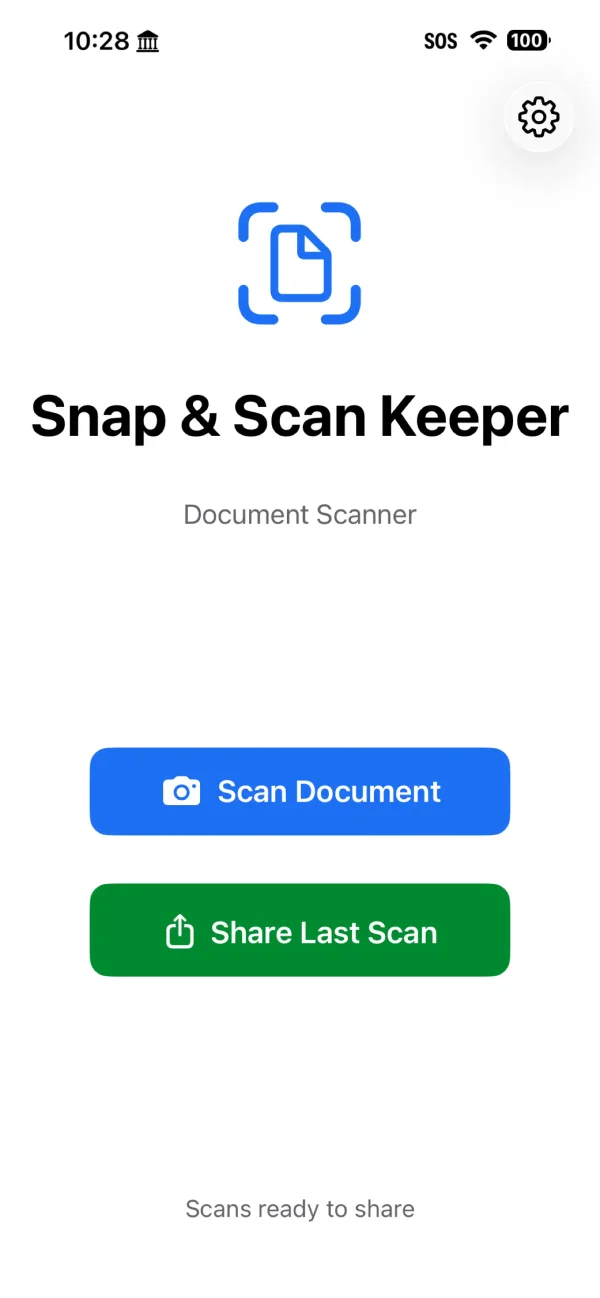
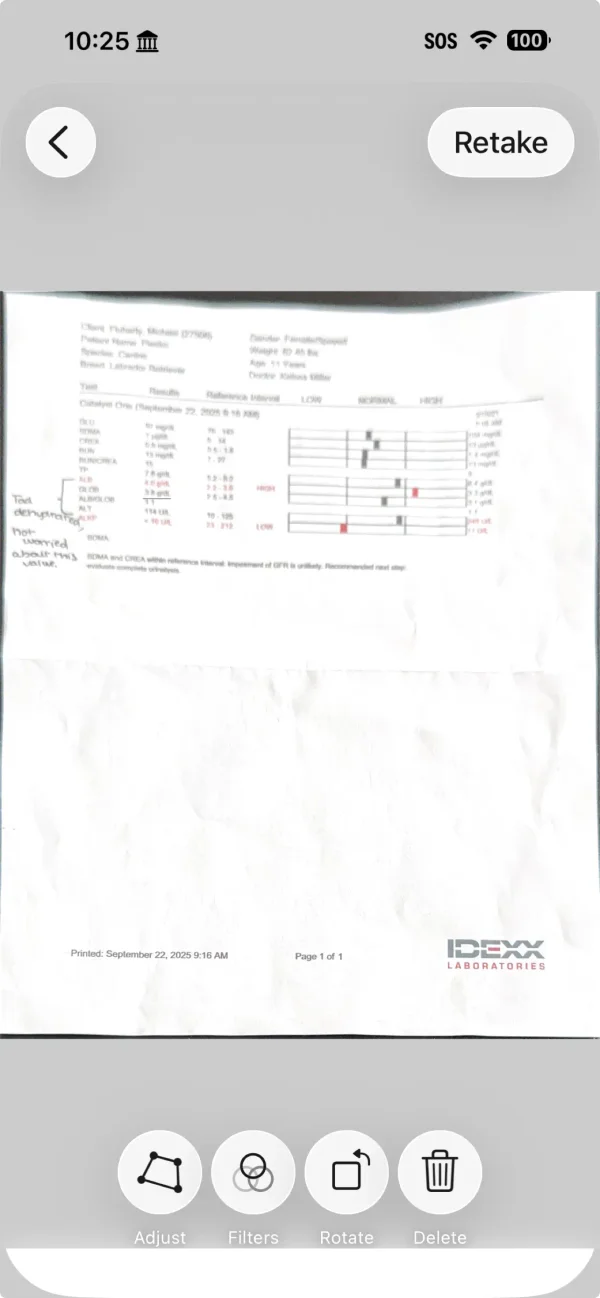
Snap & Scan Keeper is a powerful yet simple document scanner for iPhone and iPad. Capture documents, receipts, notes, and more with your device camera and choose exactly how to
save them.
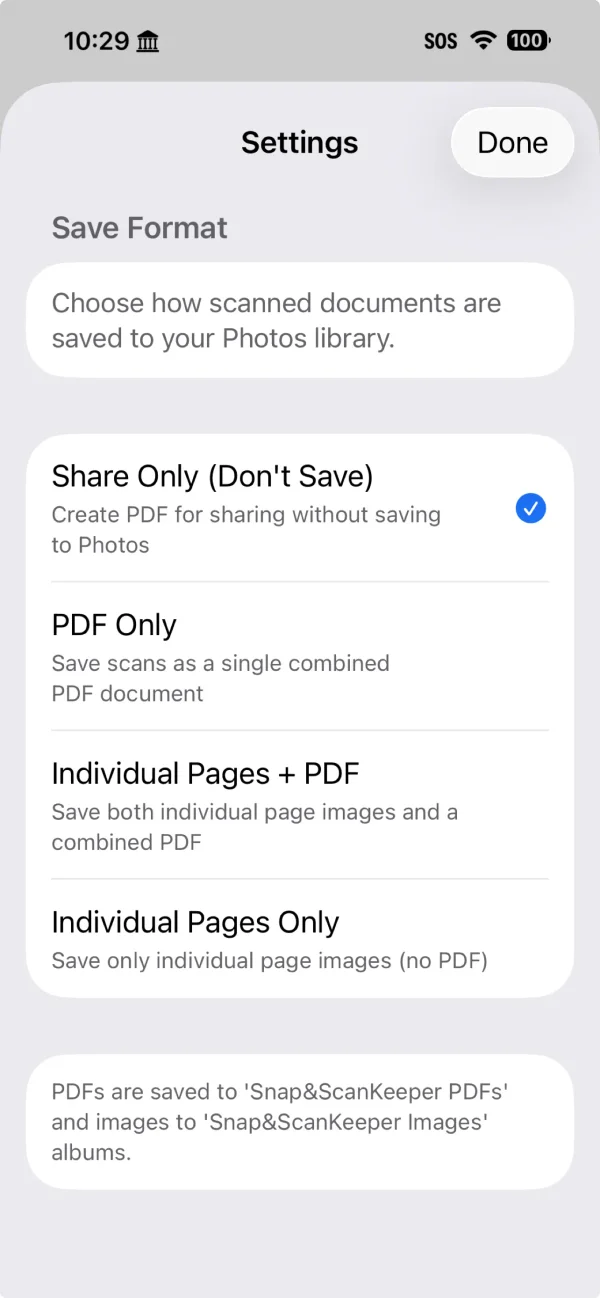
**Four Flexible Save Modes:**
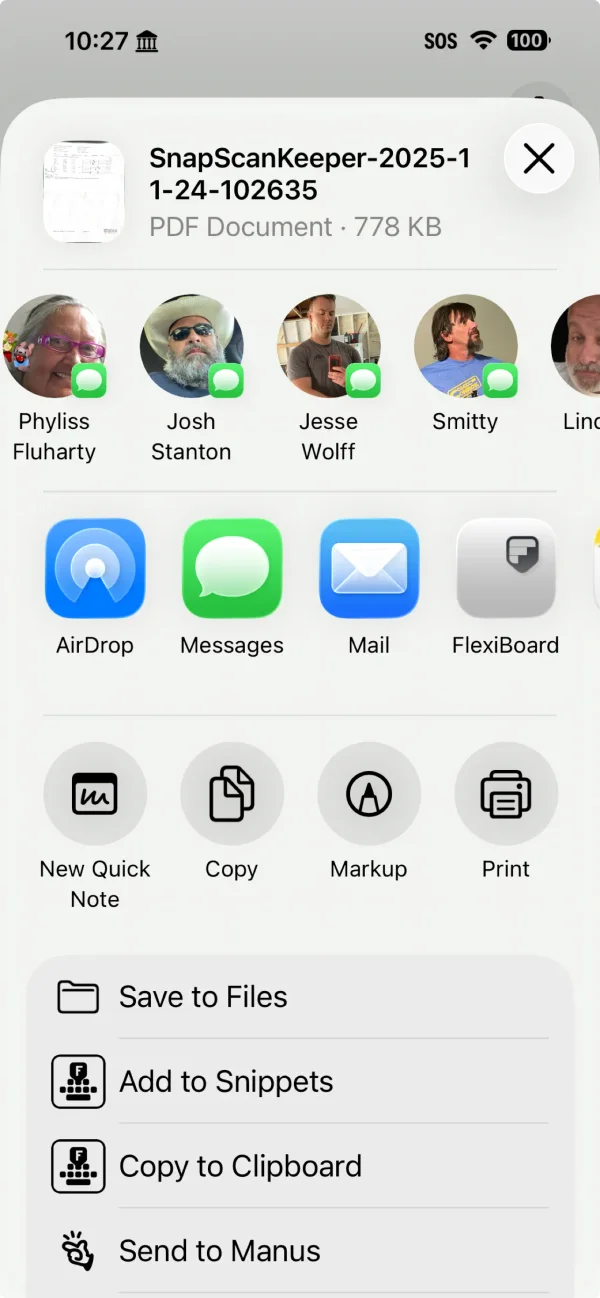
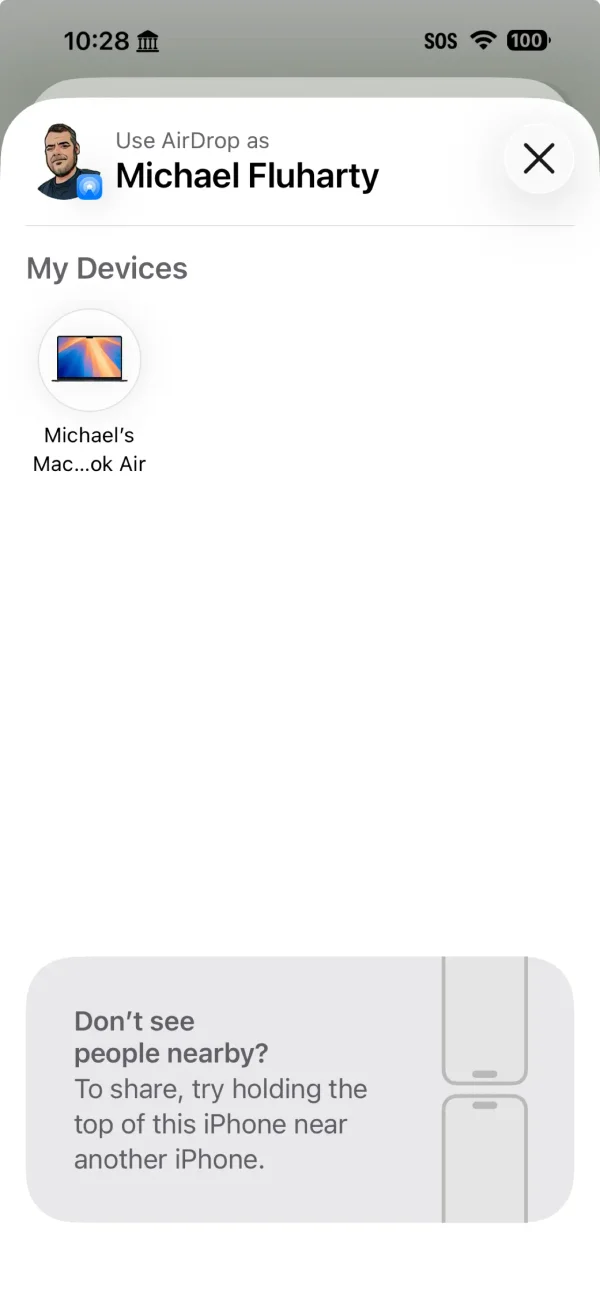
• Share Only – Scan and share immediately via Messages, Mail, Files, or AirDrop without saving to Photos
• PDF Only – Save scans as a single combined PDF document
• Individual Pages + PDF – Save both individual page images and a combined PDF
• Pages Only – Save scans as individual images without creating a PDF
**Smart Organization:**
Scans saved to Photos are automatically organized into dedicated albums:
• "Snap&ScanKeeper PDFs" for PDF documents
• "Snap&ScanKeeper Images" for individual page images
**Key Features:**
• Native iOS document camera powered by VisionKit
• Automatic edge detection and perspective correction
• Multi-page scanning support
• Instant PDF generation
• Share sheet integration (Messages, Mail, Files, AirDrop, and more)
• Custom Photos albums for easy organization
• User-configurable save preferences
• Clean, simple interface
• No ads, no subscriptions, no data collection
• Works completely offline
**Privacy First:**
Snap & Scan Keeper respects your privacy. All scanning and processing happens on your device. We never collect, store, or transmit your documents or personal information. Your
scans are yours alone.
**Perfect For:**
• Digitizing receipts and invoices
• Scanning contracts and documents
• Capturing notes and whiteboards
• Archiving important papers
• Quick document sharing
• Creating digital backups
**How It Works:**
1. Tap "Scan Document" to open the camera
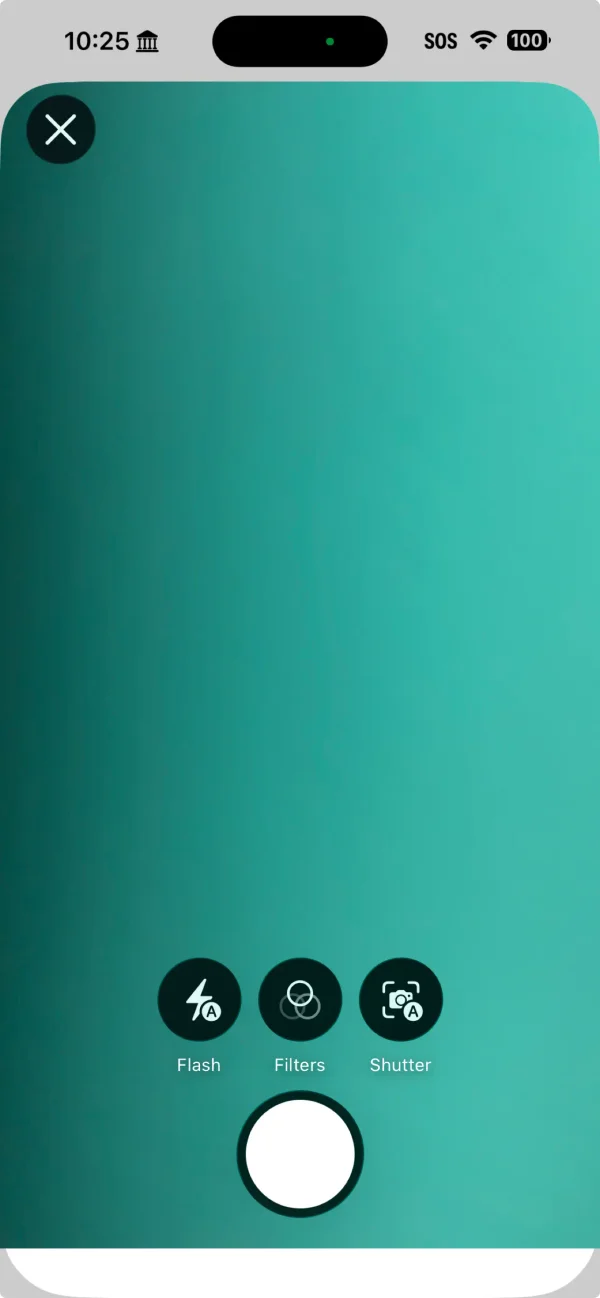
2. Capture your document (auto-detects edges and corrects perspective)
3. Add more pages if needed
4. Choose how to save in Settings
5. Done! Share or find in Photos albums
**Requirements:**
• iOS 16.0 or later
• Camera access for document scanning
• Photos access for saving scans (optional - only needed if saving to Photos)
Download Snap & Scan Keeper today and experience the easiest way to digitize your documents!
What’s new
Version 1.1 · Apr 7, 2026
Added About section and Send Feedback to Settings — report bugs or request features directly from the app with device info included automatically.
App privacy
What Michael Fluharty declares on the App Store about how this app handles data.
-
Data not collected
The developer does not collect any data from this app.
Privacy practices may vary, for example with the features you use or your age.
Information
- Seller
- Michael Fluharty
- Category
- Productivity
- Version
- 1.1
- Updated
- Apr 7, 2026
- Released
- Nov 25, 2025
- Size
- 11.2 MB
- Requires
- iOS 16.0 or later
- Age rating
- 4+
- Price
- Free
- Languages
- English
- Copyright
- © 2025 Michael Fluharty
You might also like
-
 Dots: Relationship MemoryShow up when it matters.
-
 SwiftPen: AI Writing KeyboardRewrite, Polish & Tone Changer
-
 BlitzGTDGet Things done like a Blitz
-
 AI Text Rewriter – ParaphraseProductivity
-
 Root - Notes, Diary & BoardsYour thoughts, days and plans
-
 Personal.AIOn device AI Agent
-
 AI Notes: Smart WritingWrite and chat with AI.
-
 TimeZone CarouselProductivity
-
 Speedster Local DeliveryLocal Delivery for Business
-
 Transcribe speech to text AIAI Note Taker: Audio to Text