Snapback – RAW Camera & Editor
AI Edits, Manual Pro Controls
Designed for iPhone, iPod touch
Free · In-app purchases
- Age rating4+
- CategoryPhoto & Video
- DeveloperPHEBSOFT (PVT.) LIMITED
- LanguagesEnglish
- Size171.5 MB
Links to the official App Store page
Download.org hosts no file of Snapback – RAW Camera & Editor. The button opens its official App Store page, published by PHEBSOFT (PVT.) LIMITED. Listing last checked on Nov 17, 2026.
Screenshots

About
Your phone's camera makes creative decisions for you the moment you tap the shutter.
Every photo you take gets compressed, color-corrected, and locked into a JPEG before you ever see it — the moody sky, the true skin tones, and the shadow detail you didn't even know was there, all decided instantly and irreversibly.
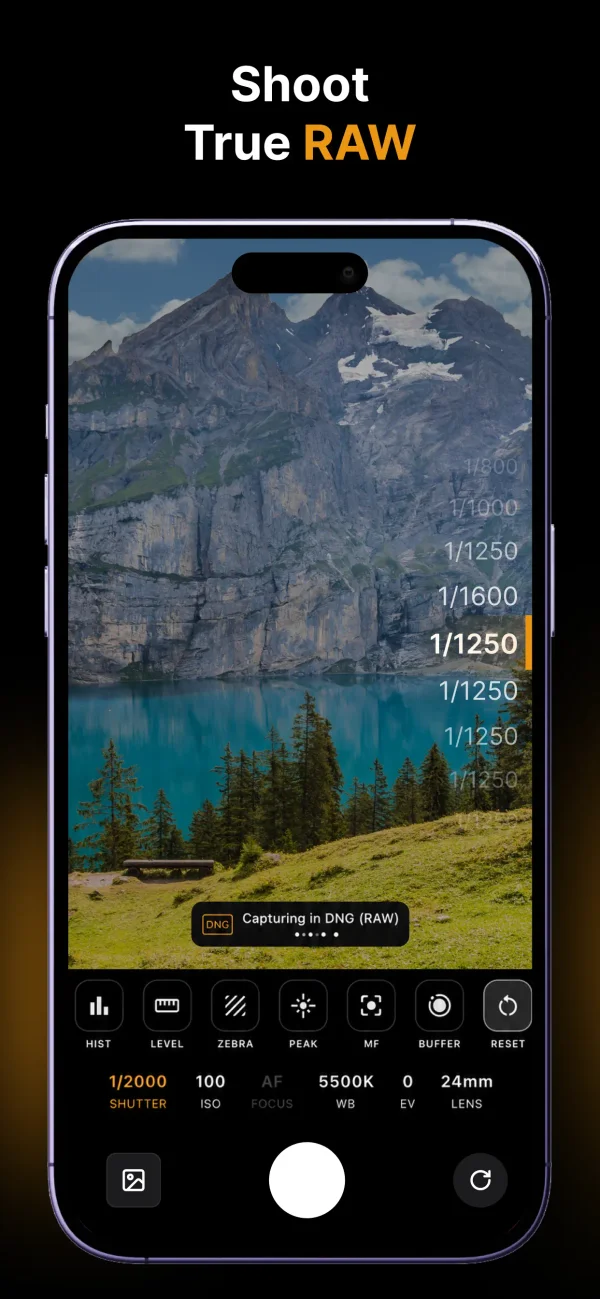
Snapback RAW captures the real thing: RAW.
RAW is what professional photographers have always used — every detail your camera sensor actually captured, with nothing thrown away and nothing baked in. It's more powerful than JPEG, giving you greater flexibility and control when editing your photos.
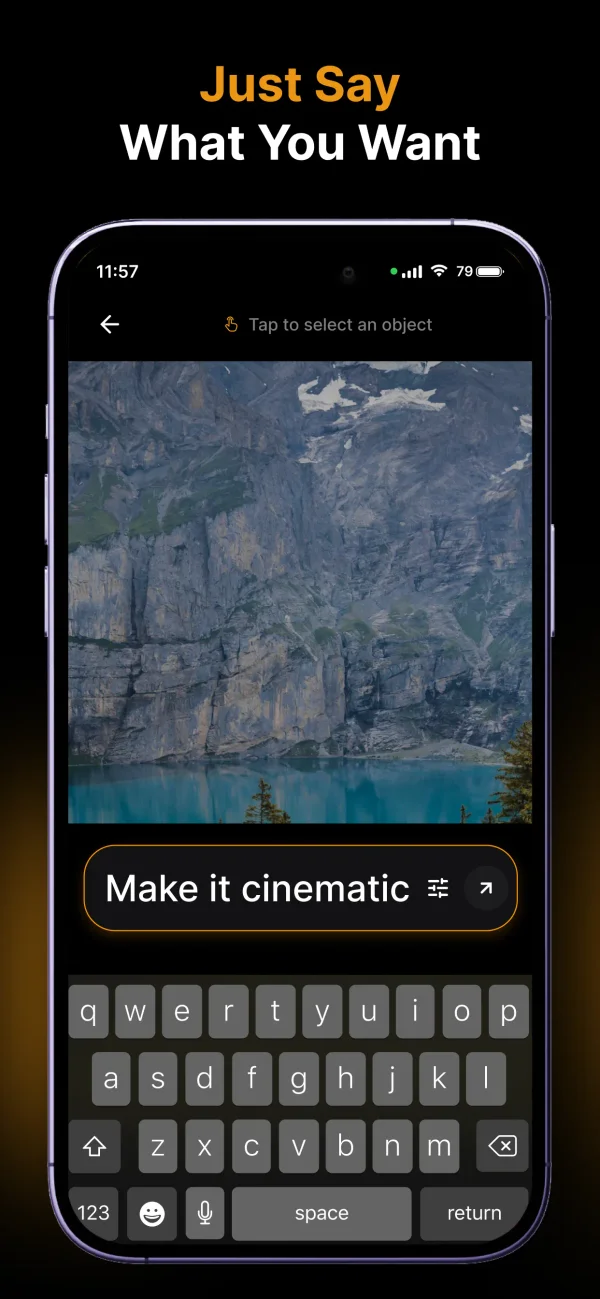
Editing RAW was hard. Not anymore. With Snapback RAW, just say what you want — and the AI helps you find the right edit.
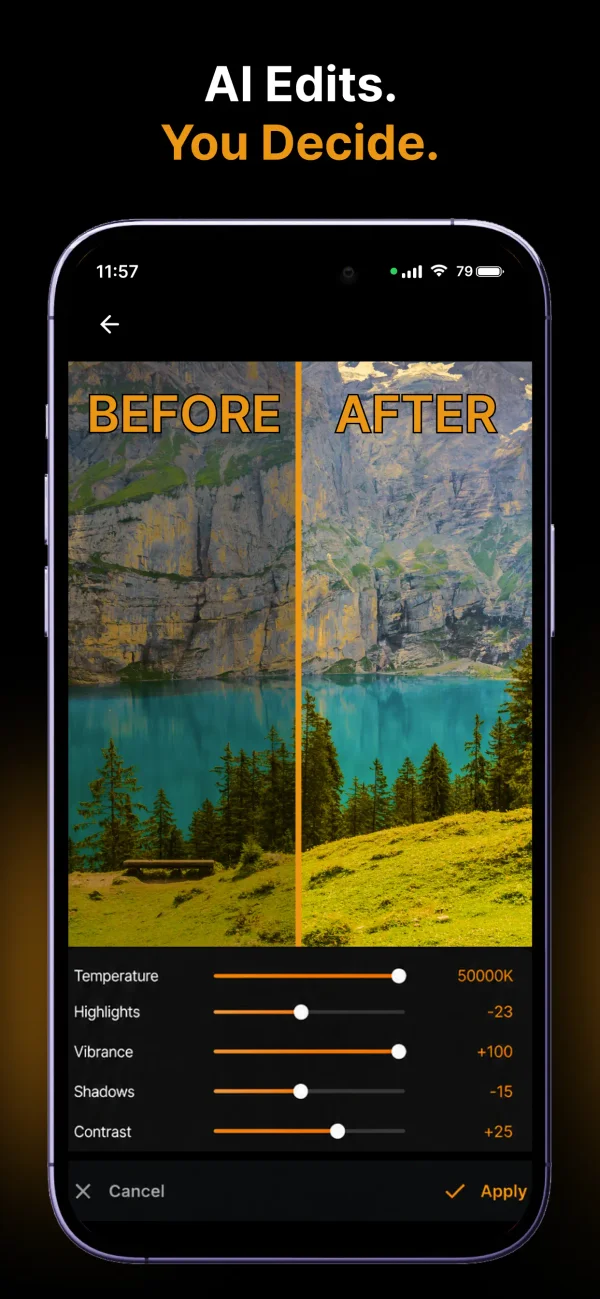
For example, type "make the sky more dramatic" or "brighten my face," and Snapback's AI searches a huge library of controls, picks the ones that create the effect you asked for, and applies them for you. Better still, it shows you exactly what it did — the full list of controls it used — so you can fine-tune and finalize the edit yourself. No tutorials. No hunting through dozens of sliders wondering which one does what.
Want more control? You can fine-tune your photos yourself using professional manual editing controls.
Everything Snapback RAW can do:
Capture true RAW photos directly from your iPhone camera.
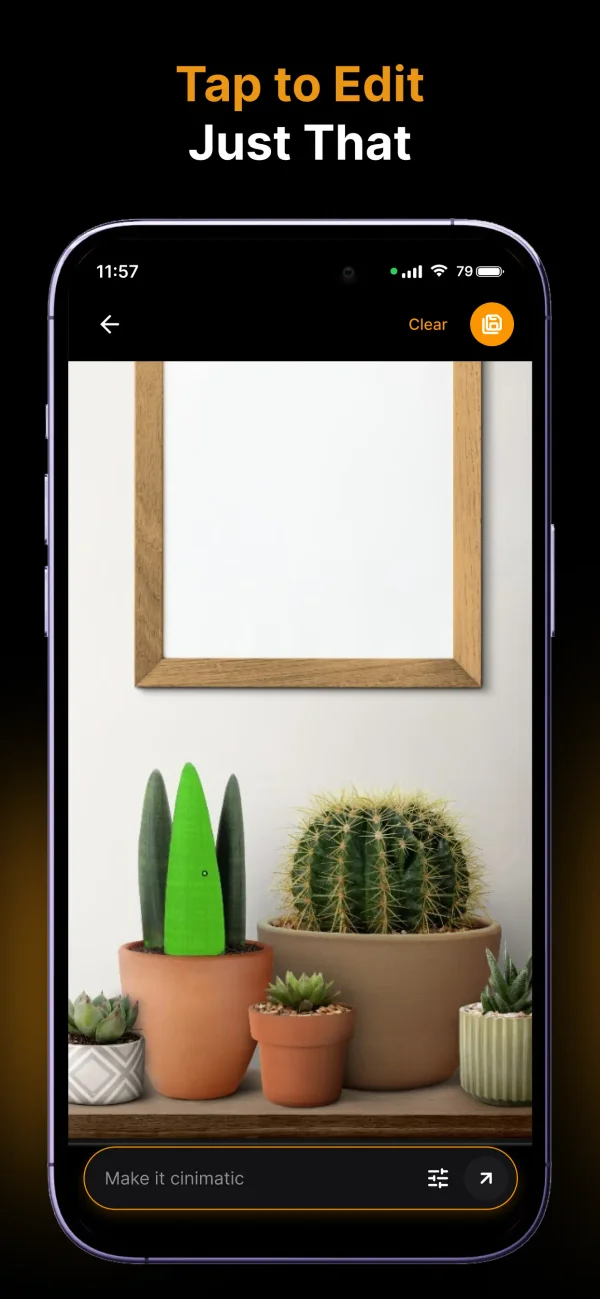
Edit RAW photos with AI-powered selection.
Tap to select areas and objects in your photos for precise editing.
Use professional manual controls to fine-tune your edits.
Edit your photos with a full suite of professional-grade controls.
No account. No sign-up. No cloud photo library.
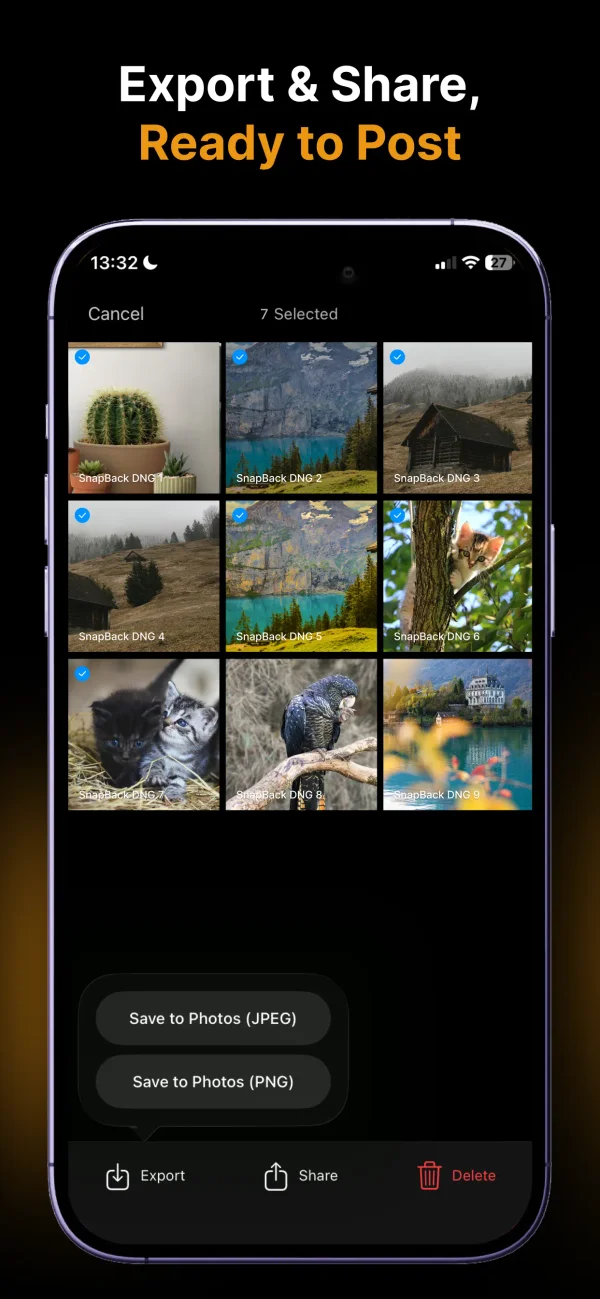
Your photos stay on your device, giving you control over your images and editing workflow.
Purchase a subscription to capture and edit RAW photos and unlock the full Snapback RAW experience.
Support & Legal:
Email: snapback@phebsoft.com.pk
Privacy Policy: https://sites.google.com/view/snapback-raw/privacy-policy
Terms & Conditions: https://sites.google.com/view/snapback-raw/termsandcondition
What’s new
Version 1.0.9 · Oct 10, 2026
Bug fixes and performance improvements.
Improved app stability for a smoother experience.
App privacy
What PHEBSOFT (PVT.) LIMITED declares on the App Store about how this app handles data.
-
Data not linked to you
May be collected but is not linked to your identity.
- Identifiers
- Usage data
- Diagnostics
Privacy practices may vary, for example with the features you use or your age.
Information
- Seller
- PHEBSOFT (PVT.) LIMITED
- Category
- Photo & Video
- Version
- 1.0.9
- Updated
- Oct 10, 2026
- Released
- Jun 5, 2026
- Size
- 171.5 MB
- Requires
- iOS 15.6 or later
- Age rating
- 4+
- Price
- Free
- In-app purchases
- Yes
- Languages
- English
- Copyright
- © 2026 Phebsoft (Pvt.) Ltd.
You might also like
-
 Local SlowMo FramePrecise slow motion editor
-
 AozoraCamera 現場ルーペカメラPhoto & Video
-
 WiFi Photo Transfer - CrosyncPC & iPhone, EXIF Preserved
-
 Video Voice Edit INGOAMPTVOICE PITCH,BASE, NOISE CANCEL
-
 Perfect Black Screen Video PRONo-Light, Browser-Style Camera
-
 Video Speed Editor & ChangerSlow Down & Up Trimmer
-
 Flat Color CameraProfessional video capture
-
 Lumen - DualShot RecordVlog with front + rear cam
-
 LumyraPhoto & Video
-
 You & Me Dual CamSplit Screen Camera