
- Age rating4+
- CategoryPhoto & Video
- DeveloperNikon Corporation
- LanguagesEnglish+ 11 more
- Size294.1 MB
Links to the official App Store page
Download.org hosts no file of SnapBridge. The button opens its official App Store page, published by Nikon Corporation. Listing last checked on Nov 24, 2026.
Screenshots
About
Supported Digital Cameras as of October 2026
ZR, Z9, Z8, Z7II, Z7, Z6III, Z6II, Z6, Z5II, Z5IIC, Z5, Zf, Zfc, Z50II, Z50, Z30, D6, D850, D780, D500, D7500, D5600, D3500, D3400, COOLPIX P1100, P1000, P950, A1000, A900, A300, B700, B500, B600, W300, W150, W100, KeyMission 80
The foregoing may include models not available in some regions.
Be sure to update the camera firmware to the latest version.
Use a computer to download the latest camera firmware from the Nikon Download Center. * According to your camera's model, you can download your camera's firmware via the SnapBridge app.
http://downloadcenter.nikonimglib.com/
Principal Features
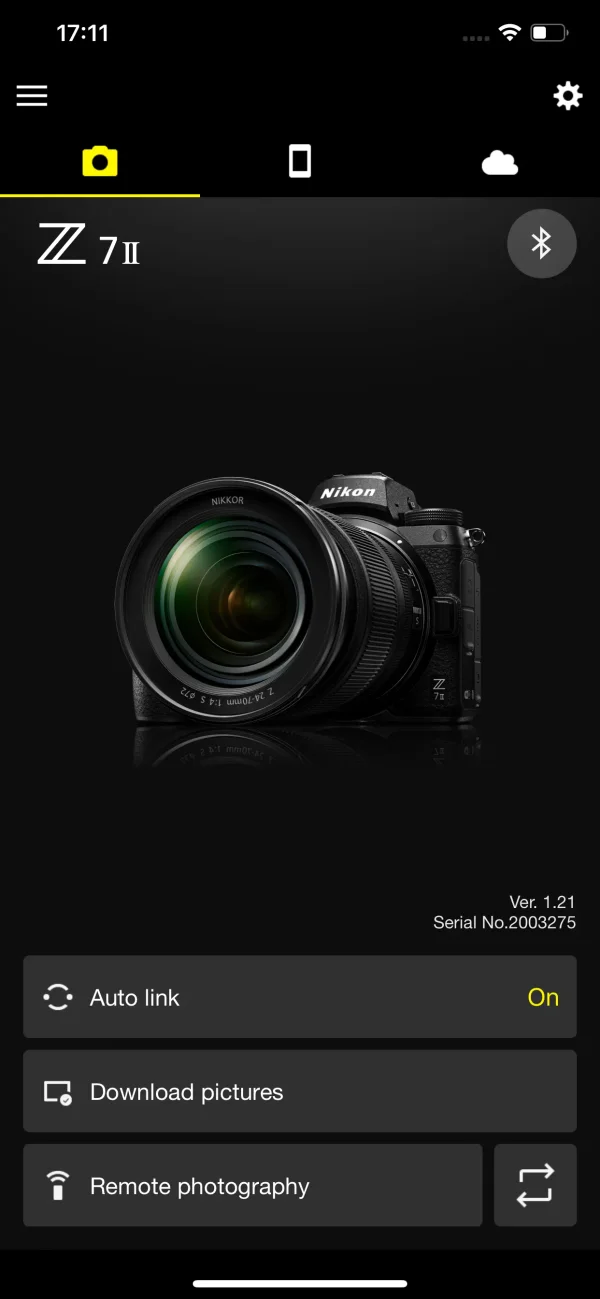
- Once the camera is paired with your smart device, new photos can be downloaded automatically.
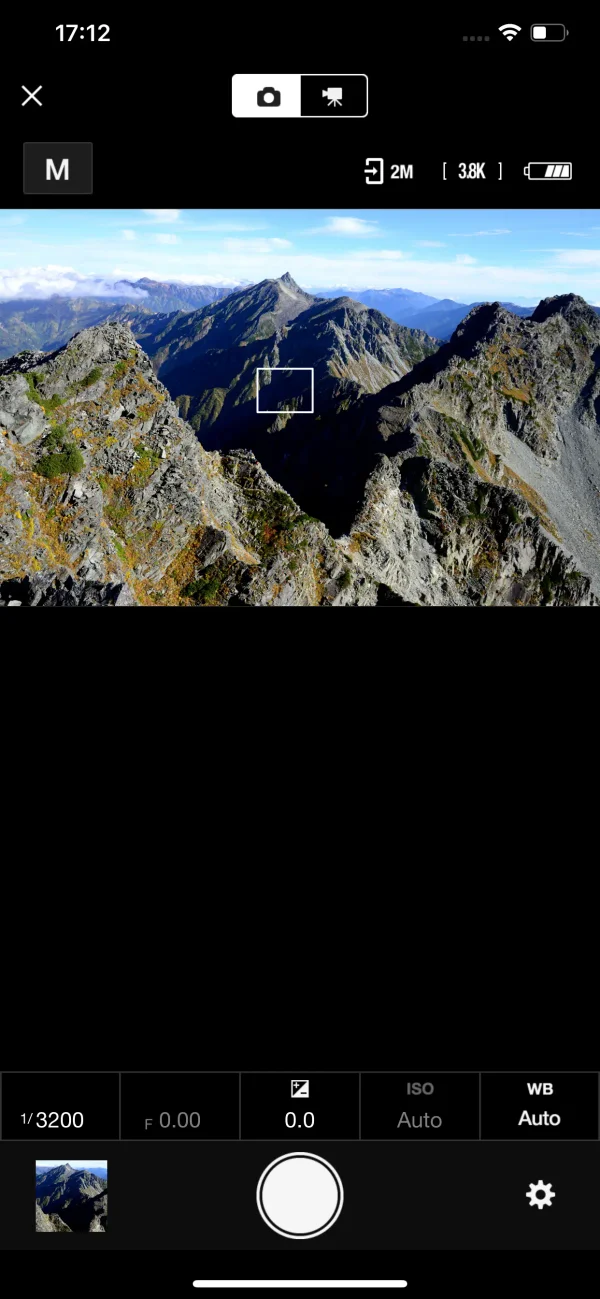
- Adjust camera settings and take photos.
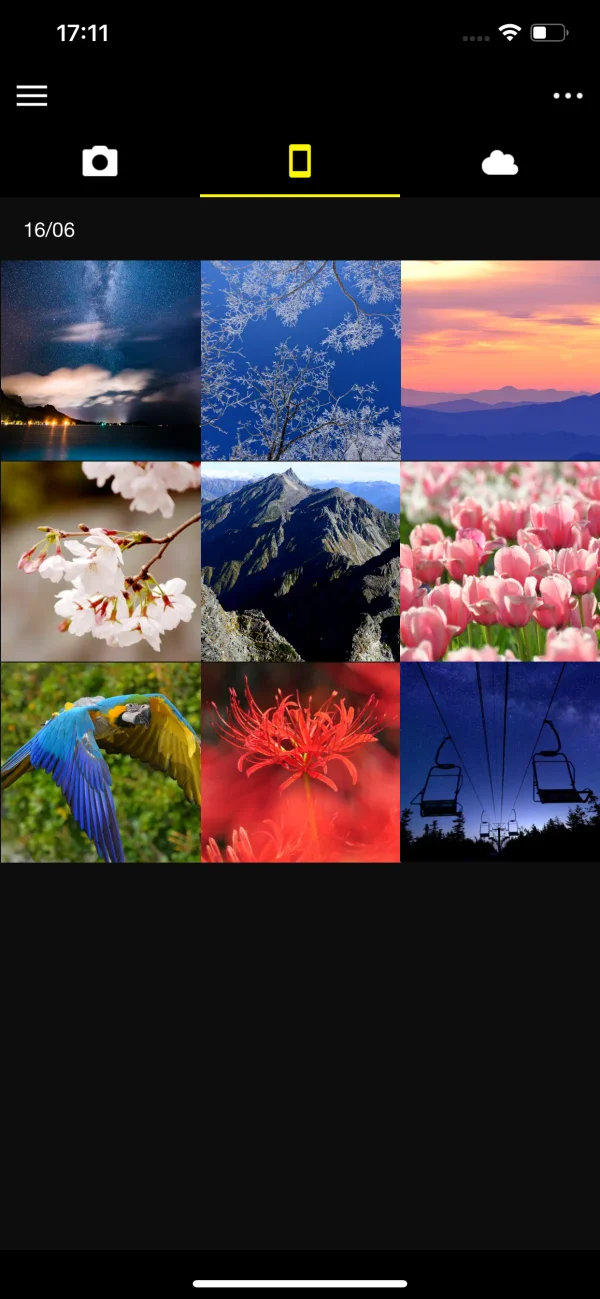
- View the pictures on and download photos from the camera.
- Use the app to pair the device with up to five cameras.
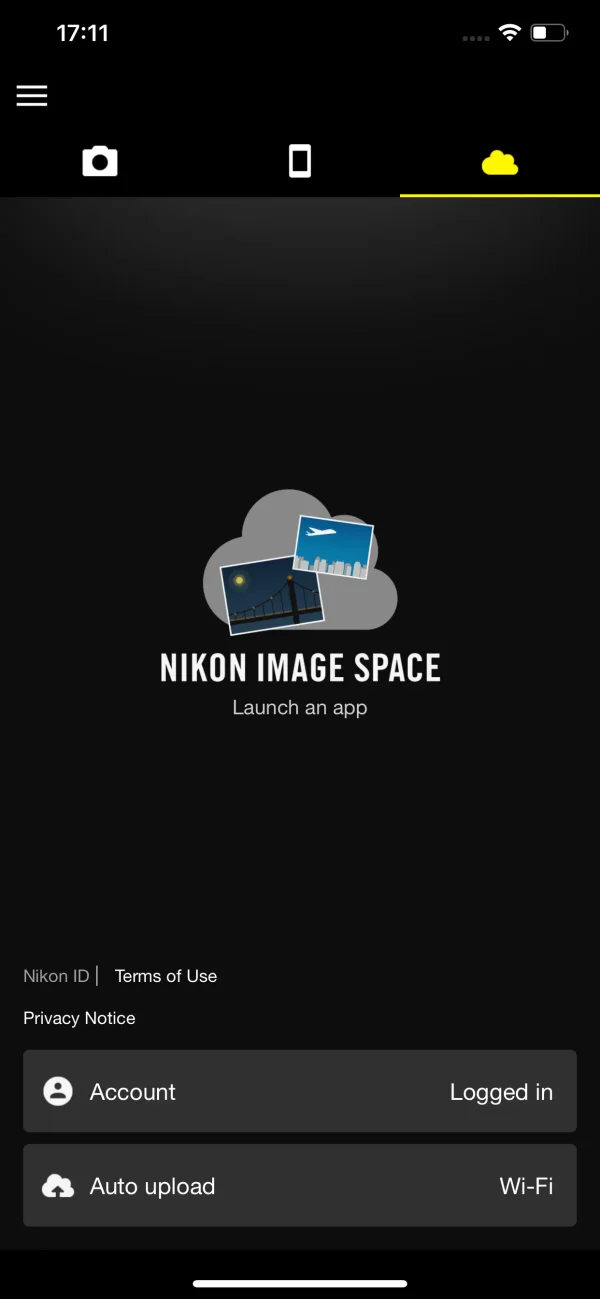
- You can send images taken with your camera to Nikon Imaging Cloud (Note 1).
- View downloaded photos or share them via e-mail or social media.
- Add photo info or text to uploaded photos.
- Download location data to the camera (Note 2) or set the camera clock to the time reported by the smart device.
- Receive notifications of firmware updates for paired cameras.
System Requirements
iOS18.7, iOS26.7, iOS27.2
iPadOS18.7, iPadOS26.7, iPadOS27.2
iPhone 8 or later, iPad 5th or later, iPad mini 5th or later
Bluetooth 4.0 or later
There is no guarantee that this app will run on all devices.
Notes
- Note 1: Upload to Nikon Imaging Cloud requires a Nikon ID.
- Note 2: The GPS function runs continuously in the background, increasing the drain on the battery. The drain on the battery can be reduced by choosing power-saving mode. This feature is not recommended for use with devices not equipped with GPS.
- If you are unable to download images or connect via Bluetooth or Wi-Fi after pairing, try one or more of the following solutions:
- Turn the paired camera off and then on again.
- Switch tabs in SnapBridge.
- Exit and relaunch SnapBridge.
- Users can register for a Nikon ID using this app.
- Enable Bluetooth and Wi-Fi when using this app.
- Remote movie recording is not supported on some cameras.
- Movies can be downloaded by switching to Wi-Fi and selecting the files manually.
- Upload/download of AVI and interlaced movies is not supported.
- 4K UHD movies transfer and playback are not supported on some devices.
- Remote photography and movie download are available only if the camera has Wi-Fi (some cameras only).
- Keep the app displayed in the foreground when downloading images from the camera via Wi-Fi. Download is not available when the app is running in the background.
- The app may not perform as expected depending on your environment and network conditions.
Using the App
For more information, use the app "Help" option.
What’s new
Version 2.14.3 · Nov 6, 2026
Made some bug fixes.
Thank you for your support! We look forward to making still more improvements based on your feedback.
App privacy
What Nikon Corporation declares on the App Store about how this app handles data.
-
Data not linked to you
May be collected but is not linked to your identity.
- Usage data
- Diagnostics
Privacy practices may vary, for example with the features you use or your age.
Information
- Seller
- NIKON CORPORATION
- Category
- Photo & Video
- Version
- 2.14.3
- Updated
- Nov 6, 2026
- Released
- Sep 6, 2016
- Size
- 294.1 MB
- Requires
- iOS 15.0 or later
- Age rating
- 4+
- Price
- Free
- Languages
- English, Dutch, French, German, Italian, Japanese, Korean, Russian, Simplified Chinese, Spanish, Traditional Chinese, Turkish
- Copyright
- © 2026 Nikon Corporation
You might also like
-
 Camera Connect & ControlConnect a wifi camera or DSLR
-
 DJI RoninFor DJI RS 2/RSC 2/Ronin-S etc
-
 Sony | Creators' AppPhoto & Video
-
 Monitor+Remote Control for Sony Camera
-
 UNSCRIPTED Photography PosesPosing, Bookings, Photoshoot
-
 Adobe Lightroom for iPadEdit & Enhance Photos & Video
-
 Capture OneCreate without limits
-
 Canon Camera ConnectPhoto & Video
-
 Alpha Linker - Camera TransferSony Camera Imaging Edge
-
 Cascable Studio: Camera TetherCapture, automate & backup