SnapCutter
AI Shortcut Builder & Maker
Designed for iPhone, iPad
Free · In-app purchases
- Age rating17+
- CategoryUtilities
- Developer贺 周
- LanguagesEnglish
- Size4.6 MB
Links to the official App Store page
Download.org hosts no file of SnapCutter. The button opens its official App Store page, published by 贺 周. Listing last checked on Nov 16, 2026.
Screenshots



About
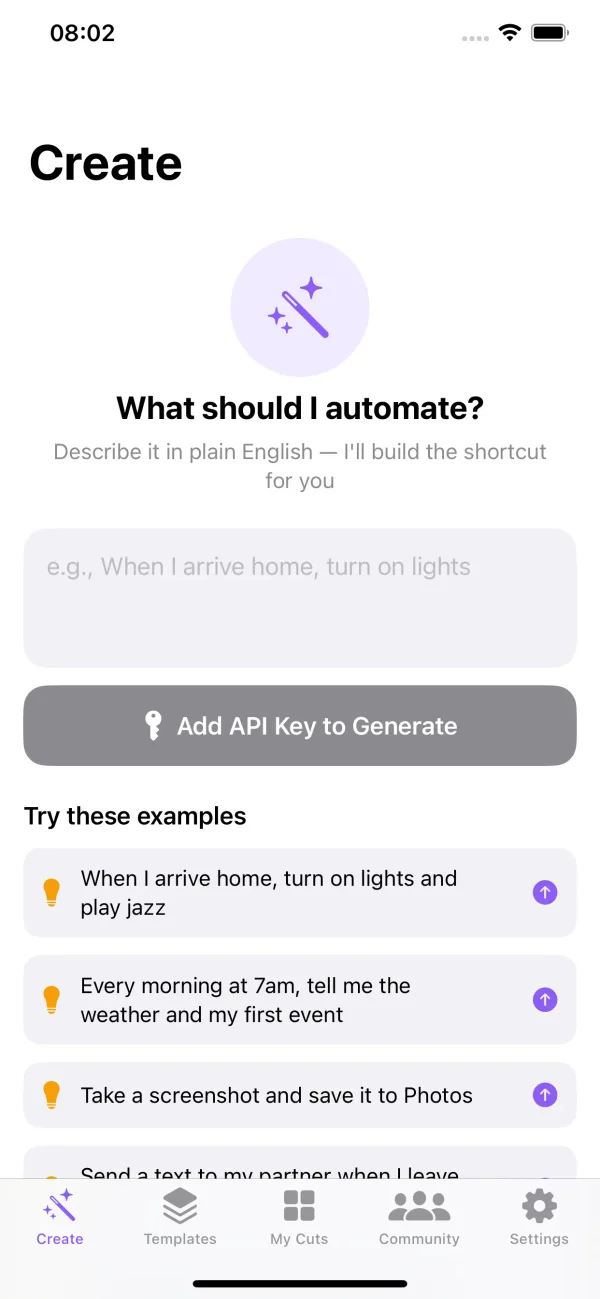
SnapCut turns your words into working shortcuts for Apple Shortcuts. Just describe what you want to automate and SnapCut generates a complete shortcut in seconds.
CREATE WITH AI
Type natural language commands like "When I arrive home, turn on lights" and SnapCut generates a shortcut. The on-device generator works instantly with zero configuration.
BROWSE TEMPLATES
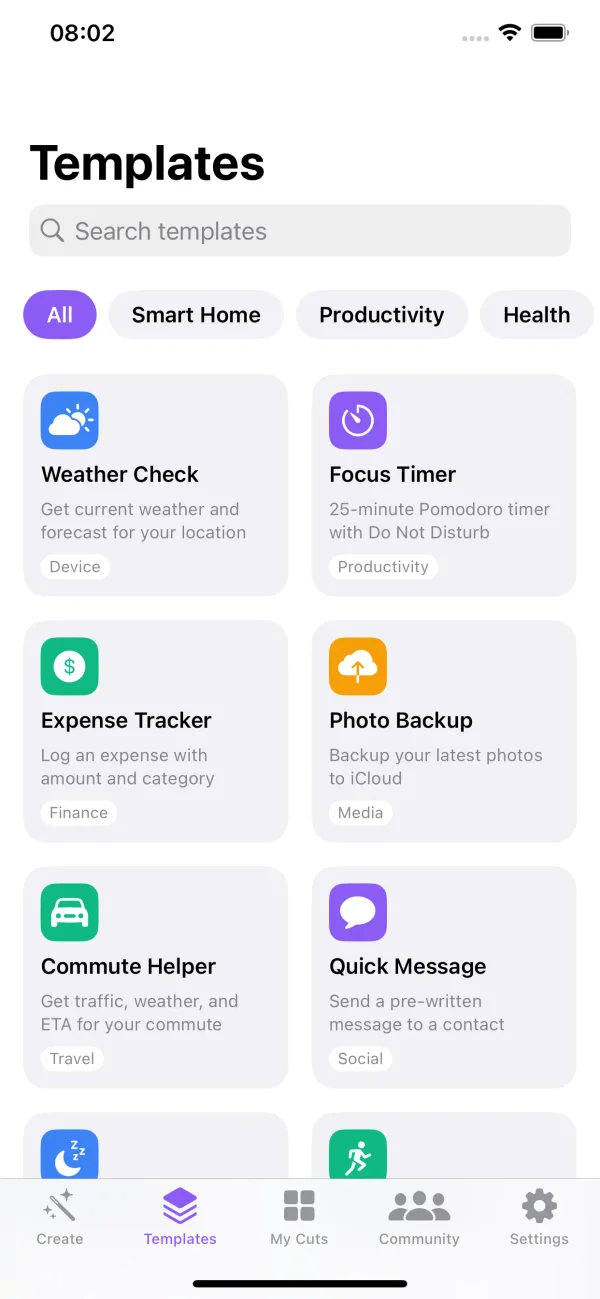
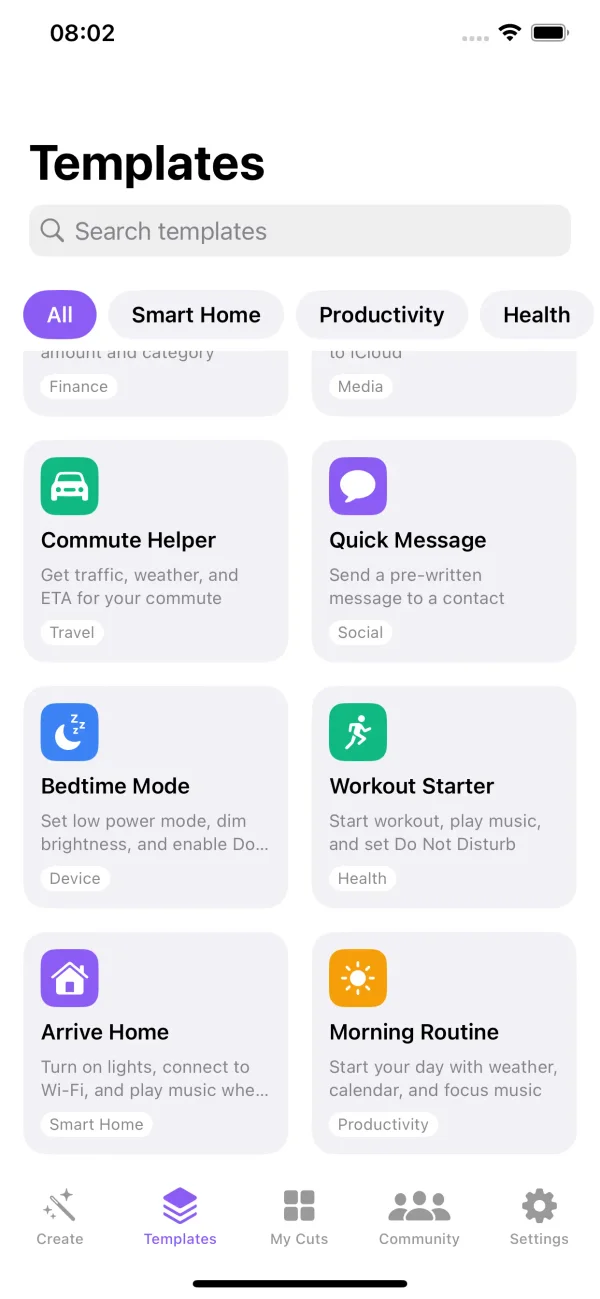
Browse pre-made shortcuts across 8 categories: Smart Home, Productivity, Health, Social, Travel, Finance, Media, and Device. Each template includes customizable parameters. Install with one tap.
VISUAL EDITOR
Every generated shortcut is fully editable. Add, reorder, or delete steps with drag and drop. Browse 100+ actions from the built-in catalog and search by name or category.
IMPORT SHORTCUTS
Import existing .shortcut files to view, edit, and remix. SnapCut now uses Apple's standard .shortcut format so installations work reliably.
TEMPLATE LIBRARY
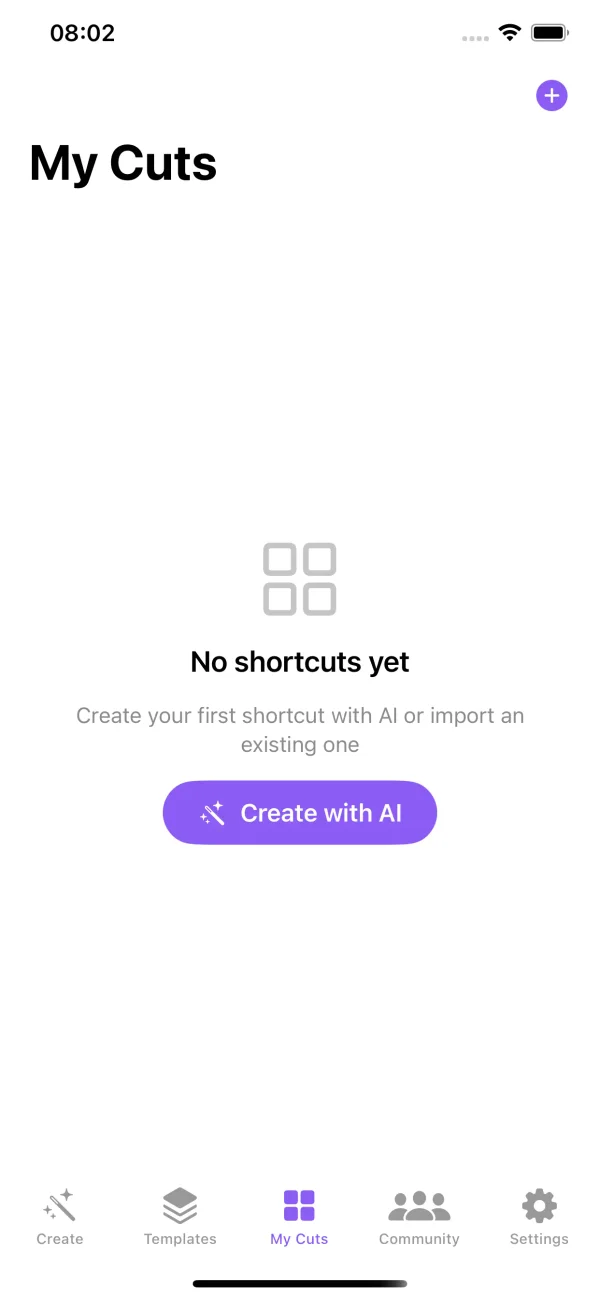
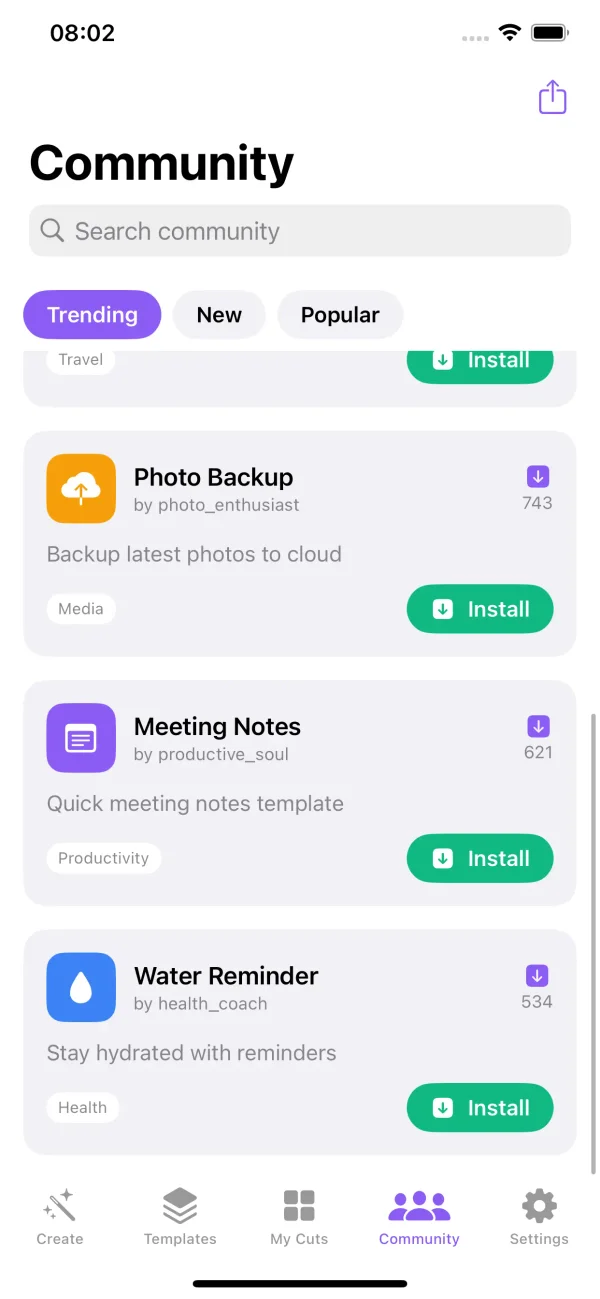
All your shortcuts live in one place. Sort by date, name, or most used. Share templates with the community and discover new shortcuts.
WORKS OFFLINE
Local templates and on-device AI mean you can create shortcuts anywhere without internet. Syncs only when you choose.
OPTIONAL AI ENHANCEMENT
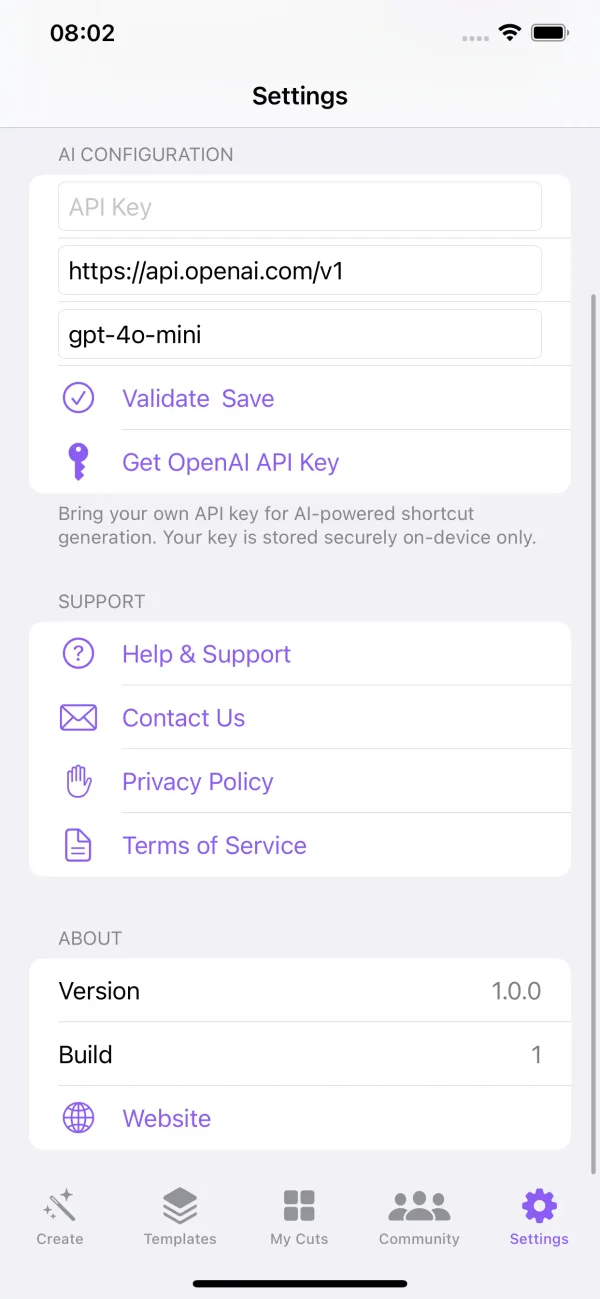
AI generation works out of the box with the built-in on-device engine--no setup required. Settings offers an optional API key for cloud-based generation. This is entirely optional and never required to use the app. Your key is stored securely on-device and never sent to our servers.
SUBSCRIPTION INFORMATION:
- Payment will be charged to your Apple ID account at confirmation of purchase
- Subscription automatically renews unless canceled at least 24 hours before the end of the current period
- You can manage and cancel your subscriptions by going to your account settings on the App Store after purchase
- Any unused portion of a free trial period, if offered, will be forfeited when the user purchases a subscription
What’s new
Version 1.1 · Aug 7, 2026
- Fixed: Users can now successfully import shortcuts to Apple Shortcuts
- Improved: Shortcut files now match Apple's standard format
- Improved: Unified shortcut installation service across all screens
- Version: Updated to 1.1 with essential bug fixes
App privacy
What 贺 周 declares on the App Store about how this app handles data.
-
Data not collected
The developer does not collect any data from this app.
Privacy practices may vary, for example with the features you use or your age.
Information
- Seller
- 贺 周
- Category
- Utilities
- Version
- 1.1
- Updated
- Aug 7, 2026
- Released
- Jul 2, 2026
- Size
- 4.6 MB
- Requires
- iOS 17 or later
- Age rating
- 17+
- Price
- Free
- In-app purchases
- Yes
- Languages
- English
- Copyright
- © 202606240809
You might also like
-
 AnyStash for ShortcutsLive Activities & Data Store
-
 Shortcuts Library - Clock InCustomize Shortcuts Automation
-
 Shortcut app : SRTCTAll Pre shortcuts, commands
-
 Render - for ShortcutsAn HTML and Markdown Viewer
-
 SheetBox: Sheets to ShortcutsRead spreadsheets in Shortcuts
-
 AI & Automation for ShortcutsSmart Actions & Data Storage
-
 AI Shortcuts ActionsIntelligent shortcuts with AI
-
 Extra ActionsPowerful actions for shortcuts
-
 LudyActions190+ Actions for Shortcuts
-
 AI Actions for ShortcutsAI-powered Shortcuts