Snapdots
Line up five, clear the board
Designed for iPhone, iPad, iPod touch
Free · In-app purchases
- Age rating4+
- CategoryCasual
- DeveloperIgor Fuchkin
- LanguagesEnglish+ 11 more
- Size8.4 MB
Links to the official App Store page
Download.org hosts no file of Snapdots. The button opens its official App Store page, published by Igor Fuchkin. Listing last checked on Nov 17, 2026.
Screenshots
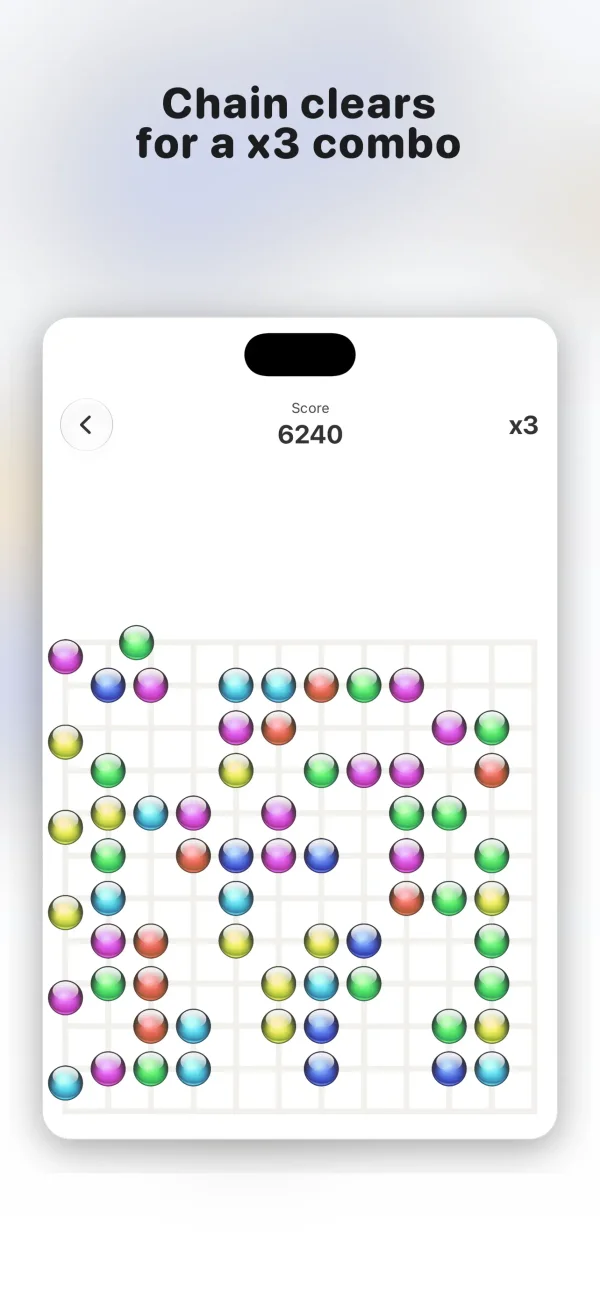
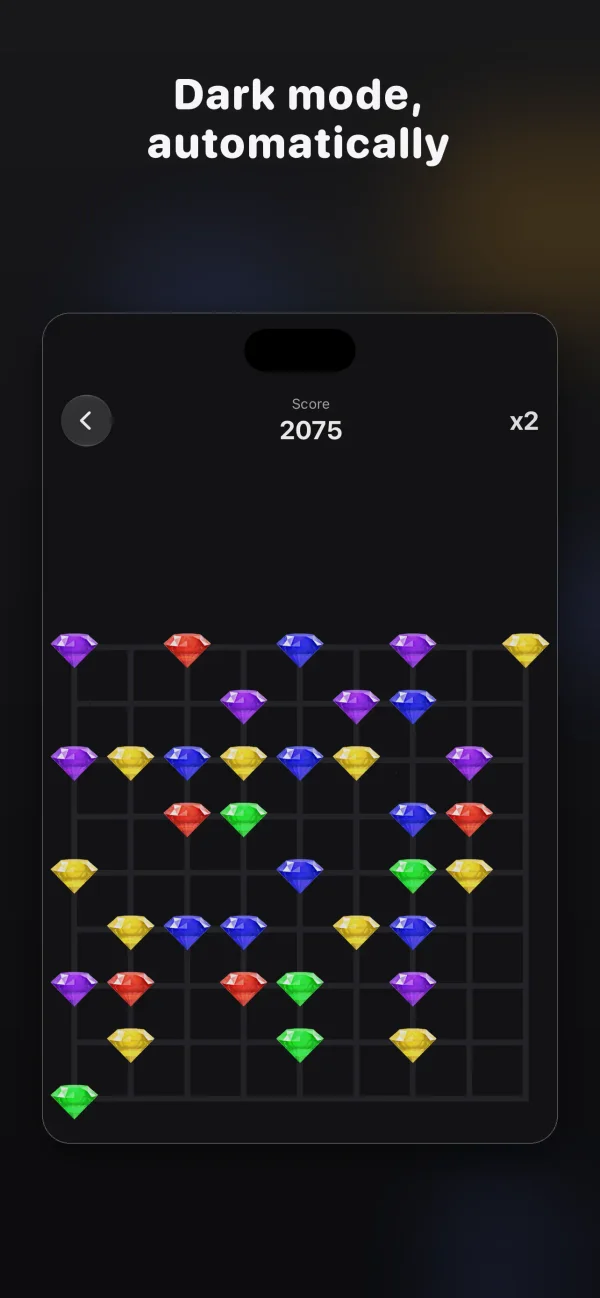
About
Snapdots is a puzzle about one small pleasure: five dots falling into line and snapping away.
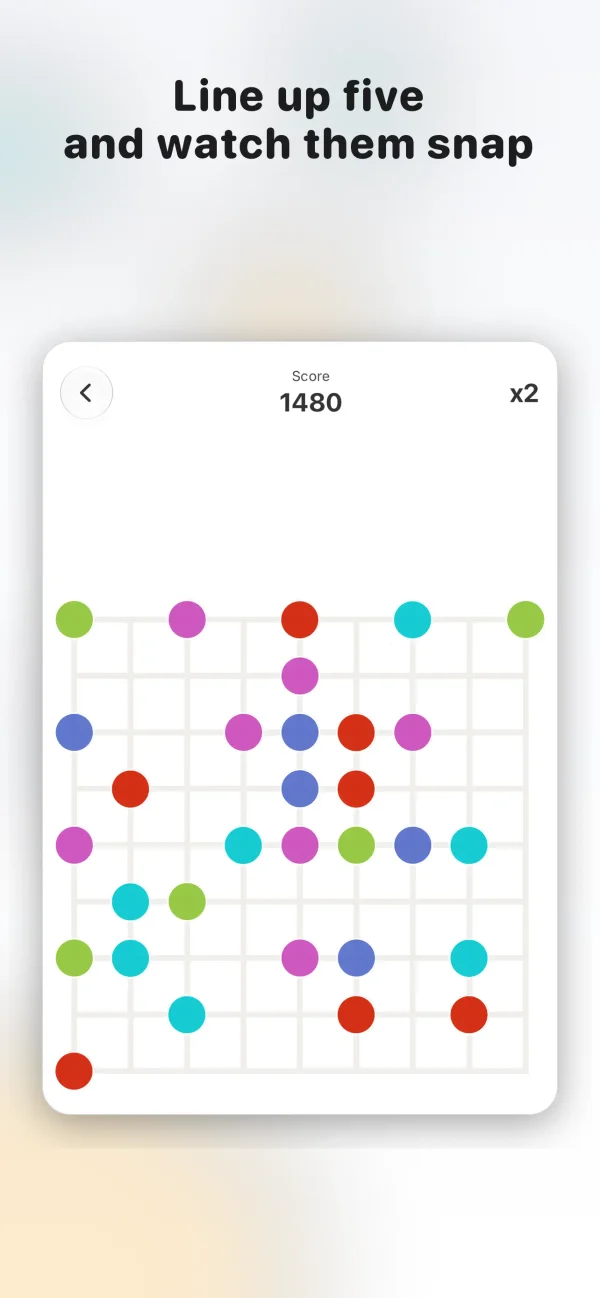
Tap a dot and swipe. It slides until something stops it. New dots keep feeding in around the edge of the board, so the space you just cleared never stays clear for long.
Line up five of one colour, across, down, or on either diagonal, and they go. Close the ring of a 3x3 box, or build a plus, and they go for more. Keep clearing without a pause and the multiplier climbs to x3. Let the board fill up and the run is over.
That is the whole game. It gets hard anyway.
TWELVE BOARDS
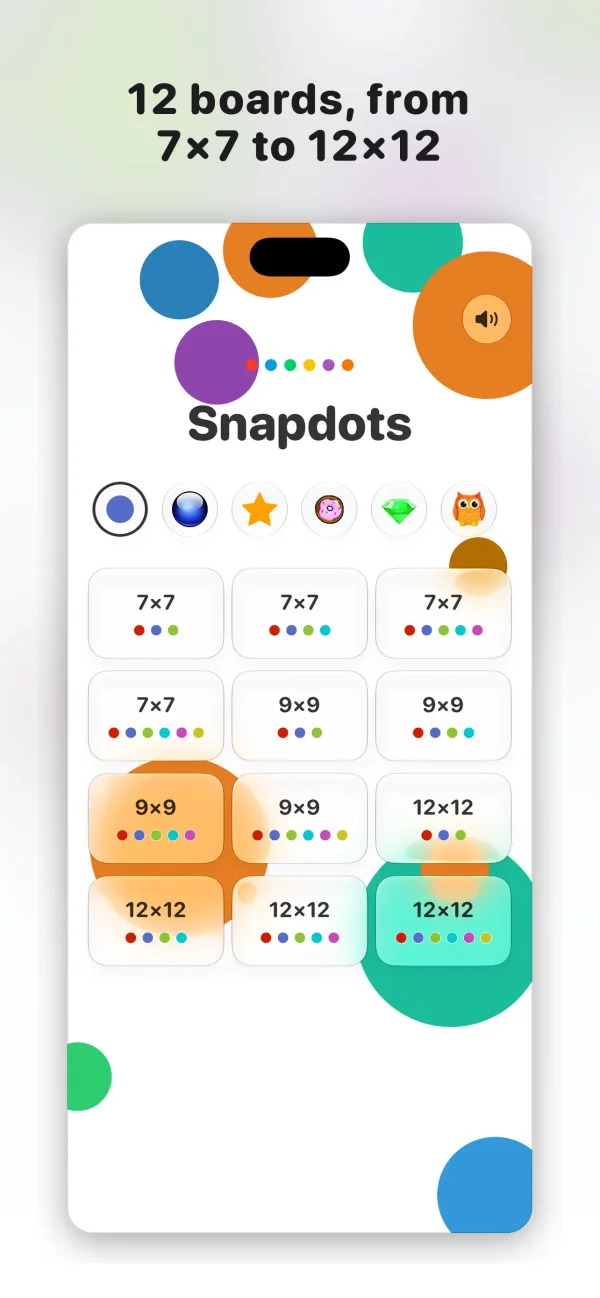
Three sizes (7x7, 9x9 and 12x12), each with 3, 4, 5 or 6 colours. The small three-colour board is a two-minute break. The 12x12 board with six colours is not.
SIX THEMES
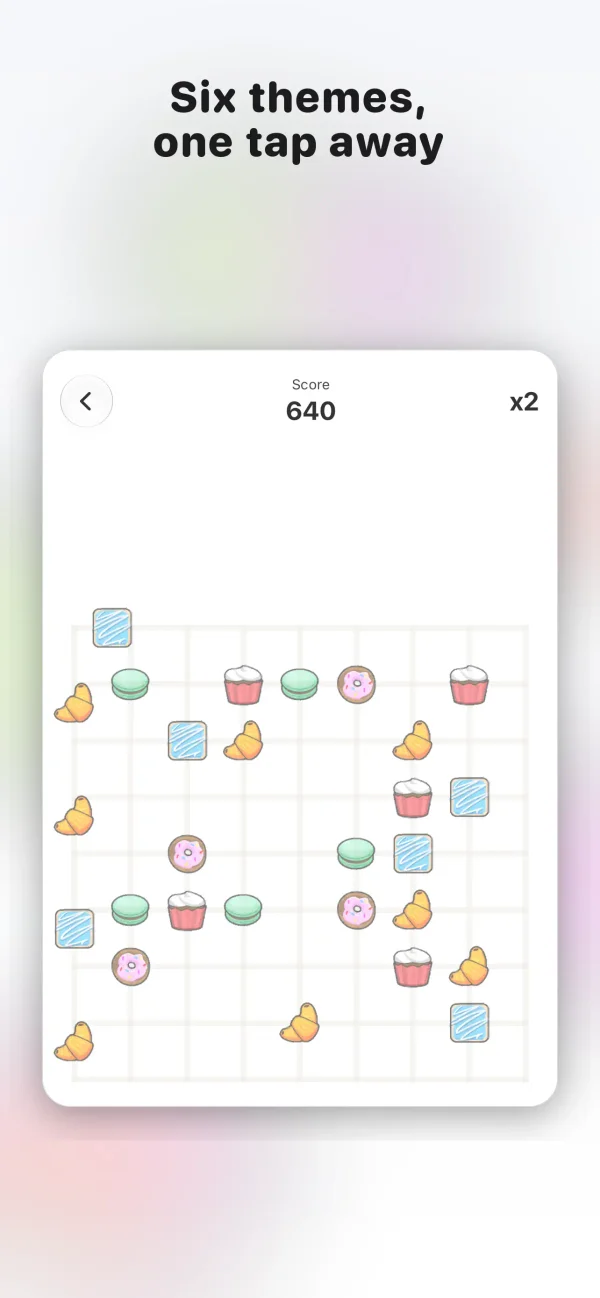
Flat dots, glossy spheres, POKE, sweets, gems and owls. Switch from the menu; each theme brings its own sounds.
LIGHT AND DARK
Follows your device automatically. Nothing to set.
LEADERBOARDS
Every board size and colour count keeps its own Game Center leaderboard, so a 7x7 score never has to compete with a 12x12 one.
PICK IT BACK UP
Leave in the middle of a run and the board is waiting exactly as you left it.
No ads. No account. Plays offline.
What’s new
Version 26.10.2 · Oct 5, 2026
Zen mode, undo, and a short guide to get you started.
- Zen mode: no game over. Full rows and columns clear on their own, and Zen keeps its own records
- Undo: take back a bad move, even from the game-over screen. One per game, plus another every 500 points, up to three
- Combos: the shape, multiplier and points pop up right where a group burns
- Vibration on moves, matches and the multiplier, with a switch in the menu
- How to play: a short animated guide on first launch, and behind the ? button
- iPhone now plays in landscape too
- The game-over screen shows your best games on this device, even without Game Center, and your latest run shows up on the leaderboard straight away
App privacy
What Igor Fuchkin declares on the App Store about how this app handles data.
-
Data not collected
The developer does not collect any data from this app.
Privacy practices may vary, for example with the features you use or your age.
Information
- Seller
- Igor Fuchkin
- Category
- Casual
- Version
- 26.10.2
- Updated
- Oct 5, 2026
- Released
- Jun 24, 2016
- Size
- 8.4 MB
- Requires
- iOS 15.0 or later
- Age rating
- 4+
- Price
- Free
- In-app purchases
- Yes
- Languages
- English, French, German, Italian, Japanese, Korean, Polish, Portuguese, Russian, Simplified Chinese, Spanish, Turkish
- Copyright
- © IF
You might also like
-
 DotmatesCalm drag & drop logic game
-
 BraineonThink fast. Score points.
-
 Ouk Chaktrang: Khmer ChessCambodian Strategy Board Game
-
 Gilly ConnectMulti-Directional Connect Four
-
 Zen Stones PuzzleA Quiet Garden Game
-
 World PenaltyGames
-
 Math Crossword - ZerominatorCombine Numbers to Reach Zero
-
 Nuts Bolts Puzzle!Screw'em all!
-
 New ABC Solitaire IQMake brain sharp and flexible
-
 Line 98 3D - Color Lines 3DLines 98 in 3D Mode - Line 98