- Age rating4+
- CategoryProductivity
- DeveloperYMV Studio
- Size5.4 MB
Links to the official App Store page
Download.org hosts no file of SnapLock: App Blocker. The button opens its official App Store page, published by YMV Studio. Listing last checked on Nov 18, 2026.
Screenshots
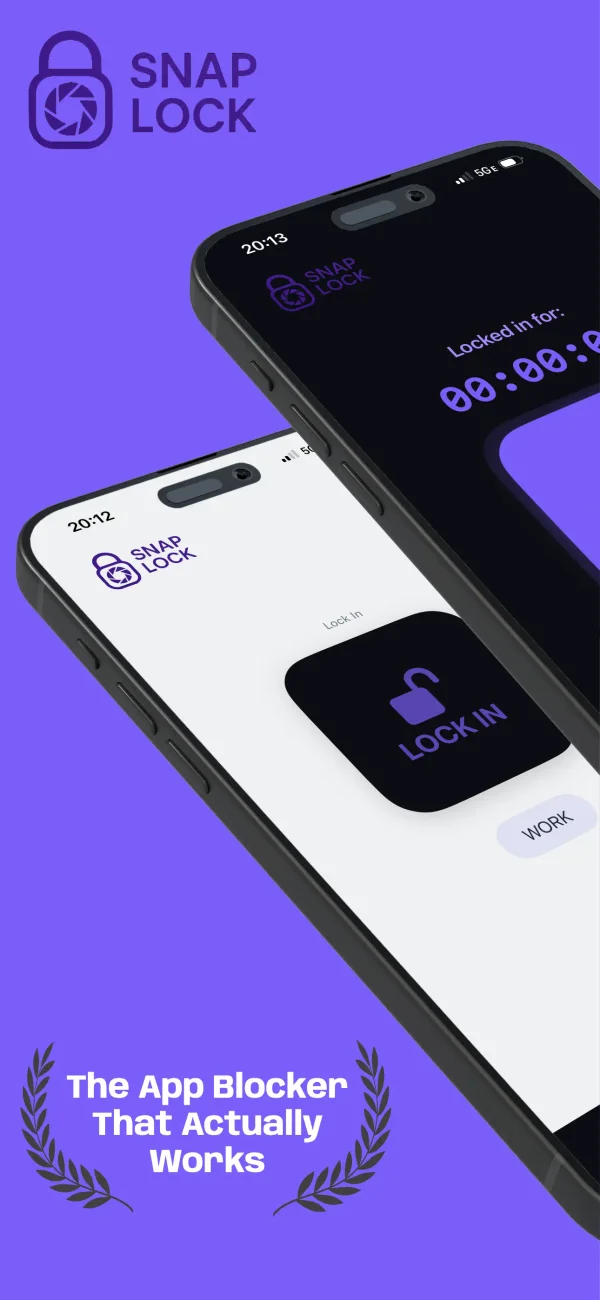

About
SnapLock helps you focus - no timers, no loopholes.
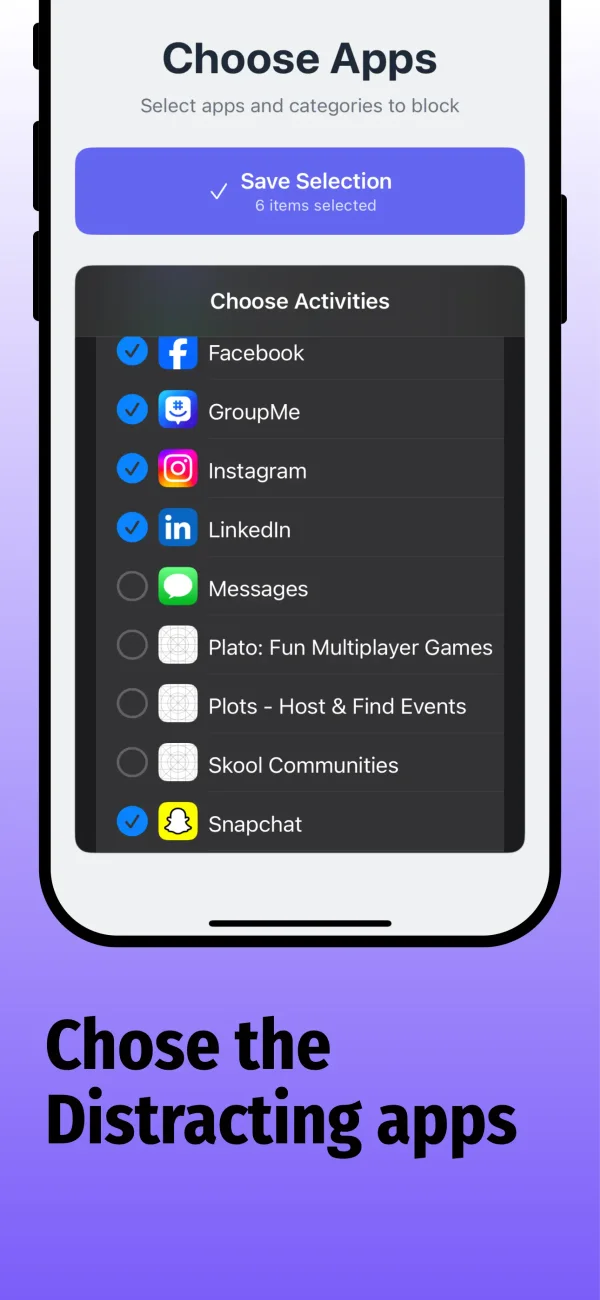
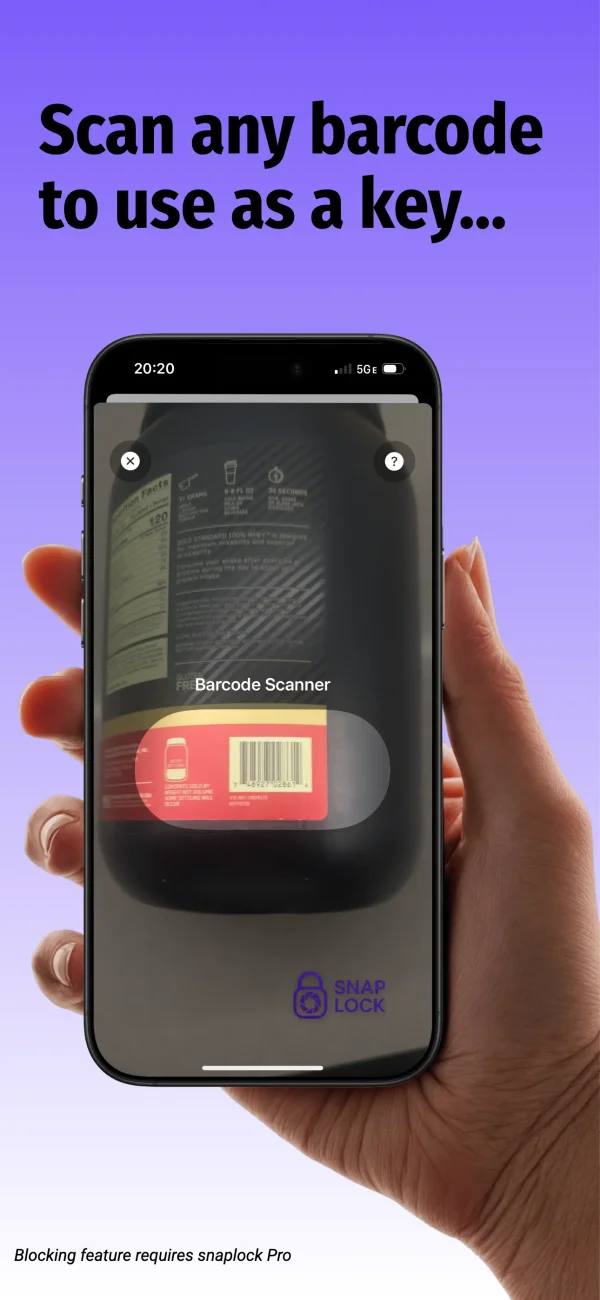
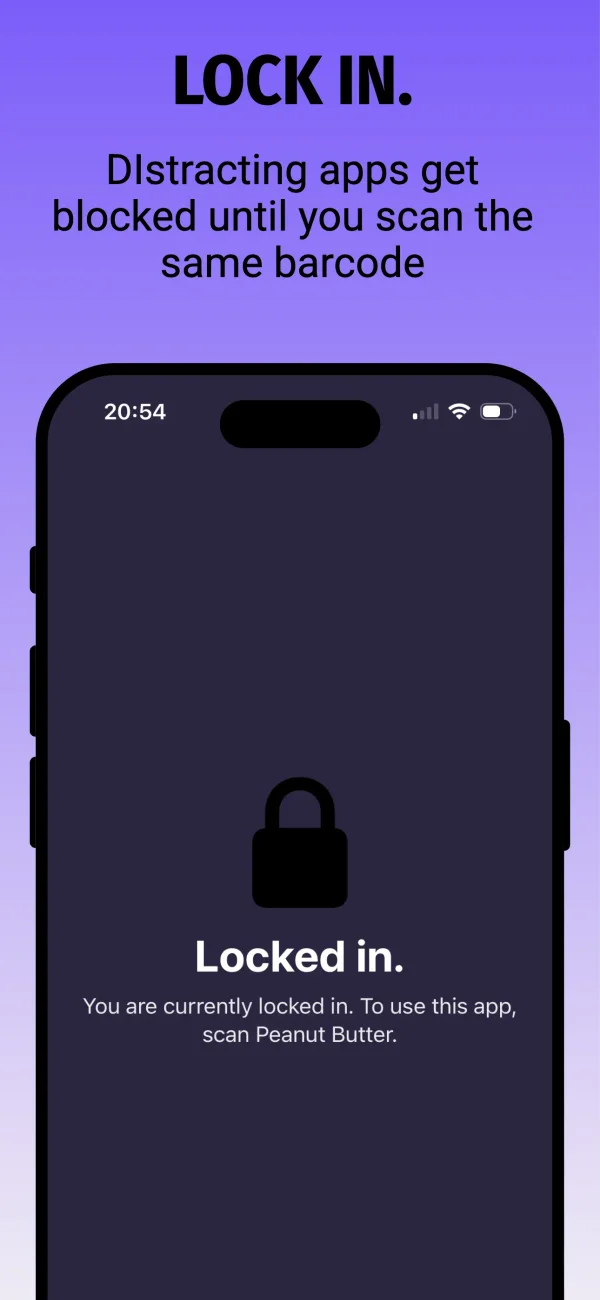
Pick the apps you want off-limits, scan any household barcode (a book, jar, box), and walk away. Until you scan that same code again, the apps you chose stay locked using Apple’s Screen Time system.
How it works
Choose apps to block.
Scan a barcode at home—this becomes your “key.”
Rescan to unlock when you’re back. Need a safety valve? You get 3 emergency overrides per month.
Why it works
Your “key” lives in the real world, not on your phone. You can’t cheat a timer or toggle a setting in a weak moment—you must physically return to the code you scanned.
Perfect For:
Students - Lock apps during study sessions
Professionals - Stay focused during work hours
Mindfulness seekers - Reduce digital distractions
Anyone - Break phone addiction habits
Terms of use: https://www.apple.com/legal/internet-services/itunes/dev/stdeula/
What’s new
Version 1.3.0 · Oct 7, 2026
Bug Fixes and UI updates
App privacy
What YMV Studio declares on the App Store about how this app handles data.
-
Data not collected
The developer does not collect any data from this app.
Privacy practices may vary, for example with the features you use or your age.
Information
- Seller
- YMV Studio Limited
- Category
- Productivity
- Version
- 1.3.0
- Updated
- Oct 7, 2026
- Released
- Sep 2, 2025
- Size
- 5.4 MB
- Requires
- iOS 17.0 or later
- Age rating
- 4+
- Price
- Free
- Copyright
- © YMV STUDIO LIMITED
You might also like
-
 Vault: App Blocker - QR UnlockBlock Apps & Websites
-
 App Blocker & Detox - Hold UpLimit screen time, focus lock
-
 Focus: App & Web BlockerBlock distractions. Focus.
-
 Secure Apps - AppLockSecure Your Private Apps
-
 Descreened: App BlockerBlock apps. Stay focused.
-
 Escape Matrix - App BlockerBlock Apps & Build Focus
-
 JOMO Blocks: App BlockerScreen Time Focus Limits
-
 ReadLock: App BlockerScreen Time blocker for focus
-
 Bouncer: Study BlockerUnlock apps by studying
-
 Unstuck:App BlockerBlock apps. Get it done.