SnapRedact: Blur & Censor
Hide Text in Screenshots
Designed for iPhone, iPad, Mac
Free · In-app purchases
- Age rating4+
- CategoryUtilities
- DeveloperWuhan smart mofun Technology Co., Ltd.
- LanguagesEnglish+ 8 more
- Size4.8 MB
Links to the official App Store page
Download.org hosts no file of SnapRedact: Blur & Censor. The button opens its official App Store page, published by Wuhan smart mofun Technology Co., Ltd. Listing last checked on Nov 20, 2026.
Screenshots
About
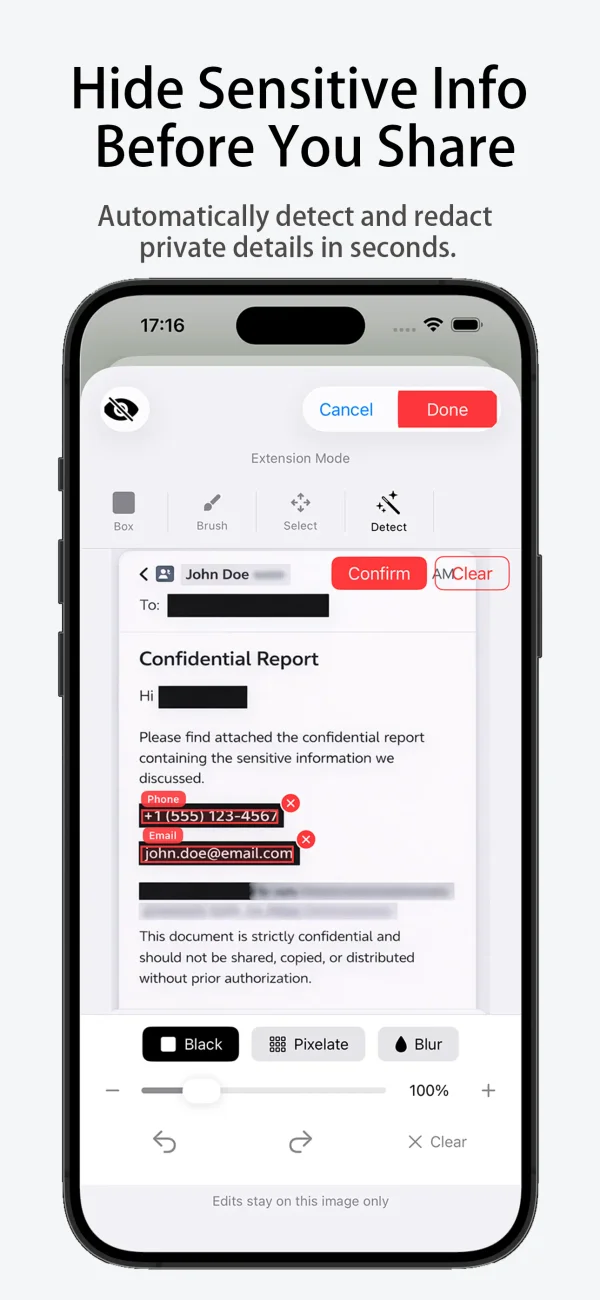
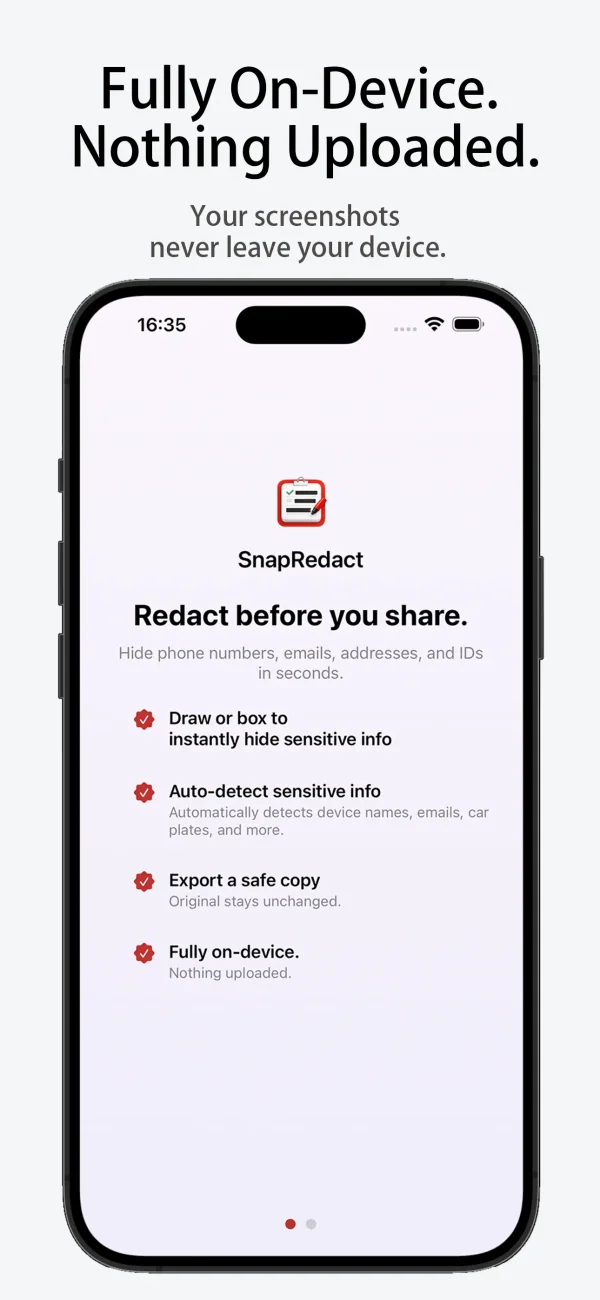
Hide private information before you share a screenshot or photo. SnapRedact helps you find sensitive text, cover the details you choose, and share a redacted image from your iPhone or iPad.
SCREENSHOT PRIVACY, IN A FEW STEPS
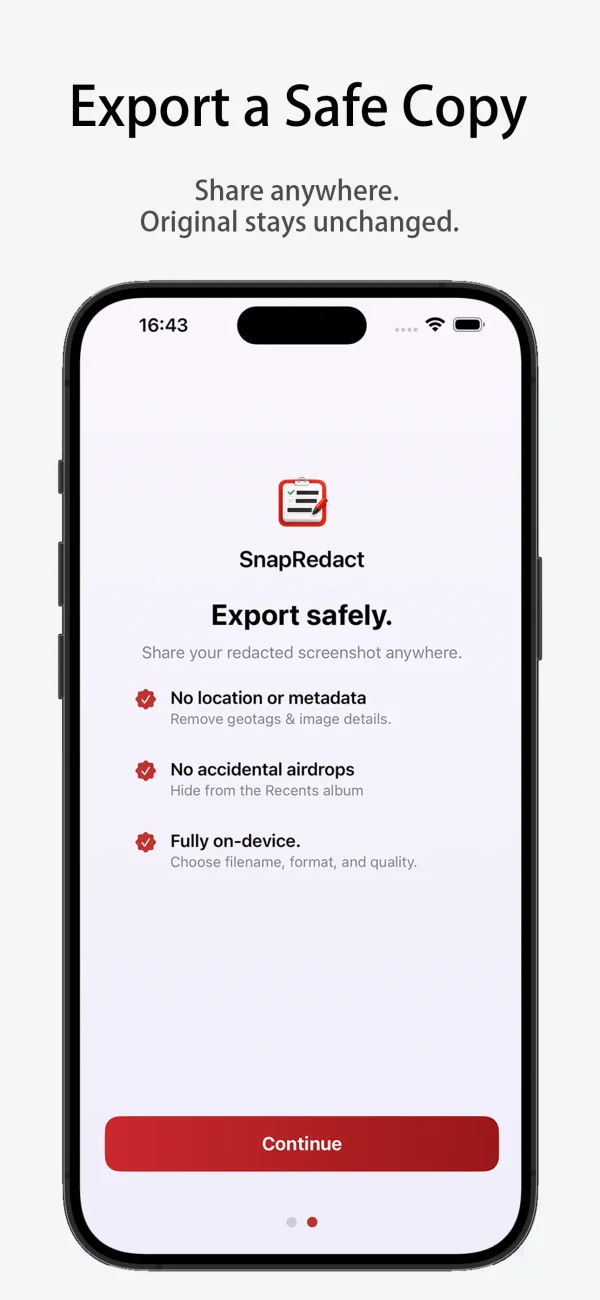
Import an image, review the detected areas, choose your masking style, and save or share the result. Use the iOS share extension to open images from other apps.
DETECT AND ADJUST
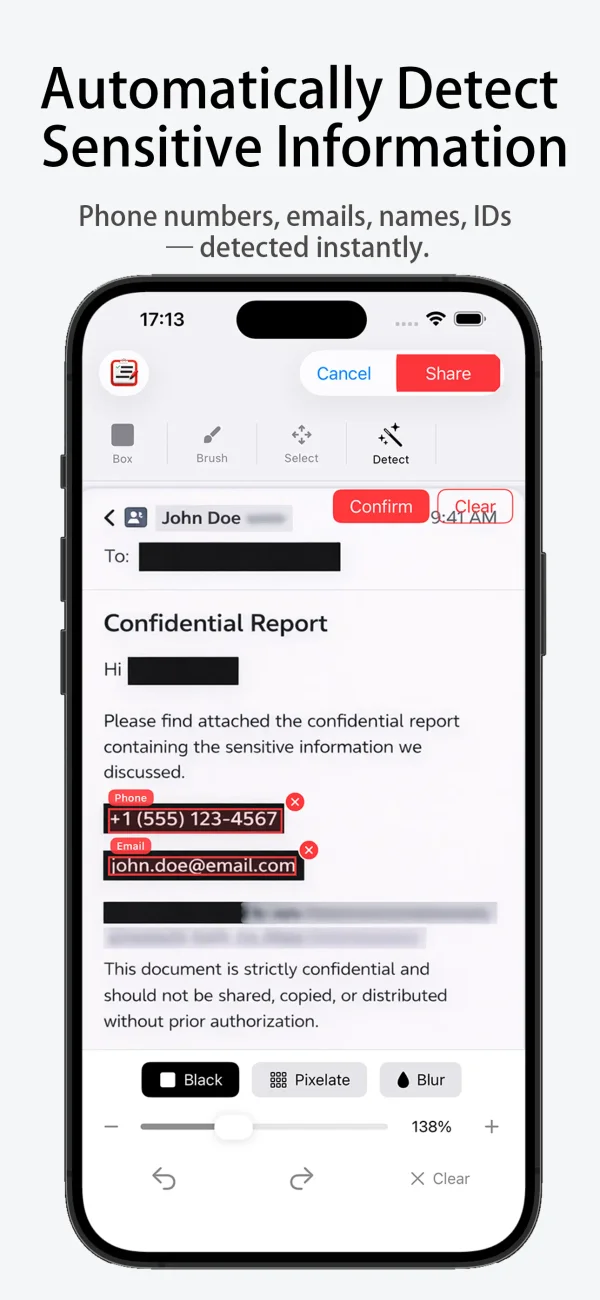
• Find sensitive text such as phone numbers, email addresses, street addresses, names, and reference numbers
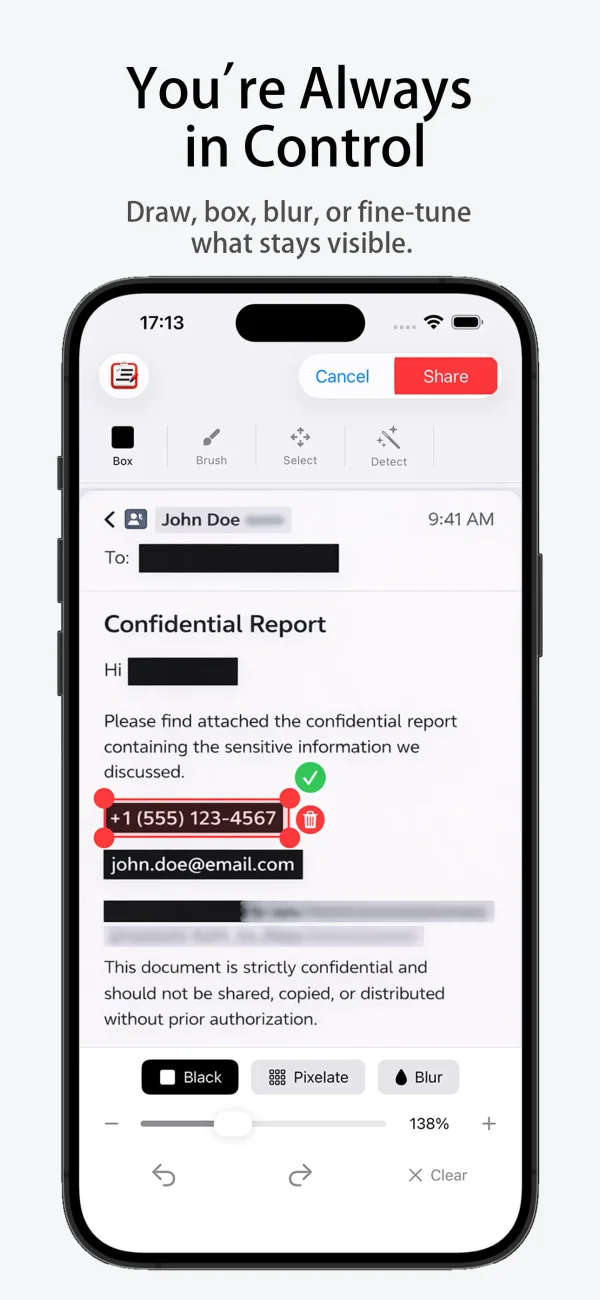
• Review suggestions and adjust the selected regions
• Blur, pixelate, or cover text and other areas manually
• Undo and redo while editing
Useful for order confirmations, messages, contact information, and screenshots containing personal details. Automatic detection can miss information; check the finished image before sharing.
ON YOUR DEVICE
Text recognition and image editing happen on your device. Images are not uploaded to a server, and no SnapRedact account is required.
PRO OPTIONS
Some features require Pro. An annual subscription and a one-time Lifetime purchase are available. Eligible users can try the annual subscription with a 3-day free trial. Subscriptions renew automatically unless canceled at least 24 hours before the current period ends. Manage subscriptions in your Apple ID subscription settings.
Terms of Use (EULA):
https://www.apple.com/legal/internet-services/itunes/dev/stdeula/
What’s new
Version 1.0.3 · Oct 15, 2026
Updated the App Store information and artwork to make screenshot redaction easier to understand. App functionality and purchase options are unchanged.
App privacy
What Wuhan smart mofun Technology Co., Ltd. declares on the App Store about how this app handles data.
-
Data not collected
The developer does not collect any data from this app.
Privacy practices may vary, for example with the features you use or your age.
Information
- Seller
- Wuhan smart mofun Technology Co., Ltd.
- Category
- Utilities
- Version
- 1.0.3
- Updated
- Oct 15, 2026
- Released
- Feb 11, 2026
- Size
- 4.8 MB
- Requires
- iOS 17.0 or later
- Age rating
- 4+
- Price
- Free
- In-app purchases
- Yes
- Languages
- English, French, German, Italian, Japanese, Korean, Portuguese, Simplified Chinese, Spanish
- Copyright
- © 2026 dofuan.app
You might also like
-
 Aquarium Log: Water TrackerWater Tests & Tank Maintenance
-
 Live Photo Converter -IntoliveVideo to Live Wallpaper Maker
-
 Voice Recorder & Noise RemoverAI Audio Cleaner & Enhancer
-
 Xray Packs for MinecraftUtilities
-
 App Lock : Hide App & Lock AppApp Lock - Lock Apps
-
 Sorted: TCG Collection ManagerScan. Collect. Track. One app.
-
 Audio Video Noise Reducer AIOffline Voice Enhancer Podcast
-
 Screenshot PRO Screenshots AppSearch and Manage Screenshots
-
 Race Stats: Lap & Drag Timer0-60, lean angle & lap times
-
 Moj A1 HRUtilities