SnapText - Image to Text
Photo & Screenshot to Text OCR
Designed for iPhone, iPad, iPod touch
Free · In-app purchases
- Age rating4+
- CategoryPhoto & Video
- DeveloperMuhammad Shahid Khan
- LanguagesEnglish+ 5 more
- Size14.6 MB
Links to the official App Store page
Download.org hosts no file of SnapText - Image to Text. The button opens its official App Store page, published by Muhammad Shahid Khan. Listing last checked on Nov 25, 2026.
Screenshots

About
Turn any image into editable text with SnapText.
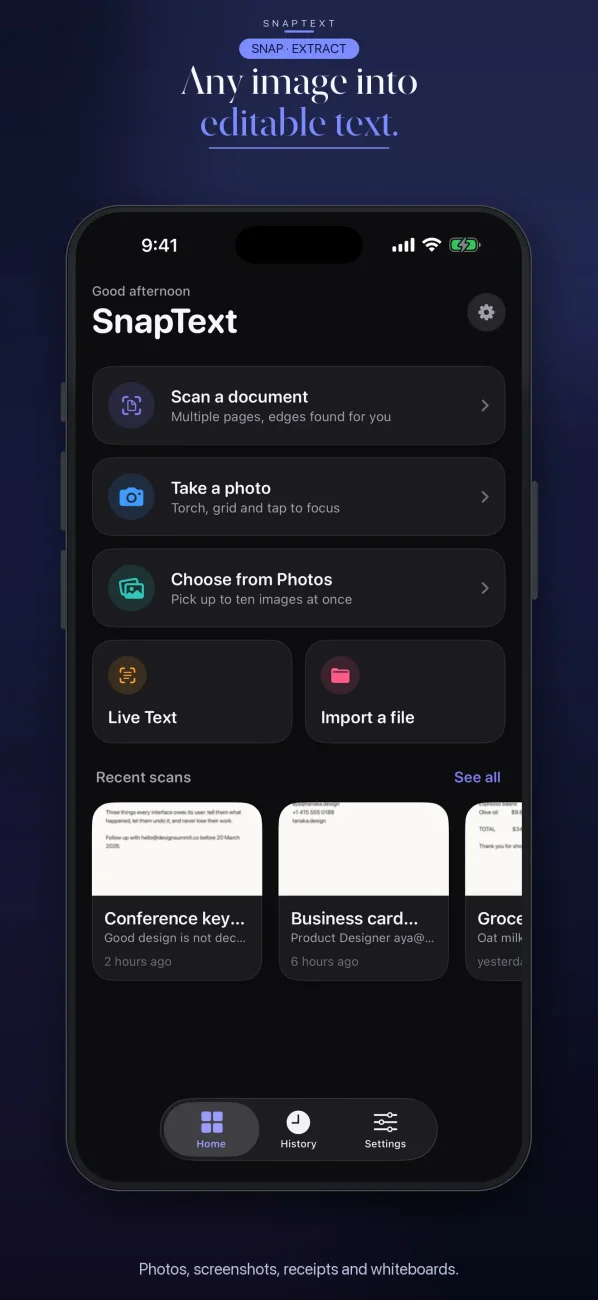
SnapText makes OCR simple. Capture a photo, scan a document, or choose an image from your Photos and extract the text in seconds.
WHY SNAPTEXT?
• Extract text from photos, screenshots, documents, and camera captures
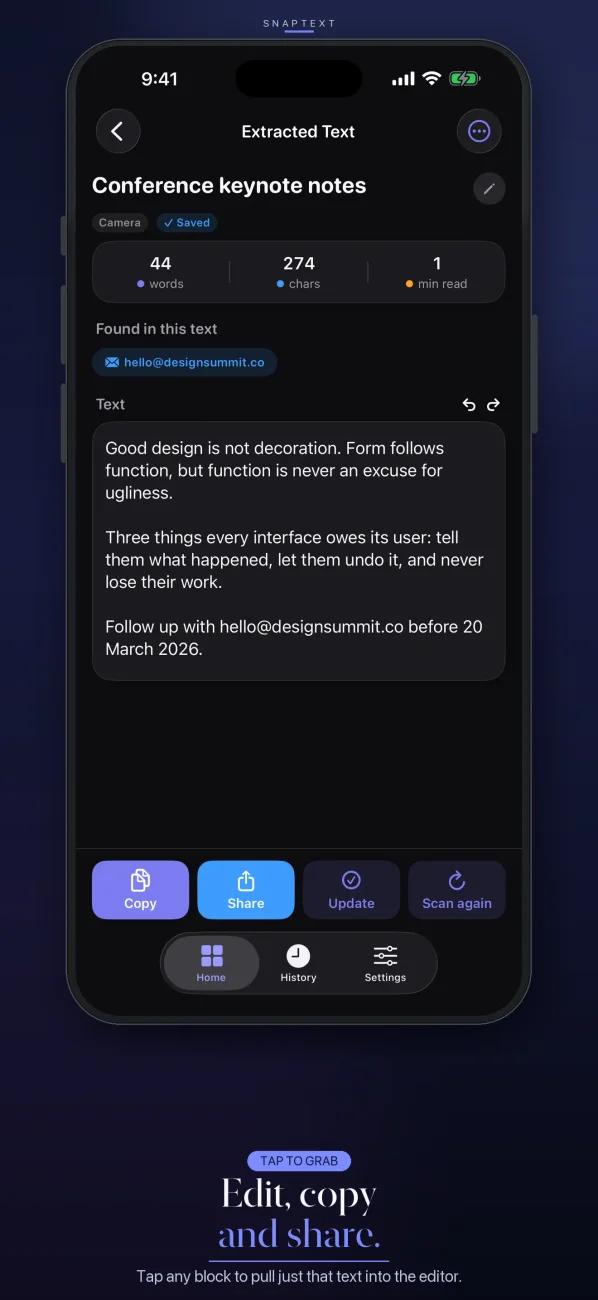
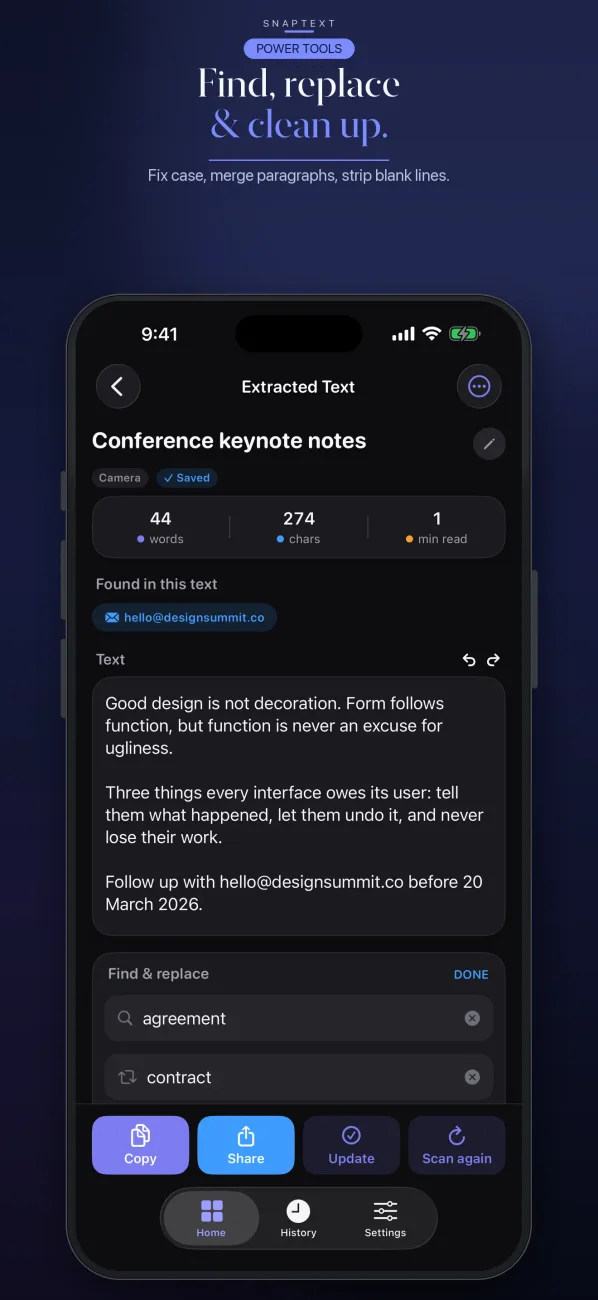
• Edit extracted text instantly
• Copy or share text anywhere
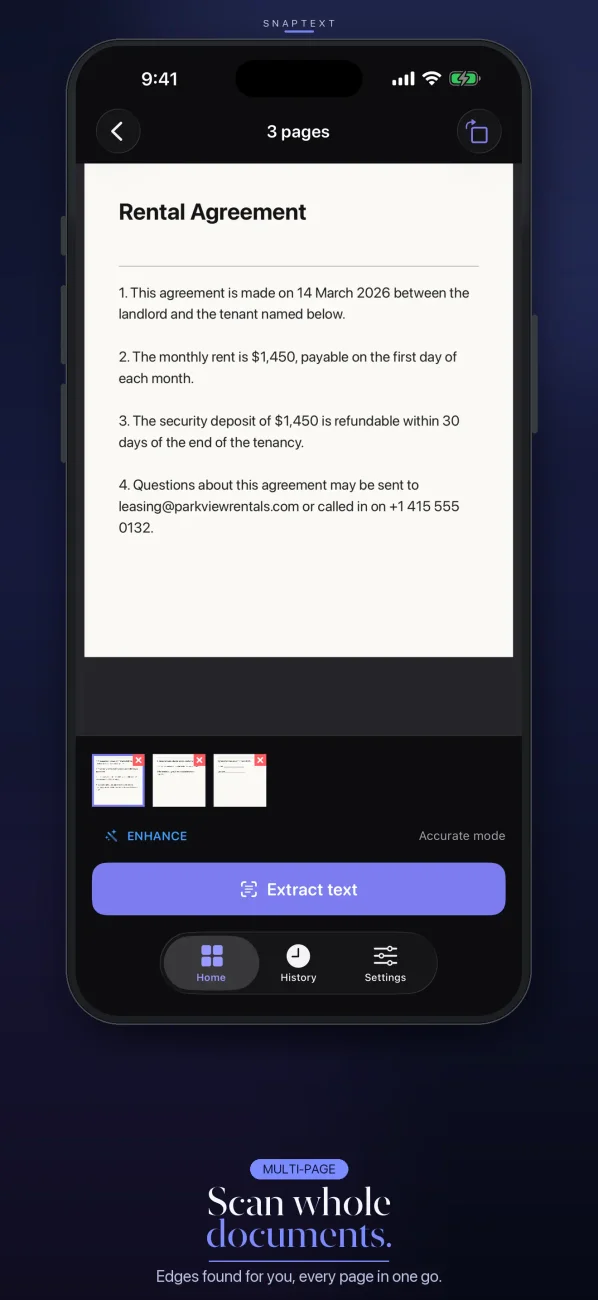
• Scan multiple pages and documents
• Search your saved scans
• Detect useful information such as links, emails, and phone numbers
• Export your text for easy reuse
• Clean up formatting and remove unwanted line breaks
• Dark Mode and accessibility support
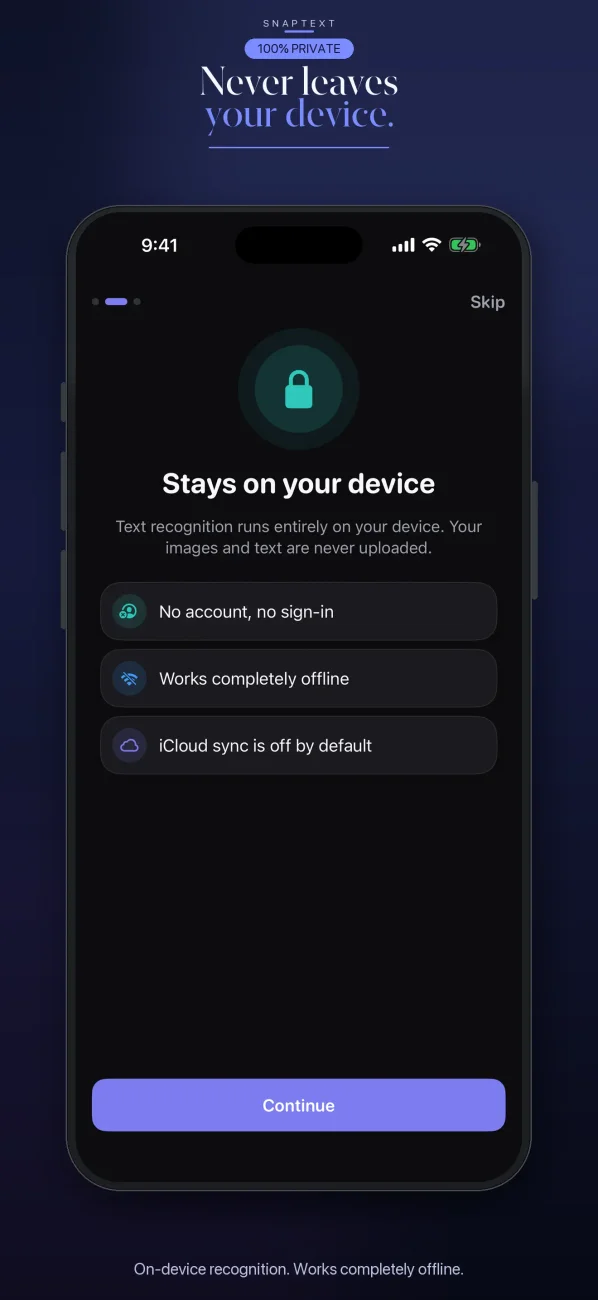
• Works offline for core OCR features
PRIVATE BY DESIGN
Your text recognition happens on your device using Apple's Vision framework. No account or authentication is required.
Text recognition never uses external OCR or AI services. The free version is supported by ads from Google AdMob; you choose whether ads may be personalised.
Your images and extracted text stay on your device unless you explicitly choose to share or export them.
SNAPTEXT PRO
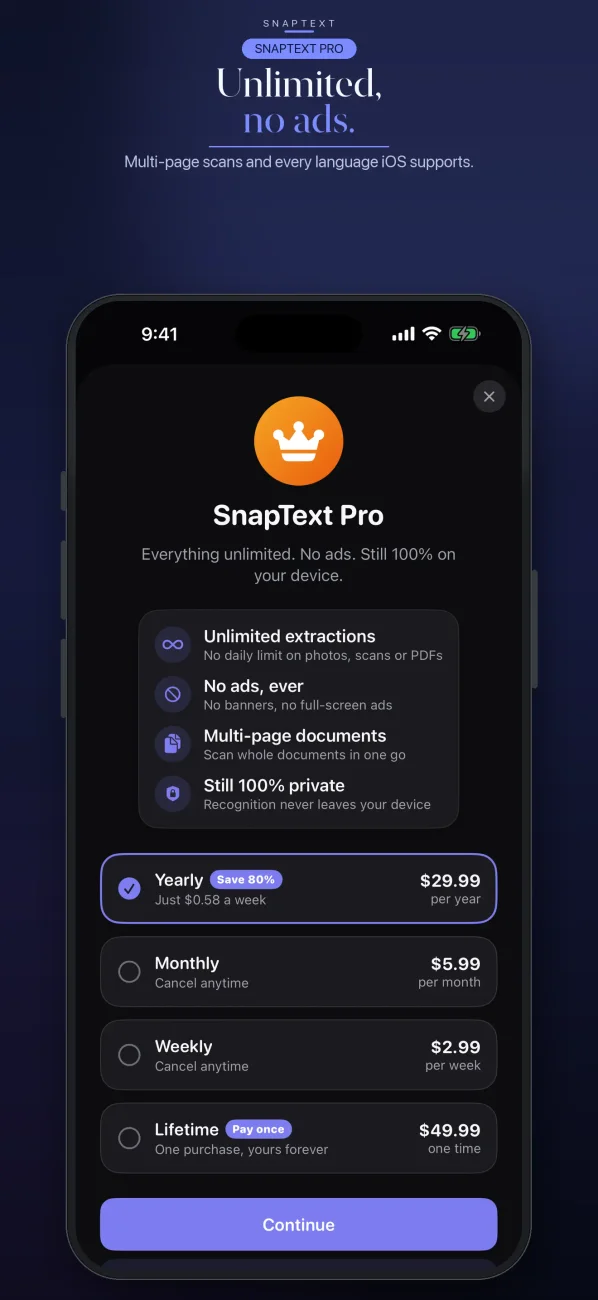
The free version includes 5 extractions a day and shows ads, including promotions for the developer's other apps. SnapText Pro removes the daily limit and all ads.
• Pro Weekly, Pro Monthly and Pro Yearly — auto-renewing subscriptions
• Lifetime Pro — a one-time purchase
Payment is charged to your Apple ID at confirmation of purchase. Subscriptions renew automatically unless cancelled at least 24 hours before the end of the current period. Manage or cancel anytime in your App Store account settings.
Terms of Use: https://www.apple.com/legal/internet-services/itunes/dev/stdeula/
Privacy Policy: https://shahid09.netlify.app/apps/privacy/
Simple. Private. Useful.
Open SnapText, capture an image, extract the text, and start editing.
FAQ
How do I extract text from an image on iPhone?
Open SnapText, take a photo or pick one from Photos, and the text appears in seconds, ready to edit, copy or share.
How do I copy text from a screenshot?
Choose the screenshot from Photos. SnapText recognises every line, and you can tap any block to grab just that text.
Can I scan a multi-page document into text?
Yes. Scan several pages in one go and SnapText extracts the text from all of them.
Does it work without internet?
Yes. Text recognition runs on your iPhone, so it works offline.
What’s new
Version 1.1 · Nov 24, 2026
• SnapText Pro: unlimited extractions and no ads — weekly, monthly, yearly or a one-time lifetime unlock.
• Free users get 5 extractions a day, plus a bonus for watching a short promo.
• Refreshed design and faster, more reliable text recognition.
App privacy
What Muhammad Shahid Khan declares on the App Store about how this app handles data.
-
Data used to track you
May be used to track you across apps and websites owned by other companies.
- Location
- Identifiers
- Usage data
-
Data not linked to you
May be collected but is not linked to your identity.
- Location
- Identifiers
- Usage data
- Diagnostics
Privacy practices may vary, for example with the features you use or your age.
Information
- Seller
- Muhammad Shahid Khan
- Category
- Photo & Video
- Version
- 1.1
- Updated
- Nov 24, 2026
- Released
- Sep 15, 2026
- Size
- 14.6 MB
- Requires
- iOS 15.0 or later
- Age rating
- 4+
- Price
- Free
- In-app purchases
- Yes
- Languages
- English, German, Hebrew, Korean, Simplified Chinese, Spanish
- Copyright
- © 2026 Muhammad Shahid Khan
You might also like
-
 KondoboxOrganize/clean out your photos
-
 GrainCam: Film Photo FiltersVintage Grain & Light Leak Cam
-
 DitherCamApp ASCIIReal-time retro camera effects
-
 Atelier EaselPhoto editing simplified
-
 GalaRay: Before & After AIAI Posts, Photos & Videos
-
 PanoPeek: 360° Photo ViewerView photos, spin panoramas
-
 Memory Camera: Photo ScrapbookStamp Collage & Travel Journal
-
 SeloPhoto: Collage MakerPolaroid grids for Stories
-
 Stills – Video to Photo 4K HDFrame Grabber & Image Capture
-
 FinalBoardPhoto & Video