
- Age rating4+
- CategoryProductivity
- DeveloperKyumin Song
- LanguagesKorean+ 1 more
- Size4.1 MB
Links to the official App Store page
Download.org hosts no file of SnipClip. The button opens its official App Store page, published by Kyumin Song. Listing last checked on Nov 12, 2026.
Screenshots


About
The developer has not provided this text in your language.
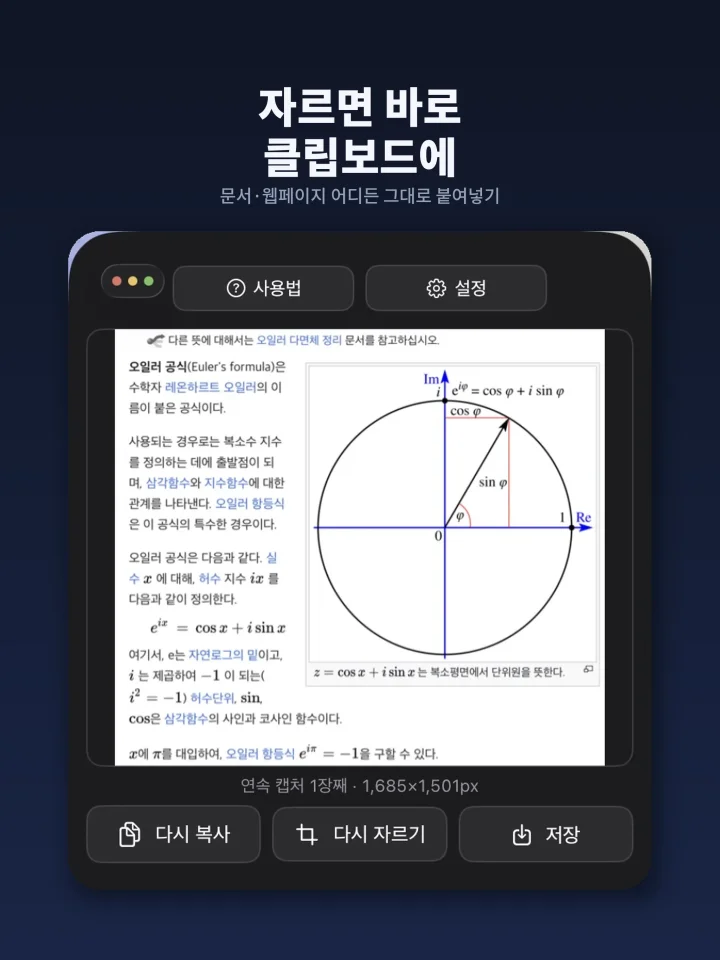
SnipClip은 화면을 캡처해 원하는 부분만 잘라 클립보드에 바로 복사하는 가장 빠른 방법입니다.
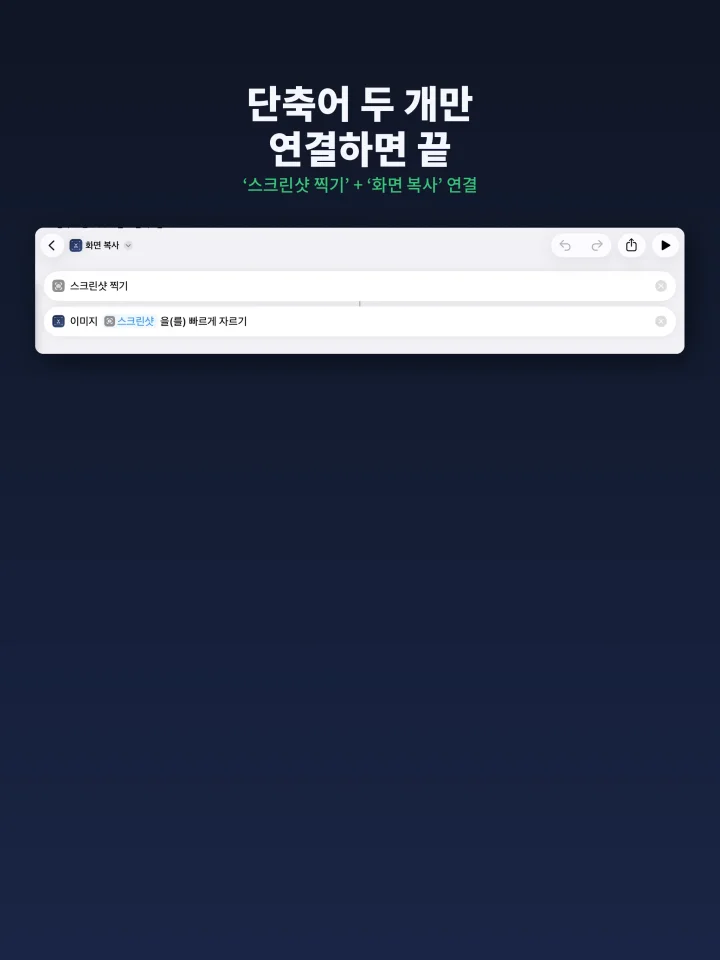
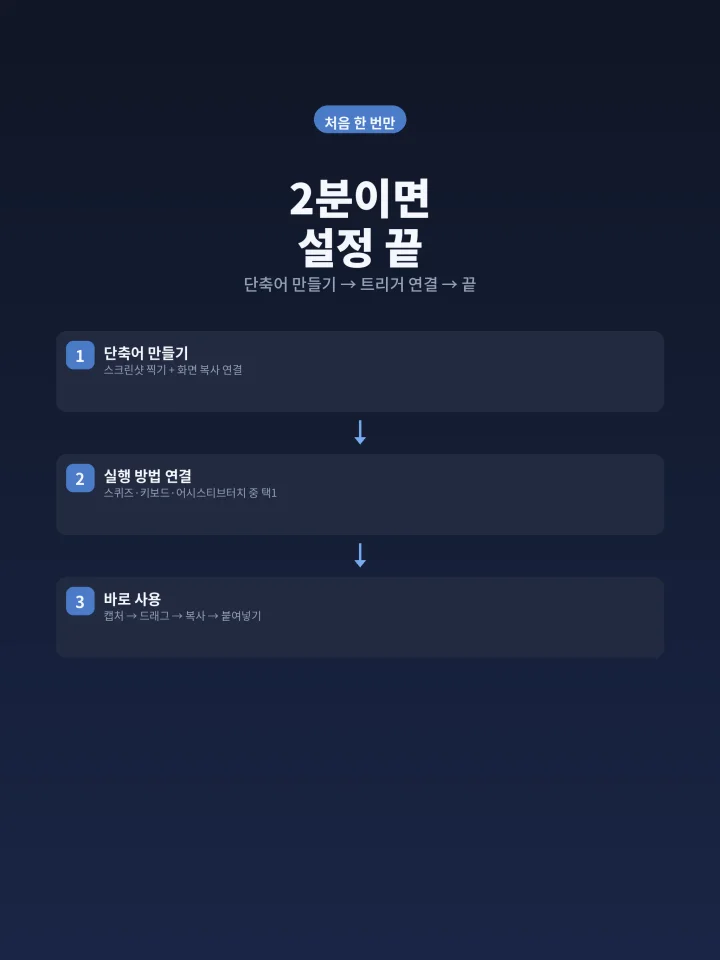
Apple Pencil Pro 스퀴즈, 키보드 단축키, 어시스티브터치 — 편한 방법 하나만 연결해두면, 화면을 캡처하고 손가락이나 펜으로 영역을 드래그하는 것만으로 잘린 이미지가 클립보드에 들어갑니다. 필기앱, 채팅창, 문서 어디든 그대로 붙여넣으세요.
■ 주요 기능
· 빠른 캡처 → 자르기 → 복사, 한 흐름으로
· Apple Pencil Pro 스퀴즈 등 다양한 실행 방법
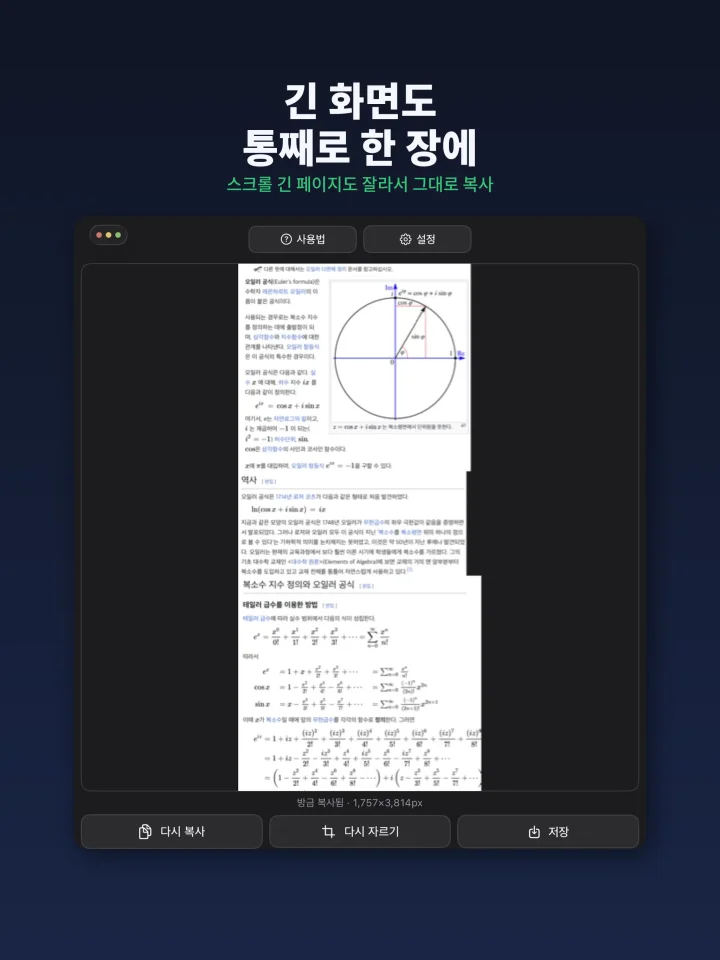
· 연속 캡처 — 여러 조각을 쌓아 한 장으로 세로로 합치기
· 긴 화면도 통째로 한 장에
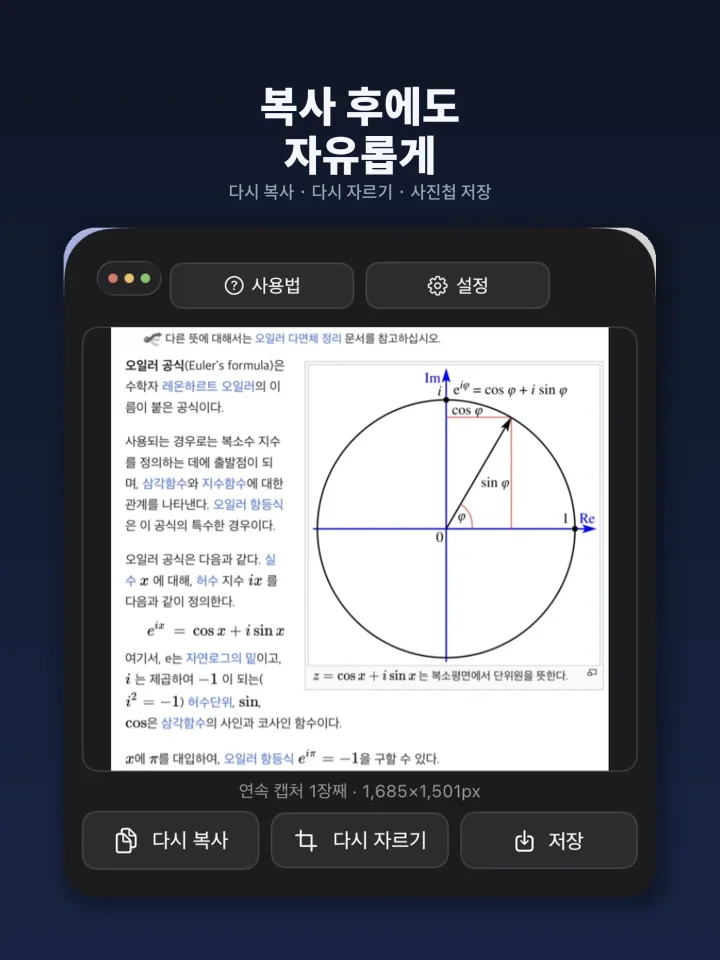
· 다시 복사 · 다시 자르기 · 사진첩 저장
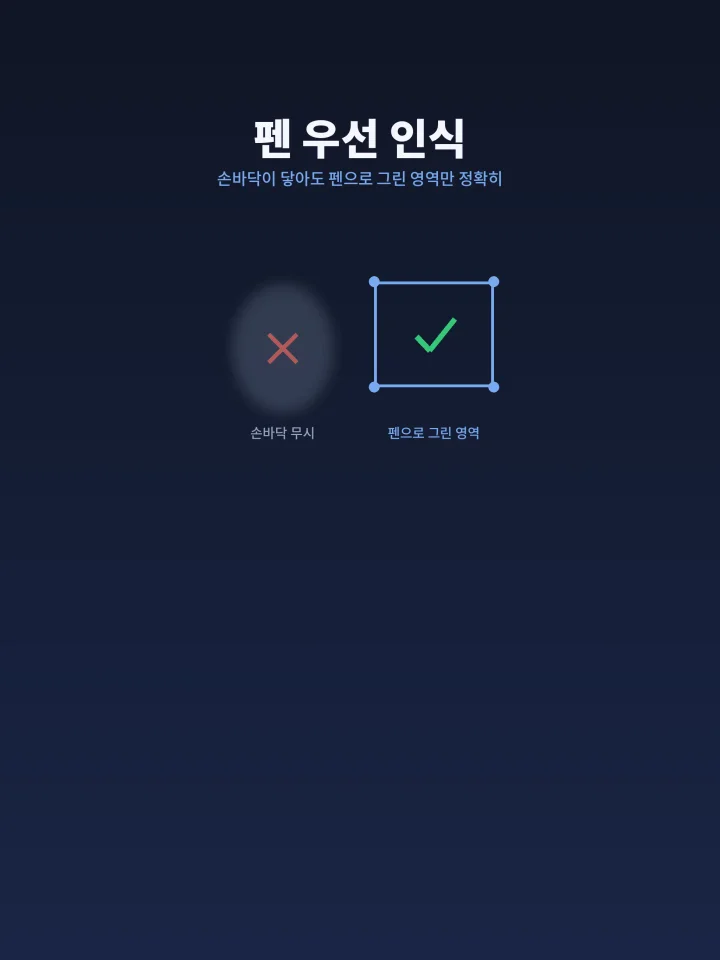
· 펜 우선 인식 — 손바닥이 닿아도 펜으로 그린 영역만 정확히
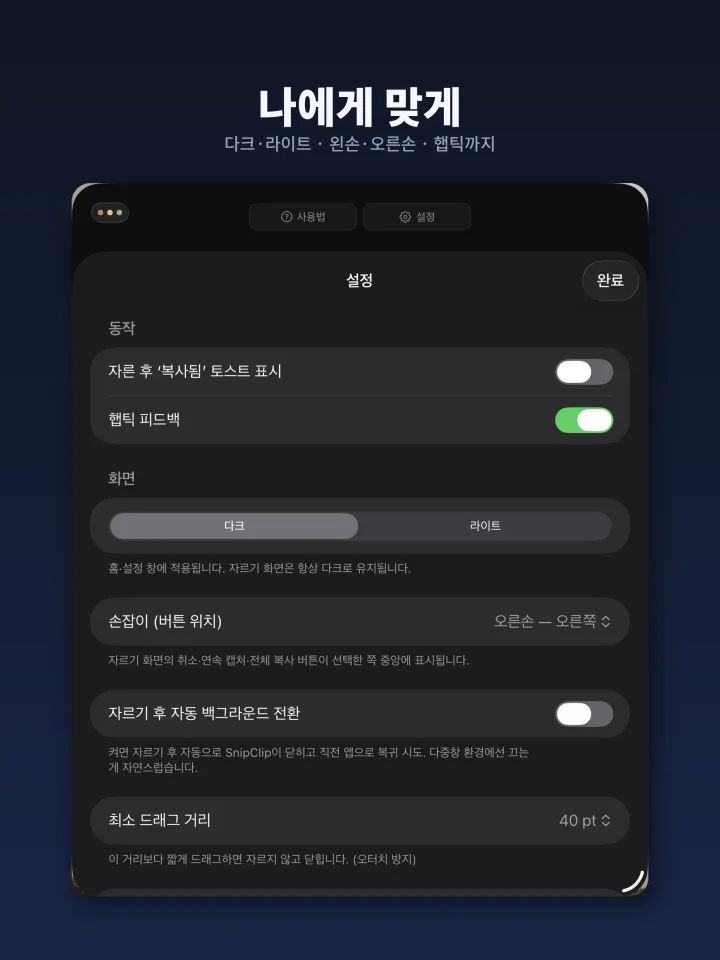
· 왼손/오른손 버튼 배치, 다크/라이트 모드
· 작업 화면 옆에 띄워두고 필요할 때마다 바로
· 잘린 이미지는 기기 안에서만 처리
한 번만 설정해두면, 필요할 때마다 빠르게 잘라 쓰세요.
App privacy
What Kyumin Song declares on the App Store about how this app handles data.
-
Data used to track you
May be used to track you across apps and websites owned by other companies.
- Location
- Usage data
-
Data not linked to you
May be collected but is not linked to your identity.
- Location
- Usage data
- Diagnostics
Privacy practices may vary, for example with the features you use or your age.
Information
- Seller
- Kyumin Song
- Category
- Productivity
- Version
- 1.0
- Updated
- Jun 26, 2026
- Released
- Jun 25, 2026
- Size
- 4.1 MB
- Requires
- iOS 26.0 or later
- Age rating
- 4+
- Languages
- Korean, English
- Copyright
- © 2026 Doublecheck Team
You might also like
-
 TodoReport: Notion PlannerDaily task list & habit report
-
 Chrobox: Timebox PlannerTime Blocking & App Blocker
-
 Gourmet TreeJ. W. Bai.
-
 대한민국 달력Productivity
-
 간단한글 - HWP 뷰어·HWPX 편집·PDF 변환Productivity
-
 Pencil Farm: Story PlannerCharacter, Plot & Worlds
-
 플랜잇 Plan it - 시간 측정 & 할 일 관리Productivity
-
 Scritch – Handwriting NotesFeels like paper. Messy's fine
-
 Novela: Writing app for novelsFrom first idea to final draft