- Age rating4+
- CategoryUtilities
- DeveloperKyter, LLC
- LanguagesEnglish
- Size12.8 MB
Links to the official App Store page
Download.org hosts no file of SnipSnaps. The button opens its official App Store page, published by Kyter, LLC. Listing last checked on Nov 20, 2026.
Screenshots
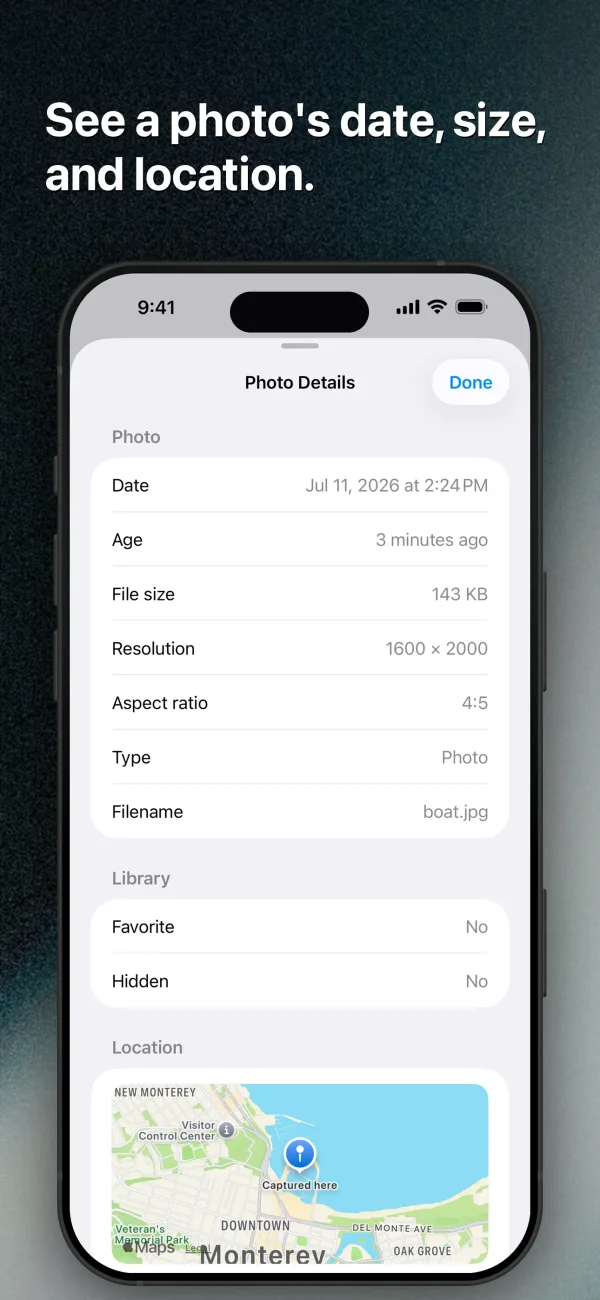
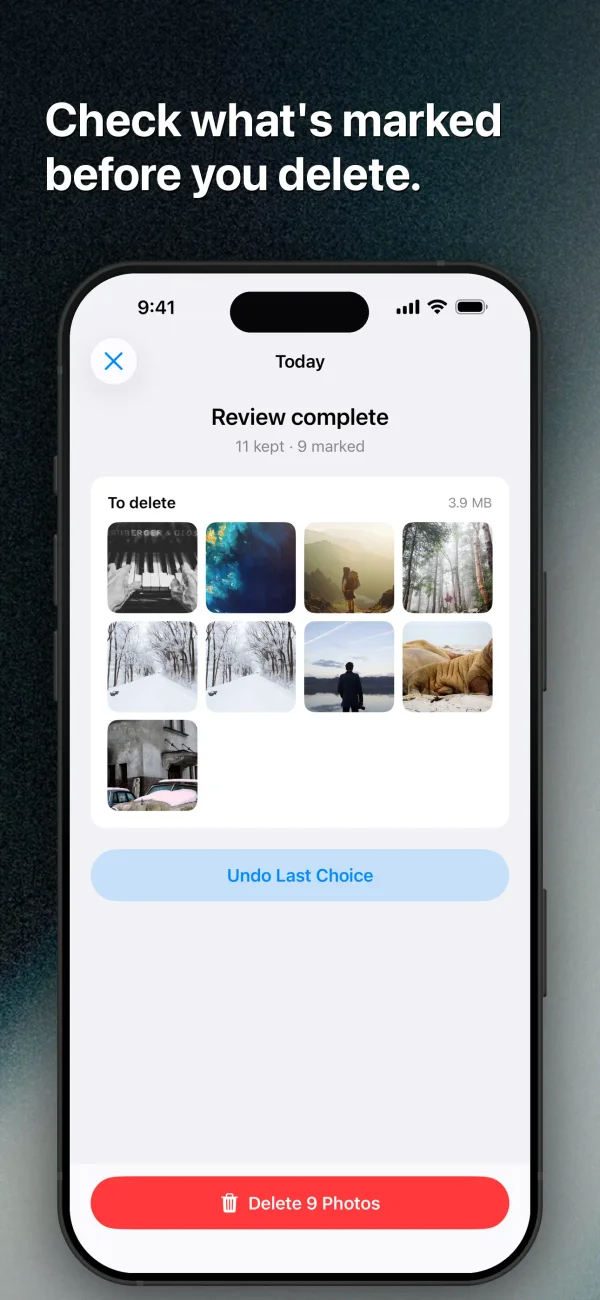
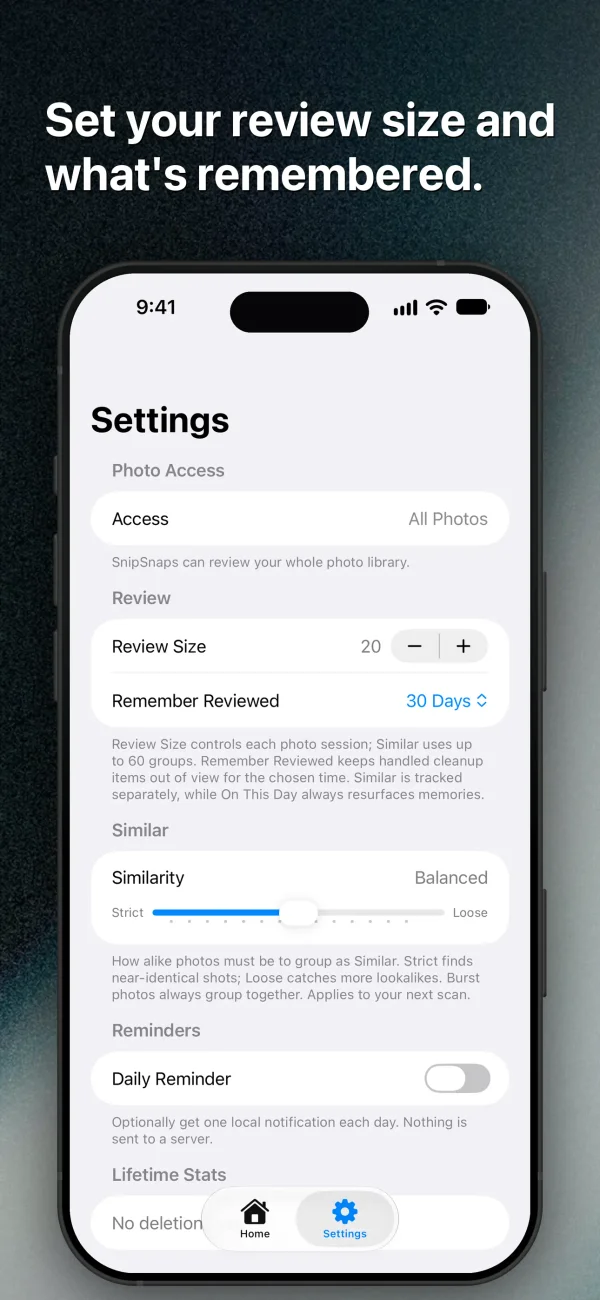
About
SnipSnaps turns photo cleanup into quick, focused sessions you can finish.
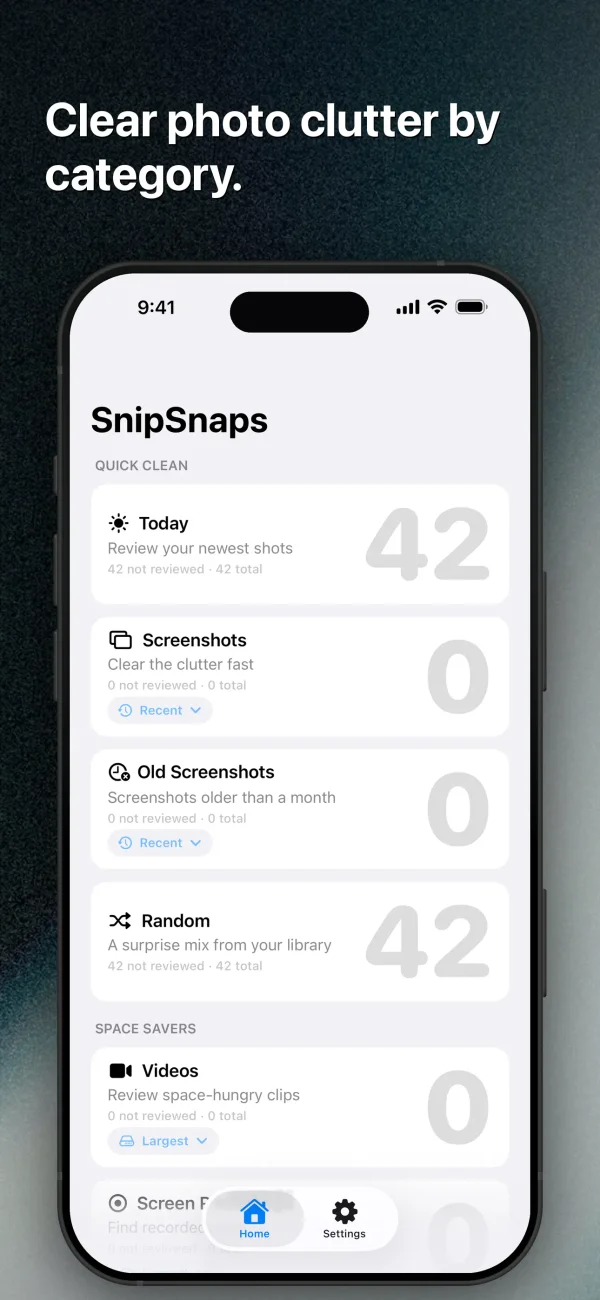
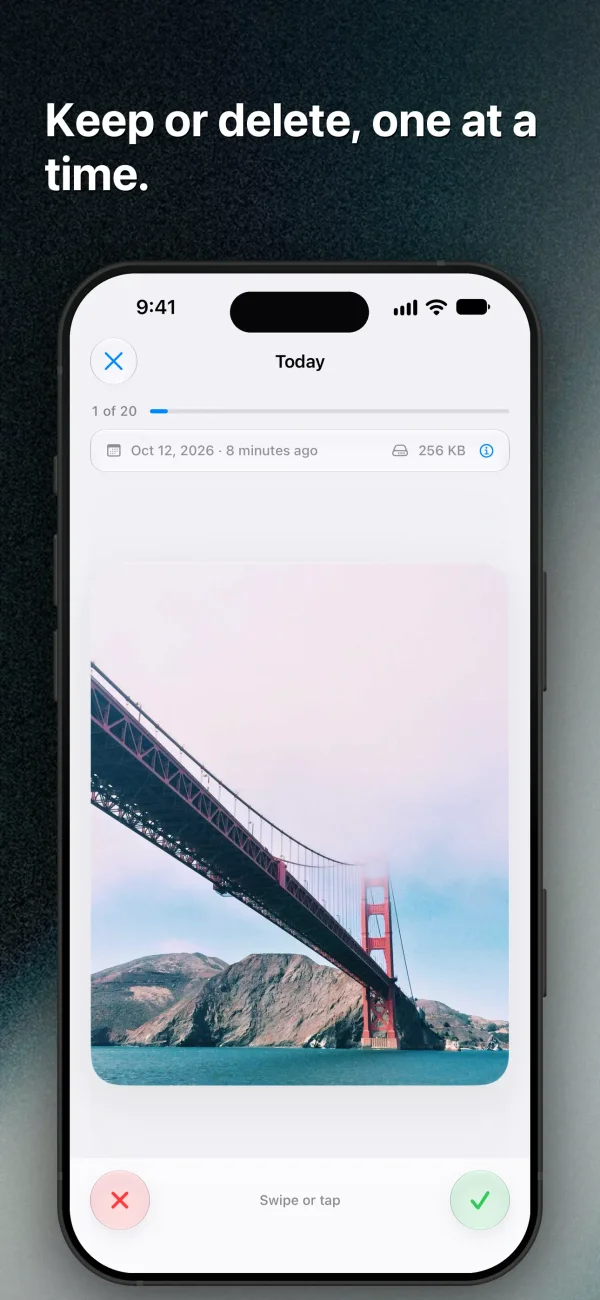
Choose a category—recent photos, screenshots, videos, screen recordings, large photos, Live Photos, bursts, old favorites, On This Day, random shots, or similar-looking groups. Swipe to keep what matters, mark what does not, and confirm once at the end before anything is deleted.
Use SnipSnaps to:
- Clear recent and older screenshots without digging through Photos
- Review videos by size, length, or date
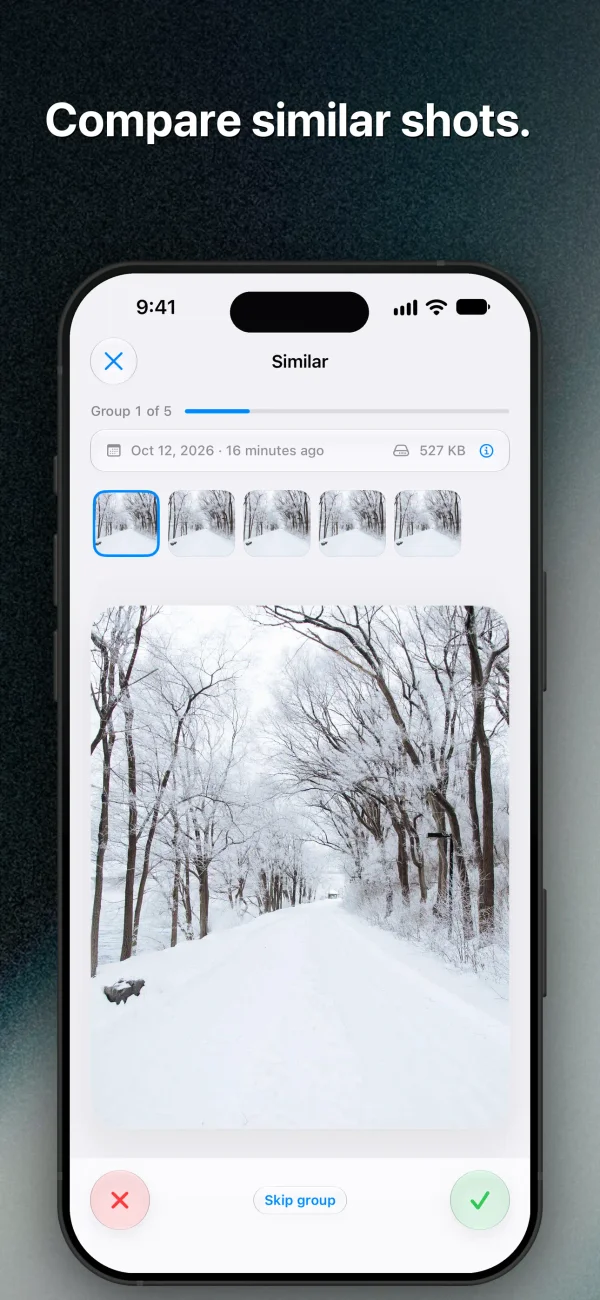
- Find similar-looking groups and compare before choosing what to keep
- Revisit photos from this day in past years
- Set a session size and optional daily cleanup reminder
- See how many items and how much storage you have cleared
Your library stays on your device. SnipSnaps requires no account, includes no ads or analytics, and asks for Photos access only so you can review and delete the items you choose.
What’s new
Version 1.4.0 · Nov 9, 2026
• Support iPhone Duo. Unfolded, a review shows the photo beside its details and the Keep and Delete buttons, and Similar review compares each photo with another from its group. When iPhone Duo is partly folded, the layout splits at the fold, and Home keeps its cards clear of the crease. Folding, unfolding, or rotating keeps your place and your undo history.
• iPad gets the same wide review layouts.
• In landscape on iPhone, the review controls move beside the photo so it keeps the full height.
• Fix button sizing on Mac. The sort buttons on Home and the close button in the full-screen photo viewer no longer show an extra border, and Undo in Files review now matches the height of Trash and Keep.
App privacy
What Kyter, LLC declares on the App Store about how this app handles data.
-
Data not collected
The developer does not collect any data from this app.
Privacy practices may vary, for example with the features you use or your age.
Information
- Seller
- Kyter, LLC
- Category
- Utilities
- Version
- 1.4.0
- Updated
- Nov 9, 2026
- Released
- May 14, 2026
- Size
- 12.8 MB
- Requires
- iOS 18.5 or later
- Age rating
- 4+
- Price
- Free
- Languages
- English
- Copyright
- © 2026 Kyter, LLC
You might also like
-
 Cleanuply: Photo CleanerDelete Duplicates, Free Space
-
 ZeroAds: Redirect BlockerBrowser that blocks popup ads
-
 Font Size Increase for SafariIncrease the text size on web
-
 CORONA BTUtilities
-
 Uniter: Unit ConverterCurrency, Text & Camera
-
 Keyboard Extension - SnipKeyThe best keyboard extension
-
 CheckGo - To-Do & TemplatesQuick Check & Daily Planning
-
 Isochron: Watch AccuracyTimegrapher & watch tracker
-
 Clean Sweep - Phone CleanerDelete Duplicate Photo & Video
-
 SnapSweep: Remove Junk PhotosDeclutter Photos, Free Space