
Snowman 3D LITE
Build and decorate a snowman
Designed for iPhone, iPad, iPod touch
Free · In-app purchases
- Age rating4+
- CategoryFamily
- DeveloperGraphics Software Labs
- LanguagesEnglish
- Size14.8 MB
Links to the official App Store page
Download.org hosts no file of Snowman 3D LITE. The button opens its official App Store page, published by Graphics Software Labs. Listing last checked on Nov 18, 2026.
Screenshots

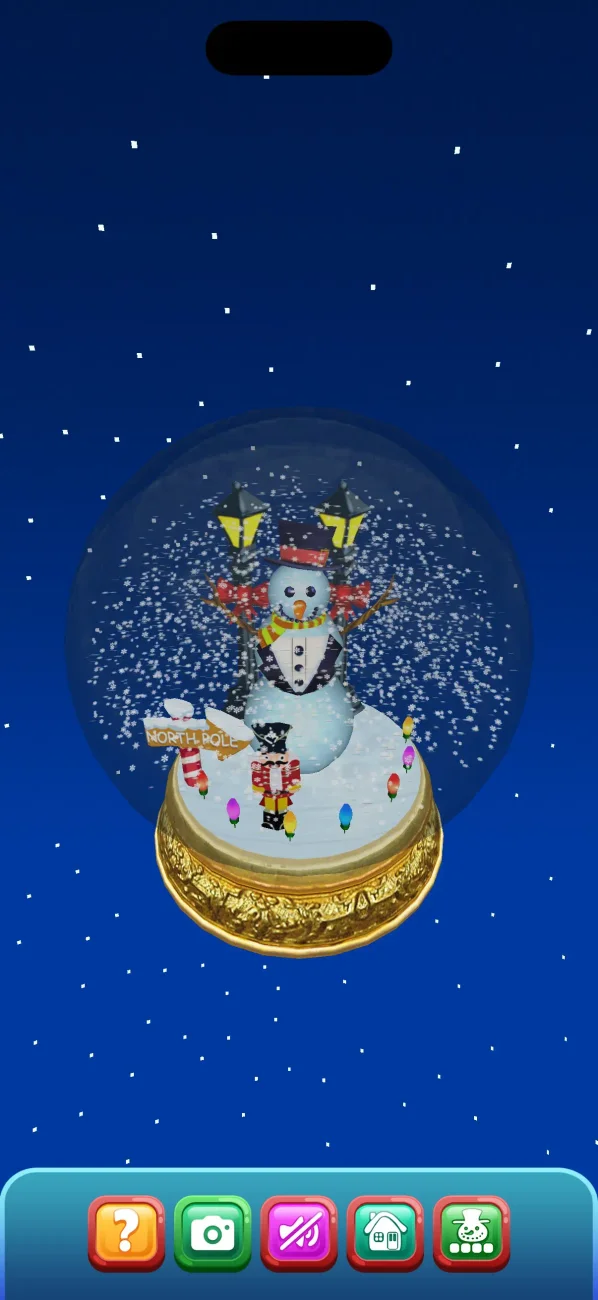
About
Snowman 3D LITE is a playful winter scene. You roll the snowballs, stack them, and decide what your snowman wears and where it stands.
BUILD THE SNOWMAN
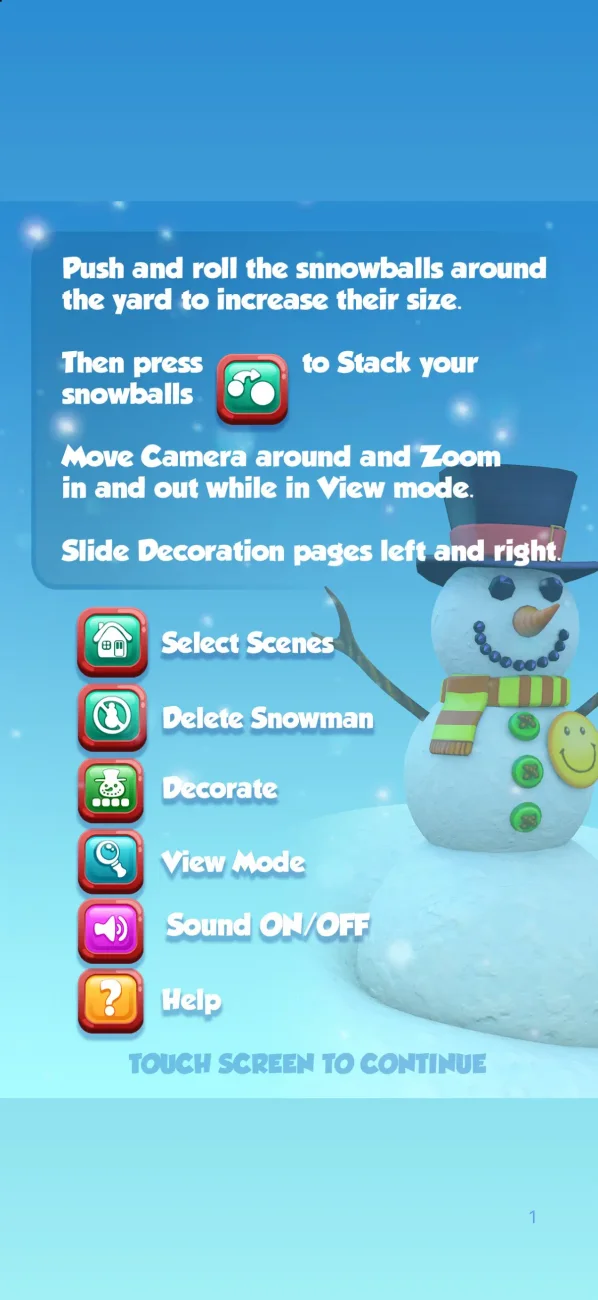
• Drag to roll a snowball around the yard; the farther it rolls, the bigger it gets, leaving a trail in the snow.
• Tap Stack to set it in place, then roll the next one. Three balls make a snowman.
• Clear starts the ball over, or throws the whole snowman away for a new one.
DRESS IT UP
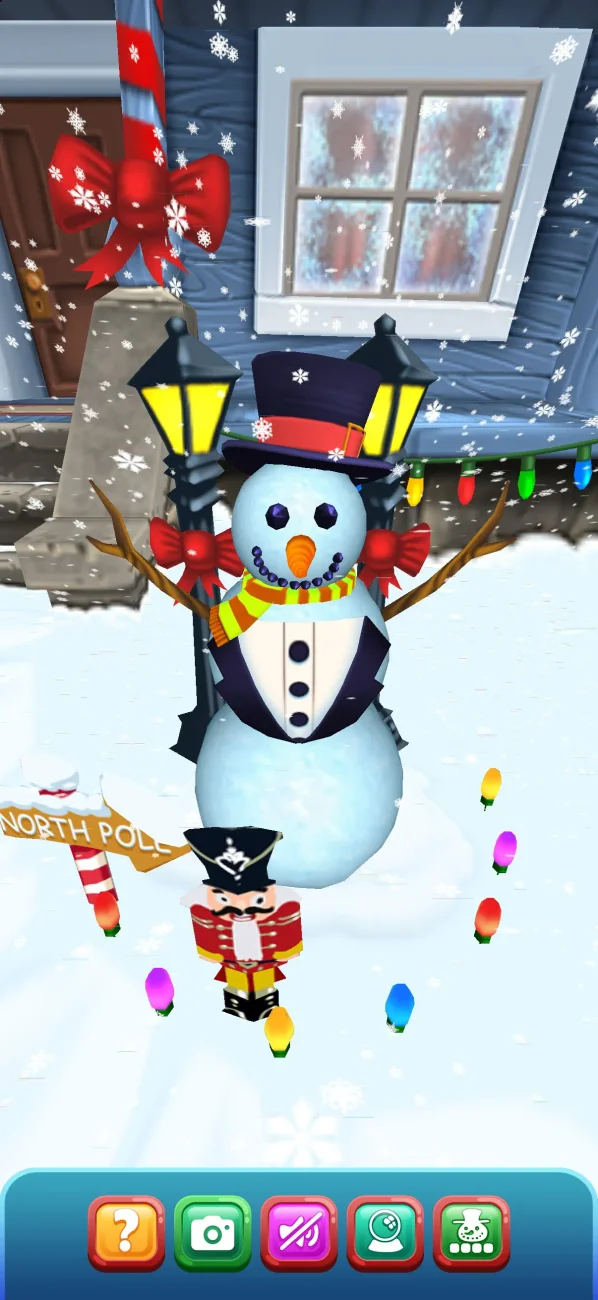
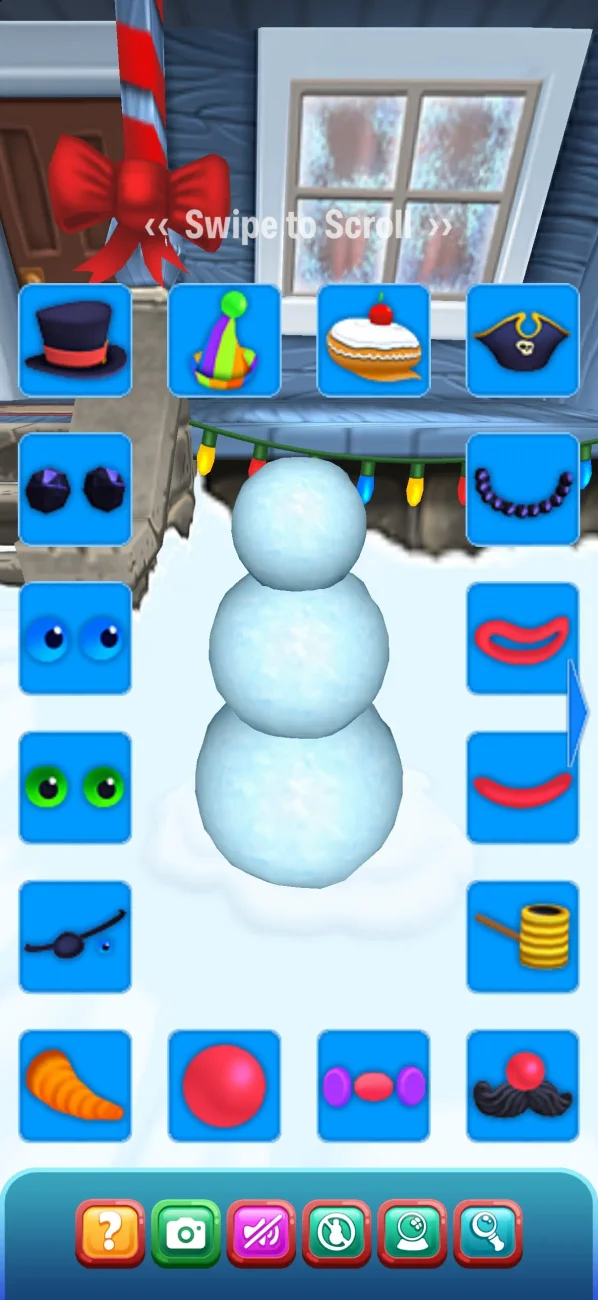
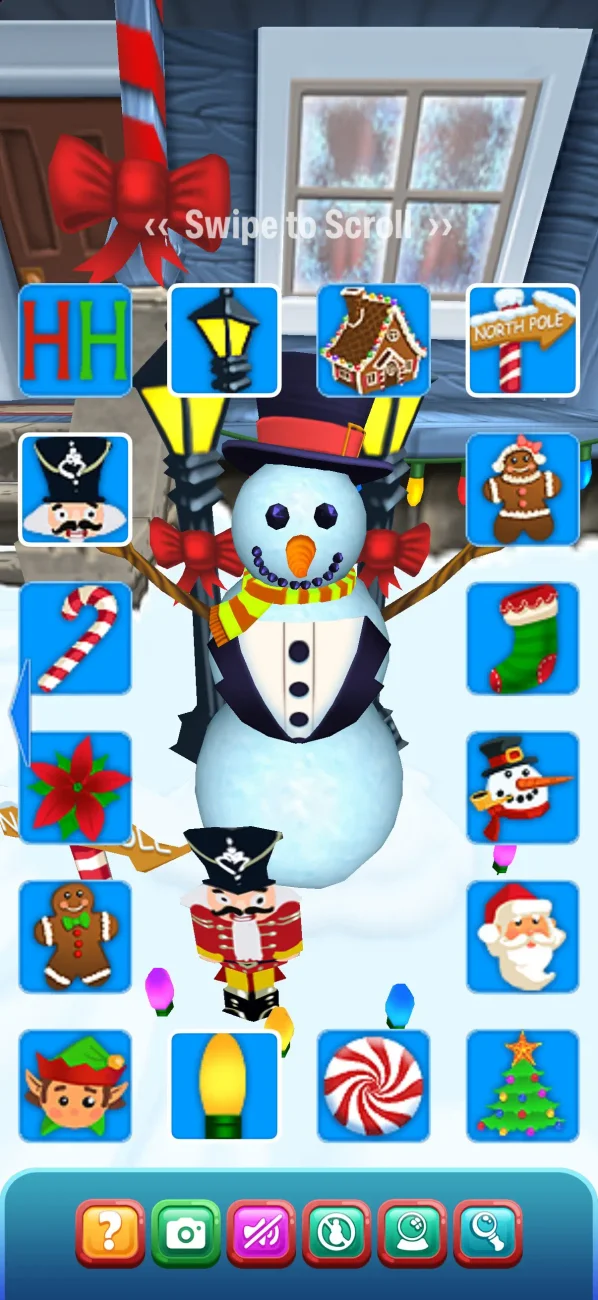
• Four pages of decorations around the edge of the screen: hats, eyes, mouths and noses, arms, bow ties, buttons, vests, scarves, bonus hats and props for the yard.
• Tap an item to put it on the snowman, tap again to take it off. Picking a new hat or nose swaps the old one out for you.
• Santa's sleigh circles the finished snowman.
SET THE SCENE
• Two scenes: the yard in front of the house, or your snowman inside a snow globe.
• Shake the device for a flurry of snow that spirals down around the snowman, or swirls inside the globe.
LOOK AROUND
• View mode hides the menu so you can drag to turn the camera and pinch to zoom; double tap to recenter.
• Save a picture of your snowman straight to your photo library.
• Christmas music and sound effects, with a one-tap mute.
Your snowman is saved when you leave and is waiting when you come back. No account needed. Snowman 3D LITE is free and supported by a small banner ad that appears only while the decorations menu is showing; a one-time Remove Ads purchase takes it away for good.
What’s new
Version 3.1 · Oct 25, 2026
Remove Ads: a one-time purchase that takes the banner away for good, offered from a small button under the banner.
New menu layout for iPad.
App privacy
What Graphics Software Labs declares on the App Store about how this app handles data.
-
Data not collected
The developer does not collect any data from this app.
Privacy practices may vary, for example with the features you use or your age.
Information
- Seller
- Graphics Software Labs
- Category
- Family
- Version
- 3.1
- Updated
- Oct 25, 2026
- Released
- Nov 5, 2018
- Size
- 14.8 MB
- Requires
- iOS 15.6 or later
- Age rating
- 4+
- Price
- Free
- In-app purchases
- Yes
- Languages
- English
- Copyright
- © Graphics Software Labs
You might also like
-
 Snowman SlideRace the Snowman to the Finish
-
 Snow Planet : Make a snowman!Let's play with snow.
-
 Dress Up Snowman GameDesign, Decorate & Fun
-
 Snow Globe DIYCustomize a dreamy snow global
-
 Crazy Santa Christmas DentistFestive Tooth Fixing Adventure
-
 Cook Gingerbread Cake GamesBake Tasty Dessert In Cafe
-
 Gingerbread Fun! - Baking GameMake & Decorate Cookies
-
 Santa Claus Hair Play DoctorChristmas Games for Dress Up
-
 Easter Basket Maker DecorateMake Chocolate Bunny and Candy
-
 Christmas Holiday MatchChristmas Every Day!