
Soar: Trip Timeline
Plan the day. Skip the math.
Designed for iPhone, iPod touch
Free · In-app purchases
- Age rating4+
- CategoryTravel
- DeveloperXuexiu Lai
- LanguagesEnglish+ 1 more
- Size14.9 MB
Links to the official App Store page
Download.org hosts no file of Soar: Trip Timeline. The button opens its official App Store page, published by Xuexiu Lai. Listing last checked on Nov 18, 2026.
Screenshots
About
Soar is a travel planning app that does the time math for you.
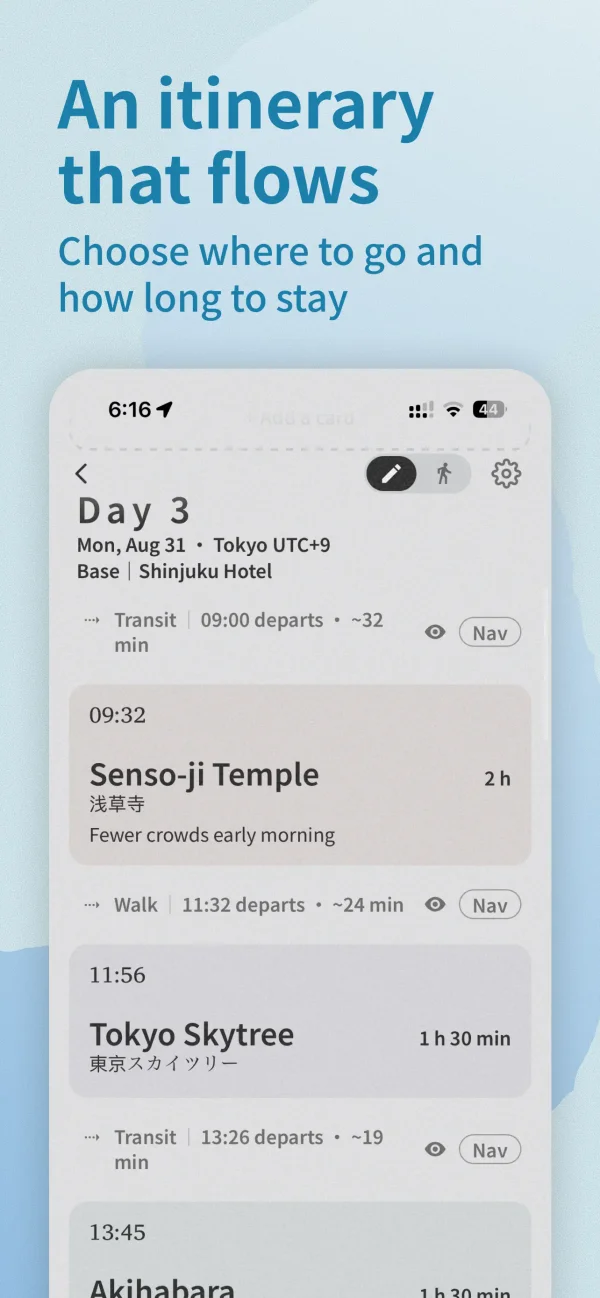
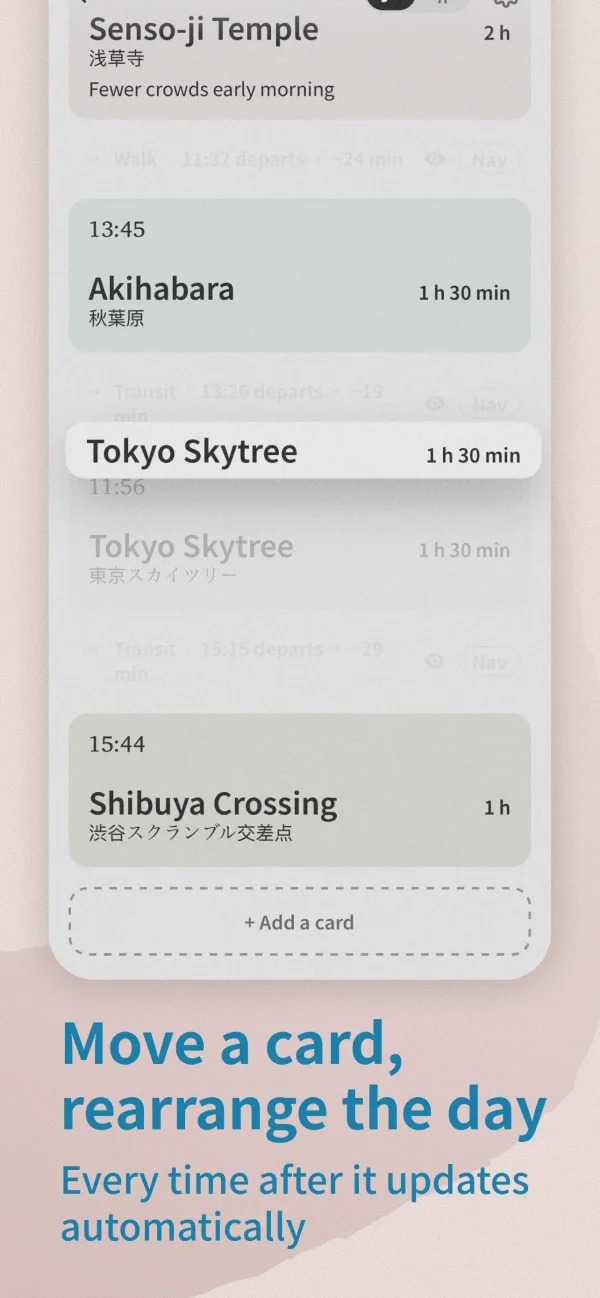
Everything is a card with a duration. Put cards in order and set how long each one takes; Soar calculates the clock times. Move a card or change its duration, and the rest of the day updates automatically.
• Pins
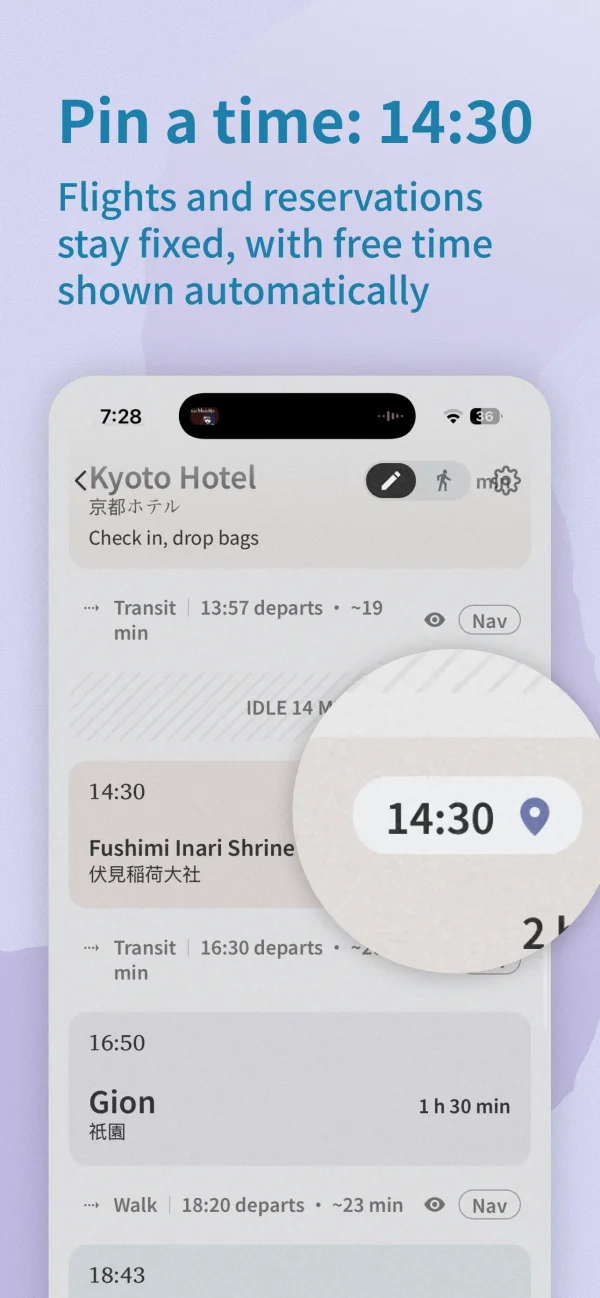
Pin flights, reservations, and other plans that cannot move to a target time. When there is room, free time appears automatically; when the schedule no longer fits, Soar flags the conflict.
• Automatic travel
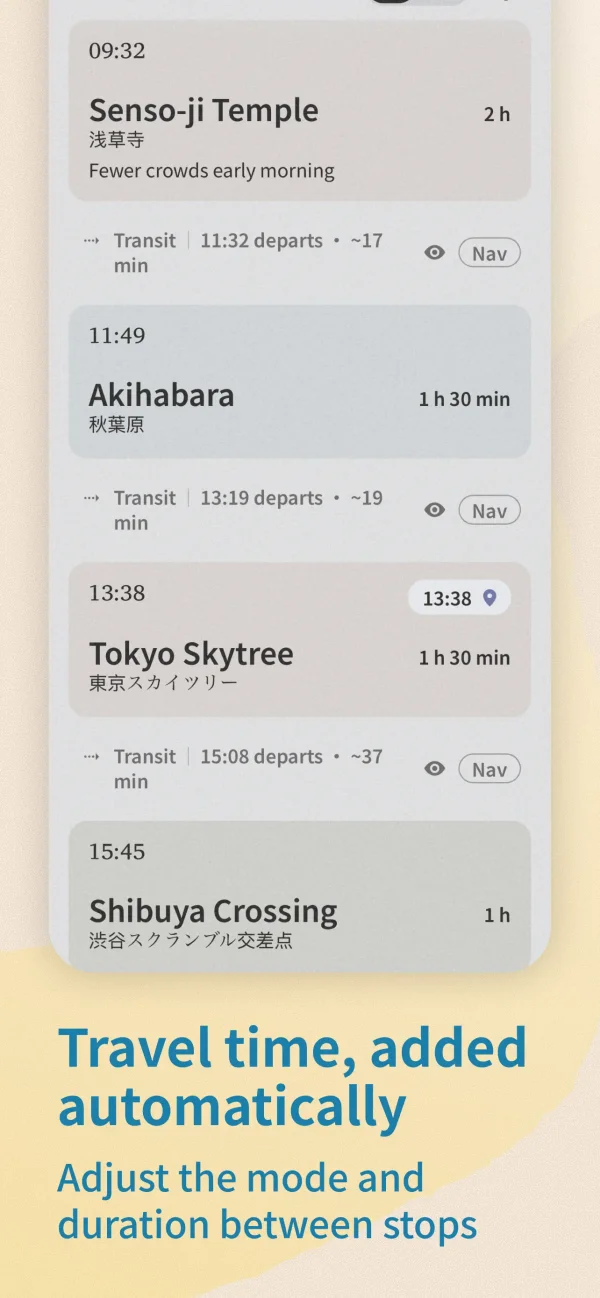
When consecutive cards are in different places, Soar adds travel between them and estimates its duration. You can change the mode or duration, or hide an automatic travel segment you do not need.
• Time zones
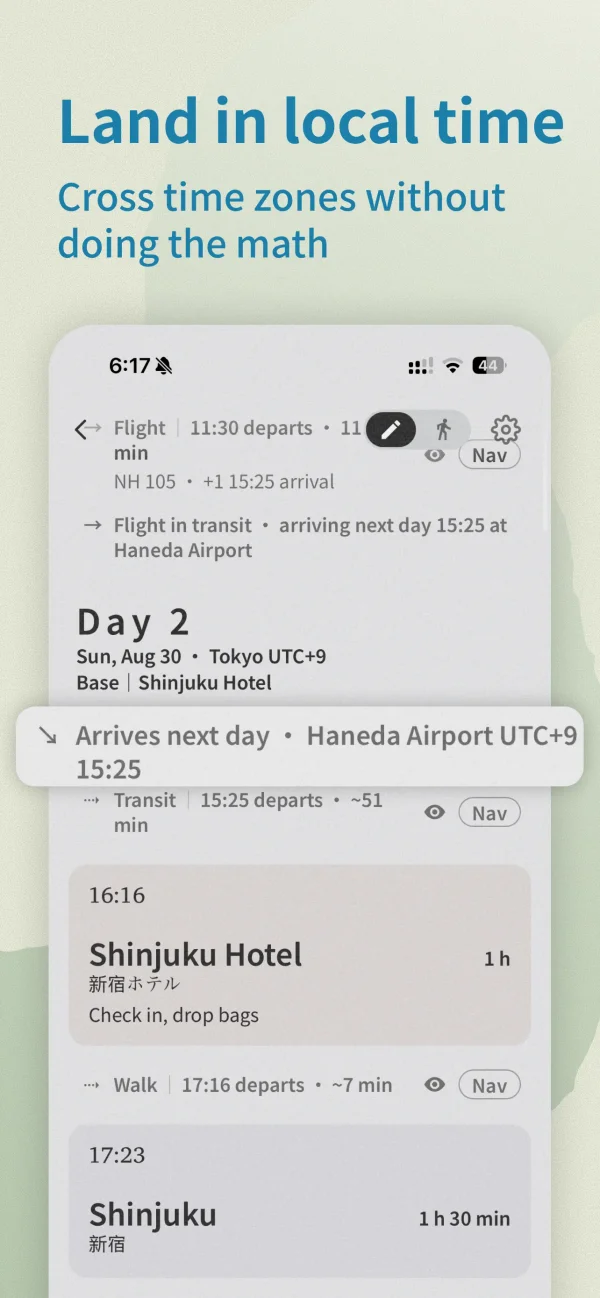
Each place uses its local time zone. After a flight or train crosses a time zone, later plans continue in the destination’s local time. Overnight journeys stay on their departure day, while full days spent traveling are shown as in transit.
• During a trip
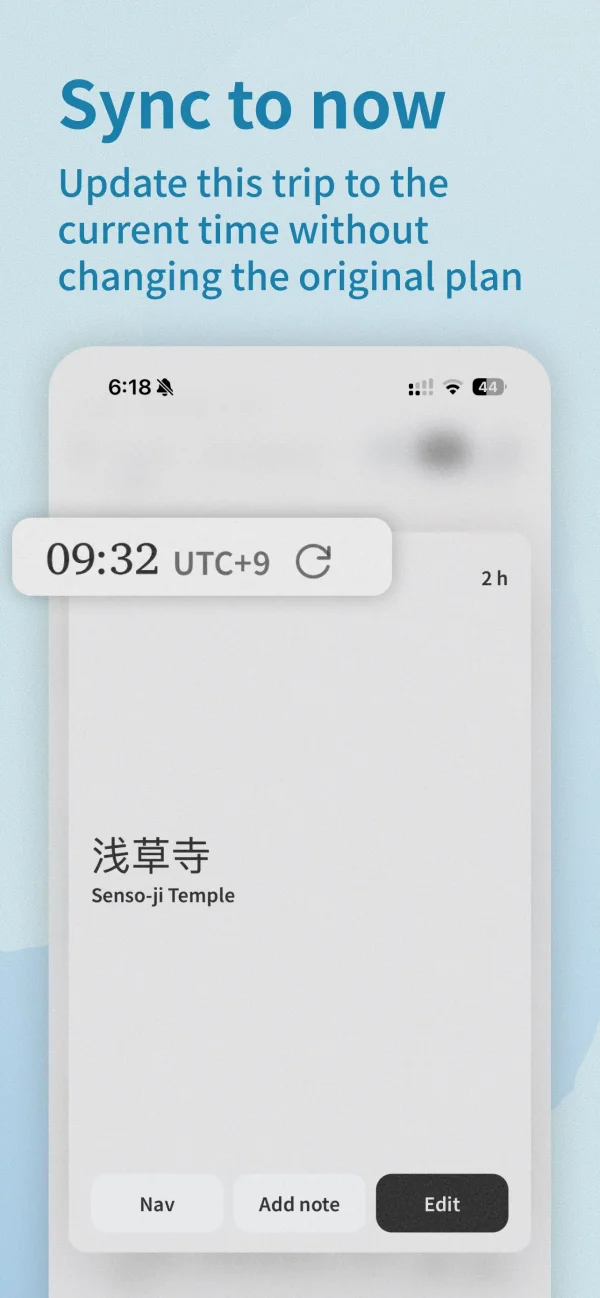
Sync to now whenever you need to adjust for the current time. Changes stay in this trip and do not automatically alter the original plan. When the trip ends, it remains as a read-only record.
• iCloud Sync — Soar Pro
Turn on iCloud Sync in Settings to keep trips, trip records, and app settings in sync across devices signed in to the same iCloud account. Soar continues to work offline and resumes syncing when a connection is available.
• Place details in multiple languages
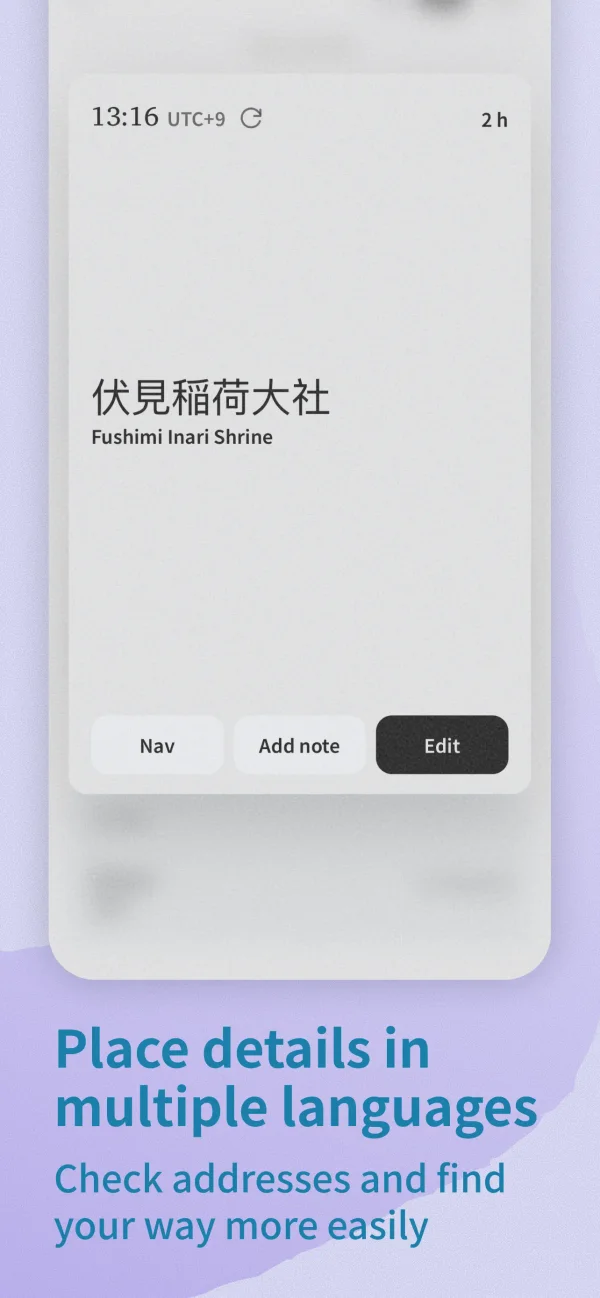
View place names and addresses in multiple languages, making it easier to check an address, find your way, or show someone where you are going.
• Itinerary
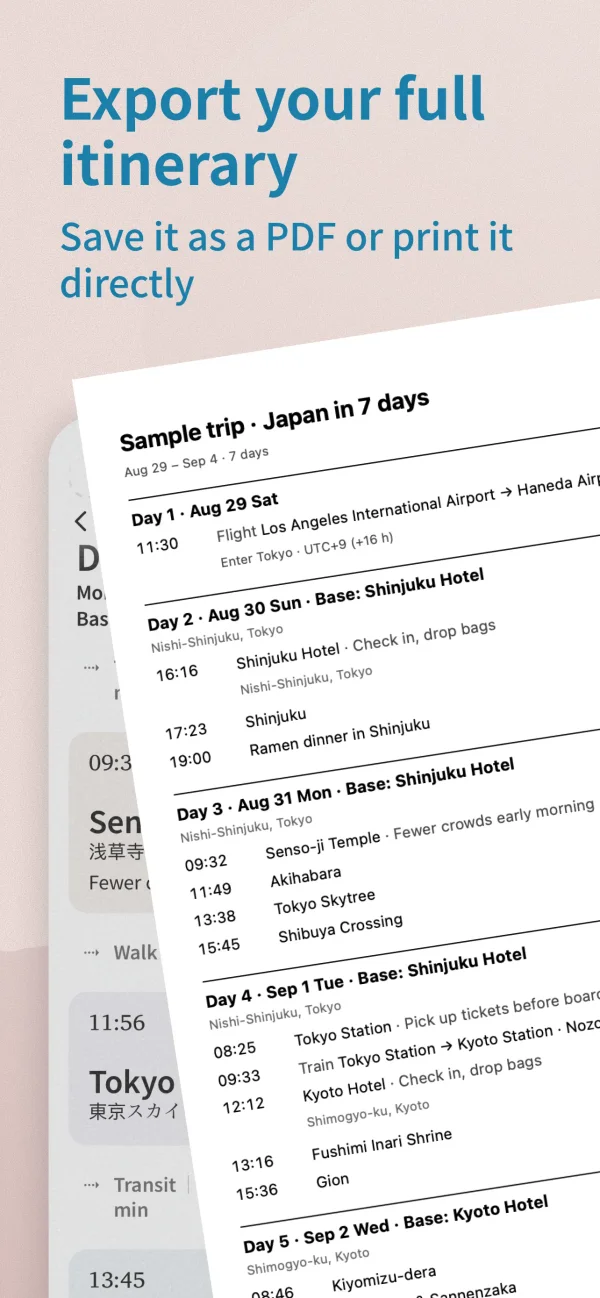
Print a complete itinerary or save it as a PDF.
Soar does not require a separate account. iCloud Sync uses the iCloud account already signed in on your device and can be turned off at any time; your data remains available on the device. Place search and route estimates use public services based on OpenStreetMap. Without internet access, you can enter places manually and continue planning, viewing, and editing trips.
The free version lets you create one trip. Soar Pro is a one-time purchase that adds unlimited trips and iCloud Sync.
What’s new
Version 1.2.3 · Aug 20, 2026
- New gray & white app icon and launch screen
- Fixed: day time zone now follows the Base time zone when a day starts with a move
- Smoother swipe-back animation on move rows
App privacy
What Xuexiu Lai declares on the App Store about how this app handles data.
-
Data not collected
The developer does not collect any data from this app.
Privacy practices may vary, for example with the features you use or your age.
Information
- Seller
- Xuexiu Lai
- Category
- Travel
- Version
- 1.2.3
- Updated
- Aug 20, 2026
- Released
- Aug 5, 2026
- Size
- 14.9 MB
- Requires
- iOS 15.0 or later
- Age rating
- 4+
- Price
- Free
- In-app purchases
- Yes
- Languages
- English, Simplified Chinese
- Copyright
- © 2026 Xuexiu Lai
You might also like
-
 Traceory – AI Trip PlannerTrip Itinerary & Memories
-
 TravelSeed:旅行足迹地图与手账Travel
-
 TripMap 旅行地图Travel
-
 BeforeGo: AI Itinerary PlannerPacking Lists & Trip Organizer
-
 GoWild LogbookKeep Walking
-
 迹遇 - 旅行记录 & 足迹地图Travel
-
 Travely TraceTrace Every Travel as Poetry
-
 浮岛地图-照片旅行足迹Travel
-
 MooFootprint - Travel MapTrack, share, relive your jour
-
 旅迹 TripTraceTravel