
- Age rating4+
- CategoryEducation
- DeveloperSoftbook
- LanguagesEnglish
- Size38.4 MB
Links to the official App Store page
Download.org hosts no file of Softbook LMS. The button opens its official App Store page, published by Softbook. Listing last checked on Nov 16, 2026.
Screenshots

About
Run your online school from your phone, and give your students the app they learn in. The same data as the browser, updated in real time.
You need an account at a school that runs on Softbook. Without one, the app won't open.
YOUR SCHOOL, RUN FROM A PHONE
Students. A searchable list, and a card with courses, progress, access and payments. From that card you grant or revoke access to a course or a single lesson, assign a plan, or block a student.
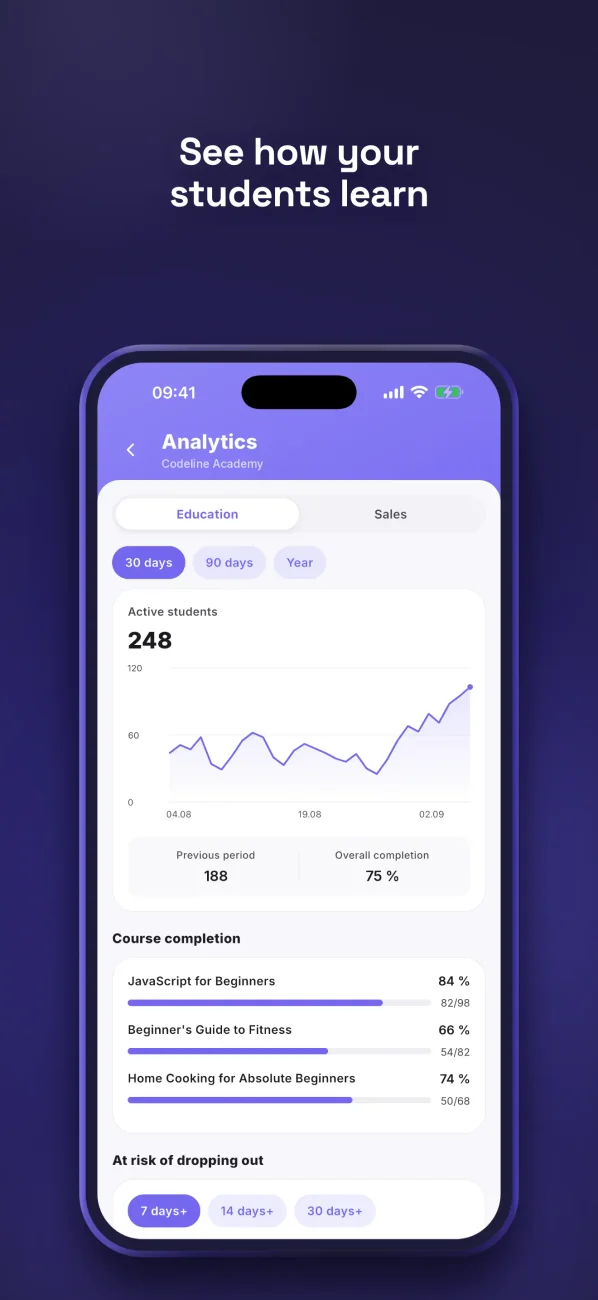
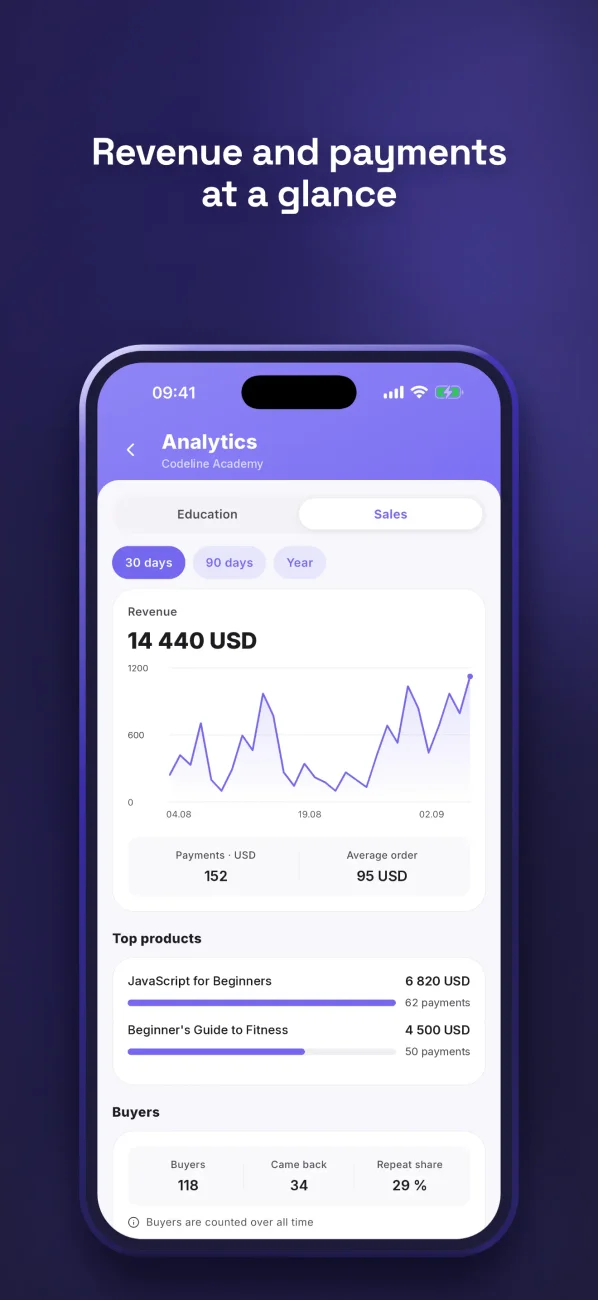
Money and sales. Revenue, sales trends, top products, learning metrics, filtered orders and unpaid invoices. An order opens with its contents, status and actions. Amounts are split by currency and the charts are built for a phone screen. You see how things are going without opening a laptop.
CRM. Deals by stage, contacts, tasks. Overdue items are highlighted, a task with a deadline reminds you ahead of time, and a contact becomes a student in one move.
Homework review. Filters, attachments, a grade, a comment, files in reply, accepted or rejected. Reviewing no longer waits for the evening at a desk.
WHAT YOUR STUDENTS GET
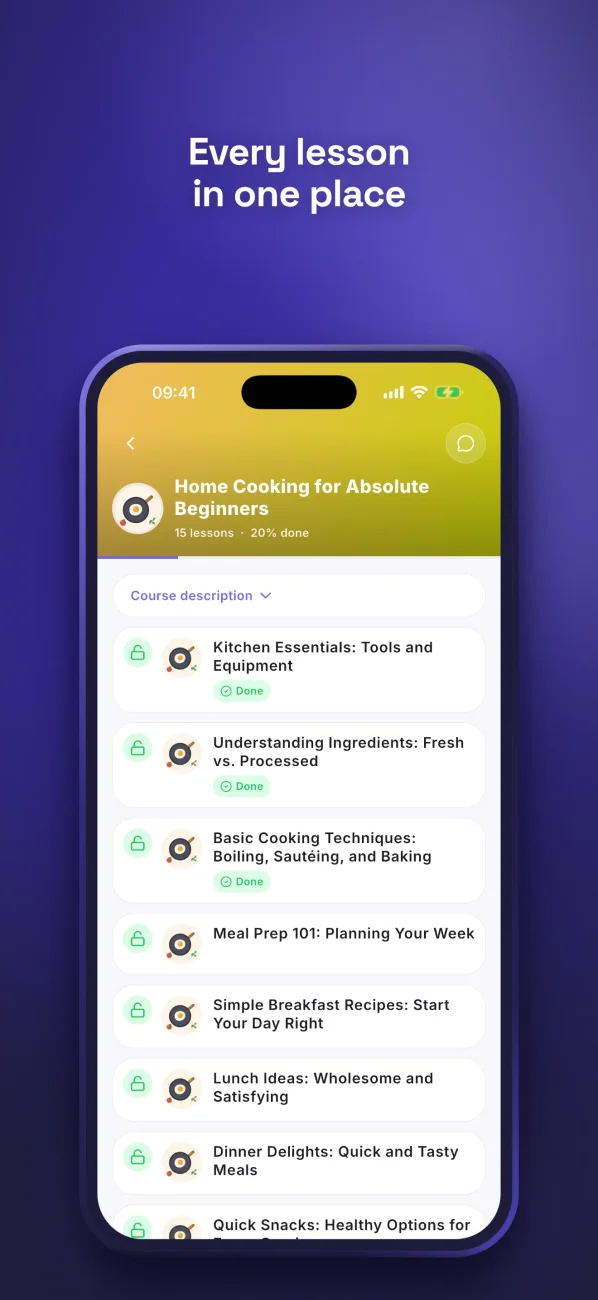
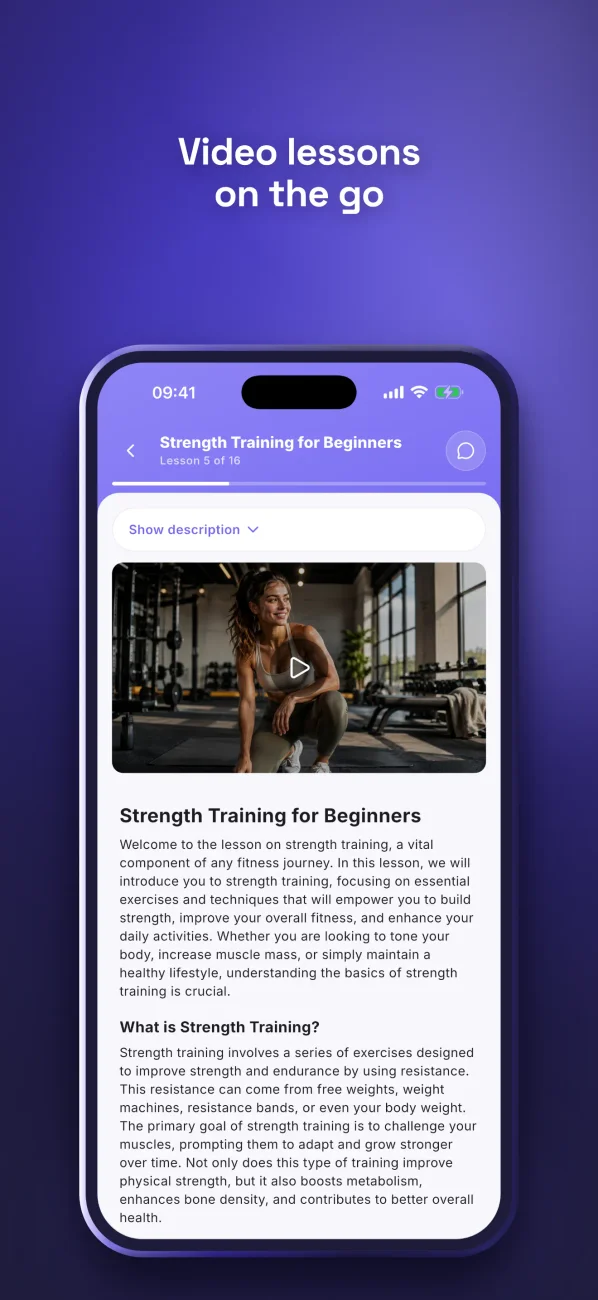
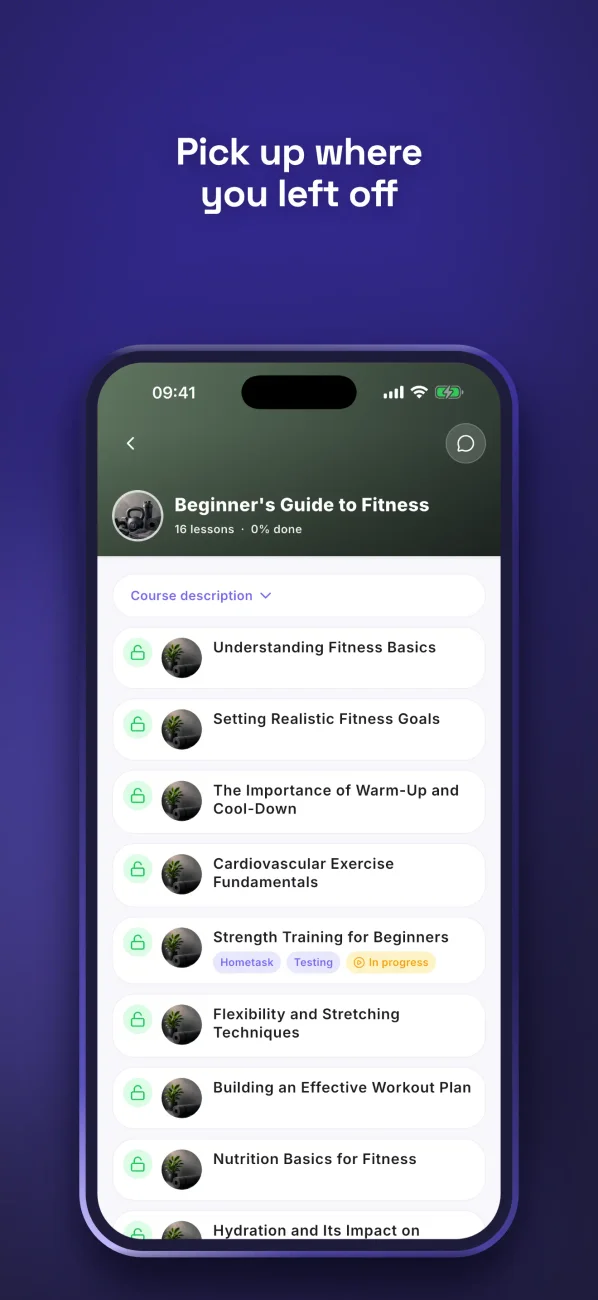
Courses and lessons open with everything you put in the builder: video, audio, images, PDFs, files, text, interactive tasks. Video plays at the quality and speed the student picks. Sequence rules and access limits work exactly as they do on the web, so the program doesn't drift between devices. Screen recording doesn't capture video in the app, so a paid course is harder to pass around.
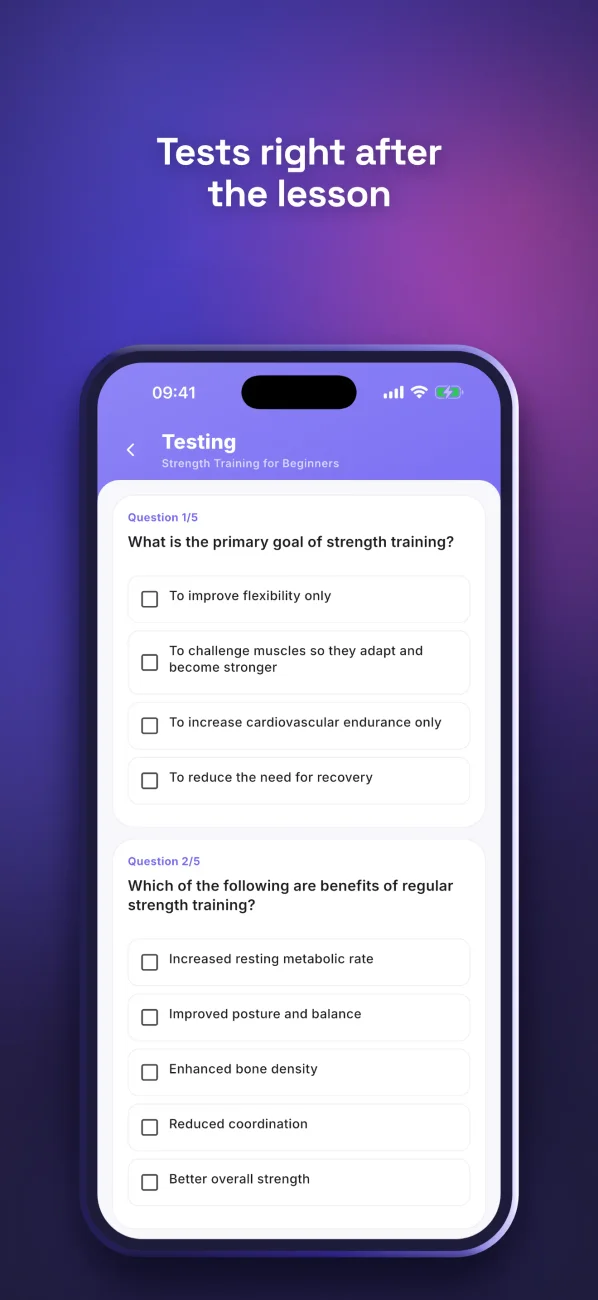
Tests run in every format the platform supports. The server handles both the grading and the clock: the score is the same everywhere, the countdown keeps going if the app moves to the background or the student switches to a computer, and an attempt started on a phone can be finished in the browser. On iPhone the time left shows on the lock screen and in the Dynamic Island. Fewer dropped attempts, and fewer arguments that begin with "the app crashed on me."
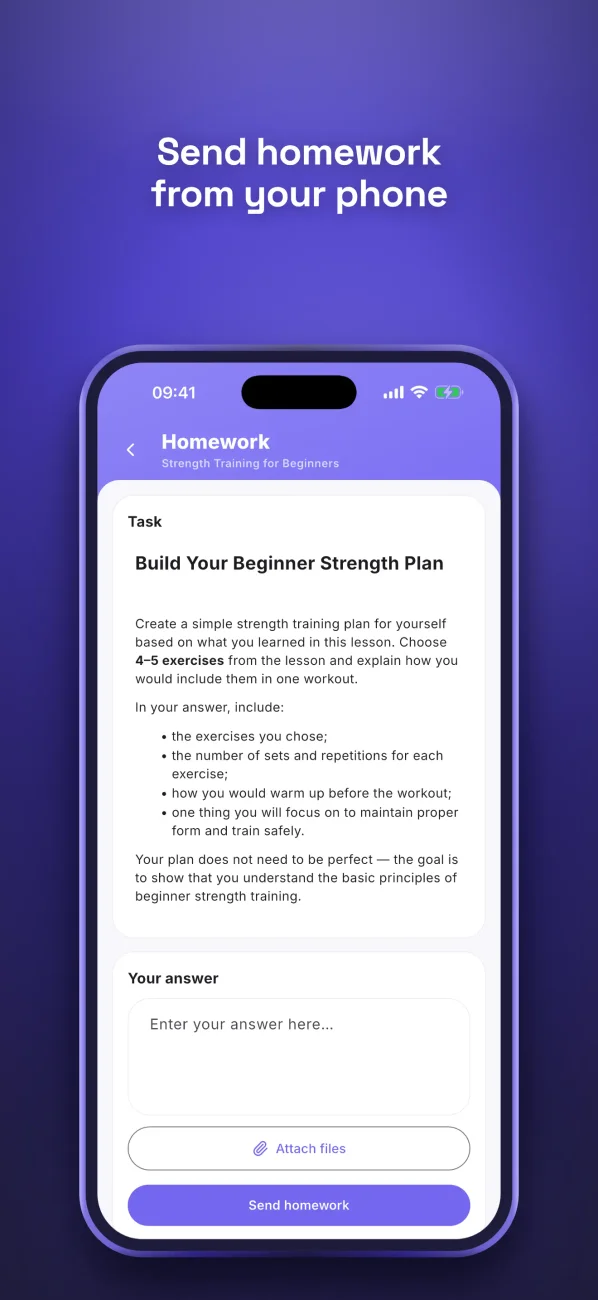
Homework comes in as text, a file, or a voice recording made right in the app: speaking practice a computer never gave you, and a whole assignment format for language schools.
Certificates open in the app and the serial number copies out. Your graduate shows the result on their own, without coming back to ask you for it.
Push arrives when work has been reviewed, a teacher has replied, or a scheduled session is about to start. Students stop missing things, because they aren't waiting on email. They choose which notifications they get, so it never turns into noise.
TALKING INSIDE THE SCHOOL
The school messenger: direct and group chats, files and photos, quoted replies, reactions, pinned messages, read receipts. What you read on a computer doesn't come back to your phone. Support requests to the school open in the same place, and one screen works for a student and for staff.
A school feed with posts and comments, and lesson discussions with pre-moderation. The school turns this on and configures it.
YOUR SCHOOL, IN YOUR COLORS
When a student enters your school, the app takes on its brand colors and shows its logo. They are inside your school, not a neutral app. Settings changed on the web apply on the fly, and an action in the app triggers the same workflows as an action on the web.
Several schools and several accounts switch with one tap, with no password to re-enter. The interface runs in eight languages.
SIGNING IN
Login and password, or Apple ID. You turn on Face ID and Touch ID locking yourself: it fires at launch and when the app returns from the background. A QR code replaces the password on a computer: point the camera at the code on the browser screen and the session is authorized.
Anyone can report a post, comment or profile, and shut off contact with a particular person.
ABOUT SOFTBOOK
Schools have earned over $50M on Softbook. Over 1M students. We work in 57 countries. Support 24/7.
What’s new
Version 1.0.2 · Sep 28, 2026
This update brings a lot for students and school teams.
LEARNING
• Audio lessons keep playing when you lock the screen or switch apps, with playback controls on the lock screen
• Choose the playback speed for audio
• The next lesson unlocks as soon as you complete one
• Finishing a course issues your certificate right away — it opens as soon as you're done
• Leave feedback on lessons and courses, right from the lesson
• Lessons with steps now track your progress through every step
• Faster course search that loads more as you scroll
YOUR SCHOOL
• The app takes on your school's own colors
• School announcements appear where you'll see them — in your courses and payments
TEAMS
• Team members see exactly the sections they have access to
EVERYWHERE
• Links in lessons, messages and support tickets are now tappable
• Bug fixes and performance improvements
App privacy
What Softbook declares on the App Store about how this app handles data.
-
Data linked to you
May be collected and linked to your identity.
- Contact info
- User content
- Identifiers
- Usage data
- Diagnostics
Privacy practices may vary, for example with the features you use or your age.
Information
- Seller
- SOFTBOOK LLC
- Category
- Education
- Version
- 1.0.2
- Updated
- Sep 28, 2026
- Released
- Sep 12, 2026
- Size
- 38.4 MB
- Requires
- iOS 15.0 or later
- Age rating
- 4+
- Price
- Free
- Languages
- English
- Copyright
- © 2026 Softbook LLC
You might also like
-
 EYA: AAC Communication BoardAutism Talker & Picture Cards
-
 Vocabulary Builder: FlashcardsLearn New Words Every Day
-
 EnchiCardsКартки для комунікації
-
 Bugela ClubEducation
-
 PlayMom: Baby & Toddler PlaySimple ideas to play together
-
 Child Board: Kids RoutinesVisual chore charts for kids
-
 Speak Ukrainian - NowFluencySpeak, Shadow & Learn with AI
-
 Mindell - AI Learning & NotesNotebookLM - Learn Efficiently
-
 Fairmont School District 89Education
-
 Spreadthesign - BeginnersReference