- Age rating4+
- CategoryUtilities
- DeveloperMarc Durst
- LanguagesGerman+ 4 more
- Size29.3 MB
Links to the official App Store page
Download.org hosts no file of Solar Lens. The button opens its official App Store page, published by Marc Durst. Listing last checked on Nov 24, 2026.
Screenshots


About
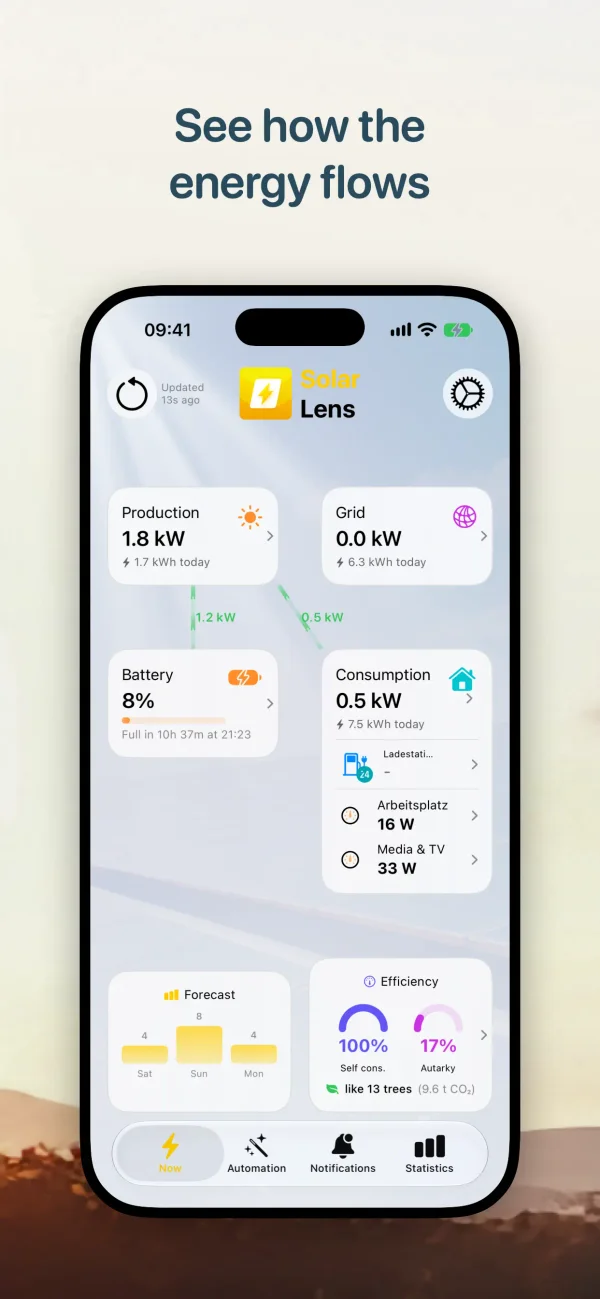
Solar Lens brings your Solar Manager system to iPhone, iPad, Apple Watch and CarPlay. See at a glance what your roof produces, what your home uses and where the energy goes — and act on it right away, from the charging mode to an automation.
LIVE
• Energy flow between solar, battery, grid and home in real time
• Solar forecast for today and the next two days
• Pin the devices you care about to the app's main screen
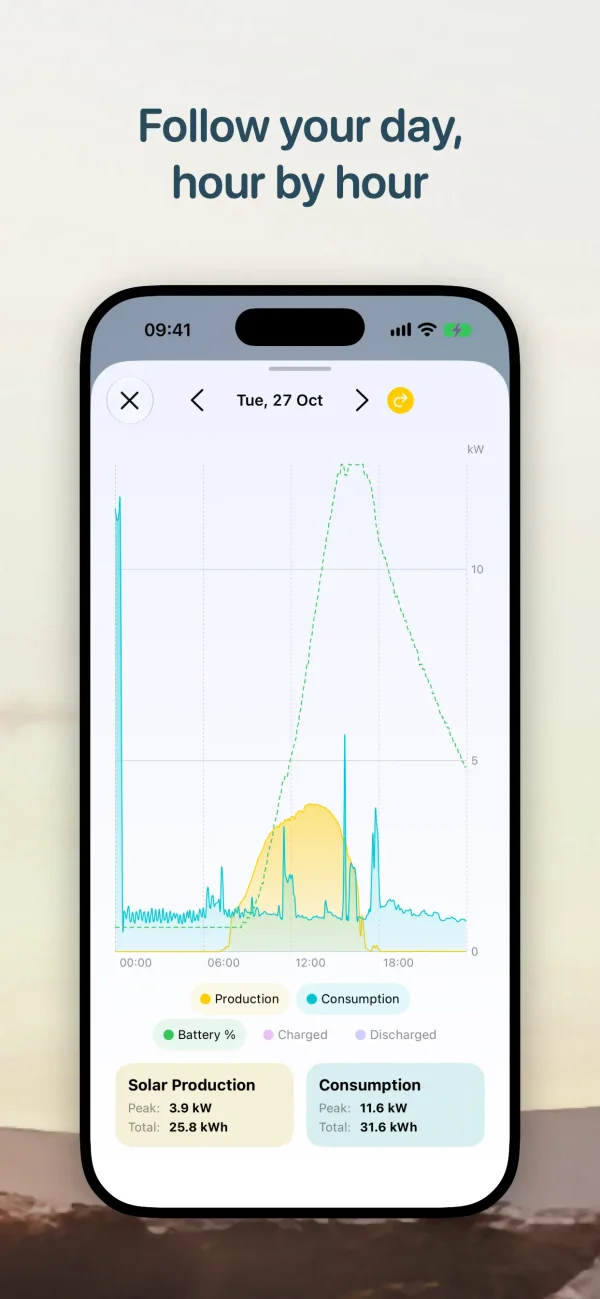
• Day charts for production, consumption, grid and battery — for past days too
CONTROL
• Switch your EV charging mode, including target charge and departure time
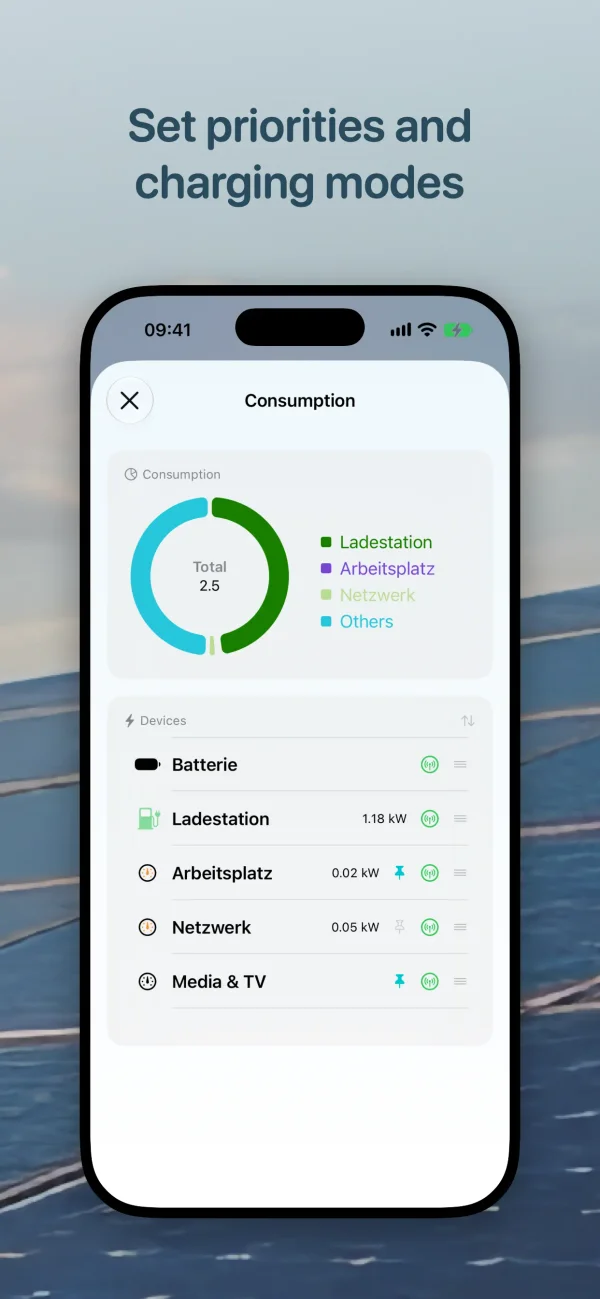
• Change device priorities by drag and drop
• Set the battery mode (Standard, Eco, Peak shaving, Manual)
AUTOMATIONS AND ALERTS
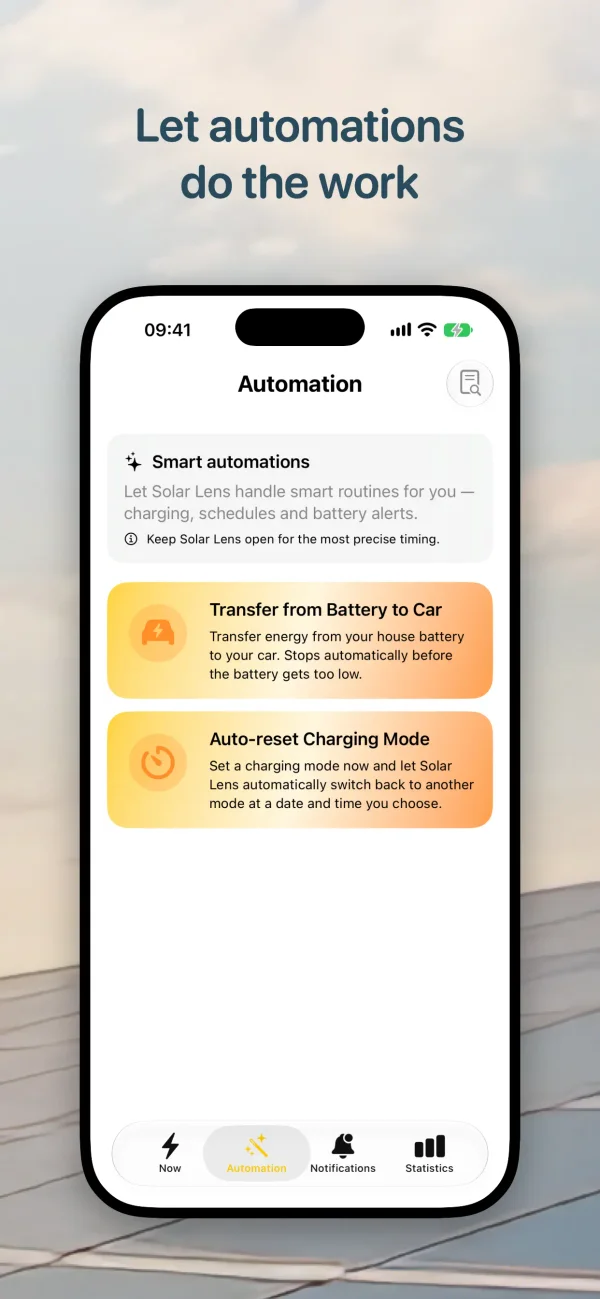
• Battery to Car: charges the car from the house battery, down to a minimum level you choose
• Auto-reset Charging Mode: charge at full power now and switch back at a time you set — even when the app is closed
• Live Activity on the Lock Screen and in the Dynamic Island while an automation runs
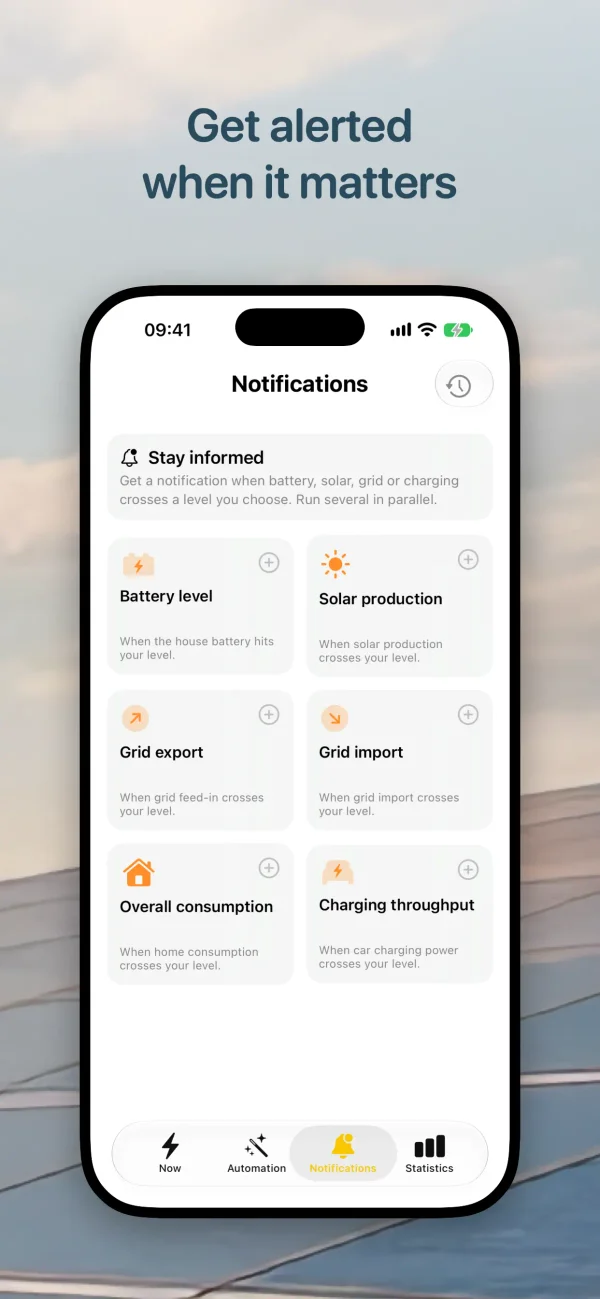
• Alerts when battery level, production, consumption, grid import, grid export or charging power crosses a value you set
STATISTICS
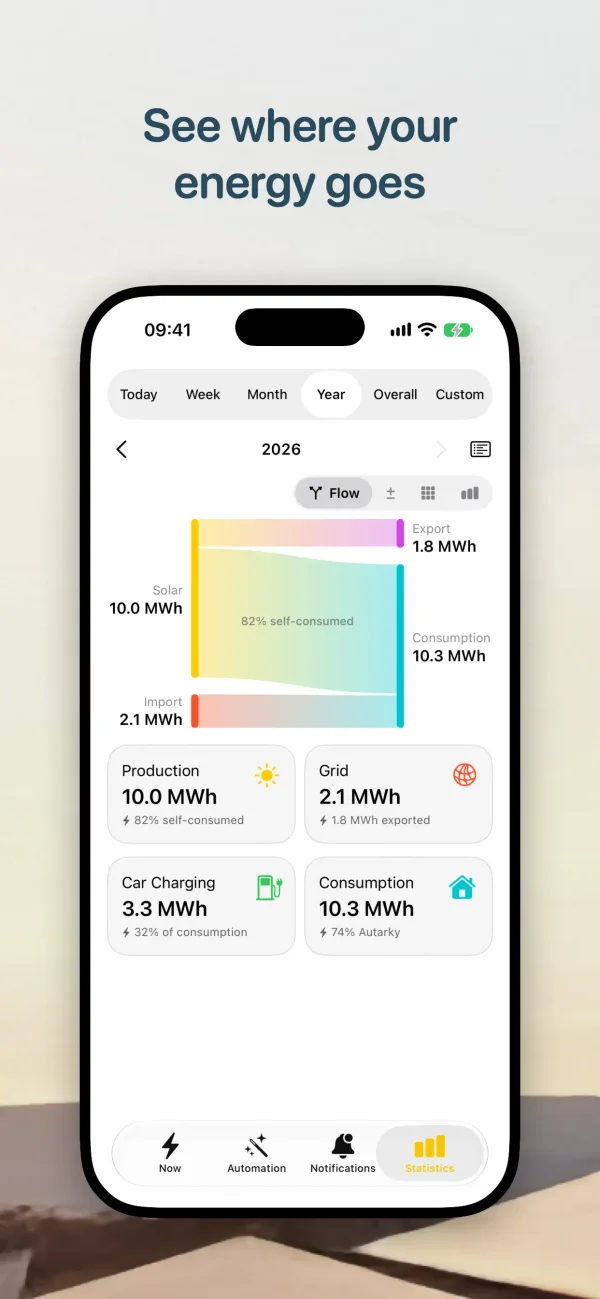
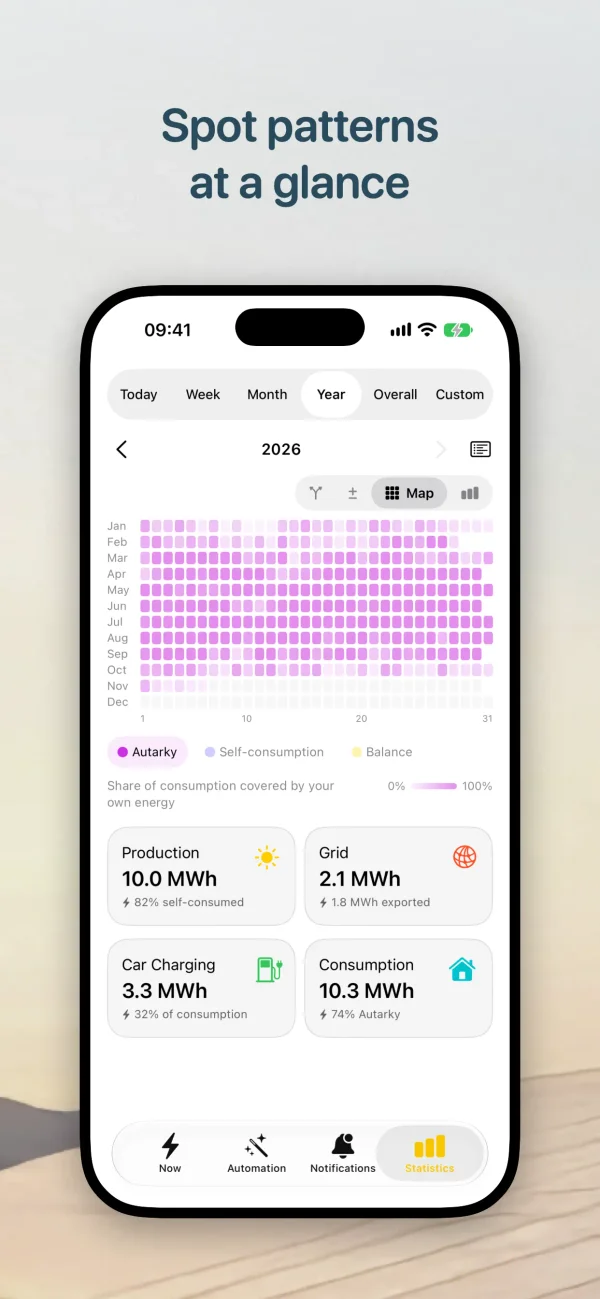
• Week, month, year, your whole installation or any custom range
• Flow: where your energy came from and where it went
• Balance: which days, months or years ran a surplus or a deficit
• Map: every hour, day or month tinted by autarky, self-consumption or balance
• Export as CSV or Excel
UNDERSTAND YOUR SYSTEM
• Autarky and self-consumption for today, 7, 30 and 365 days
• Grid costs and revenue based on your own tariffs
• Battery advantage: what your battery has saved you
• Battery simulator: replays a past year of your own data with extra battery capacity and shows whether it would pay off
• CO₂ avoided, calculated with your country's grid mix
EVERYWHERE
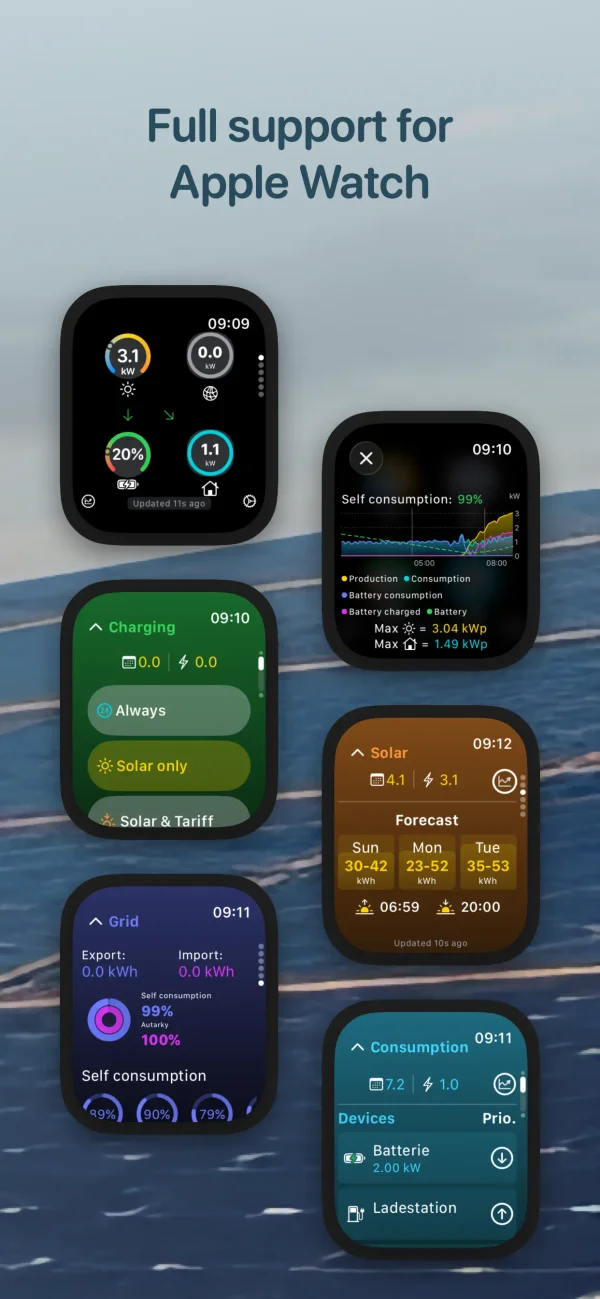
• Apple Watch app that works without the iPhone, with complications and Smart Stack widgets
• Home Screen and Lock Screen widgets
• Siri and Shortcuts on iPhone and iPad: "How much solar am I producing?"
• CarPlay: energy overview, charging mode and device priorities
• English, German, French, Italian and Danish
PRIVATE
Solar Lens talks directly to Solar Manager. Your login, your devices and your measurements are never sent to the Solar Lens server.
For the living room there is Solar Lens BigScreen for Apple TV, a separate app.
Tip
On Apple Watch, the easiest way to enter your login is with your iPhone keyboard.
Requirements
You need a login to an existing Solar Manager installation.
Disclaimer
Solar Lens is an independent hobby project by Marc Dürst and is not affiliated with Solar Manager AG. It uses the official Solar Manager API.
What’s new
Version 4.9.0 · Nov 21, 2026
- Solar Lens now adapts to the foldable iPhone Duo: unfolded, you get the iPad-style dashboard with tile details in a side panel in landscape, or a clean single-column dashboard in portrait.
- Folded, the iPhone Duo's outer display now fits the landscape home screen, and texts, charts and sheets are laid out better.
- On the iPad, the year statistics now appear right next to the dashboard.
- Forecast and efficiency now sit above the day chart in the single-column view.
- Automation cards now sit side by side on wide screens, including iPad.
- The login error message now stays visible on short screens.
- The app logo and sunrise and sunset times no longer break across lines on narrow screens.
App privacy
What Marc Durst declares on the App Store about how this app handles data.
-
Data not linked to you
May be collected but is not linked to your identity.
- Identifiers
Privacy practices may vary, for example with the features you use or your age.
Information
- Seller
- Marc Durst
- Category
- Utilities
- Version
- 4.9.0
- Updated
- Nov 21, 2026
- Released
- Oct 16, 2024
- Size
- 29.3 MB
- Requires
- iOS 18.0 or later
- Age rating
- 4+
- Languages
- German, Danish, English, French, Italian
- Copyright
- © 2024 Marc Dürst