
- Age rating4+
- CategoryBusiness
- DeveloperSolarvista Software Ltd
- Size303.4 MB
Links to the official App Store page
Download.org hosts no file of Solarvista. The button opens its official App Store page, published by Solarvista Software Ltd. Listing last checked on Nov 12, 2026.
Screenshots

About
The Solarvista mobile app works with Solarvista... the world's first 2-in-1 field service management system and no-code application platform.
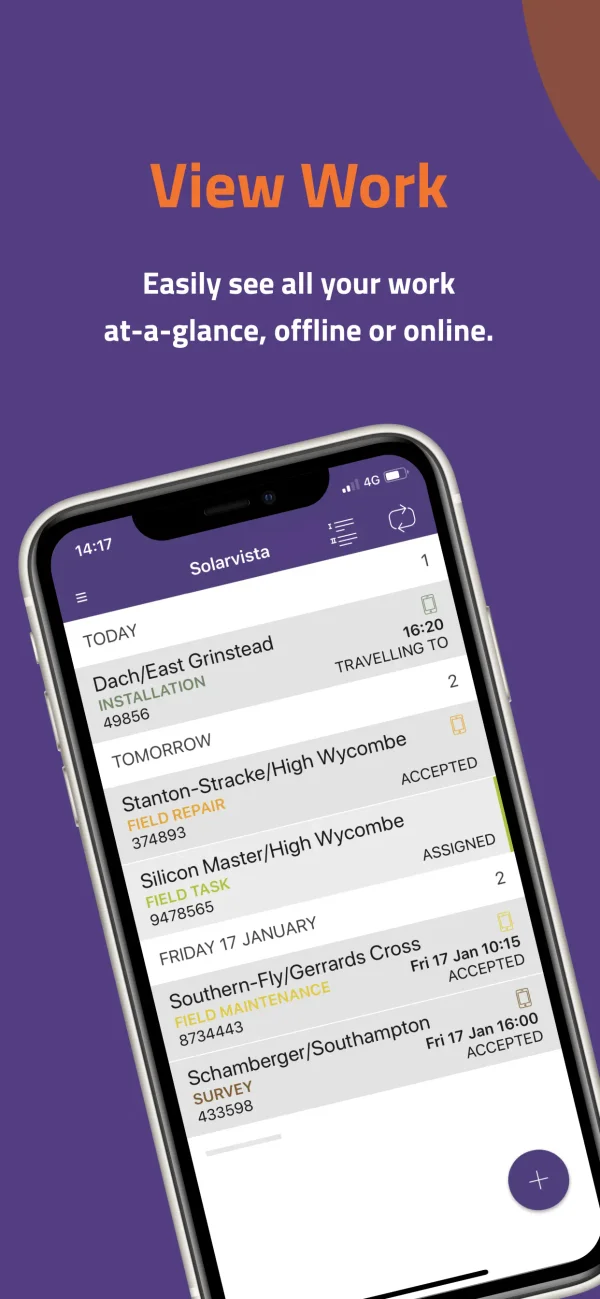
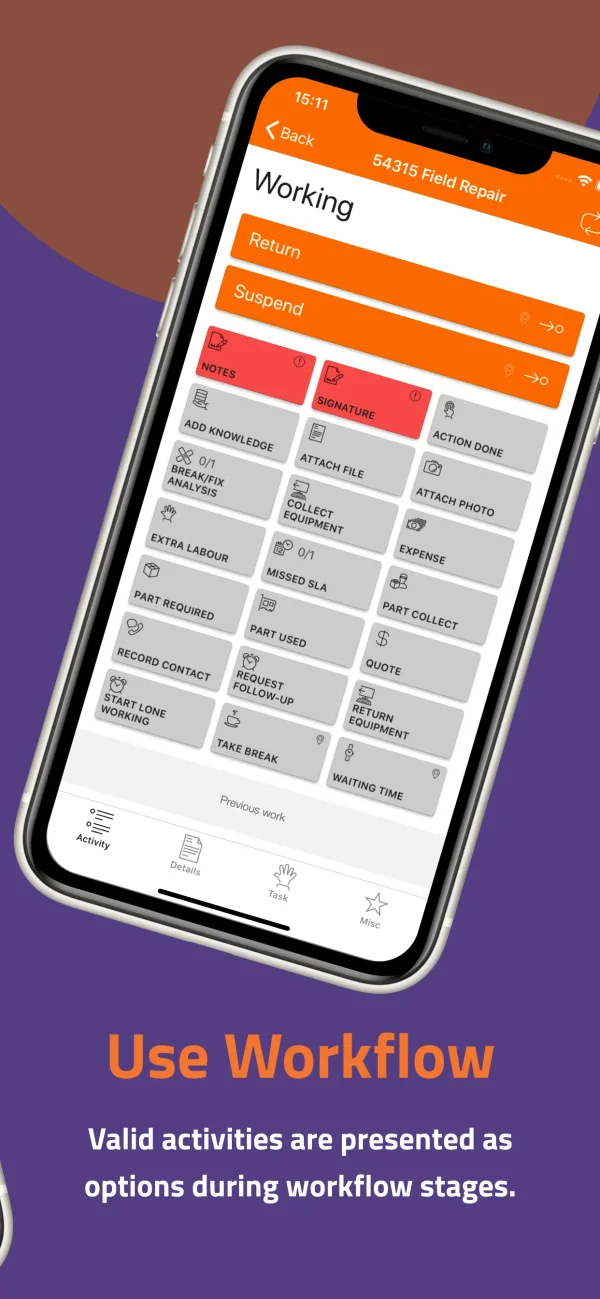
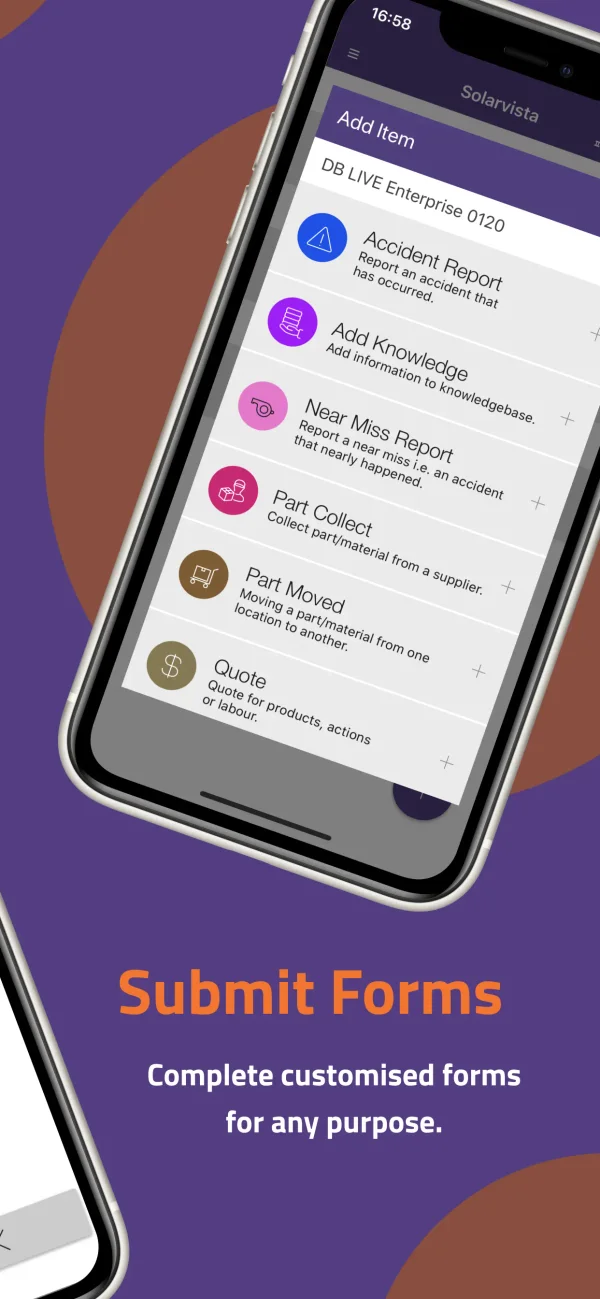
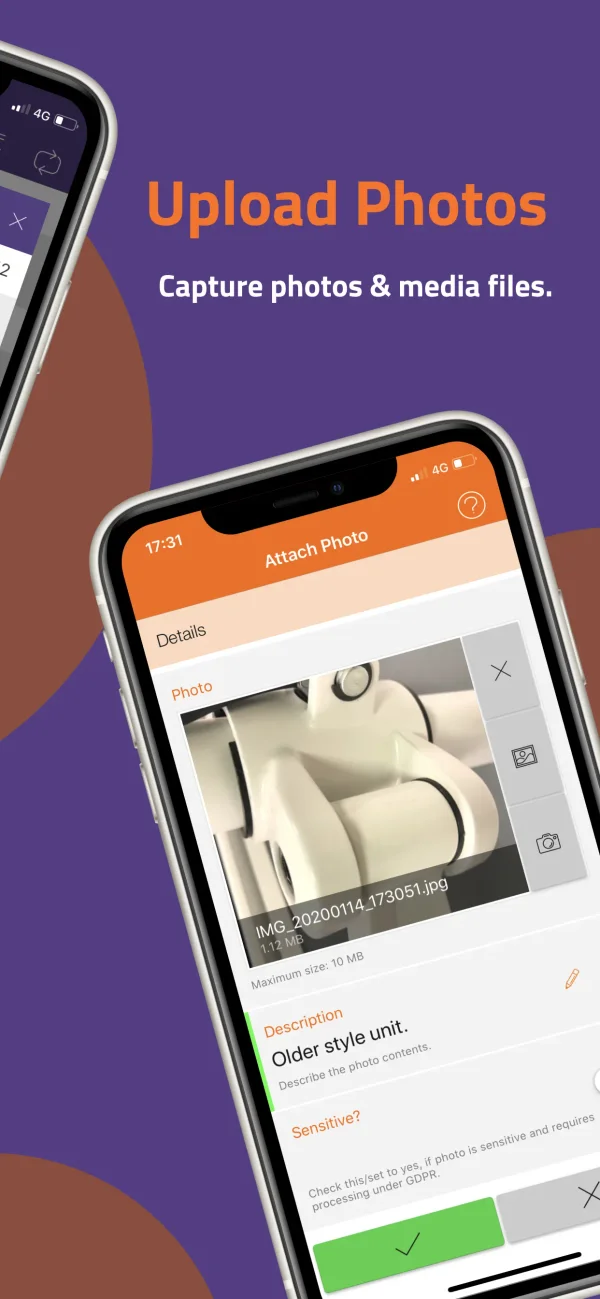
An app for the busy mobile operative with everything they need to receive your custom-built work instructions, plan, update and capture information efficiently and quickly. It's purpose built for the mobile operative with intuitive screens, easy-to-use navigation, full offline operation and simple button-led workflow. Work Items received, workflow, activities and forms (which are either ready-made or custom designed by you in the web portal) are presented in the optimum way to maximise user productivity. These can be used for any purpose or used to track/manage parts, materials, labour, forms, equipment/assets and lots more.
FEATURES
• Seamless offline or online operation.
• Flexible sync engine with ability to edit information up and until final confirmation.
• Offline viewing of attached documents or other files to work items.
• Field-ready design with clear buttons, fewer clicks, process-driven screens and live validation.
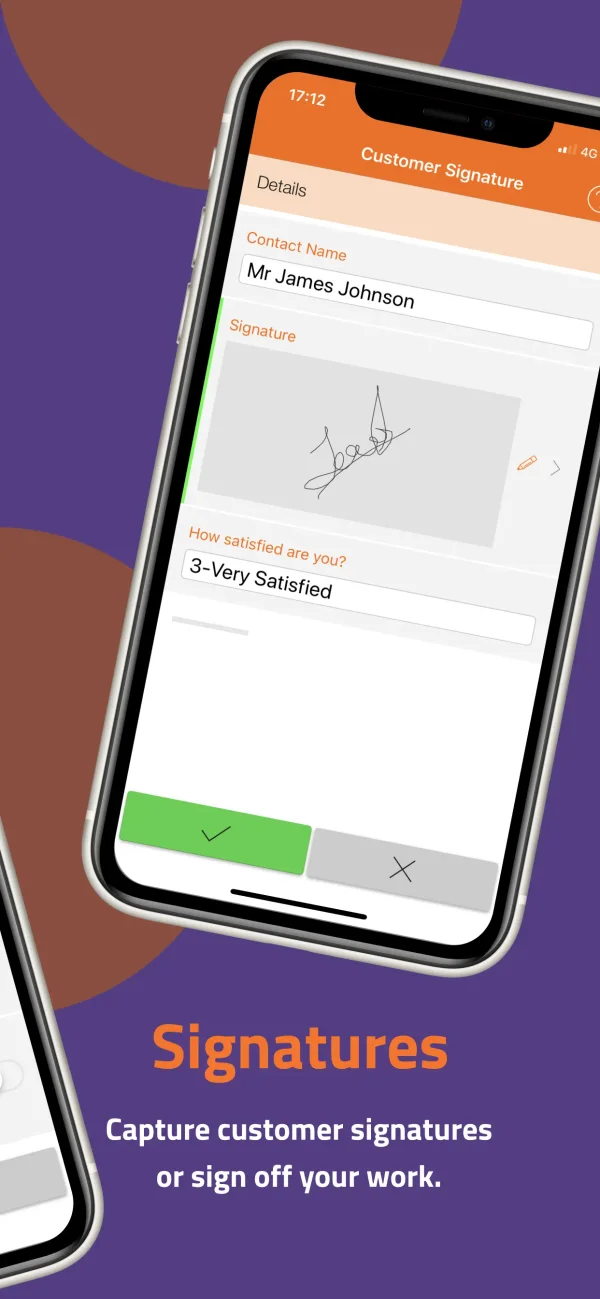
• Capture signatures of clients at key moments in workflows or activities.
• Fully configurable and templated work items, workflow, activities, forms, checklists.
• Work items are colour coded for easier identification.
• Capture elapsed travel and labour in real-time.
• Add extra time or travel for other colleagues if required.
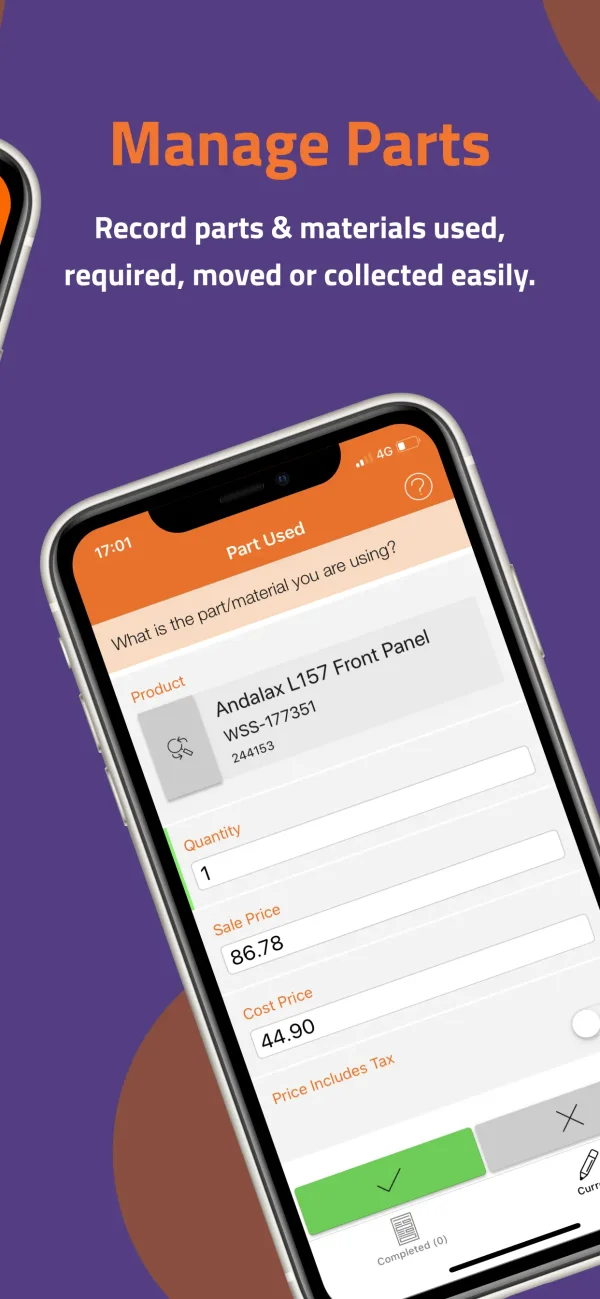
• Track parts used or required to complete work.
• Record break/fix codes where applicable.
• Capture out-of-pocket expenses.
• Maintain equipment or assets via collection and return activities.
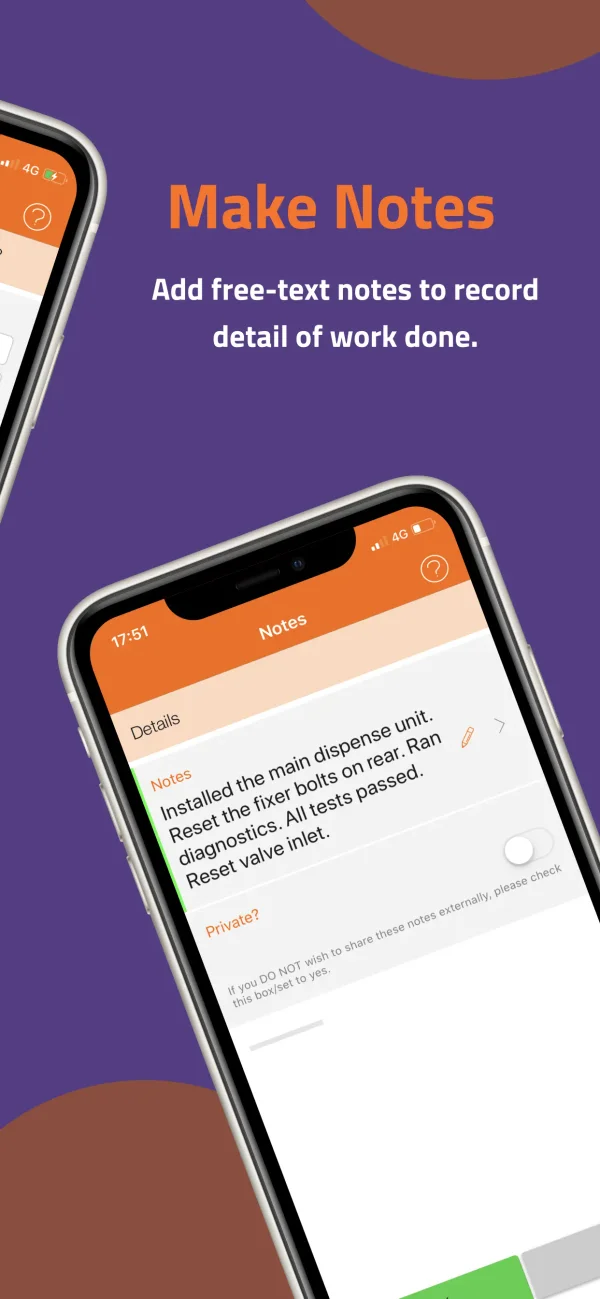
• Record free-text notes or use action codes.
• Quick launch of device maps apps for travel directions/location of sites.
• Complete ad-hoc forms and activities at any time.
• Integration with device voice-to-text capabilities.
• Submit leave/holiday requests and sickness notices.
• Report near-miss or accidents.
• Request follow-ups by other colleagues.
*some features dependent upon account plan selected
What’s new
Version 9.5.2305 · Oct 19, 2026
## 9.5.2305
- Built with newer tooling.
- Improvements to data storage resilience.
- Support for new field types in forms.
- Fixed issue when loading invalid workflow data.
- Fixed issues which could display unscheduled items in the year 9999 or as overdue.
App privacy
What Solarvista Software Ltd declares on the App Store about how this app handles data.
-
Data linked to you
May be collected and linked to your identity.
- Location
- User content
- Identifiers
- Diagnostics
-
Data not linked to you
May be collected but is not linked to your identity.
- Usage data
Privacy practices may vary, for example with the features you use or your age.
Information
- Seller
- Solarvista Software Ltd
- Category
- Business
- Version
- 9.5.2305
- Updated
- Oct 19, 2026
- Released
- Jan 7, 2020
- Size
- 303.4 MB
- Requires
- iOS 18.0 or later
- Age rating
- 4+
- Price
- Free
- Copyright
- © Solarvista Software Ltd