- Age rating4+
- CategoryMusic
- DeveloperJeremie COHEN
- LanguagesFrench+ 1 more
- Size33.3 MB
Links to the official App Store page
Download.org hosts no file of SolFun. The button opens its official App Store page, published by Jeremie COHEN. Listing last checked on Nov 15, 2026.
Screenshots

About
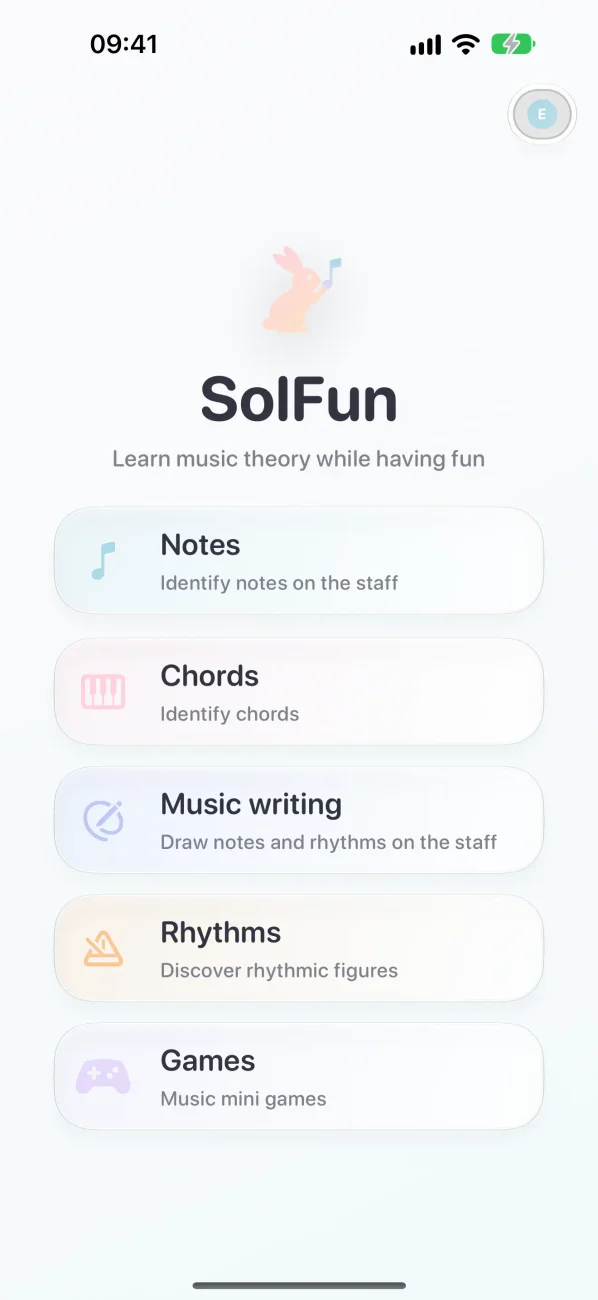
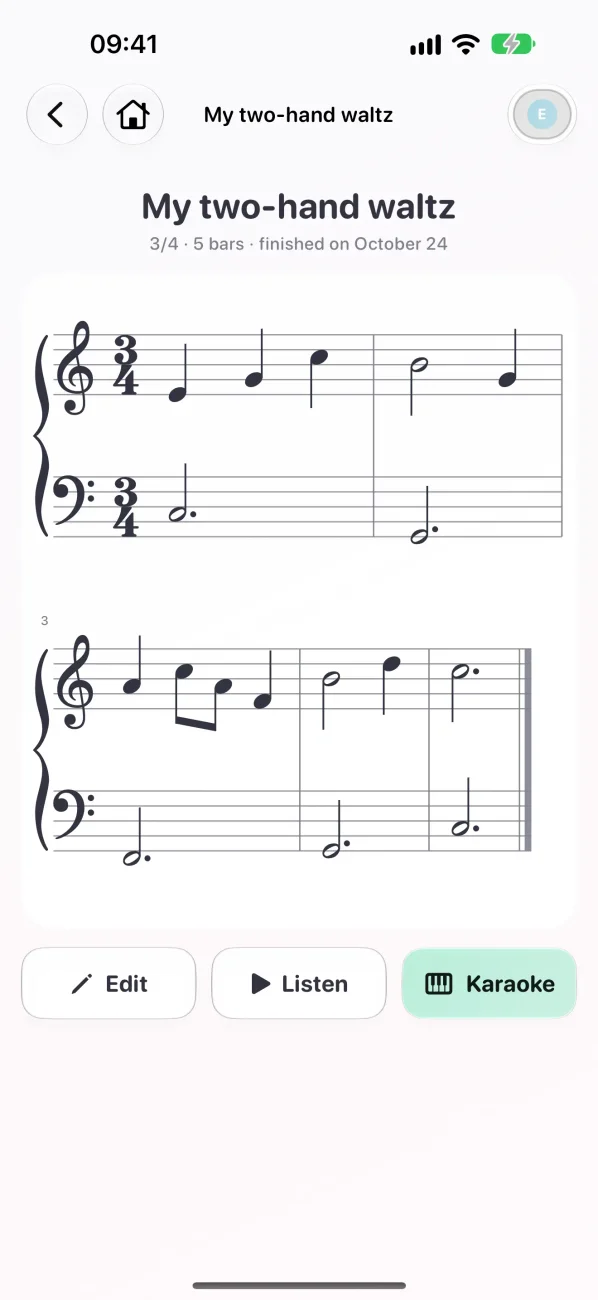
SolFun teaches children music theory — properly, not just playfully. Note reading, rhythm, chords and music writing, as progressive exercises and games.
SolFun is used in a class, at home or on your own. The teacher or parent creates their space, enrols their students or children and hands them their credentials: each child then finds their progress again on any device. To learn on your own, “I'm learning on my own” opens a few levels with no account; an account and a subscription open everything else.
LEARNING TO READ NOTES
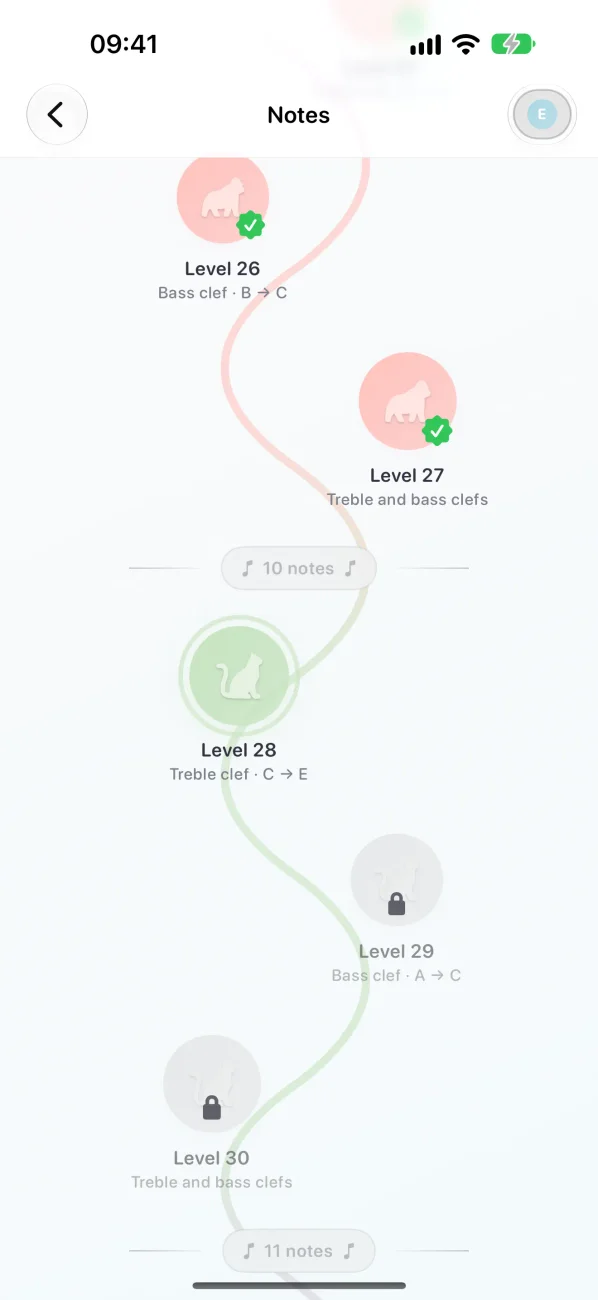
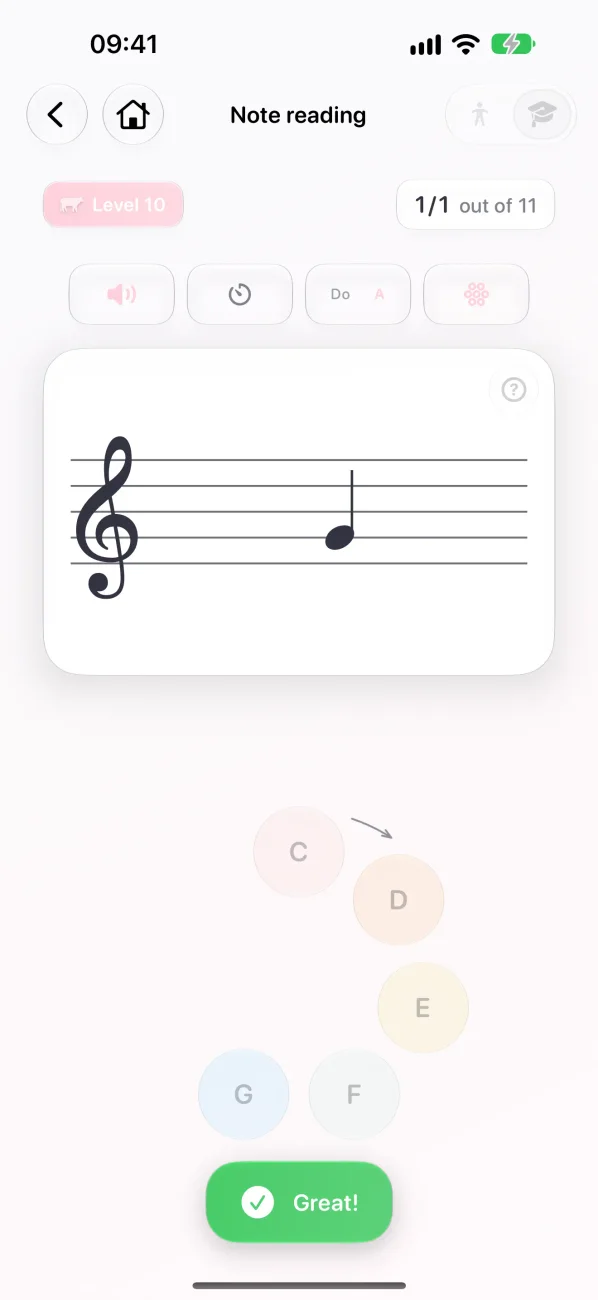
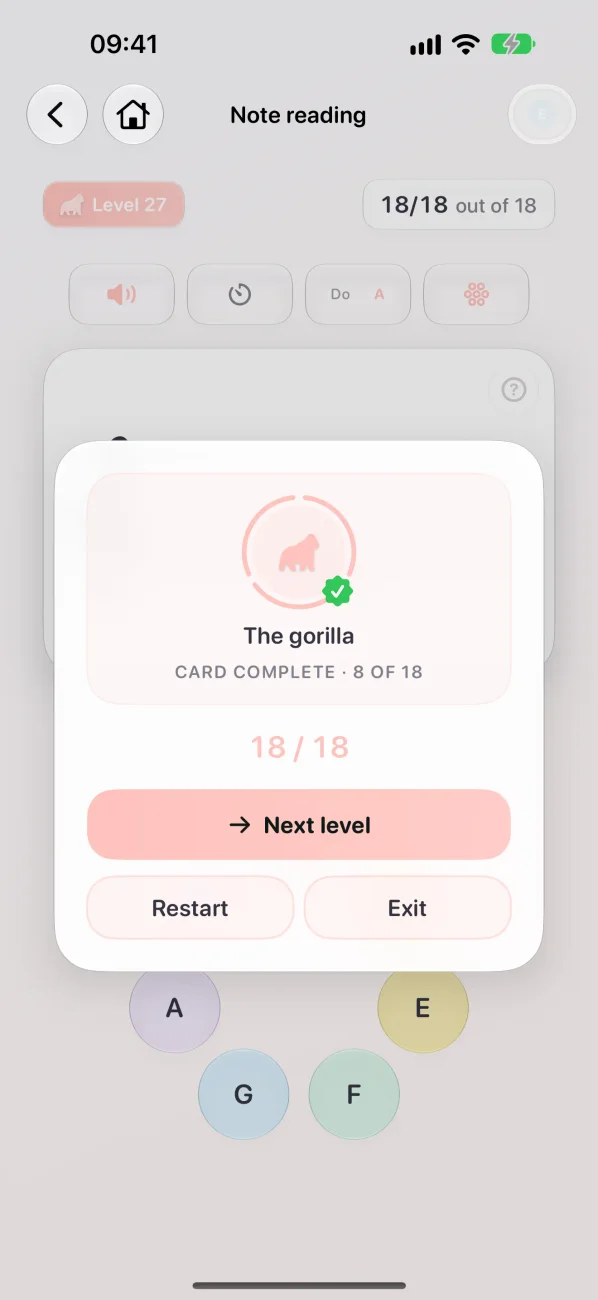
• Treble and bass clef, a complete progression octave by octave
• Three paths: natural notes, accidentals (sharp, flat, natural), stacked notes
• Three ways to answer: note circle, piano keyboard or scattered notes
• Every new note is introduced in discovery mode first, outside scoring
• A second attempt is offered on every question, with no extra penalty
• A dedicated help screen engraves the landmarks, shows reading direction, and offers two drills
RHYTHM, CHORDS, WRITING
• Note values and rests, with a dedicated beat-counting module
• Chords: triads and extensions, quality alone or with the root
• Music writing: the child draws the note on the staff and the app recognises it
• Made-to-measure practice: pick the exact notes to work on
GAMES
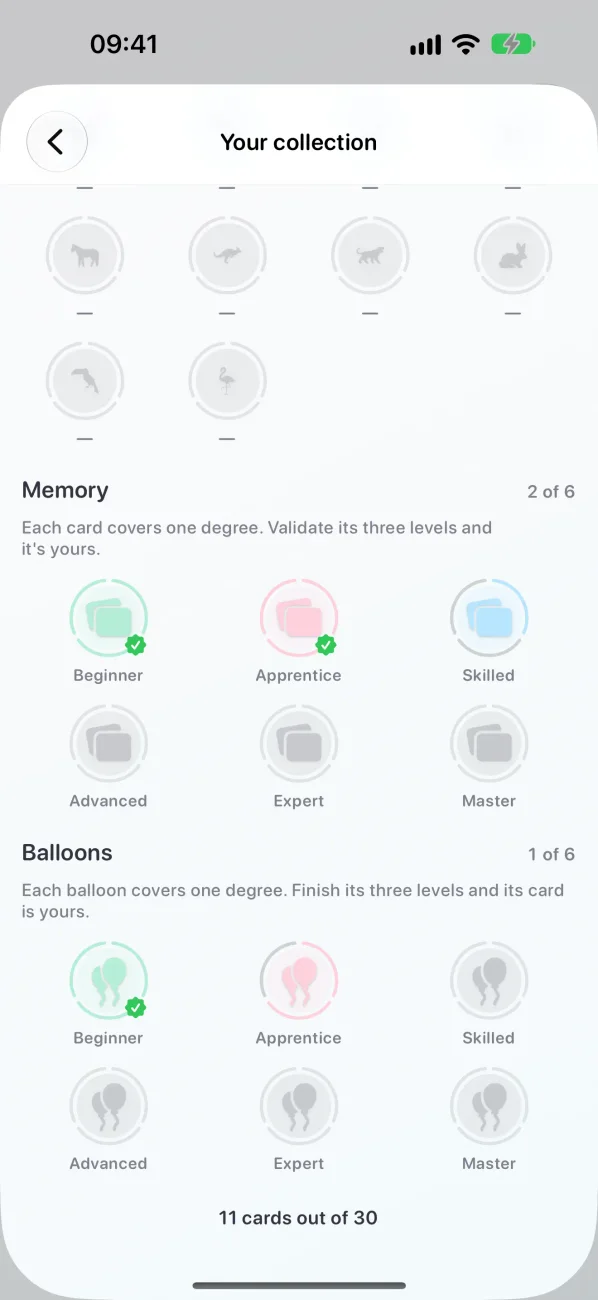
• Mémori — match a note on the staff to its name
• Balloons — tap the right note before it floats away
• Word Hunt — find a word's hidden letters on the piano keys
FOLLOWING PROGRESS
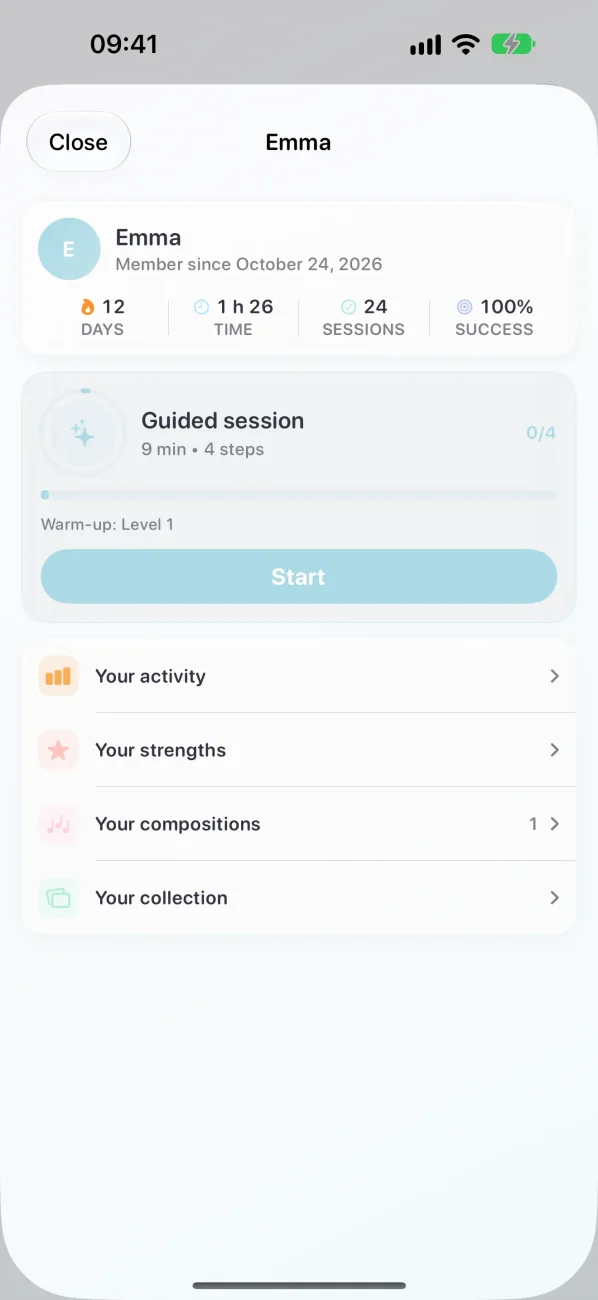
• A guided daily session of five to ten minutes
• Every finished exercise hands out a collection card to earn and keep
• Practice streak, results history, most frequent mistakes
• A level is validated with the timer on and fewer than two mistakes: success is earned
FOR THE TEACHER OR PARENT
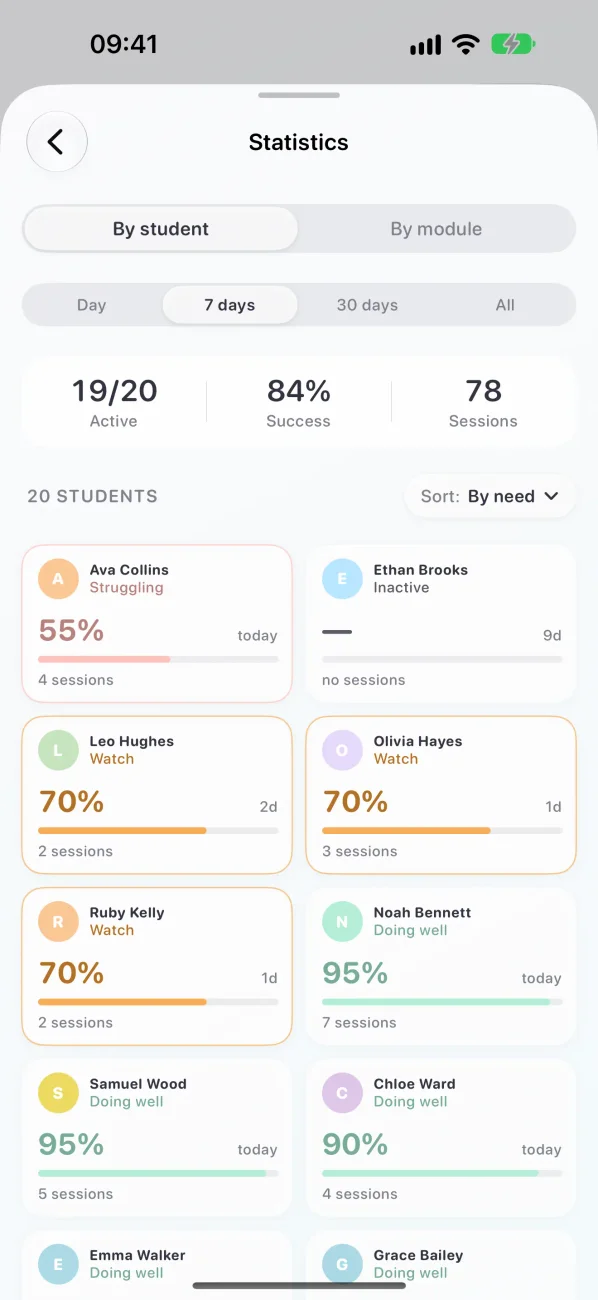
Create your space in the app, with Apple or your email address, enrol your students or children, hand them their credentials and follow their progress from your device. You decide how far each child may go, path by path: a beginner does not land on ledger lines in their first week. Export the results whenever you need them. An enrolled child signs in with the class name, their identifier and a four-digit code you give them: they have no account to create.
PLANS
• Teacher or parent: a yearly or monthly subscription by number of students or children, up to 5, 10, 20 or 50. It lets you enrol up to that number of children and opens every level, for you and for each of them. Enrolled children never pay and never see a price.
• Learning on your own: a yearly or monthly subscription opens every level, and your progress follows you on each of your devices.
Every plan starts with a one-week free trial, only once per Apple Account and per kind of plan.
The subscription renews automatically; cancel at any time in your Apple Account settings, at least 24 hours before it renews. If it stops, nothing is erased, and everything reopens when you subscribe again.
BUILT WITH CARE
• Notation engraved with the Bravura font, to music-publishing metrics
• Every note is played at its true pitch (A4 = 440 Hz)
• Do-Re-Mi or A-B-C naming, your choice, at any time
• Each child builds their own avatar, and it follows them from device to device
• iPhone and iPad, light and dark mode
• No advertising, no trackers
Terms of Use: https://www.apple.com/legal/internet-services/itunes/dev/stdeula/
Privacy Policy: https://solfun.web.app/privacy
What’s new
Version 1.7.1 · Nov 13, 2026
Contest: on the teacher's device, a student's bubble can vote; a closed contest moves straight to past contests.
Composition: each hand keeps its pending note.
Simpler contest screens and class settings.
App privacy
What Jeremie COHEN declares on the App Store about how this app handles data.
-
Data linked to you
May be collected and linked to your identity.
- Purchases
- Contact info
- Identifiers
- Usage data
- Other data
Privacy practices may vary, for example with the features you use or your age.
Information
- Seller
- Jeremie COHEN
- Category
- Music
- Version
- 1.7.1
- Updated
- Nov 13, 2026
- Released
- Sep 7, 2026
- Size
- 33.3 MB
- Requires
- iOS 26.0 or later
- Age rating
- 4+
- In-app purchases
- Yes
- Languages
- French, English
- Copyright
- © 2026 Jérémie Cohen et Eva Kubicek
You might also like
-
 JaMateFind Your Jam Partners
-
 Croche: Learn to Read MusicSight reading, Rhythm & Ear.
-
 Radio M'sMusic
-
 Music Crab-Learn to read musicMusic
-
 Play MusicFor learning to play
-
 Violin Lessons For BeginnerTuner,Sheet Music & Song Notes
-
 Singalong SolfegeSight Singing Classical Songs
-
 OpenEar - Ear trainingMusic
-
 Dancetime - Salsa Beat FinderFind Rhythm in Real Songs Live
-
 One FMMusic