Solver for SC GO - Cheat
#1 SC GO Cheat
Designed for iPhone, iPad, iPod touch
Free · In-app purchases
- Age rating4+
- CategoryUtilities
- DeveloperPixel Works Software SRL
- LanguagesEnglish+ 1 more
- Size35.0 MB
Links to the official App Store page
Download.org hosts no file of Solver for SC GO - Cheat. The button opens its official App Store page, published by Pixel Works Software SRL. Listing last checked on Nov 24, 2026.
Screenshots

About
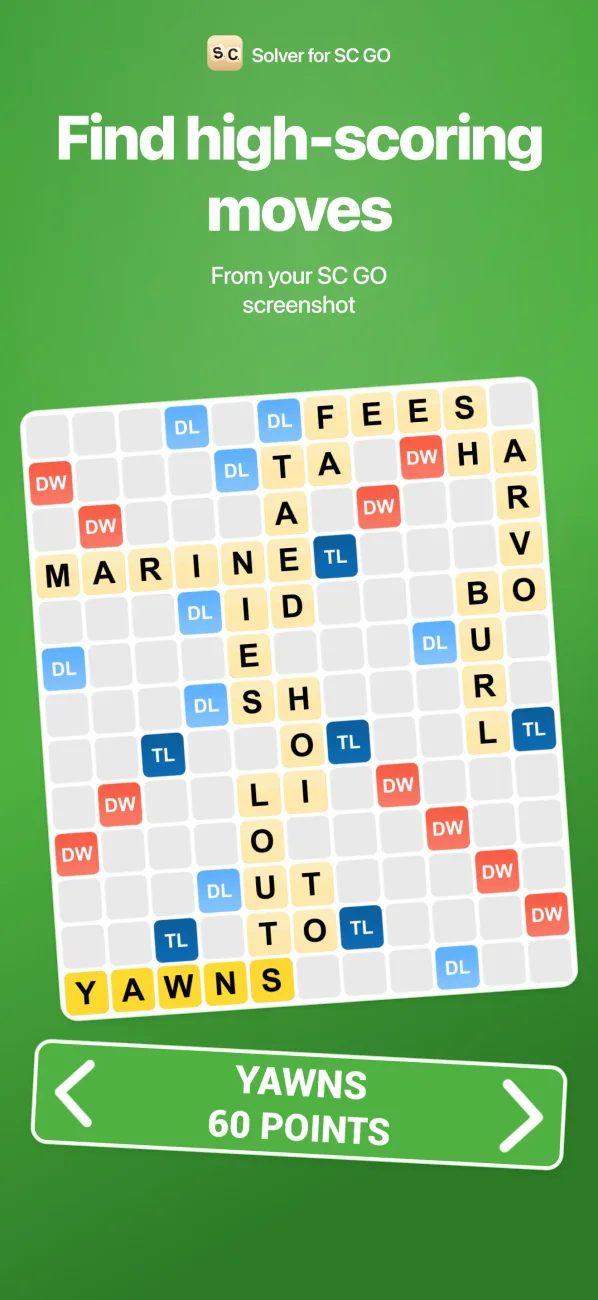
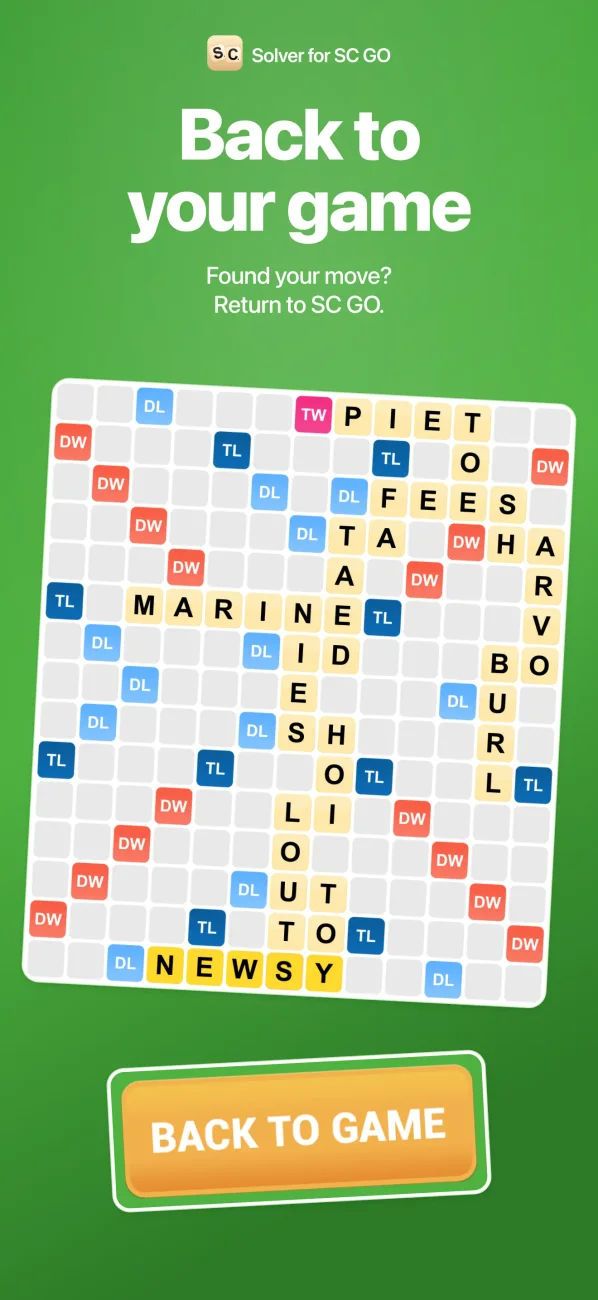
Find the best move in SC GO in seconds. Take a screenshot of your game, open the app, and see every possible play ranked by points and placed right on your board.
HOW IT WORKS
1. Take a screenshot of your SC GO game, zoomed out, with all your tiles on the rack.
2. Open the app and tap Import. Apple's photo picker opens, so importing needs no access to your photo library.
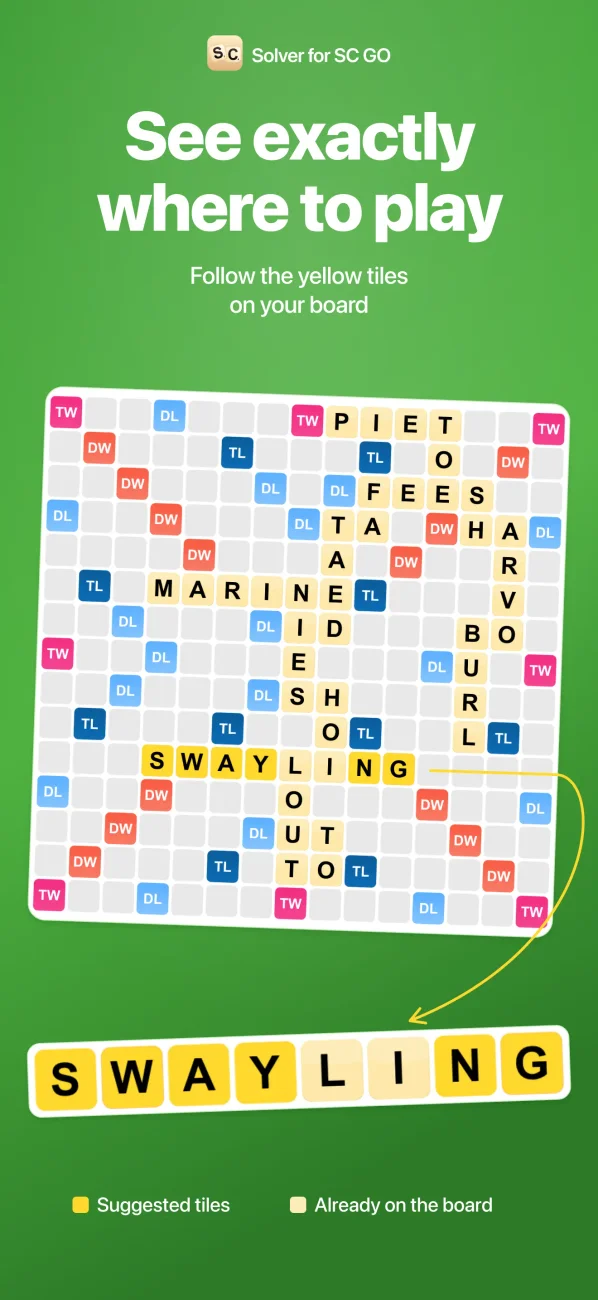
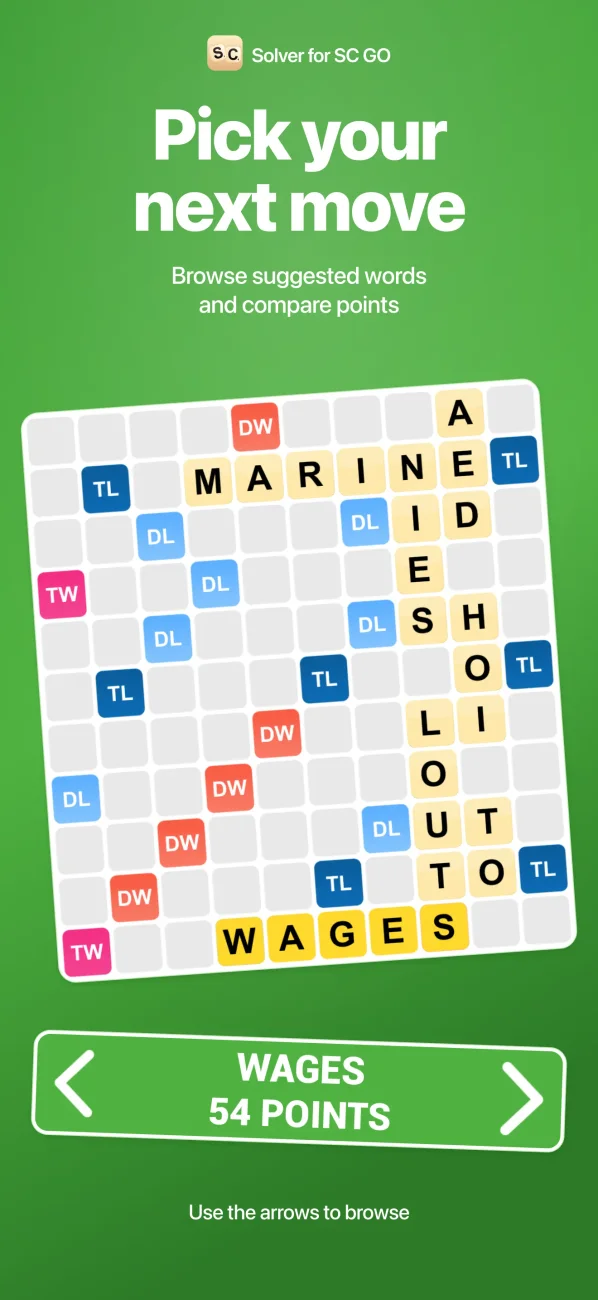
3. The best play appears first, drawn on your board. Use the arrows to go through the other plays.
4. Switch back to your game and play the word.
FEATURES
• Reads the board and your rack straight from the screenshot
• Every possible play, sorted by points, including plays that use all 7 tiles
• Works with the classic board and with Duels
• Dictionaries: English (Collins), English (TWL) and French
• iPhone and iPad
• Recognition and solving run on your device and work offline
• Optional: allow photo access and your newest screenshot is read automatically when you come back to the app
KEYS AND PRO
You start with 5 free keys. One key unlocks every word for one scanned board, and more keys are available as one-time purchases. Pro unlocks every board and removes ads. The free version shows ads.
Pro is an auto-renewing subscription, billed monthly or yearly. Payment is charged to your Apple Account at confirmation of purchase. The subscription renews automatically unless it is cancelled at least 24 hours before the end of the current period. You can manage or cancel it in your Apple Account settings.
This app is not affiliated with, endorsed by or connected to the makers of SC GO or of any other game. All trademarks belong to their owners.
Privacy Policy:
http://pixelworkssoftware.com/privacyscrabble
Terms of Use (EULA):
https://www.apple.com/legal/internet-services/itunes/dev/stdeula/
What’s new
Version 1.5.4 · Nov 9, 2026
Added definitions for words.
App privacy
What Pixel Works Software SRL declares on the App Store about how this app handles data.
-
Data used to track you
May be used to track you across apps and websites owned by other companies.
- Usage data
-
Data not linked to you
May be collected but is not linked to your identity.
- Identifiers
- Usage data
- Diagnostics
Privacy practices may vary, for example with the features you use or your age.
Information
- Seller
- Pixel Works Software SRL
- Category
- Utilities
- Version
- 1.5.4
- Updated
- Nov 9, 2026
- Released
- Apr 27, 2021
- Size
- 35.0 MB
- Requires
- iOS 15.0 or later
- Age rating
- 4+
- Price
- Free
- In-app purchases
- Yes
- Languages
- English, French
- Copyright
- © Pixel Works Software S.R.L.
You might also like
-
 Score Keeper for Word GamesEasily track Scrabble scores
-
 Word Checker DictionaryCheck words. See the score.
-
 DailyRunsUtilities
-
 WhoX: Secure VPN without logsFor confident web browsing
-
 AdsPower BrowserAccounts & Team Collaboration
-
 Puma Browser: fast & privateChat with private local AIs
-
 RatelsConnect & Manage Utilities
-
 TextVerifiedActivate virtual second number
-
 Gift card on TbayGift Card
-
 Multi App SpaceMulti accounts, safe access