SolvPal: AI Study Notes
Lecture Recorder & Note Taker
Designed for iPhone
Free · In-app purchases
- Age rating12+
- CategoryEducation
- DeveloperONECHUNK
- LanguagesEnglish+ 2 more
- Size144.7 MB
Links to the official App Store page
Download.org hosts no file of SolvPal: AI Study Notes. The button opens its official App Store page, published by ONECHUNK. Listing last checked on Nov 24, 2026.
Screenshots
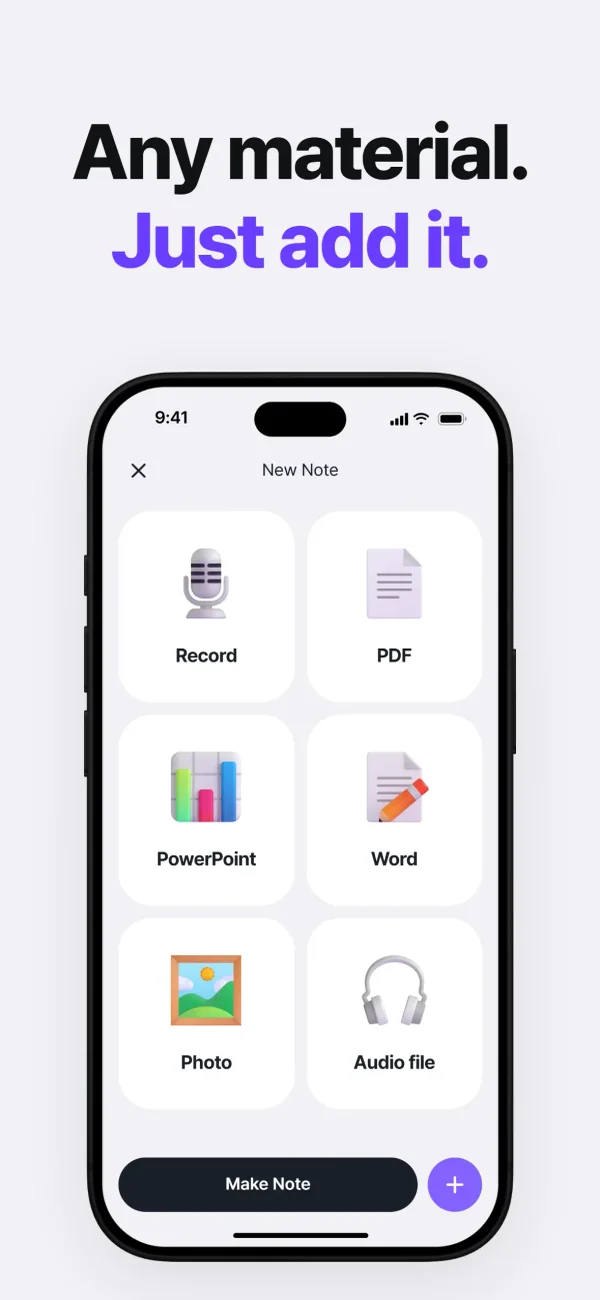
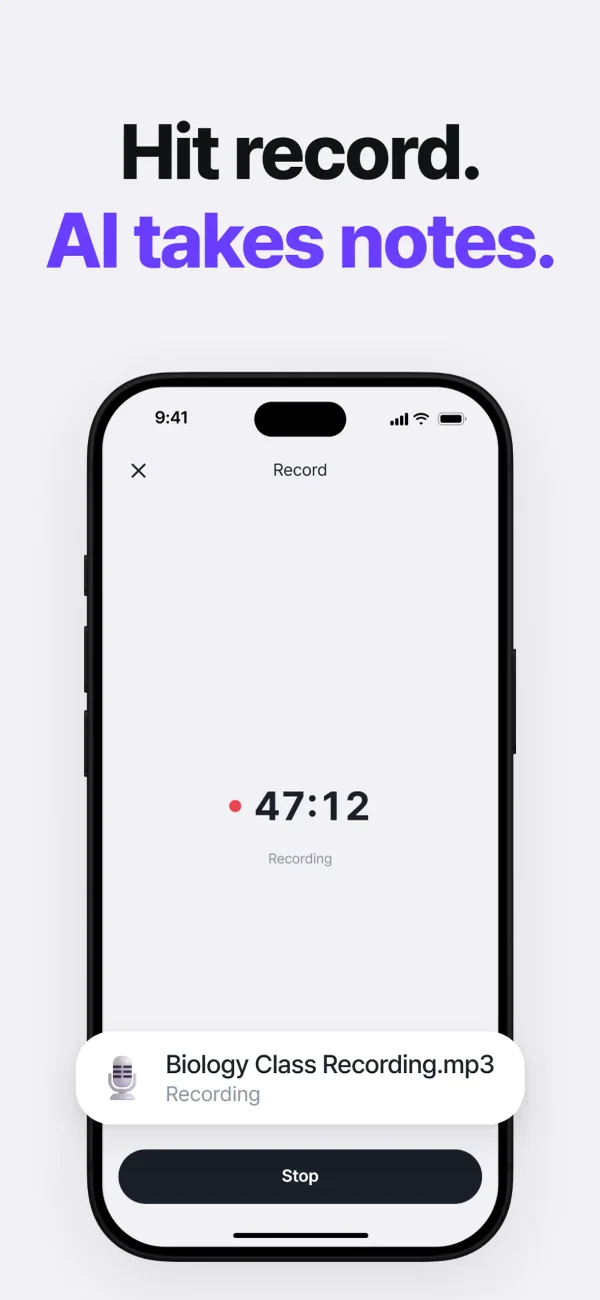
About
Turn lectures, slides, and photos into study notes.
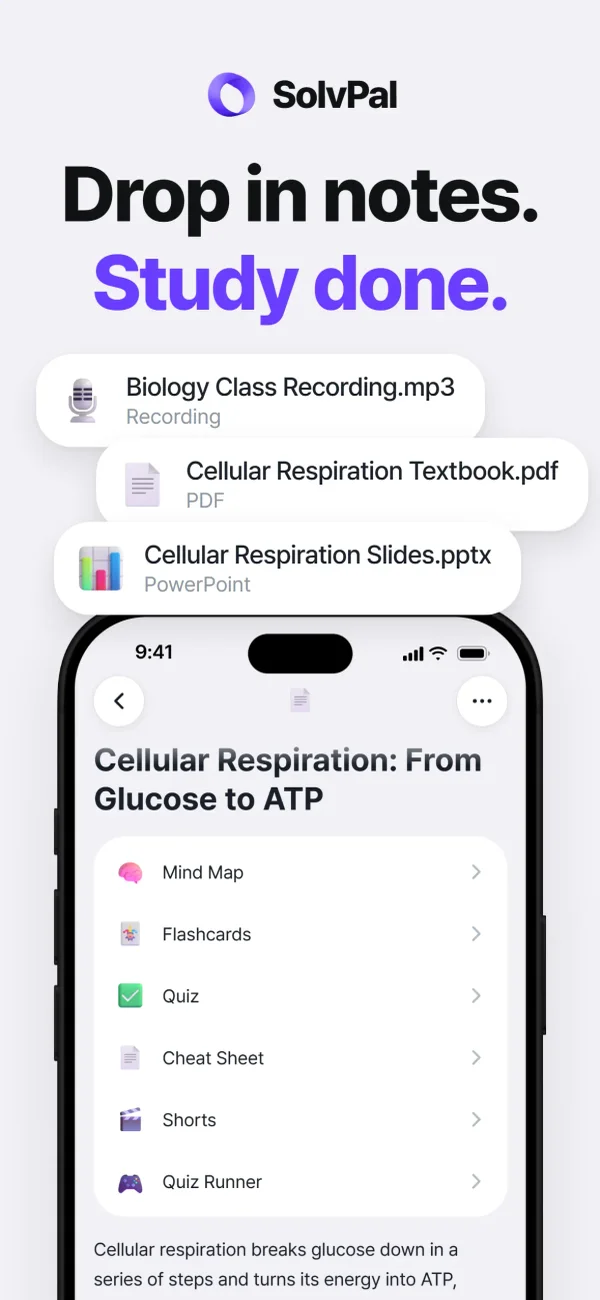
Record a class or add your materials, and SolvPal writes the note. From that note, make the study tools you need, when you need them.
ADD ANYTHING FROM CLASS
• Record a lecture, even with the screen off
• Add audio files, PDFs, PowerPoint, and Word files
• Photograph handouts, textbook pages, and handwritten notes
• Paste text
STUDY YOUR WAY
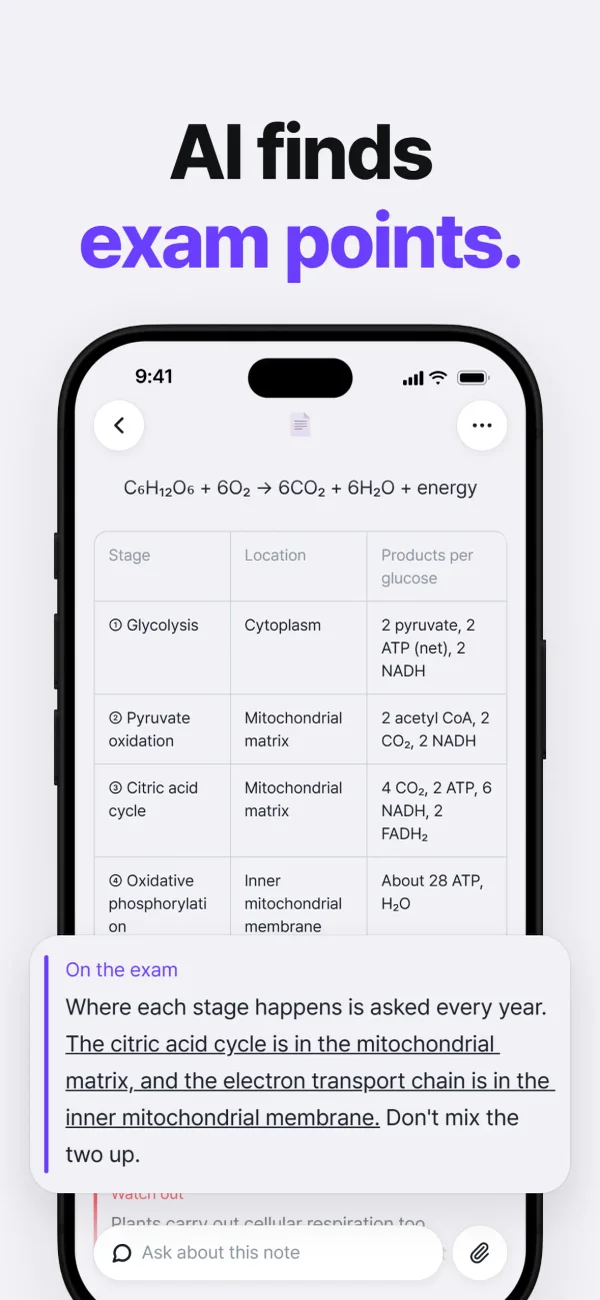
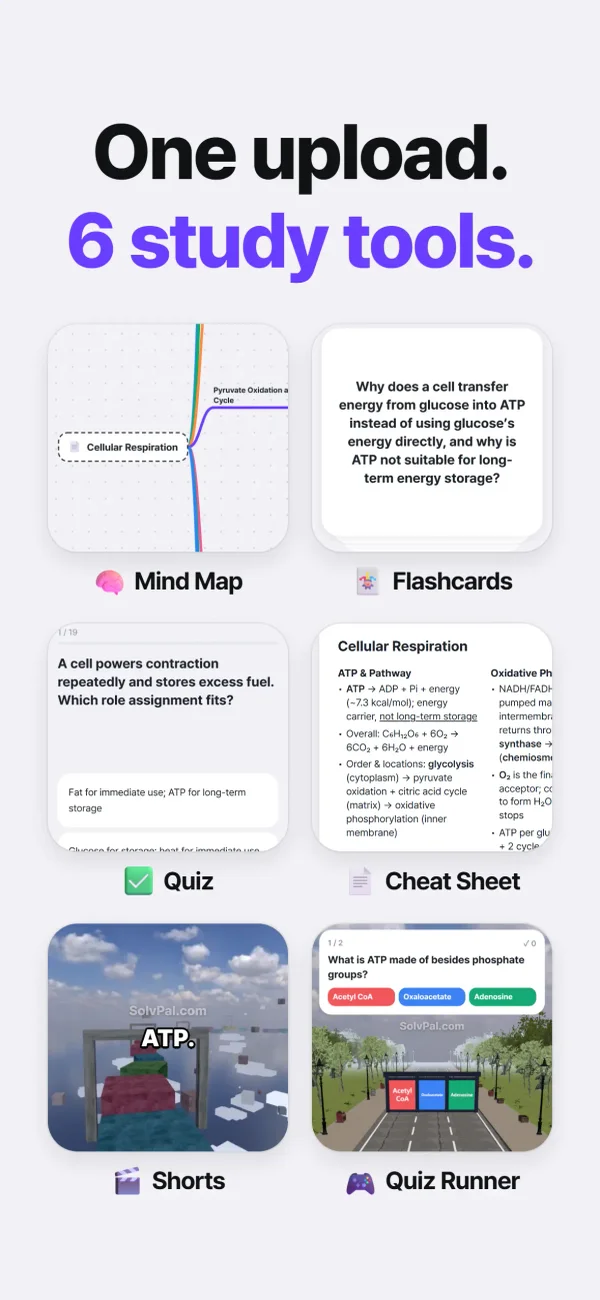
• Summary notes with key terms and tables
• Quizzes that explain each answer
• Flashcards
• Mind maps
• One-page cheat sheets to save as an image or PDF
• Shorts: about 30 seconds of narration and captions
• Quiz Runner: answer questions by running through gates
• AI chat on every note
STAY ORGANIZED
Sort notes into folders and search them by title.
Available in English, Korean, Japanese, Spanish, German, and French. SolvPal is for students aged 14 and over.
SOLVPAL PRO
Your first note is free. SolvPal Pro is an auto-renewing subscription, billed yearly or monthly. The yearly plan starts with a 7-day free trial. Payment is charged to your Apple Account when you confirm the purchase, or when the trial ends. It renews unless you cancel at least 24 hours before the period ends. You can manage or cancel it in your App Store account settings.
Terms of Use: https://solvpal.com/terms
Privacy Policy: https://solvpal.com/privacy
What’s new
Version 1.0.7 · Nov 23, 2026
You can now add older .ppt and .doc files, PowerPoint and Word files are read more fully, and recordings are transcribed more accurately.
App privacy
What ONECHUNK declares on the App Store about how this app handles data.
-
Data linked to you
May be collected and linked to your identity.
- Purchases
- Contact info
- User content
- Identifiers
- Usage data
- Other data
Privacy practices may vary, for example with the features you use or your age.
Information
- Seller
- ONECHUNK
- Category
- Education
- Version
- 1.0.7
- Updated
- Nov 23, 2026
- Released
- Nov 10, 2026
- Size
- 144.7 MB
- Requires
- iOS 16.4 or later
- Age rating
- 12+
- Price
- Free
- In-app purchases
- Yes
- Languages
- English, Japanese, Korean
- Copyright
- © 2026 ONECHUNK
You might also like
-
 Studyverse: AI Study PlannerTimetable, notes and reviewers
-
 StudyApp AI: Exam Prep & QuizPredict your grade, study less
-
 ReRead - Study, Notes & RecallStudy smarter, track progress
-
 GradeUp - Study SmarterEducation
-
 GoodOff - AI Flashcards & QuizAI tutor for notes and exams
-
 Quira: AI Study AppQuiz Maker & Lesson Notes
-
 Sylla - Learn BaybayinLearn Baybayin in minutes
-
 Quizbot: AI Quiz GeneratorPDF & Notes to Flashcard Maker
-
 Nuros: AI Study & Exam PrepNotes, flashcards & syllabus
-
 Squool: Tutor Schedule PlannerTutoring Tracker & Payments