- Age rating4+
- CategoryNavigation
- DeveloperFederico Di Francesco
- LanguagesEnglish
- Size2.7 MB
Links to the official App Store page
Download.org hosts no file of Sonar LiDAR. The button opens its official App Store page, published by Federico Di Francesco. Listing last checked on Nov 17, 2026.
Screenshots

About
IMPORTANT: This app works EXCLUSIVELY on iPhone Pro (12, 13, 14, 15, 16, 17) with a LiDAR sensor. Standard models without LiDAR are not supported.
Sonar Lidar — feel your surroundings.
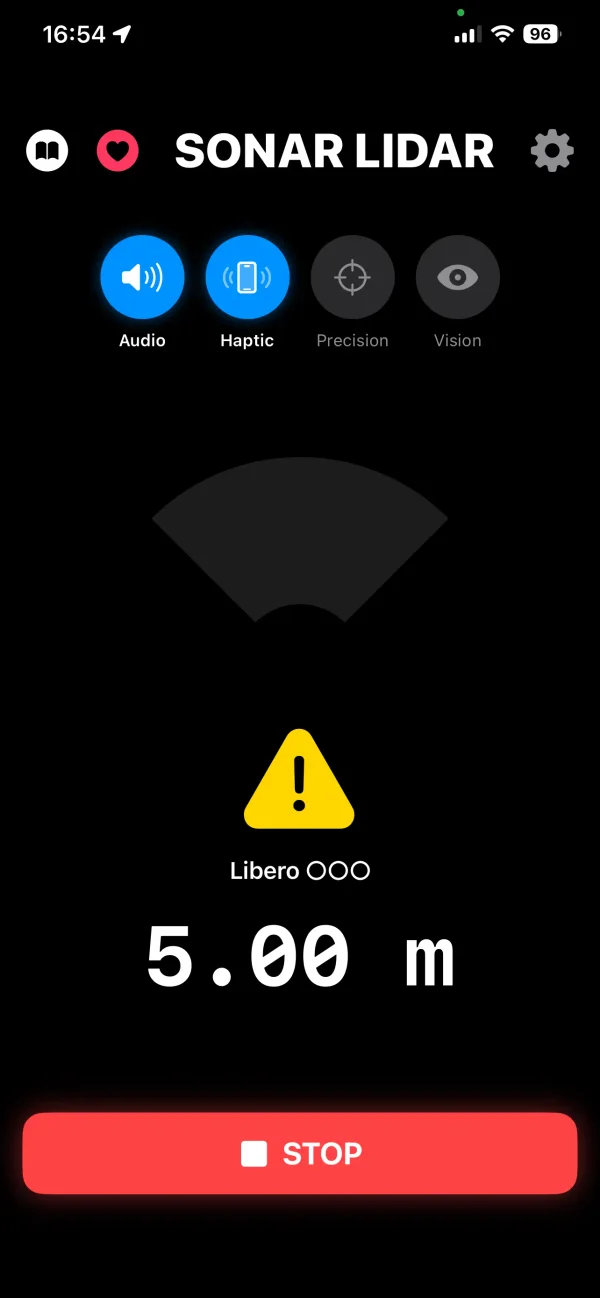
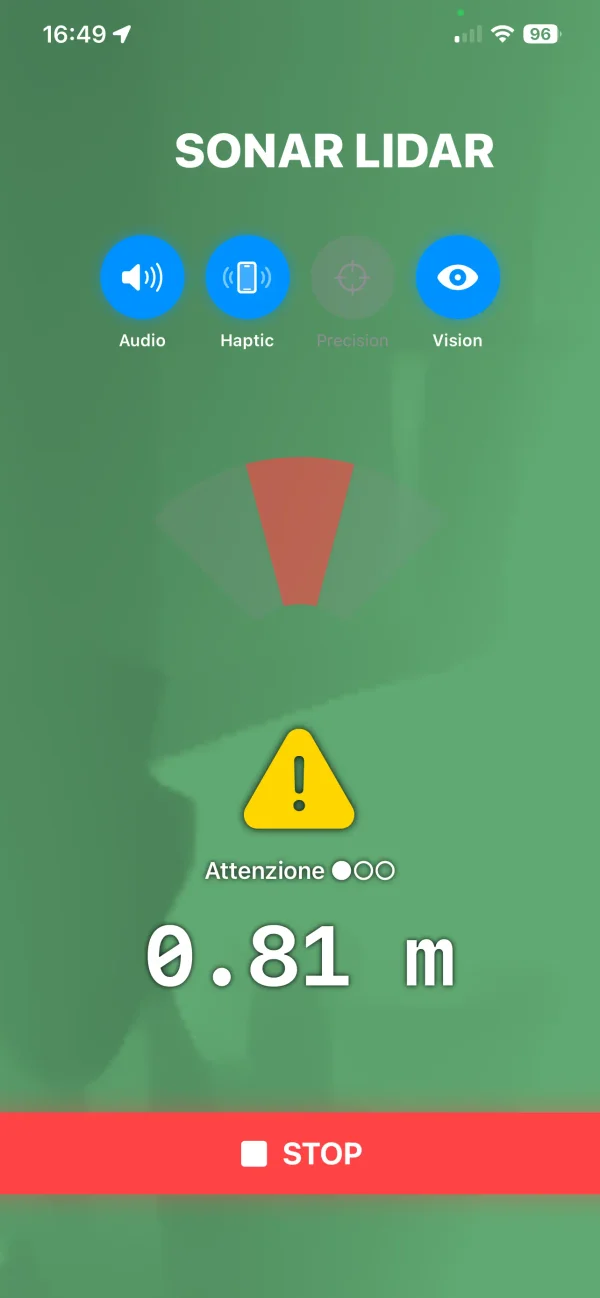
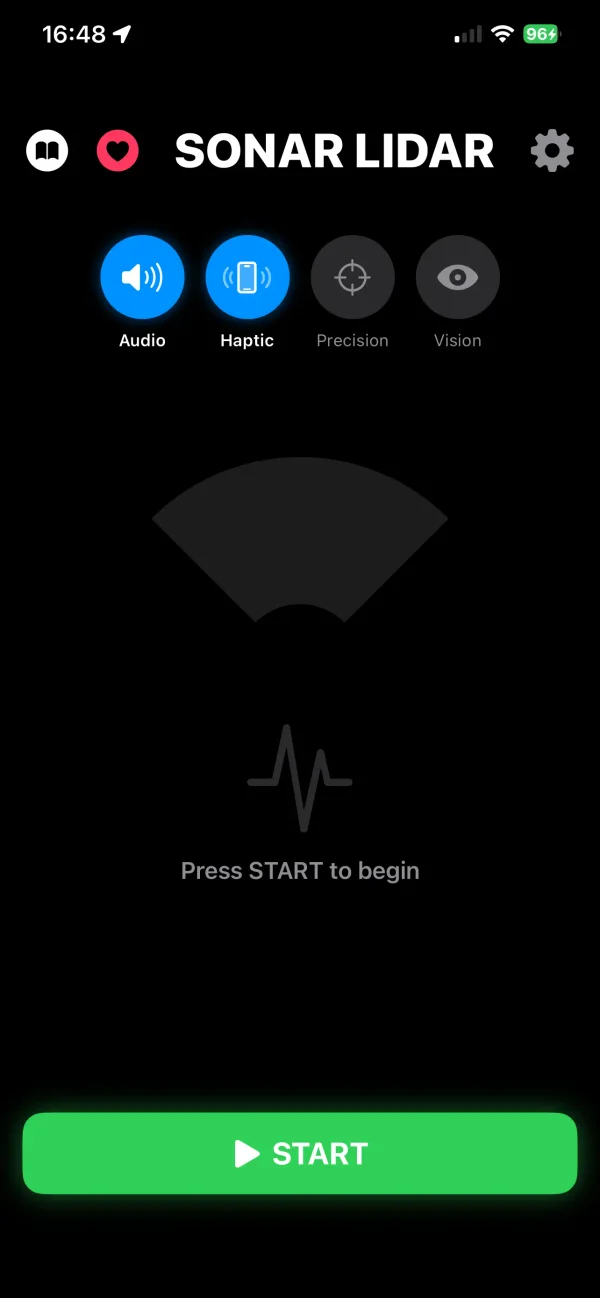
Sonar Lidar turns the LiDAR sensor on your iPhone Pro (or iPad Pro) into a real-time sonar. As you point your phone ahead, it translates distance into sound and vibration, giving you instant feedback about what's around you.
What it detects
• Walls and obstacles in front of you
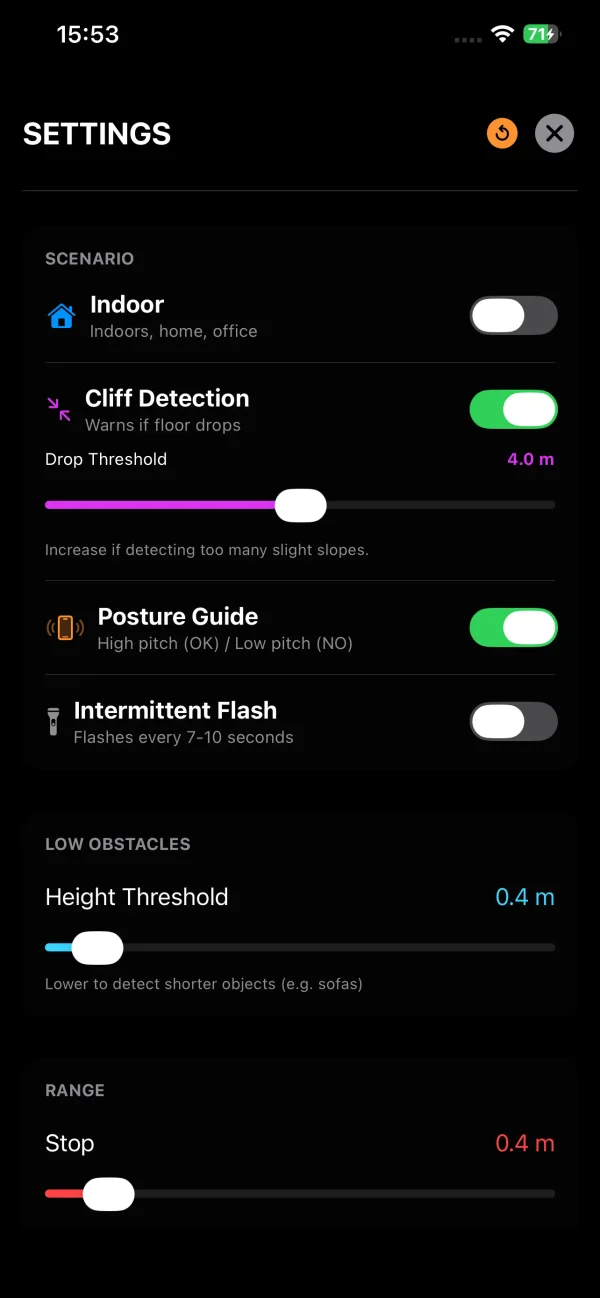
• Low furniture — sofas, benches, tables
• Steps and drop-offs ("cliffs")
• Narrow passages and doorways
How it works
• Audio sonar: beeps get faster as you get closer, panning left/right toward the obstacle
• Haptic feedback: feel the proximity through vibration
• Posture guide: a gentle tone helps you hold the phone at the right angle
• Night vision: an optional on-screen depth view
• The screen stays awake while scanning
Made to fit you
Simple, essential controls up front — distances, sonar spread, low-obstacle and drop sensitivity — with an "Advanced Settings" section for fine-tuning. Full VoiceOver support.
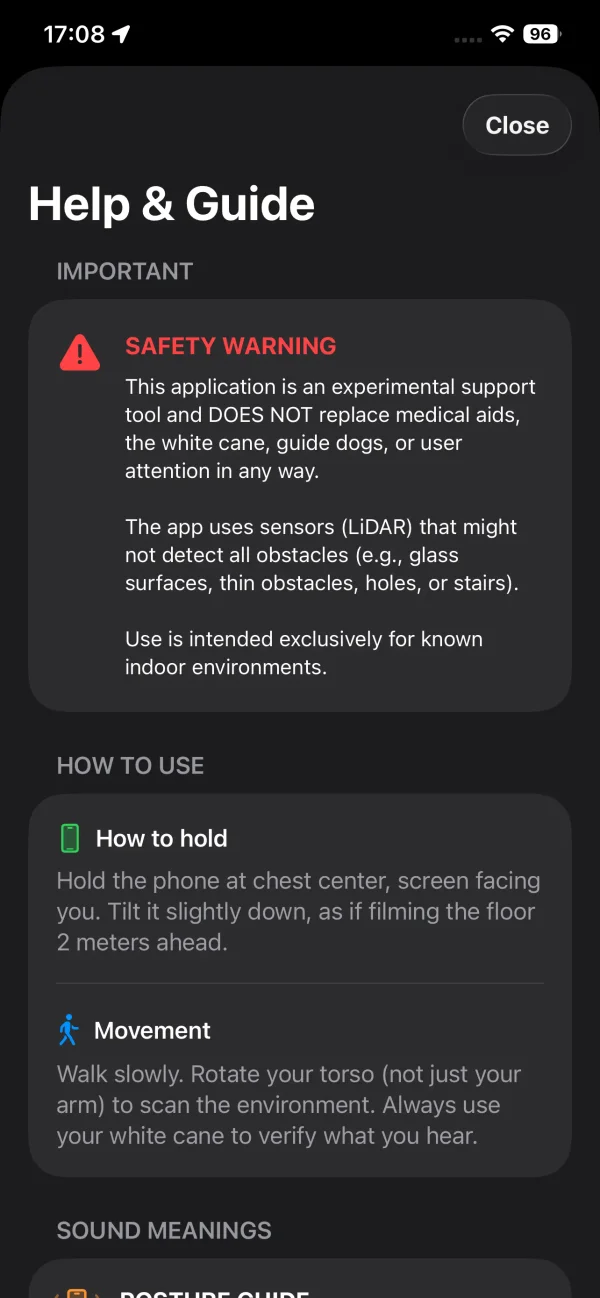
Important: Sonar Lidar is an experimental support tool. It does NOT replace the white cane, a guide dog, medical aids, or your own attention. Use it only in known environments and always stay alert. Requires a device with a LiDAR sensor.
We strongly recommend testing the app in a safe, known environment to find the best tilt angle and sensitivity setting (adjustable in Settings) for your height and walking style.
What’s new
Version 1.9 · Jul 6, 2026
New: gradual proximity haptic.
• In the warning zone you now feel a vibration that grows stronger and faster as you get closer to an obstacle: light when it's far, firm when you're near the stop distance. Especially useful in crowded places.
• New "Proximity Haptic" toggle to turn it on or off as you like, without affecting the stop, frontal-obstacle, and drop-off alerts.
Thanks to everyone sending in suggestions — keep them coming!
App privacy
What Federico Di Francesco declares on the App Store about how this app handles data.
-
Data not collected
The developer does not collect any data from this app.
Privacy practices may vary, for example with the features you use or your age.
Information
- Seller
- Federico Di Francesco
- Category
- Navigation
- Version
- 1.9
- Updated
- Jul 6, 2026
- Released
- Dec 23, 2025
- Size
- 2.7 MB
- Requires
- iOS 16 or later
- Age rating
- 4+
- Price
- Free
- In-app purchases
- Yes
- Languages
- English
- Copyright
- © 2025 Federico Di Francesco
You might also like
-
 Blind RadarInstant Object Detection
-
 Oika - Haptic WayfindingGuidance in open spaces
-
 Feelario - AI Helper for BlindSpatial Sound & AI Scenes
-
 Waypoint: Location SnapshotSave your favourite places
-
 Guide My VisitAccessible, modern, dynamic
-
 CruiseAIAI-Powered Driving Companion
-
 Parallel MobileParallel Mobile Parking App
-
 GuideDog NavVirtual Guide Dog
-
 AEROPULSE by Nomad AirAvionics system
-
 TransTuitiveTravel