
- Age rating4+
- CategoryMusic
- DeveloperShubhra Saha
- LanguagesEnglish
- Size90.1 MB
Links to the official App Store page
Download.org hosts no file of Sonari Remote: MIDI Controller. The button opens its official App Store page, published by Shubhra Saha. Listing last checked on Nov 9, 2026.
Screenshots

About
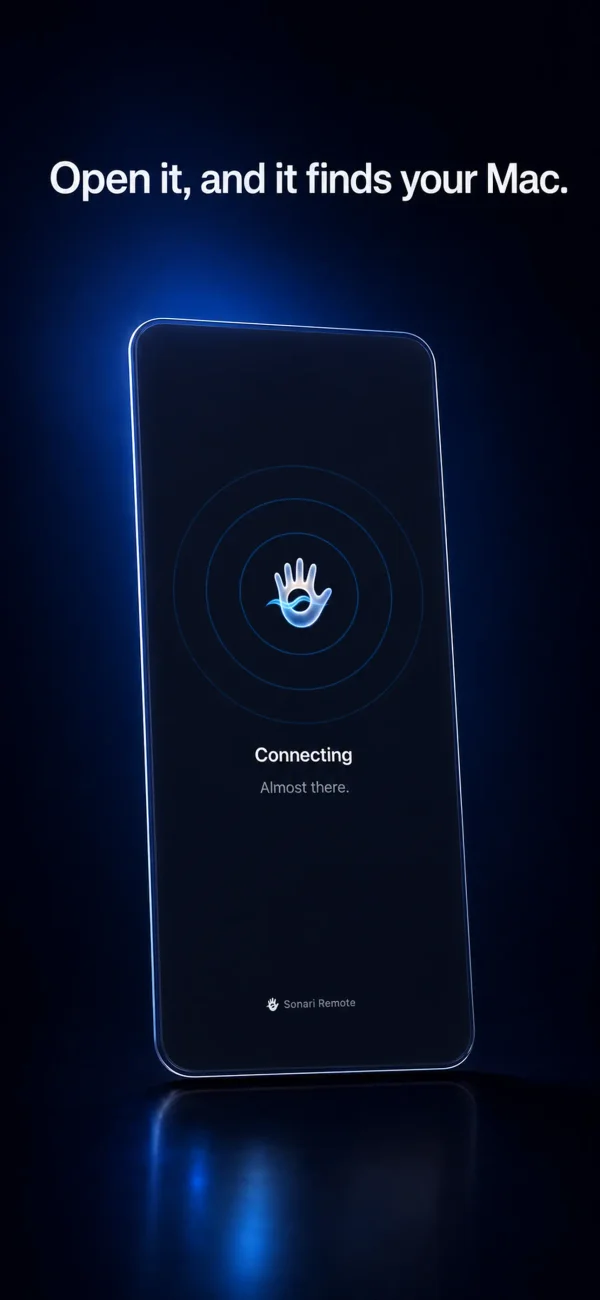
Touch a note. Tilt your iPhone. Shape a sound with your breath. Sonari Remote adds low latency touch, motion and gesture control to Sonari on your Mac.
Requires Sonari: MIDI Controller on an Apple silicon Mac on the same local network. This free companion controls the Mac instrument; it does not make sound on its own or connect directly to other music apps.
SIX WAYS TO PLAY
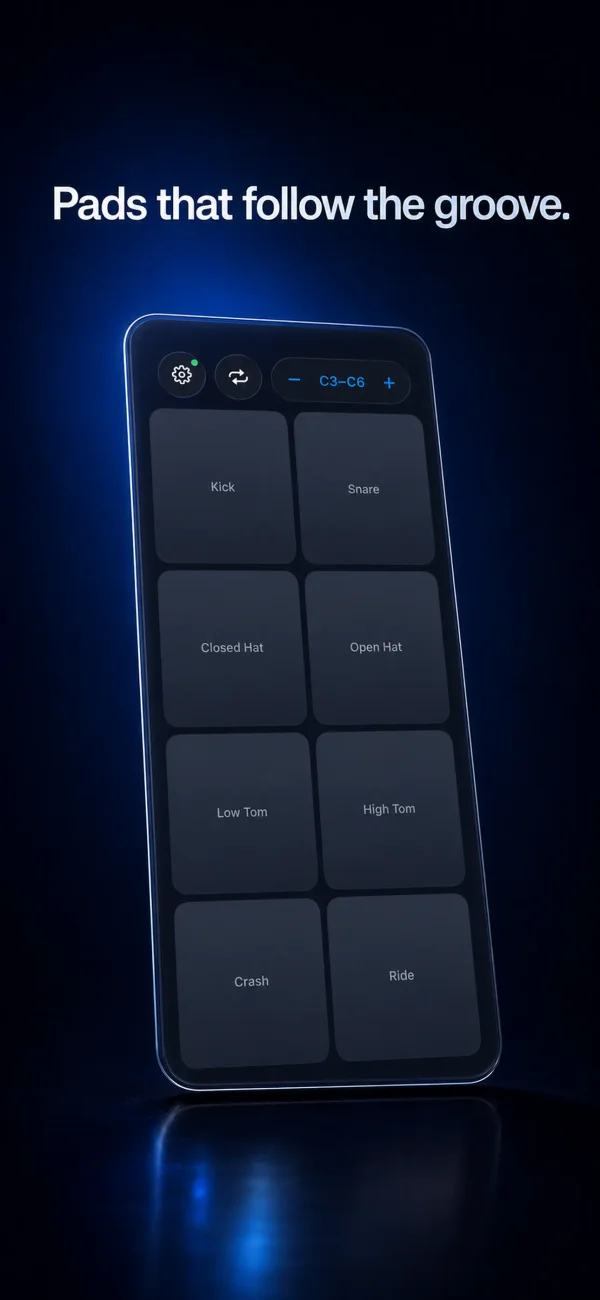
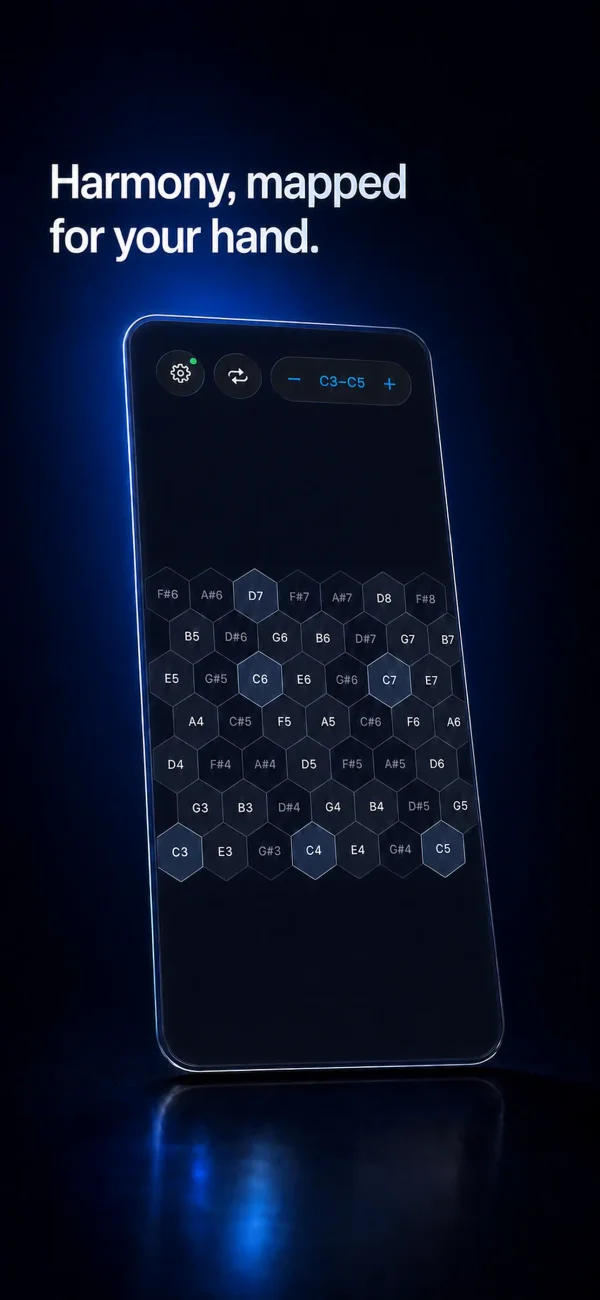
- Touch: play notes, chords, drum pads and ribbons on the screen. The notes follow the Mac's key and scale.
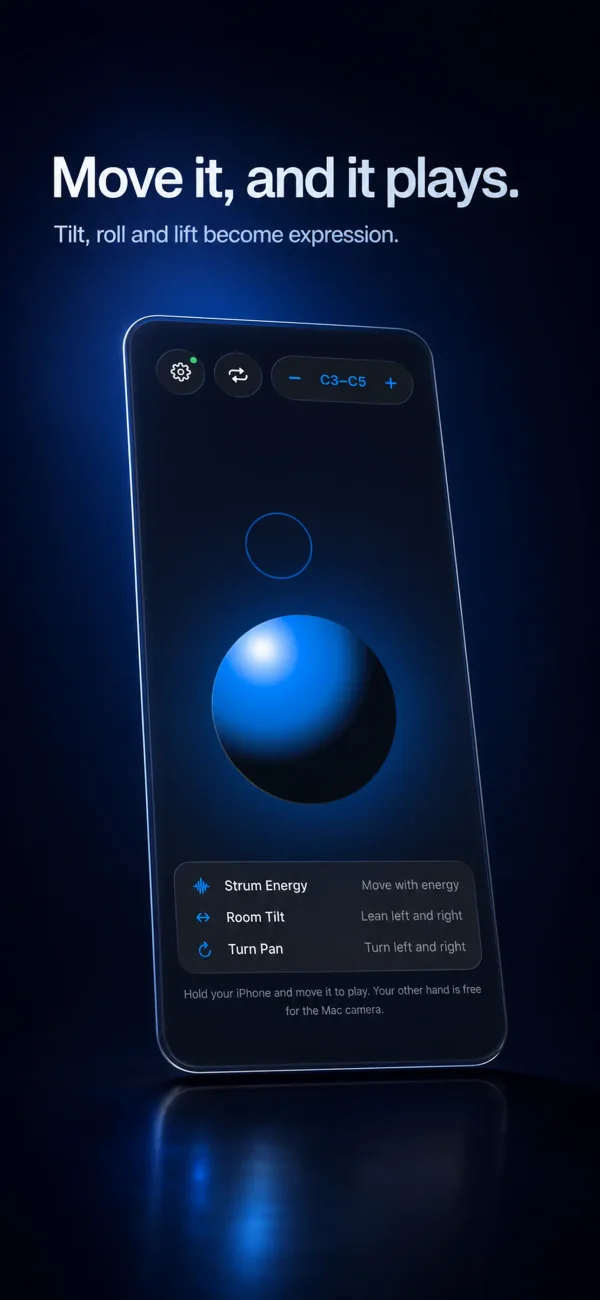
- Hold: tilt, turn and lift your iPhone to shape a note. Add another control with your thumb.
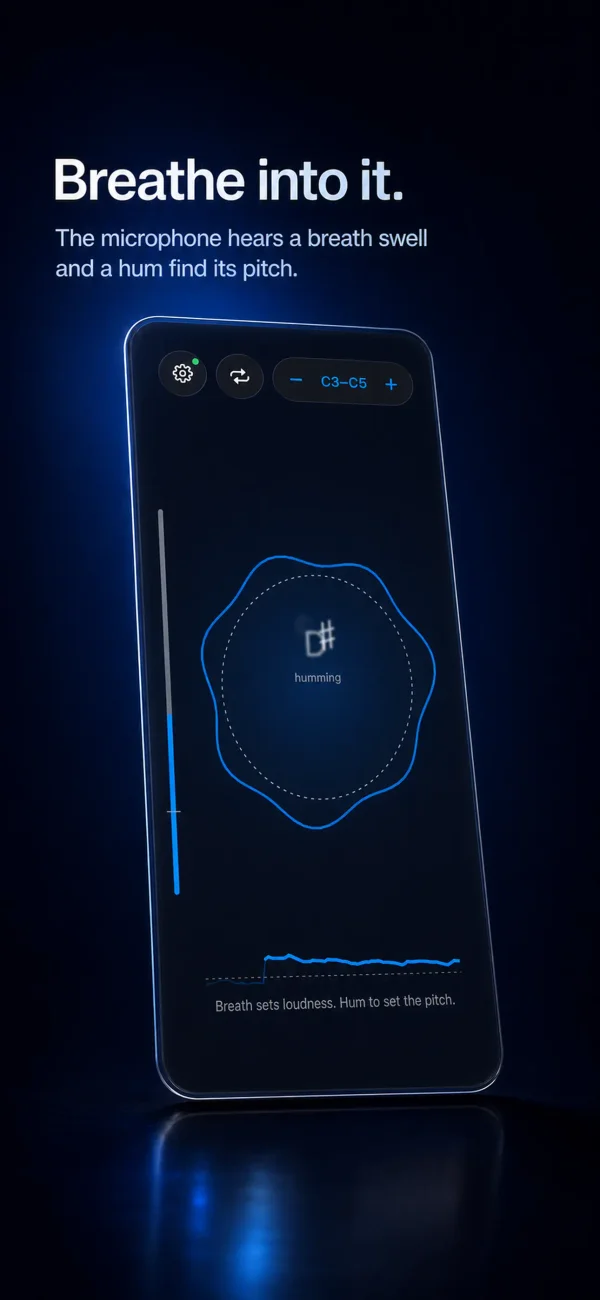
- Air: use breath and voice to change the sound, or hum a melody to control pitch.
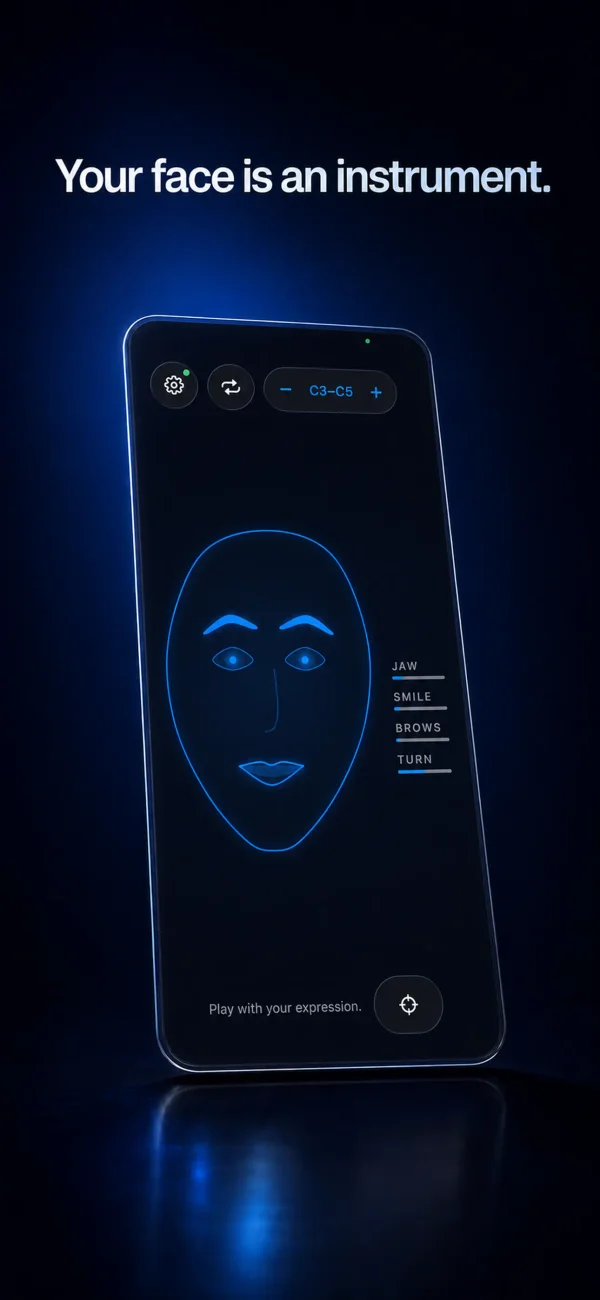
- Face: play with a smile, raised brows, jaw movement or a turn of your head. Requires a TrueDepth camera.
- Camera: track your hands from a second angle, alongside or instead of the Mac's camera.
- Space: turn the room into zones you can reach into and play. Requires an iPhone with LiDAR.
Choose one way at a time. The app explains which features your iPhone supports.
LOW LATENCY CONTROL, THROUGH YOUR MAC
Play Sonari's built-in instruments or control software instruments through the Mac's MIDI and MPE output. Sensor processing stays on your devices, with musical control sent over your local network. Response depends on your iPhone, network and Mac audio setup.
Add motion and breath expression while your other hand plays in front of the Mac camera.
PICK THE SOUND. START THE MUSIC.
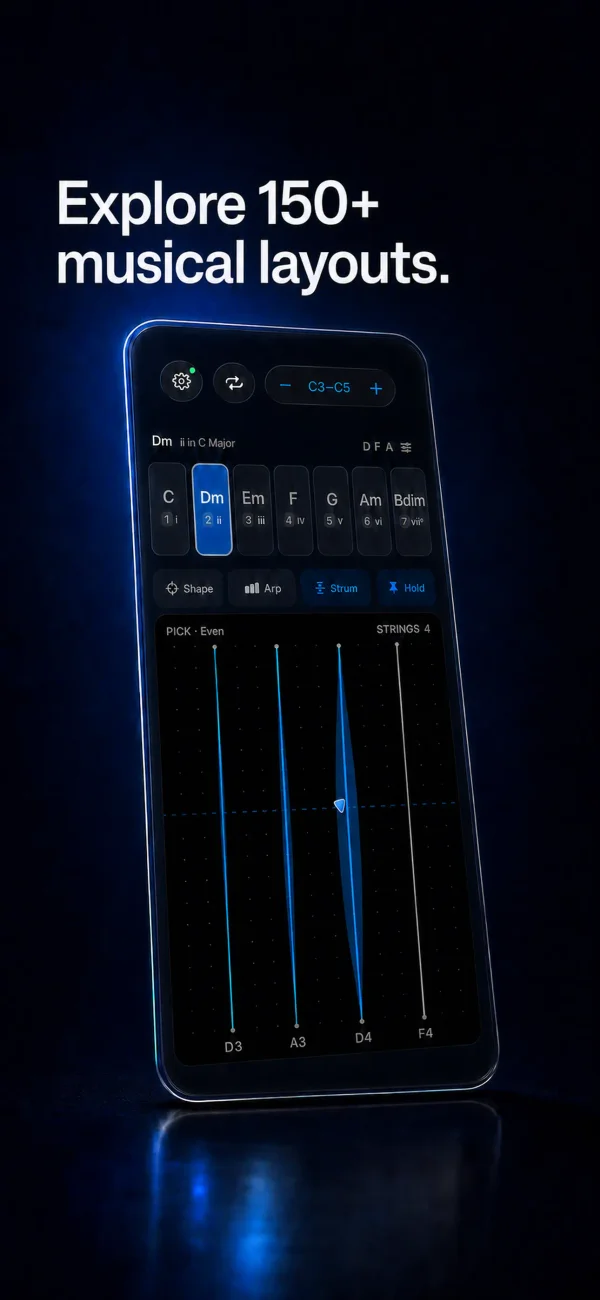
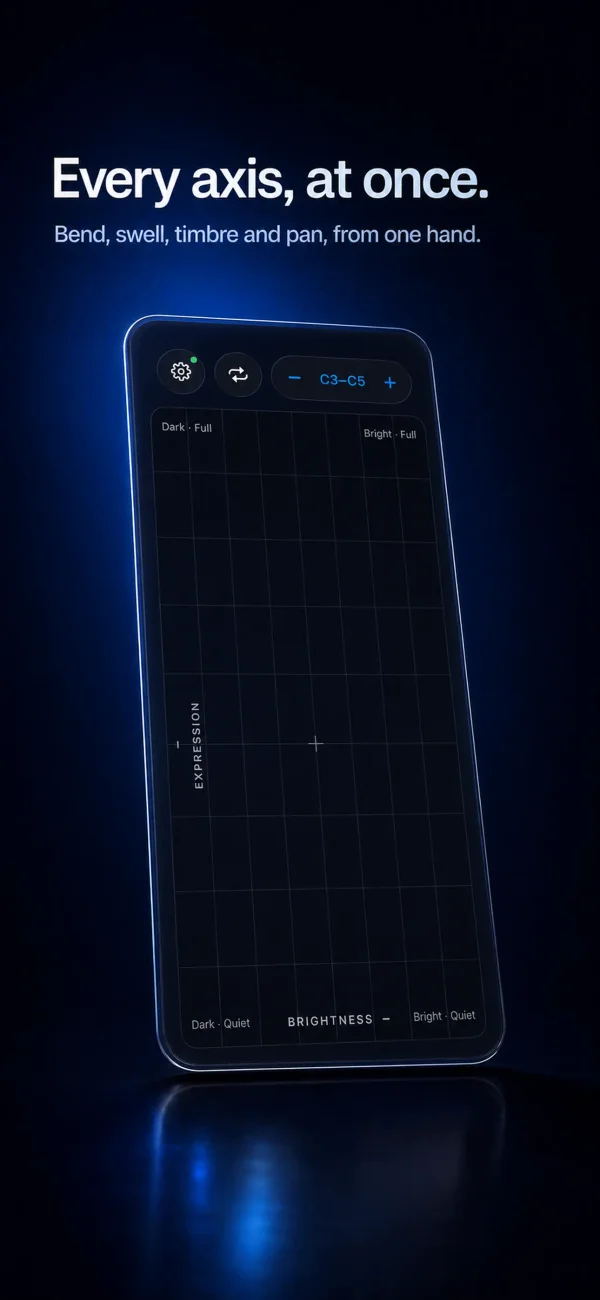
Browse the Mac's sounds, choose a playing surface, change the key and scale, and start or stop the performance from your iPhone. Touch layouts include keyboards, drums, chords and continuous expression controls.
TURN A SOUND INTO AN INSTRUMENT
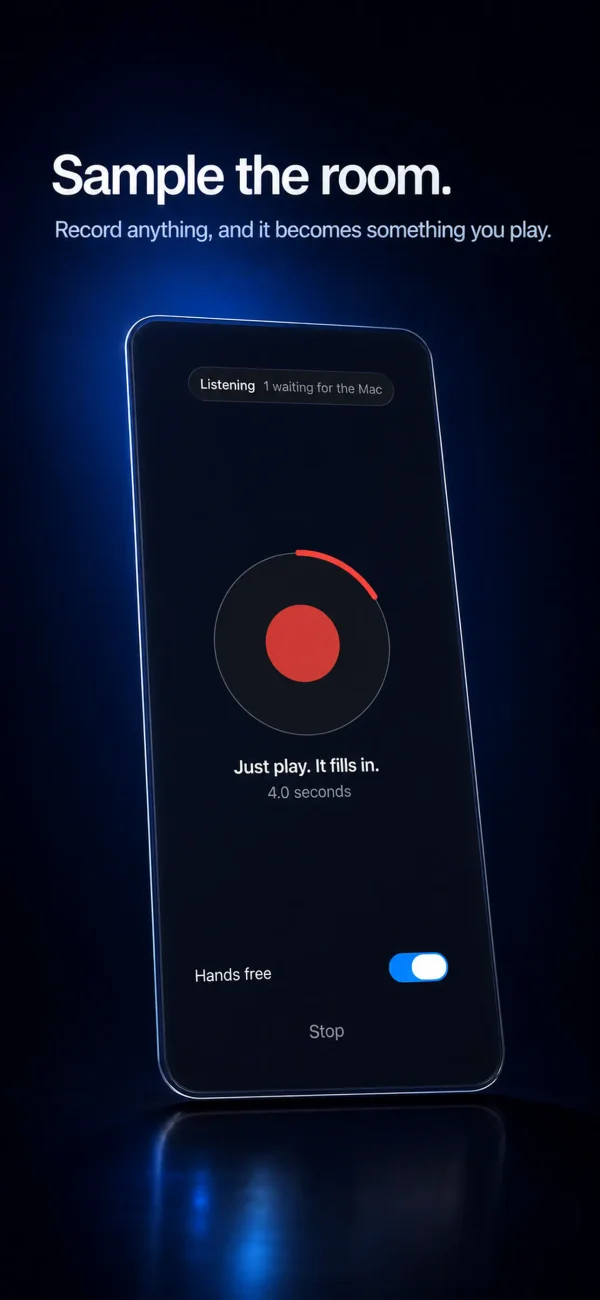
Record a sample of up to 30 seconds and send it to your paired Mac. Play it back as a new instrument in Sonari.
CONNECT ONCE, PLAY AGAIN
Open both apps on the same local network and pair them. They reconnect automatically. No cable or account is needed. Musical control travels over an encrypted connection between your devices.
FREE COMPANION
Sonari Remote has no in-app purchases or subscriptions. Sonari on the Mac offers a free 14-day trial, followed by a one-time purchase for continued playing.
Requires iOS 26 or later and Sonari on macOS 26 or later. Allow Local Network to connect. Motion, microphone and camera access support the ways you choose.
App privacy
What Shubhra Saha declares on the App Store about how this app handles data.
-
Data not collected
The developer does not collect any data from this app.
Privacy practices may vary, for example with the features you use or your age.
Information
- Seller
- Shubhra Saha
- Category
- Music
- Version
- 1.0.0
- Updated
- Sep 14, 2026
- Released
- Sep 14, 2026
- Size
- 90.1 MB
- Requires
- iOS 26.0 or later
- Age rating
- 4+
- Languages
- English
- Copyright
- © 2026 Shubhra Saha
You might also like
-
 midi-sinkInk marbling, played with MIDI
-
 ULTIMIDIMIDI Touch Controller
-
 Swayer MIDISway your MIDI
-
 Deck LitePick a plugin. Plug in. Play.
-
 MIDI MACHINEEndless melodic inspiration
-
 Syntien 2MIDI/OSC/BLE Control Surface
-
 Midiboard - MIDI ControllerBluetooth Pads, Keys & Faders
-
 Norah Studio: Stems, FX, RemixTake any song somewhere new
-
 MusePad: Finger DrummingFinger Drumming, Drum Pad, MPE
-
 AirBending: MIDI ControllerHand gestures MIDI controller