Sonarium
Live Sound Cue Workstation
Designed for iPhone, iPad, Mac
Free · In-app purchases
- Age rating4+
- CategoryMusic
- DeveloperPeter Bulyaki
- LanguagesEnglish
- Size5.4 MB
Links to the official App Store page
Download.org hosts no file of Sonarium. The button opens its official App Store page, published by Peter Bulyaki. Listing last checked on Nov 23, 2026.
Screenshots

About
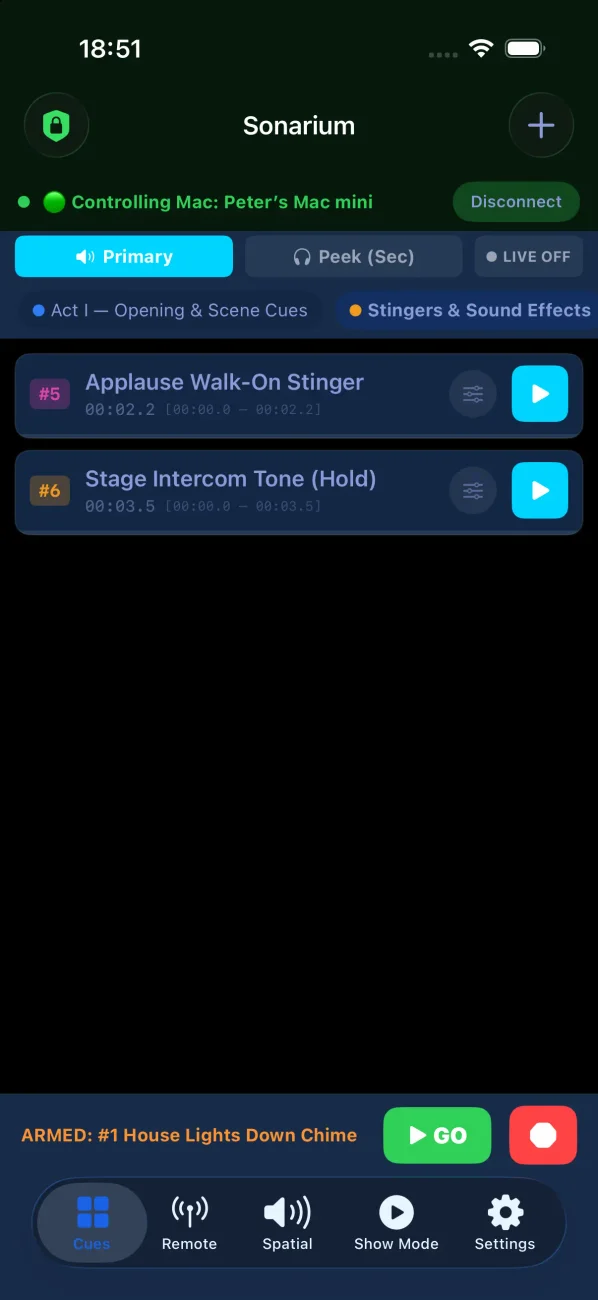
Bring theatre cues and backing tracks to iPhone and iPad. Sonarium combines touch playback controls, show preparation and an optional remote for Sonarium on Mac.
PREPARE YOUR SHOW
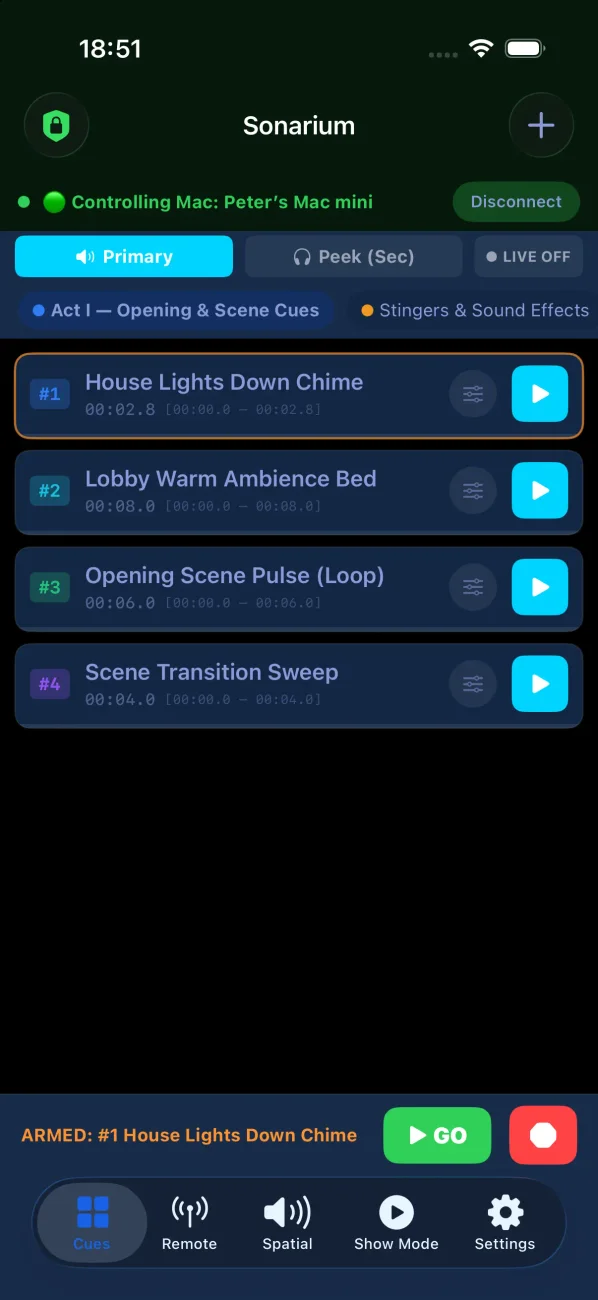
Import audio from Files, including WAV, AIFF, MP3 and M4A. Organise cues into colour-coded pages, add operator notes, view waveforms and adjust non-destructive trim points, levels and fades.
Use the expanded workstation layout to organise a running order and switch between Theatre & Sound Cues, Live Music & Backing Tracks, and Hybrid Performance. The compact iPhone layout keeps cue playback and transport controls close at hand.
PLAY WITH TOUCH OR MIDI
- Trigger and pause cues from onscreen controls.
- Use fades, crossfades, loops and overlapping playback.
- Assign cue triggers with MIDI Learn and a compatible MIDI controller.
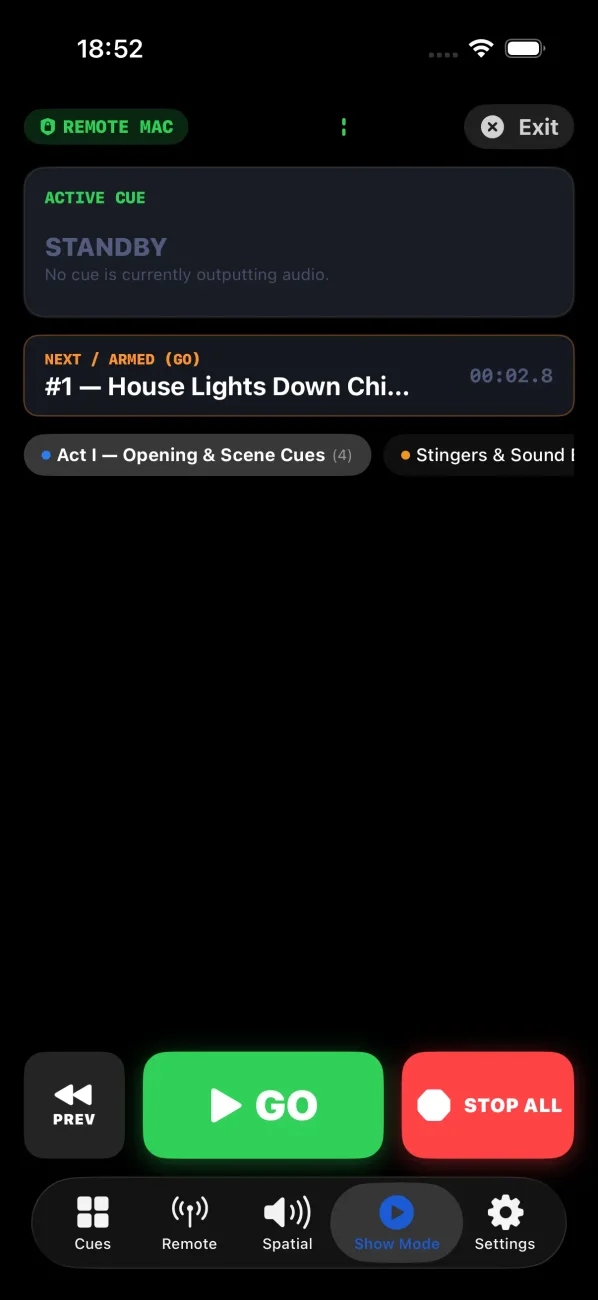
- Enter Show Mode for large GO and STOP ALL controls, current and next cue information, and remaining-time countdowns.
- Keep audio playing in the background while you use other apps.
- Run preflight checks for missing audio and configuration issues.
CONTROL YOUR MAC SHOW
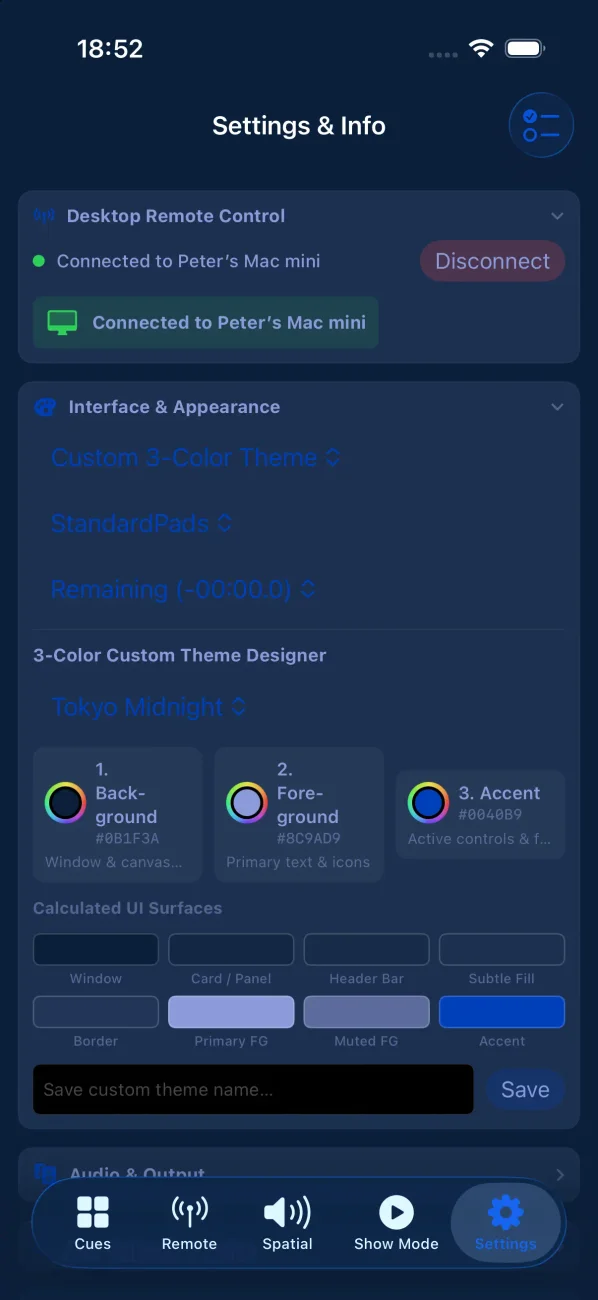
Connect to Sonarium on Mac over the same local network. Browse the Mac's cues, trigger playback and stop the show from your iPhone or iPad. Audio plays on the Mac during remote operation.
EXPLORE SPATIAL PROJECTS
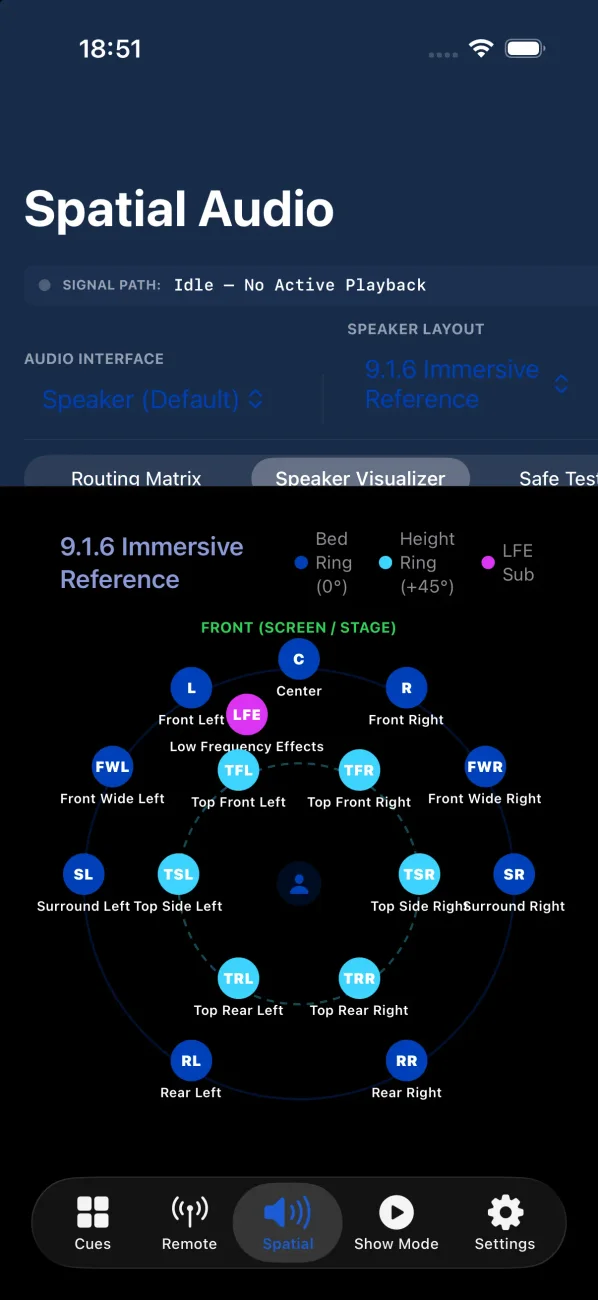
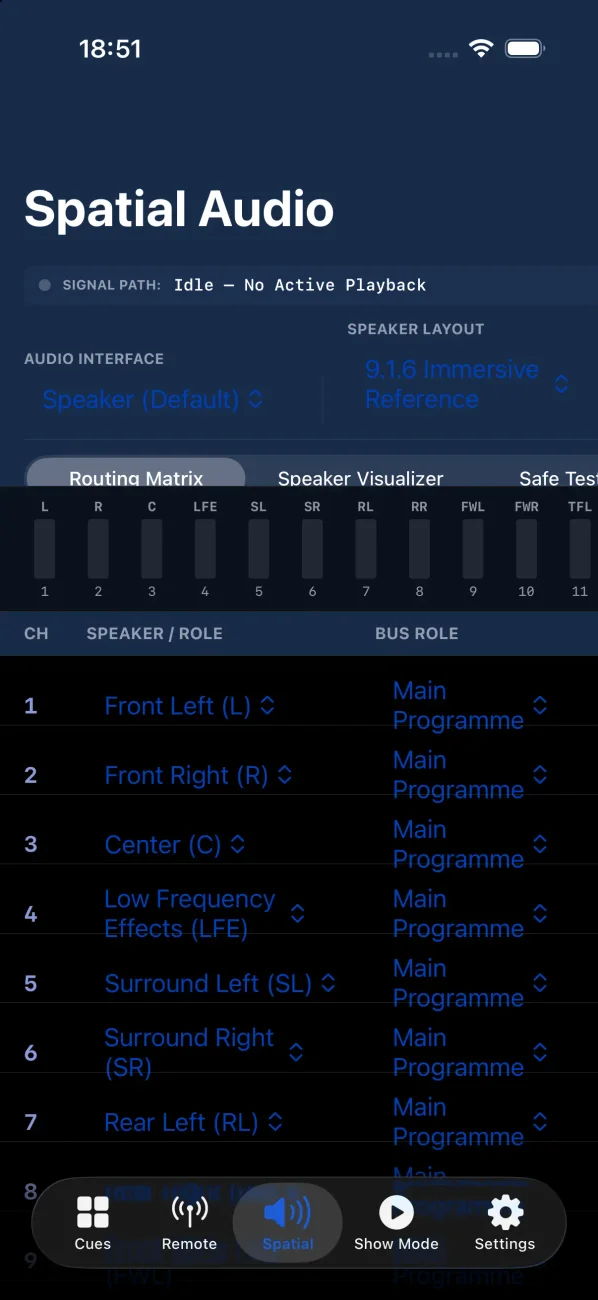
Play compatible .spherify bundles with available audio stems and object-position animation. Inspect speaker layouts and channel mappings, and use stereo monitoring for supported spatial projects.
SAVE AND SHARE
Save shows locally. Use the workstation's Show menu to import and export portable show packages with available audio assets. A built-in sample show provides generated cues for your first rehearsal.
Standalone playback requires no account, Mac or internet connection. Remote control requires a compatible Sonarium Mac app and local-network access.
Requires iOS 18 or iPadOS 18 or later. Audio output follows the system audio route; external audio and MIDI capabilities depend on compatible connected hardware.
What’s new
Version 2.1.0 · Nov 12, 2026
• Many more speaker layouts: everything from mono to 10.2, immersive height layouts up to 13.1.8, Auro-3D, ITU-R BS.2051 systems A–J and NHK 22.2
• New custom layout editor in Spatial & Routing, for up to 64 speakers
• Meters wrap to show 24 or more channels
• Sign in to your Sonus Immersivus account to use a Pro licence you already own
• Stability and accuracy fixes for speaker positions
App privacy
What Peter Bulyaki declares on the App Store about how this app handles data.
-
Data not collected
The developer does not collect any data from this app.
Privacy practices may vary, for example with the features you use or your age.
Information
- Seller
- Peter Bulyaki
- Category
- Music
- Version
- 2.1.0
- Updated
- Nov 12, 2026
- Released
- Oct 26, 2026
- Size
- 5.4 MB
- Requires
- iOS 18.0 or later
- Age rating
- 4+
- Price
- Free
- In-app purchases
- Yes
- Languages
- English
- Copyright
- © Copyright: 2026 Sonus Immersivus.