- Age rating4+
- CategoryMusic
- DeveloperSongShift
- LanguagesEnglish+ 27 more
- Size193.0 MB
Links to the official App Store page
Download.org hosts no file of SongShift. The button opens its official App Store page, published by SongShift. Listing last checked on Nov 24, 2026.
Screenshots


About
Dissatisfied with your music provider or want to try something new?
SongShift transfers the music you love to the music provider you want. Shift your favorite playlists, songs, and albums with a few taps.
How it works:
- Connect your music services
- Configure which music you'd like to transfer
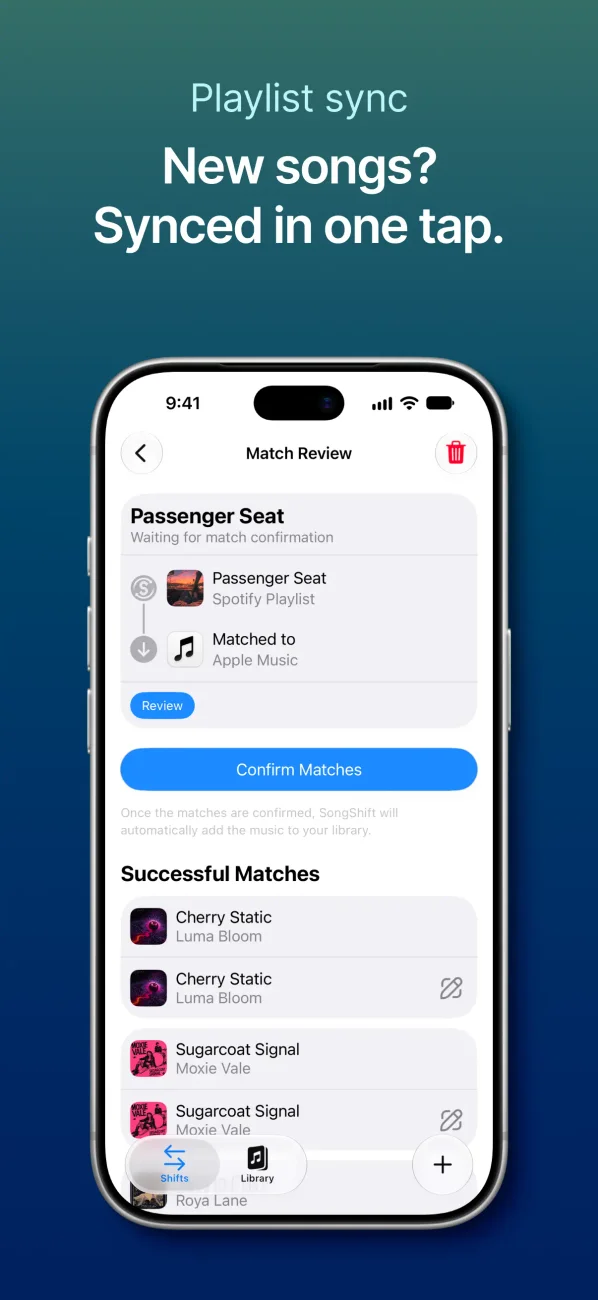
- SongShift finds suitable matches
- Confirm our song matches and fix any we may have gotten wrong
- The rest is magic. Sit back and let SongShift transfer your music
***
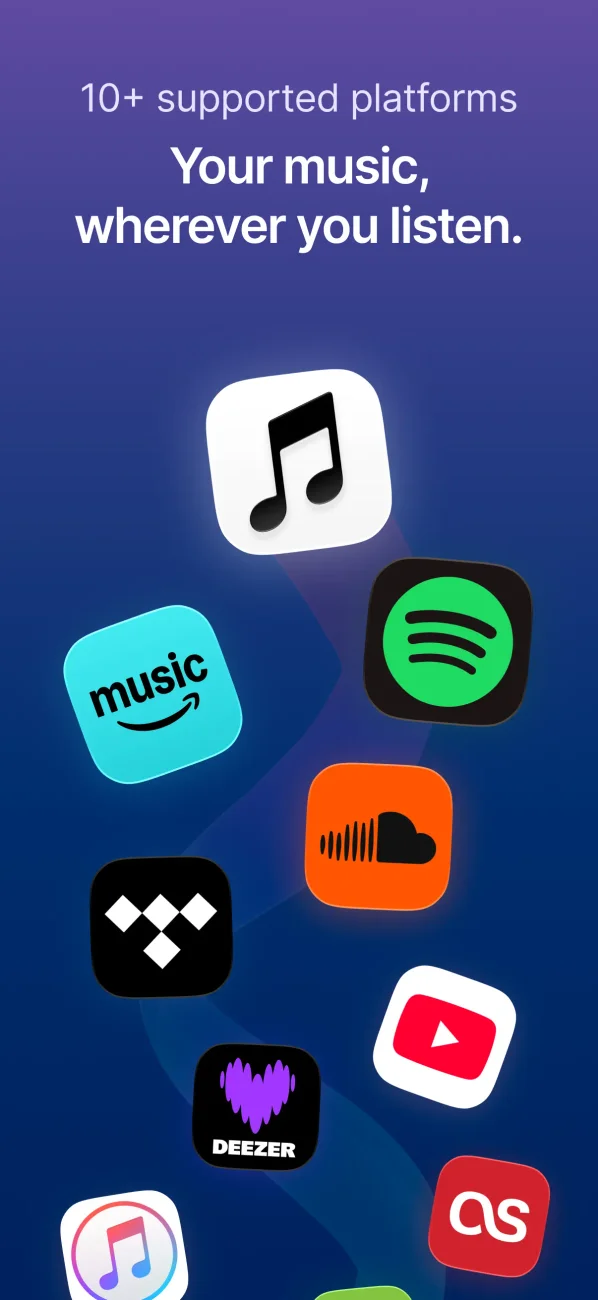
Supported Services:
- Apple Music*
- Amazon Music
- Audiomack
- Deezer
- Discogs
- HypeMachine
- Last.fm
- Pandora
- Qobuz
- SoundCloud
- Spotify
- TIDAL
- YouTube
* An active Apple Music subscription is required to transfer music into Apple Music.
***
Key Features:
- Quickly Shift your favorite music between services
- Match review makes it a breeze to transfer the exact music you want
- Add many transfers to the queue with batch setup
- Add new Shifts using a web link copied to the clipboard
- Monitor playlists for new song additions to keep your transferred playlists up to date
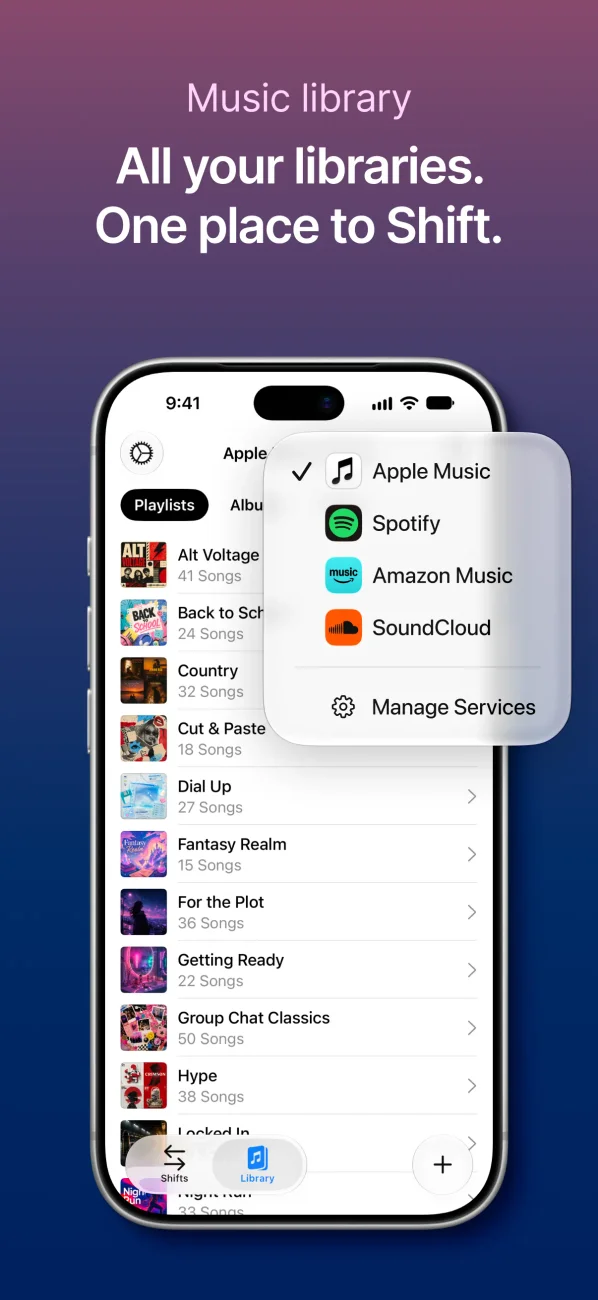
- Browse your connected music libraries, add songs to playlists, and edit playlist titles and descriptions where supported
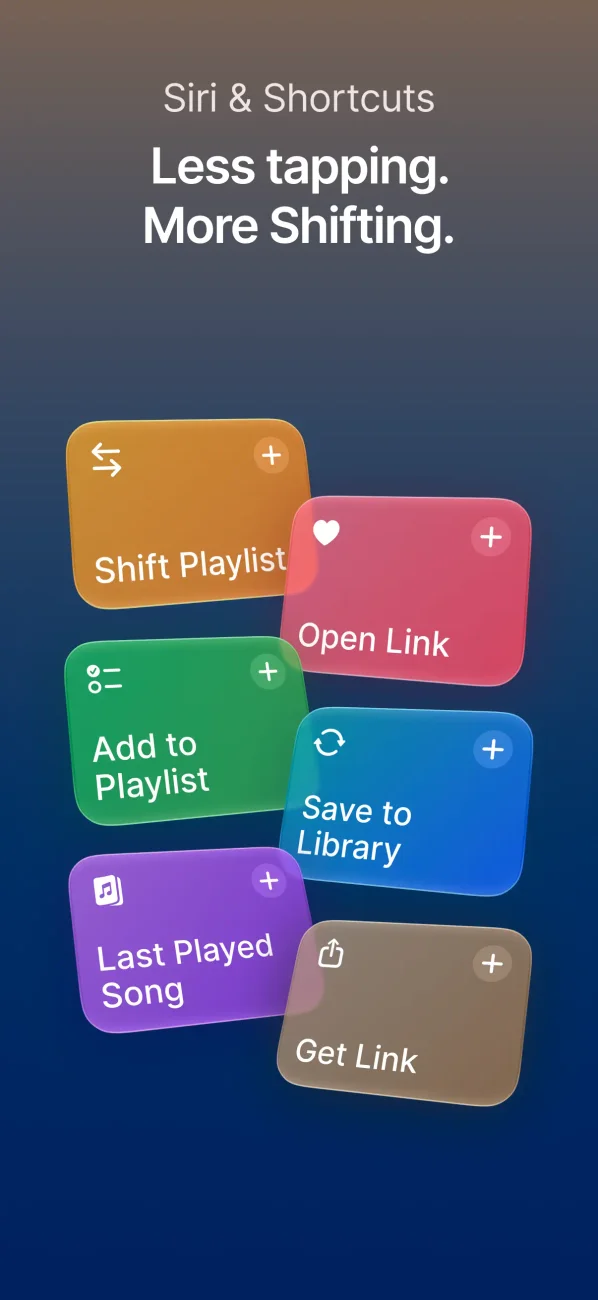
- Use Siri and Shortcuts to open music links, find songs on another service, save music to your library, add songs to playlists, and find your last played song
- Share your playlists with SongMix, our music-sharing app
- Keep your recently played music close at hand with Home Screen widgets
- A refreshed design with glass elements and iPhone Duo support
- Available in 31 languages, with accessibility features and support for right-to-left layouts
***
If you have any issues with SongShift, please let us know at support@songshift.com. We'll be happy to assist in any way we can.
SongShift’s Terms & Conditions are available at https://songshift.com/terms.
What’s new
Version 7.0.1 · Nov 23, 2026
Hello SongShifters!
Welcome to SongShift 7.0!
- A refreshed design with glass elements and iPhone Duo support.
- Browse connected libraries, add songs to playlists, and edit playlist details where supported.
- New Siri and Shortcuts actions for music links, library saves, playlists, and your last played song.
- Improved transfers, match review, playlist monitoring, and recovery after interruptions.
- Refreshed widgets, accessibility improvements, and better right-to-left layouts.
- Share playlists with SongMix.
- Support for all new app languages.
Need help? Contact support@songshift.com or use in-app support.
Thank you for using SongShift!
- The SongShift Team
App privacy
What SongShift declares on the App Store about how this app handles data.
-
Data linked to you
May be collected and linked to your identity.
- Purchases
- Location
- Identifiers
- Usage data
- Diagnostics
- Other data
-
Data not linked to you
May be collected but is not linked to your identity.
- User content
- Diagnostics
Privacy practices may vary, for example with the features you use or your age.
Information
- Seller
- SongShift, LLC
- Category
- Music
- Version
- 7.0.1
- Updated
- Nov 23, 2026
- Released
- Apr 18, 2016
- Size
- 193.0 MB
- Requires
- iOS 18.0 or later
- Age rating
- 4+
- Price
- Free
- In-app purchases
- Yes
- Languages
- English, Arabic, Czech, Dutch, Filipino, French, German, Hebrew, Hindi, Hungarian, Indonesian, Italian + 16 more
- Copyright
- © 2026 SongShift, LLC.
You might also like
-
 FreeYourMusic: Move PlaylistsTransfer, sync & back up music
-
 Playlist Transfer for My MusicSpotify to Apple Music & Stats
-
 Transfer MusicSpotify to Apple Music & more
-
 Playlisty for Apple MusicPlaylist import & transfer
-
 Music transfer & stats: SwapyFor Spotify, Apple & YouTube
-
 Qobuz: Music & EditorialThe best music quality
-
 Flacbox: Hi-Res Music PlayerEqualizer FX, Lossless Audio
-
 Music Mastering: AudioMasterAudio Editor, Recording Studio
-
 Last.fmMusic
-
 stats.fm for Spotify Music AppFormerly Spotistats, song stat