
Sonic Tools: PDF, Image, Video
Scan, sign, compress, convert
Designed for iPhone, iPad, Mac
Free
- Age rating4+
- CategoryUtilities
- DeveloperRound Social LLC
- LanguagesEnglish
- Size147.0 MB
Links to the official App Store page
Download.org hosts no file of Sonic Tools: PDF, Image, Video. The button opens its official App Store page, published by Round Social LLC. Listing last checked on Nov 13, 2026.
Screenshots
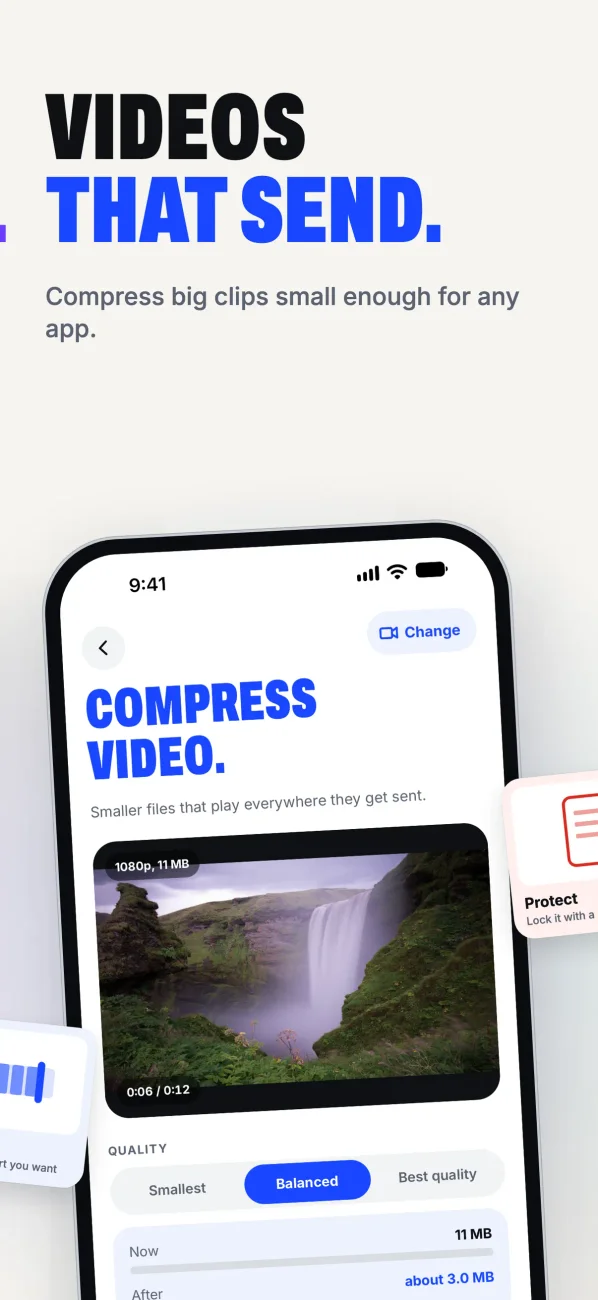
About
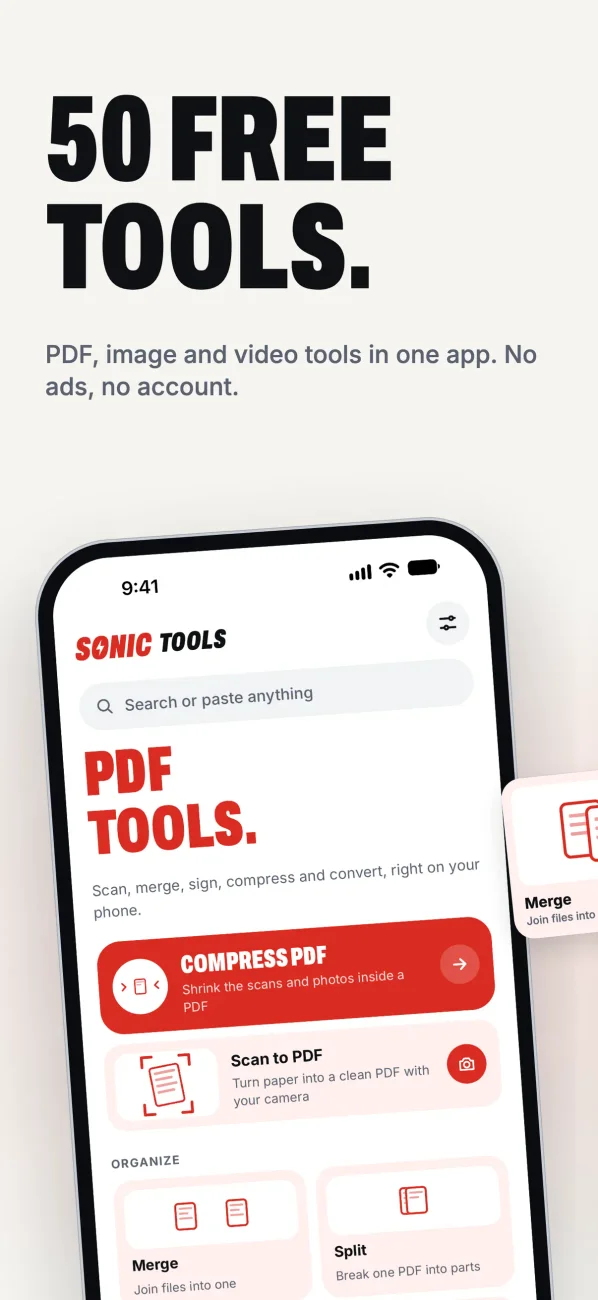
Sonic Tools puts more than 50 PDF, image and video tools in one app, plus Send for moving any file to your other devices. No ads, no account, no watermarks on your files, and no limits on how much you use the tools.
Type what you want to do in the search box and the right tool comes up. Every tool shows a quick animation of what it does, so you always know which one you need.
PDF TOOLS
• Compress PDF: shrink scans and photos so files are small enough to email
• Scan to PDF: point your camera at paper and get a clean, straight PDF
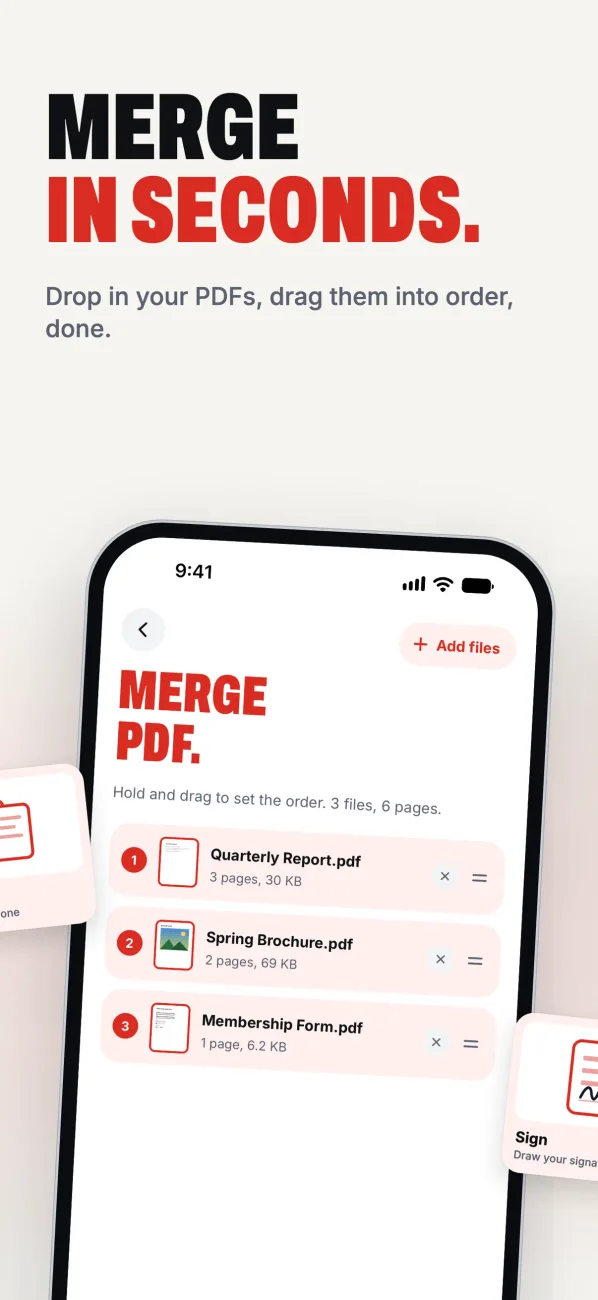
• Merge, split, organize, rotate, crop, remove pages and extract pages
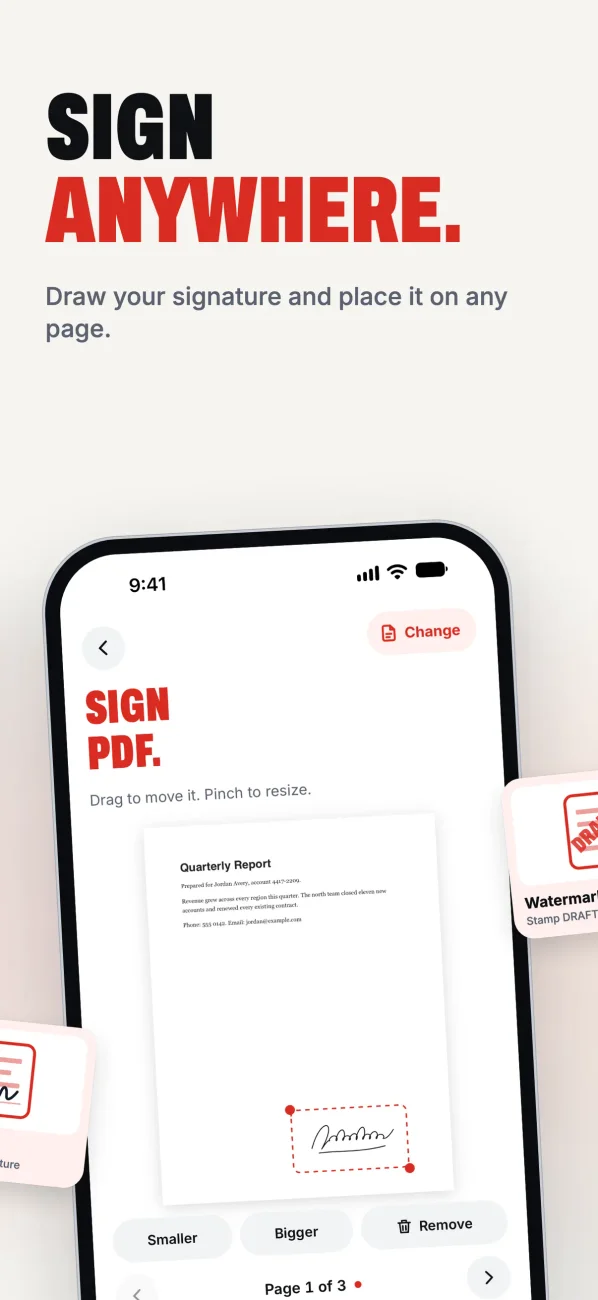
• Sign: draw your signature and place it on any page
• Fill forms, add a watermark or page numbers
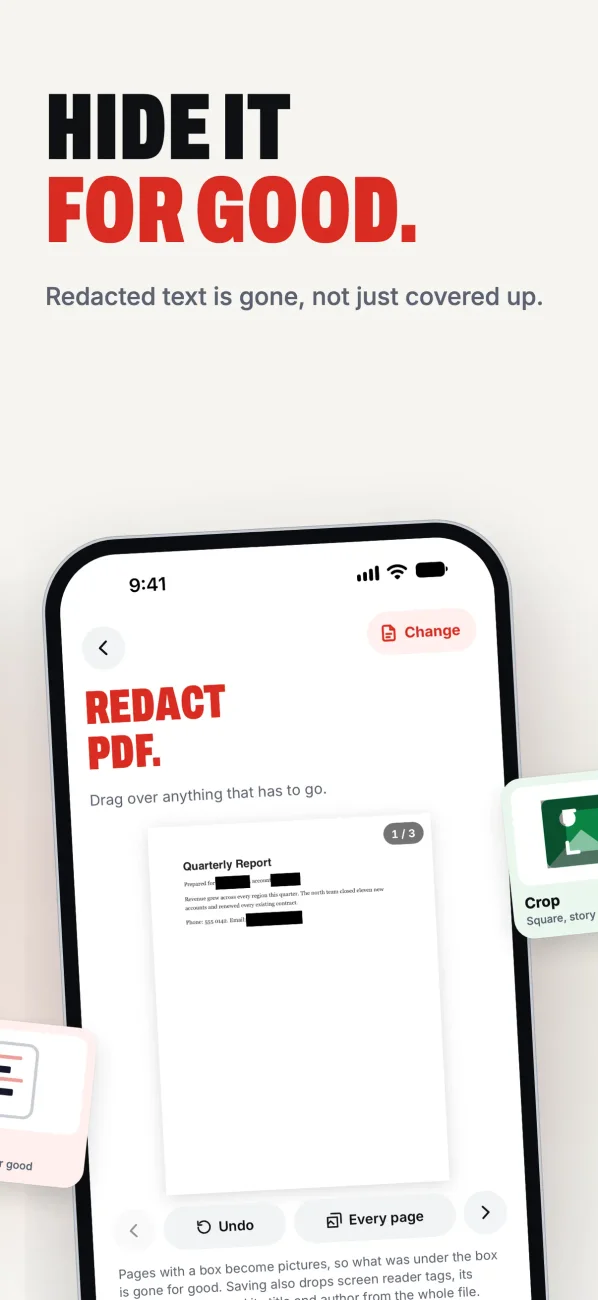
• Redact: black out private details so they're gone for good, not just covered
• Protect and unlock, repair a PDF that won't open, and compare two versions
• Convert Word, Excel and PowerPoint to PDF, photos to PDF, and PDF pages to images
IMAGE TOOLS
• Screenshot editor: mark up a screenshot with arrows, boxes, text and blur, then set it on a gradient or photo
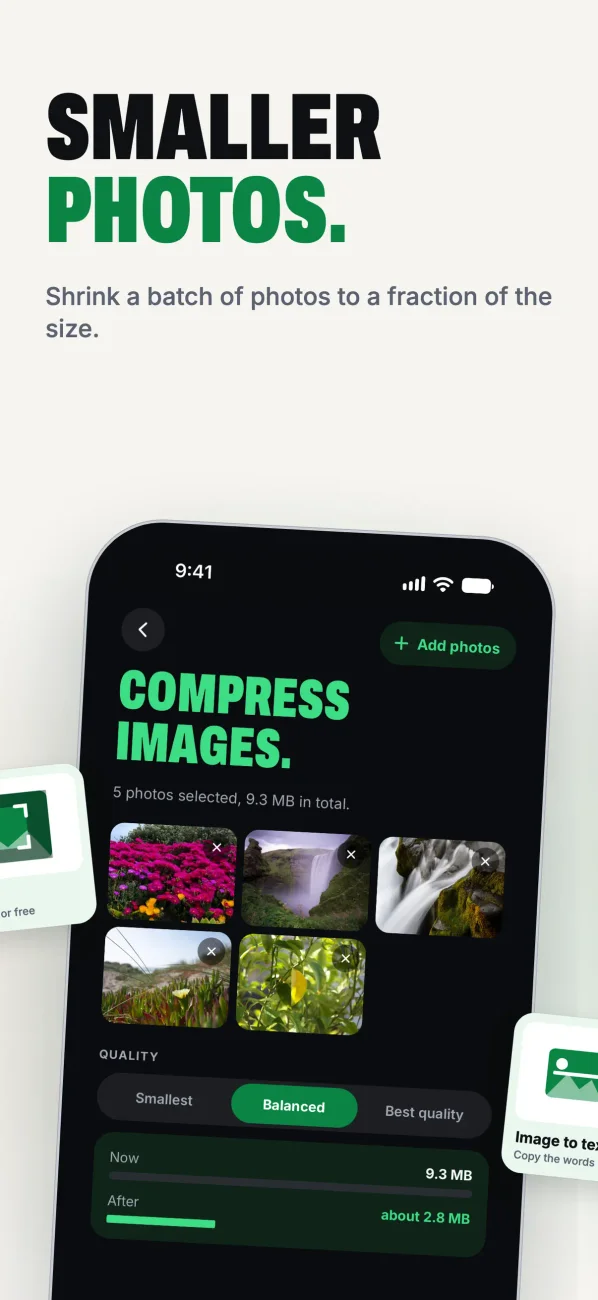
• Compress photos so they're smaller but still sharp
• Resize, crop, rotate, flip and convert HEIC to JPG, PNG or WebP
• Remove background, blur faces and strip location details
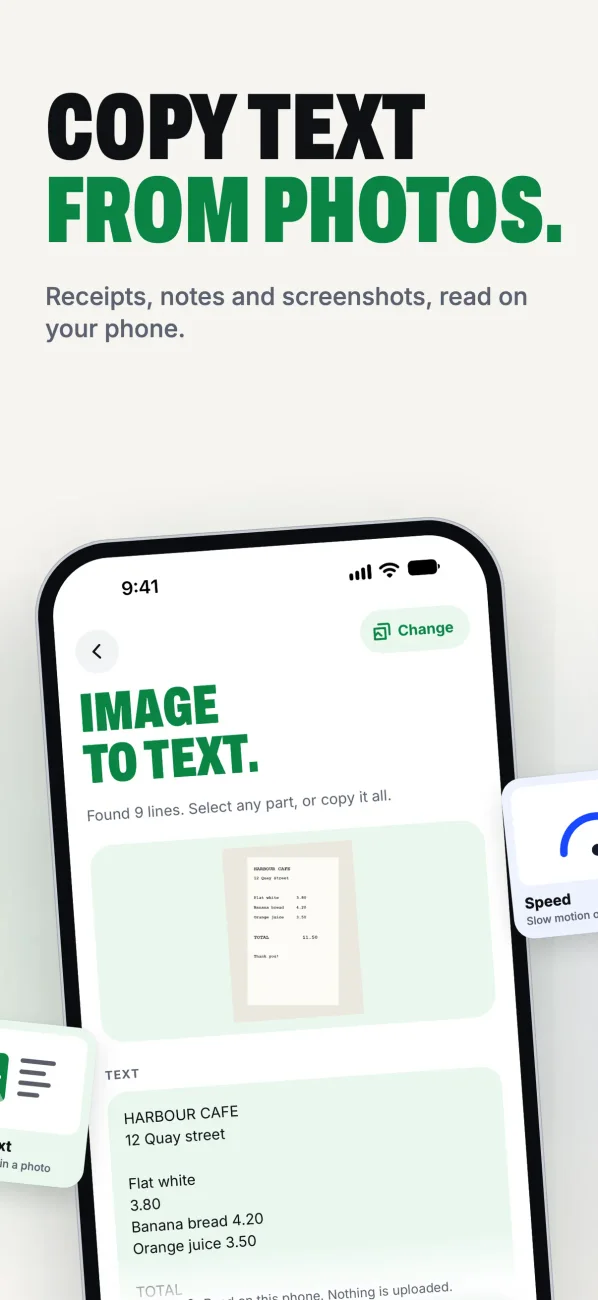
• Image to text: copy the words in a photo, receipt or screenshot
VIDEO TOOLS
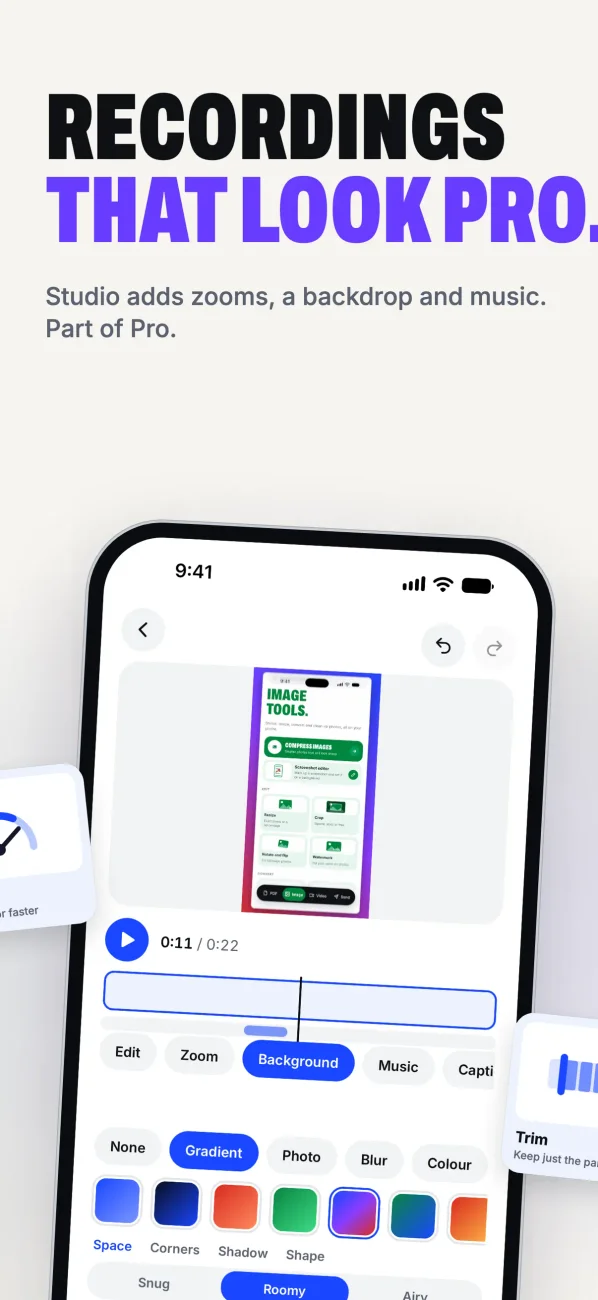
• Studio (Pro): make a screen recording look polished with zooms, a background, captions and music from a library of original tracks
• Compress video so it's small enough to send anywhere
• Trim, mute, rotate, change speed, merge clips and resize for square, story or widescreen
• Convert MOV and MP4, make HEVC play everywhere, and save the sound as audio
• Video to GIF, GIF to video, video to photos and photos to video
SEND
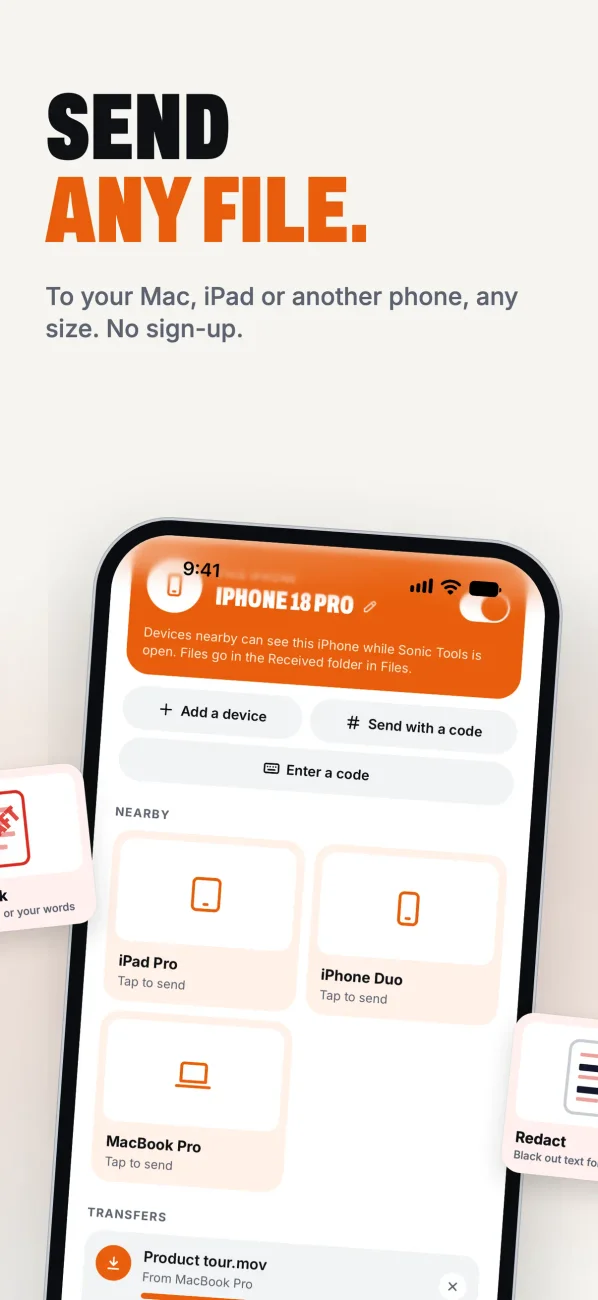
Send photos, videos and files of any size to your Mac, iPad or another iPhone, with nothing to sign up for. Devices on the same Wi-Fi find each other on their own. Pair a device once with a short code and you can send to it from anywhere, or make a one-off code for anyone else. You can also send straight from the Share sheet. Received files go in a Received folder in the Files app.
PRIVATE BY DESIGN
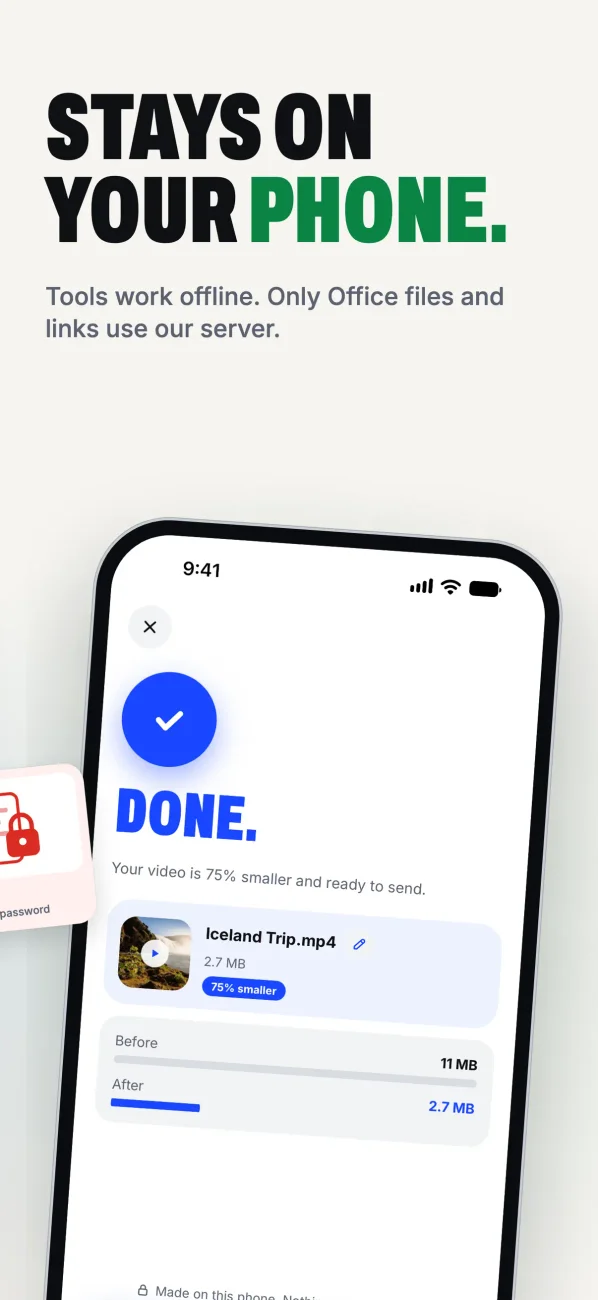
Your files are worked on right on your iPhone or iPad. Three things use the internet:
• Word, Excel and PowerPoint to PDF sends the file to our converter over a secure connection, and it's deleted as soon as the PDF comes back. The app tells you before you convert.
• When you paste a link into the search box, our server picks up the photos or video from it for you and deletes them within five minutes.
• Send finds your devices through our server and, when they can't reach each other directly, passes the files through it. They're encrypted end to end, so the server can't read them, and it keeps nothing.
There are no accounts and no tracking.
BUILT FOR EVERY SCREEN
Sonic Tools works on iPhone, iPad and iPhone Duo, and follows your device's light or dark setting. Results go straight to Files or Photos, or share them anywhere.
SONIC TOOLS PRO
Pro is a monthly or yearly subscription. It unlocks Studio on iPhone and iPad, and Studio, screen recording, scrolling capture, screenshot backgrounds and quiet mode in Sonic Tools for Mac with the same Apple Account. Payment is charged to your Apple Account when you confirm. It renews automatically at the end of each month or year unless you turn off renewal at least 24 hours before the current month or year ends, in your Apple Account's subscription settings.
Terms of Use: https://sonictools.app/terms
Privacy Policy: https://sonictools.app/privacy
Questions or ideas? Write to us at dev@roundsocial.com.
What’s new
Version 1.1.0 · Nov 11, 2026
• Send: a new tab for sending files of any size to your Mac, iPad or another iPhone. Devices nearby show up on their own, and a short code works from anywhere. Nothing to sign up for.
• Search: type what you want to do at the top of any tab and the right tool comes up.
• Screenshot editor: mark up a screenshot with arrows, boxes, text and blur, then set it on a gradient or photo.
• Studio: make a screen recording look polished with zooms, a background, captions and music. Studio is part of the new Sonic Tools Pro. Every other tool, and Send, stays free.
• Share sheet: tap Share > Sonic Tools in Photos or Files to send something or open it in the tool that fits.
• Fixes and polish throughout.
App privacy
What Round Social LLC declares on the App Store about how this app handles data.
-
Data not collected
The developer does not collect any data from this app.
Privacy practices may vary, for example with the features you use or your age.
Information
- Seller
- Round Social LLC
- Category
- Utilities
- Version
- 1.1.0
- Updated
- Nov 11, 2026
- Released
- Oct 31, 2026
- Size
- 147.0 MB
- Requires
- iOS 17.0 or later
- Age rating
- 4+
- Price
- Free
- Languages
- English
- Copyright
- © 2026 Round Social LLC
You might also like
-
 OCTAV — SPL Meter, RTA, TunerBuilt for Live Sound Engineers
-
 GRAVITY CAR AUDIOUtilities
-
 Compress PDF File - Shrinkr#1 PDF Compressor, Reduce Size
-
 CarSweep: Car Audio & Room EQStereo & speaker calibration
-
 Frequency Generator: Hz Tones528 & 432 Hertz Healing Sounds
-
 SpectralScan Audio Analyzer dBRTA Sound Spectrum Spectrogram
-
 Audio ToolsAudio Editor Recorder
-
 Frequency Counter Hz TunerGuided Guitar & Ukulele
-
 BassportИнструмент автозвука, сабвуфер
-
 BT Car AudioUtilities