
Sonify
Control your Sonos system
Designed for iPhone, iPad
Free · In-app purchases
- Age rating4+
- CategoryMusic
- DeveloperLUCAS TITUS
- LanguagesEnglish
- Size46.7 MB
Links to the official App Store page
Download.org hosts no file of Sonify. The button opens its official App Store page, published by LUCAS TITUS. Listing last checked on Nov 23, 2026.
Screenshots
About
Sonify – A Smarter Way to Control Your Sonos System
Sonify is a powerful third-party controller for your Sonos® system, designed to make your listening experience faster, smoother, and more enjoyable.
Built with performance and usability in mind, Sonify combines all your favorite features with new tools and a refined UI to help you get the most from your music.
We are not affiliated with or endorsed by Sonos, Inc. Sonos® and related trademarks are the property of Sonos, Inc.
Key Features
Faster, More Convenient Controls
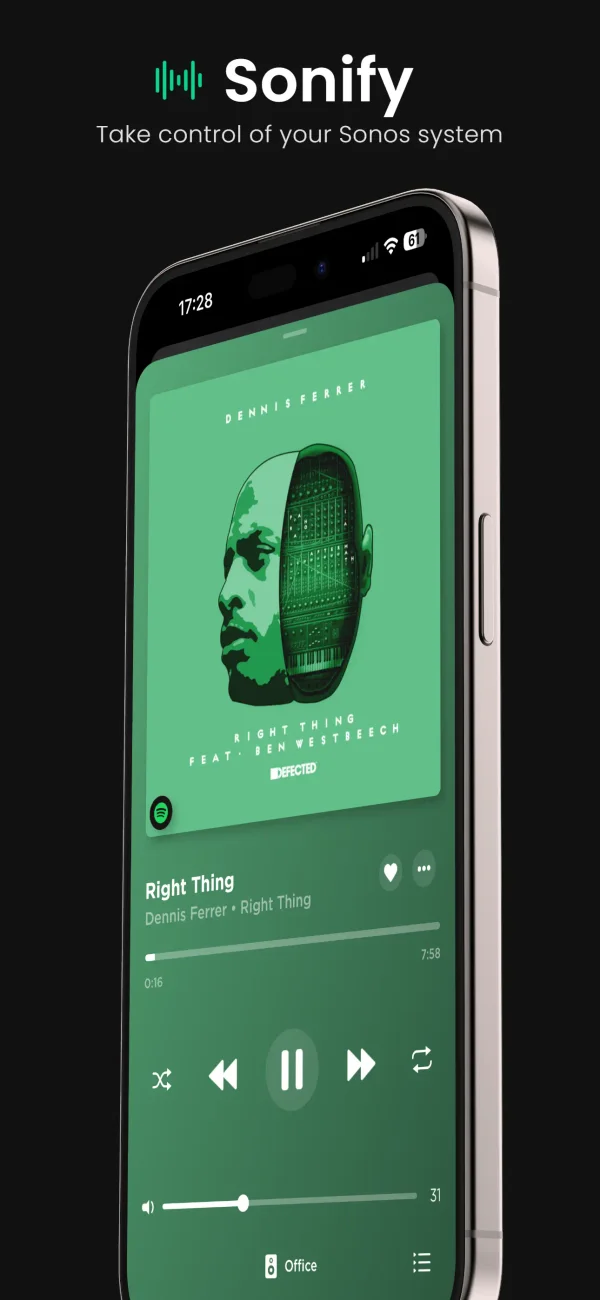
- Lock screen & Control Center integration – Control playback without unlocking your phone.
- Hardware volume buttons – Adjust Sonos volume directly from your device’s volume keys.
- More responsive group volume control – Fine-tuned responsiveness for group adjustments.
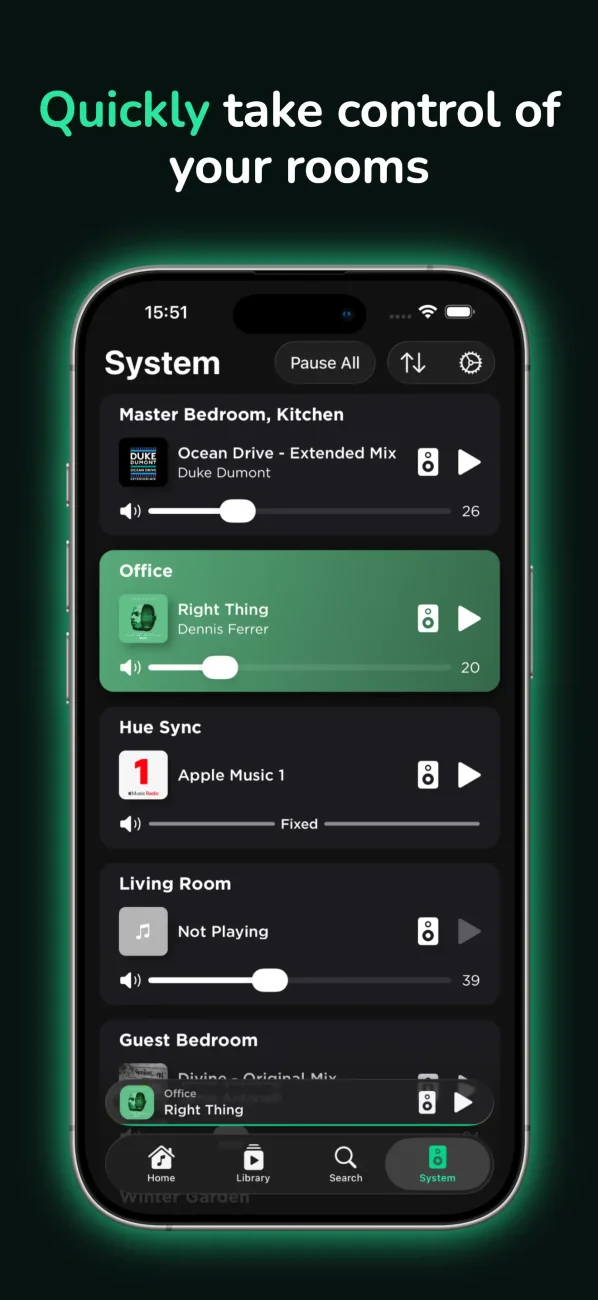
- One-tap Sync button – Instantly match all players to the same group volume.
Better Navigation & Customization
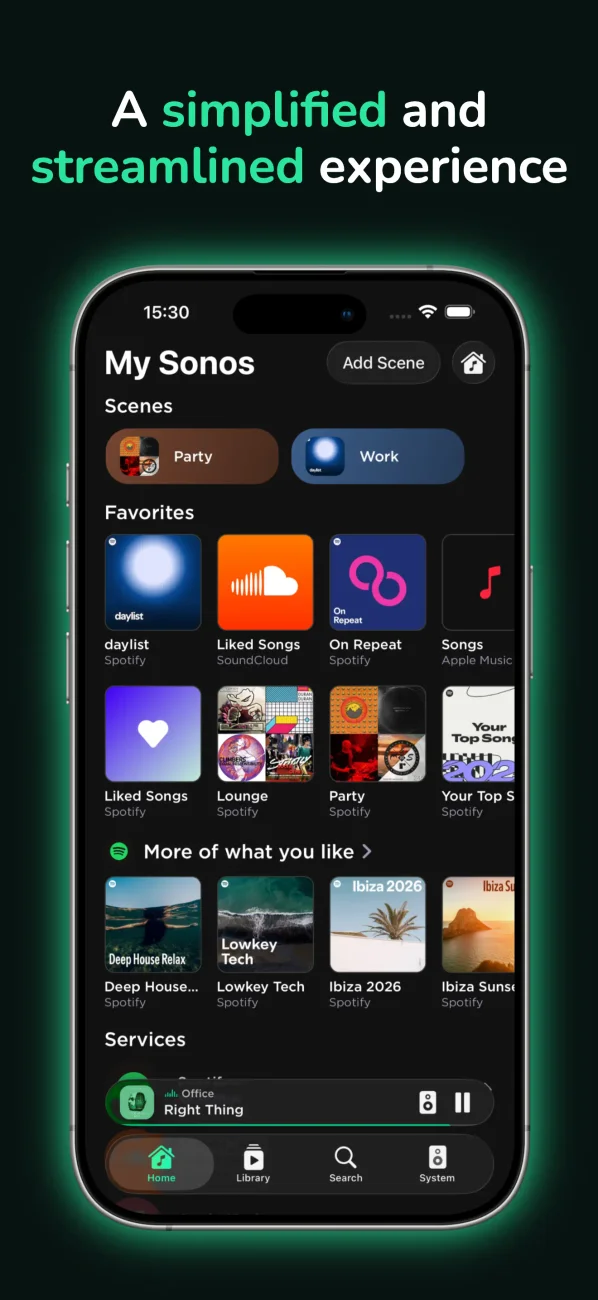
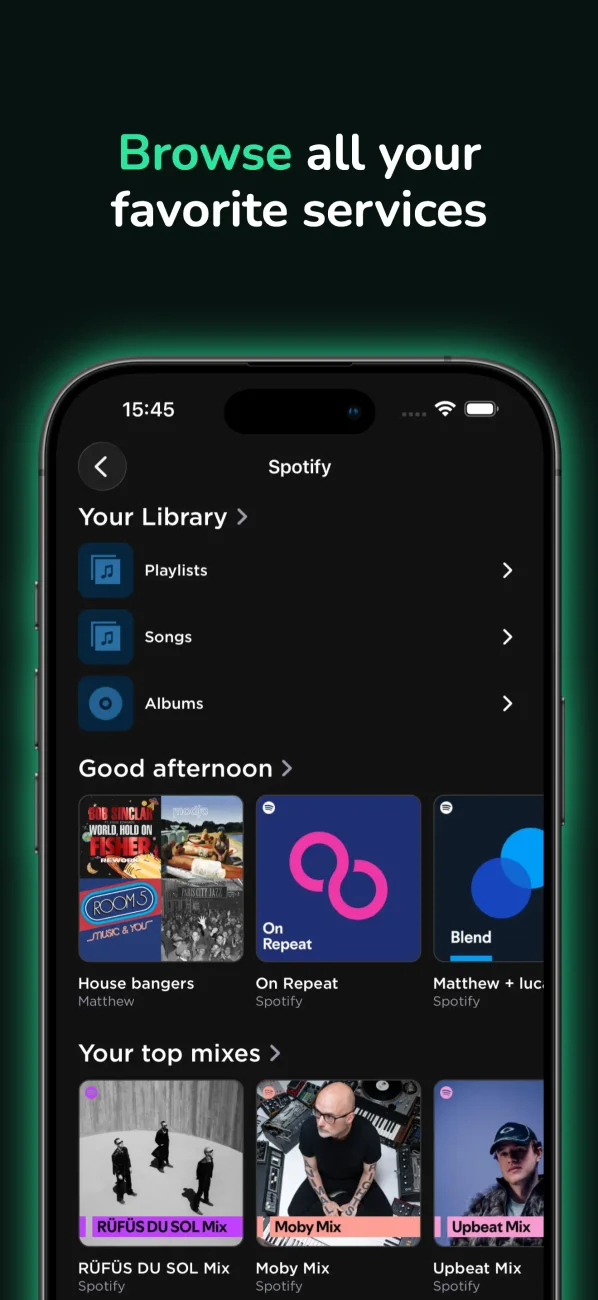
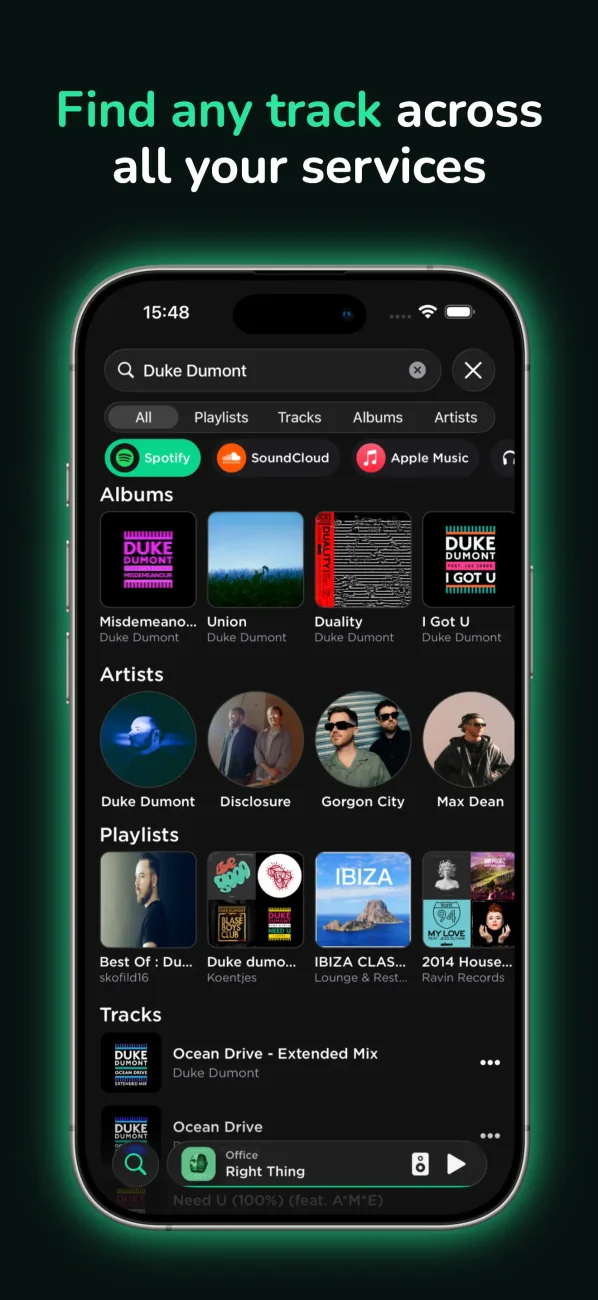
- Improved navigation – Move through your music library and services effortlessly.
- Customizable home page - Make your home page your own by adding different sections.
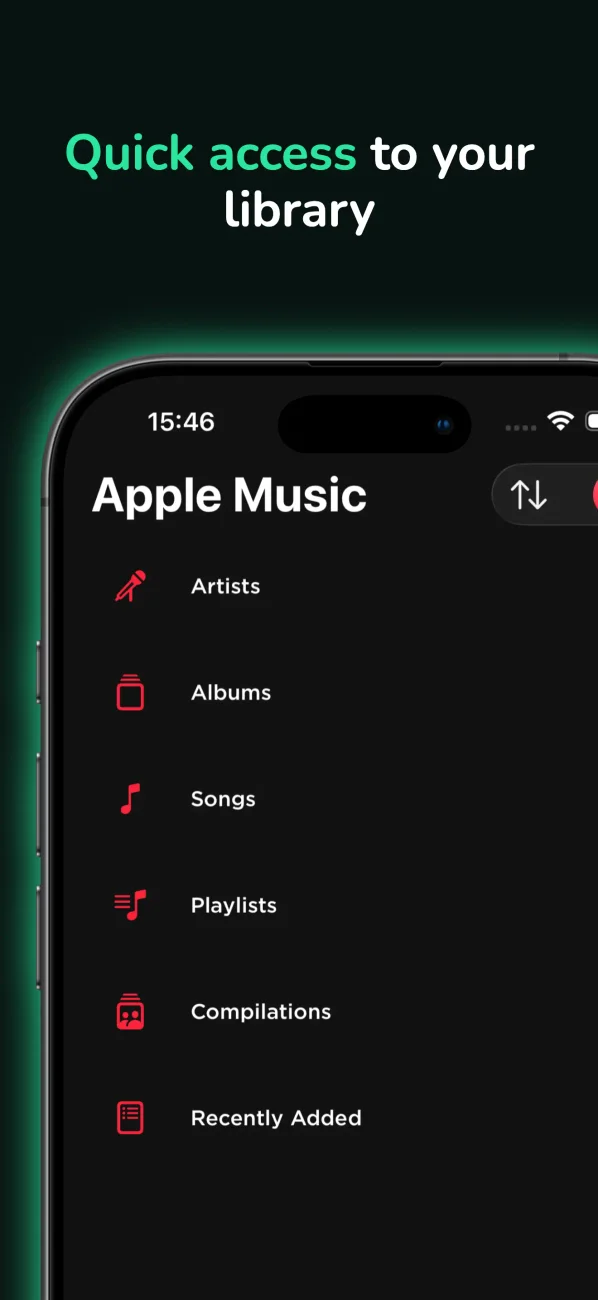
- Dedicated Library page – Quick access to your playlists, liked songs, and saved content across services.
- Native pages for faster performance – Smooth scrolling, snappy responses, and minimal load times.
Enhanced Now Playing Experience
- Like button – Save the currently playing track to your service’s liked songs instantly.
- Artist & Album view – Jump directly to more from the artist or album with a single tap.
- Quick access to TV controls – Control your TV when connected to a Sonos home theater setup.
Smarter Playlist Management (for compatible services)
- Sort and search your playlists.
- Create, rename, edit and delete playlists.
- Add or remove tracks without leaving the app.
Queue Your Way
- Swipe actions – Quickly add to queue or play next.
- Custom queue system – Our unique queue architecture makes playing tracks in large playlists near-instant.
Sonify is only compatible with S2 systems.
Sonify does not completely replace the official Sonos app. System setup and some configuration such as TruePlay must be completed in the official app.
Privacy: https://sonify.cloud/privacy
Terms: https://sonify.cloud/terms
What’s new
Version 3.1.0 · Nov 21, 2026
Sonify on Apple HomeView and in CarPlay (Sonify Pro):
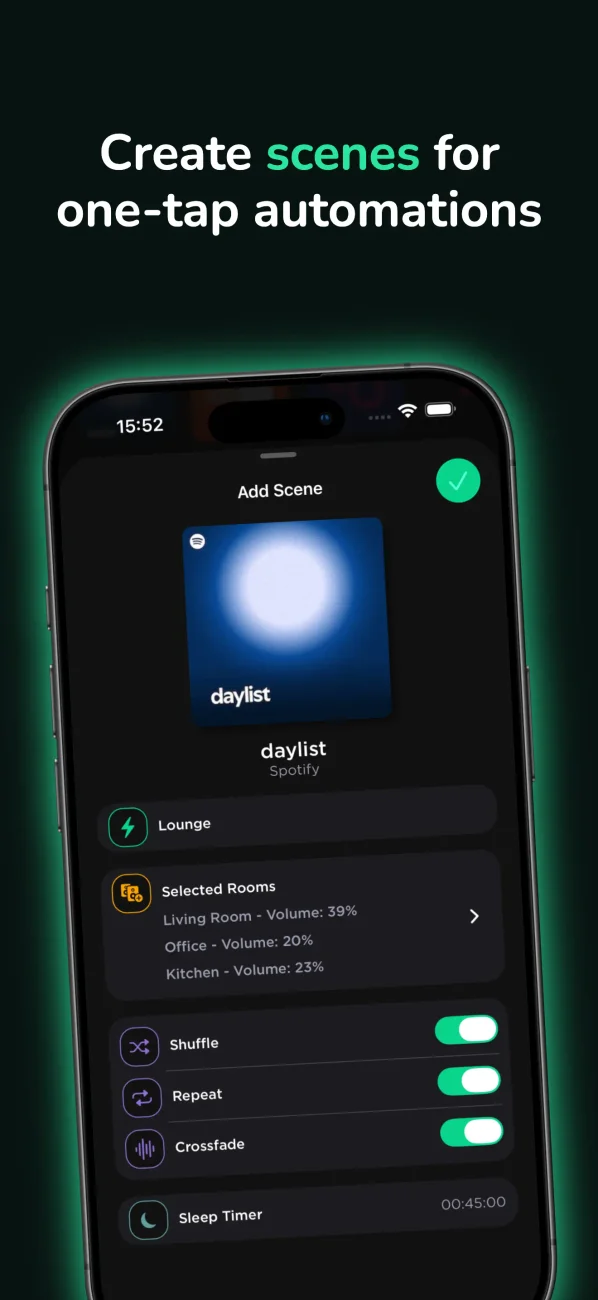
- Your Home as on your iPhone: scenes, favorites, Recently Played
- Library, Rooms and Alarms tabs. Tap a room to use it; tap it again to group rooms
- Now Playing with album art, play/pause, skip, and Play, Shuffle and Add to Queue on albums and playlists
- Your iPhone’s volume buttons control your Sonos room while connected
Discover for everyone with Spotify: a swipeable feed of new music picked for you
Improvements:
- Lock Screen and volume controls are faster and more reliable
Fixes
- Automations that play music no longer fail with an account error
- Albums no longer jump back to an older album after the first track
App privacy
What LUCAS TITUS declares on the App Store about how this app handles data.
-
Data not collected
The developer does not collect any data from this app.
Privacy practices may vary, for example with the features you use or your age.
Information
- Seller
- LUCAS TITUS
- Category
- Music
- Version
- 3.1.0
- Updated
- Nov 21, 2026
- Released
- Aug 17, 2025
- Size
- 46.7 MB
- Requires
- iOS 17.0 or later
- Age rating
- 4+
- Price
- Free
- In-app purchases
- Yes
- Languages
- English
- Copyright
- © 2026 Lucas Titus
You might also like
-
 Sono+: Remote for SonosLock Screen Controls & Widgets
-
 ArpeggiMusic Streaming for Subsonic
-
 PlaylistPort:Playlist TransferTune My Music Fast Sync Tool
-
 Audyssey MultEQ Editor appMusic
-
 FinampJellyfin Music Player
-
 Dirac LiveDigital room correction
-
 MusicHarbor - Track New MusicFind album releases by artist
-
 KEF ConnectListen and believe
-
 S1 - S2 Controller for SonosSonos Speaker & Soundbar
-
 Eter: Stream Internet RadioTune in to Live Online Music