
Sony | Transfer & Tagging
Pro sports/news photographers
Designed for iPhone, iPad
Free
- Age rating4+
- CategoryPhoto & Video
- DeveloperSony Corporation
- LanguagesEnglish+ 6 more
- Size84.7 MB
Links to the official App Store page
Download.org hosts no file of Sony | Transfer & Tagging. The button opens its official App Store page, published by Sony Corporation. Listing last checked on Nov 16, 2026.
Screenshots
About
A free application for professional sports and news photographers using a Sony camera that speeds up the workflow of transferring still images . You can deliver images instantly on location anytime and anywhere without having to open your PC/Mac.
For supported models and information on features/functions, see the support page below.
https://support.d-imaging.sony.co.jp/app/transfer/l/devices/cameras.php
You must sign in using Sony Account to use this application.
■ Using the function of transferring still images to a smartphone/tablet that works with your camera, you can deliver images quickly without losing concentration while taking photos
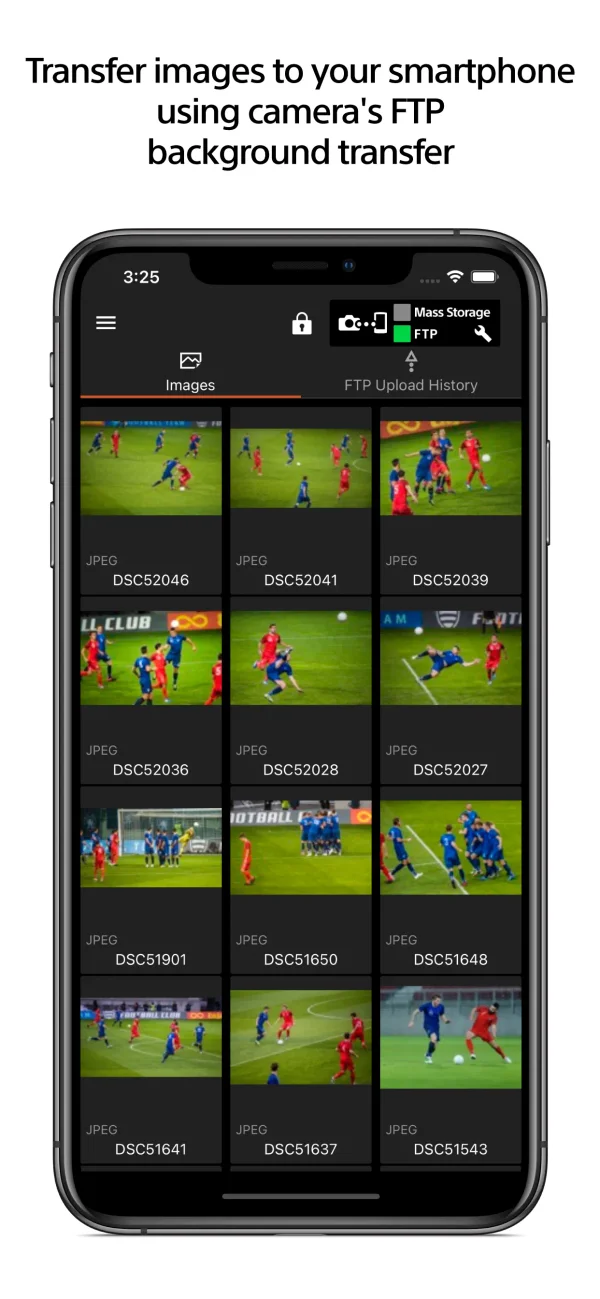
・Wireless background transfers to smartphones/tablets is possible using the camera FTP transfer function.
- While maintaining continuous shooting performance, you can transfer still images in the background to a smartphone even while taking photos. *1
・You can quickly and reliably transfer still images protected in your camera to a smartphone with a wired connection.
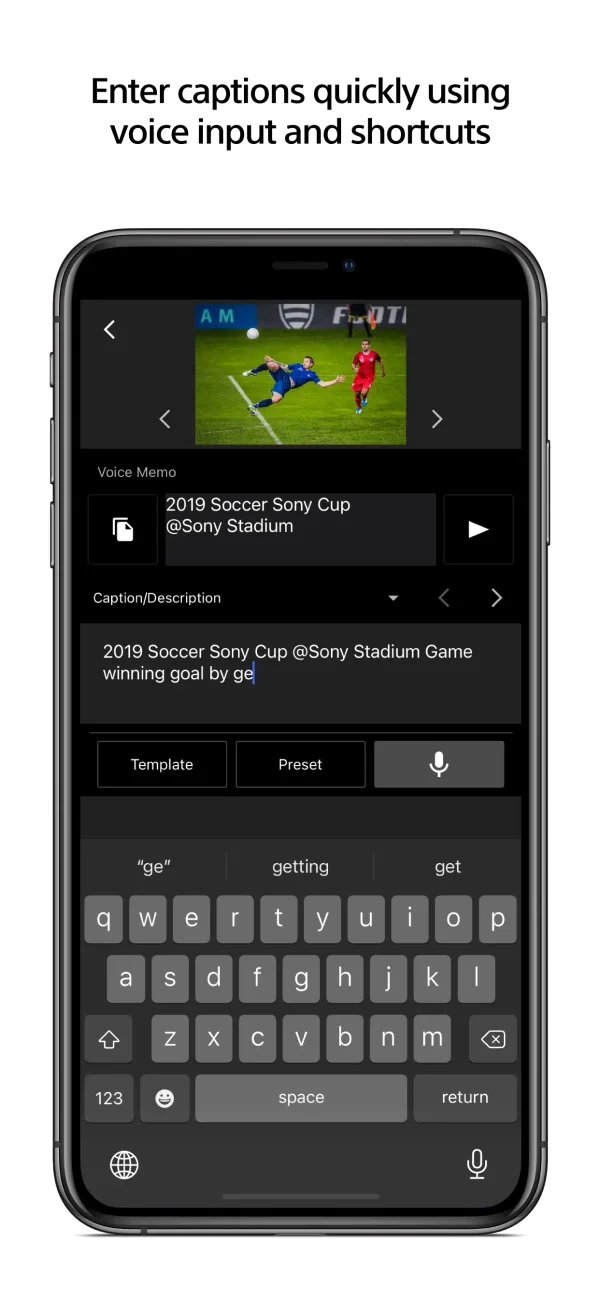
■ Text input of tags/captions for still images can be entered quickly using voice input and shortcut functions
・Hands-free high-speed caption input possible with voice recognition. (Only available in regions where Google services are available)
・After importing images with Voice Memos from a camera, the app can now automatically convert the speech into text as IPTC Metadata. *2
By using this feature with Auto FTP Upload together, you can embed text information in images with Voice Memos and upload them without operating the smartphone. (Only available in regions where Google services are available)
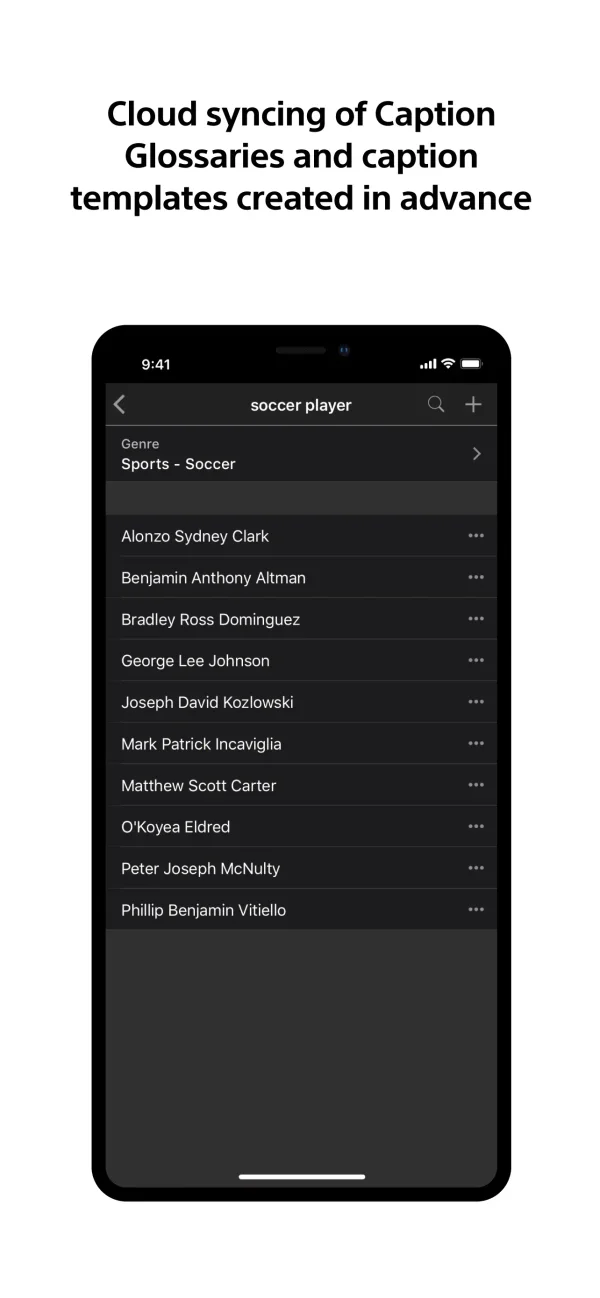
・By using a shortcut to call a pre-registered word in the Caption Glossary, names that are easily mistaken can be quickly entered.
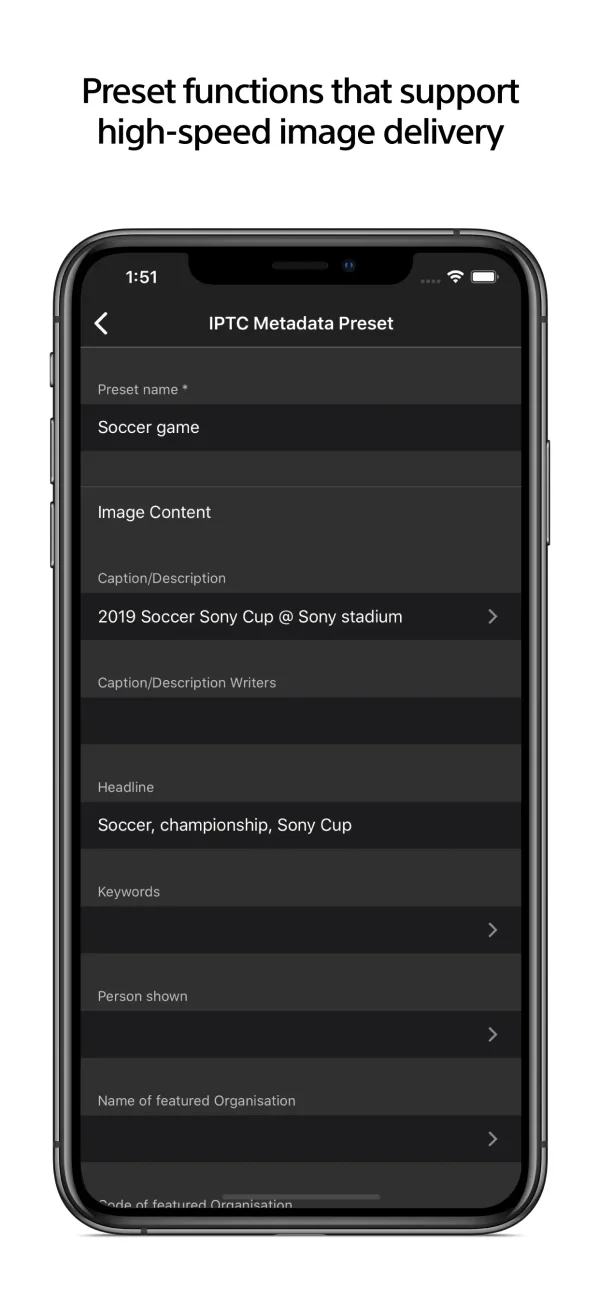
・When transferring still images, you can automatically assign preset tags/captions at once to efficiently enter data.
・Tags/captions support the IPTC metadata*3 standard which is commonly used in news and sports coverage.
・You can customize which items are displayed for the IPTC Metadata that are used within the application.
■ Presets and other various functions enable even faster and reliable delivery work
・Up to 50 IPTC metadata presets can be registered. As the appropriate IPTC metadata can be immediately called out according to the subject
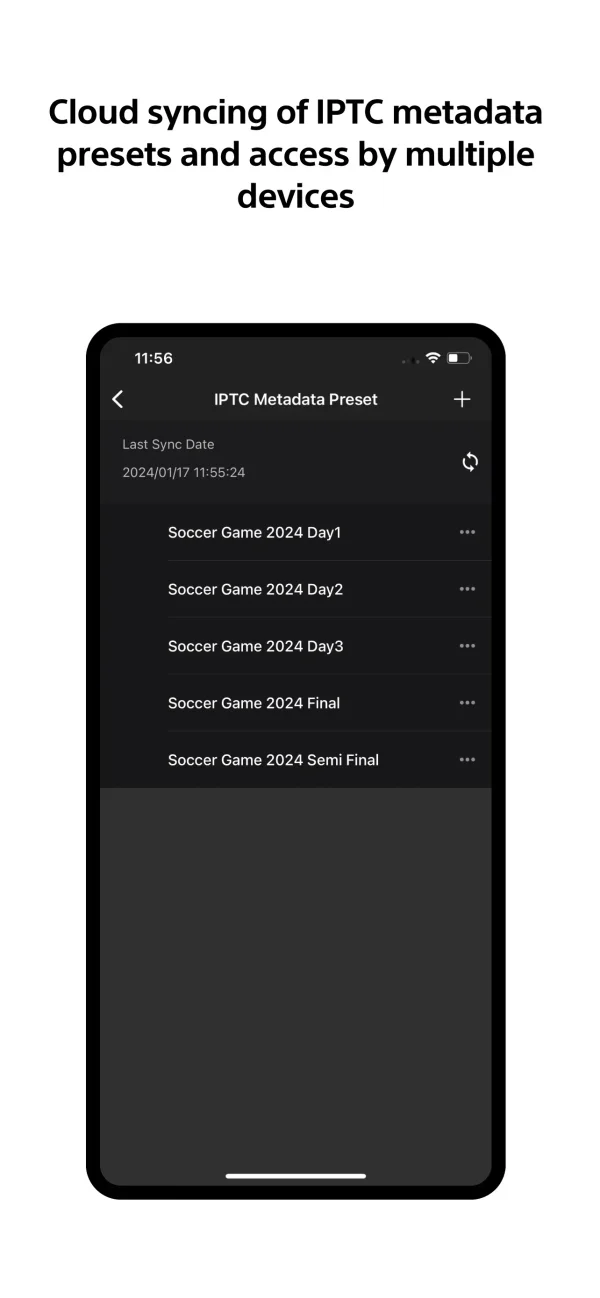
・IPTC metadata presets, caption templates*4, and FTP upload presets, Caption Glossaries can be edited on Account Information Page in Creators’ Cloud and shared among multiple devices.
・Even in an environment where a Wi-Fi or wired LAN is not available, images can be delivered using the mobile/carrier line of your smartphone.
・You can write FTP settings created on the application to your camera.
■ Notes
- Supported operating systems: iOS 17.7-26.2
- This app is not guaranteed to work with all smartphones/tablets.
- Features/Functions available for this app vary depending on the camera you are using.
- For supported models and information on features/functions, see the support page below.
https://support.d-imaging.sony.co.jp/app/transfer/l/devices/cameras.php
*1 The camera software must be updated to use this function.
*2 Voice Memo exceeding 50 seconds cannot be converted to text.
*3 IPTC metadata is a standard of metadata included in digital images, formulated by IPTC (International Press Telecommunications Council).
*4 Note that passwords, private keys, and other sensitive information are not stored in the cloud and must be entered again on each device.
What’s new
Version 2.4.2 · Mar 18, 2026
Improved stability.
App privacy
What Sony Corporation declares on the App Store about how this app handles data.
-
Data linked to you
May be collected and linked to your identity.
- User content
- Identifiers
- Usage data
-
Data not linked to you
May be collected but is not linked to your identity.
- Diagnostics
Privacy practices may vary, for example with the features you use or your age.
Information
- Seller
- Sony Corporation
- Category
- Photo & Video
- Version
- 2.4.2
- Updated
- Mar 18, 2026
- Released
- Mar 25, 2019
- Size
- 84.7 MB
- Requires
- iOS 17.7 or later
- Age rating
- 4+
- Price
- Free
- Languages
- English, French, German, Japanese, Korean, Simplified Chinese, Traditional Chinese
- Copyright
- © 2019-2026 Sony Corporation
You might also like
-
 Alpha Linker - Camera TransferSony Camera Imaging Edge
-
 Control Wifi Sony Camera AppRemote Connect Playmemories
-
 TAMRON Lens Utility MobilePhoto & Video
-
 Monitor+Remote Control for Sony Camera
-
 Sony | Ci Media CloudA Media Workspace in the cloud
-
 ShutterSnitchPhoto & Video
-
 CamRanger 2 - Camera ControlFor Canon, Fuji, Nikon, Sony
-
 Capture PilotCapture One Companion
-
 ProCam – Sony Camera RemotePlayMemories & Imaging Edge
-
 Cascable Studio: Camera TetherCapture, automate & backup