- Age rating4+
- CategoryPhoto & Video
- DeveloperSHU HAN CHEN
- LanguagesEnglish+ 4 more
- Size6.8 MB
Links to the official App Store page
Download.org hosts no file of SortCam: Album Camera. The button opens its official App Store page, published by SHU HAN CHEN. Listing last checked on Nov 23, 2026.
Screenshots
About
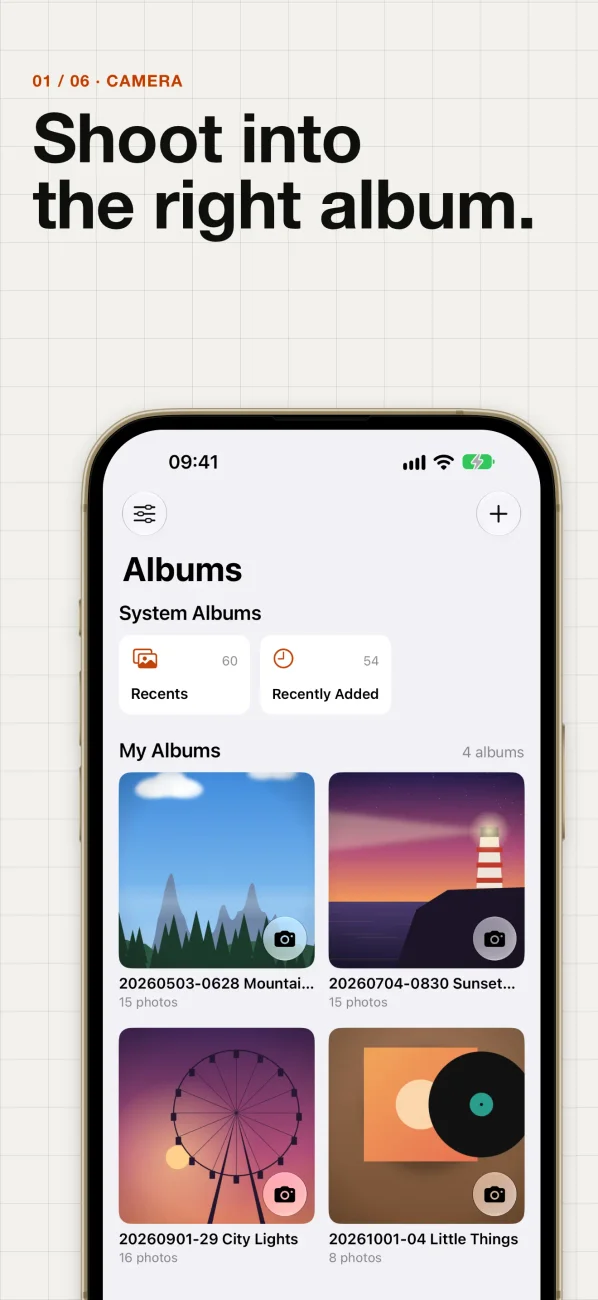
Take a photo and it lands in the right album. No more digging through thousands of shots to file them later.
SHOOT INTO ANY ALBUM
• Tap the camera button on an album and every photo you take is saved straight into it.
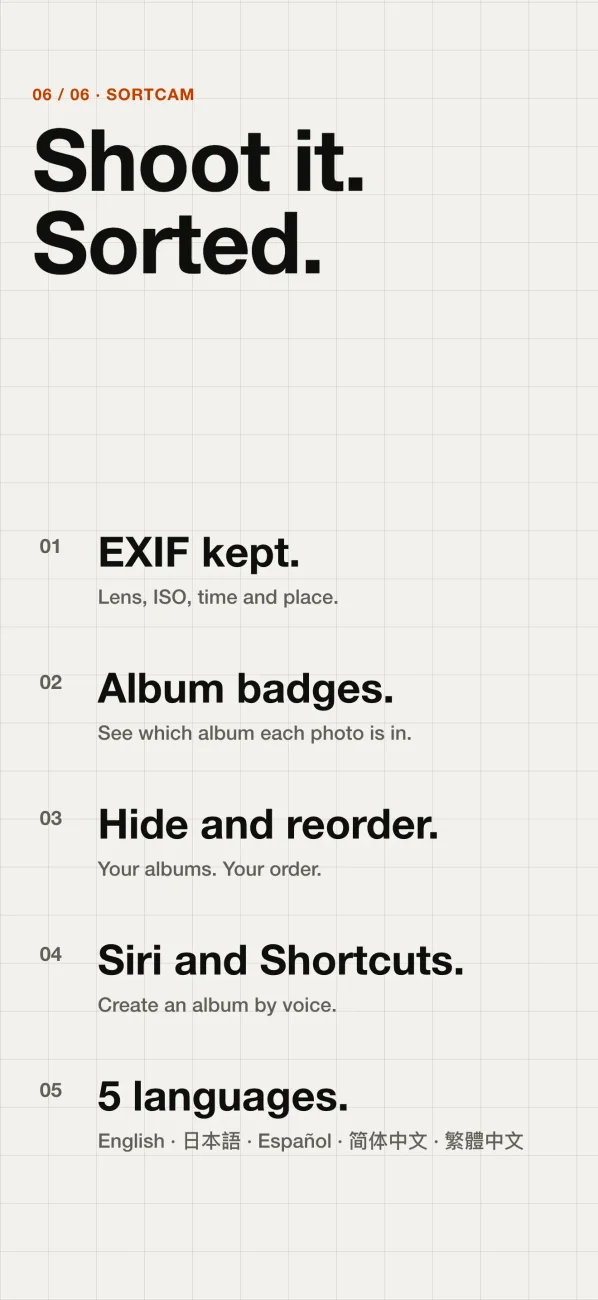
• Photos keep their full EXIF details: phone model, aperture, shutter speed, ISO and capture time, saved as HEIC.
• Optionally save where each photo was taken.
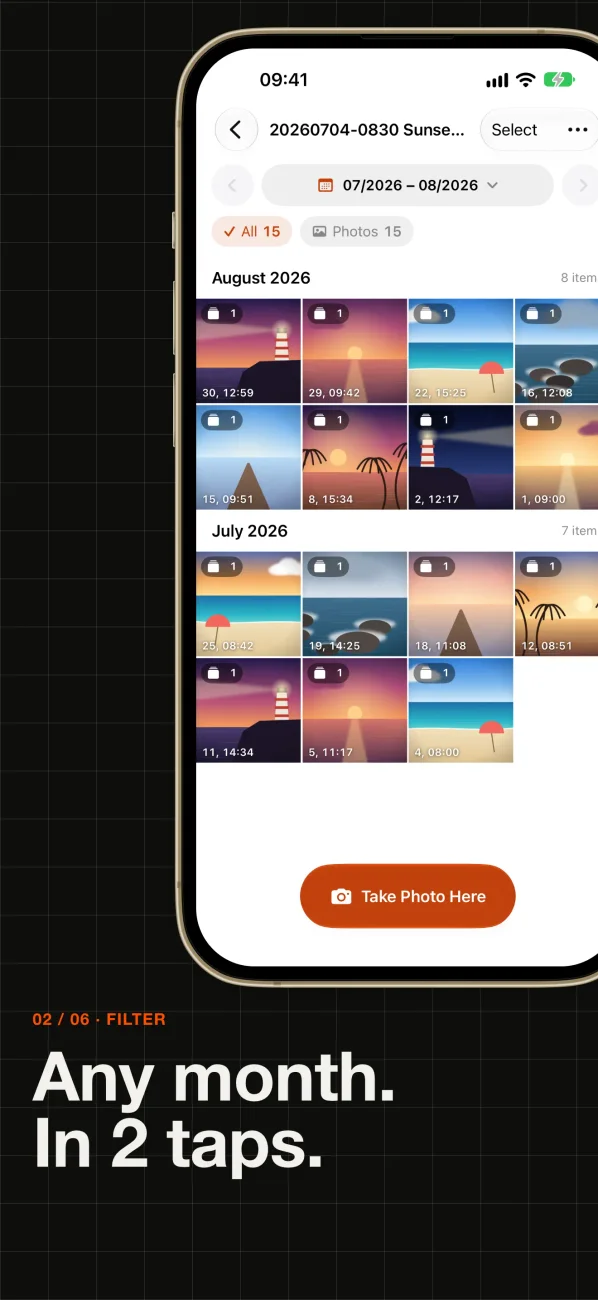
FIND ANY MONTH
• Albums are grouped by month, with the capture date and time on every thumbnail.
• Step through one month at a time, or pick a start and end month.
• Show only photos, videos or screenshots, with a count for each.
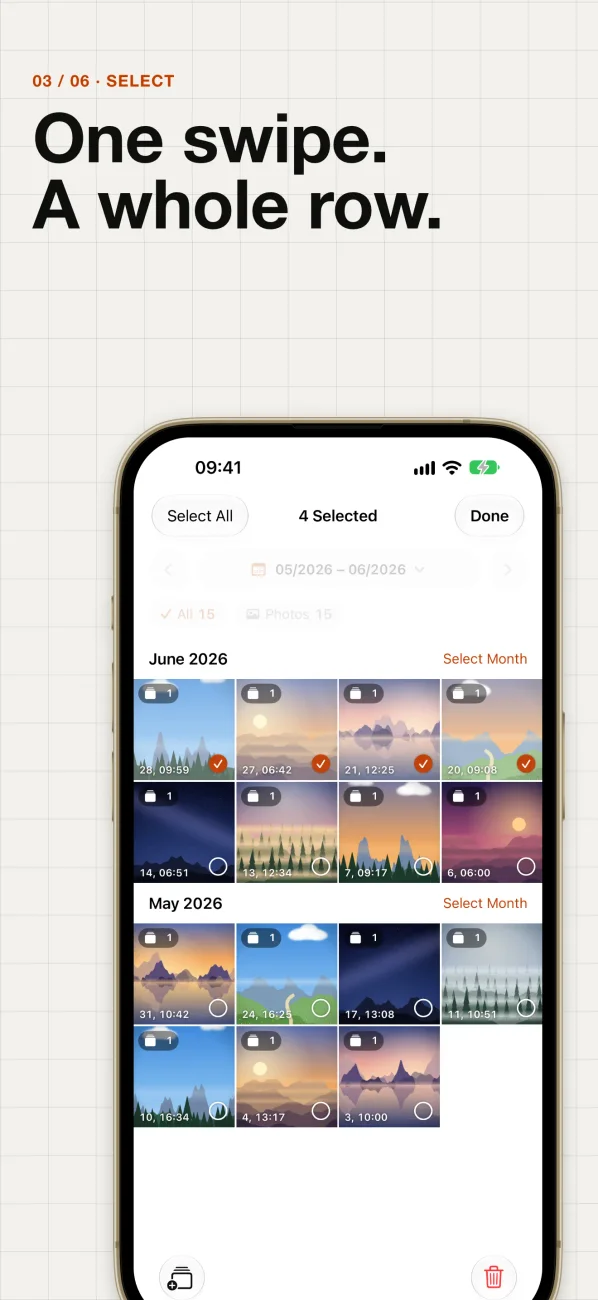
SELECT A WHOLE ROW IN ONE SWIPE
• Swipe across your photos to select many at once, just like in the Photos app. The grid scrolls for you at the edge.
• Select a whole month with one tap.
• Add your selection to an album, remove it from the album, or delete it.
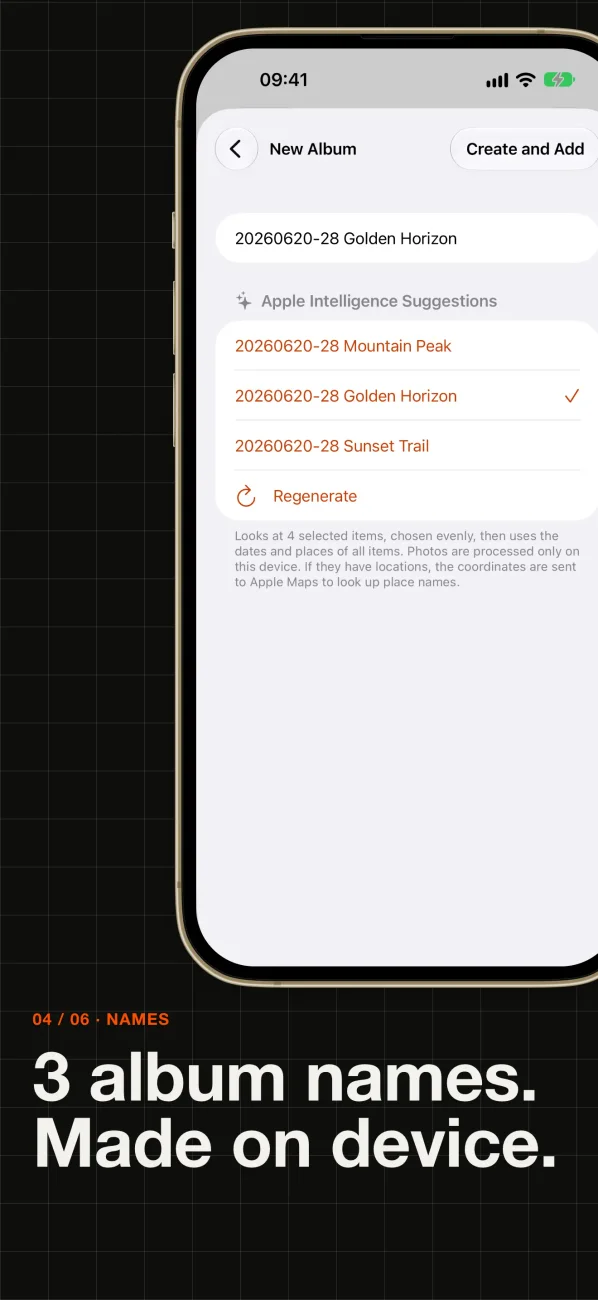
ALBUM NAMES MADE ON DEVICE
• When you create an album, Apple Intelligence looks at your selected photos and suggests three names, with the dates in front.
• Photos are analyzed on your iPhone. If they have a location, the coordinates are sent to Apple Maps to look up place names.
• Name suggestions require iOS 27 and an iPhone with Apple Intelligence turned on.
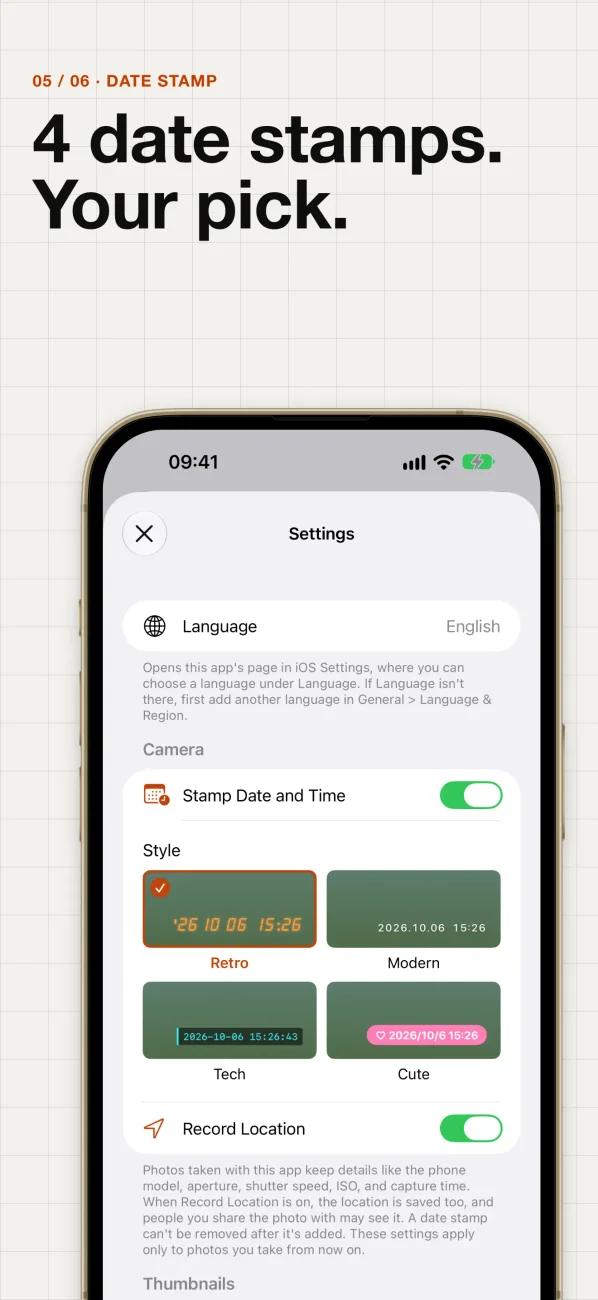
DATE STAMPS
• Stamp the date and time onto new photos in one of four styles: Retro, Modern, Tech or Cute.
KEEP IT TIDY
• See at a glance how many of your albums each photo is in, or spot photos that aren't in any album.
• Hide albums you don't use, and reorder the rest by name, by size or by hand.
• Create albums with Siri or the Shortcuts app.
• Available in English, Japanese, Spanish, Simplified Chinese, and Traditional Chinese.
SortCam works with the albums already in your Photos library. Adding a photo to an album never makes a copy, and deleting an album keeps its photos.
What’s new
Version 1.2.0 · Nov 20, 2026
• Hola, こんにちは, 你好! SortCam now speaks Japanese, Spanish, and Simplified Chinese.
• Switch your iPhone’s language and the whole app follows along: menus, Siri phrases, even the album names Apple Intelligence suggests.
App privacy
What SHU HAN CHEN declares on the App Store about how this app handles data.
-
Data not collected
The developer does not collect any data from this app.
Privacy practices may vary, for example with the features you use or your age.
Information
- Seller
- SHU HAN CHEN
- Category
- Photo & Video
- Version
- 1.2.0
- Updated
- Nov 20, 2026
- Released
- Oct 13, 2026
- Size
- 6.8 MB
- Requires
- iOS 18.0 or later
- Age rating
- 4+
- Price
- Free
- Languages
- English, Japanese, Simplified Chinese, Spanish, Traditional Chinese
- Copyright
- © 2026 Hank Chen
You might also like
-
 Folca - Folder First CameraEvery shot, already sorted.
-
 TagShot - Folder CameraShoot straight to folders
-
 Arrow CameraPractical photos, organized
-
 KeepOrGone - Swipe Clean PhotoSwipe to clean your photos
-
 FolderCam: Work Photo CameraTimestamp, GPS & Watermark
-
 TagCamera: Tag & Isolate WorkKeep work & life photos apart.
-
 SortCamPhoto & Video
-
 Pika Photo: Camera & OrganizerHD Camera, Photo Album Manager
-
 dualCamera - Double Side PhotoCapture the view and you
-
 Album Camera: TidyCamOrganize Photos as You Shoot