- Age rating4+
- CategoryPhoto & Video
- DeveloperNavia Gruber
- LanguagesEnglish
- Size3.0 MB
Links to the official App Store page
Download.org hosts no file of SortMyDump. The button opens its official App Store page, published by Navia Gruber. Listing last checked on Nov 12, 2026.
Screenshots

About
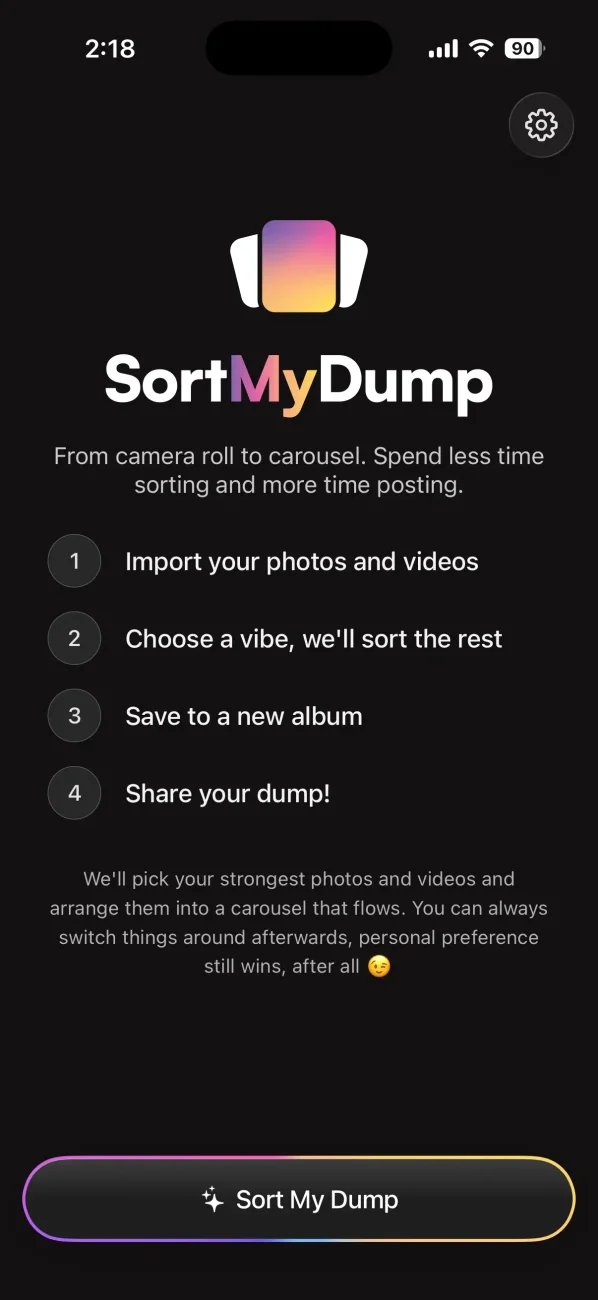
From camera roll to carousel. Spend less time sorting and more time posting.
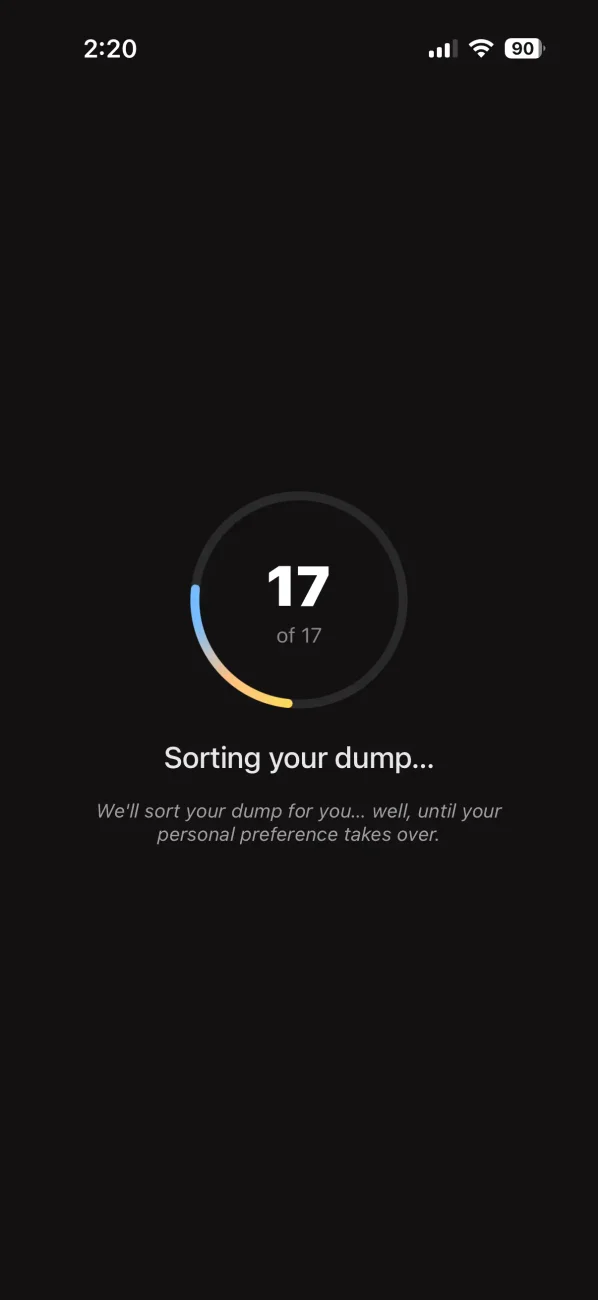
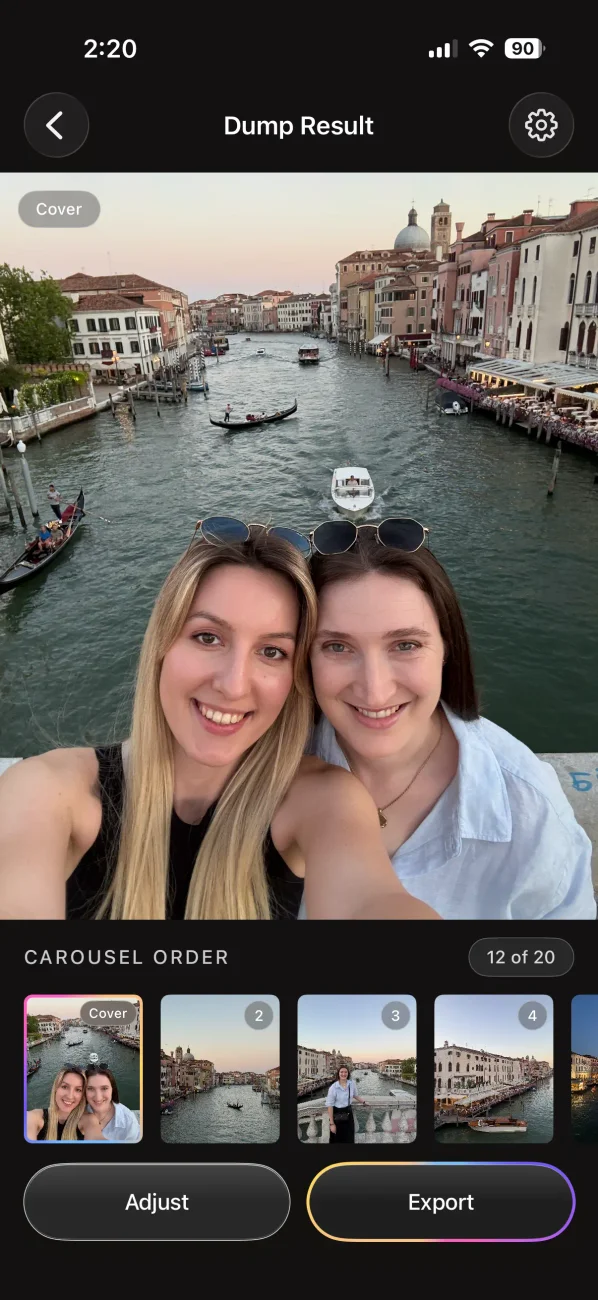
SortMyDump is a photo and video sorting app for iPhone and iPad, that helps choose your strongest content and arrange it into a carousel that flows.
HOW IT WORKS
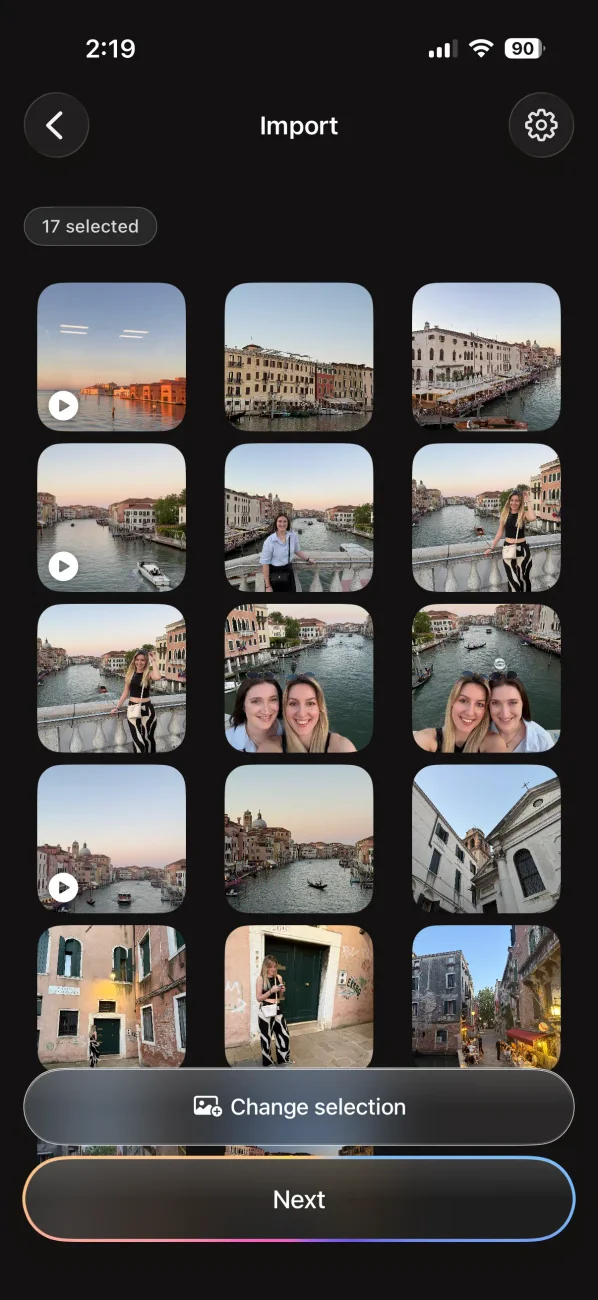
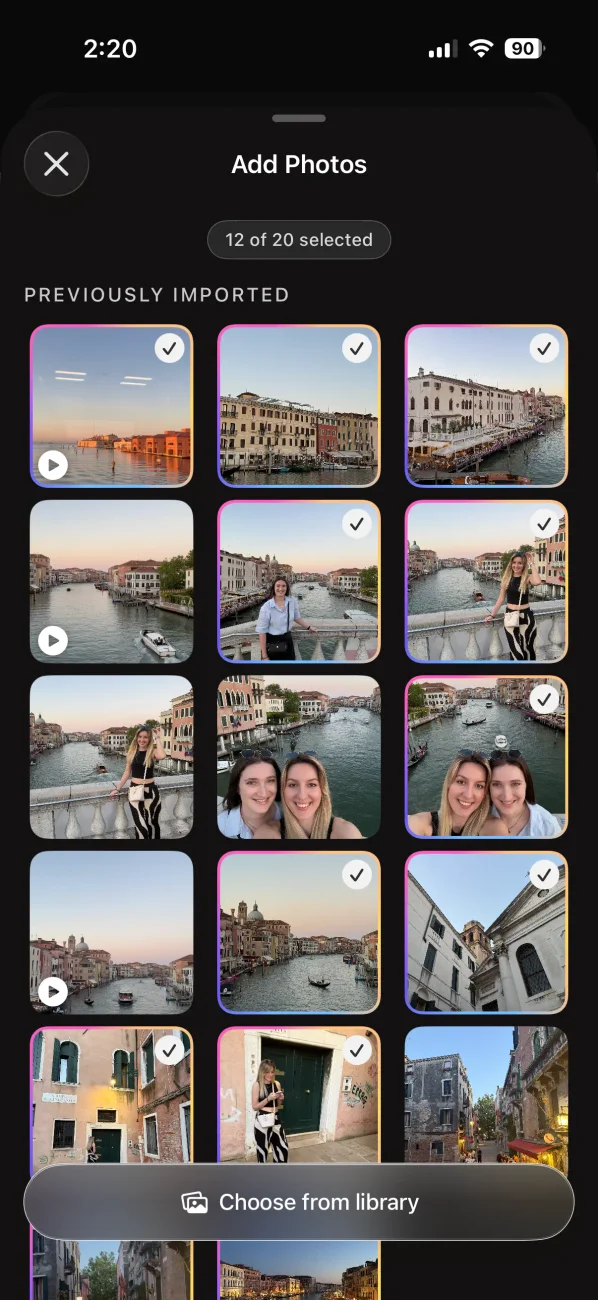
• Import your photos and videos
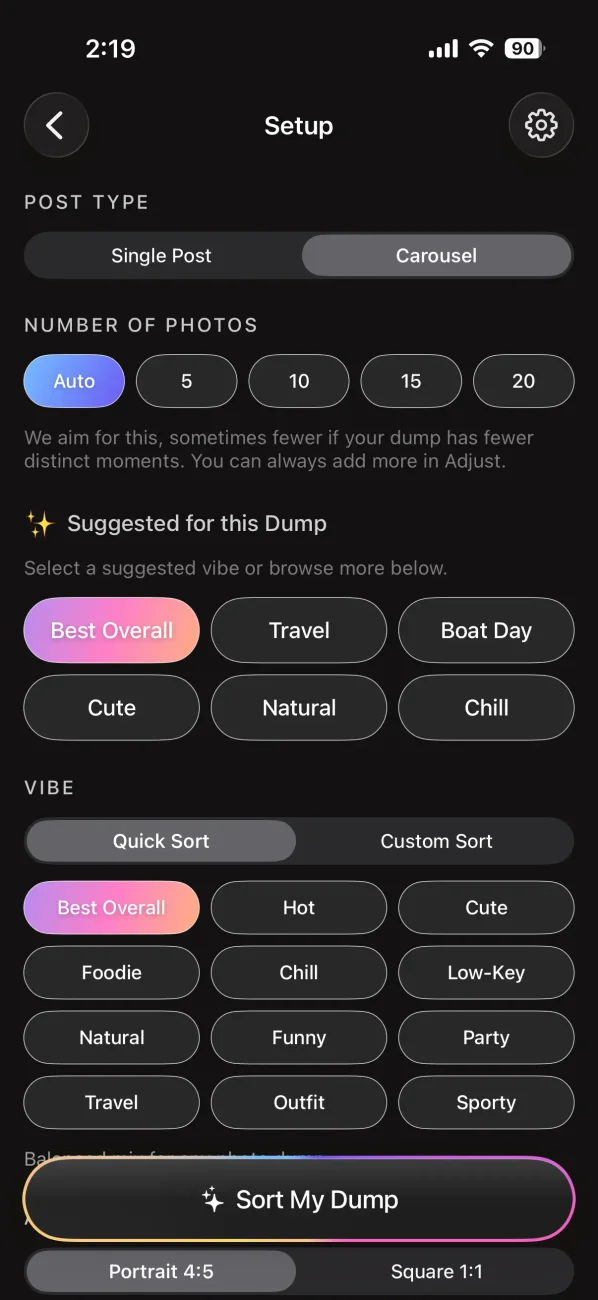
• Choose a vibe, we’ll sort the rest
• Review your suggested selection and order
• Remove, replace or rearrange anything you want
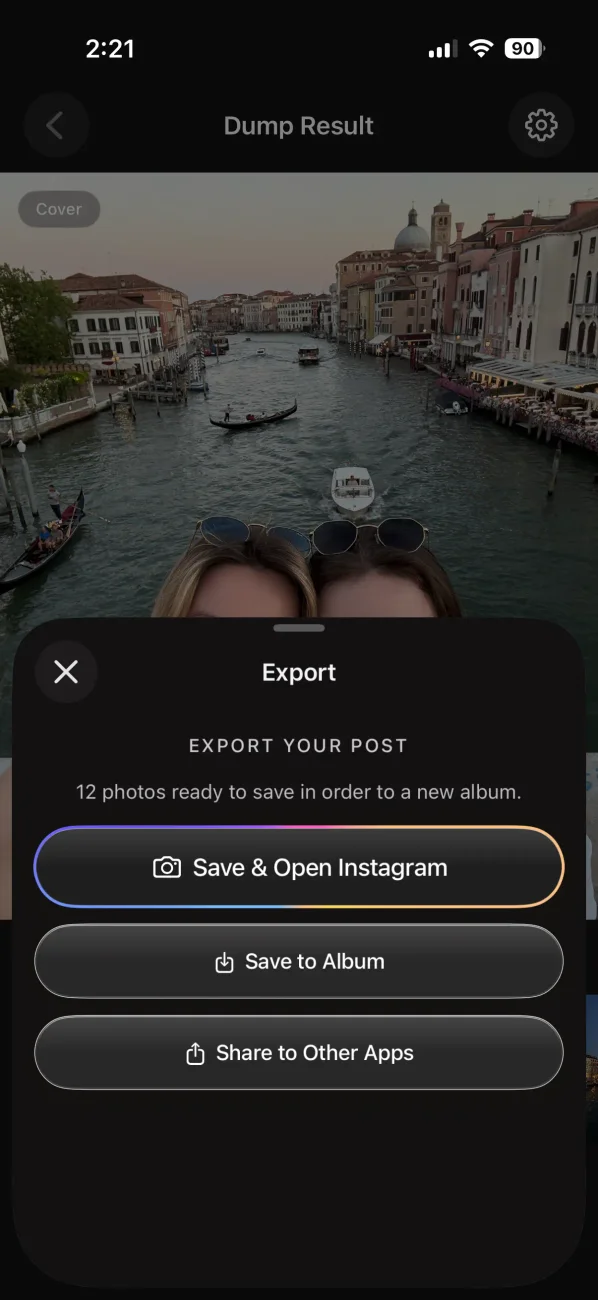
• Save to a new album in the correct posting order
• Edit or share your dump wherever you like
LEAVE THE SORTING TO US
SortMyDump helps narrow down similar shots, choose your strongest photos and videos, and arrange them into a social media carousel with a natural flow. Less time comparing the same photos. Less changing the order again and again. Less wondering what should go first.
SORTS WITHOUT EDITING
SortMyDump focuses on selection and order. It does not apply filters, retouch images or change how your photos and videos look. Once your carousel is saved, you can edit your selected photos in Photos, Lightroom or your favourite photo editor, or upload the album to Instagram or another social platform yourself.
PRIVATE AND ON-DEVICE
SortMyDump works on your device. Your photos and videos are not uploaded, there is no account to create, and your content is not sent to external AI services. Perfect for holiday carousels, birthday posts, event recaps, weekend photo dumps and everyday moments.
And you can always switch things around afterwards, after all, personal preference still wins.
What’s new
Version 1.1.1 · Nov 9, 2026
Videos now play properly on your results.
• Video covers now autoplay instead of sitting on the first frame
• Videos fill the frame at your chosen ratio, cropped just like Instagram, with no more black bars on the sides
• Works for both carousels and single posts
App privacy
What Navia Gruber declares on the App Store about how this app handles data.
-
Data not collected
The developer does not collect any data from this app.
Privacy practices may vary, for example with the features you use or your age.
Information
- Seller
- Navia Gruber
- Category
- Photo & Video
- Version
- 1.1.1
- Updated
- Nov 9, 2026
- Released
- Sep 22, 2026
- Size
- 3.0 MB
- Requires
- iOS 18.6 or later
- Age rating
- 4+
- Price
- Free
- Languages
- English
- Copyright
- © 2026 Navia Gruber
You might also like
-
 DUMP: Carousel & CollagePhoto Dumps & Video Collage
-
 PSTR: Carousel & Collage MakerPhoto Dump, Scrapbook & Layout
-
 Carousel Post Collage SwipeMixPanorama Maker for Instagram
-
 Muse: Reels Video EditorStory Post & Collage Templates
-
 Crsel: Carousel, Collage MakerEdit Photo - Template & Layout
-
 Pecra: G7X Digital CameraPhoto Enhancer, Filter, Unblur
-
 Evoto: Photo Editor & RetouchColor Match & Natural Beauty
-
 Layout for Instagram: CollagePhoto Layout Grid Story Maker
-
 WayShot:Aesthetic Photo EditorDigicam Filters & Hair Volume
-
 Unfold: Reels & Story MakerFor Instagram Posts & Collage