
Sortr Music
Parental Controls, Clean Music
Designed for iPhone, iPad
Free · In-app purchases
- Age rating4+
- CategoryMusic
- DeveloperKonverse LLC
- LanguagesEnglish
- Size39.0 MB
Links to the official App Store page
Download.org hosts no file of Sortr Music. The button opens its official App Store page, published by Konverse LLC. Listing last checked on Nov 25, 2026.
Screenshots
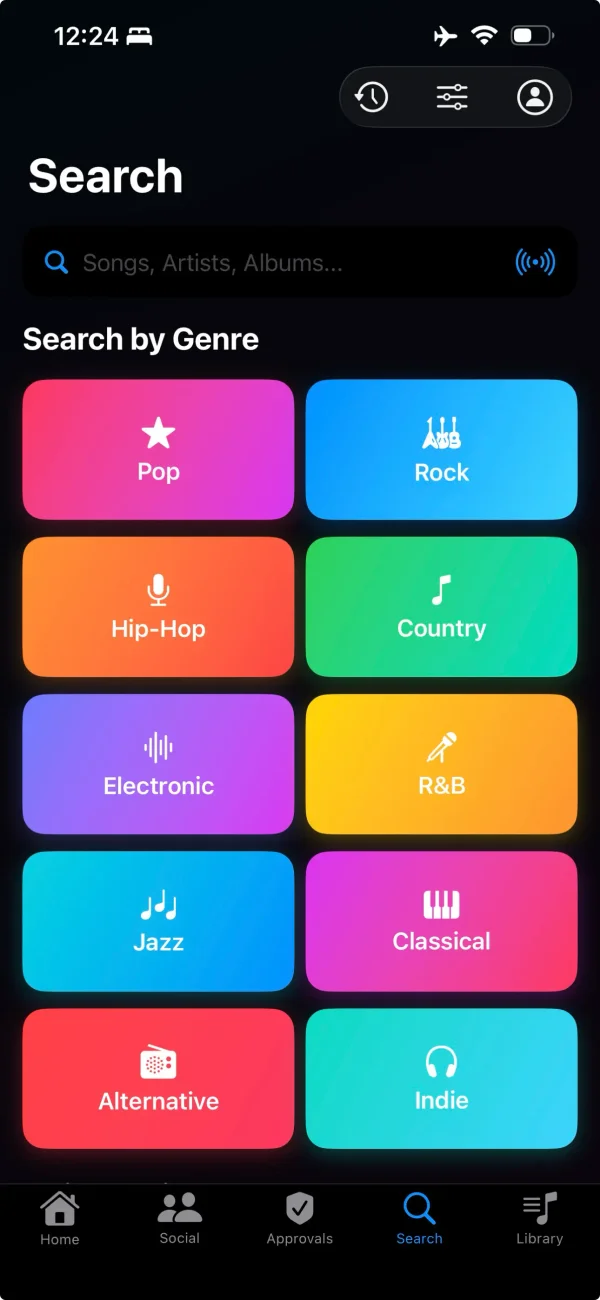

About
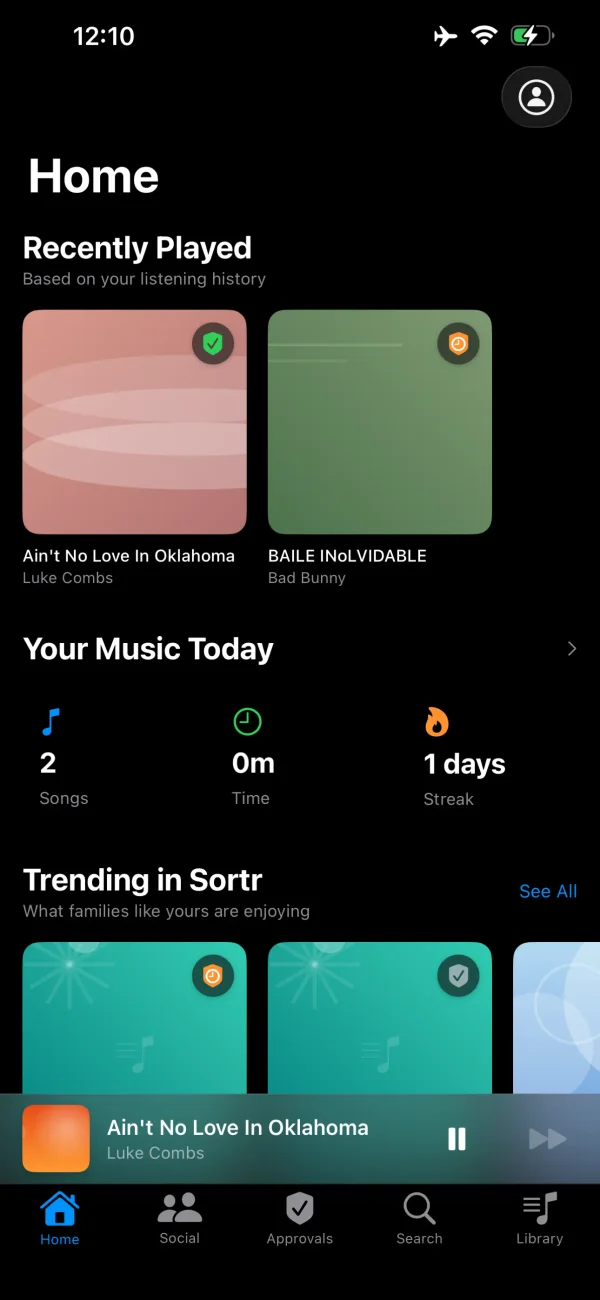
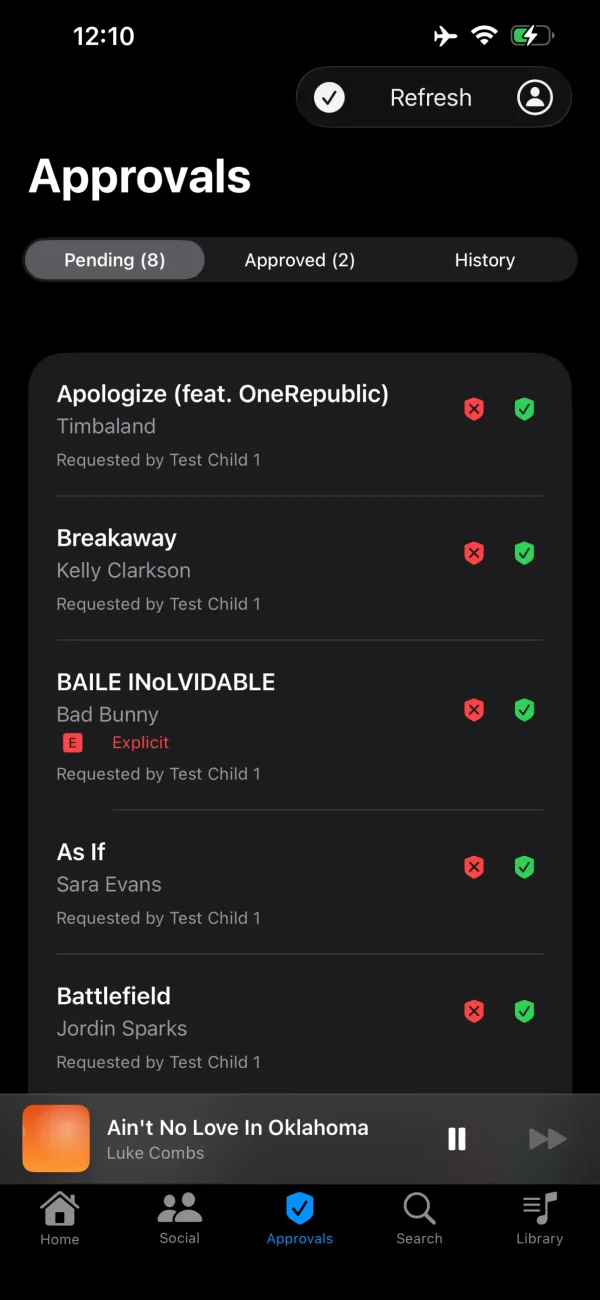
Sortr Music helps parents filter streaming music for their kids. Connect Apple Music or Spotify, approve songs and playlists, and let your children listen through their own clean, parent-approved account.
With Sortr Music you can:
• Filter out explicit or unwanted songs
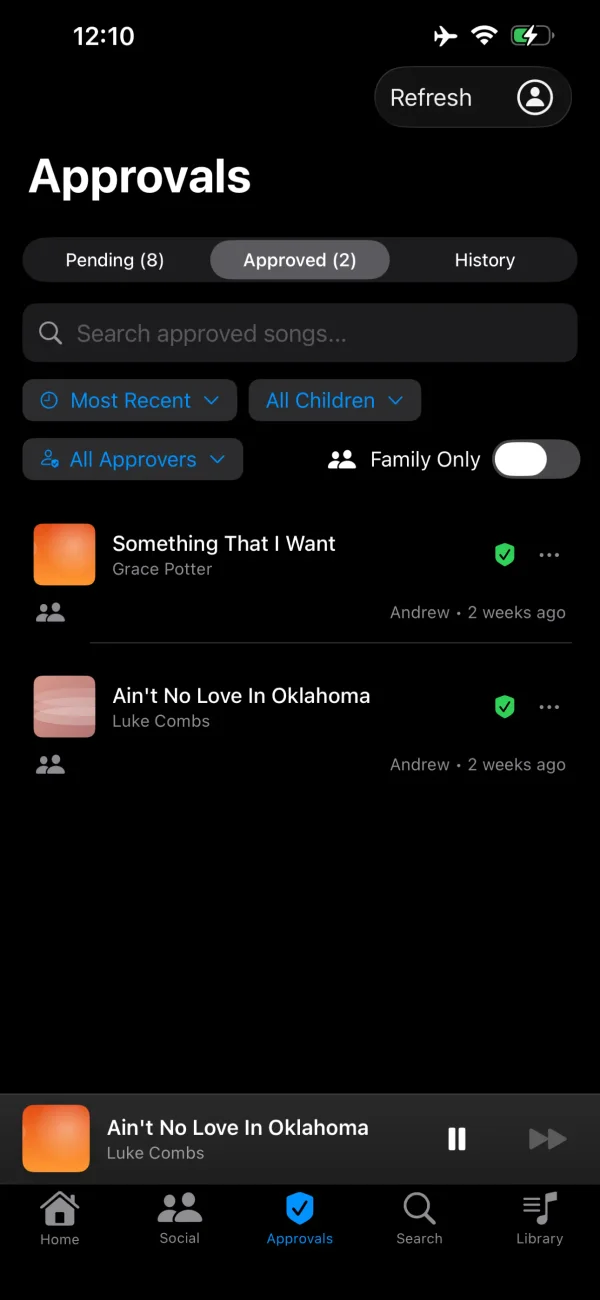
• Approve songs, albums, and playlists for your kids
• Follow and trust other parents’ music lists
• Keep the music fun while protecting your family’s values
Sortr Music is built for faith-friendly, family-safe listening without giving up the convenience of modern streaming.
Terms of Use: https://music.sortr.com/terms
Privacy Policy: https://music.sortr.com/privacy
What’s new
Version 2.3.5 · Nov 24, 2026
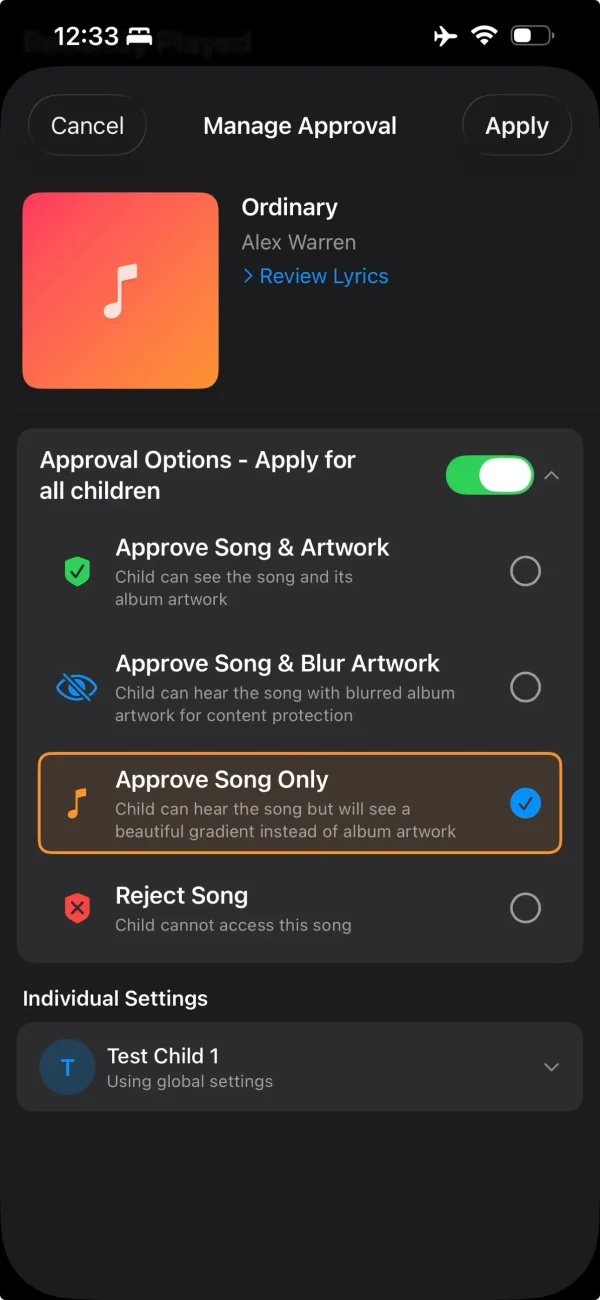
Sortr Music gives parents song-by-song control over what their kids hear on Apple Music or Spotify. Tap to approve. Long-press for finer control. Every approval grows a shared catalog of music families like yours have already trusted.
- Follow for a specific child — following another parent (or Sortr Approved) no longer has to be all-or-nothing. Long-press Follow to share their approved music with just the kids you choose, and adjust anytime from the Following screen.
- Clearer "Full Music Access" control — the setting that gives an older teen unrestricted music (formerly the unlabeled "Sortr" switch) now lives in each child's Edit screen with a plain-English explanation and a confirmation step, so it can't be flipped by accident.
- Hide All Artwork — a new Appearance setting replaces every album cover on your device with generated art. You can also hide artwork for a specific child, everywhere they listen, from Dashboard → Family.
- Approve from the player — the approval shield in Now Playing now matches the rest of the app: tap to approve, long-press for blur and per-child options, with album art shown in the approval screen.
- Better song sharing — songs shared from the player now send a rich link with album art and a 30-second preview anyone can play.
- Improved notifications
- Many fixes and performance improvements.
App privacy
What Konverse LLC declares on the App Store about how this app handles data.
-
Data linked to you
May be collected and linked to your identity.
- Contact info
- Identifiers
- Usage data
Privacy practices may vary, for example with the features you use or your age.
Information
- Seller
- Konverse LLC
- Category
- Music
- Version
- 2.3.5
- Updated
- Nov 24, 2026
- Released
- Aug 31, 2017
- Size
- 39.0 MB
- Requires
- iOS 18.5 or later
- Age rating
- 4+
- Price
- Free
- In-app purchases
- Yes
- Languages
- English
- Copyright
- © Sortr LLC
You might also like
-
 Gabb MusicFamily-Safe Music Streaming
-
 Dynamic Lyrics: Car KaraokeSing along on CarPlay screen
-
 Verso: Clean Music AIFamily Safe Music Streaming
-
 Music Player : Song, Videostream cloud songs for youtube
-
 MelodyCraft - AI Music MakerAI music & song generator
-
 iHeartRadio FamilyMusic & Radio perfect for Kids
-
 Offline Music Player: SongOffline MP3 Songs and Music
-
 Offline Music PlayerㅤAll Audio Formats Supported
-
 TickTune:Timer with MusicPlay music and set timer
-
 Sondo - AI Music Video & AI MVYour music video in one tap