
Sound Effects!
Best Soundboard / Import Audio
Designed for iPhone, iPad, iPod touch
Free · In-app purchases
- Age rating4+
- CategoryEntertainment
- DeveloperTMSOFT
- LanguagesEnglish
- Size24.8 MB
Links to the official App Store page
Download.org hosts no file of Sound Effects!. The button opens its official App Store page, published by TMSOFT. Listing last checked on Nov 23, 2026.
Screenshots


About
Play sound effects for every occasion! Is somebody talking too much in a meeting? Blow the Air Horn or Whistle and silence them! Did a friend just tell a funny joke? Play the laugh track or rim shot and show your support! The joke wasn't funny? Then boo them off the stage! This popular sound machine is perfect for having fun with friends or annoying family members.
FEATURES
- 50+ Stock Sounds with ability to add new sounds with iTunes File Sharing (visit our website for import instructions)
- Playback and Mix multiple sounds at the same time
- Sound Board for custom layouts of audio clips w/ multiple pages
- Sound Catalog for quick access to all sounds or just your favorites
- Sound Timers for playback of sounds after specified time has elapsed
- Multiple button sizes including Small, Medium, Large
- Multiple color themes including Modern, Blue, and Night
- Multiple sound formats including wav, mp3, caf, aac, aiff, aifc, m4a, 3gp, mp4
- Universal app runs at full screen w/ latest iPhones and iPads
- Retina display supported with modern layout and design
SOUND BOARD
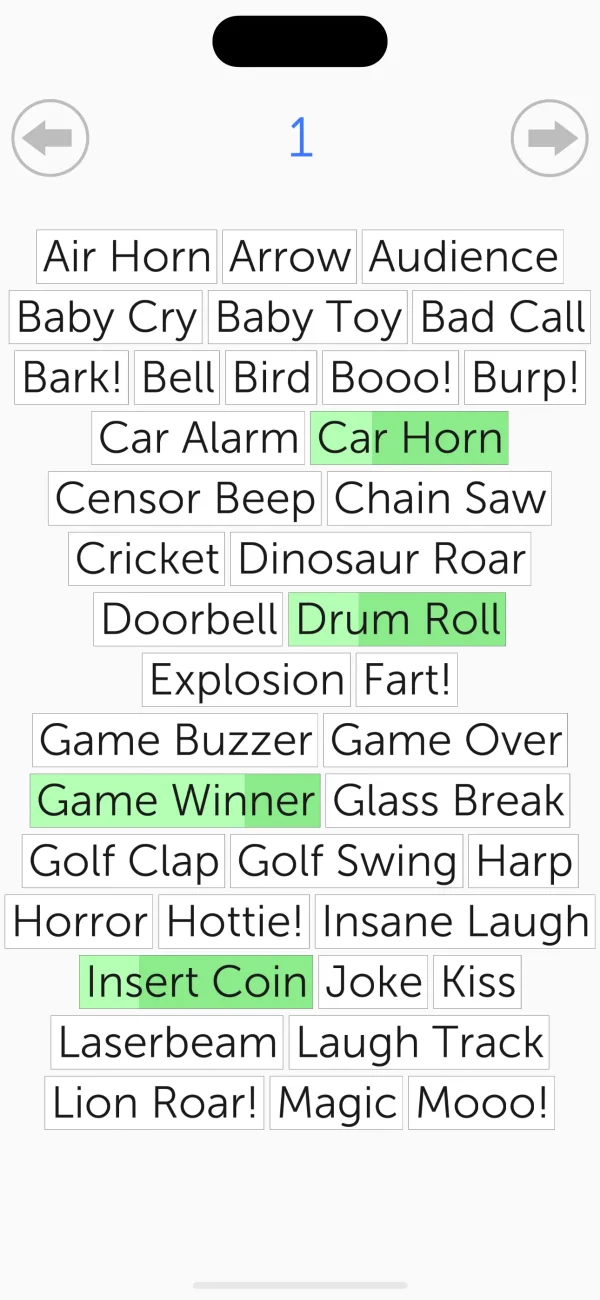
Tap a sound tile to play. Tap again to pause. You can drag the tiles into new positions when the board is unlocked. You may lock the tiles in place from the settings page. Swipe left or right or tap the next and previous buttons to change pages. You can even drag multiple tiles at the same time while navigating to other pages. If you want to rewind a sound that is paused just pick up the tile and shake it.
SOUND CATALOG
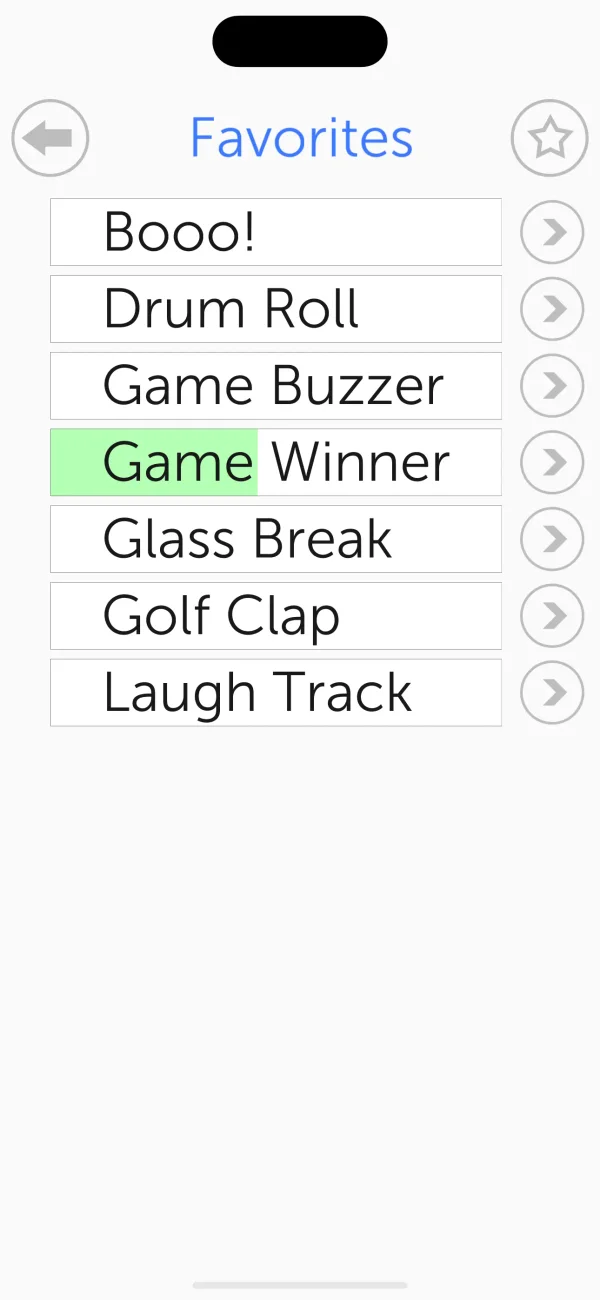
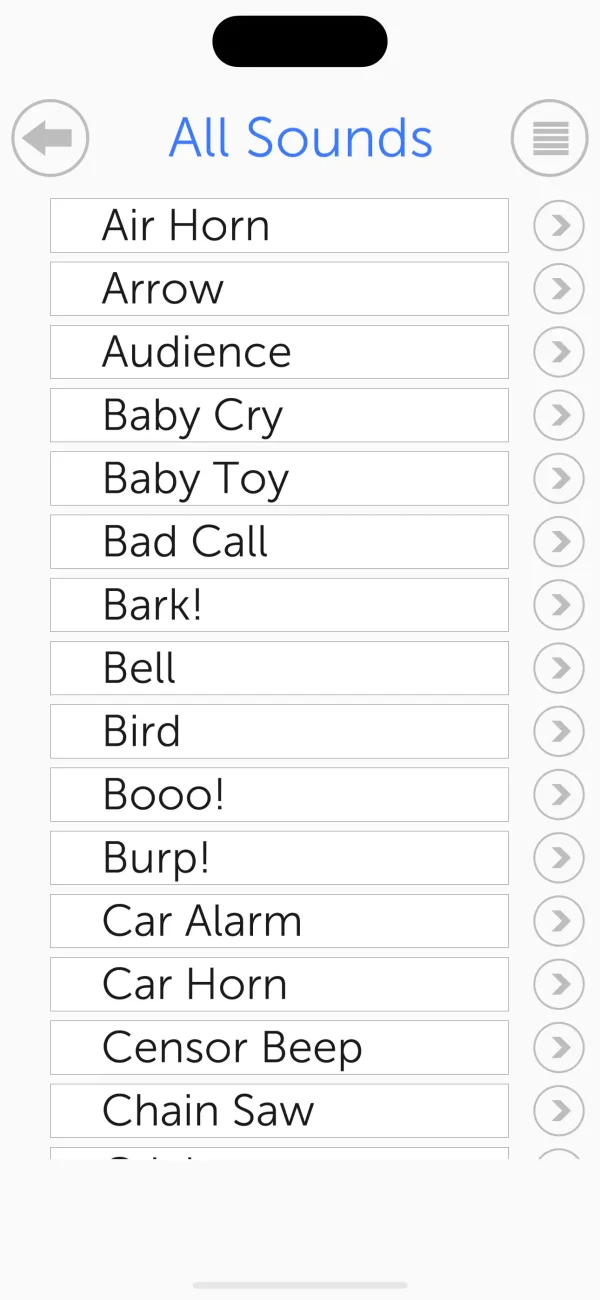
Scroll the list to get access to all your sounds. Tap the right arrow button next to the sound to toggle favorites and enable sound timers. Toggle the view between All Sounds and Favorites by tapping the view button located at the top right of screen.
PODCASTING
Do you have a podcast show? Sound Effects was built for use on the popular Tech 411 Show on iTunes ( https://tech411show.com ) so you'll find the stock sounds can compliment your podcast too. It's also easy to add new audio clips and layout the soundboard like a pro!
UPGRADING
Removal of ads can be purchased from the settings screen. Sound Effects is also available for your desktop on the Mac App Store.
CONTACT TMSOFT
Fan us on facebook at https://www.facebook.com/tmsoft
Follow us on twitter at https://twitter.com/tmsoft
Visit our website for additional information at https://www.tmsoft.com/soundeffects/
What’s new
Version 4.8 · Nov 20, 2026
- Support for iOS 27
- Support library updates
App privacy
What TMSOFT declares on the App Store about how this app handles data.
-
Data used to track you
May be used to track you across apps and websites owned by other companies.
- Identifiers
-
Data not linked to you
May be collected but is not linked to your identity.
- Identifiers
- Usage data
- Diagnostics
Privacy practices may vary, for example with the features you use or your age.
Information
- Seller
- TMSOFT
- Category
- Entertainment
- Version
- 4.8
- Updated
- Nov 20, 2026
- Released
- Jul 6, 2012
- Size
- 24.8 MB
- Requires
- iOS 15.0 or later
- Age rating
- 4+
- Price
- Free
- In-app purchases
- Yes
- Languages
- English
- Copyright
- © 2012-2024 TMSOFT, LLC
You might also like
-
 Sound Effects Board & NoisesFunny Sounds & Soundboard
-
 Sound Effects.!Get hundreds sound effects.
-
 Fun Sound Effects & NoisesFunny Sounds & Soundboard
-
 SoundBox - Sound EffectsEntertainment
-
 Big Button Sound Effectsprank and funny sound effects
-
 Funny Sound Effects appSound effect buttons
-
 Funny Sound Effects XLPopular funny sound effects
-
 Big Button Box 2 Lite - soundsFunny Soundboard & Effects
-
 Big Button Box Lite - soundsFunny Soundboard & Effects
-
 DJ SoundzEntertainment