
AniniTools: Sensors & Light
Compass, level and microphone
Designed for iPhone, iPad, iPod touch
Free
- Age rating4+
- CategoryUtilities
- DeveloperAnthony Tan
- LanguagesEnglish
- Size26.7 MB
Links to the official App Store page
Download.org hosts no file of AniniTools: Sensors & Light. The button opens its official App Store page, published by Anthony Tan. Listing last checked on Nov 23, 2026.
Screenshots

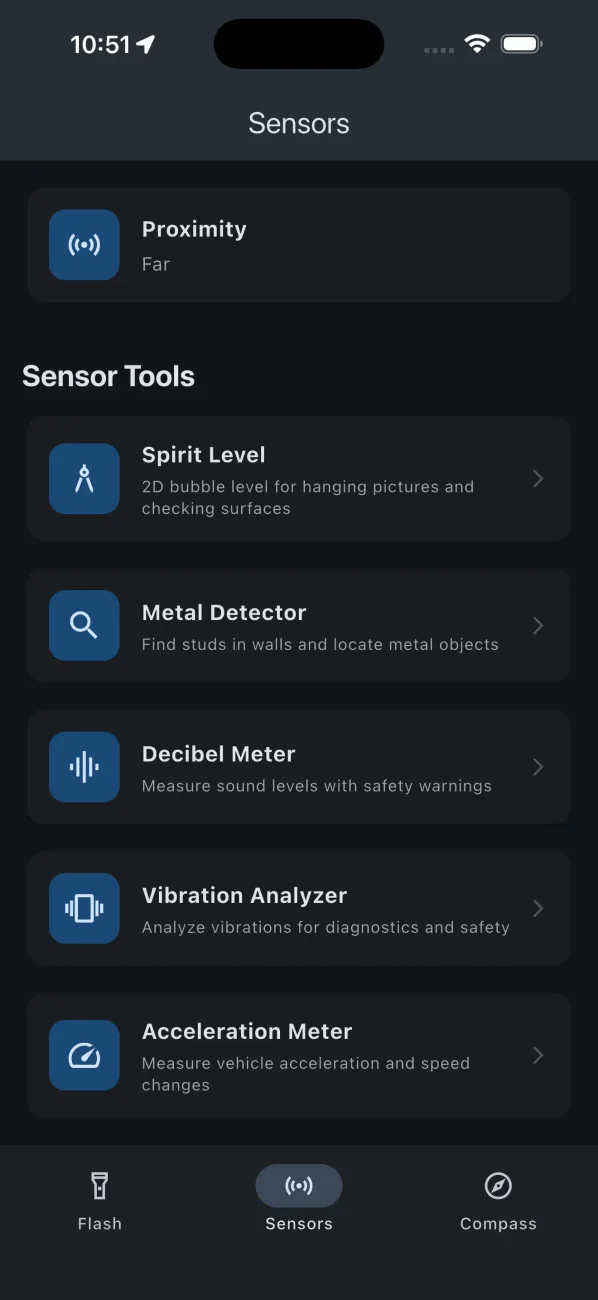

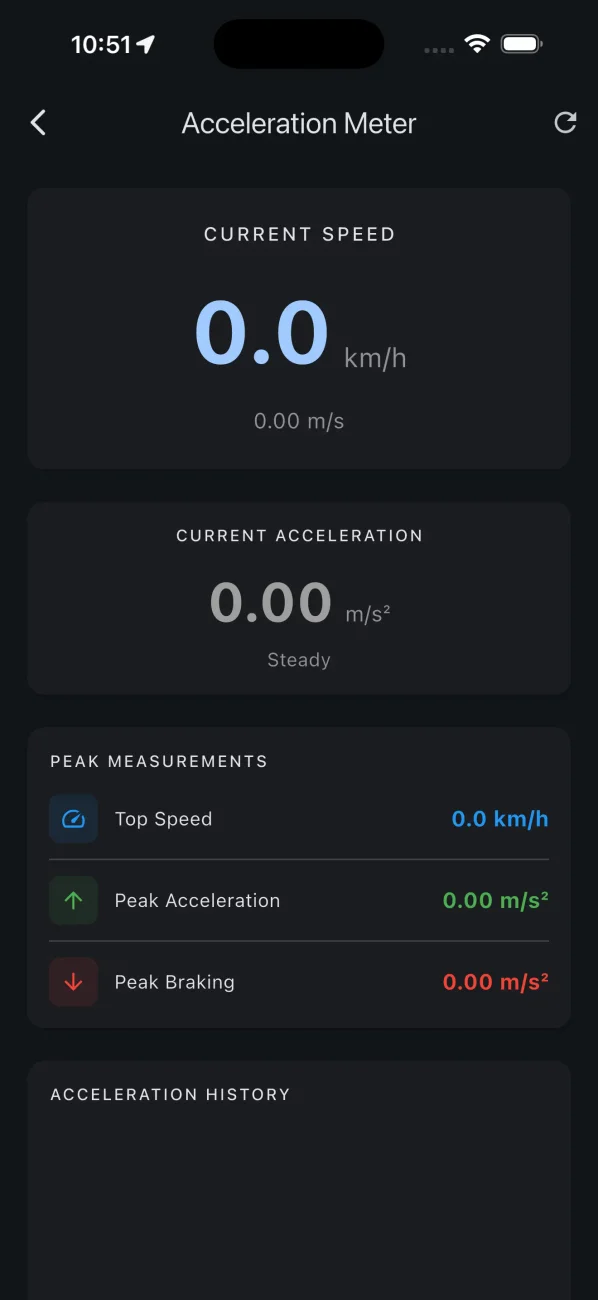

About
AniniTools brings a flashlight, compass, bubble level, microphone signal view and available phone sensors into one app.
LIGHTS AND CONCERT TEXT
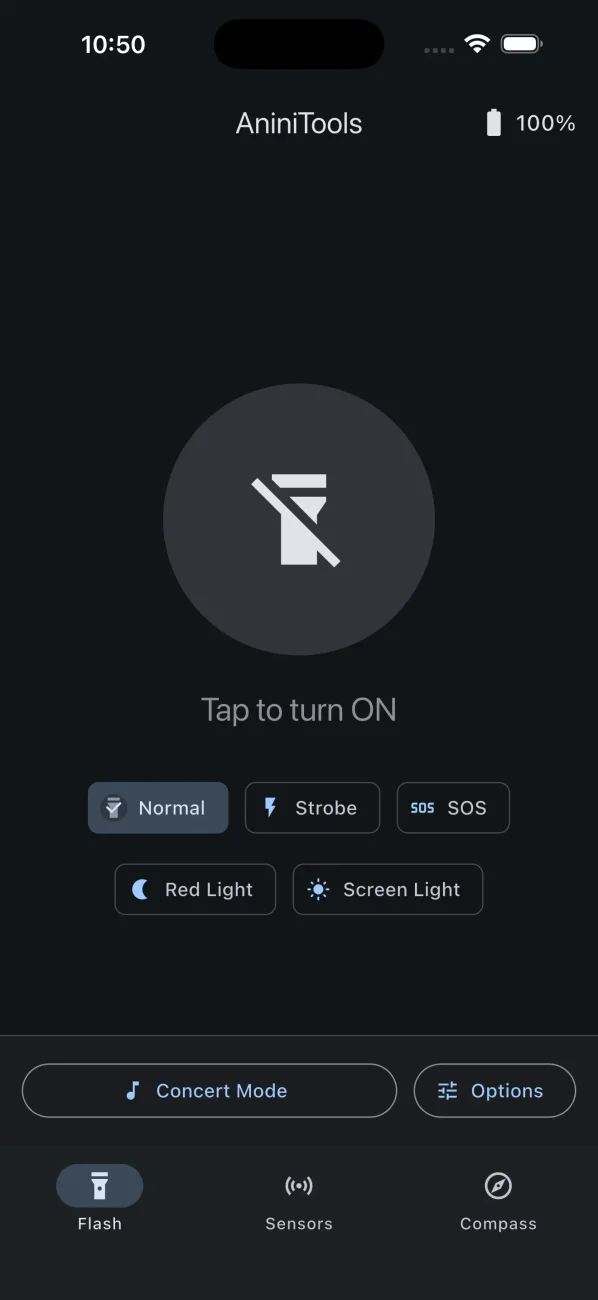
Use the device flashlight, an adjustable strobe, an SOS light pattern or a screen light with your chosen color. Set an auto-off timer. In Concert Mode, show scrolling messages, save favorite templates and use solid, gradient or animated colors. Beat lights respond to microphone input when you enable that feature. Flashlight features depend on the device's light hardware.
LEVEL AND DIRECTION
Check a surface angle with the bubble level. You choose when to set a new zero. View magnetic heading and direction with the compass. Nearby magnetic objects and the device sensor can affect the result.
MICROPHONE SIGNAL AND PITCH
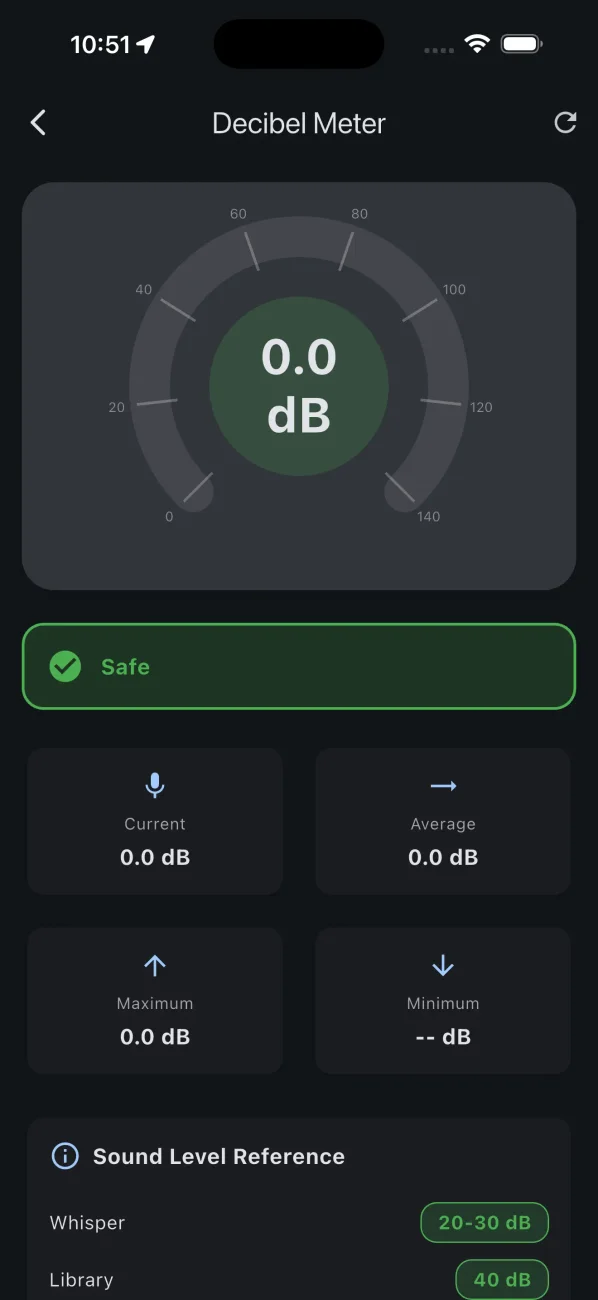
Compare the strength of the recorded microphone signal and view detected frequency and musical notes. The microphone level is a digital recording level, not calibrated physical sound pressure. It does not provide occupational noise warnings or assess hearing safety. Microphone access is requested when you choose a feature that uses it.
MAGNETIC FIELD AND MOTION
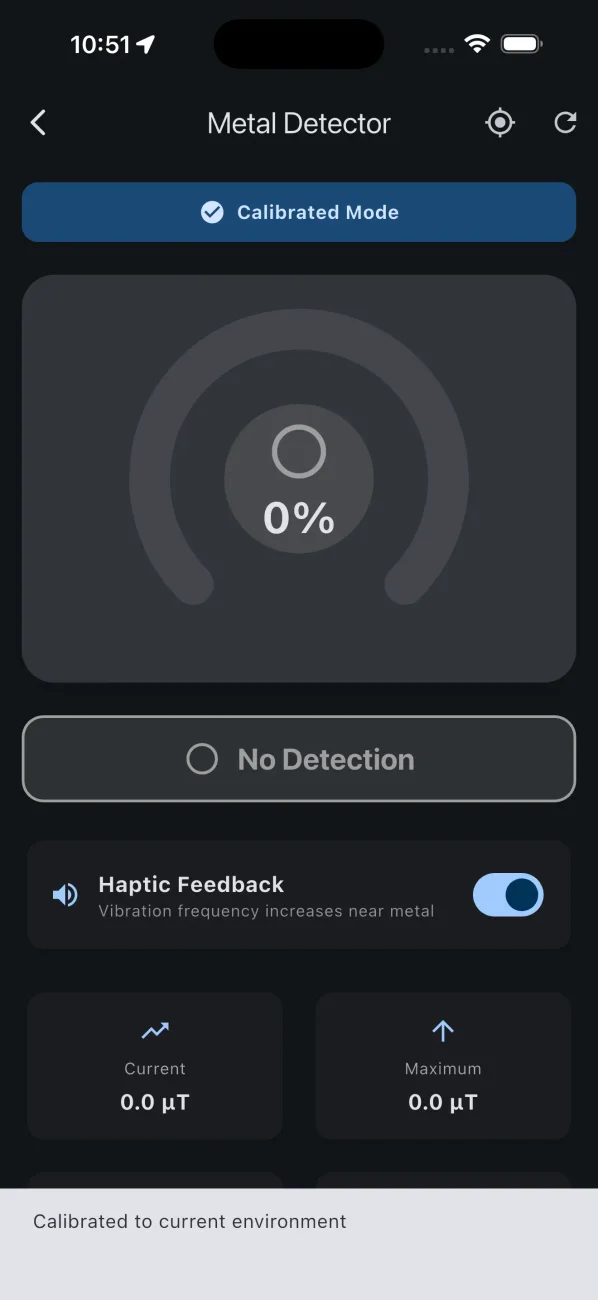
View magnetic field changes near the device and adjust detection sensitivity. This is not a guaranteed finder for wall studs, pipes, wires or every type of metal. View acceleration and a motion-based vibration estimate. The vibration tool is not a certified frequency instrument or equipment diagnostic service.
LOCATION AND PRESSURE
View available coordinates, altitude, speed and pressure readings. A location fix can take time, and tools show unavailable or waiting states when data is missing. Speed and altitude depend on the device and its current readings. These tools are not a replacement for safety-critical navigation or a calibrated instrument.
LIVE SENSOR VIEWS
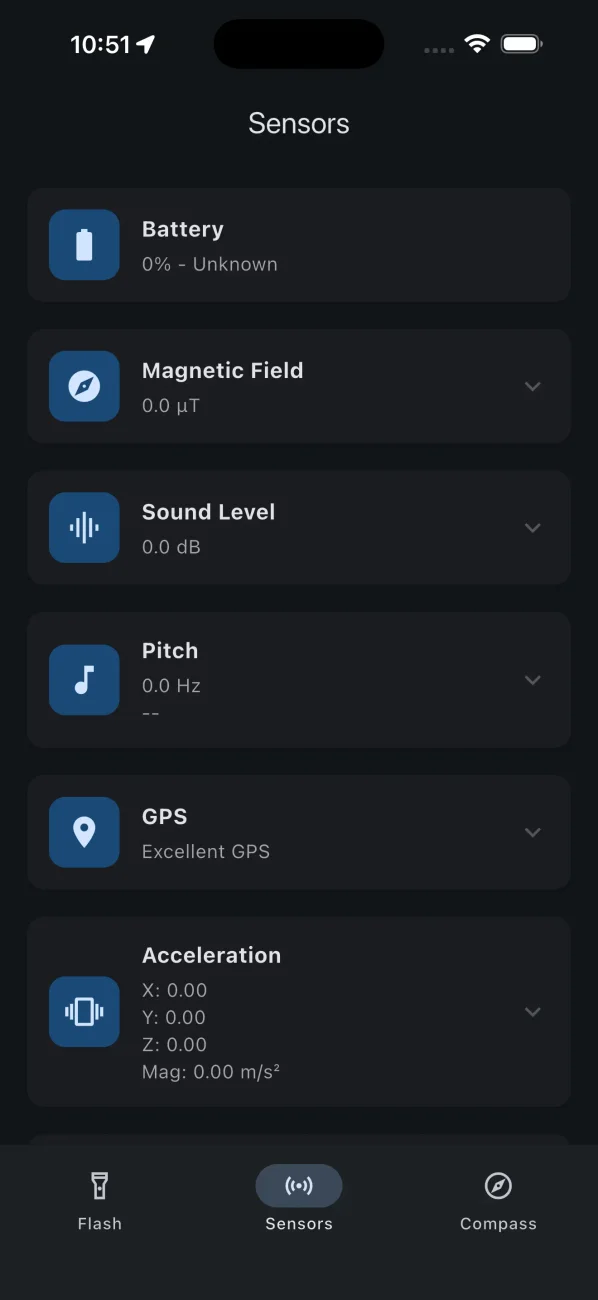
Explore the motion, magnetic field, pressure, location, proximity, light, battery, microphone and pitch readings supported by your device. Some phones and tablets do not have every sensor. Graphs help you compare samples without treating a screen redraw as a new reading.
PRIVACY CHOICES
Raw microphone audio, GPS coordinates, sensor histories, Concert messages and favorites are not uploaded by the app. Messages and settings use ordinary app preferences and can be included in device backups. Optional use and crash reports start off. If you choose to share them in Privacy & data (the shield button on the Flash screen), Google receives use, device, identifier, approximate-location and crash information to help us understand use and fix faults. Turn reports off in the same place at any time. English and Bahasa Malaysia privacy notices are available inside the app.
Most tools work without an internet connection. Availability and results depend on the device, permissions and sensor conditions.
What’s new
Version 1.1.10 · Nov 18, 2026
New: The compass shows an "Open settings" button when location access is blocked.
Improved: The compass needle moves as smoothly as in version 1.1.7 again.
Improved: Compass calibration now tells you when you did not turn the phone enough.
Fixed: Strobe and SOS now stop when you switch flashlight mode.
Fixed: Tapping "Enable microphone" twice no longer keeps the microphone on.
App privacy
What Anthony Tan declares on the App Store about how this app handles data.
-
Data linked to you
May be collected and linked to your identity.
- Location
- Identifiers
- Usage data
- Diagnostics
Privacy practices may vary, for example with the features you use or your age.
Information
- Seller
- Anthony Tan
- Category
- Utilities
- Version
- 1.1.10
- Updated
- Nov 18, 2026
- Released
- Nov 12, 2025
- Size
- 26.7 MB
- Requires
- iOS 15.0 or later
- Age rating
- 4+
- Price
- Free
- Languages
- English
- Copyright
- © 2025 AniniTools
You might also like
-
 Quick VNVoice Notes
-
 WiFiGoWiFi Analyzer & Heatmap
-
 NVH Source LocatorTDOA Vibration Source Finder
-
 Volumio ControllerUtilities
-
 Work-Aid - Auto Hours TrackerAuto-track your work hours...
-
 Cap'MobileCapsys products set-up
-
 Vibration Detector: EarthquakeSeismometer & Motion Sensor
-
 Fast Torchlightsend morse code
-
 IP Address ExpertUtilities
-
 Decibel Meter+ Sound Level dBNoise Dosimeter · WHO & OSHA