Sound Meter Master
Measure Noise in Decibels
Designed for iPhone, iPad, iPod touch
Free · In-app purchases
- Age rating4+
- CategoryUtilities
- DeveloperJorge Huertas
- LanguagesEnglish
- Size52.0 MB
Links to the official App Store page
Download.org hosts no file of Sound Meter Master. The button opens its official App Store page, published by Jorge Huertas. Listing last checked on Nov 14, 2026.
Screenshots
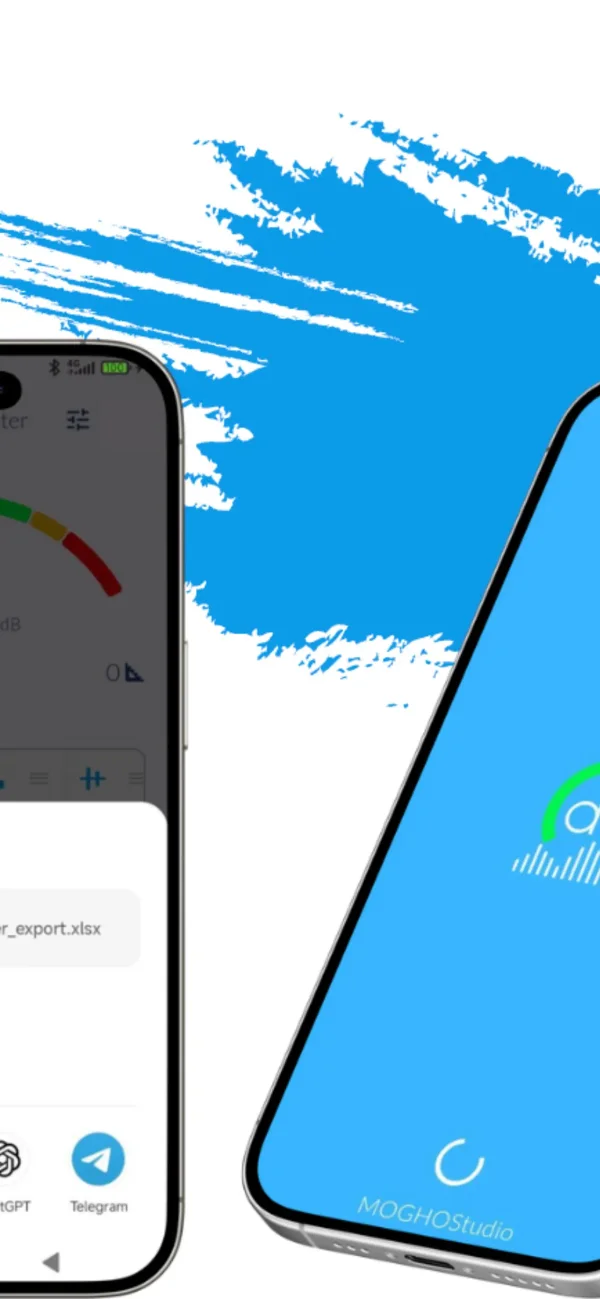
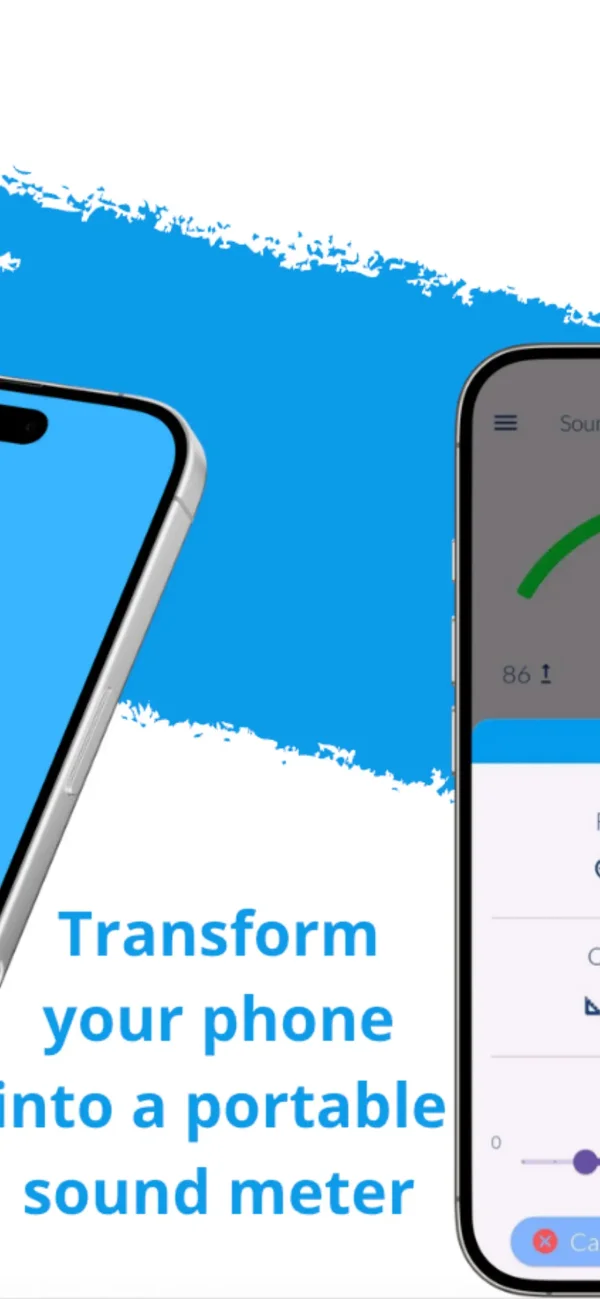

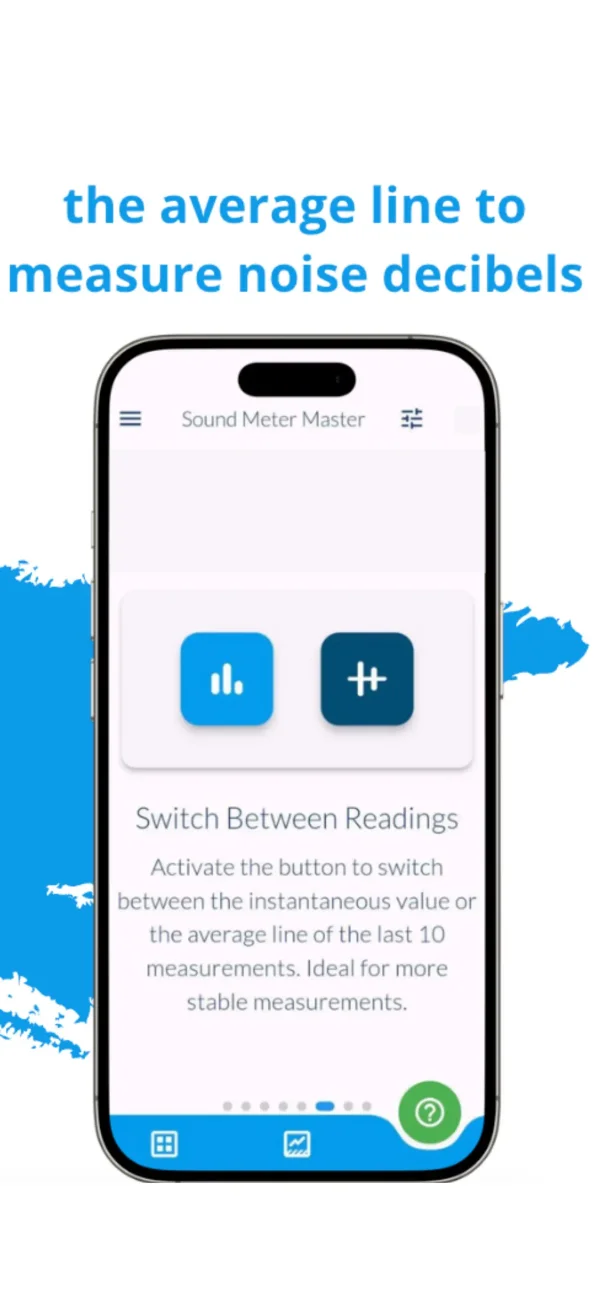
About
Use an easy and efficient sound measurement tool with a decibel scale!
Sound meter master is an innovative sound spectrum analyzer to detect the intensity of sound in your surroundings. Transform your phone into a portable sound meter to measure noise levels in decibels. With advanced functionality, this sound decibel meter allows you to measure and monitor noise levels with ease and precision.
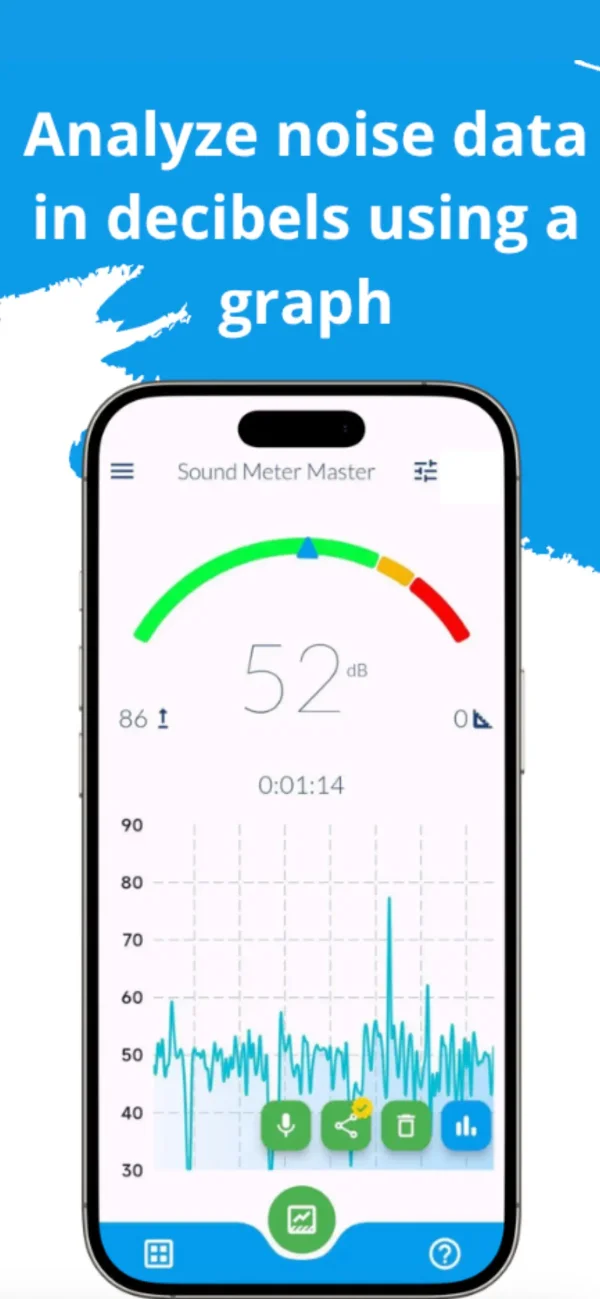
Our pro sound meter is perfect for personal and professional use, whether you’re an audiophile or someone who is concerned about hearing health. Unlike other dB sound meter apps, this sound frequency analyzer offers great support with high-grade accuracy. You can view clear data in table and graphical forms with simple options to configure readings.
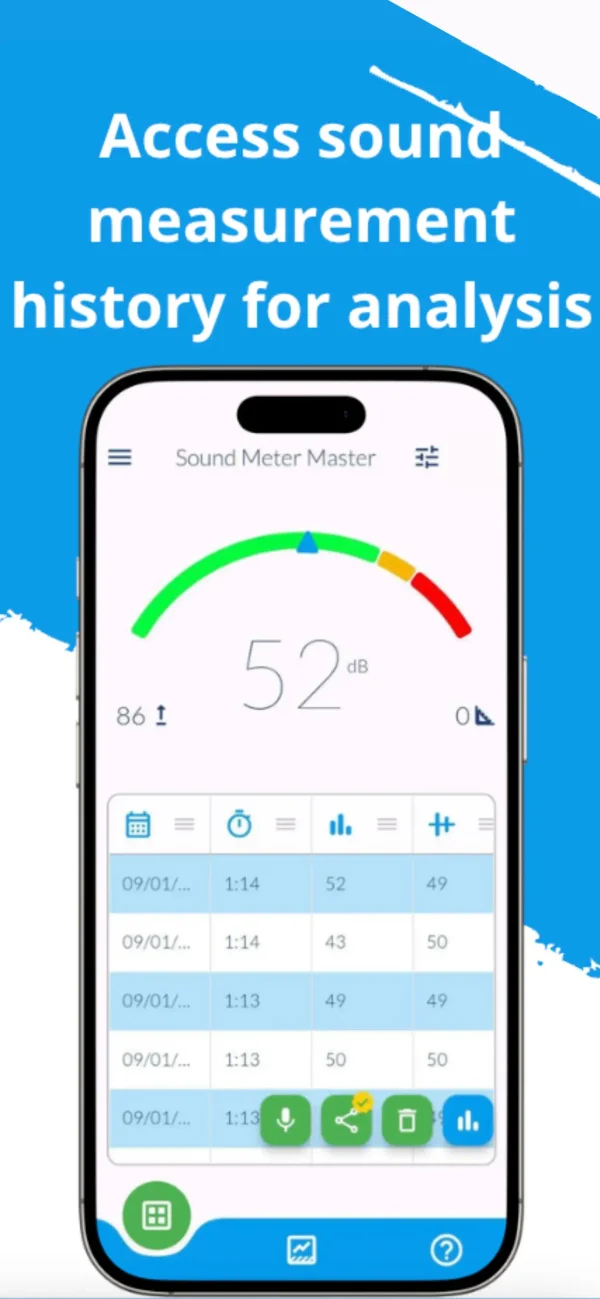
With an intuitive interface and fully functional display, this noise level meter helps you monitor sound decibels. Moreover, you can export real-time data in Excel format and share it with your contacts. This loudness meter allows you to keep sound measurement history for later analysis. Overall, sound meter master is the best sound meter app for checking noise levels at home, work, or outdoors.
How to Use Sound Meter Master?
○ Turn on the microphone to start measuring the dB sound level in real-time.
○ View data simply and clearly with a radial gauge.
○ Choose between table view and graph view to analyze data.
○ Configure multiple readings per second for more accurate results.
○ Increase or decrease the calibration value according to your microphone.
○ Adjust the Y-axis to fit your device’s dimensions.
○ Filter, sort, freeze, and customize columns to manage data.
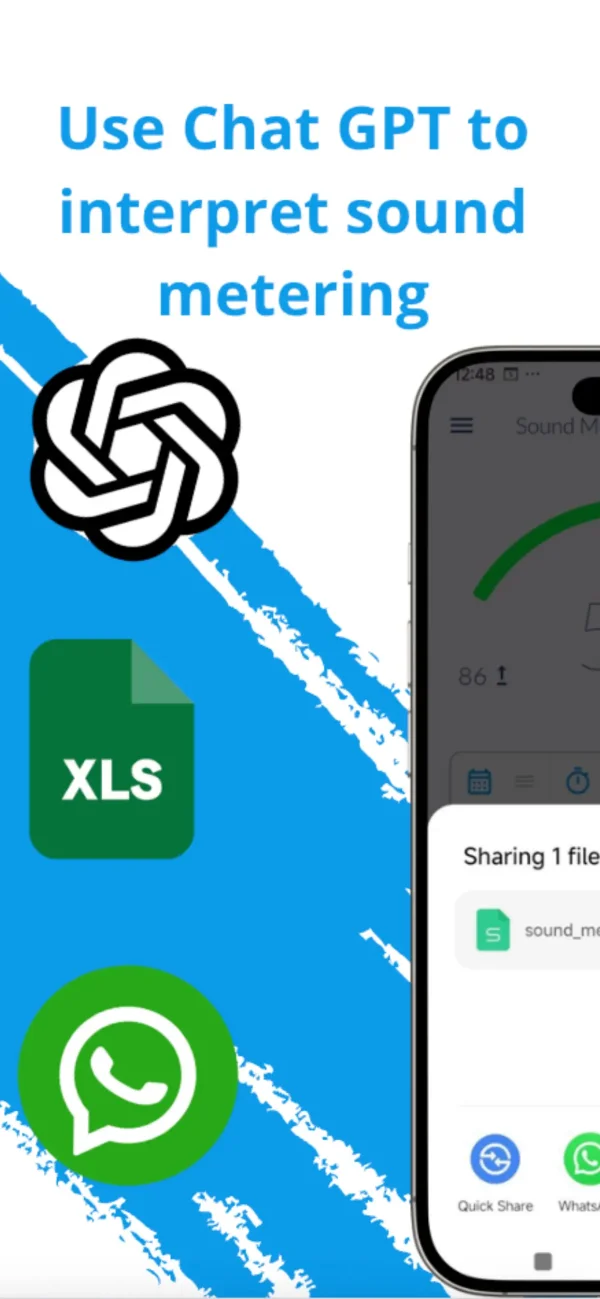
○ Export all data to an Excel file and share it with your contacts.
○ Use Chat GPT to interpret sound metering data better.
== Efficient Sound Detector
Sound Meter Master is a useful sound level meter that allows you to measure noise decibels (dB). It works through an advanced algorithm that offers instant access to details metrics on noise intensity.
== Sound Frequency Analyzer
Our audio spectrum analyzer reads real-time noise levels with unmatched accuracy. You can detect noise level in your environment with a smooth radial gauge. So, whenever you want to track sounds, this sound detector gives you full control for precise analysis.
== Attractive and Functional Design
Sound decibel meter allows you to view data in the form of organized tables and graphs. With tools like the noise detector, you can easily monitor your surroundings and ensure they remain within safe limits.
== Customizable Options
Sound Meter Master brings easy options to improve your experience. Here are some of them:
○ Configure Readings: You can configure multiple readings per second to choose how often to take readings.
○ Smooth Calibration: Adjust the calibration factor for accurate measurement. You can change its value according to your microphone’s calibration.
○ Adjust Graph: You can adjust the Y-axis to view measurements on a real-time graph.
○ Switch Between Readings: Activate the button to switch between the instantaneous value or the average line of the last 10 measurements.
○ Customize Table Records: Add columns for date, time, noise, average records, and maximum value. You can filter, sort, hide, and freeze columns according to your needs.
== Data Export and Sharing Options
Noise level meter gives you the privilege to export all records to an Excel file and share it. You can convert data into Excel format for professional analysis. Also, you can use tools like Chat GPT to learn more about sound patterns.
APP HIGHLIGHTS
+ Interactive and user-centric interface
+ Smooth functionality and easy options
+ Sound spectrum analyzer with decibel scale
+ Offers data in table view and graph view
+ Allows to customize records easily
+ Pro sound meter converts data into Excel file
+ Available in 9 languages for global accessibility
Simplify noise measurement and protect your hearing health with an amazing sound detector!
What’s new
Version 1.2.62 · Mar 20, 2026
==What’s New in This Version==
◦ Small improvements and general optimizations have been implemented.
◦ Updated package versions to improve performance and stability.
◦ Minor bug fixes.
Update now to see the changes.
Thank you for using our app.
App privacy
What Jorge Huertas declares on the App Store about how this app handles data.
-
Data used to track you
May be used to track you across apps and websites owned by other companies.
- Usage data
- Diagnostics
-
Data not linked to you
May be collected but is not linked to your identity.
- Usage data
- Diagnostics
Privacy practices may vary, for example with the features you use or your age.
Information
- Seller
- Jorge Huertas
- Category
- Utilities
- Version
- 1.2.62
- Updated
- Mar 20, 2026
- Released
- May 12, 2025
- Size
- 52.0 MB
- Requires
- iOS 12.0 or later
- Age rating
- 4+
- Price
- Free
- In-app purchases
- Yes
- Languages
- English
- Copyright
- © Mogho Studio
You might also like
-
 SonoMeter: Decibel MeterSound & Noise Level, dB Reader
-
 Decibel Meter : dB Sound Meterdb sound level meter
-
 Decibel Meter XAudio spectrum analyzer
-
 Sound Meter: Noise & dB Meter1# Sound & dB Meter Pro
-
 Decibel Meter - Sound AnalyzerMeasure noise frequency level
-
 Decibel Meter Sound Level dBNoise Measure: SPL dBA NIOSH
-
 Sound Meter - Decibel ProdB Meter: Decibel Sound Level
-
 Decibel: dB Sound MeterAudio noise Spectrum Analyzer
-
 Decibel Meter - dBMeasure and Record Sound
-
 Decibel Meter · Sound AnalyzerNoise Level & Frequency, SPL