- Age rating4+
- CategoryUtilities
- DeveloperKohei Omori
- LanguagesEnglish+ 21 more
- Size35.3 MB
Links to the official App Store page
Download.org hosts no file of SoundPull: Extract Audio. The button opens its official App Store page, published by Kohei Omori. Listing last checked on Nov 13, 2026.
Screenshots

About
Pull the sound out of your own videos, convert voice memos to MP3, and merge several recordings into one audio file.
It all runs on the device and nothing gets sent anywhere. A single purchase covers everything, and there are no subscriptions or ads.
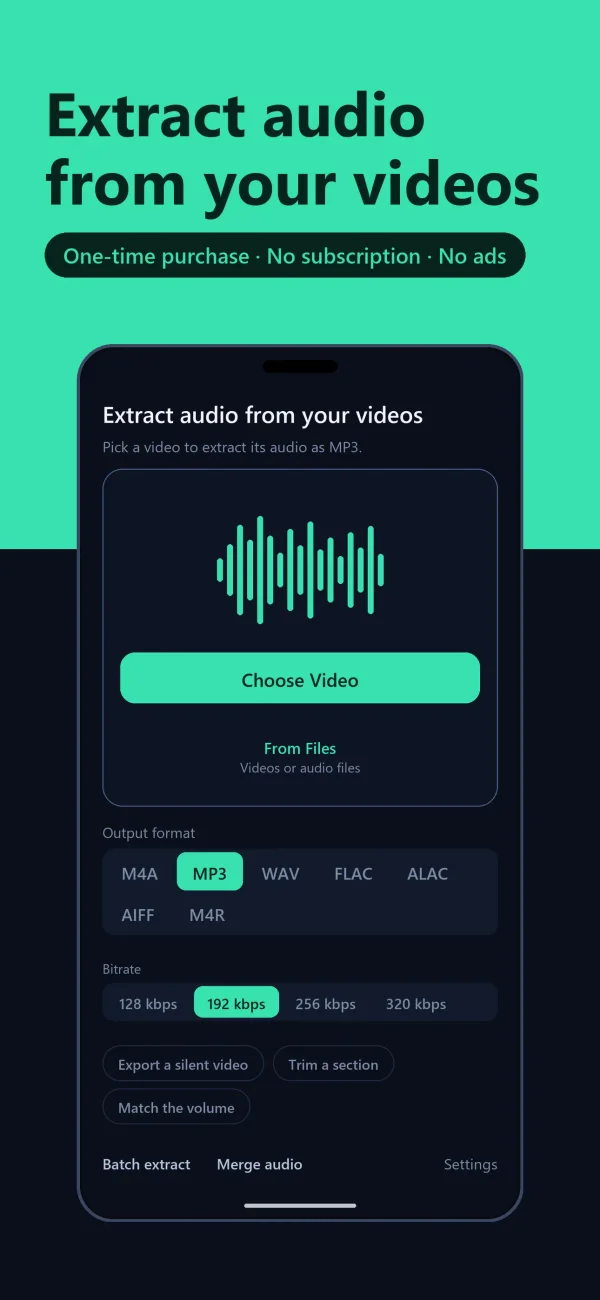
SoundPull extracts the sound from videos you own and saves it as MP3, M4A (AAC), WAV, FLAC, ALAC or AIFF. Recorded a lecture, an interview, a rehearsal, or a voice memo as a video? Get just the audio in a couple of taps — no uploads, no watermark, no ads.
WHY SOUNDPULL
- Fully on-device. The conversion runs on the phone in your hand; there is no server behind SoundPull and nothing to sign in to.
- Your choice of format. MP3, M4A (AAC) or WAV, plus lossless FLAC, ALAC and AIFF — whichever the app or device on the other end expects.
- Output quality. Pick a bitrate from 128 to 320 kbps for MP3 and M4A, or 44.1/48 kHz and 16/24-bit for WAV and the lossless formats. ALAC files are saved as .m4a.
- No watermark, no ads. The audio you get is just your audio.
- Fast. Extraction runs locally using Apple's own media engine.
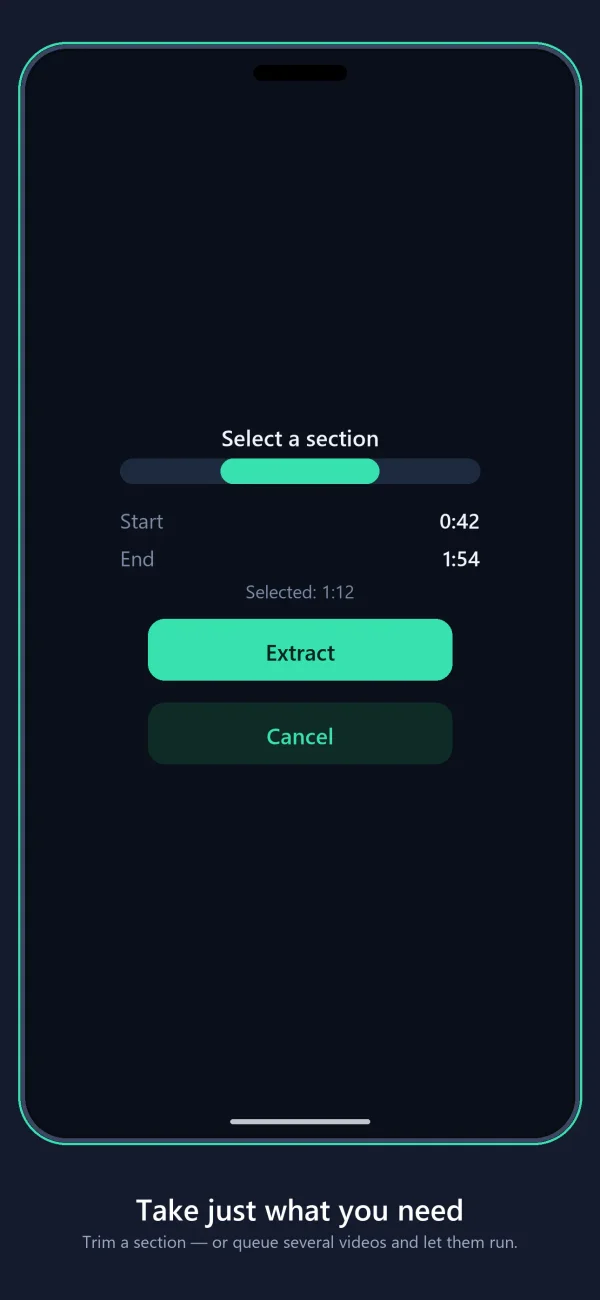
- Trim before extracting. Take just the section you need instead of the whole recording.
- Batch extraction. Queue several videos and let them run one after another.
- Ringtones. Export a section as M4R and set it as your ringtone through GarageBand.
- Transcription. Turn the speech in a recording into text, recognized on your iPhone — so it keeps working with no connection at all.
- Silent video. Save the video itself with its audio track removed.
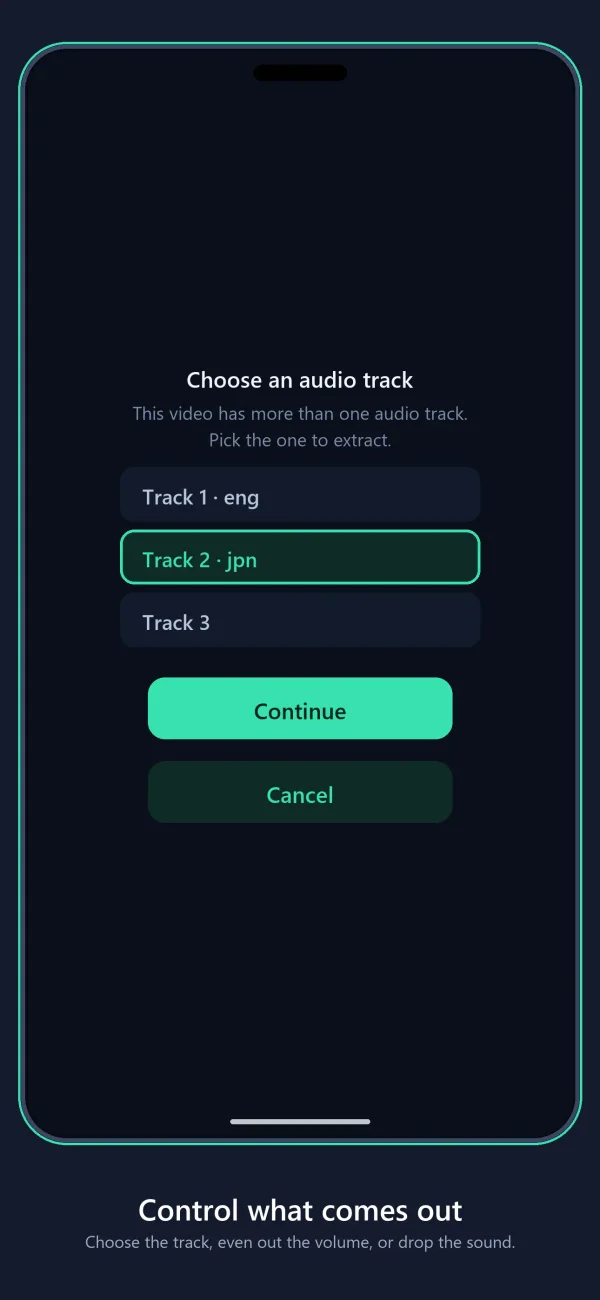
- Pick the audio track, and even out recordings that came out too quiet.
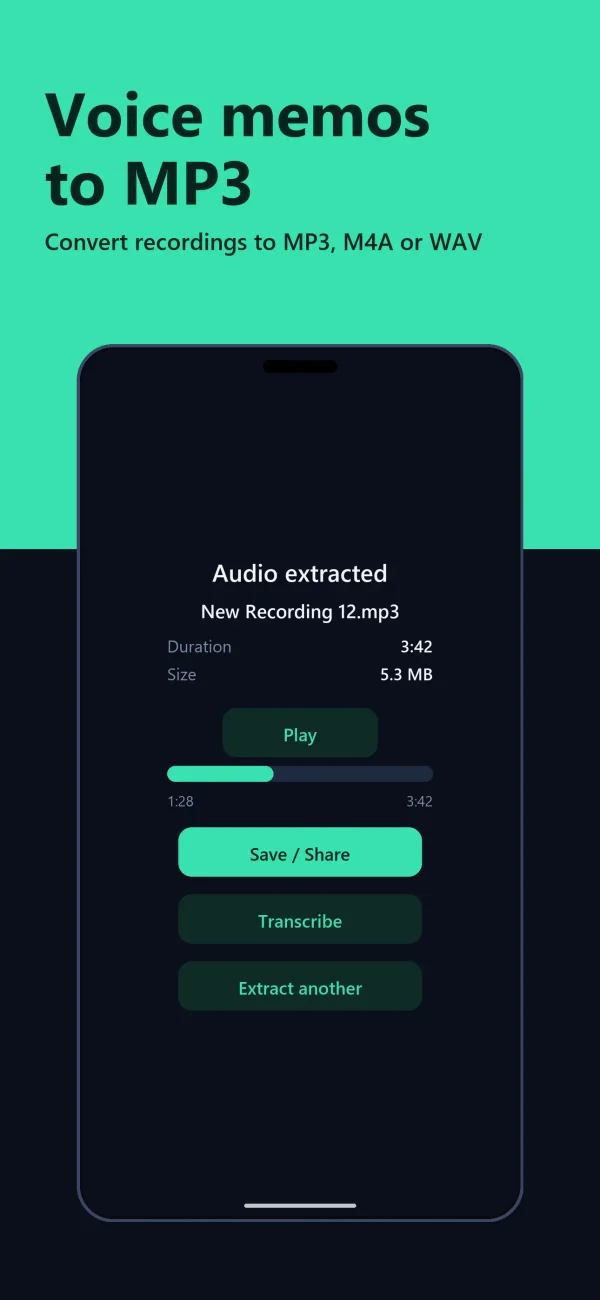
- Audio files, too. Convert M4A, MP3 and WAV recordings — voice memos included — to the format you need.
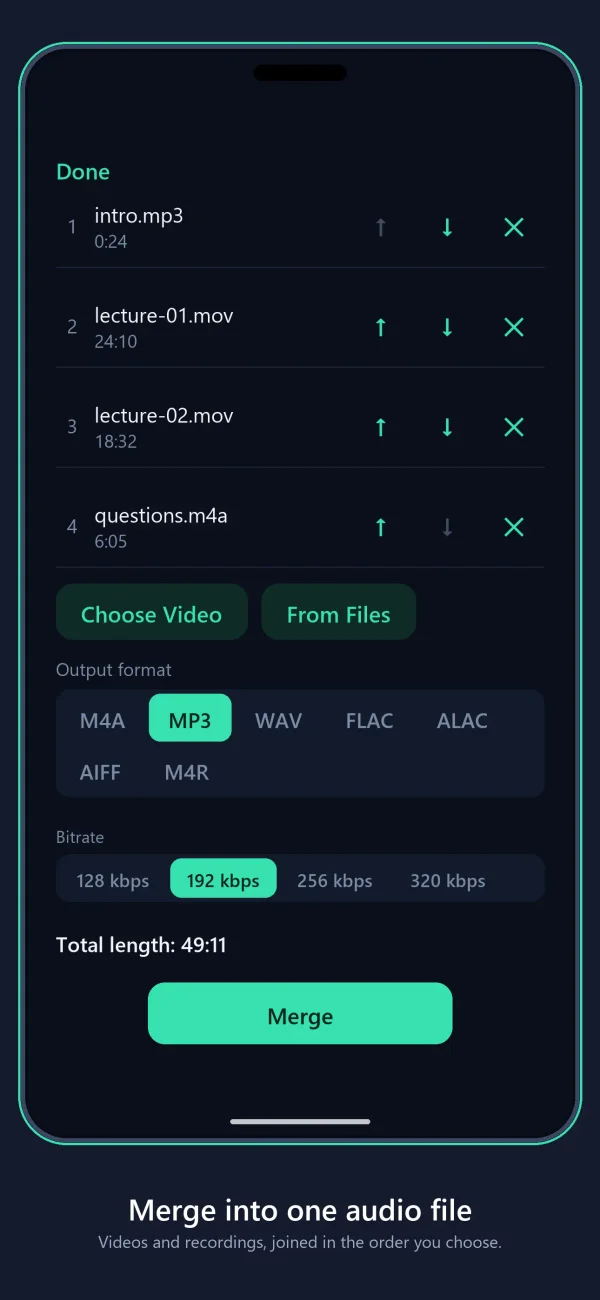
- Merge. Join several videos or recordings into one audio file, in the order you choose.
HOW IT WORKS
1. Pick a video from your photo library or Files — or send one to SoundPull from another app.
2. SoundPull pulls out the audio track on your device.
3. Listen to the result, then keep it in Files or hand it over to a different app.
WHAT PEOPLE USE IT FOR
- Lectures and classes filmed on a phone, turned into audio for the commute
- Interviews and meetings kept as small audio files instead of large video
- Music practice, rehearsals and live sets you recorded yourself
- Voice memos you accidentally captured as video
- Source material for a podcast or a video essay you are producing
- Language study — listening back to your own recordings without watching
WORKS WITH YOUR VIDEOS
SoundPull reads the video formats your iPhone already understands, including MP4, MOV and M4V files recorded on your device, screen recordings, and clips received through AirDrop, Files or other apps. If a video carries an audio track and iOS can read it, SoundPull can pull the sound out of it. Videos with no audio track are detected before extraction starts and explained in plain language, so you are never left staring at a failure you cannot interpret.
MADE FOR YOUR OWN CONTENT
SoundPull is for audio from videos you created or have the right to use — your recordings, your projects. It does not work with DRM-protected content and never bypasses copy protection.
ONE PURCHASE, THAT'S IT
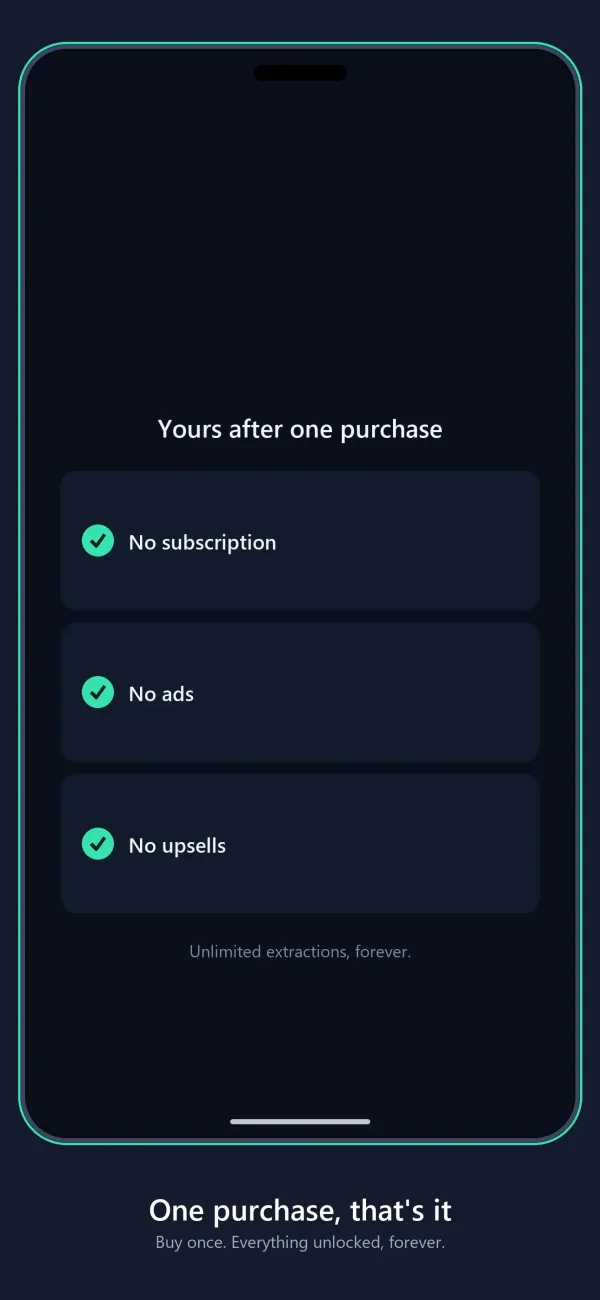
Buy SoundPull once and everything is unlocked — unlimited extractions, forever. No subscription, no ads, no upsells.
PRIVATE BY DESIGN
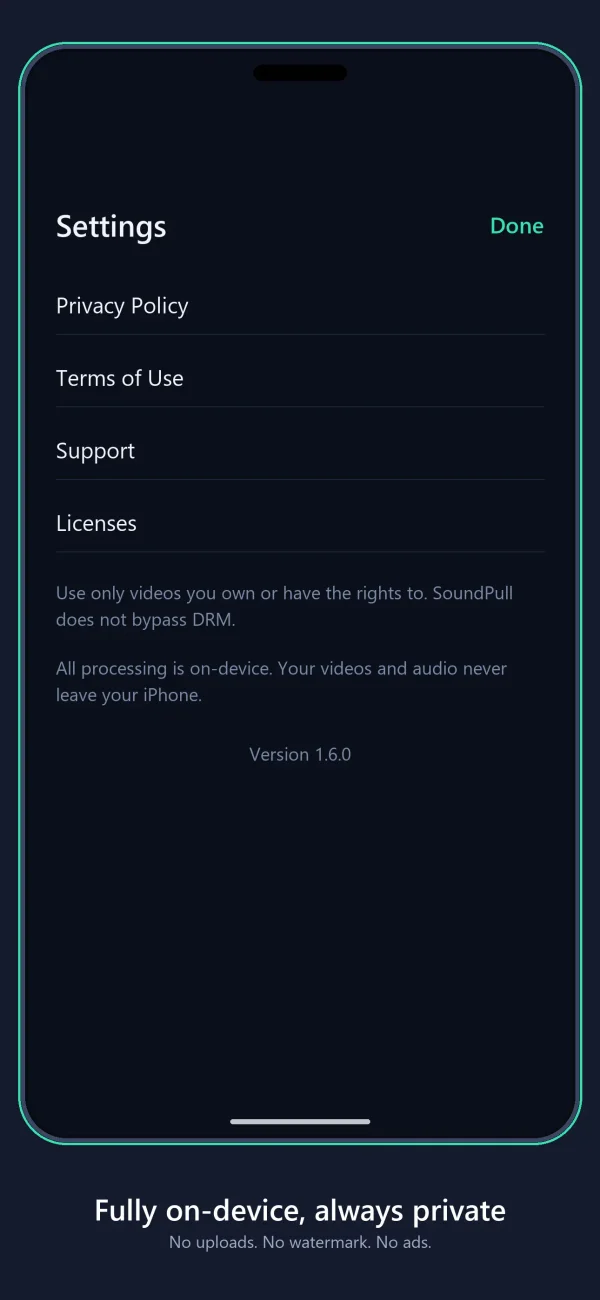
Lectures, interviews and meetings often contain things that were never meant to leave the room. SoundPull has no server to send them to: your recordings are decoded and converted on the iPhone itself, and the app collects nothing about you or the files you open.
Turn your videos into audio you can actually use — with SoundPull.
What’s new
Version 1.6 · Nov 7, 2026
New in 1.6
- Save in lossless FLAC, ALAC or AIFF. ALAC files use the .m4a extension.
- Choose the output quality right below the format: bitrate for MP3 and M4A, sample rate and bit depth for WAV, FLAC, ALAC and AIFF.
- If you leave the new settings as they are, you get the same files as in 1.5.
App privacy
What Kohei Omori declares on the App Store about how this app handles data.
-
Data not collected
The developer does not collect any data from this app.
Privacy practices may vary, for example with the features you use or your age.
Information
- Seller
- Kohei Omori
- Category
- Utilities
- Version
- 1.6
- Updated
- Nov 7, 2026
- Released
- Aug 20, 2026
- Size
- 35.3 MB
- Requires
- iOS 16.4 or later
- Age rating
- 4+
- Price
- $1.99
- Languages
- English, Arabic, Czech, Dutch, French, German, Hindi, Indonesian, Italian, Japanese, Korean, Malay + 10 more
- Copyright
- © 2026 Kohei Omori
You might also like
-
 A2Vaudio 2 video 4 social sharing
-
 SandFlow HDD AssistantCalculators and bore planner
-
 Audio Extractor - DecantVideo to Audio Converter
-
 CarDiag : Car Diagnostic OBD2A Mechanic In Your Pocket
-
 EasyListen: Music PlayerOffline FLAC, MP3 & Playlists
-
 LaserTonorUtilities
-
 MIDI Keyboard - TapTaveVirtual Piano via Bluetooth
-
 Easy FTP&SMB ClientUtilities
-
 Video to Audio, MP3 Converter*Ringtone Maker,Audio Converter
-
 dBMeter ProUtilities