- Age rating17+
- CategoryUtilities
- Developer嘉俊 余
- LanguagesEnglish+ 13 more
- Size2.9 MB
Links to the official App Store page
Download.org hosts no file of SPACEINK+ 6C. The button opens its official App Store page, published by 嘉俊 余. Listing last checked on Nov 14, 2026.
Screenshots
About
**SPACE INK+ — English Description**
SPACE INK+ is a companion app built exclusively for SPACE INK e-ink phone cases. No Bluetooth, no network pairing — just bring your phone close to the device and "print" your images onto the e-ink screen in one tap.
**Core Features**
· **NFC One-Tap Casting**
Tap the back of your phone against the e-ink device. It automatically detects and connects — no tedious pairing, and your picture transfers in seconds.
· **Multiple Image Sources**
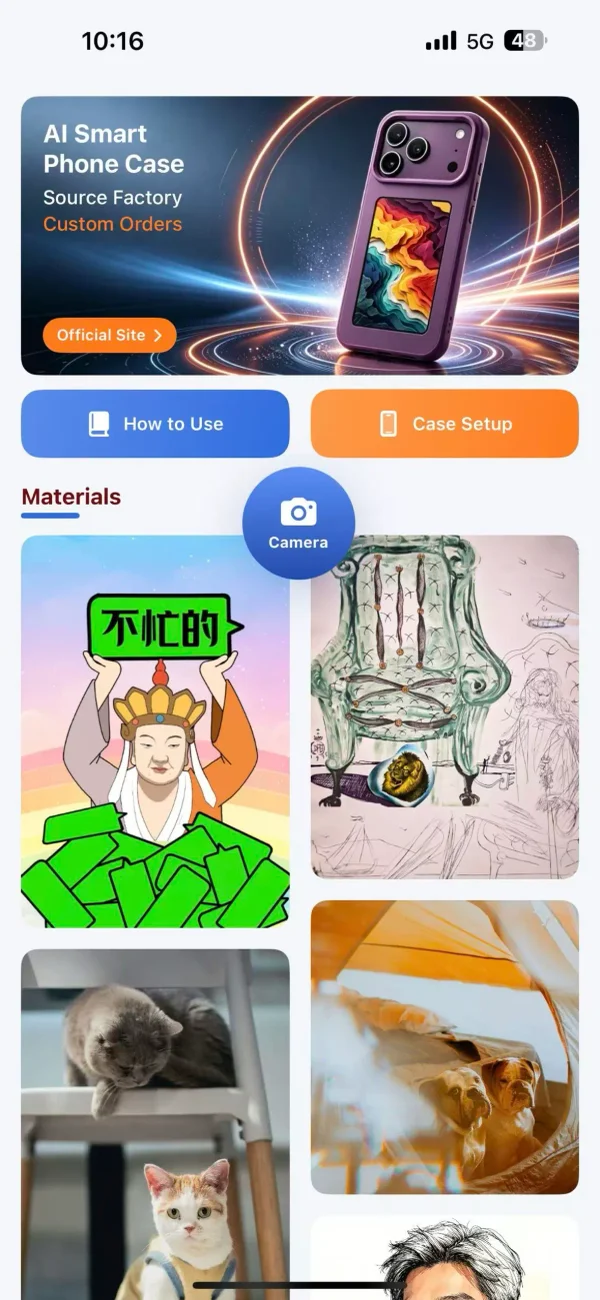
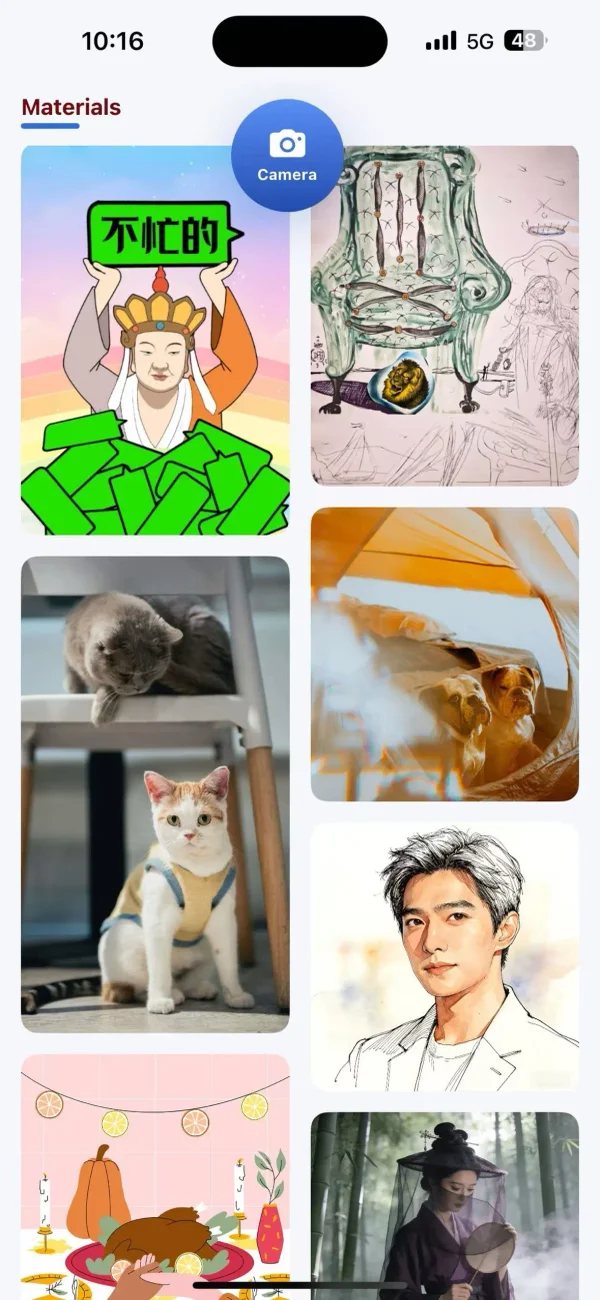
Pick photos from your album, snap a new shot with your camera, or browse featured artwork on the home page to refresh your e-ink display.
· **True-to-Life E-Ink Color**
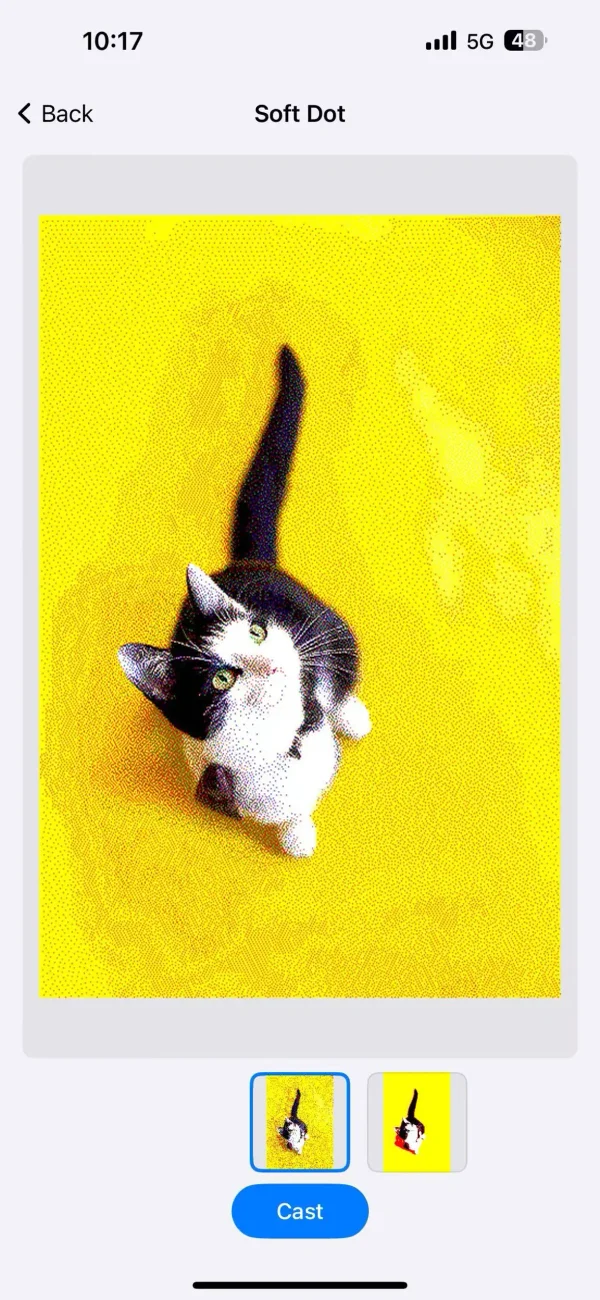
Built-in 4-color, 6-color, and grayscale dithering engines automatically match the best color mode for each e-ink model. What you preview is exactly what gets printed — switch freely between "Original" and "Preview Effect" to confirm the result before casting.
· **One-Tap Save & Share**
Save any image you like back to your album anytime for re-casting or sharing with friends.
· **Store & Artwork Center**
The home page is continuously updated with curated patterns and artwork, and the store offers e-ink devices and accessories — your styling options go way beyond the case.
**How to Use**
1. Open SPACE INK+ and choose "Album," "Camera," or featured artwork on the home page;
2. Confirm the image on the preview page and switch views to check the effect;
3. Press the back of your phone against the e-ink device and tap "Cast Now";
4. Wait for the transfer to complete — your image stays displayed on the e-ink screen.
**Compatible Devices**
Requires a SPACE INK series NFC e-ink phone case or display device. The device must support NFC near-field communication; enable the corresponding permissions on your iPhone.
**Privacy**
We respect your privacy. The app only communicates with your device via NFC when you actively initiate a cast, and only accesses your album and camera with your authorization. Your image data is never uploaded or shared.
---
Turn every e-ink screen into your personal canvas — SPACE INK+ lets an always-on display tell your story.
What’s new
Version 1.7 · Oct 24, 2026
Fixed the issue where taps were unresponsive before restarting casting after a cast session ended. Added countdown timer for casting.
App privacy
What 嘉俊 余 declares on the App Store about how this app handles data.
-
Data not collected
The developer does not collect any data from this app.
Privacy practices may vary, for example with the features you use or your age.
Information
- Seller
- 嘉俊 余
- Category
- Utilities
- Version
- 1.7
- Updated
- Oct 24, 2026
- Released
- Sep 16, 2026
- Size
- 2.9 MB
- Requires
- iOS 18.0 or later
- Age rating
- 17+
- Price
- Free
- Languages
- English, Arabic, French, German, Hindi, Italian, Japanese, Korean, Portuguese, Russian, Simplified Chinese, Spanish + 2 more
- Copyright
- Yu Jiajun©