
Spam Call Blocker-Batch Block
Block phone number ranges
Designed for iPhone, iPod touch
Free · In-app purchases
- Age rating4+
- CategoryUtilities
- DeveloperSolid PDF Ltd
- LanguagesEnglish+ 1 more
- Size3.4 MB
Links to the official App Store page
Download.org hosts no file of Spam Call Blocker-Batch Block. The button opens its official App Store page, published by Solid PDF Ltd. Listing last checked on Nov 16, 2026.
Screenshots
About
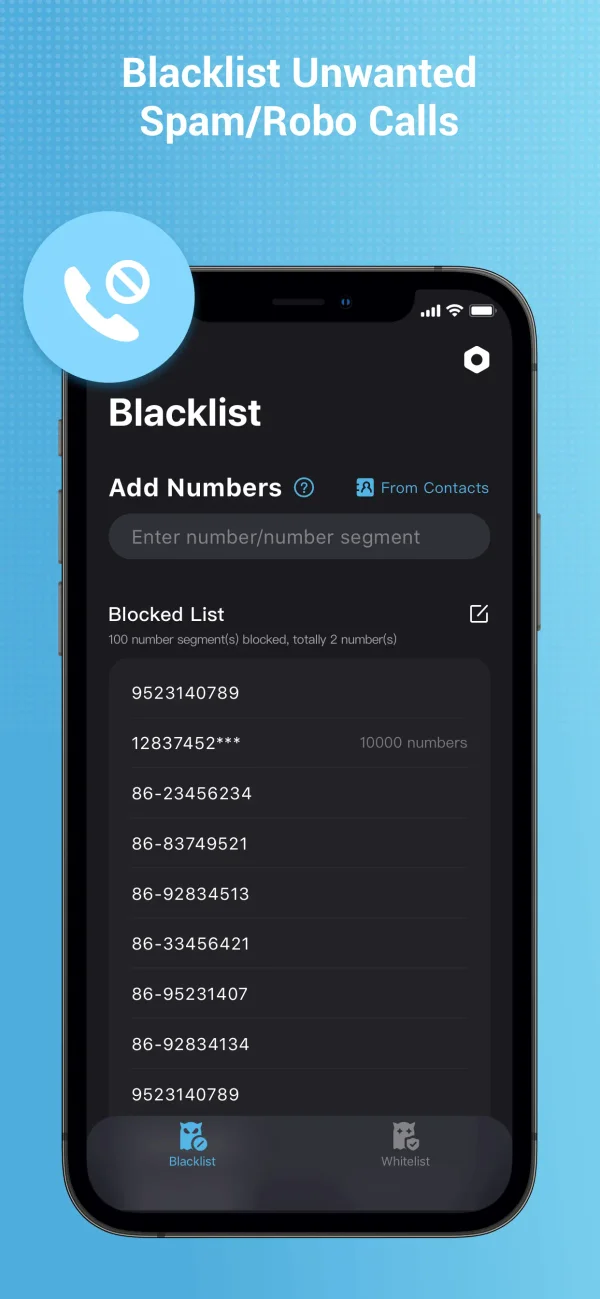
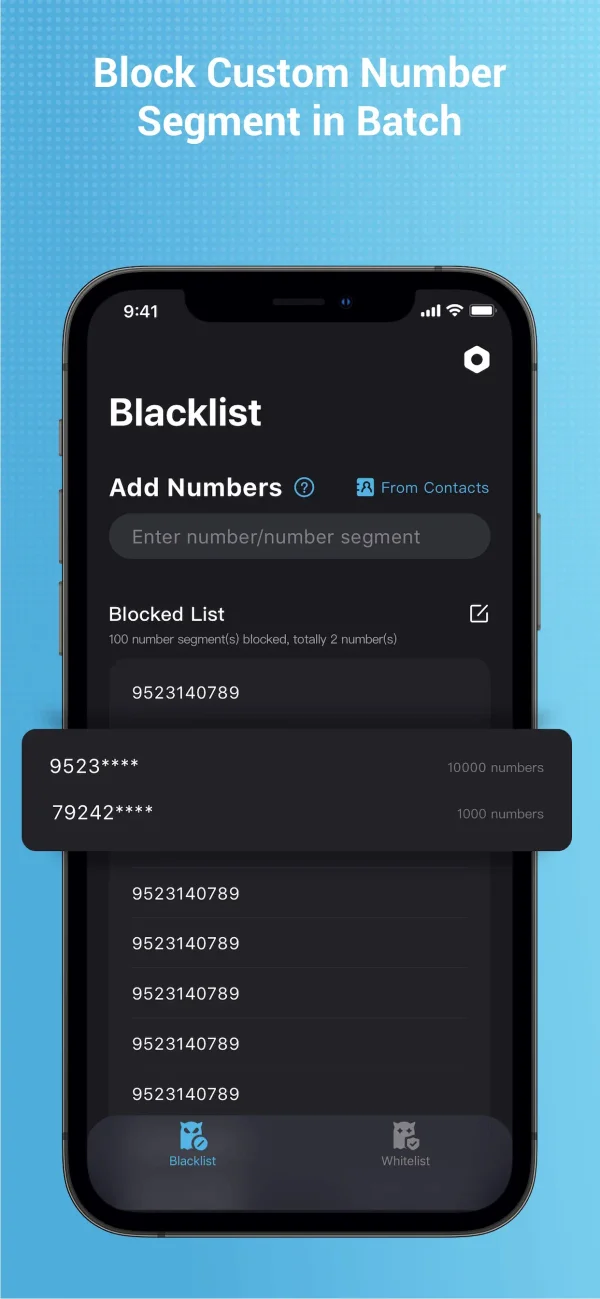
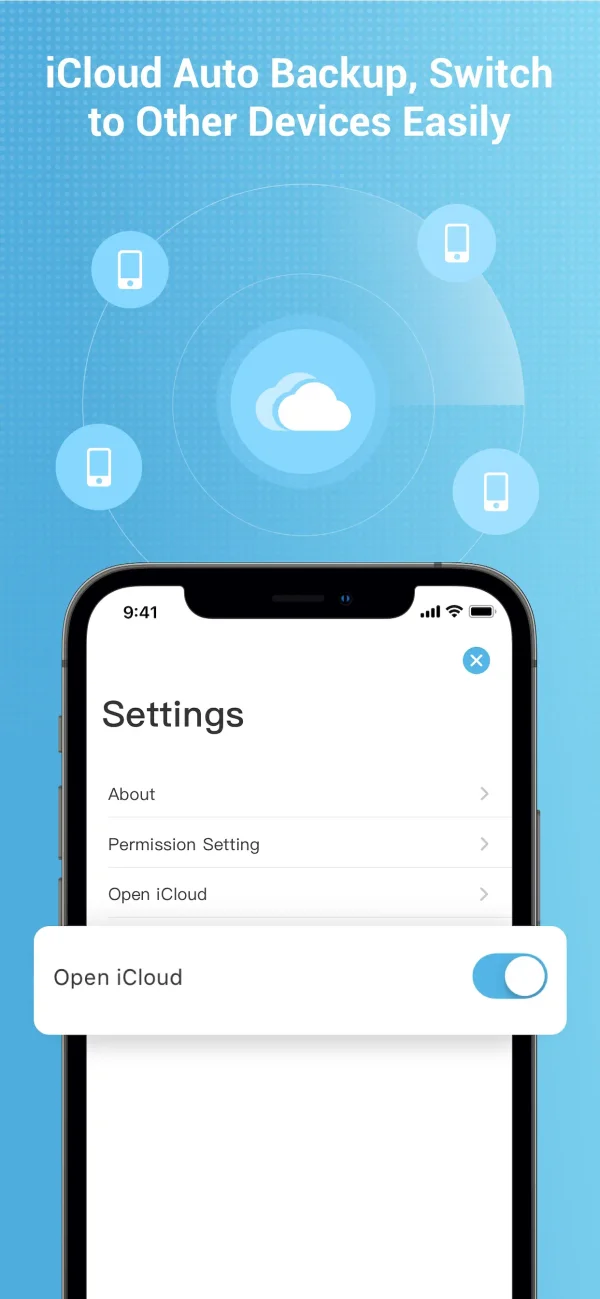
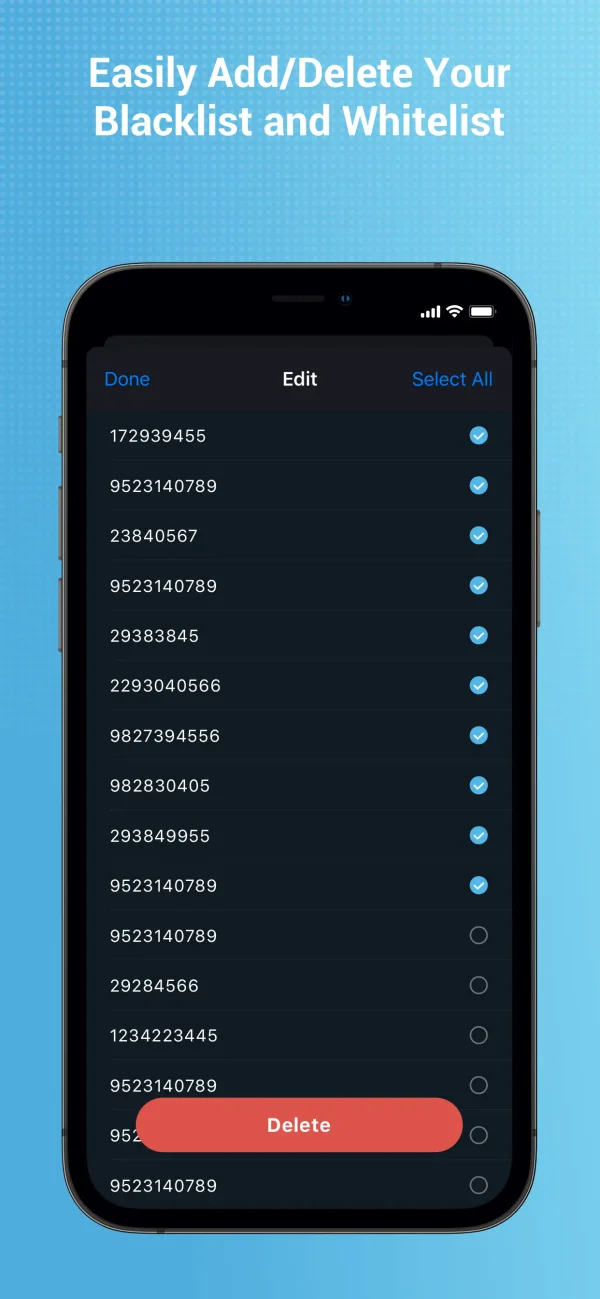
Spam Call Blocker enables you to set a number blacklist and a whitelist to save your time. You can easily block spam calls and robocalls by adding their numbers into the blacklist. Moreover, if you want to block a certain number segment, you can also add the number segment to blacklist, which means you can block up to 1 million similar robocalls in a few clicks. For your convenience, you can directly open 95 blocking to block all numbers which start with 95. You won’t be annoyed by the similar robo number anymore! When there is an important number, you can list it in the whitelist so that you won’t miss any legitime calls and text messages. iCloud Auto Backup is also supported so that the blacklist/whitelist information is stored and you can seamlessly switch to other devices with convenience.
With Spam Call Blocker, you can:
- Set Blacklist to block a certain number or a number segment.
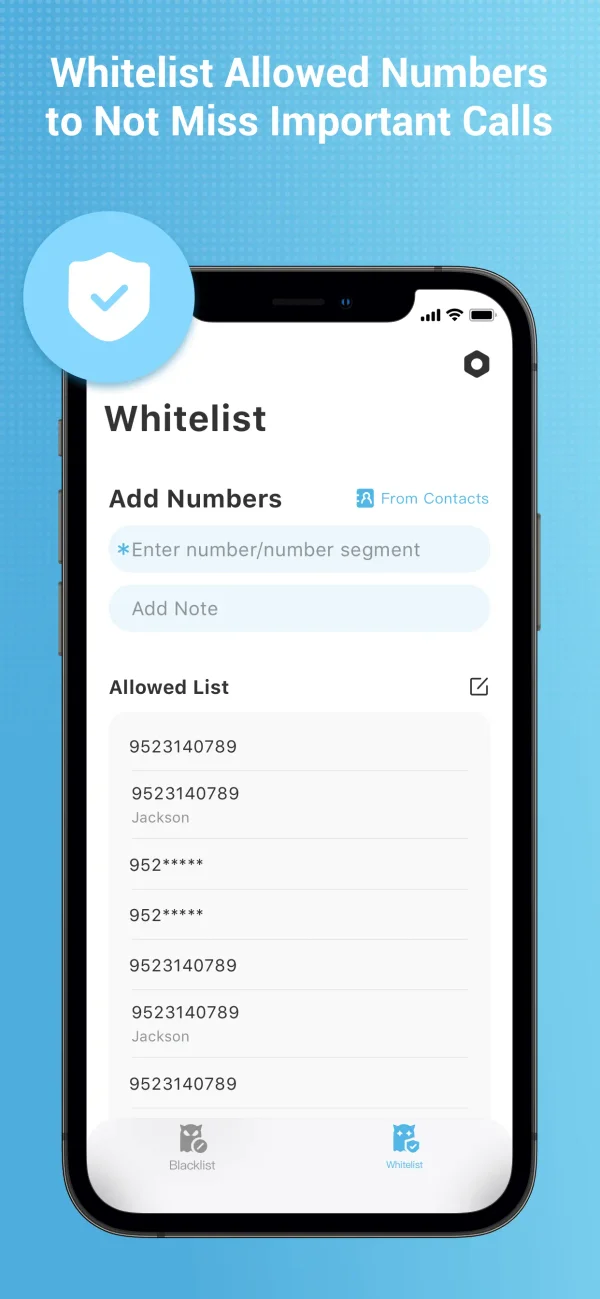
- Set Whitelist to allow legitime calls to not miss important calls and text messages.
- Add a certain number segment to blacklist so that you can block up to 1 million numbers simultaneously.
- Add phone numbers to blacklist from recent calls to avoid the frequent calls from the same number.
- Open iCloud Auto Backup and seamlessly switch to other devices with convenience.
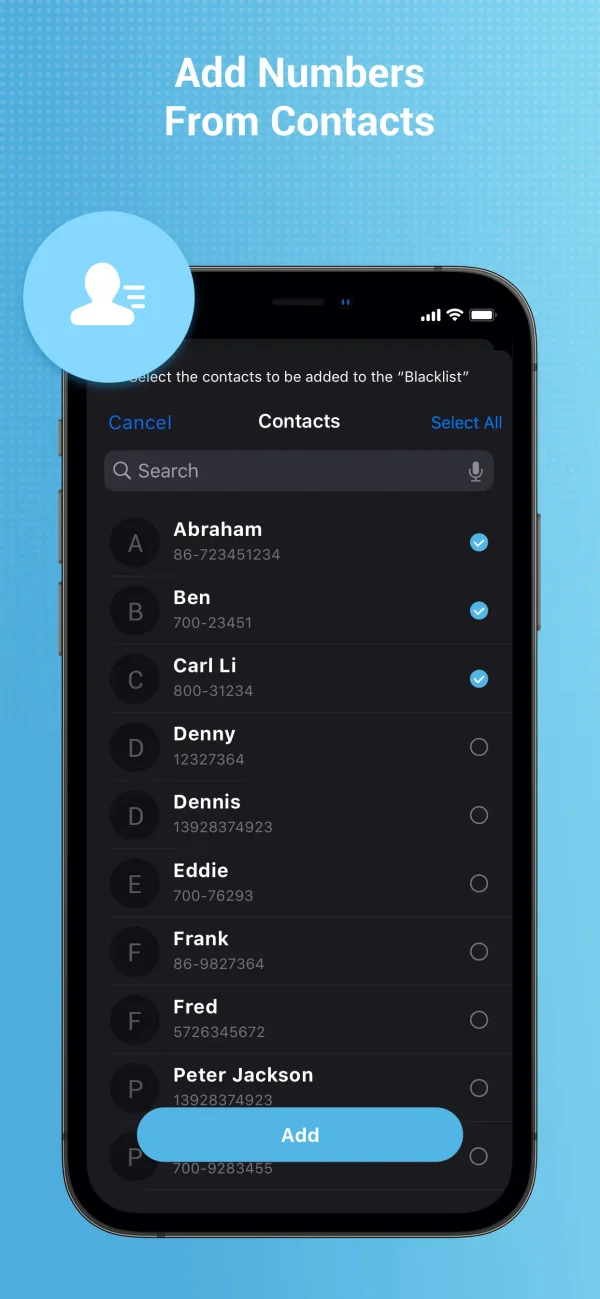
- Add numbers to blacklist from your contacts.
- Manage your blacklist and whitelist by adding notes and deleting numbers.
- Block multiple call types, including cell phone numbers, landline numbers or other certain numbers.
- Block all numbers which start with 95.
Blacklist Unwanted Calls
- Add a certain number segment to blacklist so that you can block up to 1 million numbers simultaneously.
- Add phone numbers to blacklist from recent calls to avoid the frequent calls from the same number.
- Block multiple call types, including cell phone numbers, landline numbers or other certain numbers.
Whitelist Important Calls
- Set Whitelist to allow legitime calls to not miss important calls and text messages.
- Set the company numbers of operators, banks, express delivery, etc. included in the blocked number segment as whitelist numbers so that important information is not missed.
Tips
- Spam Call Blocker supports iOS 11.0 or later.
- You will not receive any call notification from the blocked number. You will be responsible for any loss caused by falsely rejected or missed calls. Please add it carefully.
- You can set a whitelist number or number segment, but the whitelist you set takes effect only in this application. If there are other phone blocking applications installed on your phone, please synchronize to set the whitelist in other applications.
Common Problems:
1. I have purchased the pro version, but I’m required to buy it again?
-> Please click [Restore Previous Purchase]. If it fails, please try to change your network or turn on the VPN, and make sure that the used apple ID is the same as the one used for purchase.
2. Why can’t I see the option of Spam Call Blocker in [Call Blocking & Identification]?
-> Please check if you have installed other call blocker software at the same time. It is recommended to uninstall other software and reinstall Spam Call Blocker.
3. Why is an error message prompted when setting the blocking rule?
-> Please check the user guide and check whether you enter special characters or enter more than 6 wildcards.
4. Why still receive spam calls after setting blocking rules?
1). Check whether there are other software options besides Spam Call Blocker in [Call Blocking & Identification], and click the [Edit] button in the upper right corner to move Spam Call Blocker to the top.
2). Try to add your other mobile phone number or the number segment of your friend's mobile phone number and call.
3). If the above operations do not solve the problem, please uninstall and reinstall Spam Call Blocker and try again.
Choose Spam Call Blocker and meet a life without annoying spam calls and robocalls. Save your time to create more value.
What’s new
Version 2.0 · May 19, 2026
* Added Whitelist Caller ID: Calls from whitelisted numbers now display a “Whitelist · xx” label for easier recognition
* Faster Access to Blocking Settings: Permission guidance can now take you directly to Phone → Call Blocking & Identification settings
* New Extension Status Banner: An amber reminder banner will appear at the top when the call blocking extension is not enabled
App privacy
What Solid PDF Ltd declares on the App Store about how this app handles data.
-
Data not collected
The developer does not collect any data from this app.
Privacy practices may vary, for example with the features you use or your age.
Information
- Seller
- Solid PDF Ltd
- Category
- Utilities
- Version
- 2.0
- Updated
- May 19, 2026
- Released
- Nov 26, 2020
- Size
- 3.4 MB
- Requires
- iOS 14.0 or later
- Age rating
- 4+
- Price
- Free
- In-app purchases
- Yes
- Languages
- English, Simplified Chinese
- Copyright
- © Hua xu
You might also like
-
 拦截盾-骚扰电话拦截·垃圾短信拦截·来电识别·电话管家Utilities
-
 小熊拦截 - 电话防骚扰助手、来电显示和骚扰广告推销电话识别Utilities
-
 Panda Butler - Spam SMS FilterSpam Call & Texts Blocker
-
 百度手机卫士Utilities
-
 Spam Block - Scam Call BlockerShield & Filter - Robo Caller
-
 拦截猫 - 骚扰电话与垃圾短信拦截Utilities
-
 Guardify: Call & SMS BlockerBlock Spam Calls & Messages
-
 拒之-骚扰电话批量拦截助手Utilities
-
 Robocall Blocker - RoblockStop Spam Calls, Filter Text
-
 Block phone numbers - BlockrSilence unwanted calls