Speak it - Private Voice Notes
On-device Transcribe & Reports
Designed for iPhone, iPad
Free · In-app purchases
- Age rating4+
- CategoryProductivity
- DeveloperKwan Shun Wong
- LanguagesEnglish+ 2 more
- Size10.3 MB
Links to the official App Store page
Download.org hosts no file of Speak it - Private Voice Notes. The button opens its official App Store page, published by Kwan Shun Wong. Listing last checked on Nov 18, 2026.
Screenshots

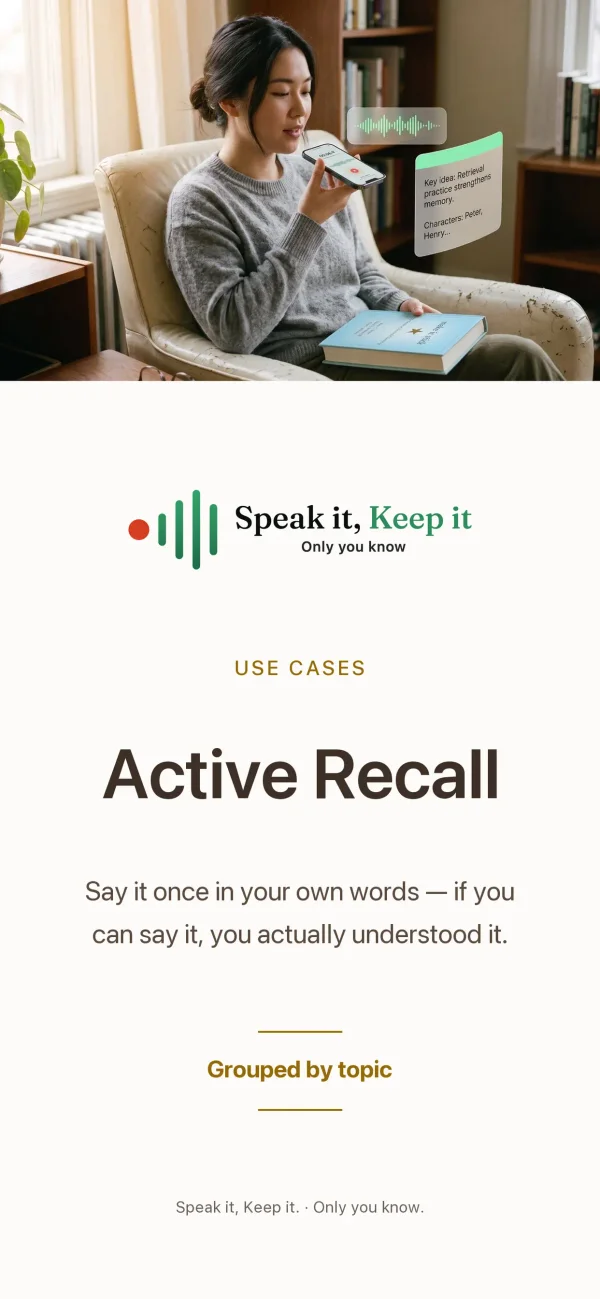
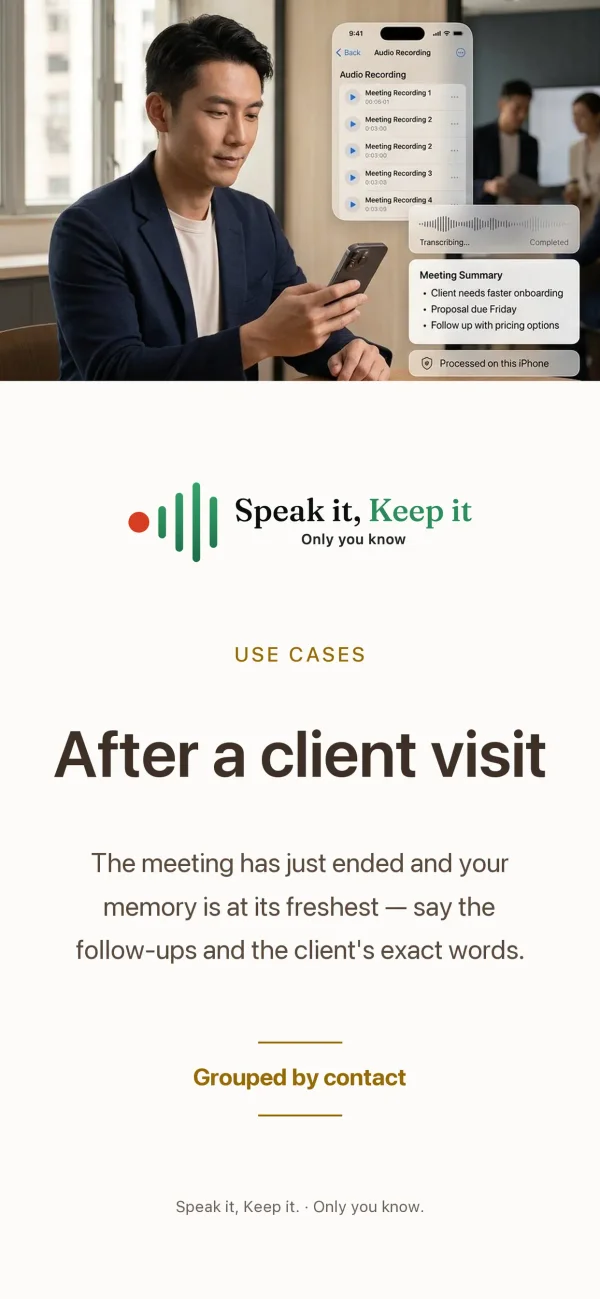
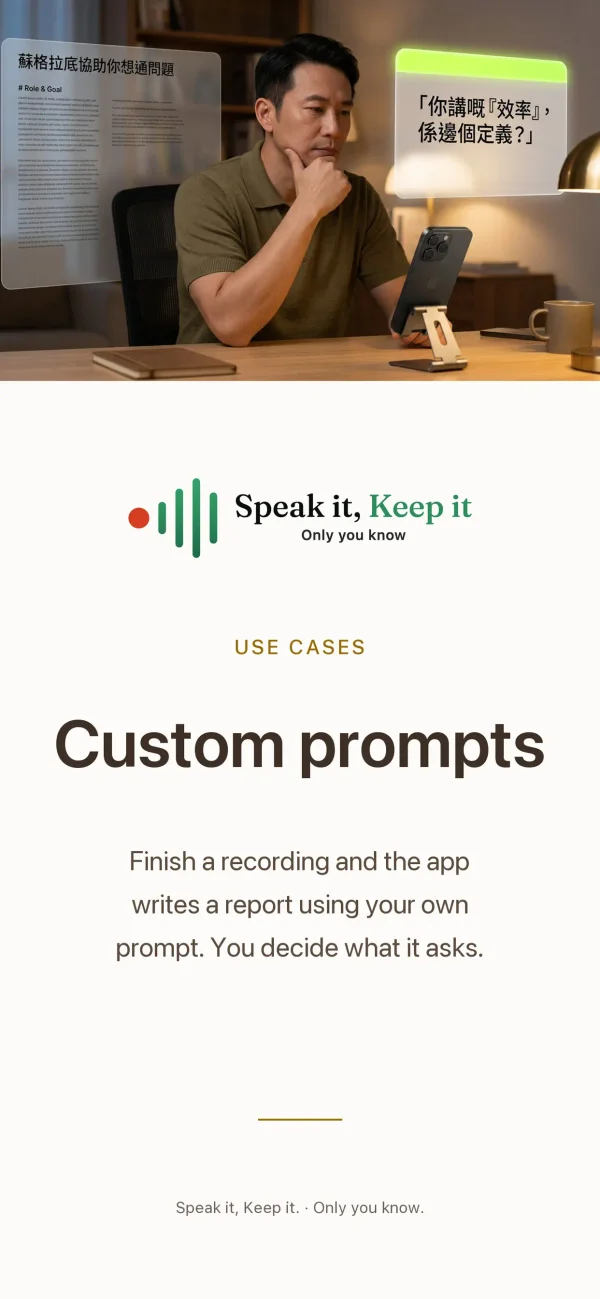
About
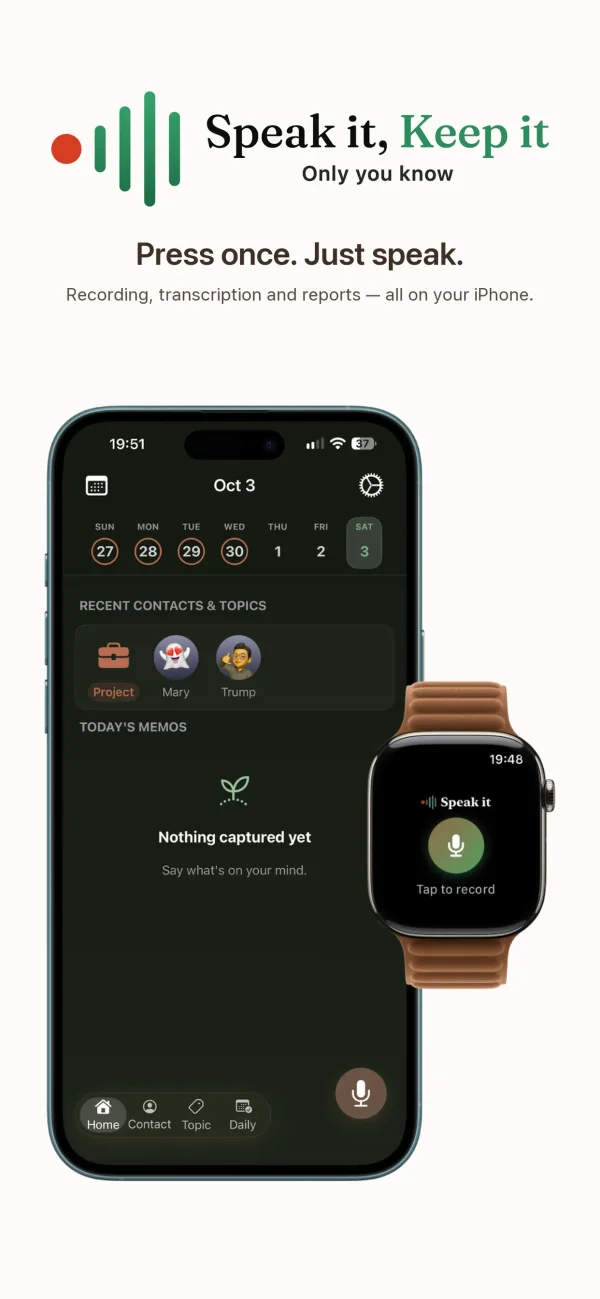
Press one button, speak your mind — and it keeps the rest.
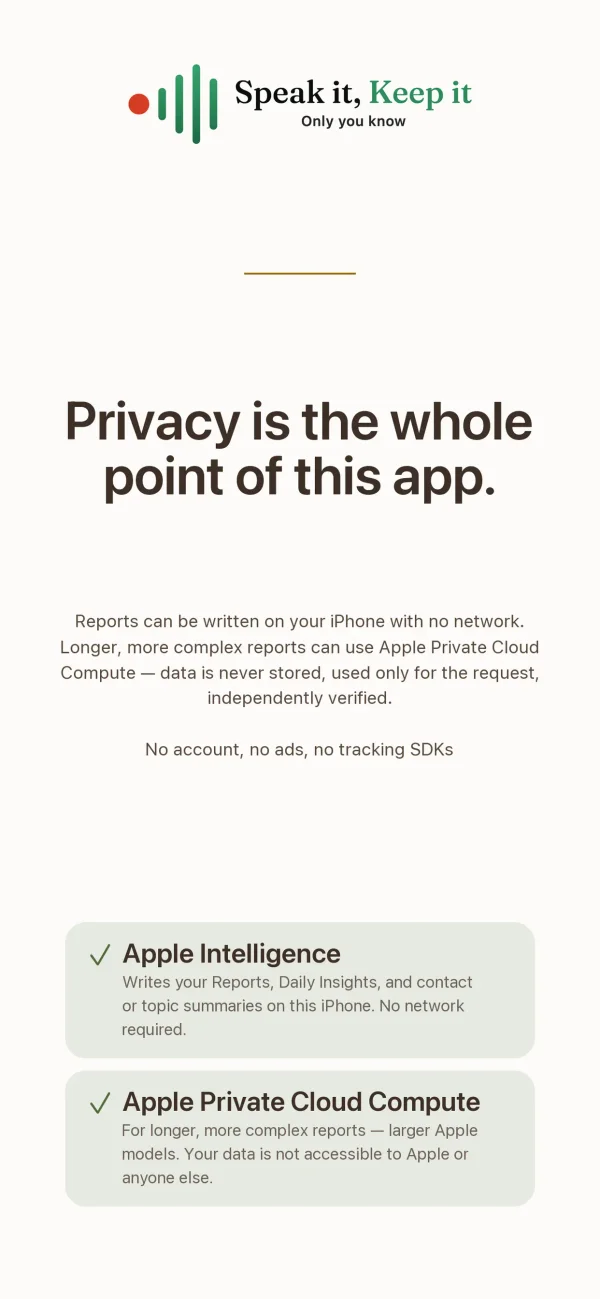
Speak it turns your voice into text you can find again. Recording and transcription run on your iPhone — no account, no API keys, no server of ours — so those work fully offline. Apple Intelligence writes reports and summaries on device; on iOS 27 it can also use Private Cloud Compute for longer work, with a daily limit, without making your data accessible to Apple or anyone else.
FROM VOICE TO DOCUMENT
Press the Action Button on the side of your iPhone — or start from Control Center or the Lock Screen — and talk. Your memo becomes a transcript on your iPhone, then a clean, readable rewrite, then a report shaped by a prompt you choose or write. Point Form summary and Client Meeting are built in.
RECORD FROM YOUR WRIST
When your iPhone isn't with you, record on your Apple Watch. Takes queue on the watch and transfer back automatically. The Watch is for recording — transcripts and editing happen on the phone.
IT ASKS SOMETHING BACK
Every Daily Insight closes with a reflection question, so you get more out of your own words. Want a different angle? Write your own prompt and set the tone yourself.
ORGANISED WITHOUT FILING
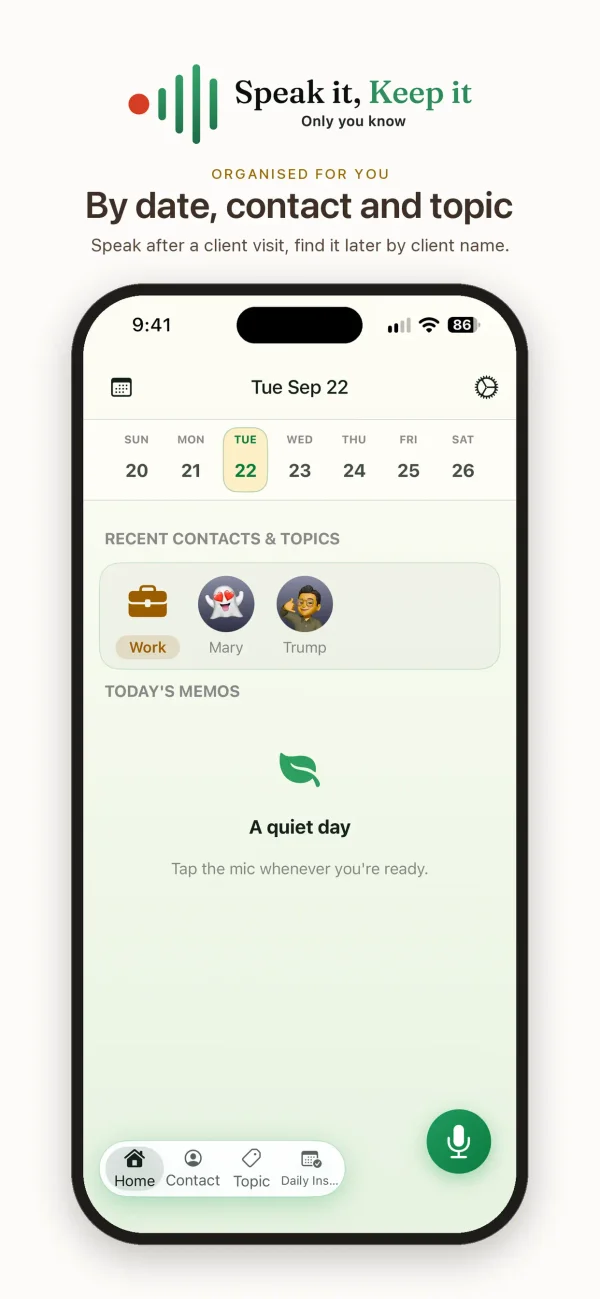
Link any memo to a Contact or a Topic. Group a day, a meeting or a project into one summary. Push it into your Obsidian Daily Note — the app writes inside its own invisible markers, so nothing you wrote is ever overwritten.
FREE — AND WHAT THE ONE-TIME UPGRADE ADDS
Recording, on-device transcription, search, playback, iCloud sync, the app lock, Obsidian and ZIP backup are free, and always will be. A single one-time purchase unlocks the AI surfaces: reports, Daily Insights and multi-memo summaries. No subscription, ever. Your first transcription starts 7 days of everything.
WHO IT'S FOR
People who think out loud. Obsidian and second-brain practitioners. Anyone whose work happens in conversation — in Cantonese, English, or both at once.
What’s new
Version 1.1.4 · Oct 19, 2026
• Support iOS 27, Private Cloud Compute on iOS 27 when available; falls back on-device if offline or over quota.
• Domain → Financial Advisor: Client Meeting notes and speech terms tuned for advisory visits.
• Clearer Client Meeting reports: status, proposals, decisions, follow-ups, and client insights.
• Recording limits: 8 minutes on iOS 26 (30 on iOS 27+); Watch stays at 8 minutes.
• Easier to Delete and Organize selected memos.
App privacy
What Kwan Shun Wong declares on the App Store about how this app handles data.
-
Data not collected
The developer does not collect any data from this app.
Privacy practices may vary, for example with the features you use or your age.
Information
- Seller
- Kwan Shun Wong
- Category
- Productivity
- Version
- 1.1.4
- Updated
- Oct 19, 2026
- Released
- Oct 2, 2026
- Size
- 10.3 MB
- Requires
- iOS 26.0 or later
- Age rating
- 4+
- Price
- Free
- In-app purchases
- Yes
- Languages
- English, Simplified Chinese, Traditional Chinese
- Copyright
- © 2026 Wong Kwan Shun
You might also like
-
 VoicenRecord once, get clean notes
-
 PortaCue for ObsidianQuick voice notes & tasks
-
 Notelo: Voice Memos & RecorderTranscribe & Summarize Notes
-
 KnowGrove Voice RecorderLong Recording & Audio Notes
-
 Lumas : ADHD Daily PlannerADHD planner for daily focus
-
 TimeFlow 时间流Productivity
-
 Twnkle: Reminders & AlarmsPersistent nagging until done
-
 WristBrief: AI Voice RecorderAll-Day Watch & Live Captions
-
 3ThingsPal: ADHD Daily PlannerMinimalist 3-Task To-Do List
-
 Everec – DictaphoneVoice Recorder & Transcription