Speaker Fix – Water Eject
Get Phone & Cleaner Sound
Designed for iPhone, iPad
Free · In-app purchases
- Age rating4+
- CategoryMusic
- DeveloperVladimir Ivakhnenko
- LanguagesEnglish+ 30 more
- Size26.2 MB
Links to the official App Store page
Download.org hosts no file of Speaker Fix – Water Eject. The button opens its official App Store page, published by Vladimir Ivakhnenko. Listing last checked on Nov 12, 2026.
Screenshots
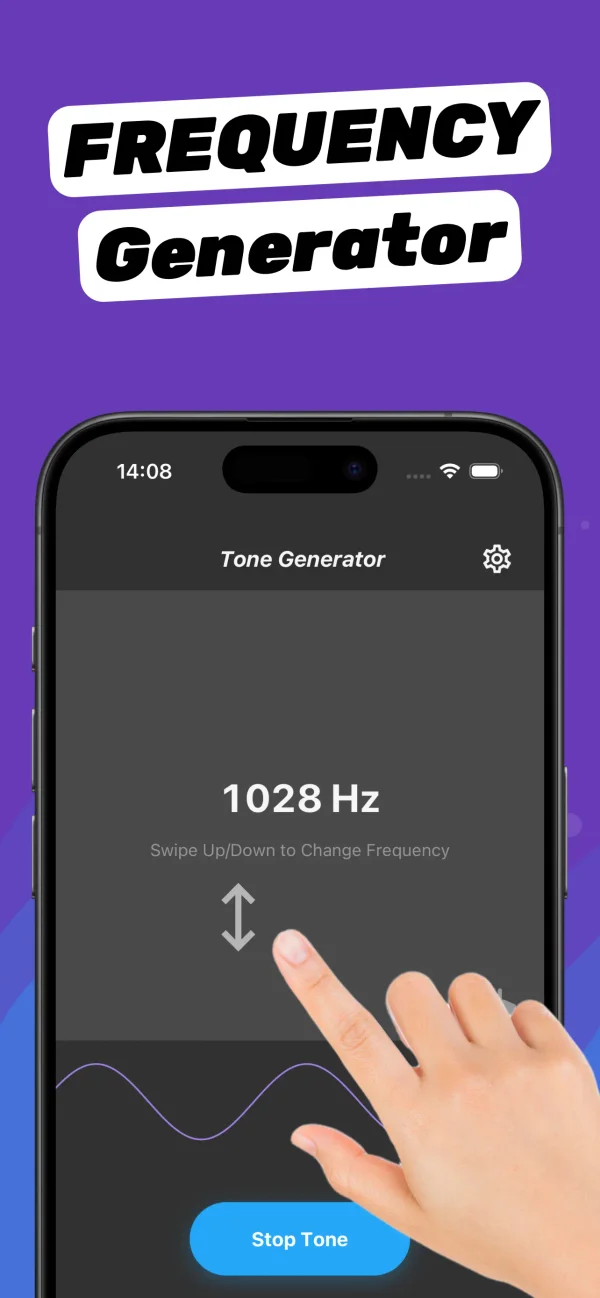
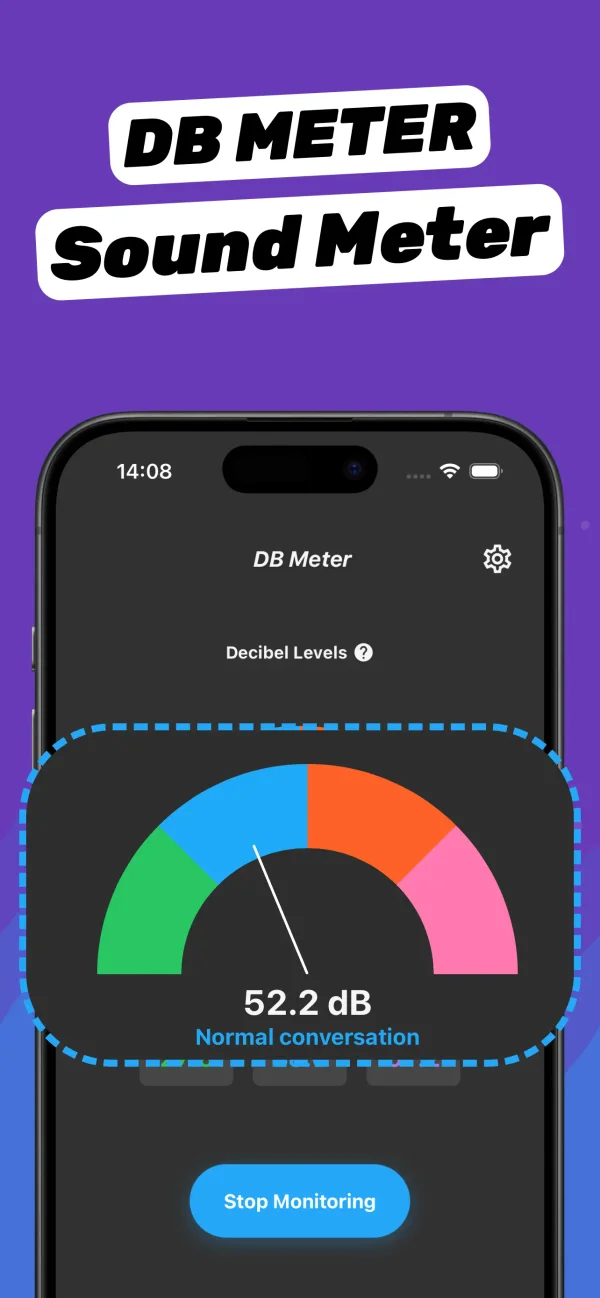
About
Speaker Fix – Water Eject is an iOS app for getting water out of an iPhone speaker with tuned sound. Use this app to restore clear, loud audio after rain, a splash, a shower, a pool day, or a spill—at home, without a repair shop.
Who this app is for
If your iPhone got wet and the speaker sounds quiet, muffled, blown, or distorted, Speaker Fix – Water Eject is a water-ejection tool you can run yourself. Targeted sound sessions push liquid and debris out of the grille so calls, music, and video sound right again.
What you can do
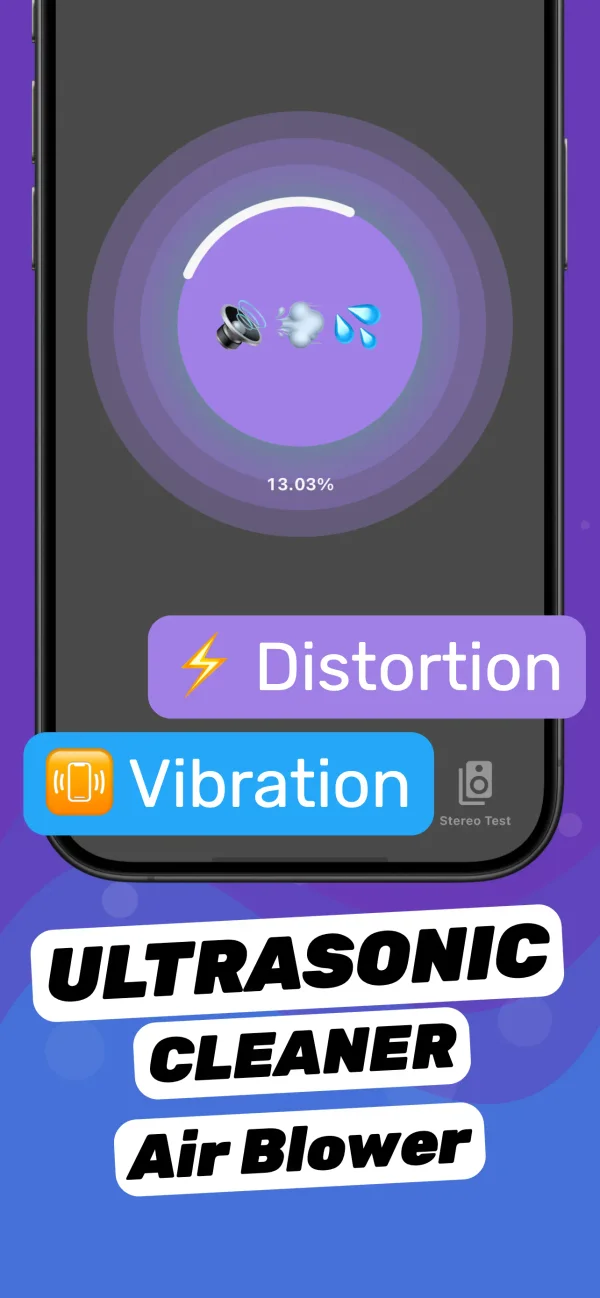
• Run tuned sound sessions to push out trapped liquid and loosen dust
• Test your speaker with low, mid, and high tones
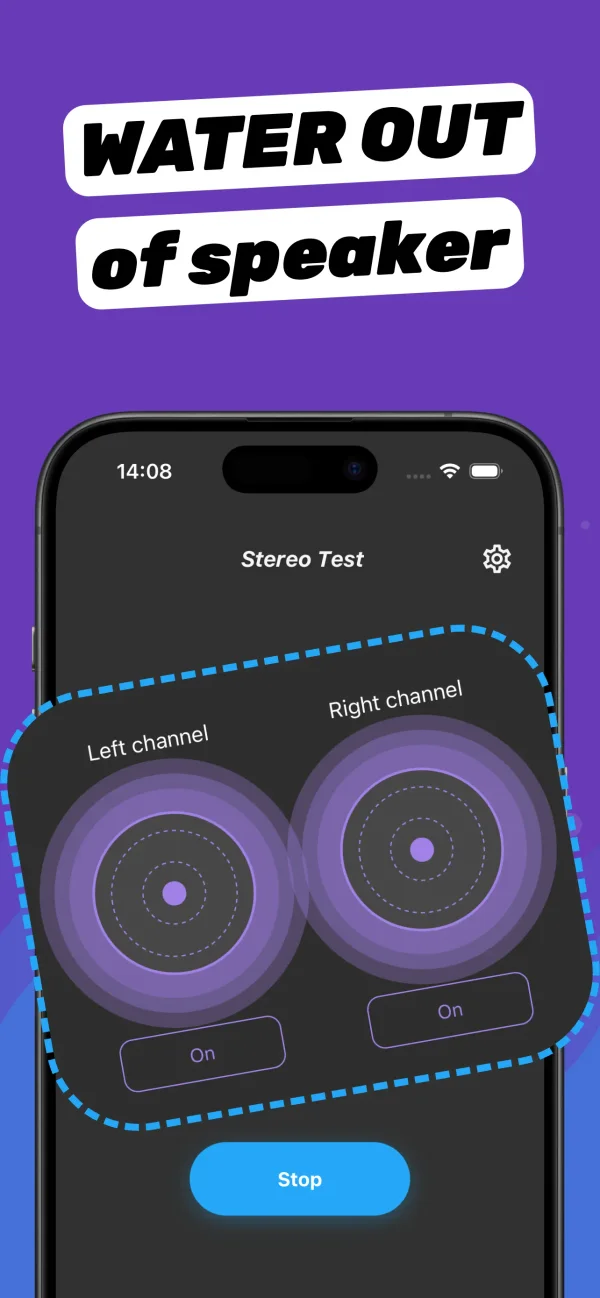
• Check left and right channel balance on speakers and headphones
• Monitor approximate loudness in your environment
Water ejection tool
Use it when the speaker does not sound normal after getting wet. The app plays frequency patterns that move liquid away from the speaker opening while you control the volume.
Speaker test and tones
After a session, play test tones to spot rattling, crackling, or missing range and decide if you need another cycle.
When to use the app
• After rain, splashes, showers, or spills
• When sound suddenly goes quiet, muffled, or distorted
• After using your phone near a pool, kitchen, or bathroom
• When you want to check left and right channels
Why this method works
Tuned sound waves push water out of the fine openings around your speaker. You get a safe, repeatable process at home without harsh shaking or blowing into the device.
Simple steps
1) Set volume to a clear, comfortable level.
2) Point the speaker downward.
3) Run a full cleaning session.
4) Repeat if the device was heavily exposed to water.
Safe use tips
• Remove cases that trap moisture around the speaker
• Gently move the device while sound plays to help liquid drain
• Wipe the outside before and after the session
• Avoid maximum volume for long periods
Frequently asked questions
• Will it damage my device? It uses sound patterns at normal speaker levels; keep volume comfortable.
• Does it fix everything? It helps when liquid or dust affects sound, not deep hardware damage.
• Does it work with headphones? You can test channels; liquid in sealed hardware may still need professional service.
Compatibility
• iPhone and iPad with recent iOS versions
• Best on splash-resistant devices
• Also useful for checking external speakers and audio accessories
Privacy and pricing
The app does not modify hardware. Sessions stay on your device. A daily session limit applies. A weekly subscription or a one-time lifetime purchase unlocks unlimited sessions.
Safety note
For saltwater, sugary drinks, or serious liquid damage, run multiple sessions, power off when possible, and let the device dry. If sound does not improve, contact a professional repair service.
Ready to get water out of your speaker? Open Speaker Fix – Water Eject and start a session.
Terms of Use: https://clearwaveapp.com/terms.html
Privacy Policy: https://clearwaveapp.com/privacy.html
What’s new
Version 1.4.3 · Oct 28, 2026
This version of Speaker Fix – Water Eject includes bugs fixes and improvements
App privacy
What Vladimir Ivakhnenko declares on the App Store about how this app handles data.
-
Data not linked to you
May be collected but is not linked to your identity.
- Purchases
- Identifiers
- Diagnostics
Privacy practices may vary, for example with the features you use or your age.
Information
- Seller
- Vladimir Ivakhnenko
- Category
- Music
- Version
- 1.4.3
- Updated
- Oct 28, 2026
- Released
- Mar 16, 2025
- Size
- 26.2 MB
- Requires
- iOS 18.6 or later
- Age rating
- 4+
- Price
- Free
- In-app purchases
- Yes
- Languages
- English, Croatian, Czech, Danish, Dutch, Filipino, Finnish, French, German, Greek, Hebrew, Hungarian + 19 more
- Copyright
- © 2026 c-basso
You might also like
-
 Speaker Cleaner & Clear WaveWater Eject & Sound Fixer
-
 Clear Wave – Water Eject ToolSpeaker Cleaner & Sound Test
-
 Clear Wave - Sonic Water EjectUltrasonic Speaker Cleaner
-
 AI Music Maker: Make Own SongWrite Banger & Generate Melody
-
 Clean Water: Clear Water EjectSpeaker Cleaner, Water Remover
-
 Water EjectºSpeaker Cleaner, Clear Wave
-
 Water Eject Co Speaker CleanerClear Wave, Liquid Remover, Hz
-
 Voice Training & Vocal Warm UpSinging Lessons, Learn to Sing
-
 Sondera・AI Music Remix & ChatMusic
-
 AI Music Generator・Song WriterMake Your Own Unique Songs