Speaking Clock with Voice
Talking Clock & Hourly Chime
Designed for iPhone, iPad
Free · In-app purchases
- Age rating9+
- CategoryUtilities
- DeveloperHKinfoway Technologies
- LanguagesEnglish+ 13 more
- Size184.2 MB
Links to the official App Store page
Download.org hosts no file of Speaking Clock with Voice. The button opens its official App Store page, published by HKinfoway Technologies. Listing last checked on Nov 26, 2026.
Screenshots



About
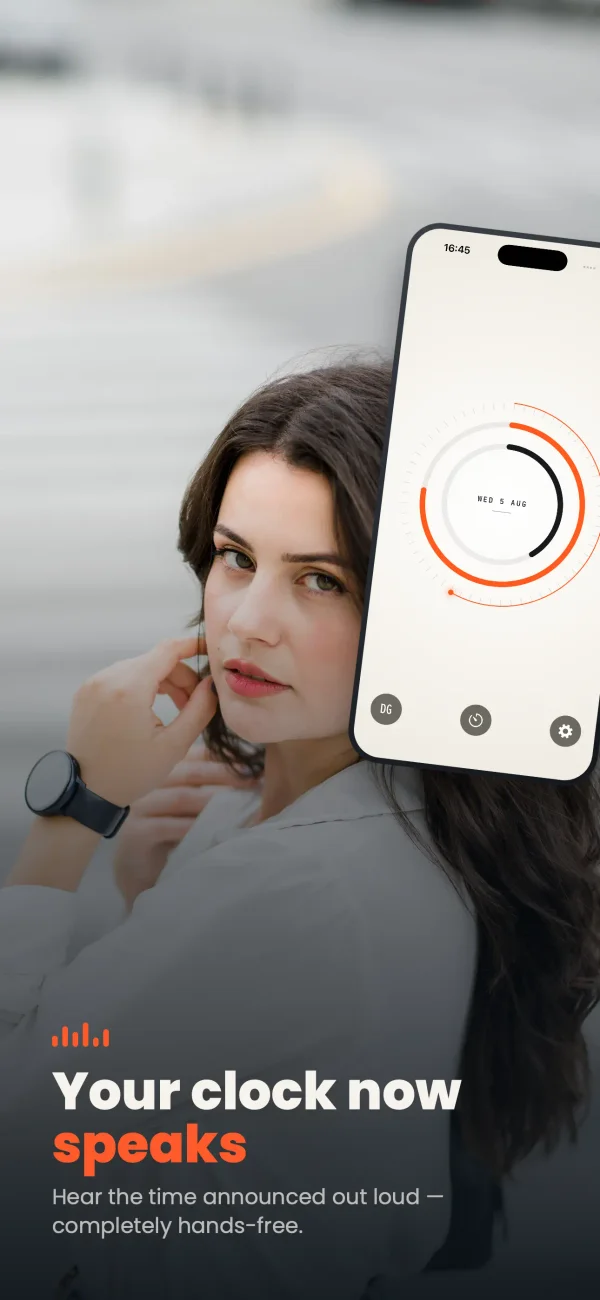
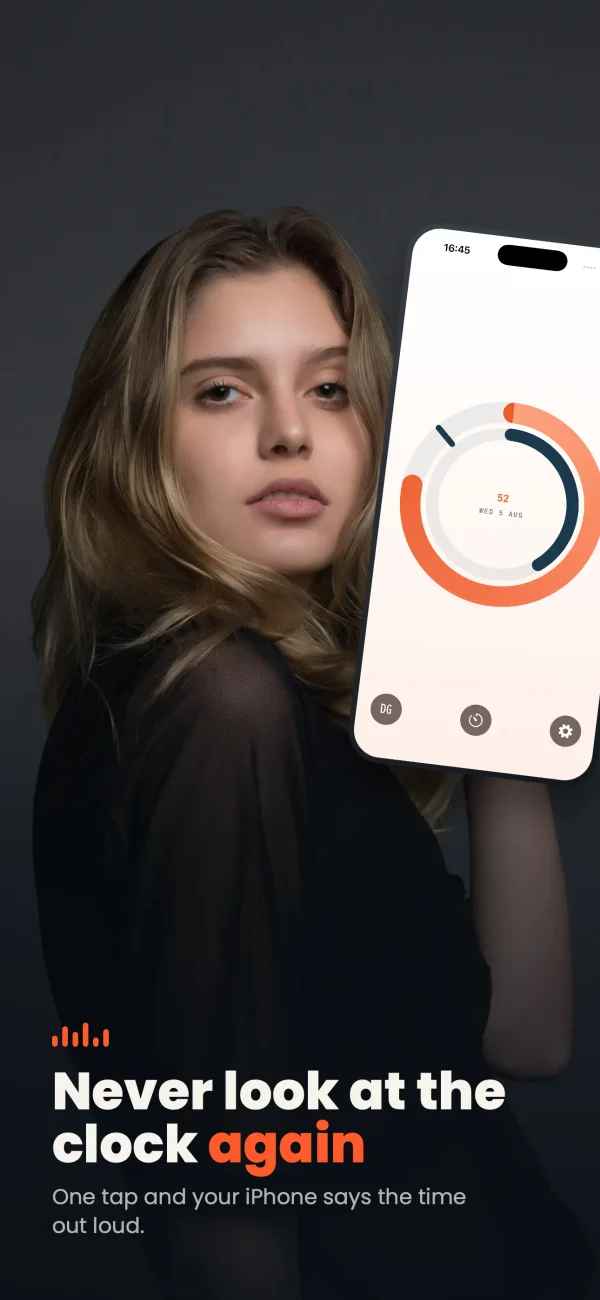
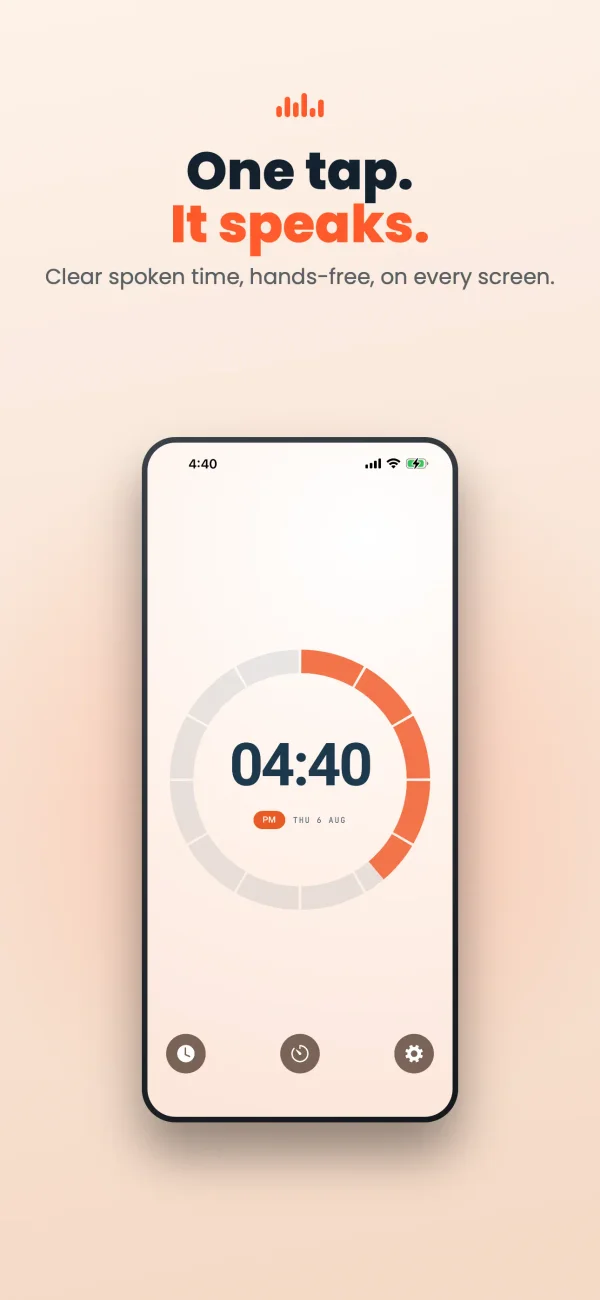
Speaking Clock with Voice announces the time out loud so you never have to look at a screen. Built with blind and low-vision users in mind and fully hands-free, it speaks the current time in clear, natural voices at the interval you choose.
DESIGNED FOR ACCESSIBILITY
• Hear the time spoken aloud, no need to see the screen
• Works smoothly with VoiceOver
• Simple, high-contrast, easy-to-navigate interface
• Hands-free, eyes-free time checks all day long
ACCESSIBILITY FEATURES
Supported on iPhone, iPhone Duo and iPad:
• VoiceOver
• Dark Interface
• Differentiate Without Color Alone
• Sufficient Contrast
KEY FEATURES
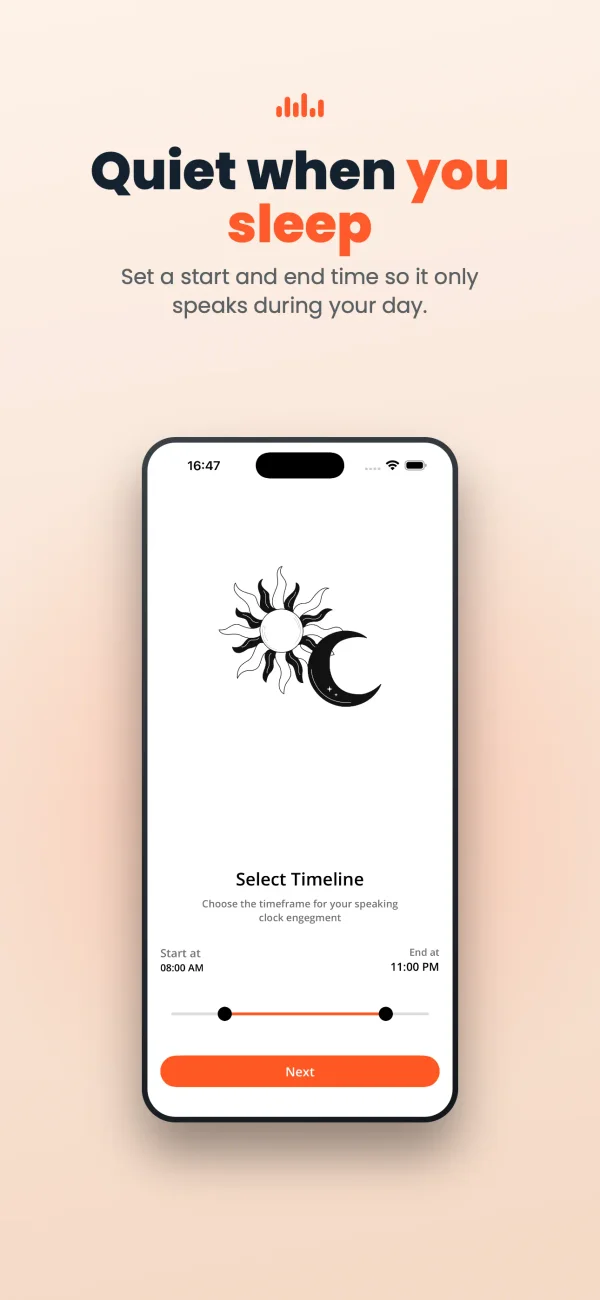
• Automatic spoken time announcements every 15 minutes, 30 minutes, hourly, or a custom interval
• 12-hour and 24-hour formats
• Choose your time zone for accurate announcements anywhere
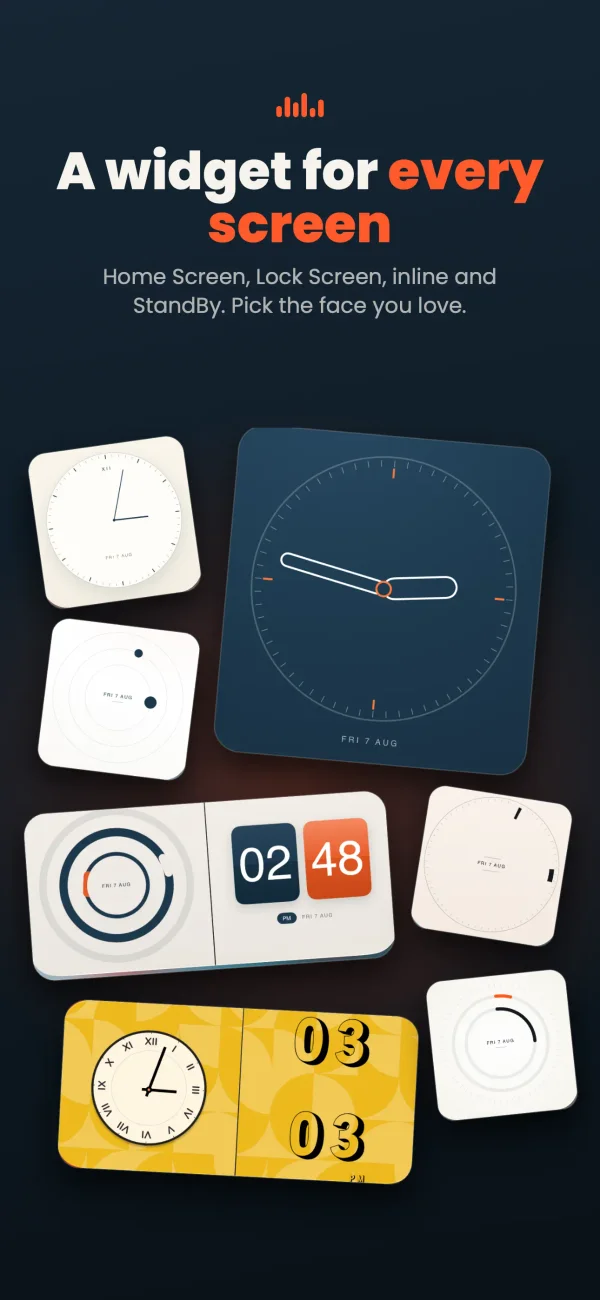
• Home Screen, Lock Screen, and StandBy widgets
• Many clock faces to personalize your look
• Beautiful themes to match your style
• Works beautifully on iPhone Duo, folded or unfolded, upright or sideways
NEW: WIDGETS AND STANDBY
See and hear the time without opening the app.
• Home Screen widgets in small, medium, and large sizes
• Lock Screen widgets in circular, rectangular, and inline styles
• StandBy support turns your iPhone into a large, easy to read bedside clock while charging
• Fully compatible with VoiceOver, hands-free and eyes-free
NEW: MANY NEW CLOCK FACES
Personalize your clock with a wide choice of new faces, from clean and simple to bold and colorful. Pick the look you love and switch anytime.
NEW: VOICE COUNTDOWN TIMER
Start a real-time speaking countdown that announces the remaining time out loud, perfect for cooking, workouts, medication reminders, study sessions, and prayers.
NEW: PREMIUM HD & STUDIO VOICES
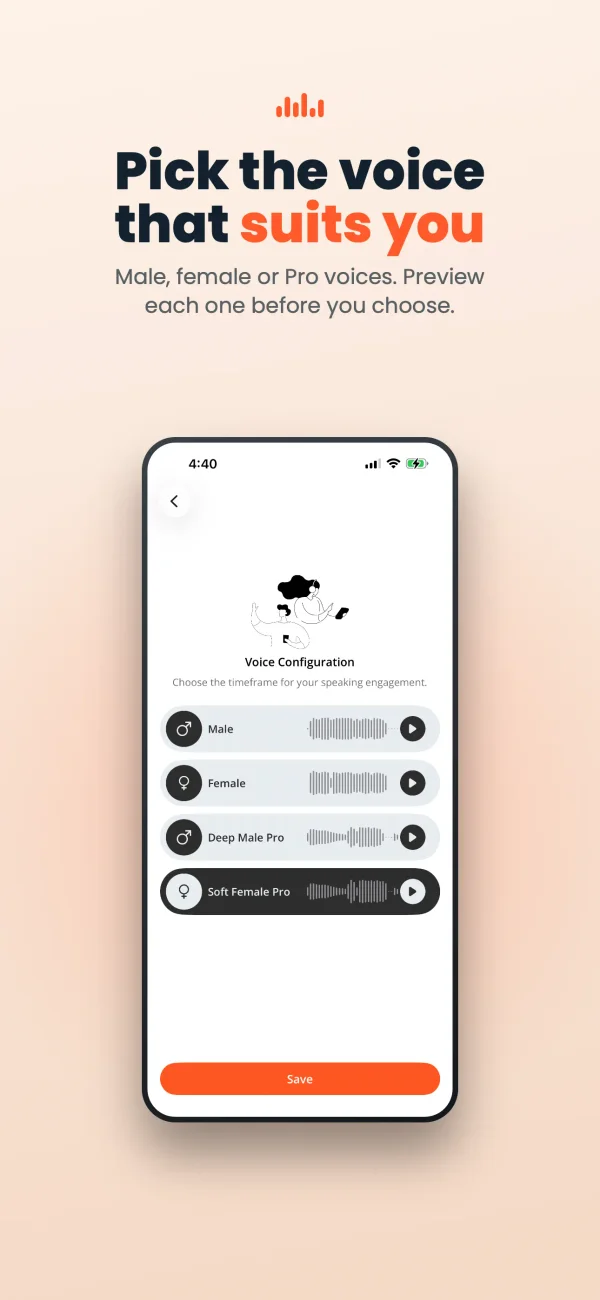
Upgrade to premium for natural, studio-quality voices, Deep Male Pro, Soft Female Pro, and more, plus ambient sounds and audio effects layered with the spoken time.
13 LANGUAGES
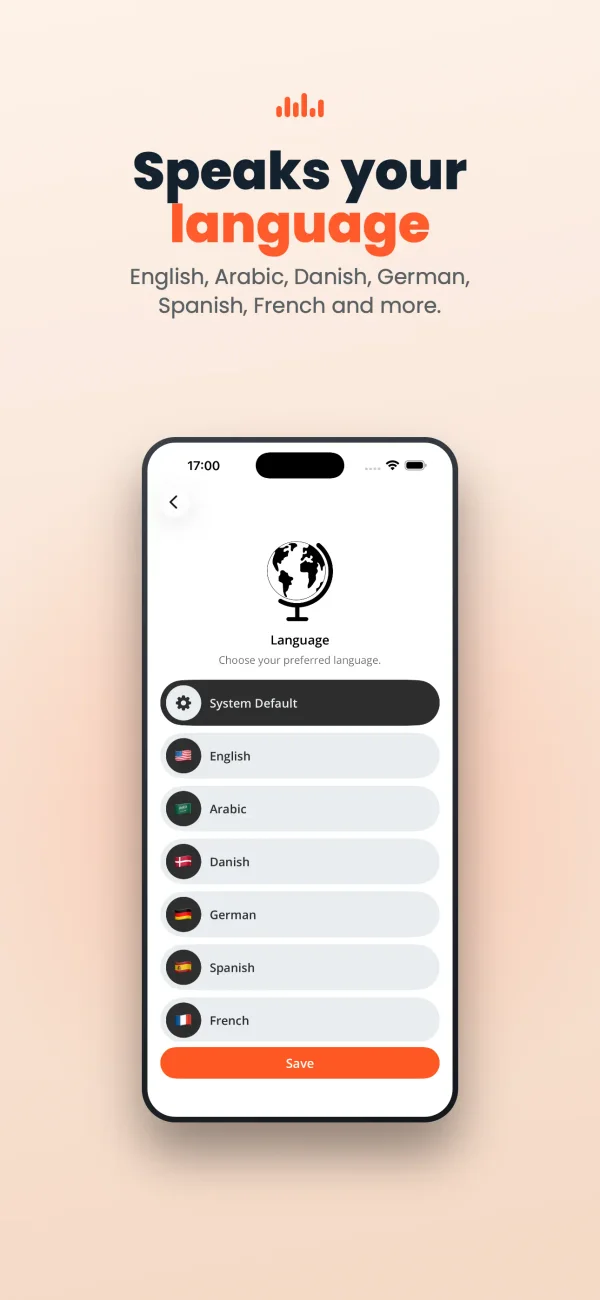
English, Arabic, Chinese, Danish, French, German, Hindi, Italian, Japanese, Portuguese, Russian, Spanish, and Turkish.
PREMIUM
Unlock all premium voices, audio effects, themes, and unlimited announcements.
• Monthly plan with a 3-day free trial
• Yearly plan with a 2-week free trial (best value)
• Lifetime: pay once and keep Premium forever, with no subscription
• Already subscribed? Upgrade to Lifetime at a special subscriber price in Settings → My Plan
• Subscription payment is charged to your Apple ID at purchase confirmation
• Your subscription renews automatically unless auto-renew is turned off at least 24 hours before the end of the current period
• Manage or cancel anytime in Settings → My Plan or in your App Store account settings
Whether you are blind, low-vision, always on the move, or simply love a hands-free talking clock, this app keeps you on time, out loud.
We build this app with our community. Write to us at info@hkinfoway.com with your ideas and feature requests, and we will take good care of you.
Privacy Policy and Terms & Conditions are available in the app.
Privacy Policy: https://speakingclock.wallzy.app/privacy-policy
Terms of use: https://speakingclock.wallzy.app/terms-conditions
What’s new
Version 1.5.2 · Nov 25, 2026
New in this update:
Improved VoiceOver support for blind and low-vision users: the clock screen, clock list and time-range slider now work fully with VoiceOver
If notifications are turned off, the app now tells you and helps you turn them back on, so you never miss the spoken time
Fixed incorrect wording of the time settings in several languages
Also in recent updates:
Start Premium or a free trial, then switch to the Pro voice in one tap
Wearing an Apple Watch? A new tip shows how to hear the spoken time instead of a chime
New Lifetime option: pay once, keep Premium forever
Lower prices for the Monthly and Yearly plans
Made for iPhone Duo: the clock, settings and Premium screens fit both the folded and unfolded display, upright or sideways
New My Plan screen: see your plan, switch between Monthly and Yearly, manage or restore
New FAQ in Settings
A fresh message every day in the midday reminder
Home Screen widgets: put the talking clock right on your Home Screen.
Lock Screen and inline widgets: see the time at a glance without opening the app.
StandBy support: turn your iPhone into a bedside talking clock while charging.
Many new clock faces to personalize your clock.
Improved VoiceOver and accessibility throughout.
Premium HD and studio voices for clearer, more natural time announcements.
Voice countdown timer that speaks the time remaining.
Full VoiceOver support built for blind and low vision users.
Now available in 13 languages.
Ambient sounds, audio effects, and more themes.
We love hearing from you. Write to us at info@hkinfoway.com with your feedback and feature ideas, and we will take good care of you.
App privacy
What HKinfoway Technologies declares on the App Store about how this app handles data.
-
Data not linked to you
May be collected but is not linked to your identity.
- Identifiers
- Usage data
- Diagnostics
Privacy practices may vary, for example with the features you use or your age.
Information
- Seller
- HKINFOWAY TECHNOLOGIES
- Category
- Utilities
- Version
- 1.5.2
- Updated
- Nov 25, 2026
- Released
- Jan 7, 2025
- Size
- 184.2 MB
- Requires
- iOS 16.0 or later
- Age rating
- 9+
- Price
- Free
- In-app purchases
- Yes
- Languages
- English, Arabic, Danish, French, German, Hindi, Italian, Japanese, Portuguese, Russian, Simplified Chinese, Spanish + 2 more
- Copyright
- 2018-2026 © Speaking Clock
You might also like
-
 TalkingTime: Speaking ClockHourly Chime & Voice Reminders
-
 Talking Alarm Clock Wake UpSpoken Morning Weather News
-
 Voice Marker ClockVoice Clock with Time Marking
-
 Alarm That Talks: Loud Wake UpTalking Clock & Voice Reminder
-
 Chime : Speaking ClockHourly Chime & Time Announcer
-
 Cuckoo Speaking ClockStay on time effortlessly
-
 Voice Alarm: Talking AlarmsTimer, reminders & birthdays
-
 Clock Chime - Time is passingAnnouncing time every hour
-
 Talking TimerA timer you can see AND hear!
-
 Talking Alarm Clock: Say TimeSpeaking Voice, Timer & Flash