SpeakKeep: Voice Notes & Memos
Record, Transcribe, Edit, Find
Designed for iPhone, iPad, Mac
Free · In-app purchases
- Age rating4+
- CategoryProductivity
- Developer光宝 洪
- LanguagesEnglish+ 14 more
- Size15.3 MB
Links to the official App Store page
Download.org hosts no file of SpeakKeep: Voice Notes & Memos. The button opens its official App Store page, published by 光宝 洪. Listing last checked on Nov 26, 2026.
Screenshots


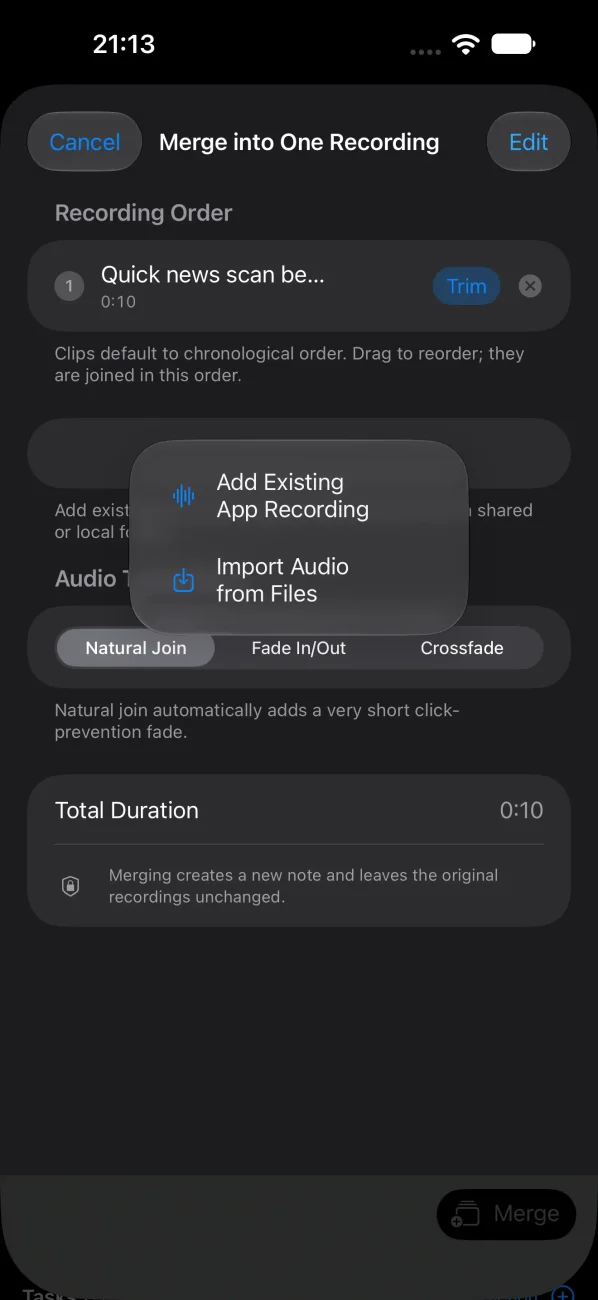
About
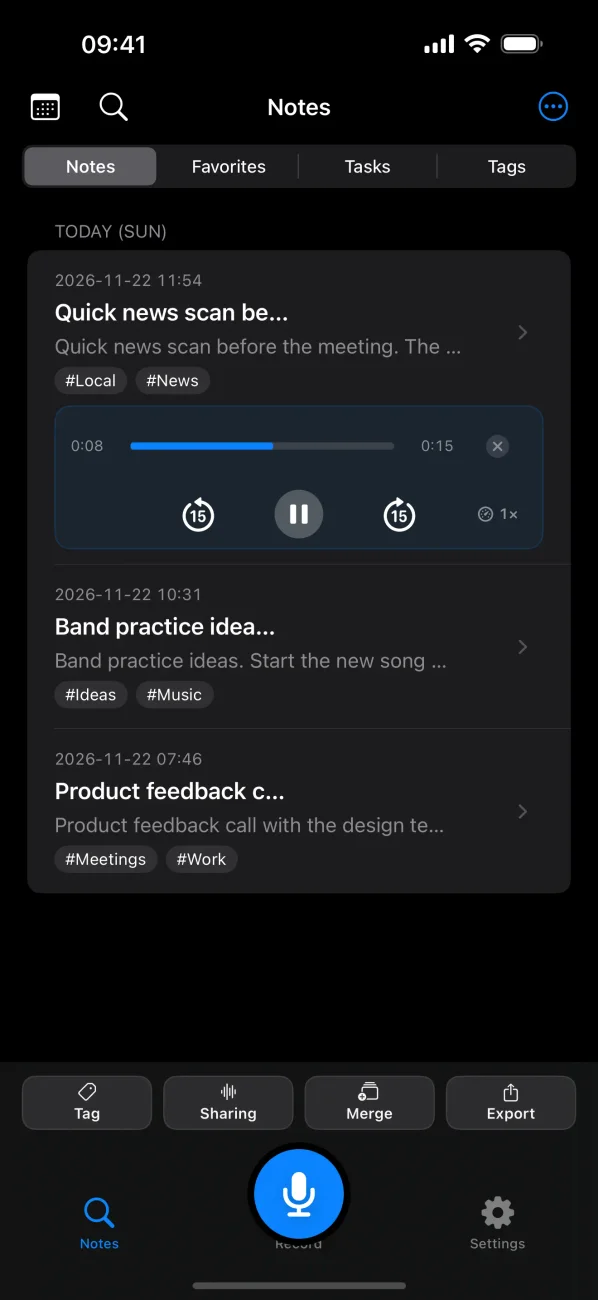
SpeakKeep is a private voice recorder and memo notebook for everything that is easier to say than type: a quick idea, a meeting, a lecture, an interview or something you do not want to forget. Record in the app or import existing audio, then turn speech into searchable notes you can play, edit and organize.
RECORD THE WAY THAT FITS
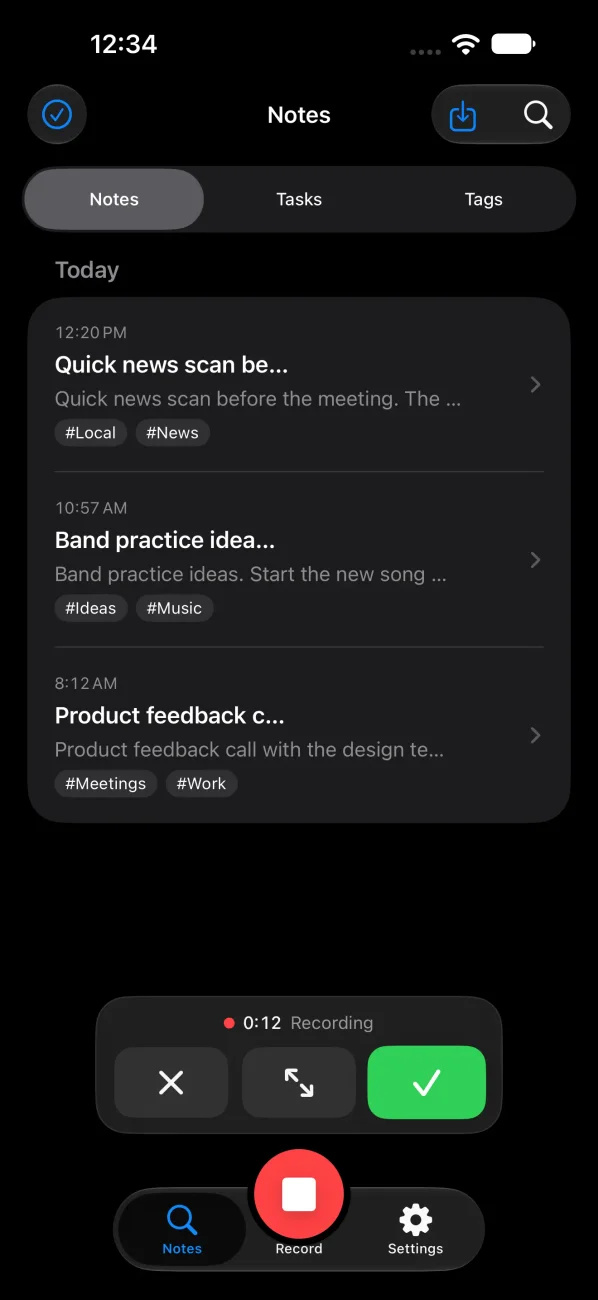
Tap once for longer sessions such as meetings and lectures, with pause, resume, an optional time limit and continued recording when the screen is locked. Hold to speak for quick thoughts, then release to save. You can also import audio through the system share sheet or file picker, or start from the Home Screen widget, a paired watch, Siri or Shortcuts.
TURN SPEECH INTO TEXT
Transcription starts after recording or import. Short clips use on-device speech recognition; long recordings use a local model, with an optional enhanced model for higher quality. Edit the transcript while the original text and timestamps stay separate. Interface and transcription support 15 languages, with automatic detection also available.
FIND THE EXACT MOMENT
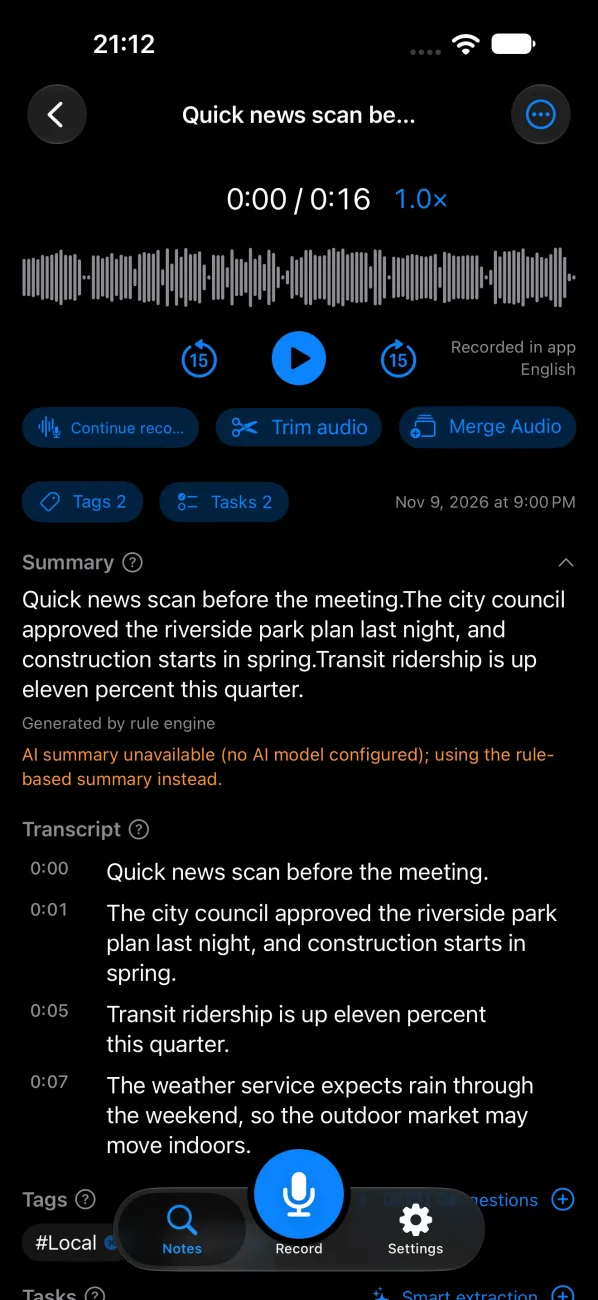
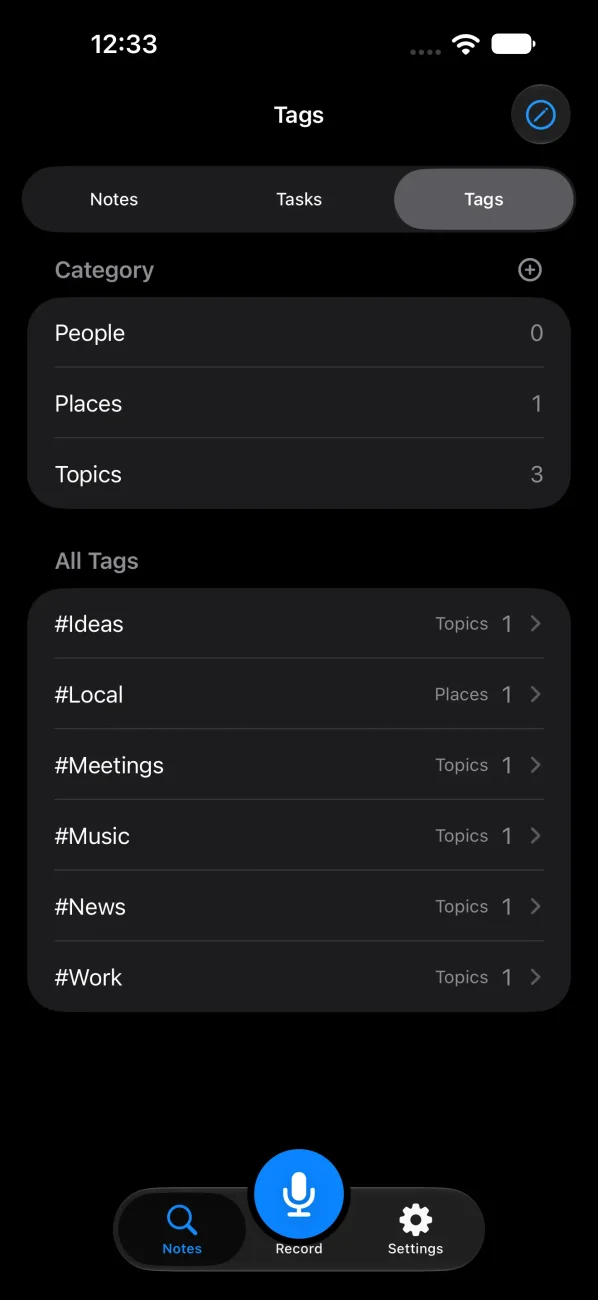
Search transcripts, titles and tags, with matching words highlighted. Tap any passage to play from that moment, or drag the waveform to move around. Playback is available at 0.5×, 1×, 1.5× and 2×.
KEEP THE USEFUL PARTS
Get a summary, tag suggestions and action-item suggestions from your own words. Regular suggestions wait for your confirmation. A clear future reminder, such as “remind me tomorrow at 9”, can create an action item and a local reminder automatically when notifications are allowed.
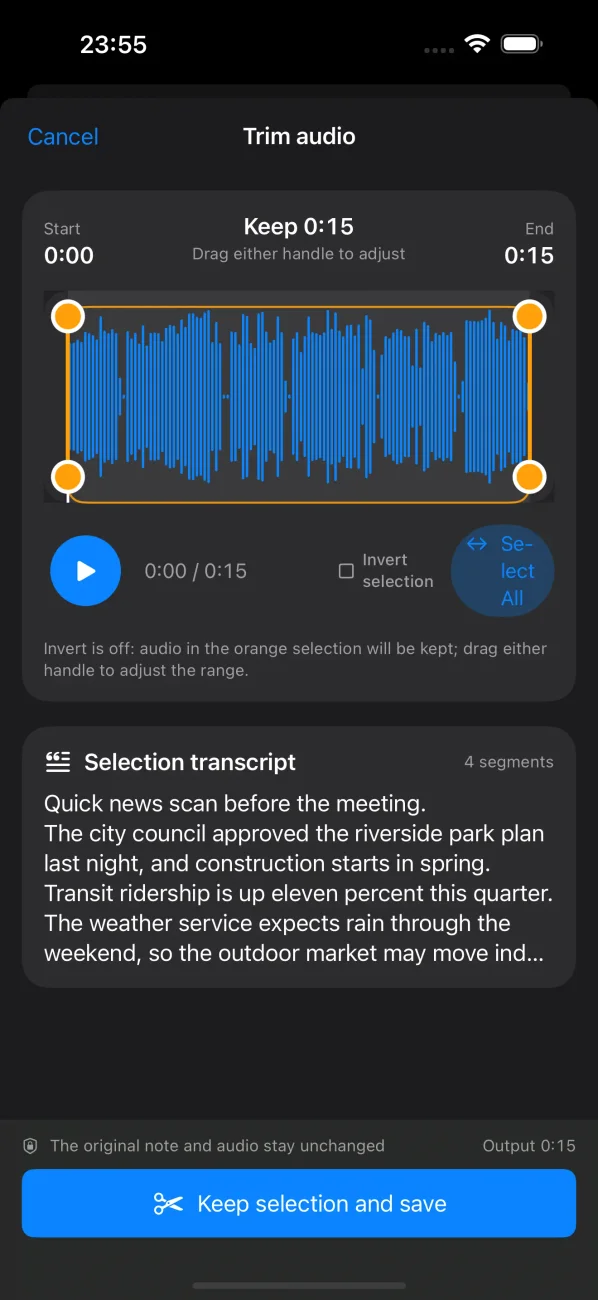
Continue an existing recording, trim an unwanted part, or merge 2–10 recordings into a new note up to 60 minutes long. Every edit is saved as a new note, so the original recording stays unchanged.
SHARE AND EXPORT
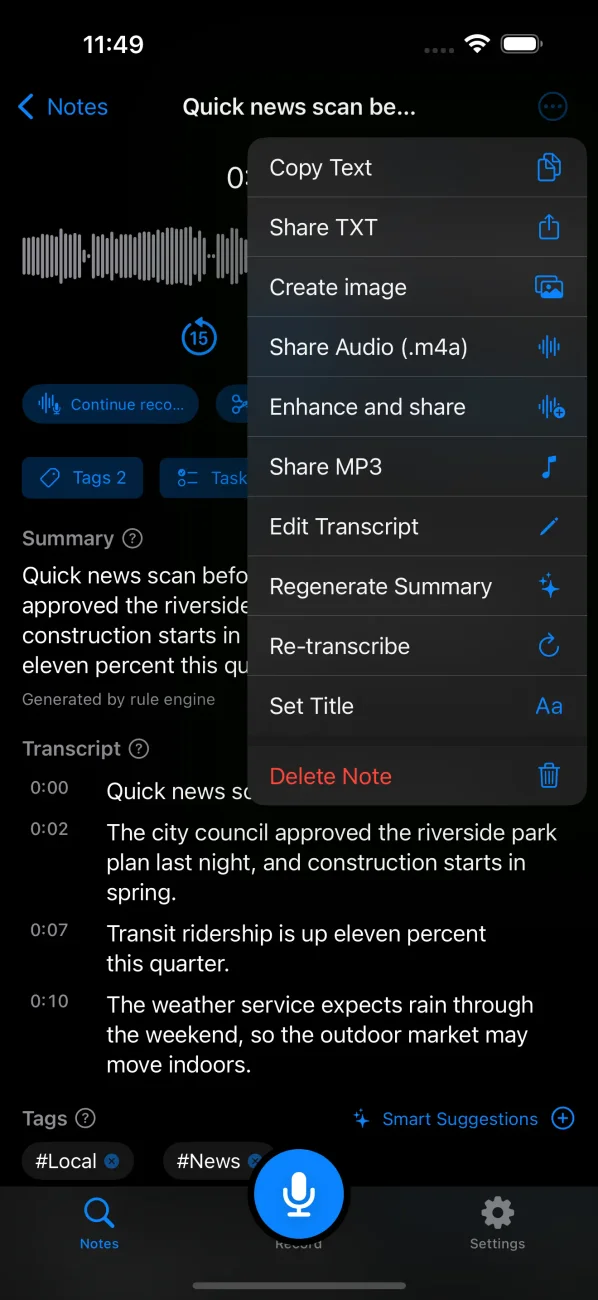
Copy the text, share M4A or MP3, create a shareable image, or batch export to TXT, Markdown and PDF.
MADE FOR IPHONE, IPAD AND MAC
The native apps work with optional private iCloud sync, off by default. When enabled, note text uses your own private iCloud database and recordings use your own iCloud Drive container.
PRIVACY YOU CAN CHECK
Recordings, transcripts, tags and tasks stay on your device. There is no account, no ads and no developer server. Audio is never uploaded to a developer server.
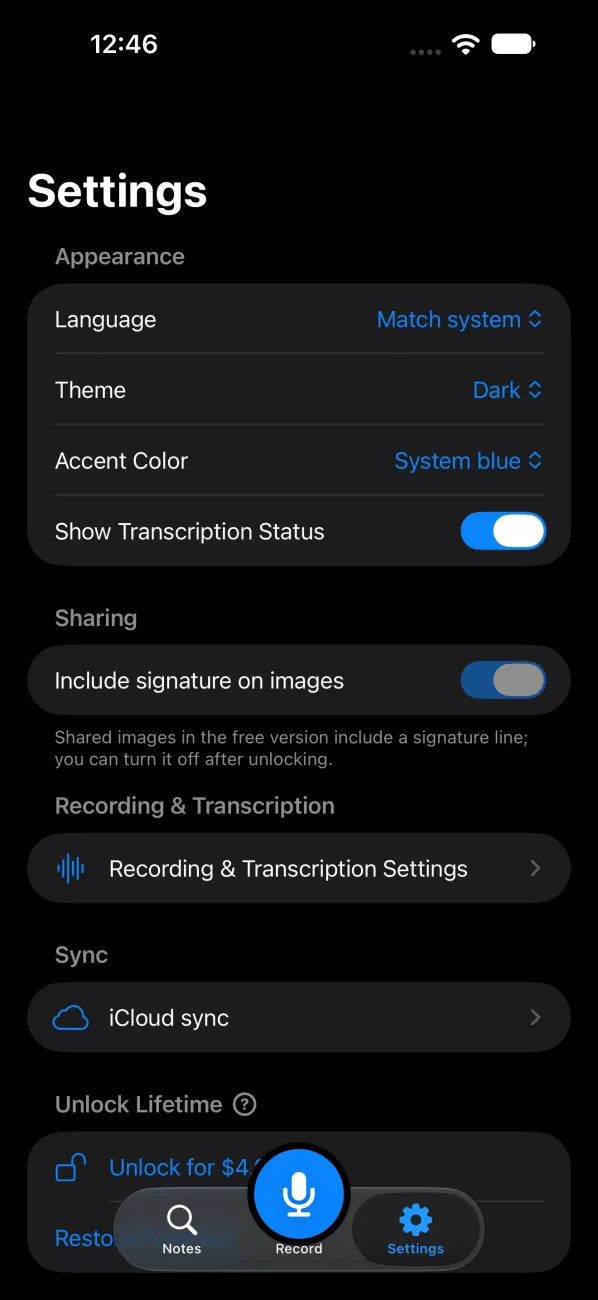
SpeakKeep is free to download. An optional one-time unlock removes transcription, voice-message and search limits and adds the enhanced local model, supported on-device summaries and private iCloud sync.
FAVORITES
Keep important notes close: swipe a note or tap the heart in its details to add it to Favorites. Browse, search, filter by date and play favorite notes on iPhone, iPad and Mac.
FEEDBACK
Found a problem or have a suggestion?
https://github.com/chengwind198/appsite/issues/new
What’s new
Version 1.3.12 · Nov 25, 2026
SpeakKeep 1.3.12 adds Favorites.
• Mark important notes as favorites by swiping in the list or tapping the heart in note details.
• Open Favorites on iPhone, iPad and Mac to browse, search, filter and play saved notes.
App privacy
What 光宝 洪 declares on the App Store about how this app handles data.
-
Data not collected
The developer does not collect any data from this app.
Privacy practices may vary, for example with the features you use or your age.
Information
- Seller
- 光宝 洪
- Category
- Productivity
- Version
- 1.3.12
- Updated
- Nov 25, 2026
- Released
- Oct 25, 2026
- Size
- 15.3 MB
- Requires
- iOS 18.0 or later
- Age rating
- 4+
- Price
- Free
- In-app purchases
- Yes
- Languages
- English, Arabic, French, German, Indonesian, Japanese, Korean, Portuguese, Russian, Simplified Chinese, Spanish, Thai + 3 more
- Copyright
- © 2026 SpeakKeep