- Age rating4+
- CategoryProductivity
- DeveloperColorBoxStudio
- LanguagesJapanese+ 44 more
- Size7.5 MB
Links to the official App Store page
Download.org hosts no file of Speech It. The button opens its official App Store page, published by ColorBoxStudio. Listing last checked on Nov 24, 2026.
Screenshots
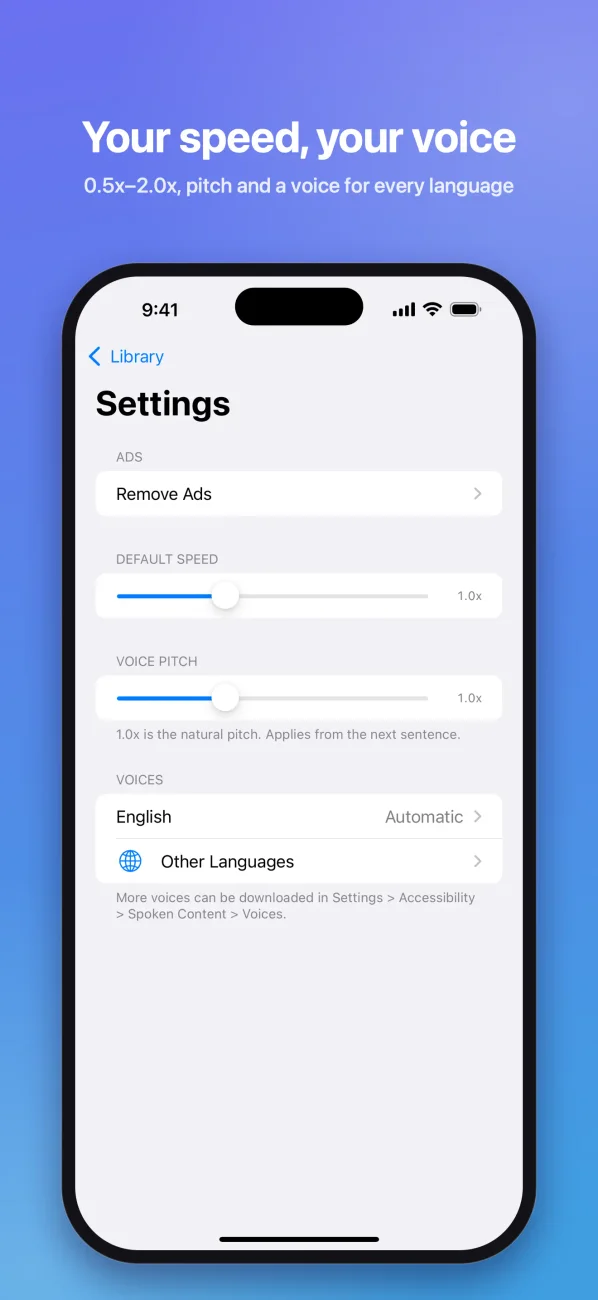
About
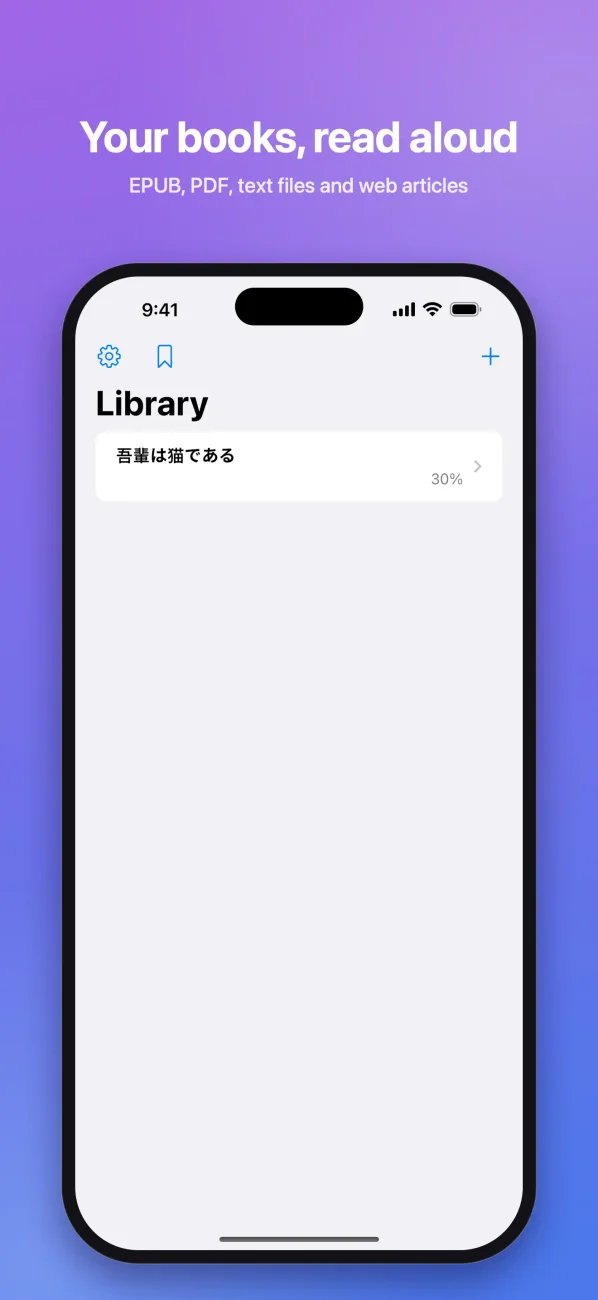
Speech It turns the books and documents piling up on your device into audio you can enjoy anywhere. Import DRM-free EPUBs, PDFs, text files, and web articles, and listen to them read aloud in a natural voice.
Clear your reading backlog during your commute, chores, or walks.
◆ Key Features
- Flexible importing
EPUB / PDF / plain text / web pages by URL / clipboard text. Files can also be opened from the Files app and the share sheet.
- On-device translated listening
Listen to an English book in Japanese and more: translation happens while reading aloud (iOS 18 or later, supported language pairs), with the translation and original shown side by side.
- Background playback
Keeps playing while your screen is locked, with full control from the Lock Screen and Control Centre. Playback resumes automatically after interruptions such as phone calls.
- Follow along visually
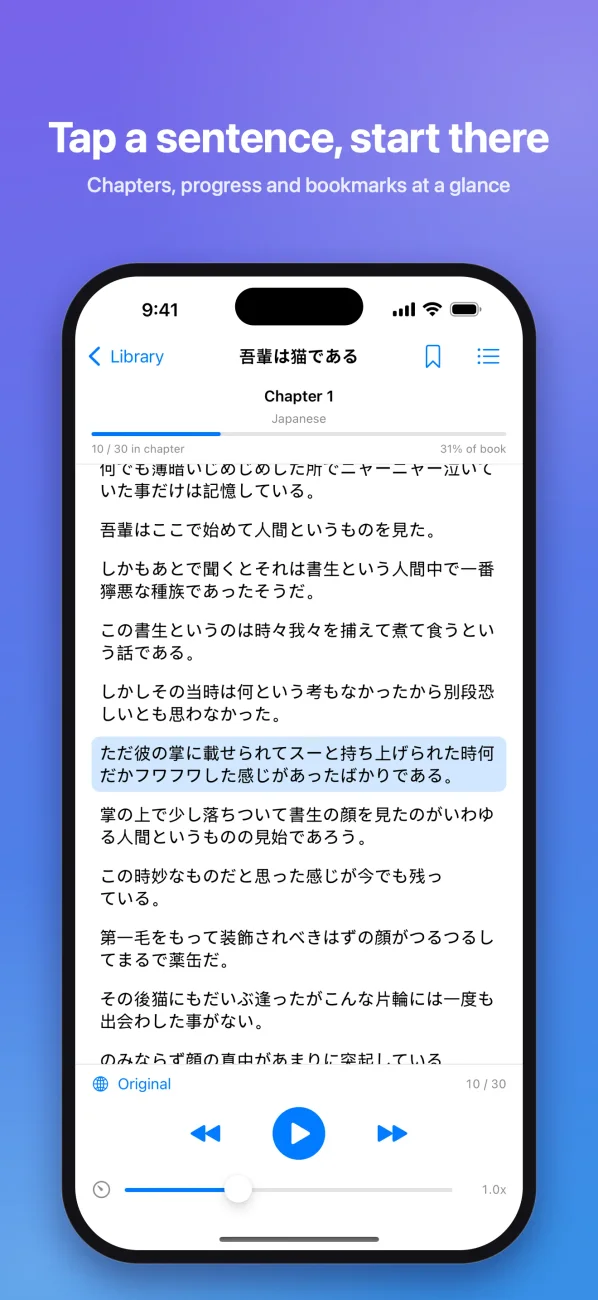
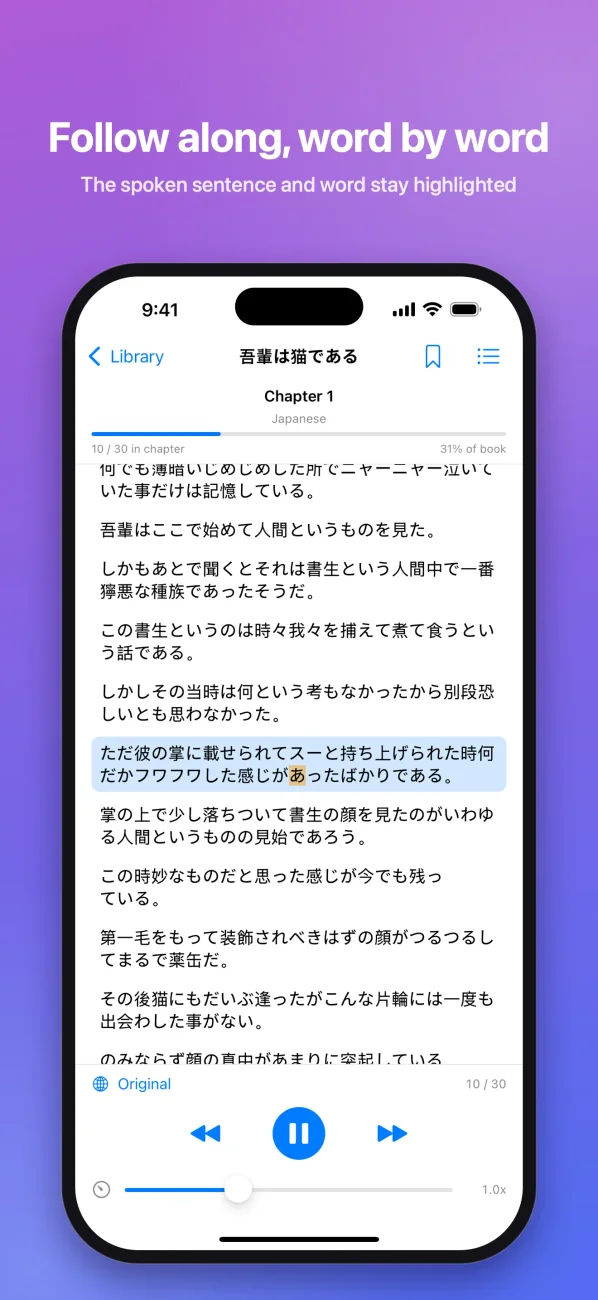
The current sentence and word are highlighted and kept in view. Tap any sentence to start playback from there.
- Table of contents & bookmarks
Jump between chapters, bookmark individual sentences, and browse bookmarks across your whole library.
- Organised library
Sort books into folders. Your reading position is saved automatically, so you always pick up where you left off.
- Voice customisation
Adjust speed (0.5x-2.0x), pick from your device's voices, tune the pitch, and preview voices before choosing.
- Privacy first
Parsing, translation, and speech synthesis all happen on your device. The contents of your books are never sent to a server.
◆ Notes
- DRM-protected e-books are not supported.
- Image-only (scanned) PDFs cannot be read aloud.
- Translation requires iOS 18 or later.
The app shows ads; an optional subscription removes them.
Terms of Use (EULA): https://www.apple.com/legal/internet-services/itunes/dev/stdeula/
What’s new
Version 1.1.0 · Nov 11, 2026
- Sort your library by date added, last opened, title, author or progress.
- Tag your books and filter the library by tag.
- New books are tagged automatically with their genre and topics. With Apple Intelligence the tags are generated on your device; on other devices they are keywords from the text. Automatic tags are marked so you can tell them apart from your own.
- Watch a short ad in Settings to hide all ads for 7 days.
App privacy
What ColorBoxStudio declares on the App Store about how this app handles data.
-
Data used to track you
May be used to track you across apps and websites owned by other companies.
- Location
- Identifiers
- Usage data
- Diagnostics
-
Data linked to you
May be collected and linked to your identity.
- Location
- Identifiers
- Usage data
- Diagnostics
-
Data not linked to you
May be collected but is not linked to your identity.
- Diagnostics
Privacy practices may vary, for example with the features you use or your age.
Information
- Seller
- Kentaro Majima
- Category
- Productivity
- Version
- 1.1.0
- Updated
- Nov 11, 2026
- Released
- Aug 7, 2026
- Size
- 7.5 MB
- Requires
- iOS 18.0 or later
- Age rating
- 4+
- In-app purchases
- Yes
- Languages
- Japanese, Arabic, Italian, Indonesian, Ukrainian, Urdu, Dutch, Oriya, Catalan, Kannada, Greek, Croatian + 33 more
- Copyright
- © 2026 color box studio
You might also like
-
 Nooklet: Offline AI & TTSOffline AI & Text To Speech
-
 Vox: Text to Speech PDF ReaderListen to any text
-
 CastiqueAnything into an AI podcast
-
 Text to Speech, Voice ReaderRead Aloud PDFs, Docs & Books
-
 PocketCAD - DXF ViewerOpen, mark up, export DXF
-
 Read Aloud: Text to SpeechListen to PDFs, books & web
-
 Text to Speech - NarrovaAI Voice Reader for Books
-
 Text to Speech: Any LanguageRead Aloud PDF, Photo & Text
-
 Timber - Text to Speech, VoiceRead articles, books aloud
-
 TextVoice: Text to SpeechRead Aloud PDF, Scan & Offline