Speech To Text: Voice Notes
#1 Speech To Text
Designed for iPhone, iPad, iPod touch
Free · In-app purchases
- Age rating4+
- CategoryProductivity
- DeveloperParsottambhai Dhameliya
- LanguagesEnglish
- Size38.5 MB
Links to the official App Store page
Download.org hosts no file of Speech To Text: Voice Notes. The button opens its official App Store page, published by Parsottambhai Dhameliya. Listing last checked on Nov 12, 2026.
Screenshots

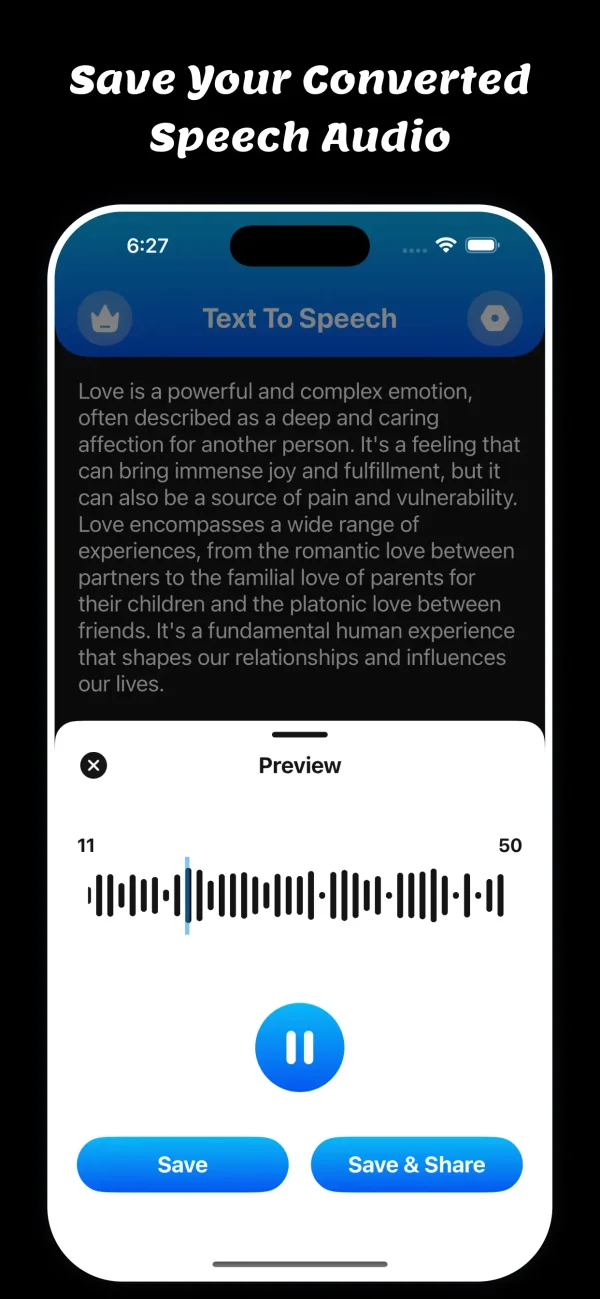
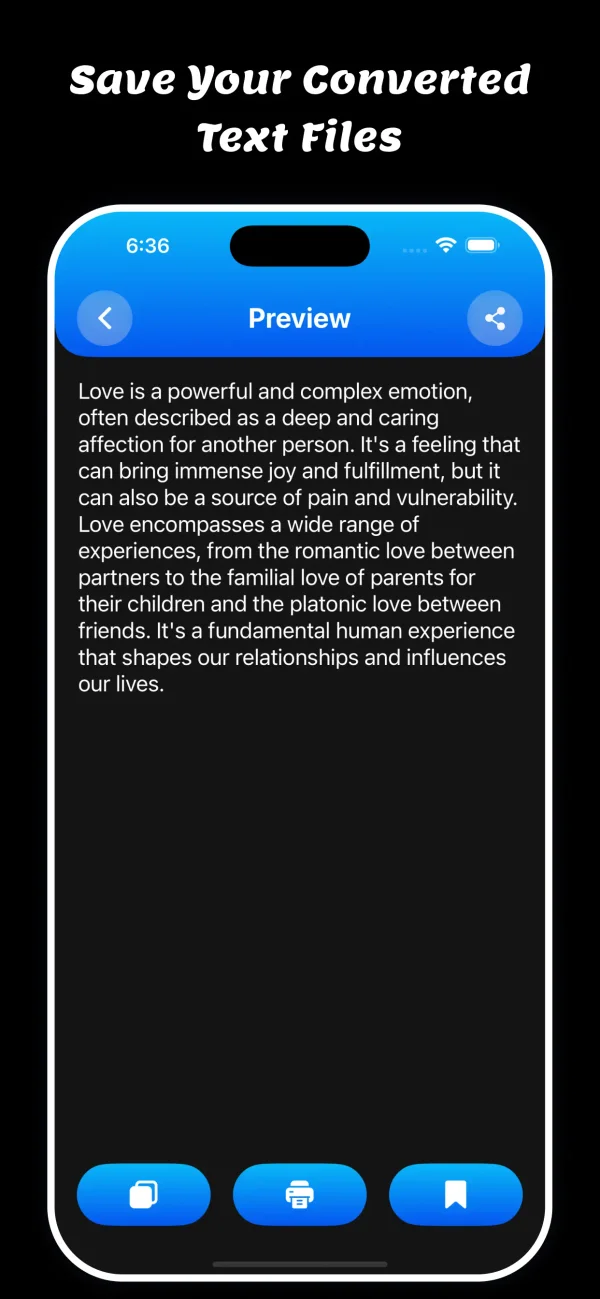
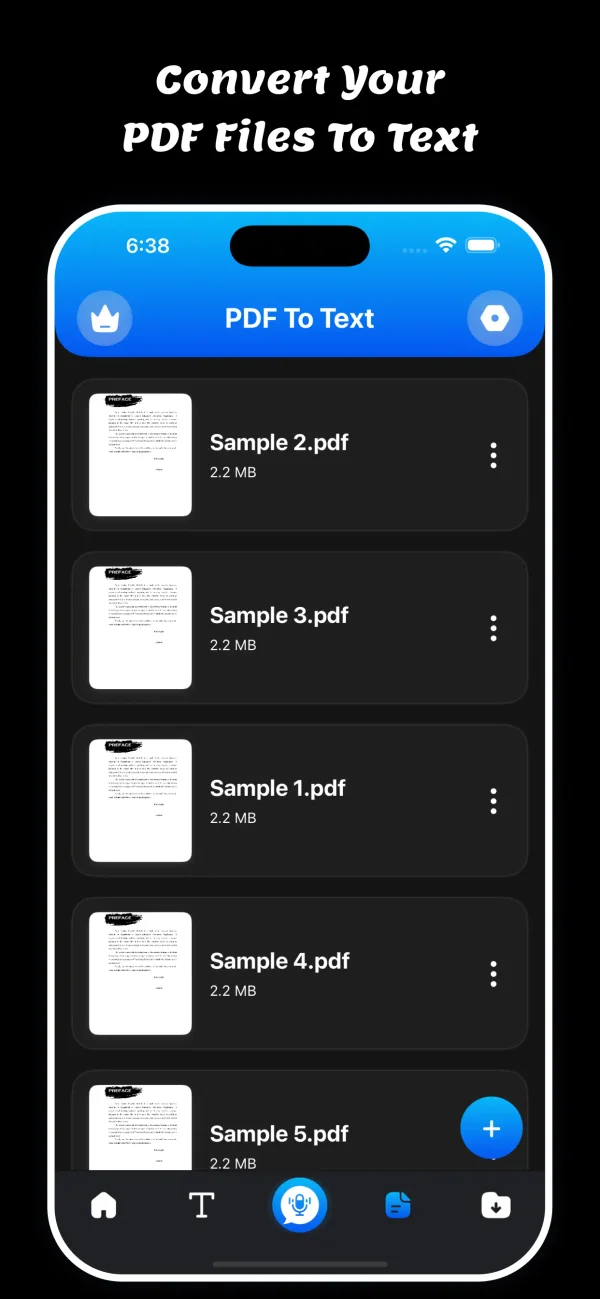
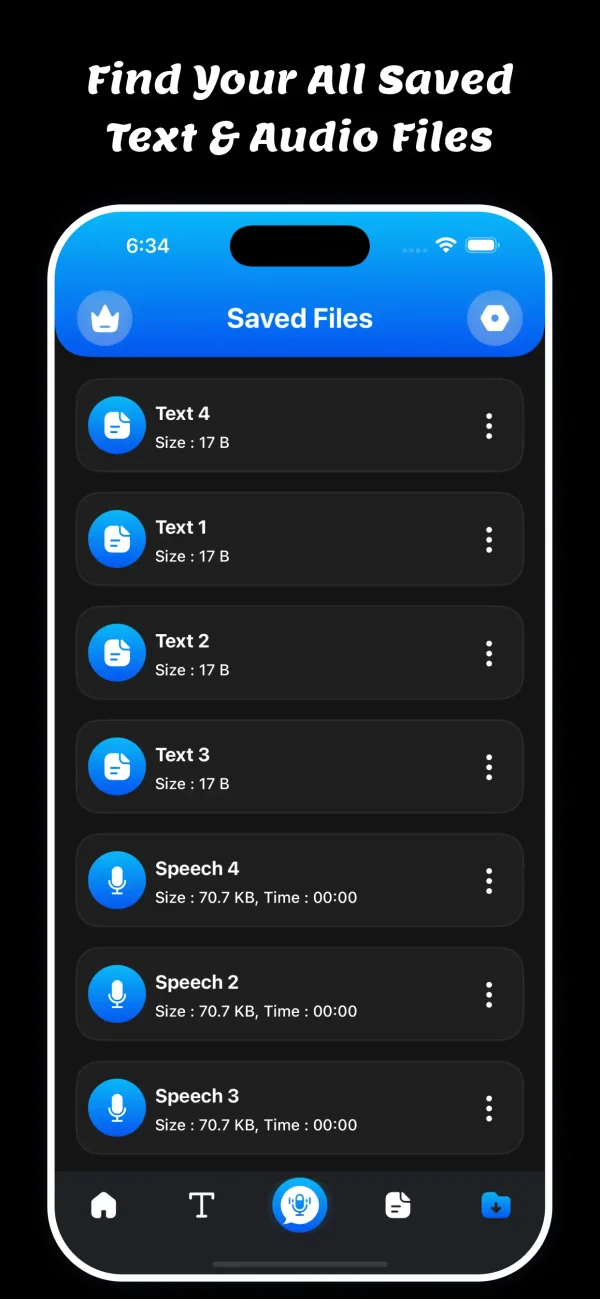
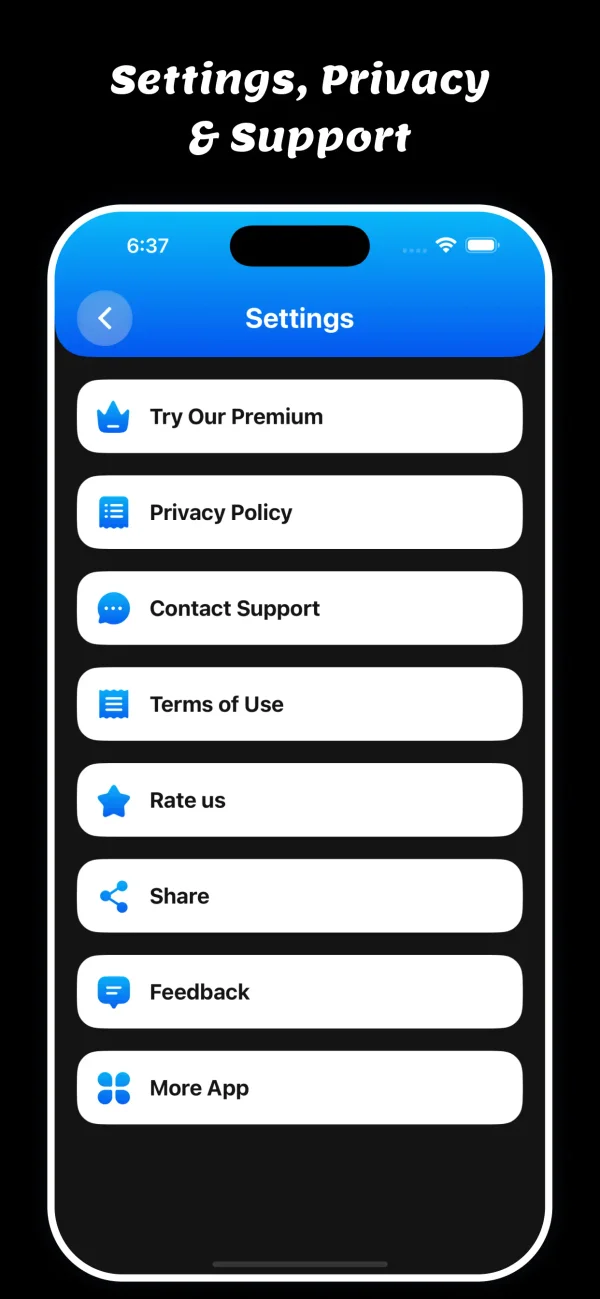
About
Welcome to Speech To Text: Voice Notes app.
Convert speech, images, PDFs, and text seamlessly – all in one smart app!
Unlock the power of your voice, images, and documents with Speech To Text: Voice Notes – the all-in-one tool that transforms the way you interact with content.
Trusted by millions, continuous non-stop, and unlimited dictation. Battle-tested for years.
For thinkers, bloggers, writers, drivers, joggers, busy people, and anyone who prefers fast & easy typing.
Speech To Text: Voice Notes is easy to use. Users can easy to convert Speech to text and Text to Speech using a single click.
Users can copy, share, print, and save files using a single click.
Makes life easy - no more struggling to write down short or long texts. Unlike other voice-typing apps, Speech To Text: Voice Notes does not stop listening when you take a break to breathe or think. Incorporates a built-in keyboard so you can enjoy the ease of dictation for words and ease of tapping for punctuation & symbols. Designed to make writing fast and easy.
Featured:
The following features make Speech To Text: Voice Notes a powerful speech-enabled notepad, designed to empower your ideas and creativity:
- Write short or long texts easily. Dictate hands-free for hours!, Speech To Text: Voice Notes will not stop even when you take longer breaks between sentences.
- Fast, simple & light.
- Supports offline
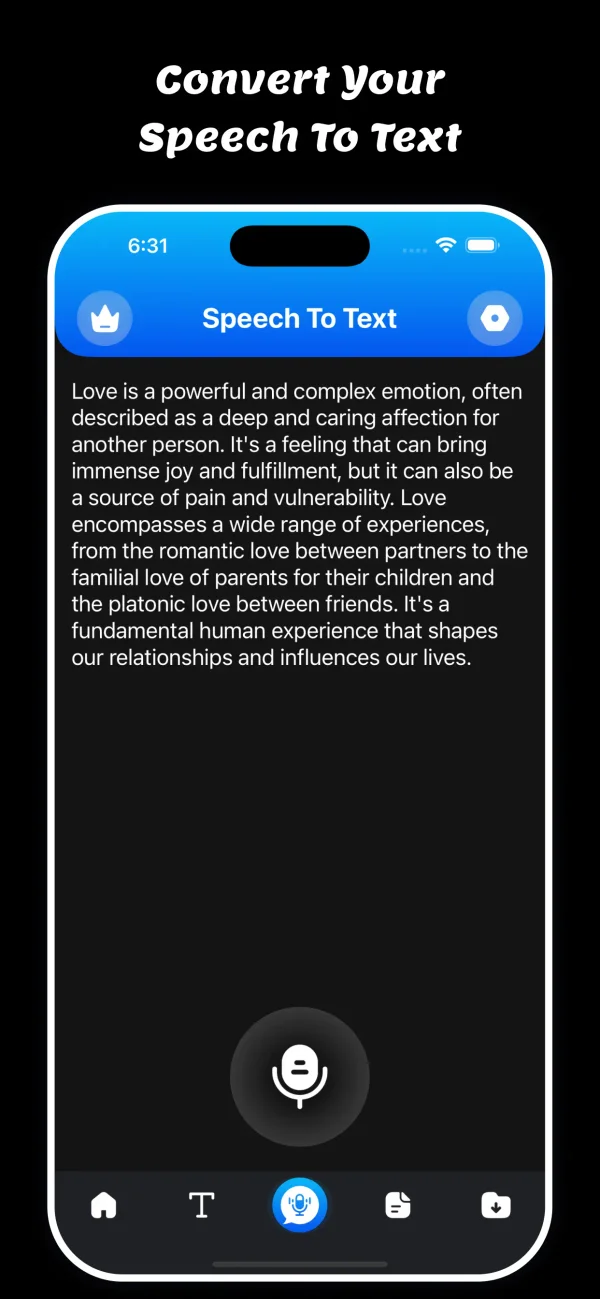
- Speech to Text
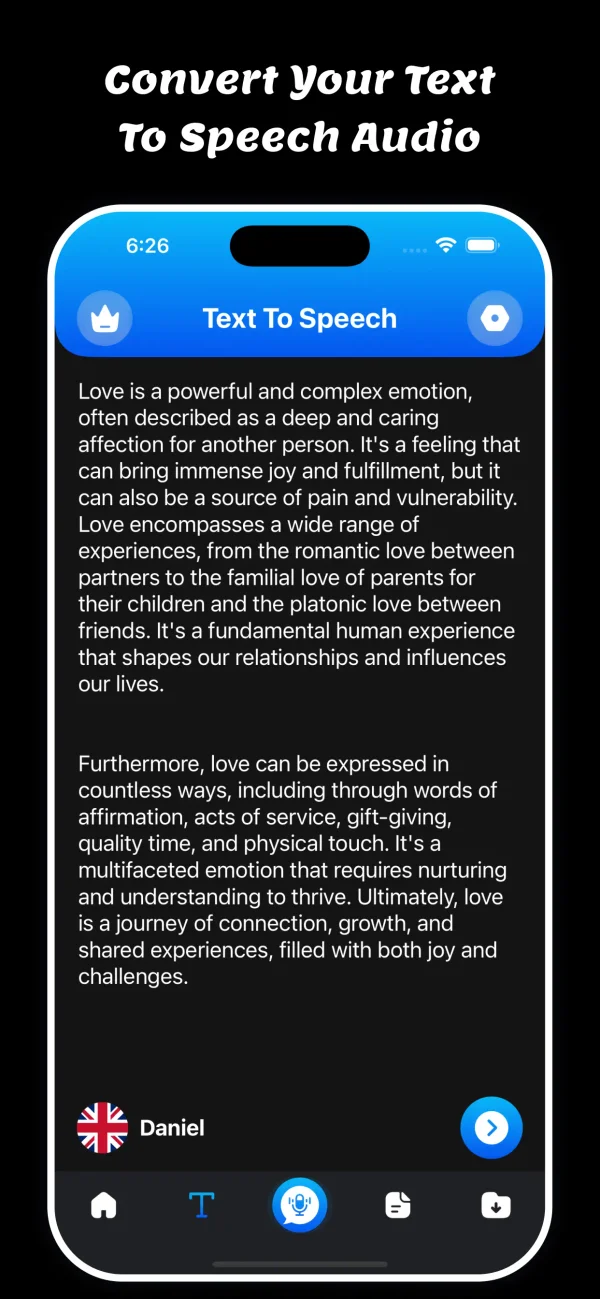
- Text to Speech
- Share, export & print in one tap
- Auto capitalization & spacing
- Edit text, while still in dictation mode - no need to stop and restart
Key Features:
Speech to Text : Speak naturally and let the app transcribe your words instantly. Perfect for notes, ideas, or hands-free productivity.
Text to Speech : Type or paste any text and hear it spoken aloud in a natural voice. Ideal for learning, multitasking, or accessibility.
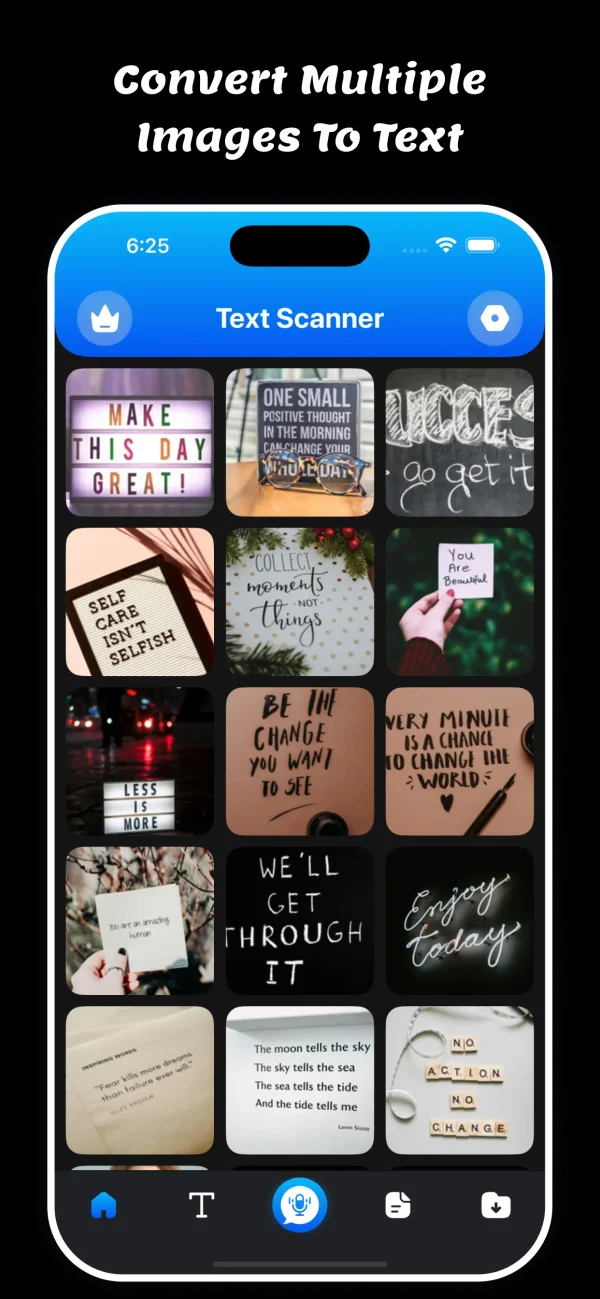
Image to Text (OCR) : Snap a photo or upload an image to extract text with high accuracy. Great for digitizing documents, signs, or printed material.
PDF to Text : Easily import PDFs and convert them to editable, shareable text. Extract data from contracts, reports, or study materials in seconds.
Download and enjoy the Speech To Text: Voice Notes.
Privacy Policy: https://glistensolution.com/Apps/App_Privacy.html
Terms of use: https://glistensolution.com/Apps/App_TOS.html
What’s new
Version 3.3 · Oct 22, 2026
- Performance Improved
- Crashes Fixed
- iOS 27 Support added
App privacy
What Parsottambhai Dhameliya declares on the App Store about how this app handles data.
-
Data used to track you
May be used to track you across apps and websites owned by other companies.
- User content
- Usage data
-
Data not linked to you
May be collected but is not linked to your identity.
- User content
- Usage data
Privacy practices may vary, for example with the features you use or your age.
Information
- Seller
- Parsottambhai Dhameliya
- Category
- Productivity
- Version
- 3.3
- Updated
- Oct 22, 2026
- Released
- Aug 13, 2022
- Size
- 38.5 MB
- Requires
- iOS 15.0 or later
- Age rating
- 4+
- Price
- Free
- In-app purchases
- Yes
- Languages
- English
- Copyright
- © parsottambhai dhameliya
You might also like
-
 Speech To Text - Voice NotesSpeak Notes : Text To Speech
-
 MyVoiceToTextDictation Speech to text notes
-
 Speech to Text: Voice memosRecord audio. Transcribe, read
-
 Voice notebook speech to textvoice recognition & transcribe
-
 Speech To Text: Voice TypingConvert Voice To Text Typing
-
 Audio to Text ConverterMusic to Lyrics
-
 Speech To Text & WhisperTranscribe Audio To Text Fast
-
 Speech to Text AI - WriteruWrite like a pro writer
-
 Saying SpeechSpeech-to-text: Say Write-down
-
 Speech to Text+Voice to Text Dictation Notes