
Speed Overlay Camera
Speed & Route on Your Videos
Designed for iPhone
Free · In-app purchases
- Age rating4+
- CategoryPhoto & Video
- LanguagesEnglish+ 1 more
- Size10.7 MB
Links to the official App Store page
Download.org hosts no file of Speed Overlay Camera. The button opens its official App Store page, published by . Listing last checked on Nov 12, 2026.
Screenshots


About
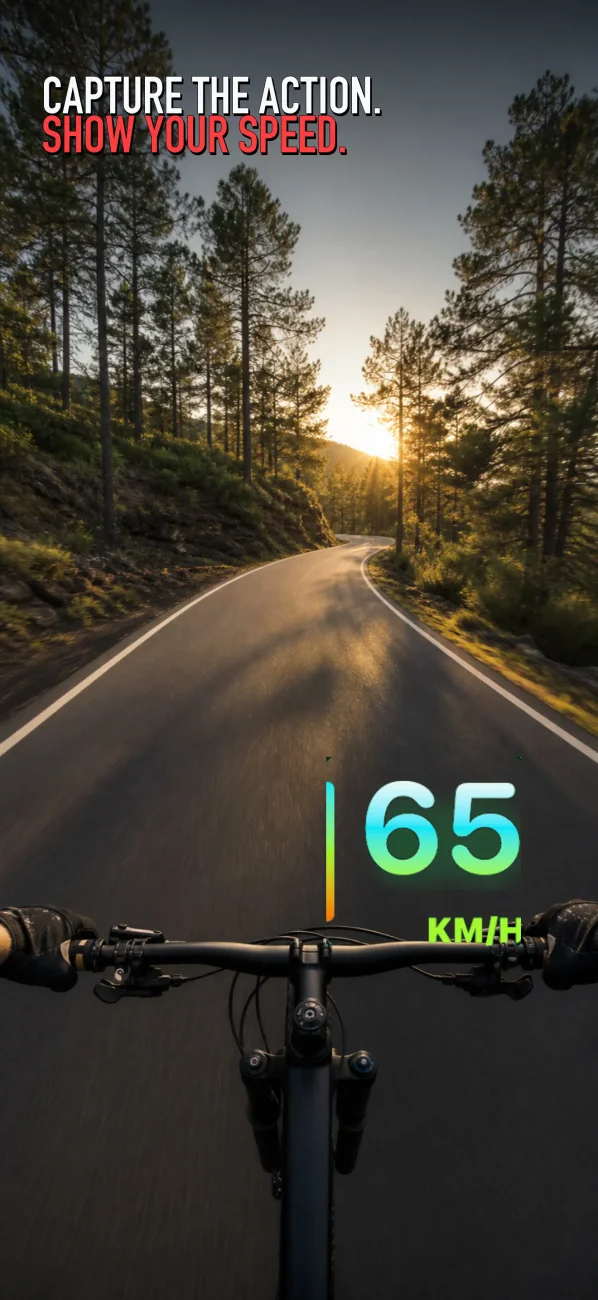
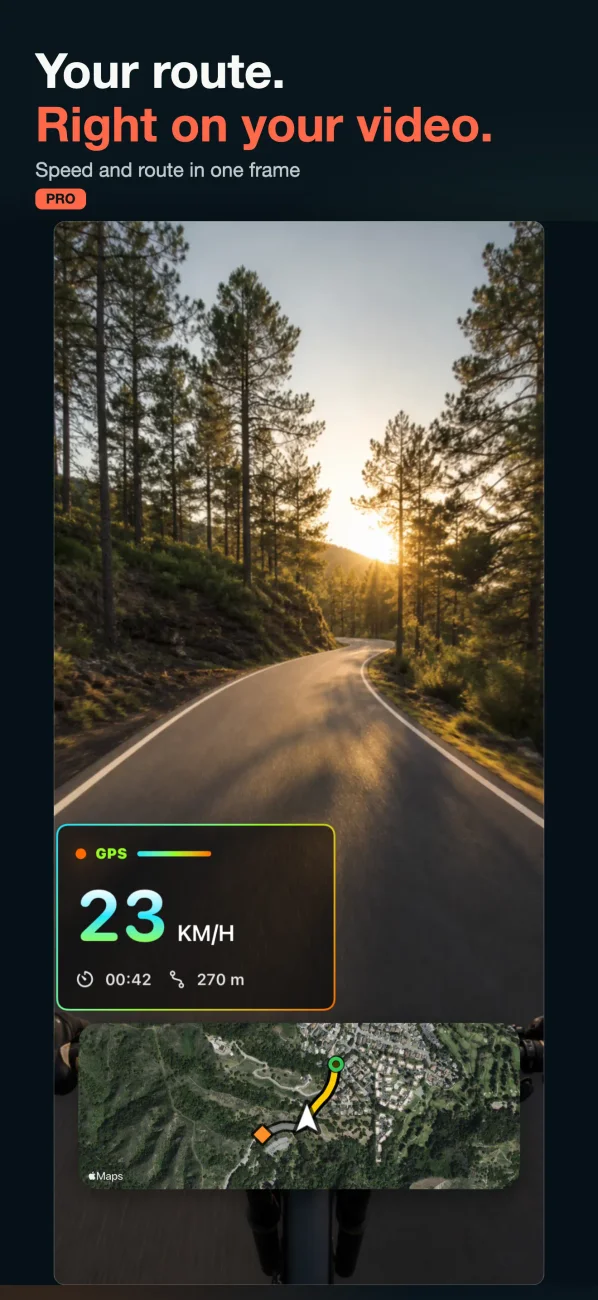
Record rides and walks with speed, distance, and a route map on your videos. Show where you went and how you moved.
Speed Overlay Camera helps you customize your videos, record routes without filming, and revisit your favorite moments on a 3D map.
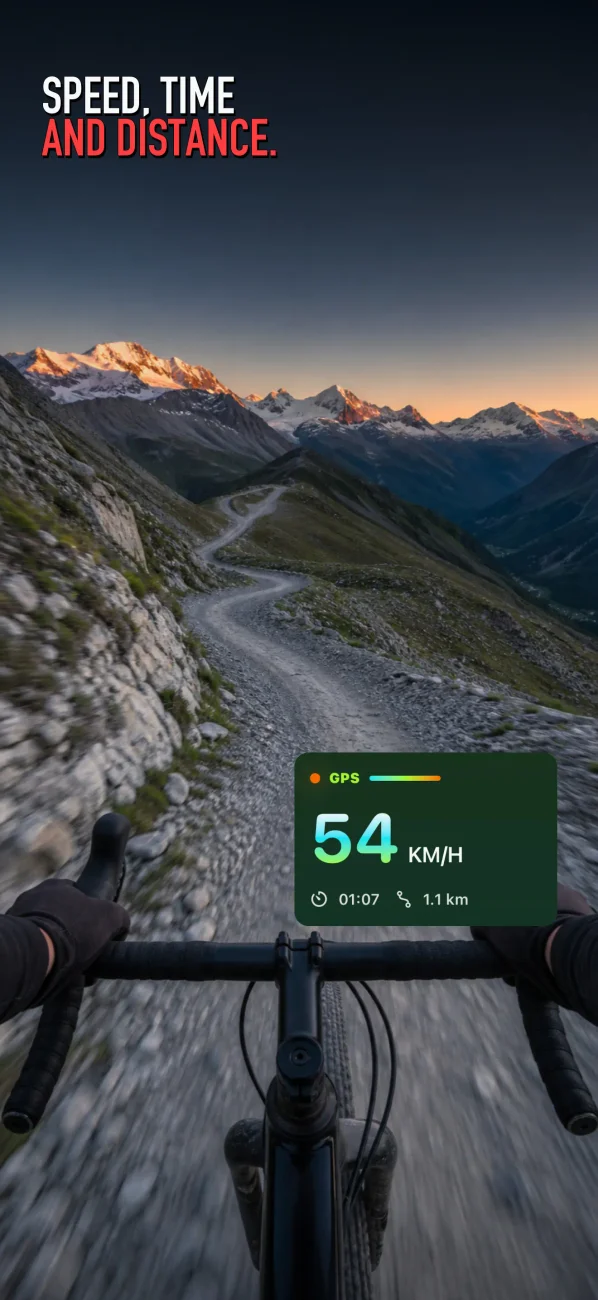
SPEED AND ROUTE ON VIDEO
• Record portrait and landscape video on iPhone.
• Add GPS speed, elapsed time, distance, and a route map.
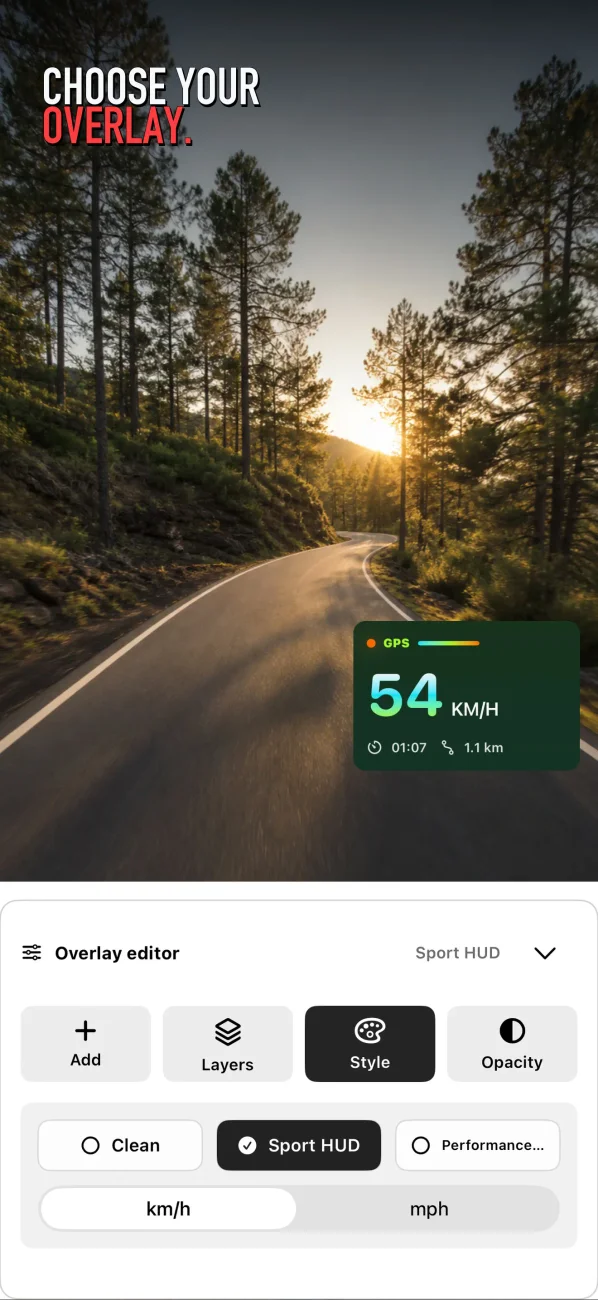
• Choose a style and adjust the size and position of your overlays before saving.
• Save your finished video to Photos and share it.
RECORD A ROUTE WITHOUT VIDEO
Record your route, speed, distance, and duration without filming. While recording a route, you can lock your iPhone or use another app.
APPLE WATCH WORKOUTS
Start a walking, running, cycling, hiking, skiing, or snowboarding workout in the Apple Watch app. Record your route and workout stats, including heart rate with your permission. The completed workout transfers to your paired iPhone when the devices can connect.
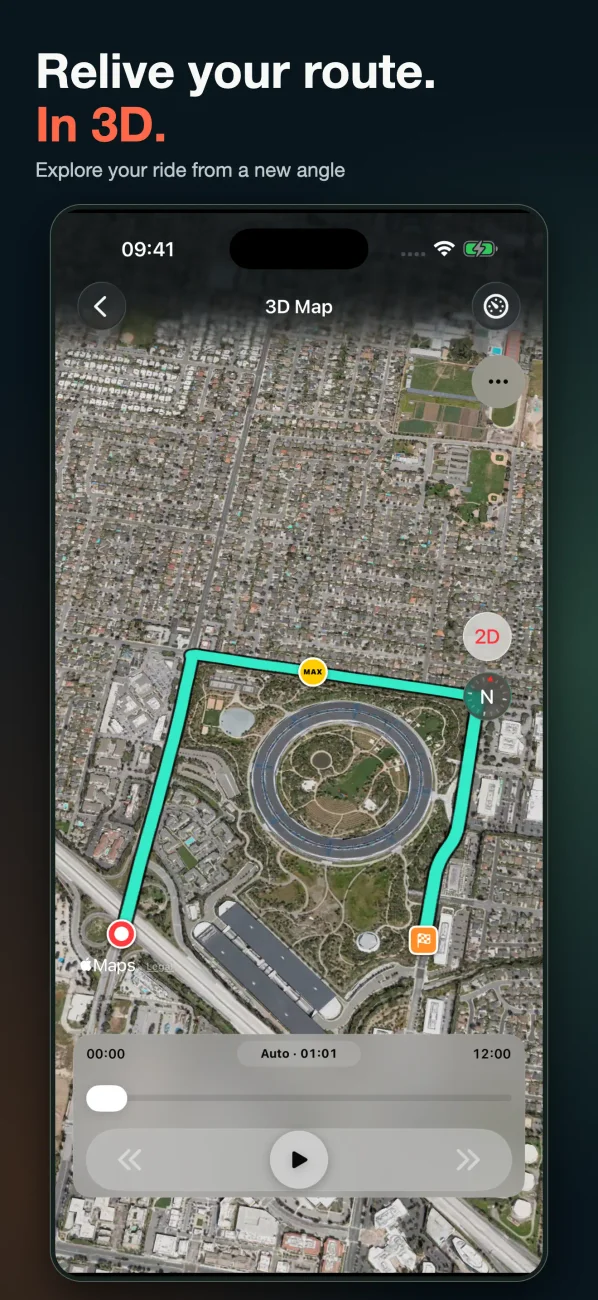
YOUR ROUTE IN 3D
Zoom and rotate the map to change your viewpoint. Play back your route, jump to a moment, and view speed or pace, elevation, and available heart-rate data.
Select a section for playback and poster creation. Your original recording stays unchanged.
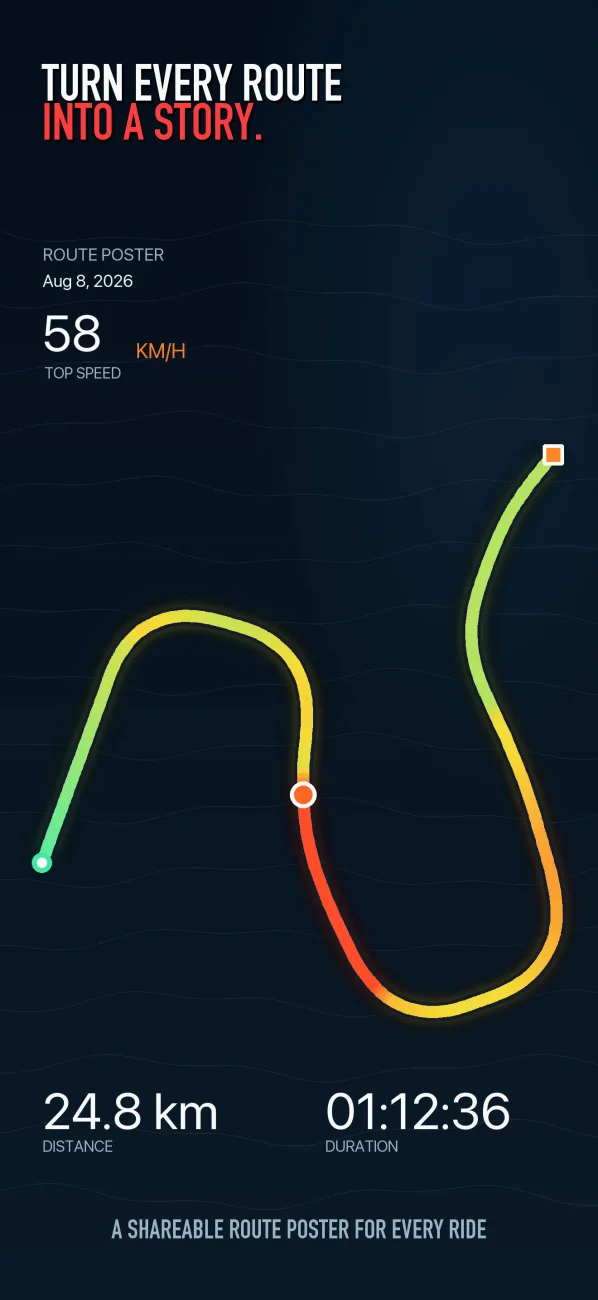
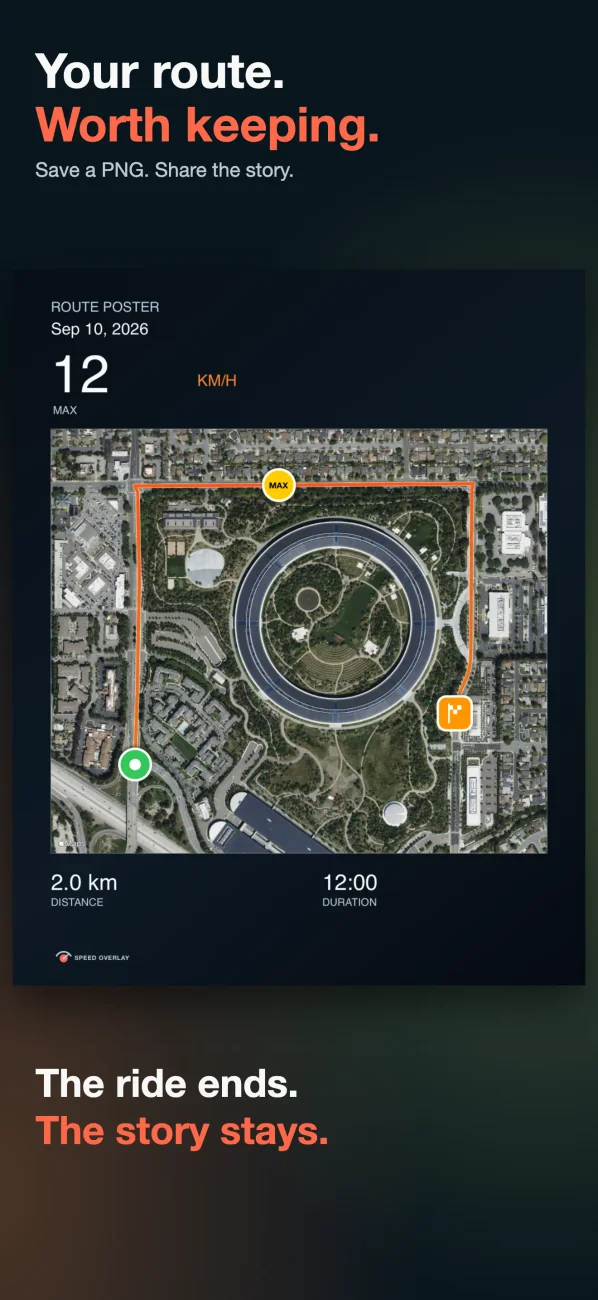
A ROUTE POSTER WORTH SHARING
Create an image with your route and activity stats. Choose satellite imagery or a stylized design, save your poster as a PNG, and share it with friends.
You can hide the start and end of your route before creating a poster, provided the route is long enough.
FREE FEATURES AND PRO
Clean and Sport HUD styles, plus a compact route map, are available for free. Route recording, Apple Watch workouts, and 3D route viewing do not require Pro. Free video and poster exports include the app's watermark.
Pro Forever is a one-time purchase with no subscription. It unlocks:
• Performance HUD;
• Wide Route Map for videos;
• the Snow poster style and Story format;
• video and poster exports without a watermark.
You can preview Performance HUD and Wide Route Map on your video before purchasing. Exporting a video with these features requires Pro, or you can replace them with free alternatives.
NO SIGN-UP. NO ADS.
Videos, routes, and projects are stored locally on your devices. Health access is used for workouts recorded by the Apple Watch app and to recover those workouts.
Maps are provided through Apple services. 3D detail depends on the location, device, and internet connection. GPS accuracy and heart-rate availability depend on your device, permissions, and recording conditions.
What’s new
Version 2.1.5 · Sep 19, 2026
• Improved background export stability.
• Fixed issues when deleting layers and resetting overlays.
• Fixed display issues with recording duration, altitude, heart rate and pace.
• Improved Live Activity reminders.
App privacy
What declares on the App Store about how this app handles data.
-
Data not collected
The developer does not collect any data from this app.
Privacy practices may vary, for example with the features you use or your age.
Information
- Seller
- Lenny Shtab
- Category
- Photo & Video
- Version
- 2.1.5
- Updated
- Sep 19, 2026
- Released
- Aug 21, 2026
- Size
- 10.7 MB
- Requires
- iOS 18.0 or later
- Age rating
- 4+
- Price
- Free
- In-app purchases
- Yes
- Languages
- English, Russian
- Copyright
- © 2026 Lenny Shtab
You might also like
-
 SirenGPX: Speed Video OverlayGPS speedometer for cycling
-
 OverlayGPS: Video TelemetryGPS Action Camera & Speed
-
 Bikecam – GPS Action CameraPOV Ride Video & DashCam
-
 FitCam: Workout OverlaysFilm Workout Videos with Stats
-
 OverlayNowCamera, HLS and RTMP streaming
-
 Video With MapsRecord Videos with a Live Map
-
 Reelbox - Video PlayerOrganize Videos with Folders
-
 ASCII Lab: Photo to Text ArtVideo, Camera & Matrix Effects
-
 CycleCam • Dashcam for BikesBicycle Trip Tracker & Camera
-
 AtlasCamPhoto & Video