
- Age rating4+
- CategoryEducation
- DeveloperSato Tomoya
- LanguagesJapanese+ 11 more
- Size79.8 MB
Links to the official App Store page
Download.org hosts no file of Speed Translation. The button opens its official App Store page, published by Sato Tomoya. Listing last checked on Nov 14, 2026.
Screenshots

About
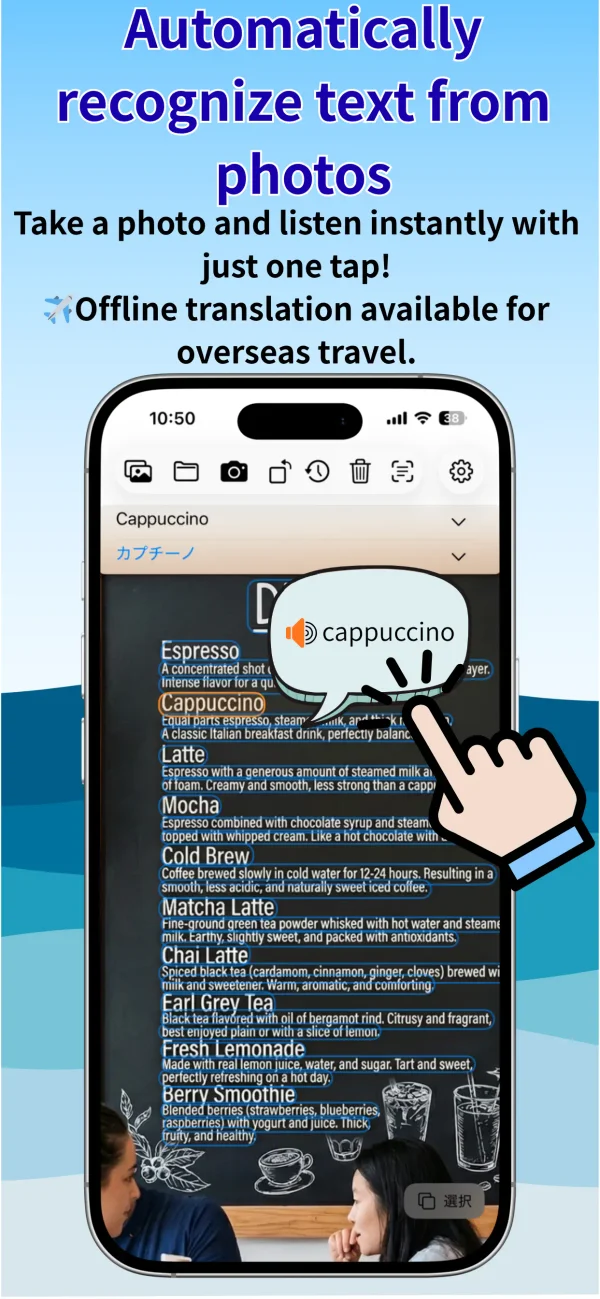
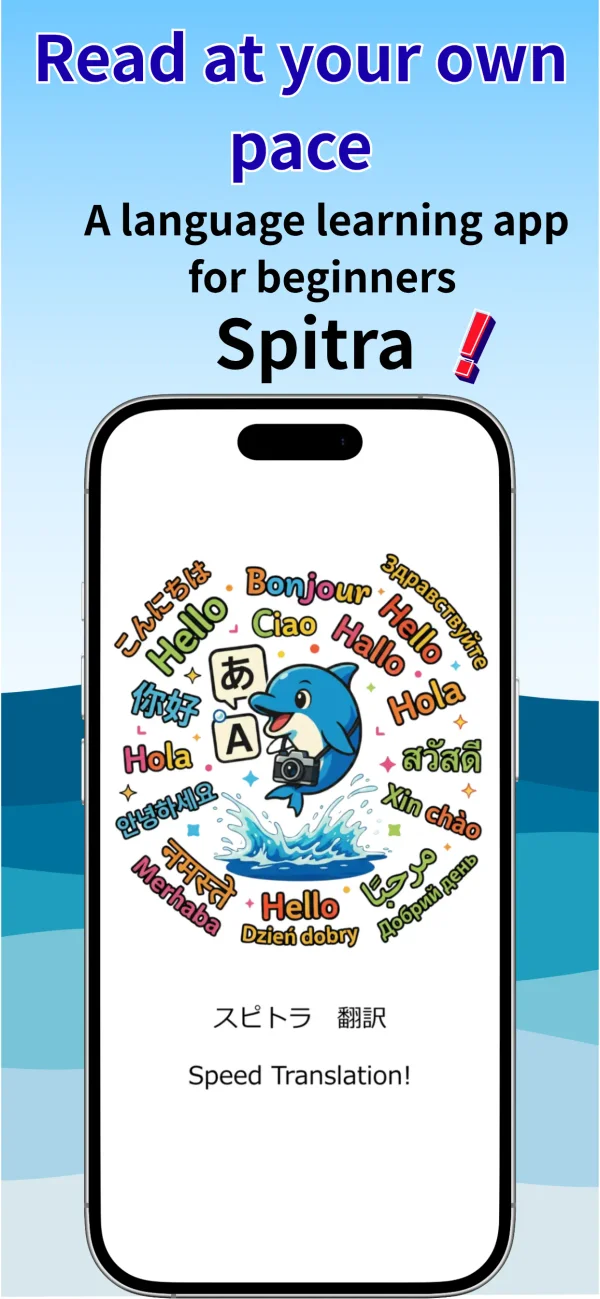
Spitra Translate is a translation app that automatically recognizes and translates text captured with your camera, and even reads it aloud!
Supports 21 languages. Download language packs in advance and use offline while traveling.
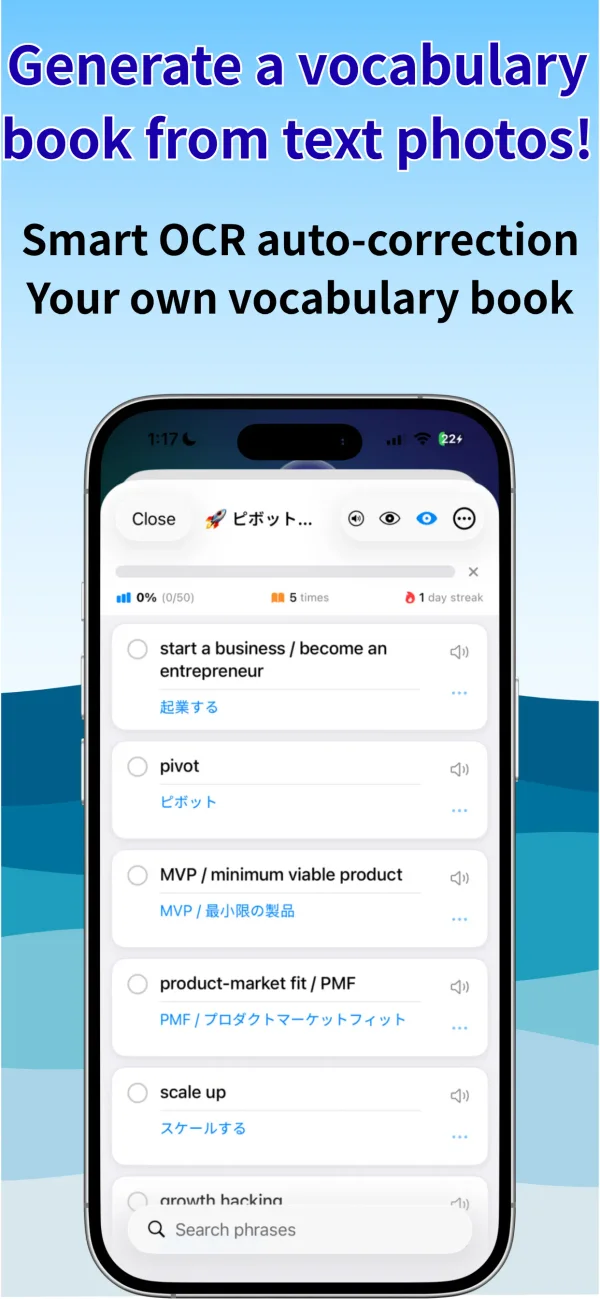
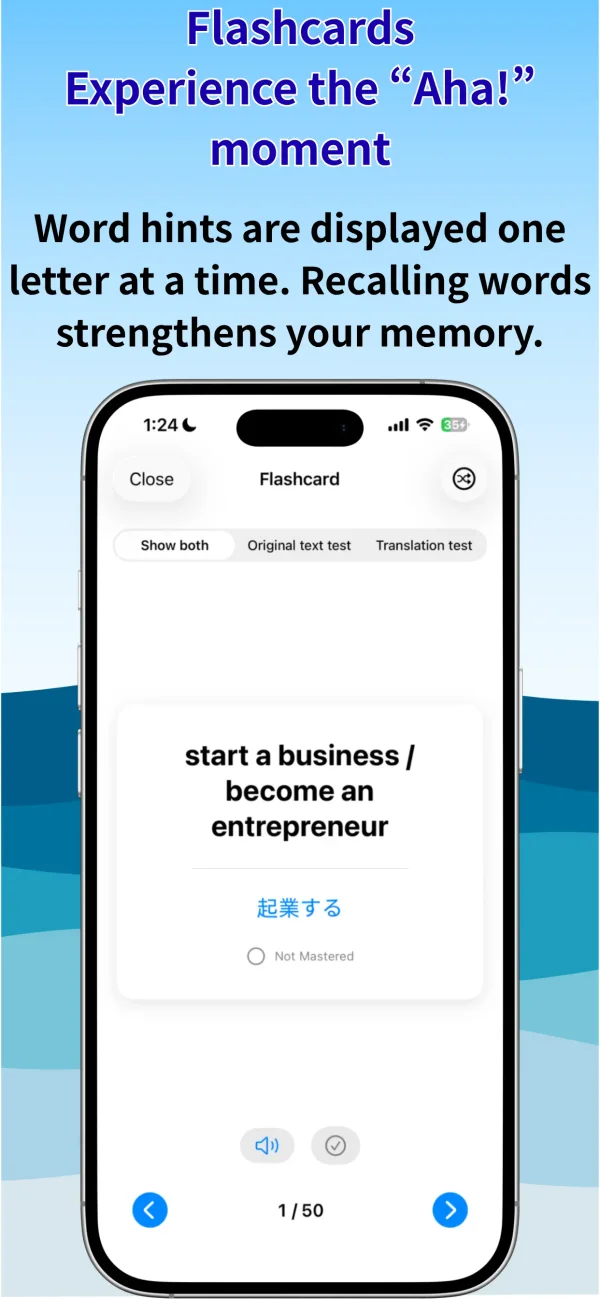
Automatically recognize and collect text from images! Learn with flashcards from your vocabulary list!
The key feature is [Non-Hiding Translation], which lets you see the original text and translation at the same time!
Useful Situations
・Take a photo of a textbook or text, and just like a [Talking Picture Book], tap any word to have it read aloud automatically!
→ Learn meaning and pronunciation simultaneously, supporting efficient and practical language learning.
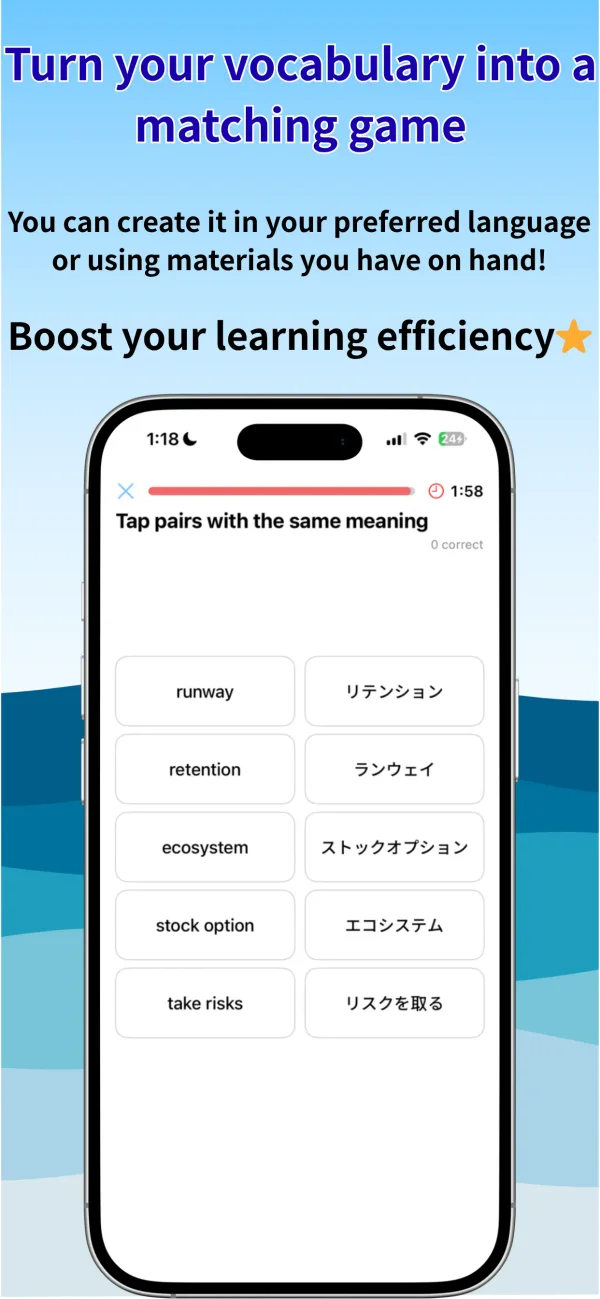
・Create vocabulary lists from spoken words or recognized words. Generate [Flashcards] or [Matching Games] from those lists!
→ Create original vocabulary lists from your own books or materials, and enjoy learning through games.
・If you have an iPad, you can write with Apple Pencil!
→ Write annotations on text, practice handwriting, or trace characters for study.
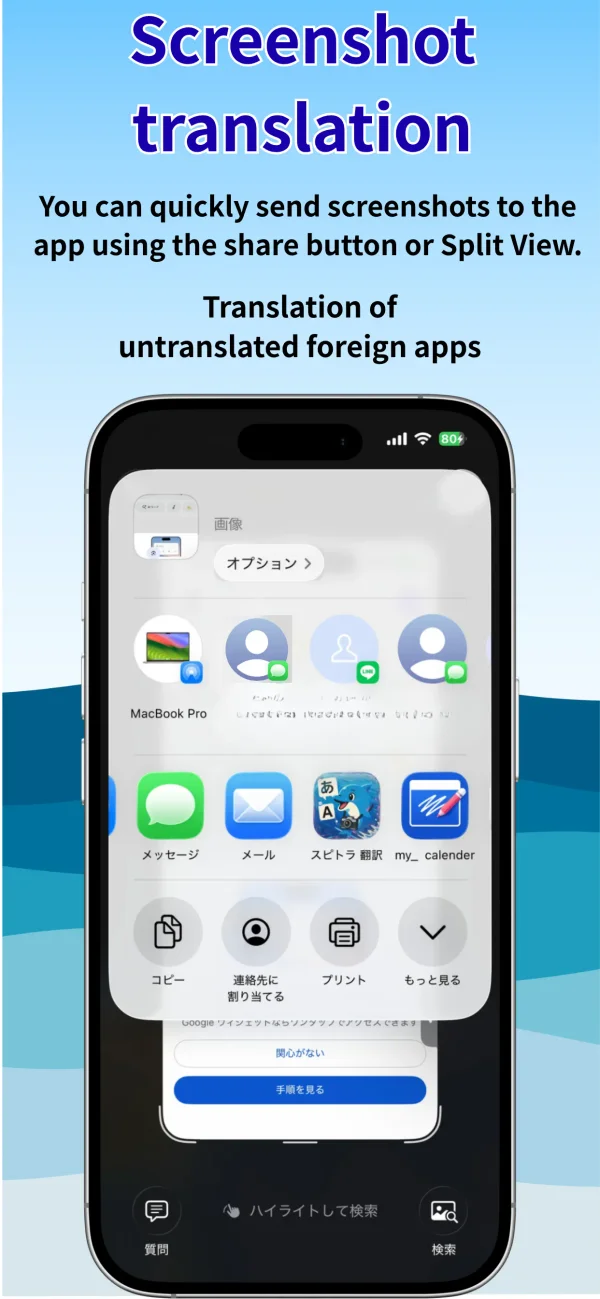
・Take a screenshot and pass the image to Spitra Translate via the share menu. With notifications ON, switch to the app instantly from the notification.
→ Understand foreign apps without a built-in translation feature by translating their screens.
・Download language packs in advance to use the app even without a network connection. No need to worry about data usage.
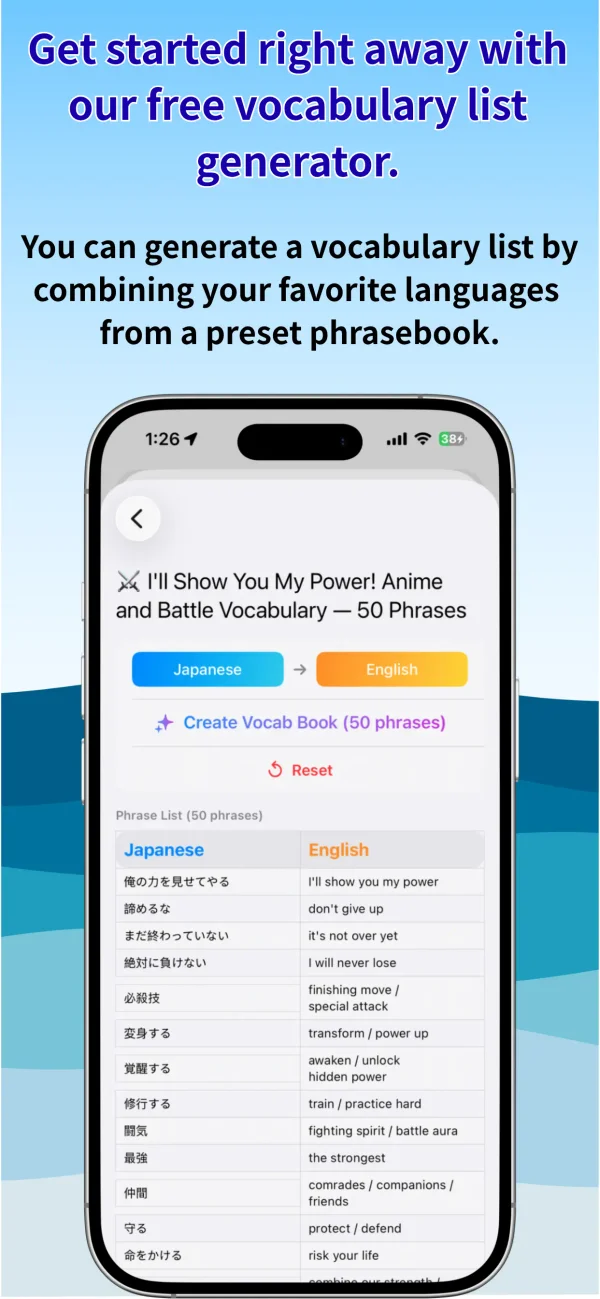
・With the free Spitra Vocabulary Generator, start vocabulary games right away even without your own materials!
→ Export vocabulary lists as TSV files for editing. You can also create custom lists using external AI or Excel and import them.
Key Features
・Translate while keeping the original text
Displays both the original text and translation from the captured image without overwriting. Check meaning while preserving context.
・Text-to-speech
Listen to translation results with a single tap. Playback speed can be adjusted.
Use the high-quality voice built into iOS for free, more natural audio.
・PiP Screenshot Translation
Capture a screenshot of a video app playing in PiP and import the text into Spitra Translate.
→ Translate video app screens while creating vocabulary lists.
・Split View Translation (iPad only)
Translate by taking screenshots while displaying Spitra Translate and another app side by side.
→ Ideal for studying with textbooks or other reference materials.
・Offline Translation
Download language packs in advance for translation without an internet connection.
→ Perfect for traveling abroad or in low-connectivity environments.
・Free Vocabulary Generator
Automatically generate vocabulary lists from recognized text using AI.
→ Start learning games immediately without any preparation.
What’s new
Version 1.4 · Apr 16, 2026
・Added app language settings
・Updated the home screen UI
・Enhanced vocabulary features: auto-play, handwriting practice (iPad)
・Added Spitra Vocabulary Generator
・Added PiP screenshot translation mode / Split View (iPad) screenshot translation mode
・Added notification switch feature. When an image is passed to the app from the share menu, you can easily switch to the app by tapping the notification.
・Added voice change and high-quality audio playback features
App privacy
What Sato Tomoya declares on the App Store about how this app handles data.
-
Data not collected
The developer does not collect any data from this app.
Privacy practices may vary, for example with the features you use or your age.
Information
- Seller
- Sato Tomoya
- Category
- Education
- Version
- 1.4
- Updated
- Apr 16, 2026
- Released
- Dec 11, 2025
- Size
- 79.8 MB
- Requires
- iOS 26.0 or later
- Age rating
- 4+
- Languages
- Japanese, Indonesian, Spanish, Thai, French, Vietnamese, Portuguese, Malay, Simplified Chinese, Traditional Chinese, English, Korean
- Copyright
- © 2025 Tomoya Sato. All rights reserved.
You might also like
-
 CORChinaScan, Listen & Learn Chinese
-
 YouenEducation
-
 uCertifyPrep Illustrator 2020uCertifyPrep Illustrator 2020
-
 暗記無双 - 英単語帳とアプリ制限で勉強を習慣化する英語学習Education
-
 Avocado: Korean VocabularyTOPIK, K-pop & your own words
-
 Scringo | スクショ翻訳Education
-
 oboo | 撮るだけで作れる単語帳アプリEducation
-
 中国語 単語 シンプル単語帳Education
-
 Vietnamese Word MasterStudy Vietnamese with Cards
-
 A1 English: 50 Reading StoriesEnglish A1: 50 Daily Stories