SpeedCheck+ Drive Copilot
Always available speed limits
Designed for iPhone
Free · In-app purchases
- Age rating4+
- CategoryNavigation
- DeveloperHawk iMedia
- LanguagesEnglish+ 4 more
- Size23.0 MB
Links to the official App Store page
Download.org hosts no file of SpeedCheck+ Drive Copilot. The button opens its official App Store page, published by Hawk iMedia. Listing last checked on Nov 17, 2026.
Screenshots

About
SpeedCheck answers a simple question at exactly the right time: What's the speed limit here?
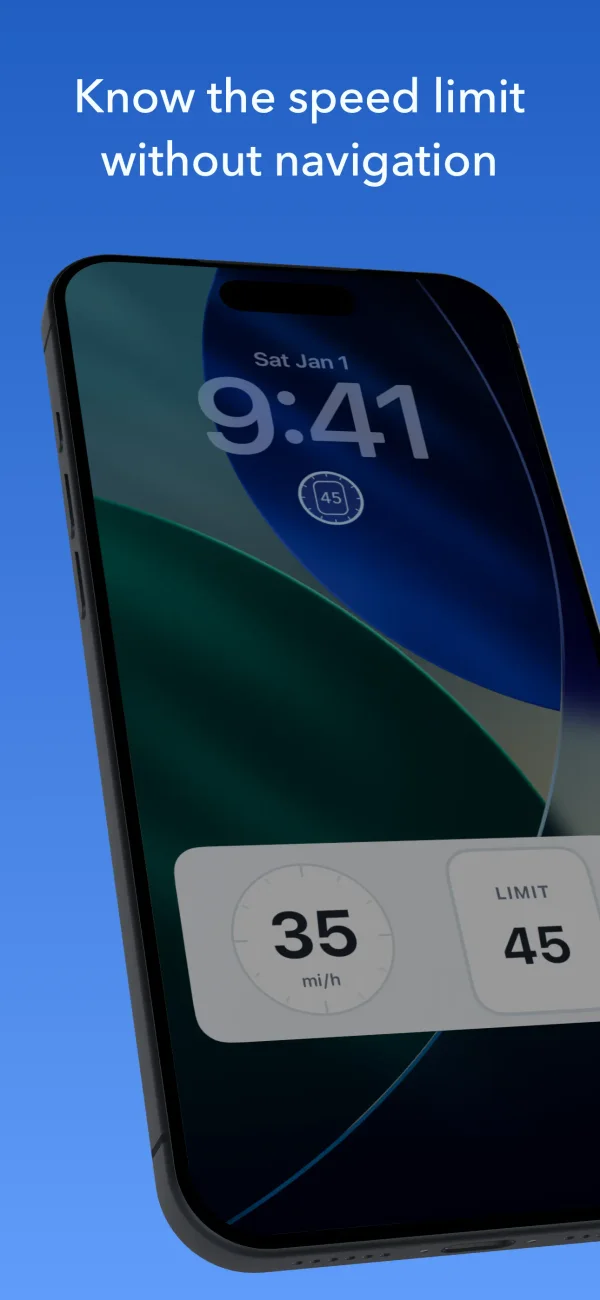
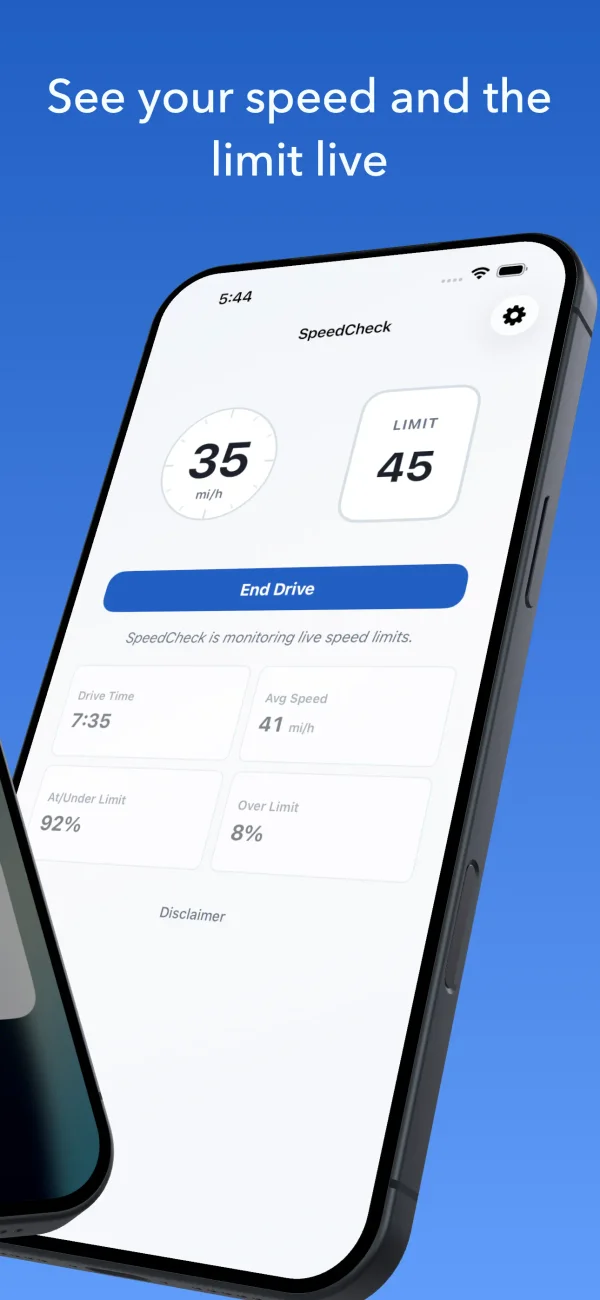
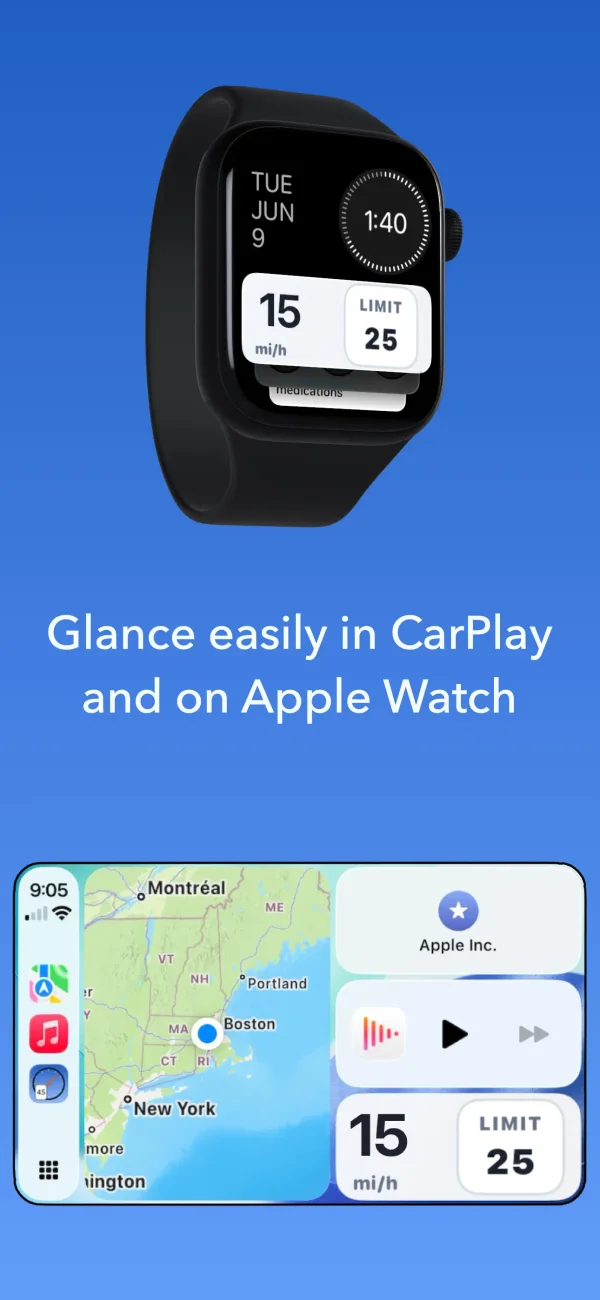
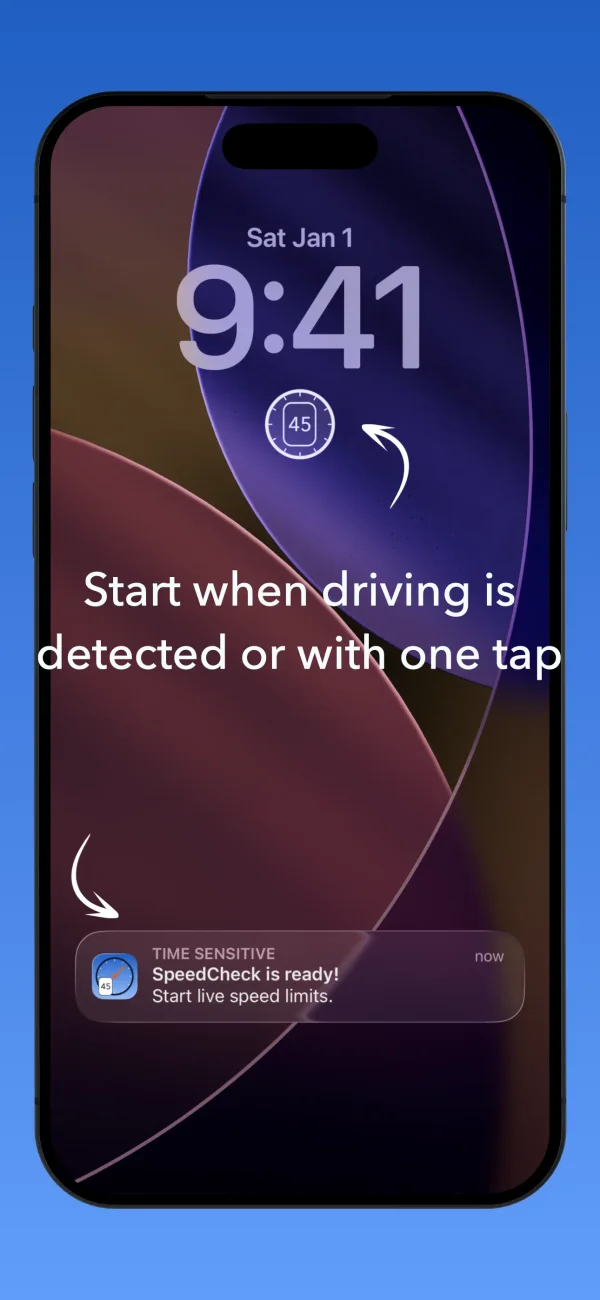
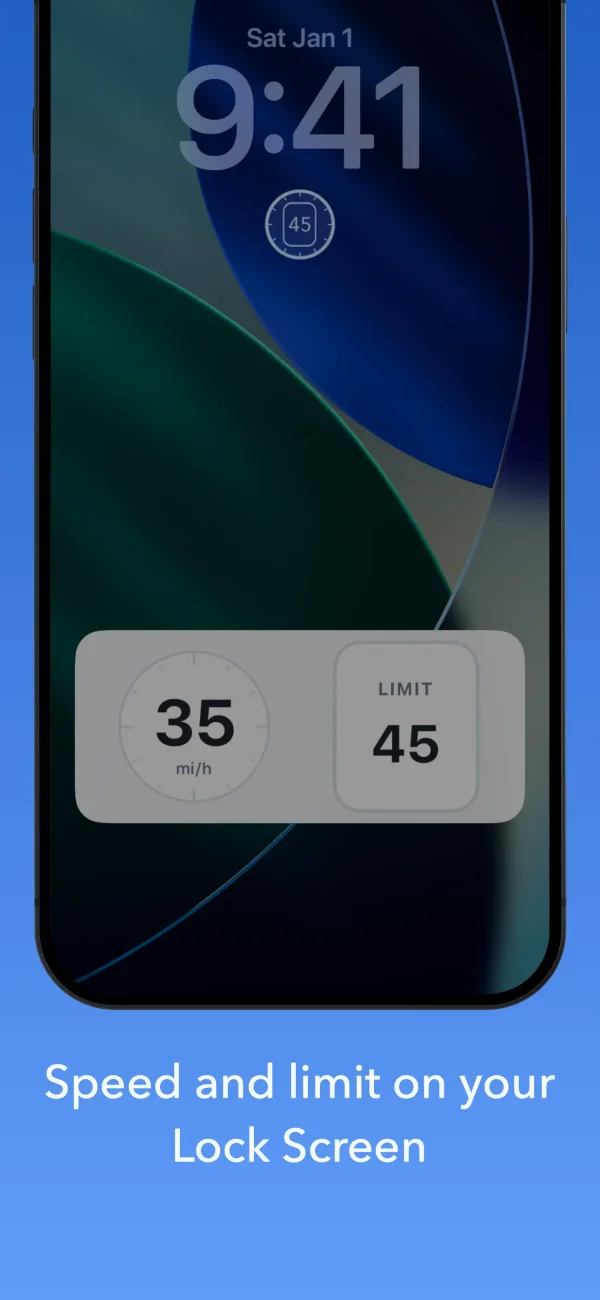
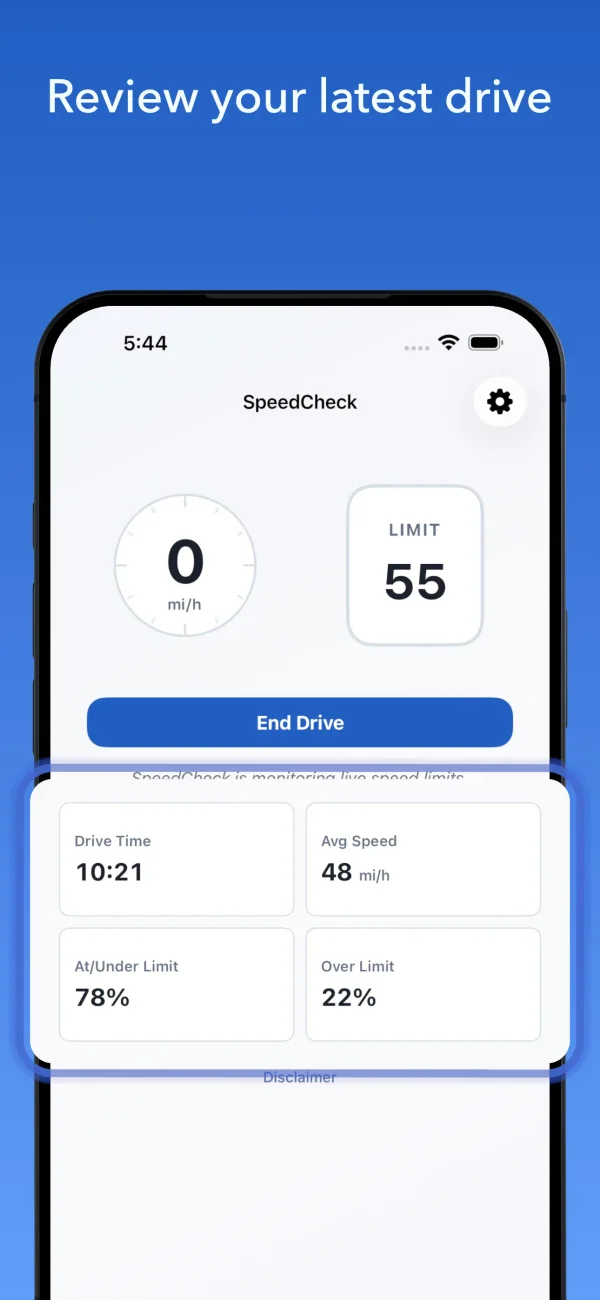
See your speed and the posted speed limit quickly from the app, Lock Screen, CarPlay, or Apple Watch Smart Stack. SpeedCheck can prompt you automatically when it detects that you're driving, so getting started is as easy as a tap. No route setup, no maps, no full navigation session required.
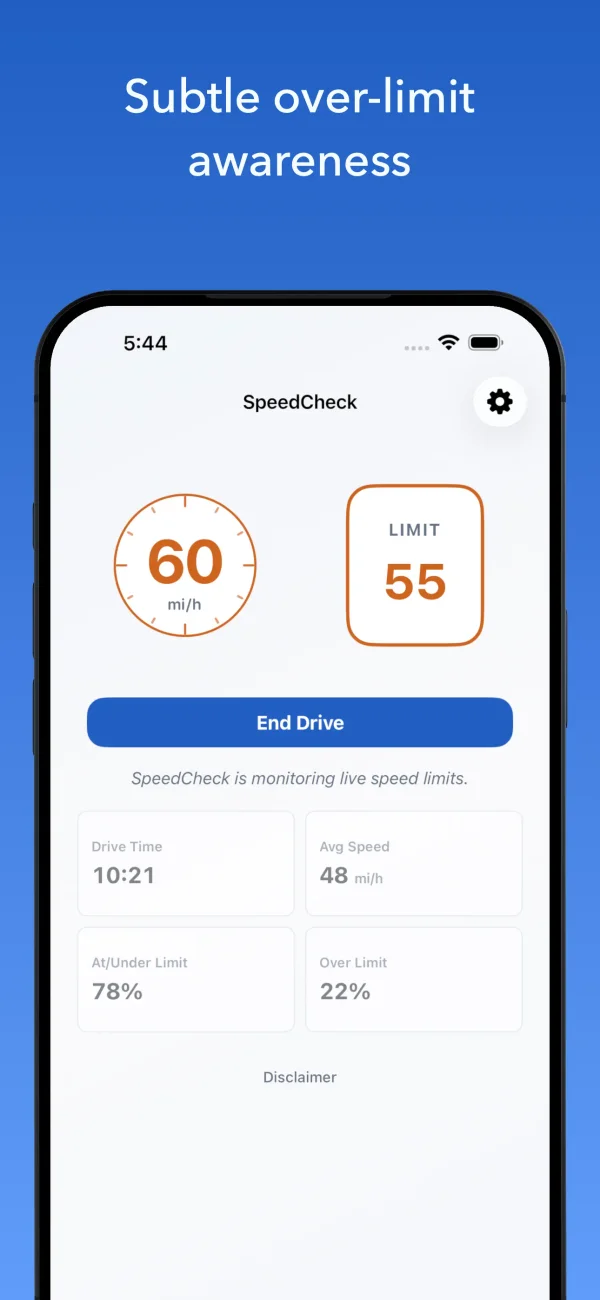
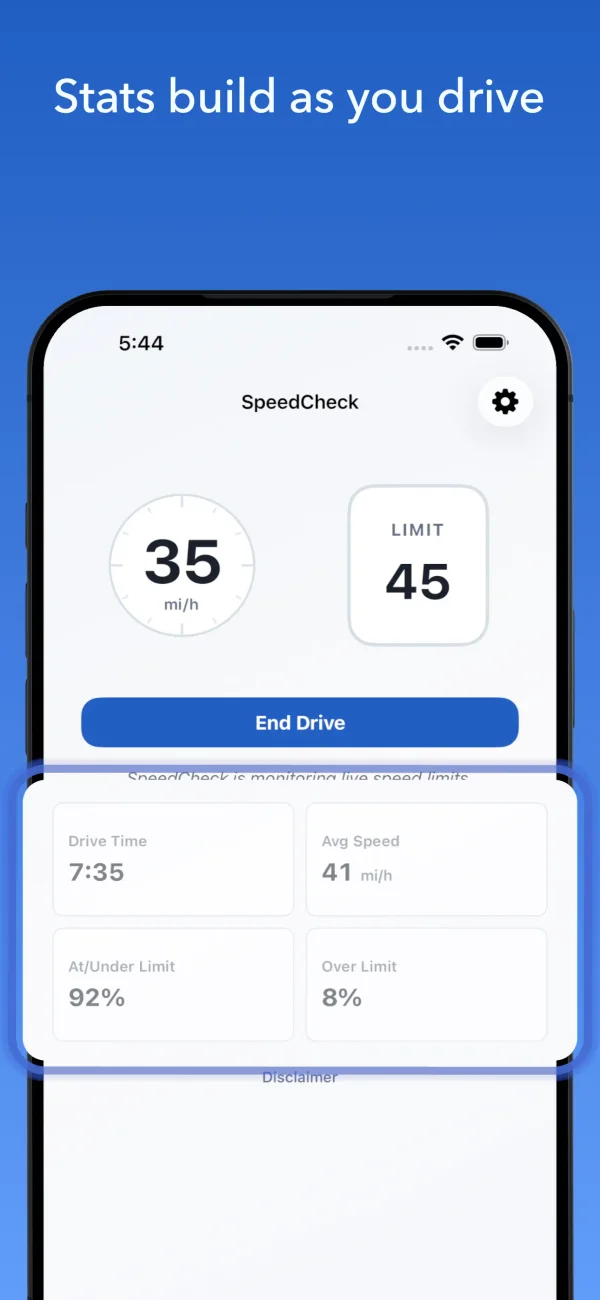
Your speed and the posted speed limit are shown in an easy-to-read display just where you want it. Try 5 posted-limit drives free to see the app in action. Keep live posted limits with a paid pass or subscription. In the app, you can also review useful stats for your current or most recent drive. SpeedCheck provides subtle over-limit awareness, personalization settings, and richer speed-limit-aware stats in a focused experience built for quick clarity.
Great for
- New drivers building confidence with local speed limits
- Daily drivers who regularly end up on unfamiliar roads or changing traffic patterns
- Delivery, service, and field-work drivers moving between neighborhoods
- Travelers driving in an unfamiliar city
- Anyone who wants speed context without finding and starting a full navigation app
What makes SpeedCheck different
- A Live Activity for easy viewing from your Lock Screen, CarPlay and Apple Watch Smart Stack
- Automatic trip detection and prompting
- Focused design for current speed and the posted limit
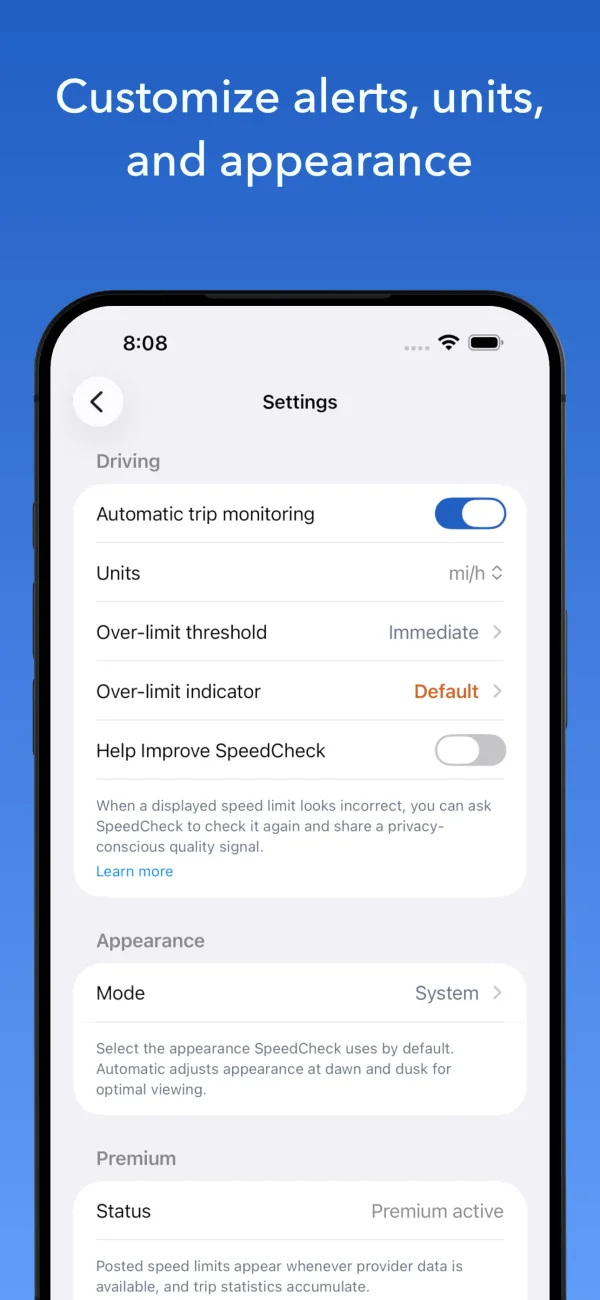
- Over-limit awareness using color, not sounds
- Drive stats for current and most recent trip
- Lock Screen widget for one-tap access
- CarPlay support for a glanceable in-car SpeedCheck display
- Appearance options, including an Automatic mode that adjusts with the sun
Note: Posted speed limit display is available during free drives, a non-recurring paid pass, or recurring Premium access.
Disclaimer: SpeedCheck is provided for informational purposes only. Always obey posted speed limits, temporary traffic controls, directions from law enforcement or authorized traffic personnel, and your vehicle’s speedometer. See app for full disclaimer.
Terms & Conditions: https://www.apple.com/legal/internet-services/itunes/dev/stdeula/
What’s new
Version 1.0.4 · Aug 14, 2026
- This update helps first-time users get the most out of the app with a post-onboarding tutorial (also available from Settings).
- We have also improved ride detection, prompting, and drive start when initiated from notifications on Apple Watch or CarPlay.
Happy driving! Got feedback? Contact support@hawkimedia.com directly or through the app. Thanks!
App privacy
What Hawk iMedia declares on the App Store about how this app handles data.
-
Data not linked to you
May be collected but is not linked to your identity.
- Location
- Identifiers
- Usage data
- Diagnostics
Privacy practices may vary, for example with the features you use or your age.
Information
- Seller
- Hawk iMedia
- Category
- Navigation
- Version
- 1.0.4
- Updated
- Aug 14, 2026
- Released
- Jun 17, 2026
- Size
- 23.0 MB
- Requires
- iOS 18.0 or later
- Age rating
- 4+
- Price
- Free
- In-app purchases
- Yes
- Languages
- English, French, German, Portuguese, Spanish
- Copyright
- © 2026 Hawk iMedia
You might also like
-
 Speed & LimitNavigation
-
 HUD Speed Limits and AlertsGPS Speedometer for Driving
-
 Car Speedometer – Speed AppLive GPS speed & HUD display
-
 No Speed Ticket – Speed Alertsavoid speeding tickets
-
 Watch Speedometer Pro CarPlayGPS Speed, Widget & History
-
 MPH GPS Speedometer: VeloSwissSpeed Milage Distance Tracker
-
 Speed Limit FullscreenOffline speedometer & alerts
-
 CruiseAIAI-Powered Driving Companion
-
 AutoService24Navigation
-
 Average Speed TrackerTravel