
- Age rating4+
- CategoryUtilities
- DeveloperZoomVideo LLC
- LanguagesEnglish
- Size6.7 MB
Links to the official App Store page
Download.org hosts no file of SpeedN-Internet Speed Test. The button opens its official App Store page, published by ZoomVideo LLC. Listing last checked on Nov 18, 2026.
Screenshots


About
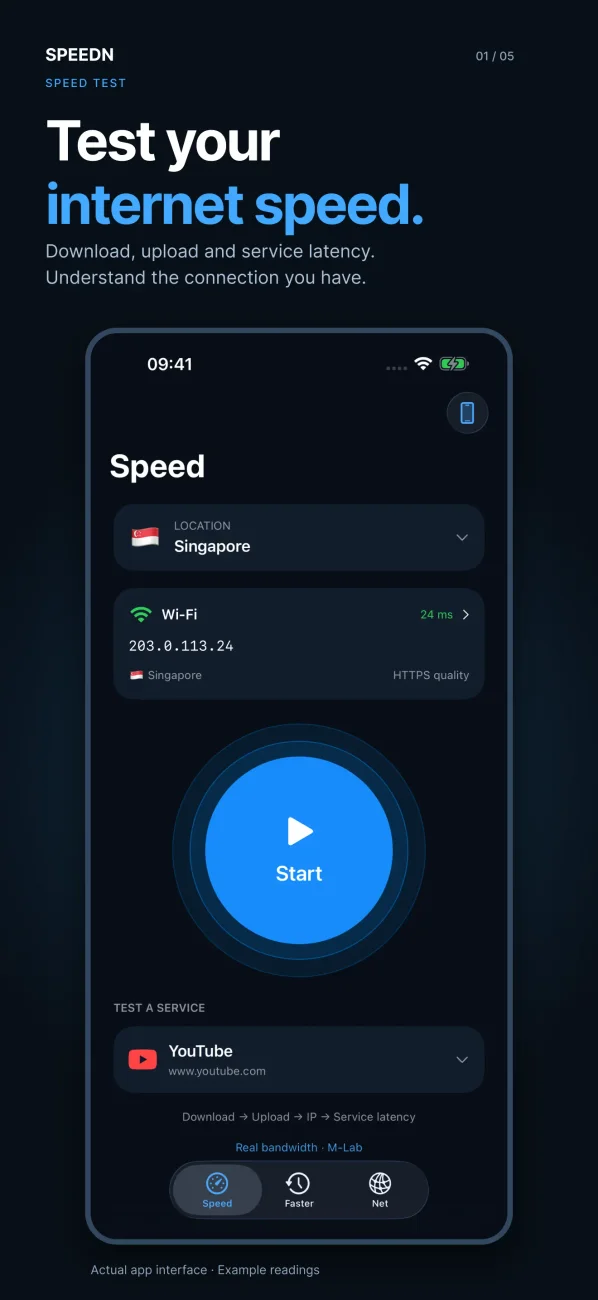
Understand your connection with SpeedN, an iPhone speed test and network toolkit.
MEASURE REAL BANDWIDTH
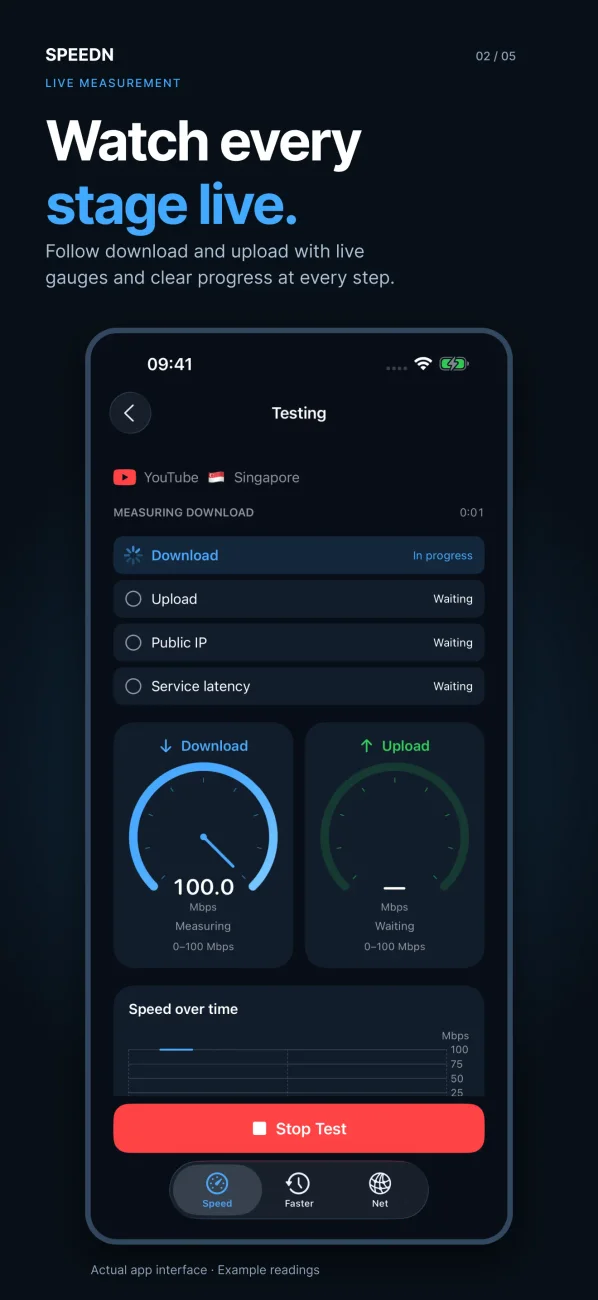
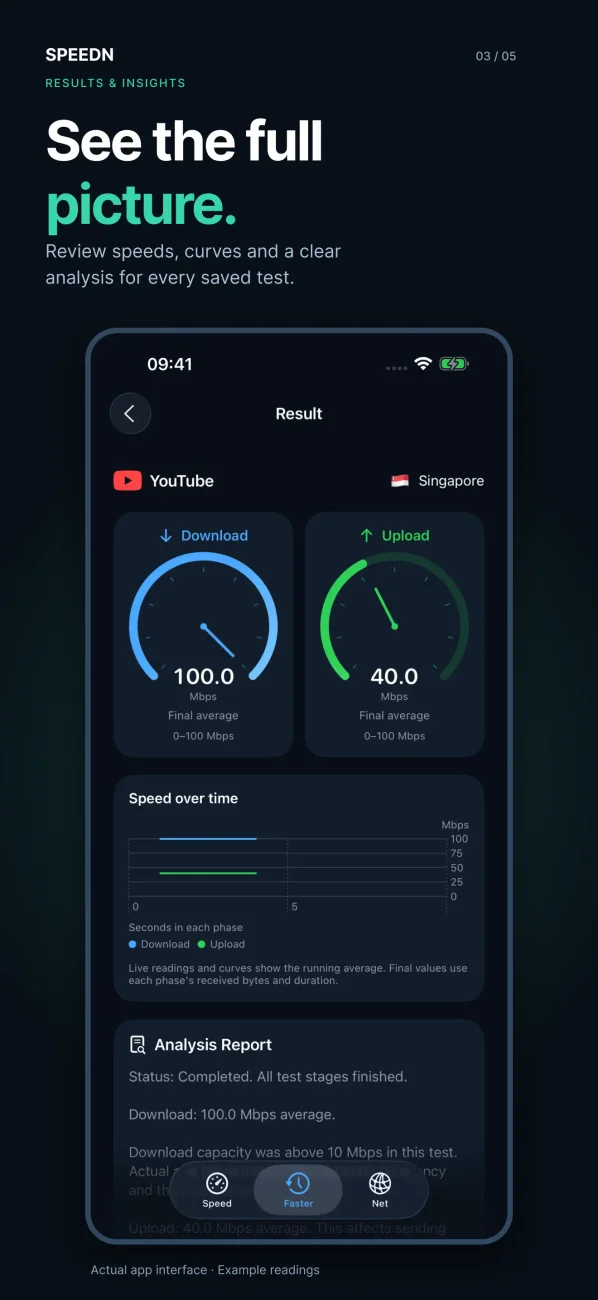
Run M-Lab NDT7 download and upload tests with two live gauges. Follow each test stage, then review final speeds and throughput charts.
CHECK THE SERVICES YOU USE
Measure HTTPS response times to popular services or add your own HTTPS hostname. Custom services stay saved on your device. View completed, unavailable and failed checks clearly.
KEEP AND SHARE YOUR RESULTS
Browse your test history, open detailed results and read an analysis generated on your device. Share a text report using the iOS share sheet. Public IP addresses are excluded from shared reports.
EXPLORE YOUR NETWORK
View your public IP and approximate IP region, current connection type and local device information. Use website checks, DNS lookup and TCP connection tools. Optional Globalping tools add remote Ping, HTTP, DNS, Traceroute and MTR measurements.
KNOW WHAT THE NUMBERS MEAN
Bandwidth measures the connection to an automatically selected M-Lab server. Website latency measures HTTPS response time; it is not ICMP ping. Wi-Fi and cellular quality icons reflect response measurements, not radio signal strength. The selected country labels a result and does not change your route or location.
YOUR CHOICES
No account, subscription or in-app purchases. Version 1.1.0 includes Google AdMob interstitial and native ads with non-personalized ad requests and privacy choices where required. History and preferences stay on your device. You can use offline mode and change network permissions in Settings.
Before your first bandwidth test, SpeedN explains M-Lab data handling and asks for permission. M-Lab collects your public IP and test data, retains them indefinitely and publishes them for research. You can reset this permission in Settings. Tests may use more than 1 GB; carrier charges may apply. SpeedN limits bandwidth tests to four starts in a rolling 24-hour period.
Globalping is optional and sends your selected destination and diagnostic request to external probes. Network tools depend on provider availability and local connectivity. Results do not guarantee performance for every app or destination.
Requires iOS 17 or later. The app interface is in English.
What’s new
Version 1.1.0 · Sep 24, 2026
A new single-key icon and launch screen. Adds interstitial and native ads with privacy choices, a refreshed support website, and Simplified Chinese App Store information. The app interface remains in English.
App privacy
What ZoomVideo LLC declares on the App Store about how this app handles data.
-
Data used to track you
May be used to track you across apps and websites owned by other companies.
- Location
- Identifiers
- Usage data
- Diagnostics
-
Data linked to you
May be collected and linked to your identity.
- Location
- Identifiers
- Usage data
- Diagnostics
- Other data
-
Data not linked to you
May be collected but is not linked to your identity.
- Diagnostics
Privacy practices may vary, for example with the features you use or your age.
Information
- Seller
- Beijing ZKVideo Technology Co., Ltd.
- Category
- Utilities
- Version
- 1.1.0
- Updated
- Sep 24, 2026
- Released
- Sep 20, 2026
- Size
- 6.7 MB
- Requires
- iOS 17.0 or later
- Age rating
- 4+
- Price
- Free
- Languages
- English
- Copyright
- © 2026 Beijing ZKVideo Technology Co., Ltd.
You might also like
-
 FlowHour: Desk Clock & TimerFullscreen Clock + Sand Timer
-
 ClearWay: Private DNSBlock ads in games, no VPN
-
 萤火写作Utilities
-
 OpenPacketLoss-ServerPacket Loss Test Server
-
 Fasty DNS ChangerLower ping, faster browsing.
-
 XplicitTrust Network Accesssecure access to any machine
-
 Video Watermark Maker Add TextProtect Logo Watermark Editor
-
 DNSwitch - DNS SwitcherSwitch DNS instantly
-
 DoitoyUtilities
-
 ZeroAds: DNS Ad BlockerBlock ads & Pop Ups