
SpeedOK: Internet Speed Test
Wi-Fi, 4G, 5G, LTE & Broadband
Designed for iPhone, iPad
Free
- Age rating4+
- CategoryUtilities
- Developerkwai piu cheng
- LanguagesEnglish+ 49 more
- Size6.0 MB
Links to the official App Store page
Download.org hosts no file of SpeedOK: Internet Speed Test. The button opens its official App Store page, published by kwai piu cheng. Listing last checked on Nov 13, 2026.
Screenshots
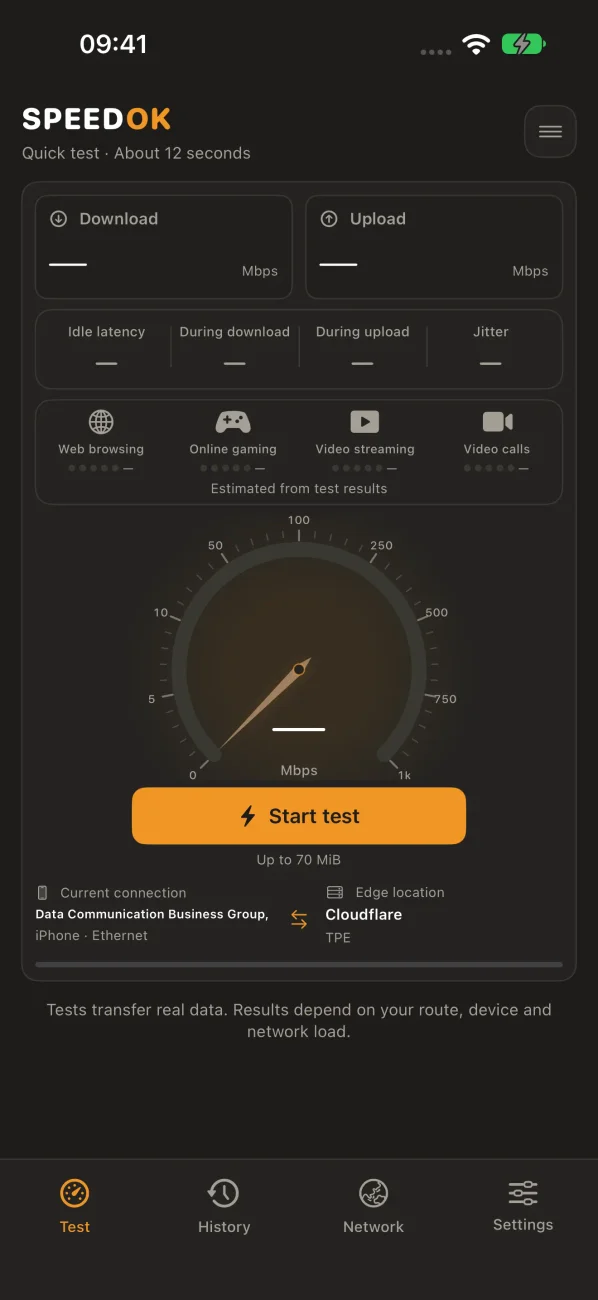
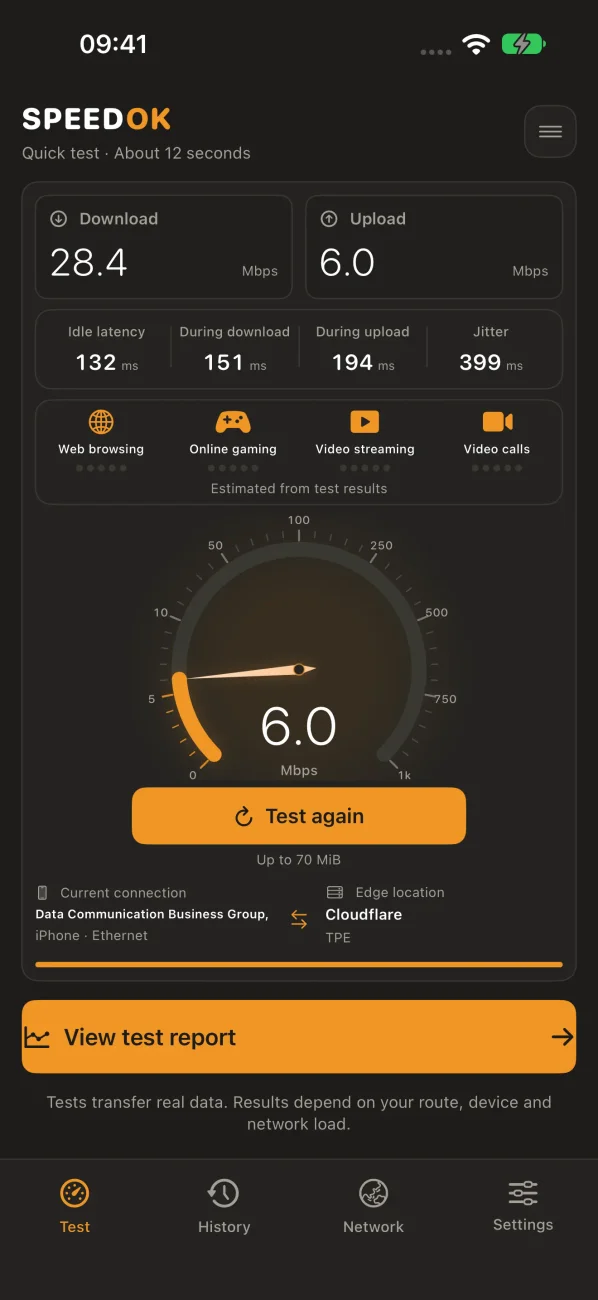
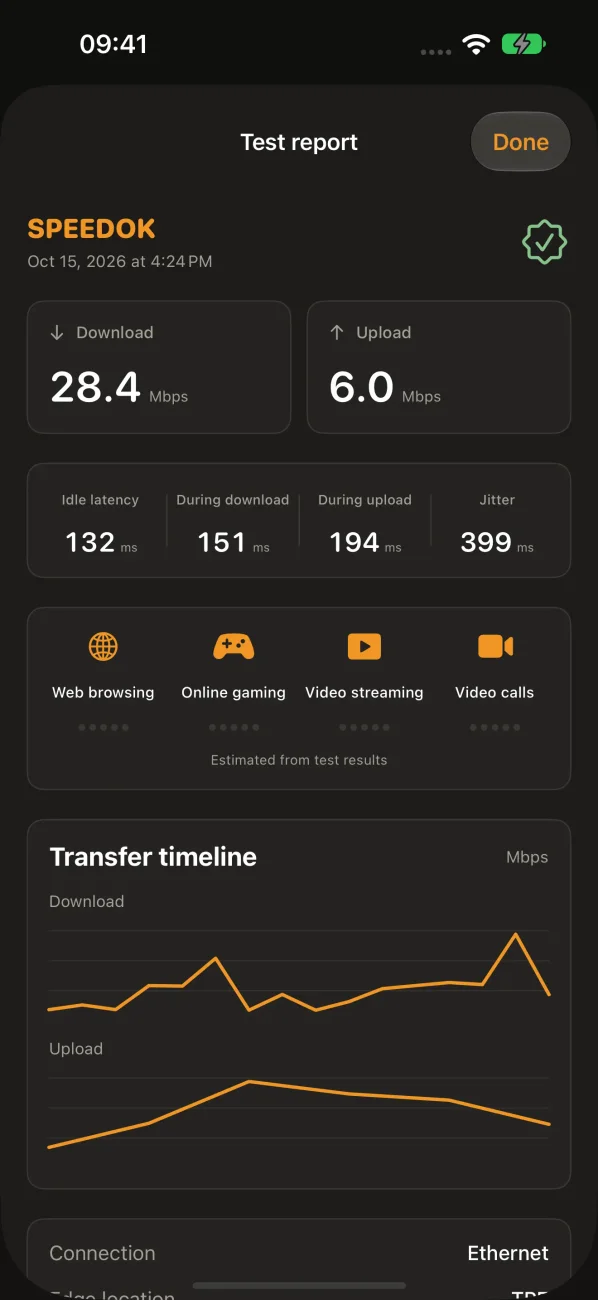
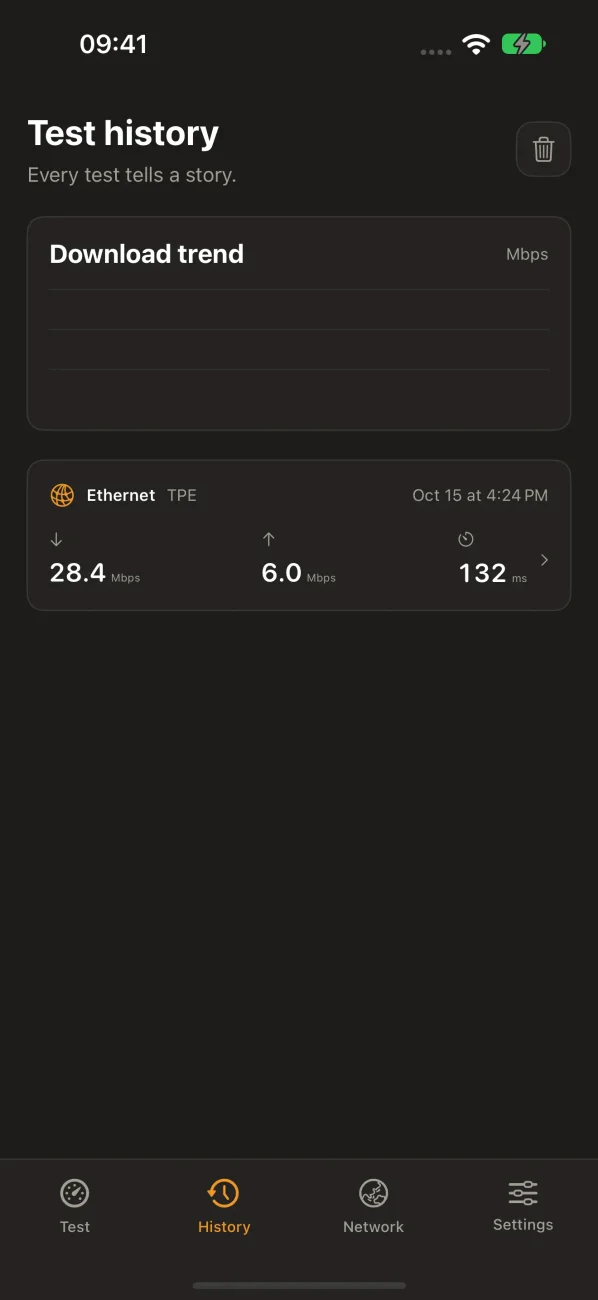
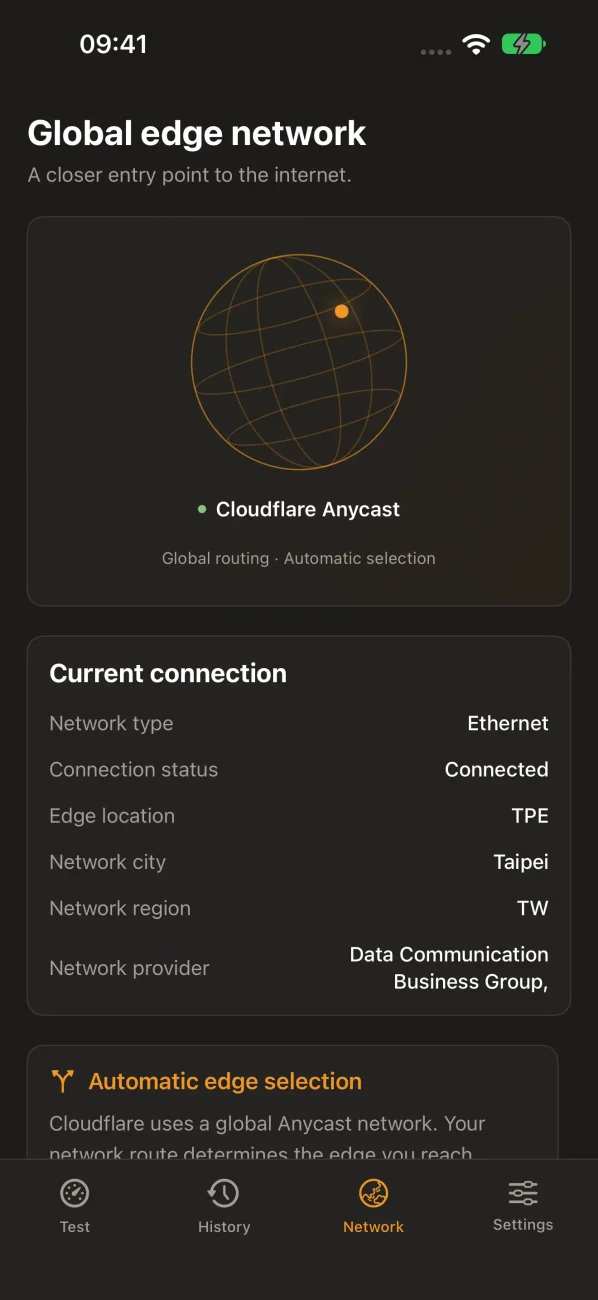
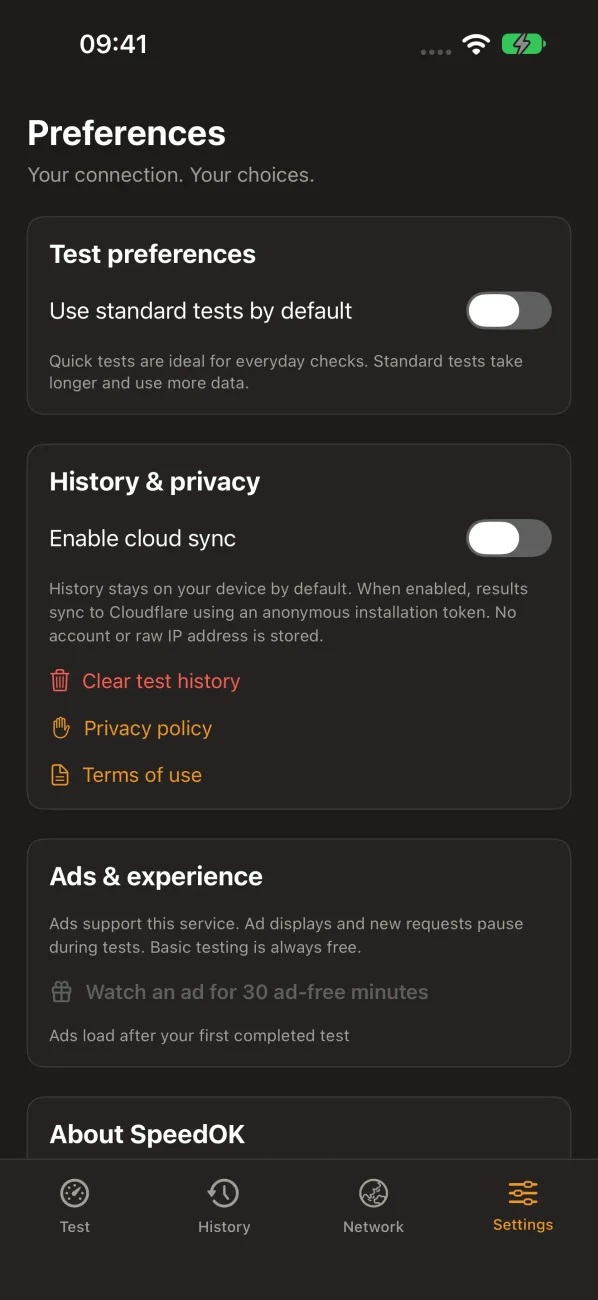
About
Know your internet speed and understand the connection behind it. SpeedOK measures Wi-Fi, broadband and mobile data, including 4G LTE and 5G, so you can check downloads, uploads and responsiveness in one place.
Measure more than Mbps
See download and upload speed, idle latency, latency under download and upload load, and jitter. Live speed charts show how the connection changes during a test, alongside elapsed time and data used. Compare tests around your home, after changing networks, or when a connection feels slower than usual.
Put the numbers in context
Get estimated ratings for web browsing, online gaming, video streaming and video calls. These ratings use measured bandwidth, latency and jitter to help you interpret the results. Actual experience depends on the app, its servers and current network conditions.
Choose the right test
Use Quick mode for a brief check or Standard mode for a longer measurement. The report shows the serving edge code and network location details.
Keep a useful record
Review test history, compare changes over time, export results as CSV and share a result when discussing a connection issue. Results are stored locally by default, with optional anonymous cloud sync.
Clear and accessible
The interface is available in 50 languages. Advertising loads only after the first successful test and pauses during testing. An optional rewarded ad provides 30 minutes without ads.
Things to know
Speed tests transfer real data. Your mobile carrier or internet provider may charge for that usage. Results reflect the connection at the time of testing and can vary with your device, router, signal, network load and route to the test endpoint. SpeedOK measures your connection and helps you investigate possible issues; it does not increase your bandwidth or repair your network.
Questions or feedback: speedok@tooci.com
Privacy: https://speedok-api.pzj-f82.workers.dev/privacy
Terms: https://speedok-api.pzj-f82.workers.dev/terms
App privacy
What kwai piu cheng declares on the App Store about how this app handles data.
-
Data used to track you
May be used to track you across apps and websites owned by other companies.
- Identifiers
-
Data linked to you
May be collected and linked to your identity.
- Location
- Identifiers
- Usage data
- Diagnostics
-
Data not linked to you
May be collected but is not linked to your identity.
- Diagnostics
Privacy practices may vary, for example with the features you use or your age.
Information
- Seller
- kwai piu cheng
- Category
- Utilities
- Version
- 1.0.0
- Updated
- Oct 23, 2026
- Released
- Oct 23, 2026
- Size
- 6.0 MB
- Requires
- iOS 16.0 or later
- Age rating
- 4+
- Price
- Free
- Languages
- English, Afrikaans, Arabic, Bengali, Bulgarian, Catalan, Croatian, Czech, Danish, Dutch, Estonian, Filipino + 38 more
- Copyright
- © 2026 SPPEDOK
You might also like
-
 DNS Observatory: MonitorServers, Alerts & Widgets
-
 Wifi Analyzer -Speed Ping TestScan Network - Internet Speed
-
 Speedy: Internet Speed TestWiFi Analyzer, Ping & 5G Meter
-
 404 NetworkUtilities
-
 Speed Test & WiFi: SpeedKitInternet Meter: Mbps & Ping
-
 Internet Speed Test+Wifi Analyzer
-
 速度チェッカーUtilities
-
 CasperVPN: WiFi Security VPNOnline Privacy, Public Hotspot
-
 GPS Pro: Location & SunGPS, Altitude & Ziwu Liuzhu
-
 zPower能源管理