Speedometer GPS & Compass
Speed,Map&Route-Record Trips
Designed for iPhone, iPad
Free · In-app purchases
- Age rating4+
- CategoryNavigation
- Developer华明 罗
- LanguagesEnglish+ 29 more
- Size78.1 MB
Links to the official App Store page
Download.org hosts no file of Speedometer GPS & Compass. The button opens its official App Store page, published by 华明 罗. Listing last checked on Nov 20, 2026.
Screenshots

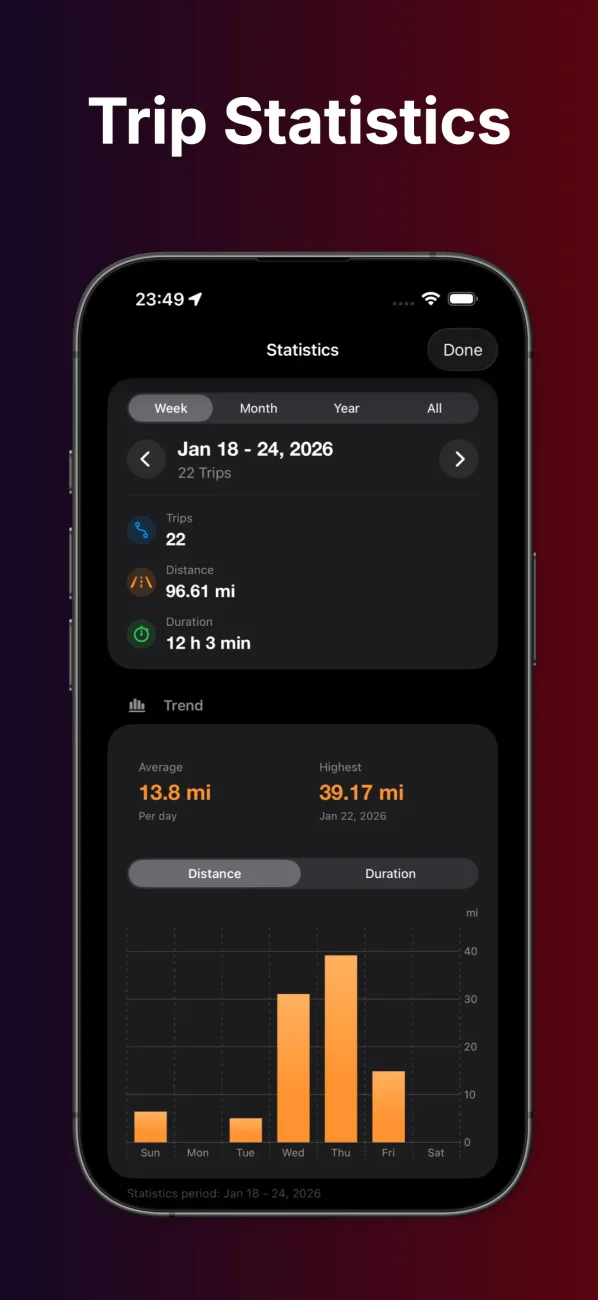
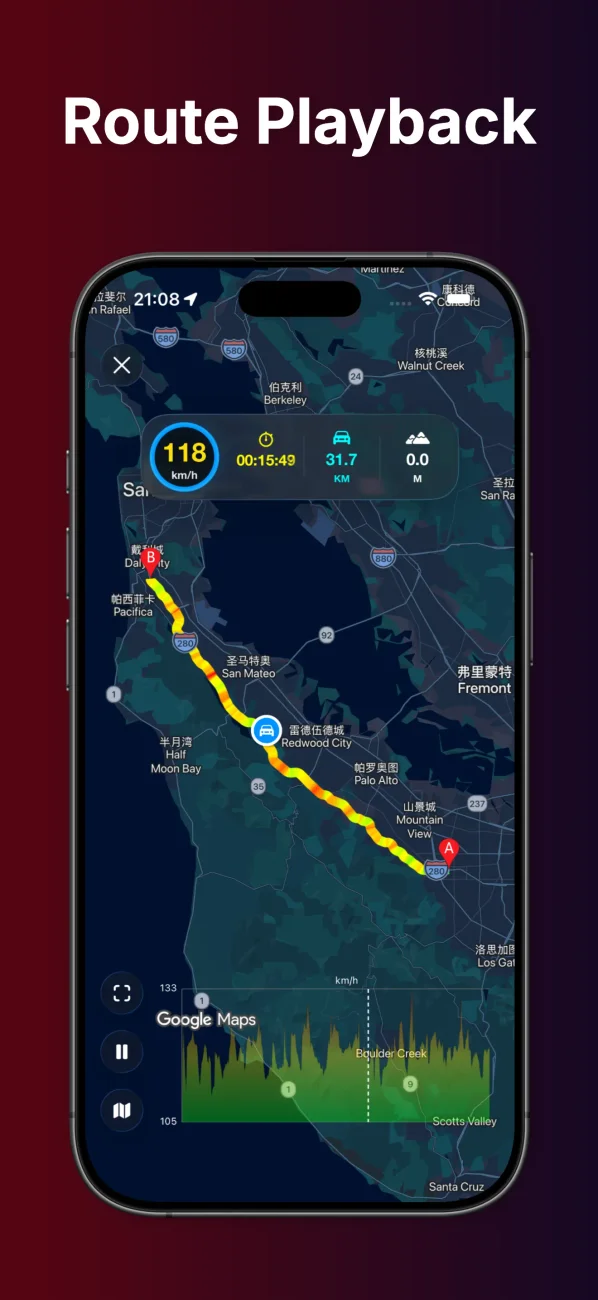
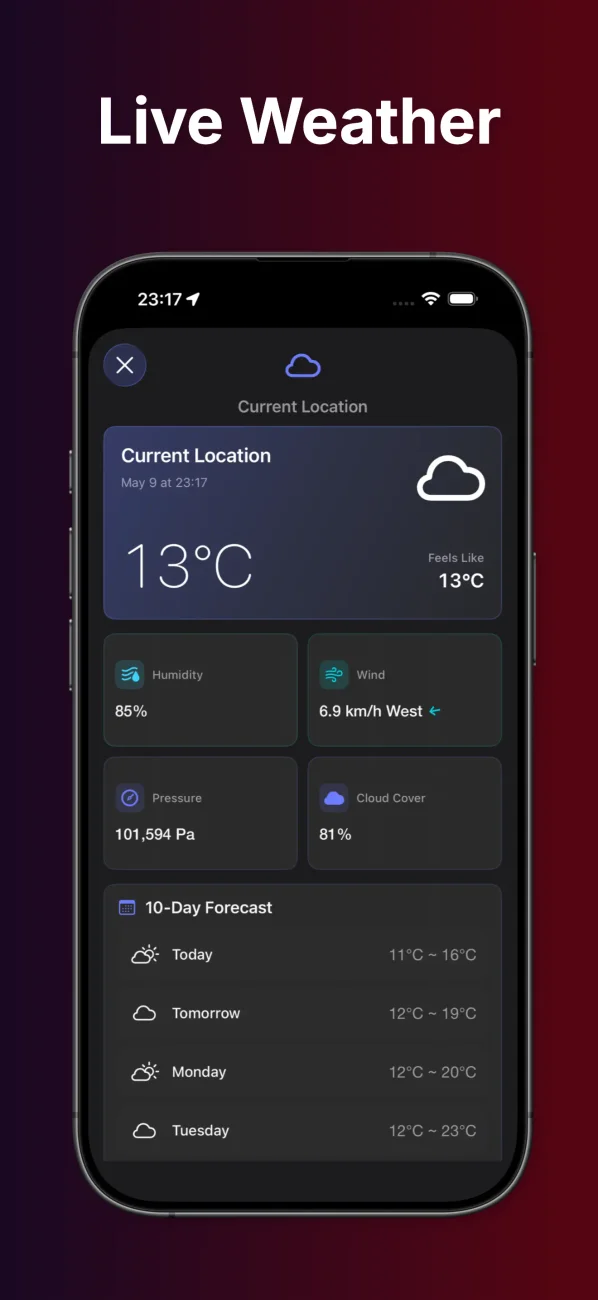
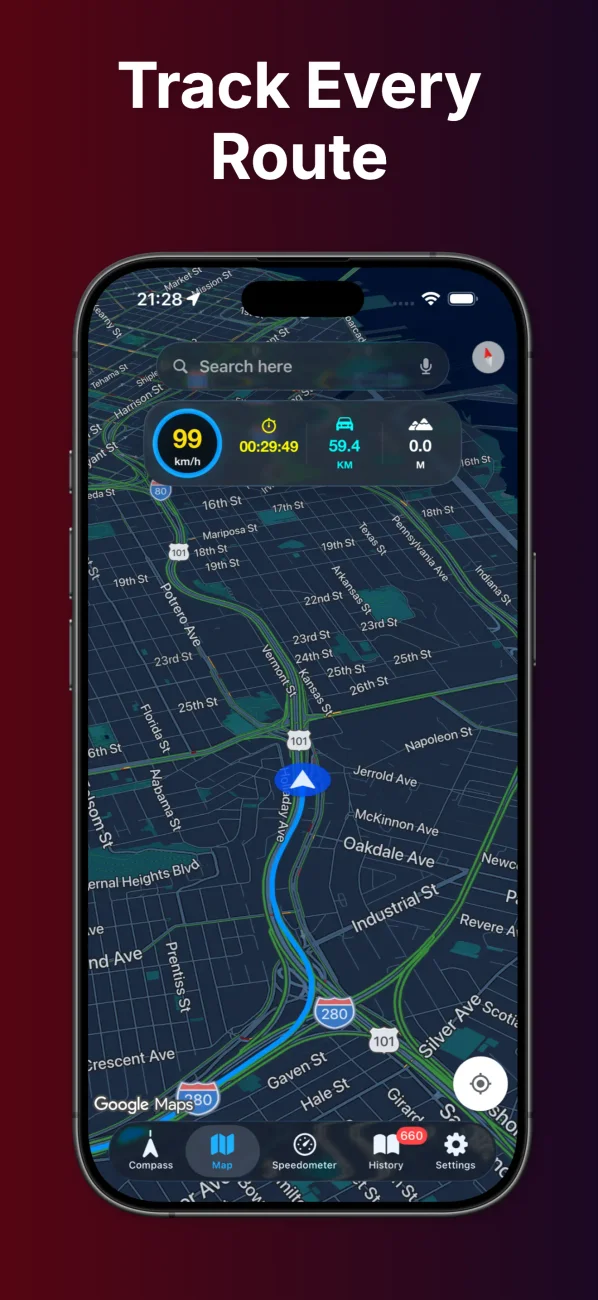
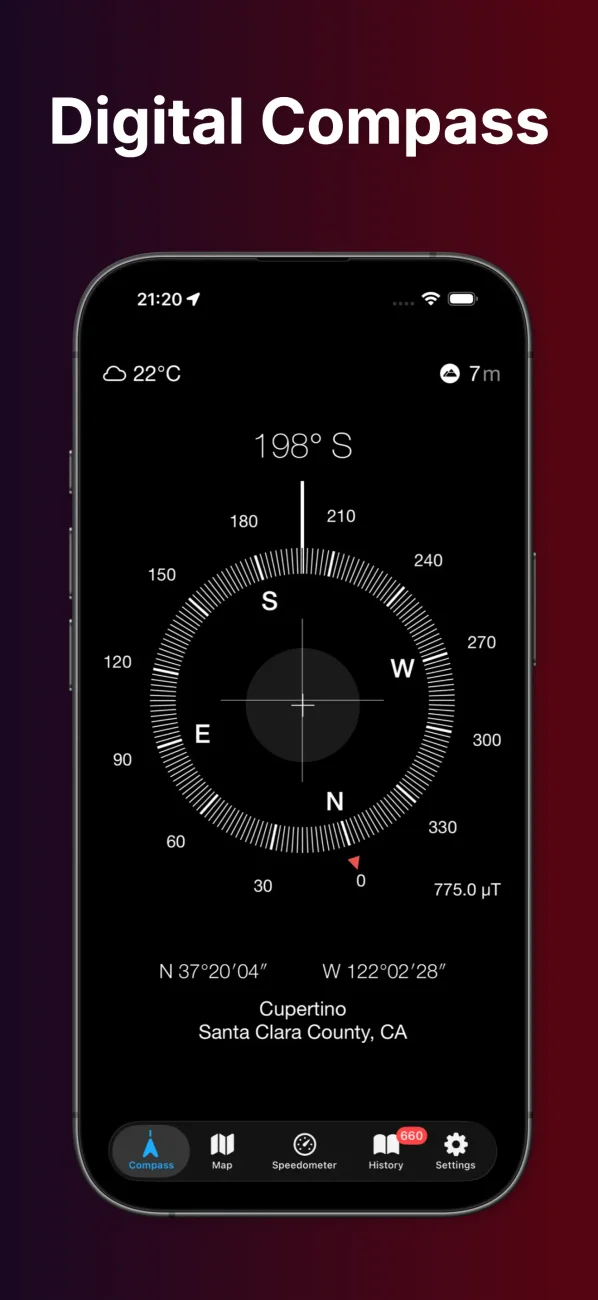
About
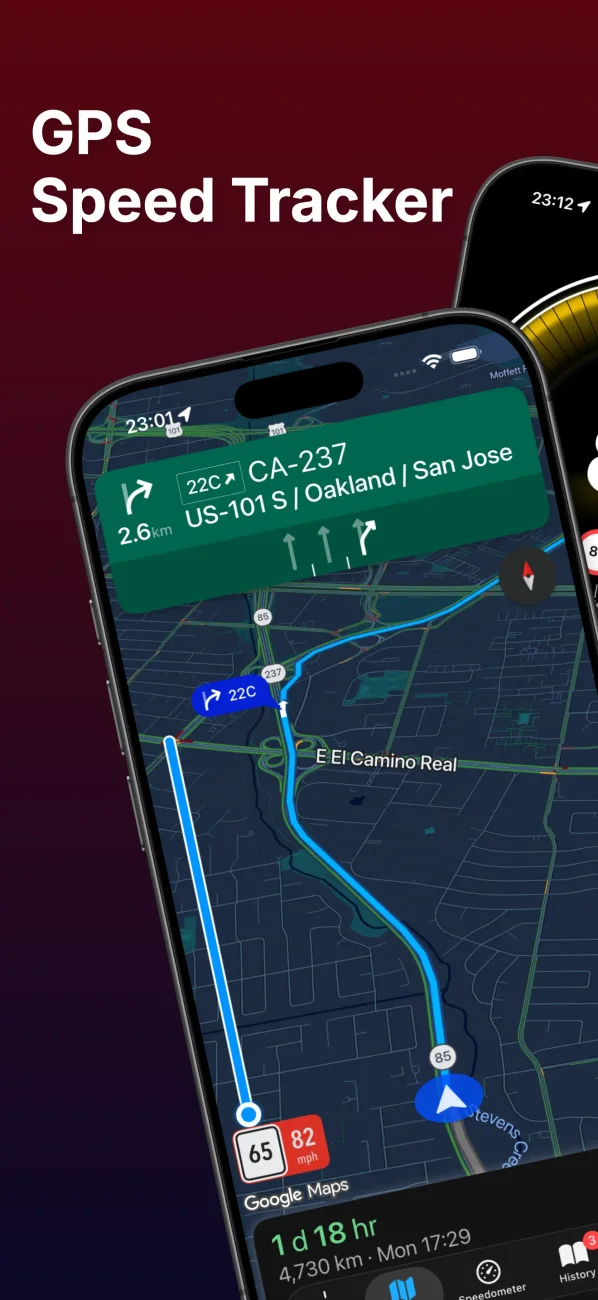
Transform your iPhone into a multifunctional speedometer and compass with the Speedometer GPS & Compass app.
Key features include:
*Speedometer module*
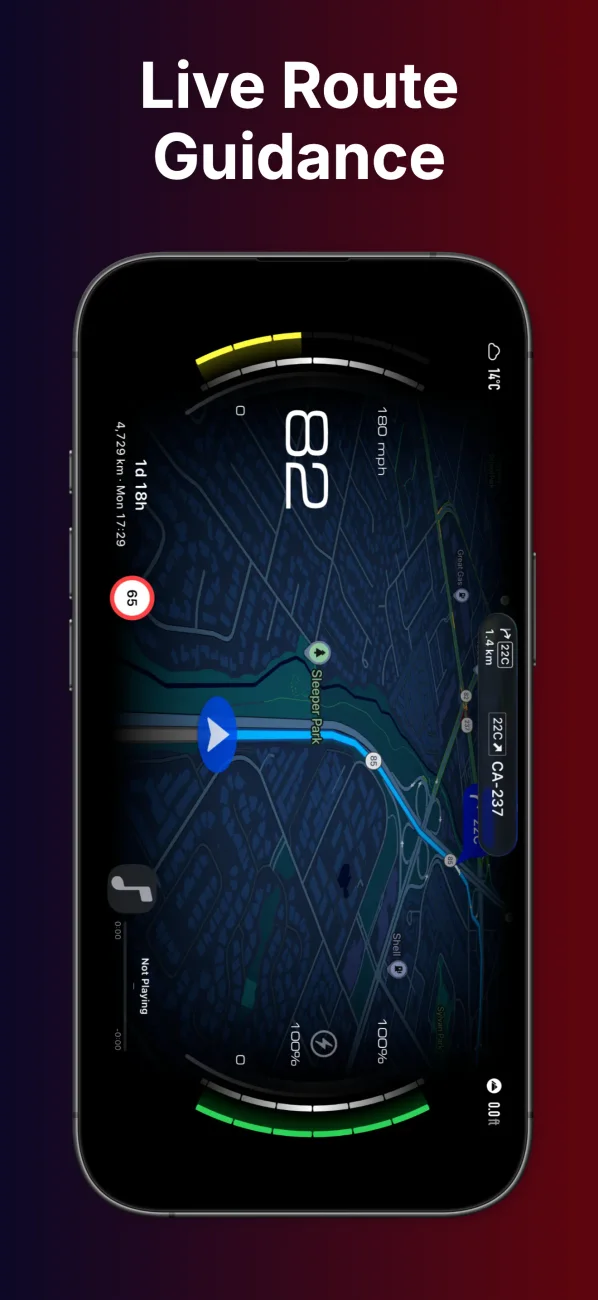
The color digital speedometer accurately displays the real-time speed and the real-time power of your mobile phone. With this module, you can also keep track of your maximum speed and average speed during your trip.
*Compass module*
This module helps guide your direction and provides altitude, track latitude, and longitude information, making it easy to analyze your current location.
*Live map module*
This module calls up the latest system map and accurately locates the user's current location, drawing the current track line.
*History module*
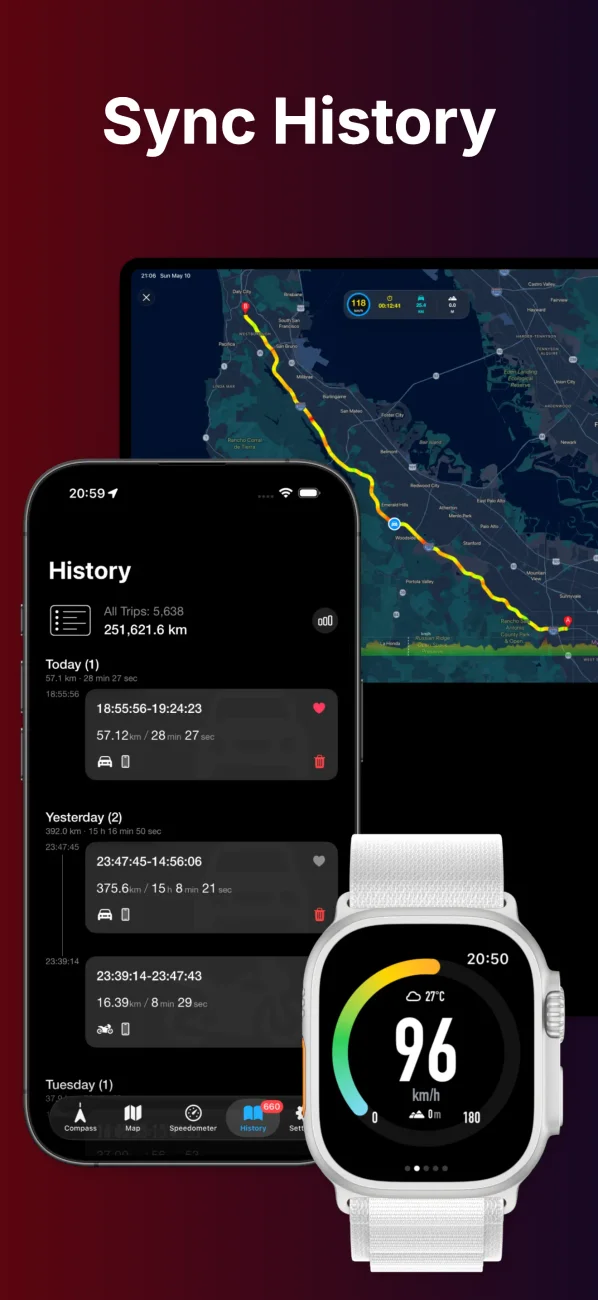
Detailed trip tracks are recorded in this module, with each entry viewable and editable. The track line can also be redrawn on the map. The data collected here also supports iCloud cloud synchronization.
*Setting module*
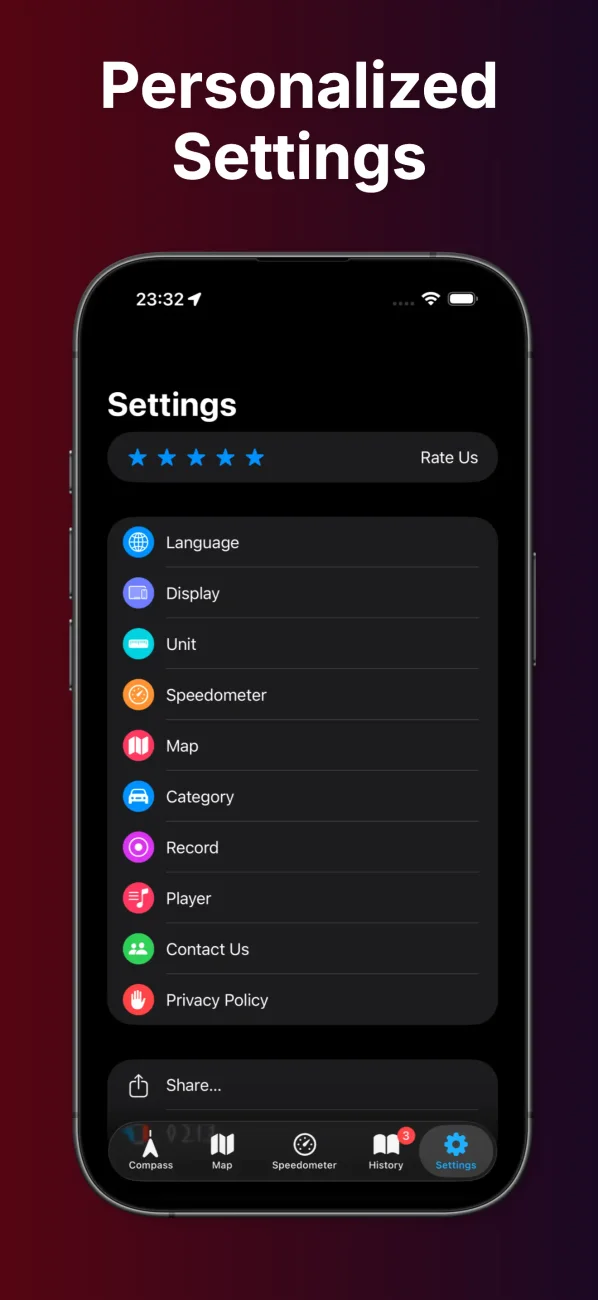
In the settings section, you can personalize the app language, color theme, speedometer display, track point recording rules, and more.
Explore even more unique and useful functions with the Speedometer GPS And Compass app!
For some devices without GPS module, you can ignore the speed in the settings to record the trajectory.
In situations where devices lack a GPS module or where GPS functionality is unreliable, users may have the option to ignore speed settings when recording trajectories. This means that the device will record the path taken without factoring in speed data. This can be useful in scenarios where the primary concern is tracking the route or path followed rather than the speed at which the user or device is traveling.
Privacy Policy: https://gpsspeed.org/privacy
Terms of Use (EULA): https://gpsspeed.org/terms
What’s new
Version 2.2.1 · Oct 15, 2026
Fixed known bugs.
App privacy
What 华明 罗 declares on the App Store about how this app handles data.
-
Data used to track you
May be used to track you across apps and websites owned by other companies.
- Identifiers
-
Data not linked to you
May be collected but is not linked to your identity.
- Location
- Identifiers
- Usage data
- Diagnostics
Privacy practices may vary, for example with the features you use or your age.
Information
- Seller
- 华明 罗
- Category
- Navigation
- Version
- 2.2.1
- Updated
- Oct 15, 2026
- Released
- Mar 9, 2023
- Size
- 78.1 MB
- Requires
- iOS 17.0 or later
- Age rating
- 4+
- Price
- Free
- In-app purchases
- Yes
- Languages
- English, Arabic, Bengali, Czech, Dutch, Finnish, French, German, Greek, Hebrew, Hindi, Indonesian + 18 more
- Copyright
- © Huaming Luo
You might also like
-
 GPS Speedometer HUD & OdometerTrack Speed, Distance & HUD
-
 Speedometer: Speed Tracker ProDigital Mph Meter & Odometer
-
 Speedmeter +Speed cams,speed limit display
-
 Digital Cockpit - CARIDCar Infotainment Dashboard
-
 Speedometer ⊲Limit Alert,Speed Cam,Compass
-
 compass-latitude and longitudeProfessional compass
-
 Speedometer ×speed, average, distance, max
-
 摩途-摩托车导航摩旅路书轨迹地图Navigation
-
 GeoLogger - GPS SpeedometerTrack Speed, Distance & Time
-
 Speedometer GPS Speed TrackerMPH, KM/H Odometer HUD & Trips