- Age rating4+
- CategoryEntertainment
- DeveloperHorizon Hobby
- LanguagesEnglish
- Size14.8 MB
Links to the official App Store page
Download.org hosts no file of Spektrum Dashboard. The button opens its official App Store page, published by Horizon Hobby. Listing last checked on Nov 15, 2026.
Screenshots
About
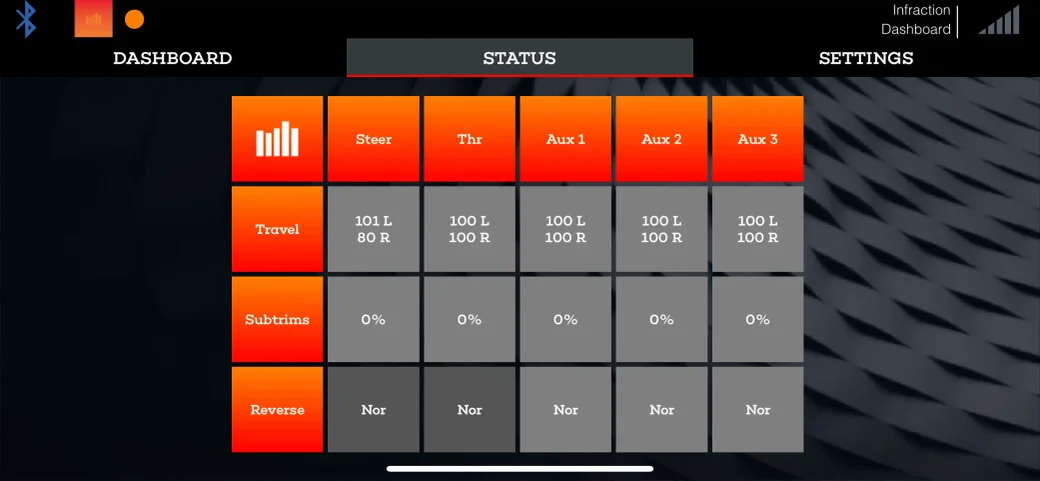
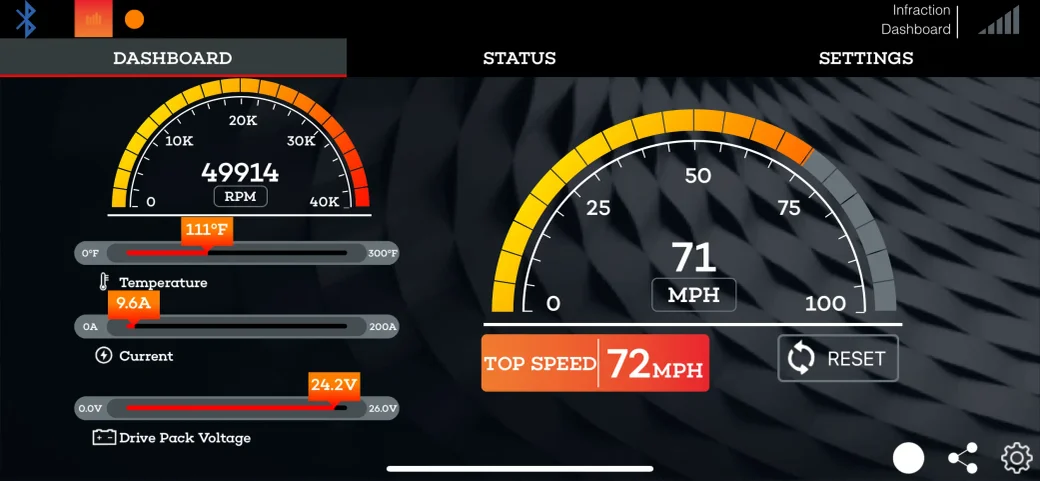
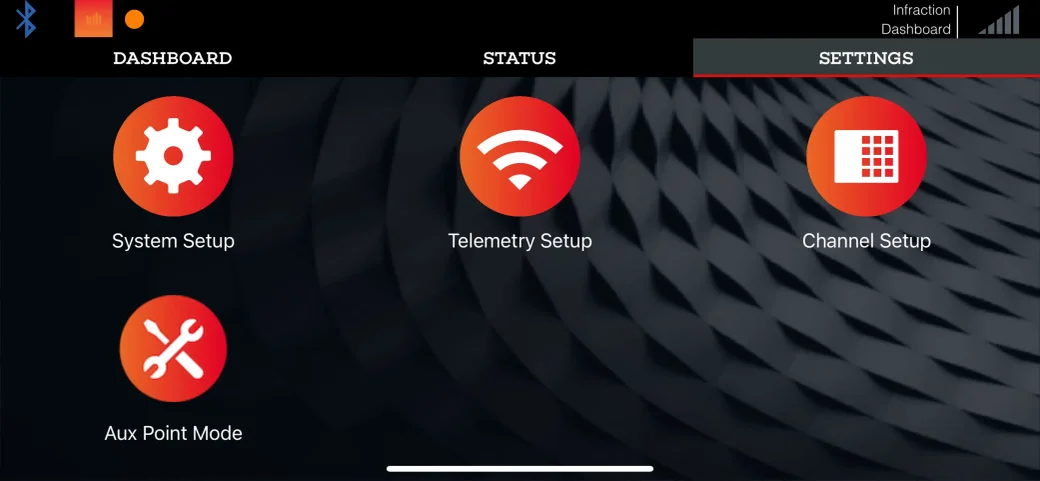
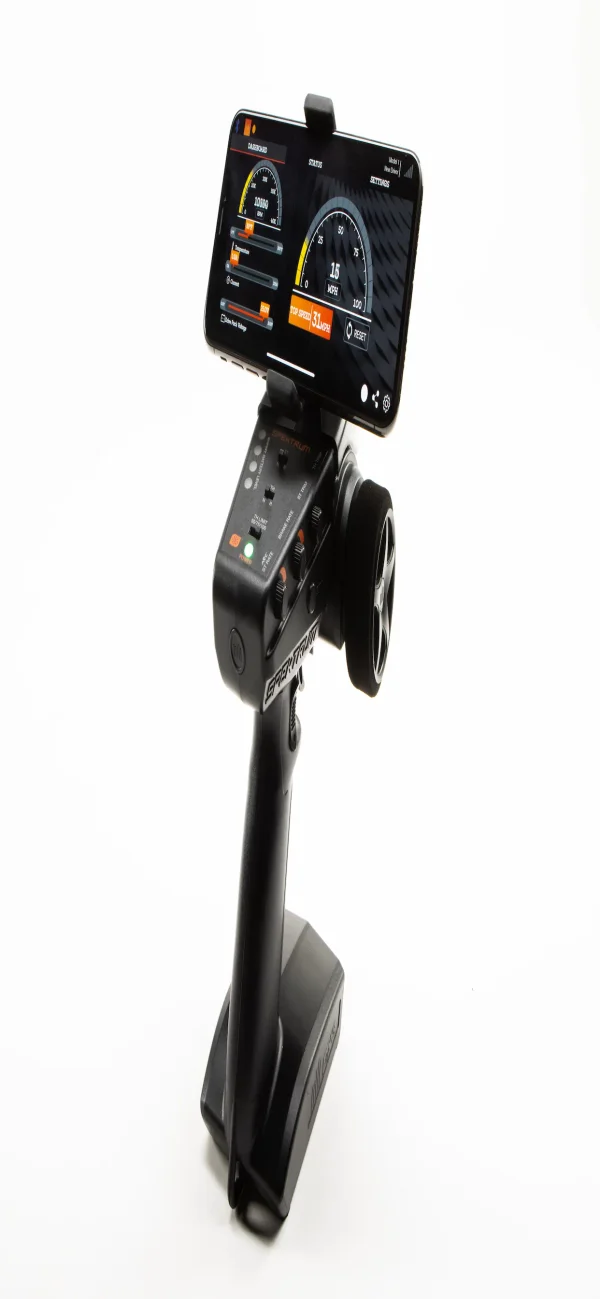
The Spektrum Dashboard mobile application allows drivers to view everything from speed, motor or engine temperature, battery voltage and more. And now with Spektrum Smart Technology integration, it is easier than ever before to get valuable telemetry data, right at your fingertips, with no additional wires or sensors.
Installation tip:
Upon initial pairing with the installed Spektrum Bluetooth module, the application will update the transmitter firmware which enables the transmitter to receive telemetry data from the onboard telemetry receiver or telemetry module. Please do not close the application or power off the transmitter during the update process. The Dashboard application will not function until the transmitter is updated.
Note: To fully utilize the Spektrum Dashboard application, you must own the following items:
- A DX3 Smart Transmitter
- A Bluetooth Module (SPMBT2000 – BT2000 DX3 Bluetooth Module)
- Smart Capable Receiver with Spektrum Smart Firma ESC and Spektrum Smart Battery
- OR a Spektrum DSMR telemetry equipped receiver
- We also recommend using a phone mount for your DX3 Smart (SPM9070)
What’s new
Version 11 · Apr 17, 2025
All changes are relative to version 10.0.
• Removed the “Displayed?” property from the telemetry settings.
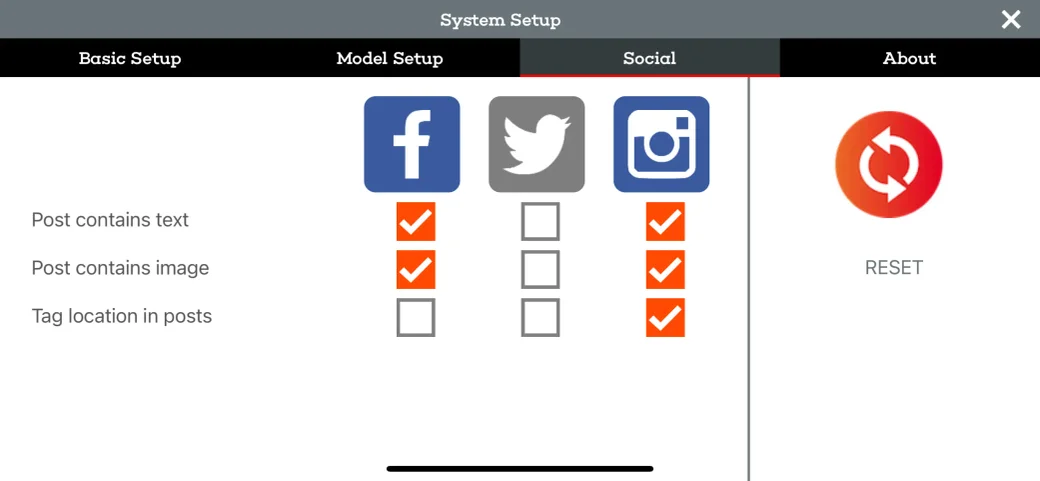
• Removed the social media integration, as it has been deprecated for some time.
• Corrected the Aux Point screen’s position slider range.
• Corrected the background color of the Aux Point screen.
• Corrected the background color of unused Bluetooth Devices screen lines.
• Made the controls in the Telemetry Setup screen easier to use.
• Corrected Imperial and Metric unit labels when the setting changed.
• Fixed long-tapping gauges on the expanded SMART panel view so the application would go to the correct screen.
• Fixed an issue where the Status screen would disappear after a BLE connection.
• Added a way to close the keyboard after entering text without closing the current screen.
• Removed the Model Setup screen.
App privacy
What Horizon Hobby declares on the App Store about how this app handles data.
-
Data not collected
The developer does not collect any data from this app.
Privacy practices may vary, for example with the features you use or your age.
Information
- Seller
- Horizon Hobby
- Category
- Entertainment
- Version
- 11
- Updated
- Apr 17, 2025
- Released
- Nov 6, 2017
- Size
- 14.8 MB
- Requires
- iOS 12.0 or later
- Age rating
- 4+
- Price
- Free
- Languages
- English
- Copyright
- © Horizon Hobby LLC
You might also like
-
 Traxxas LinkEntertainment
-
 RaceBoxEntertainment
-
 My ThrustmasterSimracing Companion
-
 HYPER 4WDEntertainment
-
 Orqa FPV.CtrlEntertainment
-
 POWERUP 4.0Fly a paper plane with a phone
-
 RealDashEntertainment
-
 Woojer Device ManagerEntertainment
-
 Cozmo RobotEntertainment
-
 Matt's Off-Road RecoveryOff-Road Recoveries & Rescues