
- Age rating4+
- CategoryFinance
- DeveloperKaveesha Dinamidu
- LanguagesEnglish
- Size108.7 MB
Links to the official App Store page
Download.org hosts no file of Spencio - Expense Manager. The button opens its official App Store page, published by Kaveesha Dinamidu. Listing last checked on Nov 12, 2026.
Screenshots
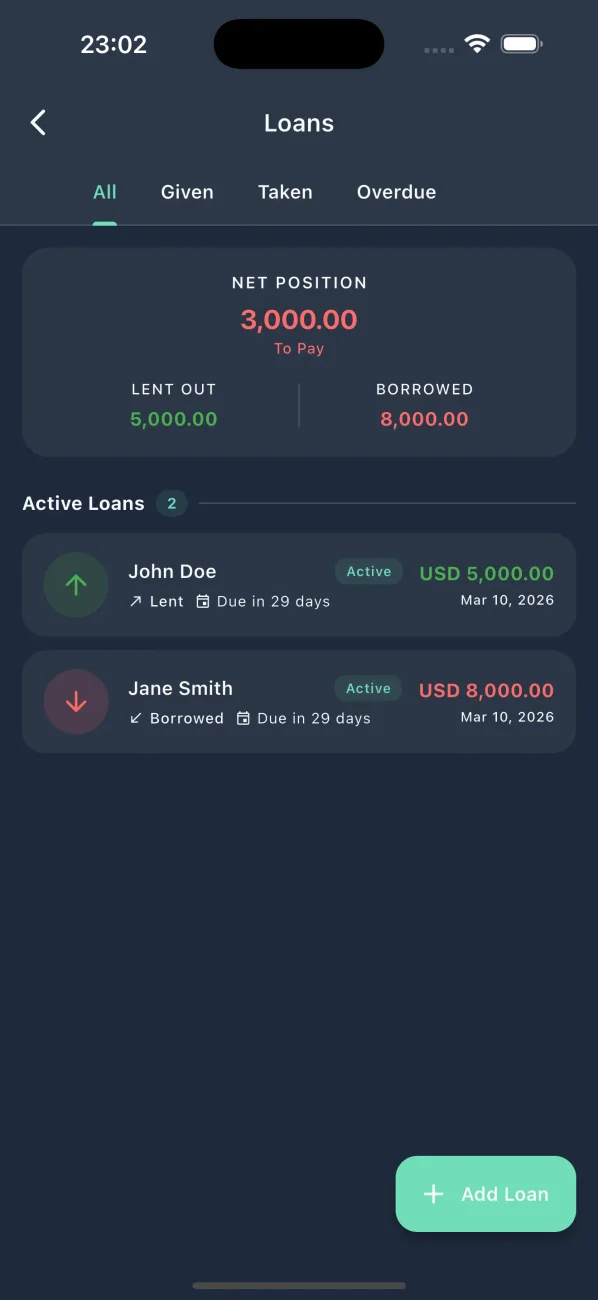
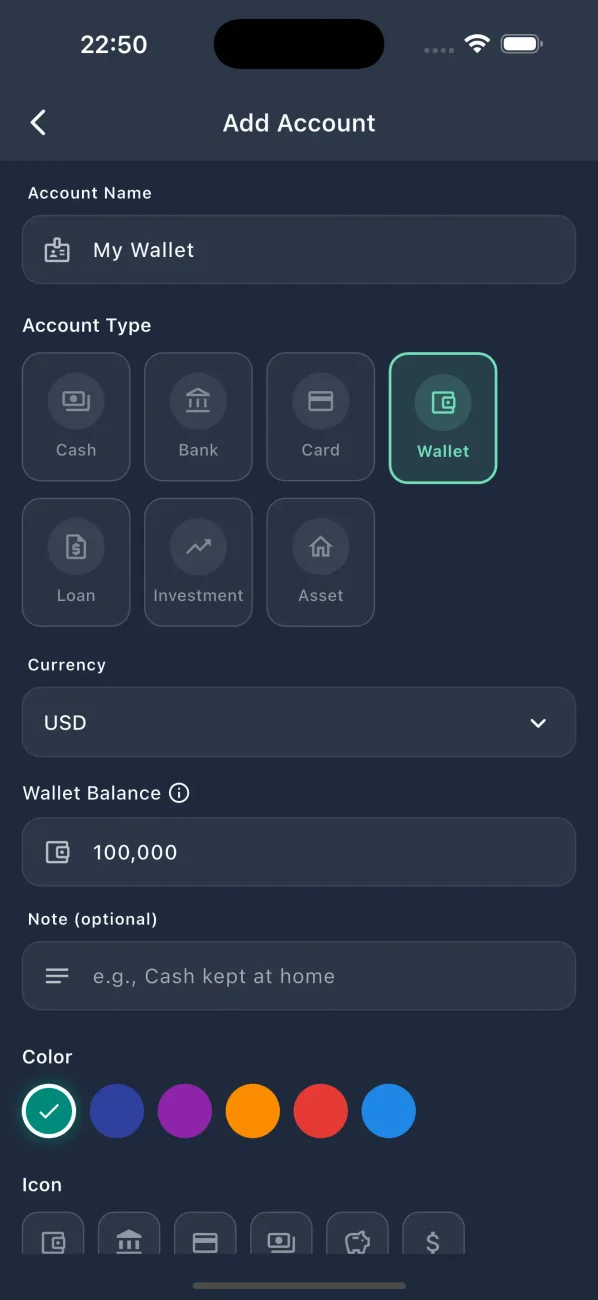
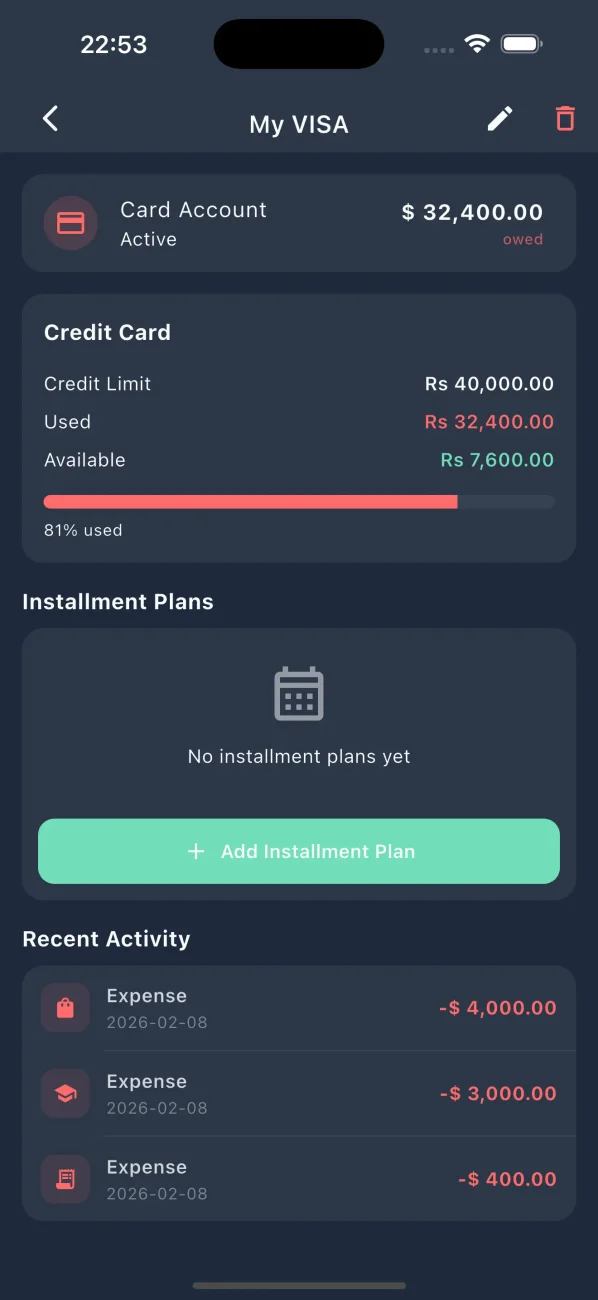
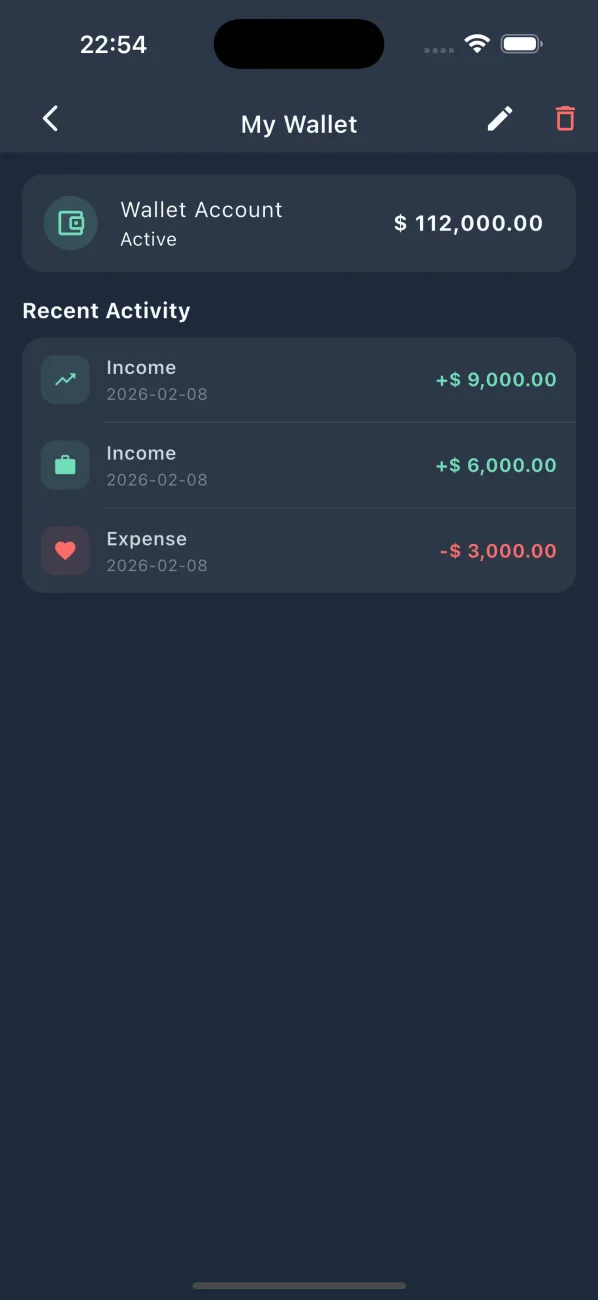
About
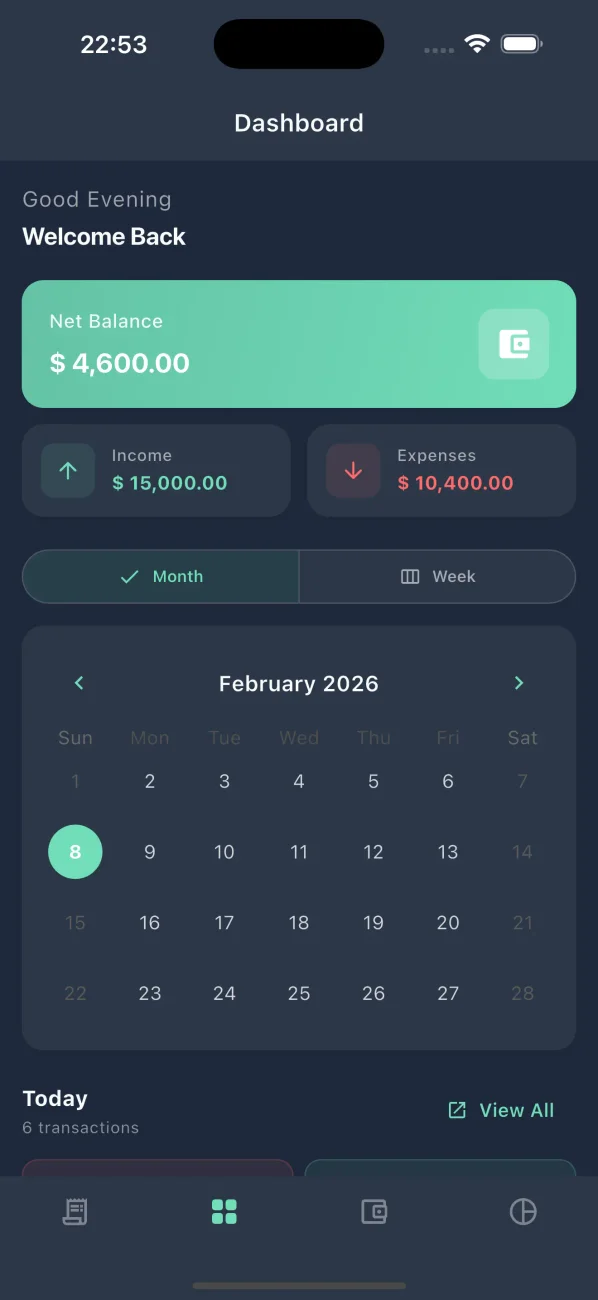
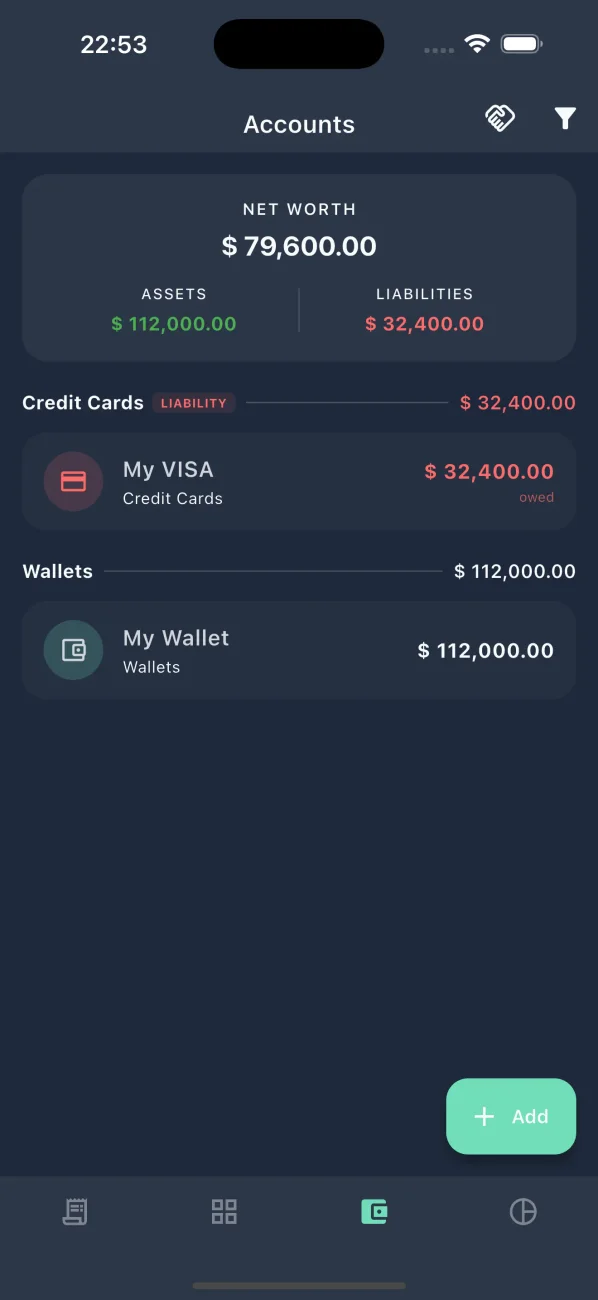
Expense Manager helps you track spending, plan budgets, and understand your money with clean, fast workflows.
SMART EXPENSE TRACKING
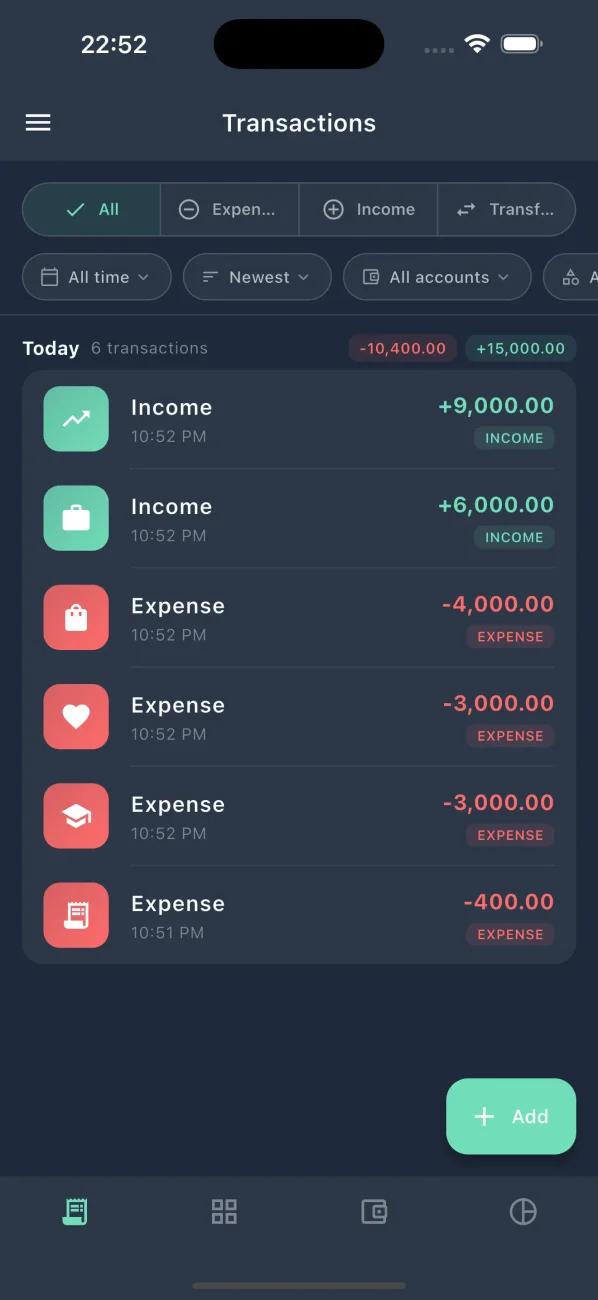
Add expenses in seconds
Organize with categories and tags
Keep accounts separated (cash, bank, wallet)
BUDGETS THAT WORK
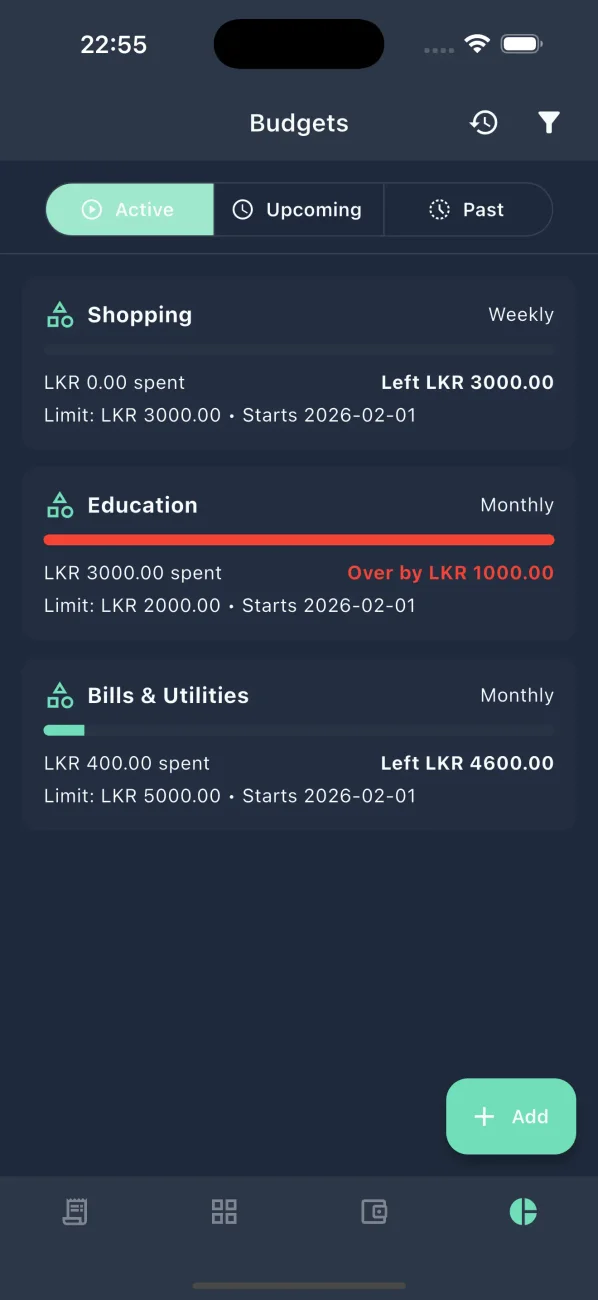
Monthly, weekly, or custom budget periods
Budget by category, group, or whole wallet
See spent, remaining, and percent used in real time
FLEXIBLE RULES
Carry forward unused amounts or track overspend
Lock periods to preserve historical accuracy
Alerts at key thresholds to avoid surprises
MULTI-CURRENCY SUPPORT
Track expenses in multiple currencies with consistent totals and snapshots for reporting.
PRIVACY-FIRST
We never sell your data. Designed for offline use a**l ad-supported free tier and an ad-free Premiumsubscription are both available.
LEGAL
Privacy Policy: https://blocmind.com/spencio/privacy
Terms of Use: https://blocmind.com/spencio/terms
Perfect for:
Daily expense tracking
Budget planning
Personal finance habits
What’s new
Version 2.38.0 · Nov 6, 2026
New
- Statements by email: get your own Spencio address, have Gmail forward your bank's statement emails to it, and each statement opens in Spencio ready to check against your accounts. Works with more than one Gmail account, and only your phone can read them
- Undo an instalment marked paid by mistake, from the payment or in Edit plan. The count, next payment and card balance go back together
- Importing from Money Manager keeps your subcategories, from a backup (Android or iOS) or a CSV with a Subcategory column or "Food/Lunch" names. Undo removes them too
- When you send us a statement format we can't read yet, you can say which bank it's from, so we can add support for it faster
Improved
- Credit card instalments are due with the card bill, not on statement day. Paying the bill in full marks them paid, and card reminders ask only for what's unpaid on the statement
- In Edit plan, changing Payments made moves the next payment, and you see the new date before saving
- Recording an instalment before it's on your statement warns you first, and can remind you on statement day
- Every date is picked in a calendar sheet instead of a pop-up, and tapping the month jumps to any year
Fixed
- A card bill you've already paid no longer shows as overdue. What you've spent since the statement is due on the next one
App privacy
What Kaveesha Dinamidu declares on the App Store about how this app handles data.
-
Data used to track you
May be used to track you across apps and websites owned by other companies.
- Identifiers
-
Data linked to you
May be collected and linked to your identity.
- Identifiers
Privacy practices may vary, for example with the features you use or your age.
Information
- Seller
- Kaveesha Dinamidu
- Category
- Finance
- Version
- 2.38.0
- Updated
- Nov 6, 2026
- Released
- Feb 17, 2026
- Size
- 108.7 MB
- Requires
- iOS 15.0 or later
- Age rating
- 4+
- In-app purchases
- Yes
- Languages
- English
- Copyright
- © 2026 Avenzis Studios
You might also like
-
 Waller - Money ManagerExpense, Loans & Subscriptions
-
 TxnApp Income Expense ManagerBest Income & Expense Manager
-
 ManagemateFinance
-
 AMC Markets ProFinance
-
 Income Expense Budget TrackerTrack Expenses & Manage Budget
-
 Ceylon Asset ManagementFinance
-
 Moneva - Money Tracker ManagerBudget, Expense & Bill Tracker
-
 Spensio: Track Bills & LoansTrack Spend, Subs & Loans