
SPEND - Split & Track Expenses
Group spending & travel costs
Designed for iPhone, iPod touch
Free
- Age rating4+
- CategoryFinance
- DeveloperJaegeun Jeong
- LanguagesEnglish+ 13 more
- Size41.2 MB
Links to the official App Store page
Download.org hosts no file of SPEND - Split & Track Expenses. The button opens its official App Store page, published by Jaegeun Jeong. Listing last checked on Nov 13, 2026.
Screenshots
About
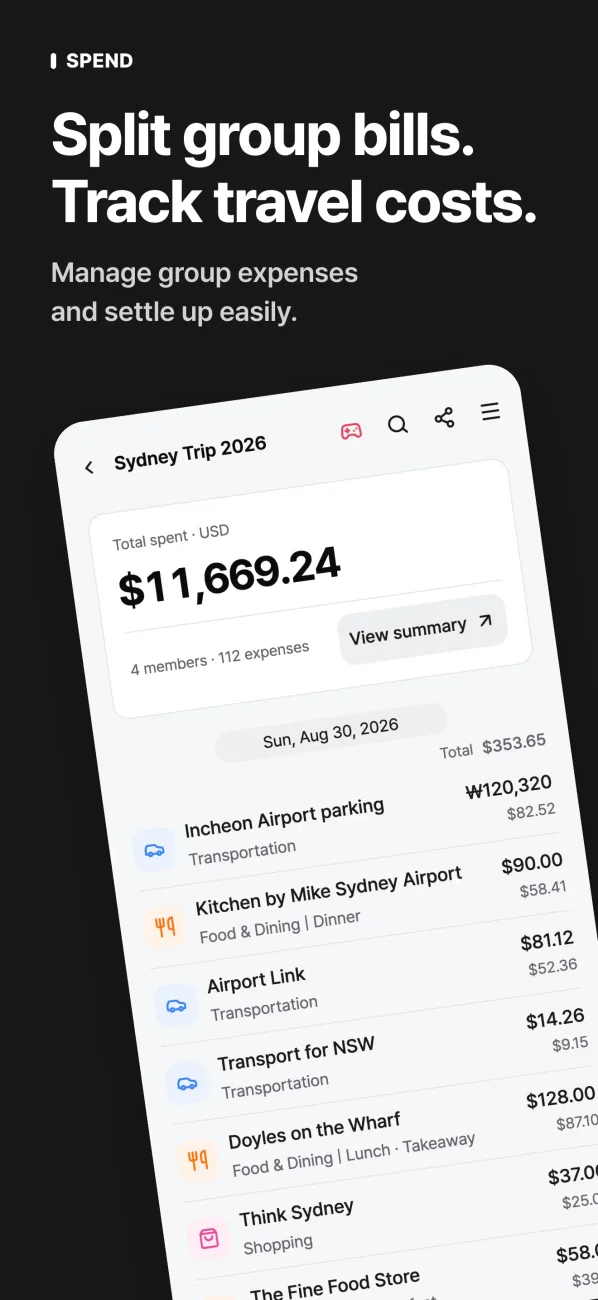
Split bills, settle group expenses and track travel costs in one place.
Split dinner with friends in a few taps, or keep track of a trip day by day. SPEND helps you go from a quick calculation to recording expenses and settling up.
■ QUICK SPLITS, WITHOUT THE SETUP
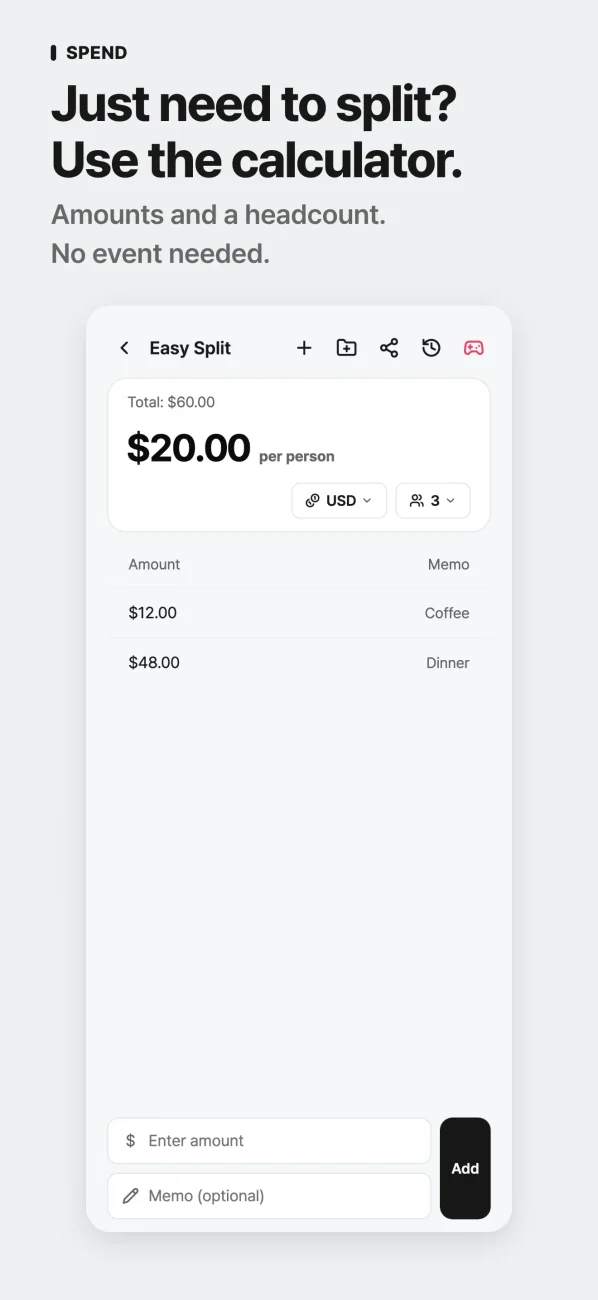
Enter amounts and a headcount without creating an event. Add several amounts, revisit recent calculations and make changes. Turn a calculation into a new event when you want to keep recording.
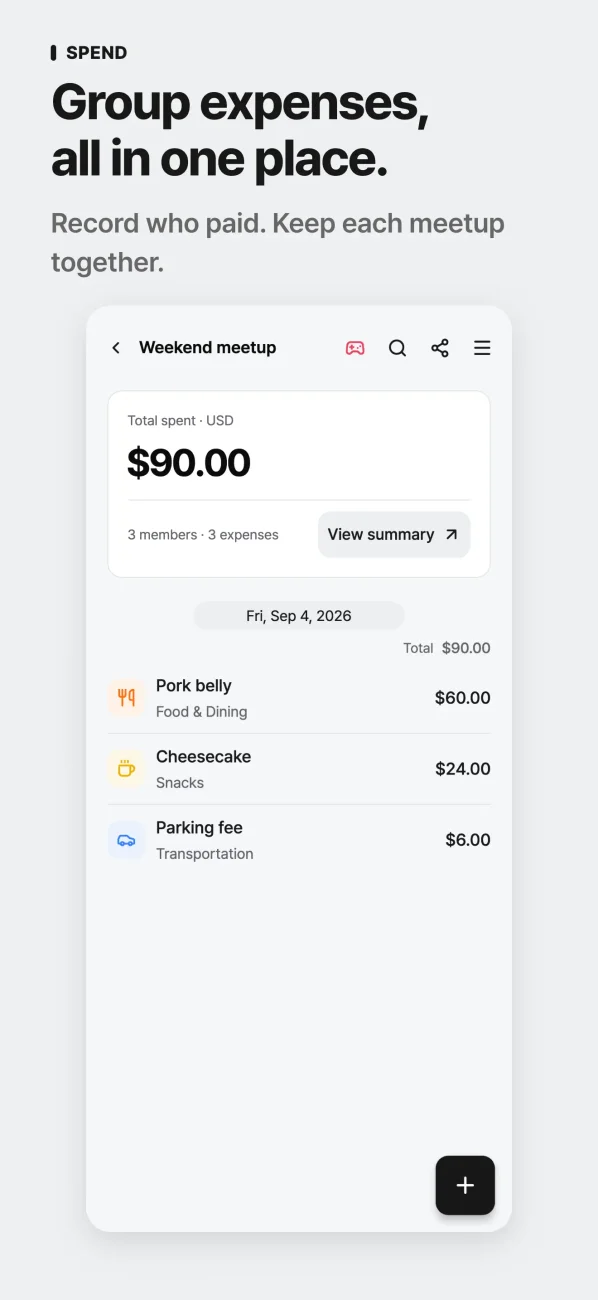
■ A PLACE FOR EVERY TRIP AND GATHERING
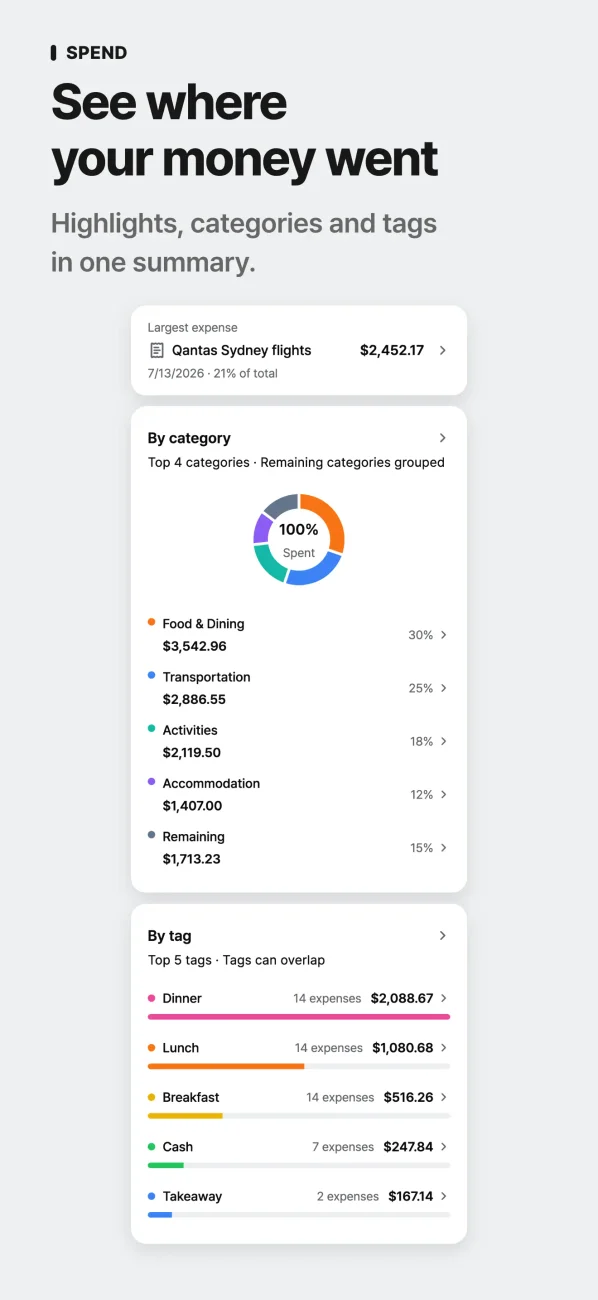
A weekend away, a meetup with friends or a shared meal. Keep expenses in separate events, with dates, places and notes. Find the records you need by category or tag.
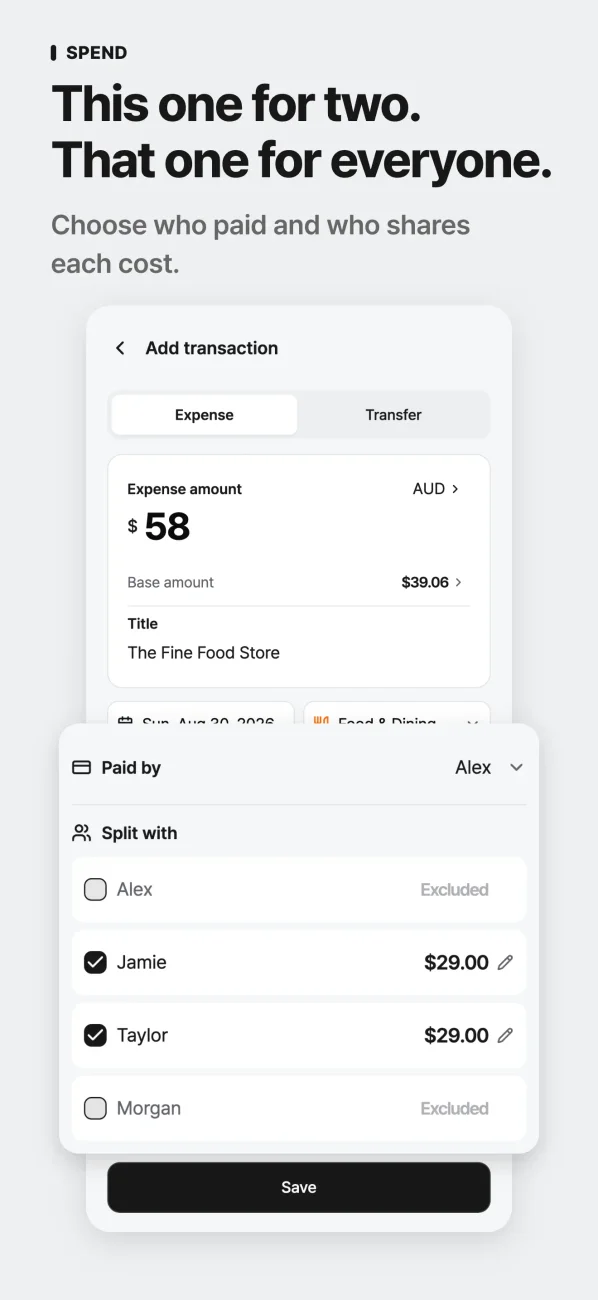
■ SOME COSTS FOR TWO. OTHERS FOR EVERYONE.
Choose who paid and who shares each expense. Split equally, set member share ratios or enter individual amounts. Record expenses paid by more than one person.
■ LOCAL SPENDING, FAMILIAR CURRENCY
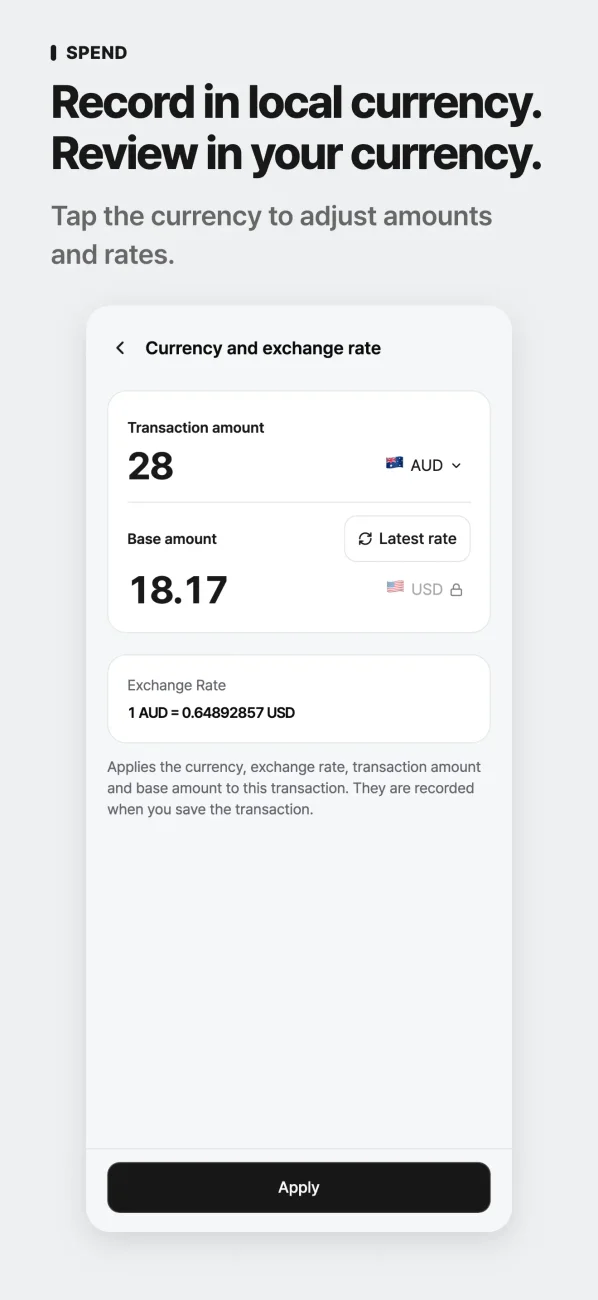
Record in local currency. See costs in your everyday currency. Enter an exchange rate yourself or look up a recent rate.
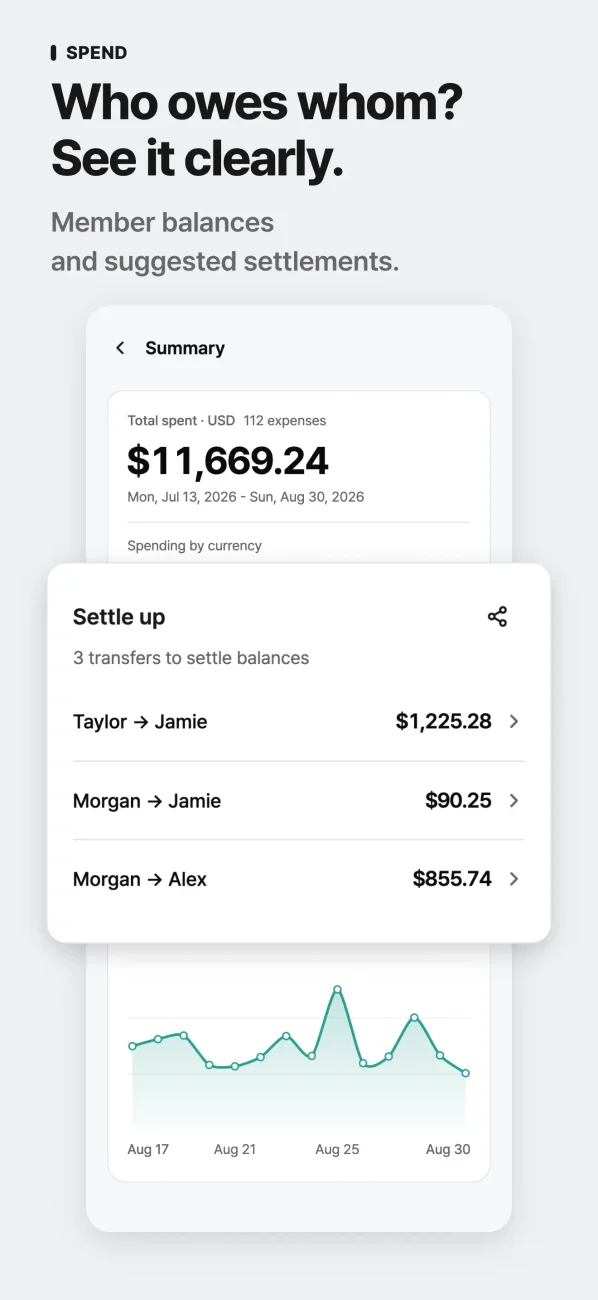
■ SEE WHO OWES WHOM
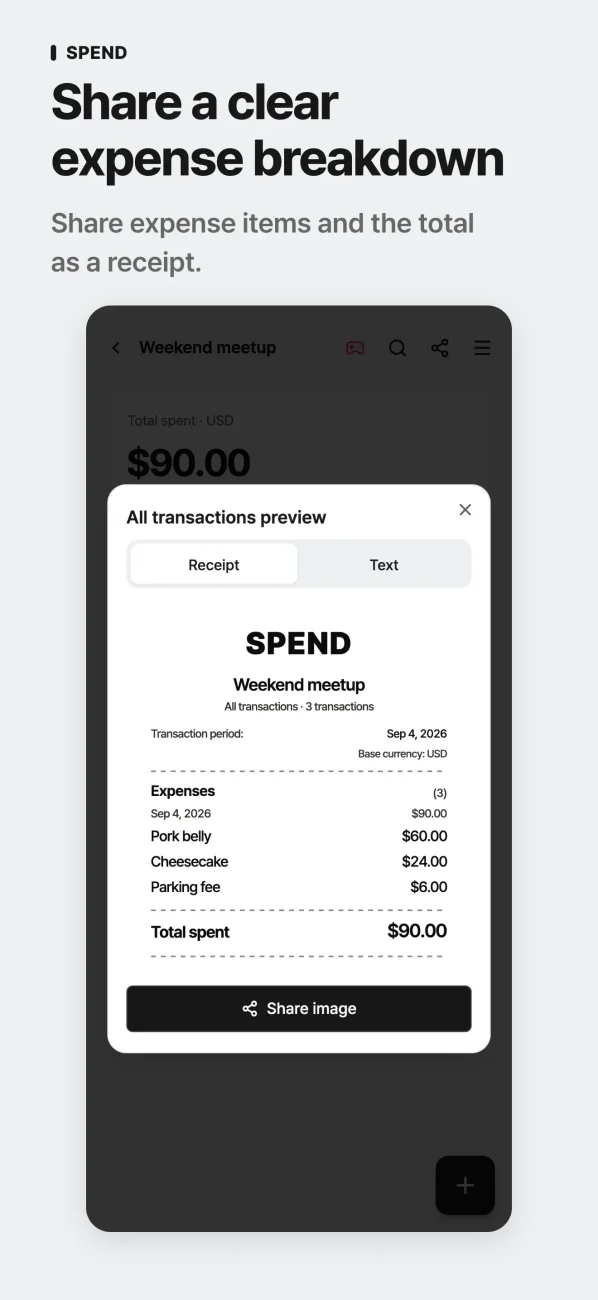
Review member balances and suggested settlements at a glance. Share the results with your group.
■ LOOK BACK AT WHAT YOU SPENT
Explore spending over time and by category or tag. Export your records as CSV to view in Excel, or back up and restore your full records.
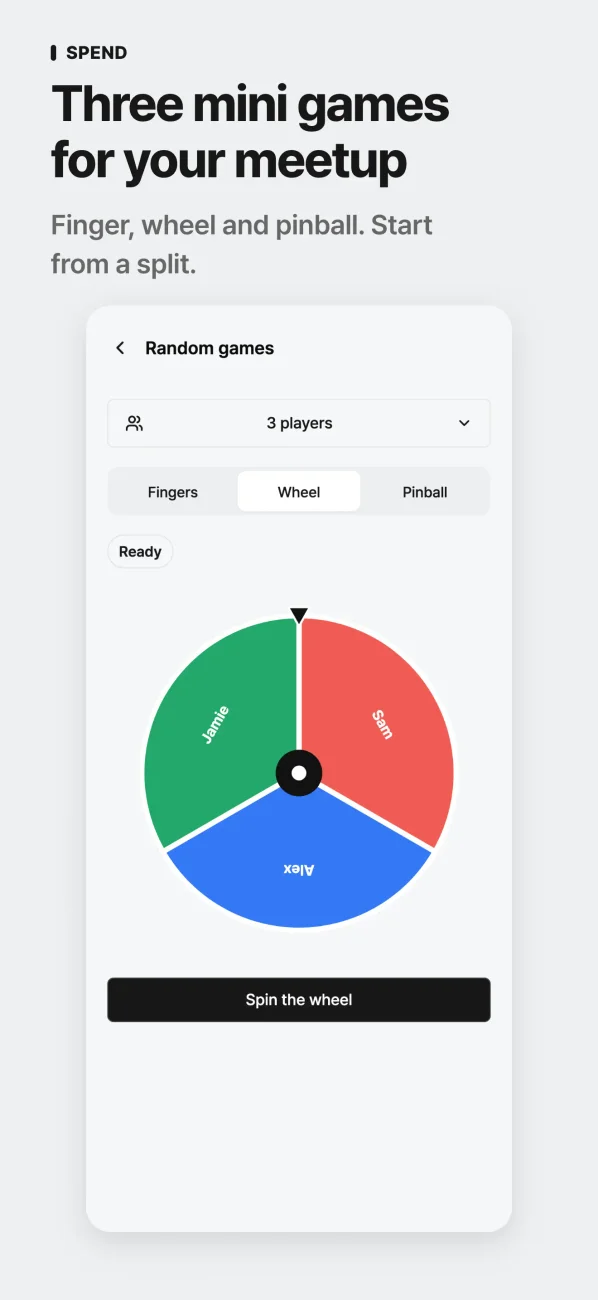
■ MINI GAMES FOR YOUR MEETUP
Open finger, wheel and pinball games from Quick Split or the transaction list.
■ PLANNED FEATURES
• Real-time sharing and sync to keep records together
• Detailed statistics to explore spending patterns
• Photos and maps to capture moments and places from your travels
Support: cs@spendlab.net
What’s new
Version 2026.1107.0043 · Nov 6, 2026
SPEND has a fresh new look and more ways to manage shared expenses.
• Split a meal quickly or record a whole trip
• See who paid, who shares and who owes whom
• View spending abroad in a familiar currency
• Look back by date, category and tag, and see what changed
• Export CSV files or back up and restore your records
• Add a little fun with finger, wheel and pinball games
What's new in this version:
• Improved search fields and selection screens.
• Refined tag alignment and the change history display.
• Improved the pinball screen layout.
App privacy
What Jaegeun Jeong declares on the App Store about how this app handles data.
-
Data not collected
The developer does not collect any data from this app.
Privacy practices may vary, for example with the features you use or your age.
Information
- Seller
- Jaegeun Jeong
- Category
- Finance
- Version
- 2026.1107.0043
- Updated
- Nov 6, 2026
- Released
- May 29, 2017
- Size
- 41.2 MB
- Requires
- iOS 15.0 or later
- Age rating
- 4+
- Price
- Free
- Languages
- English, Dutch, French, German, Indonesian, Italian, Japanese, Korean, Portuguese, Simplified Chinese, Spanish, Thai + 2 more
- Copyright
- © 2017 Jaegeun Jeong
You might also like
-
 칼정산 : 더치페이 N분의 1 모임 회비 관리Finance
-
 더치페이 - 총무, 정산, 엔빵Finance
-
 딱정산 - 더치페이·N빵 정산 계산기Finance
-
 PayWho: Quick Split BillWho pays who? Sorted instantly
-
 Budget tracker - AI ExpenserMoney manager, Bills & Savings
-
 BillGarden: Bill ReminderDue Dates & Payment Tracker
-
 품앗이 - AI 경조사 추천 & 관리Finance
-
 RewardlyFinance
-
 QuitsFinance
-
 Nook: Dividir Contas e GastosFinance