
Spendy - Expense Tracker Diary
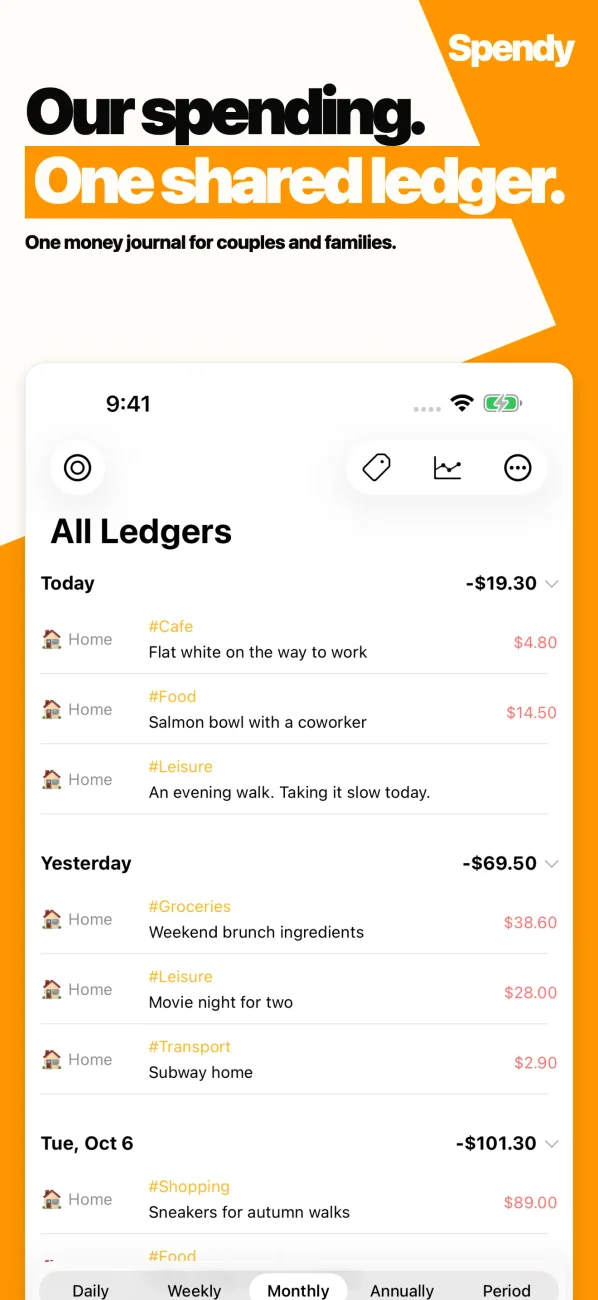
Simple shared budget planner
Designed for iPhone, iPad, Mac
Free · In-app purchases
- Age rating4+
- CategoryFinance
- Developerdasol kim
- LanguagesEnglish+ 5 more
- Size64.1 MB
Links to the official App Store page
Download.org hosts no file of Spendy - Expense Tracker Diary. The button opens its official App Store page, published by dasol kim. Listing last checked on Nov 26, 2026.
Screenshots
About
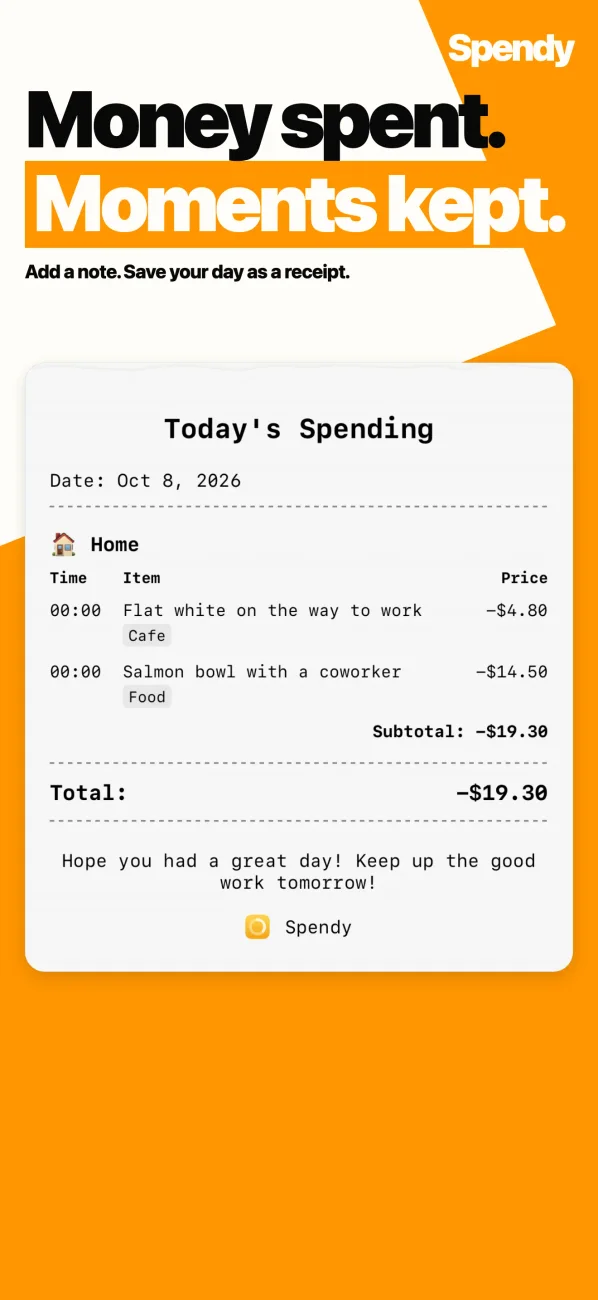
The fastest way to log — and share — your spending. Spendy, the minimal budget app.
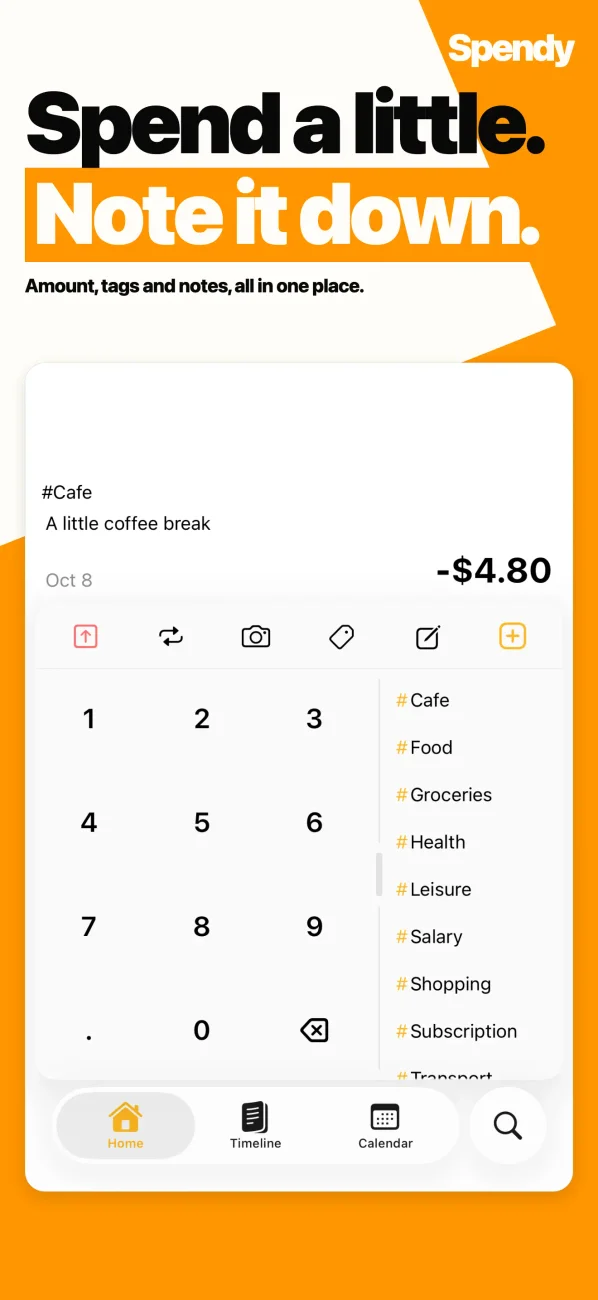
Open the app and you are already on the entry screen. Even without an amount, a tag and a one-line note become your diary for the day. If complex budget apps wore you out, Spendy makes recording a habit.
Recommended For
- Those who quit budget apps because they felt too complicated
- Couples, families, and friends who want to track expenses together
- People who want to record both their spending and their feelings
Key Features
Recording
- Quick entry first: start typing the moment you open the app.
- Budget as a diary: capture moments with just tags and notes — no amount needed.
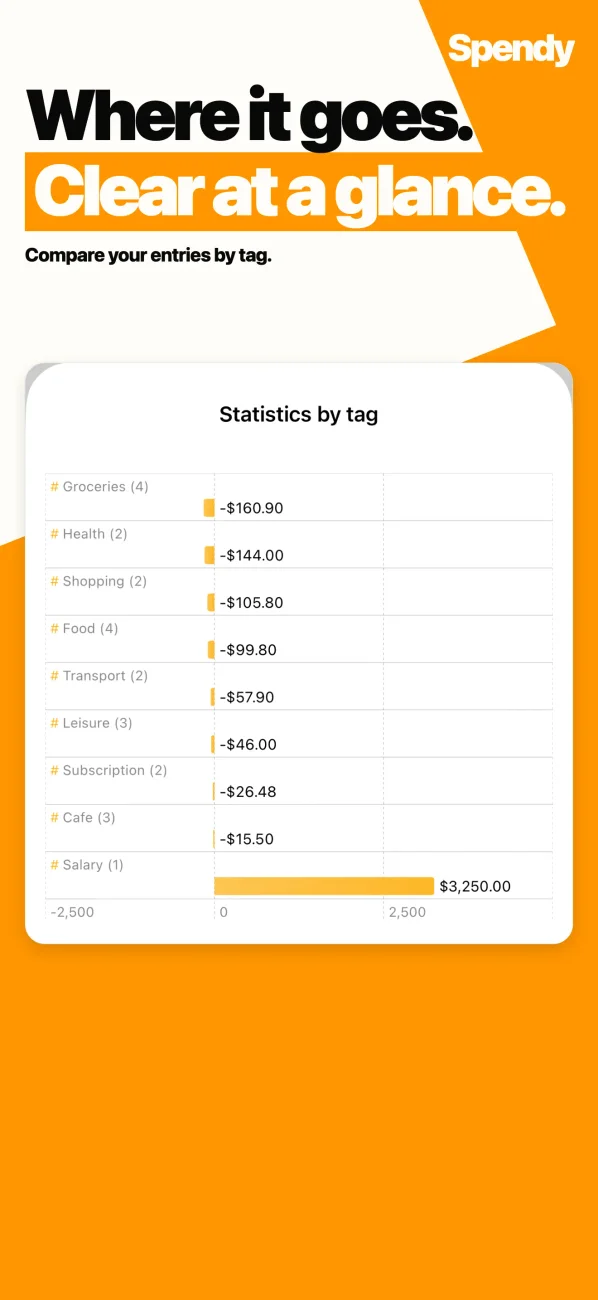
- Tag management: understand your spending patterns at a glance.
- Attach photos and scan documents to keep receipts together.
Sharing & Sync
- iCloud shared budget: record and manage expenses in real time with your partner, family, or friends.
- Automatic sync across all your Apple devices — iPhone, iPad, and Mac.
Views & Insights
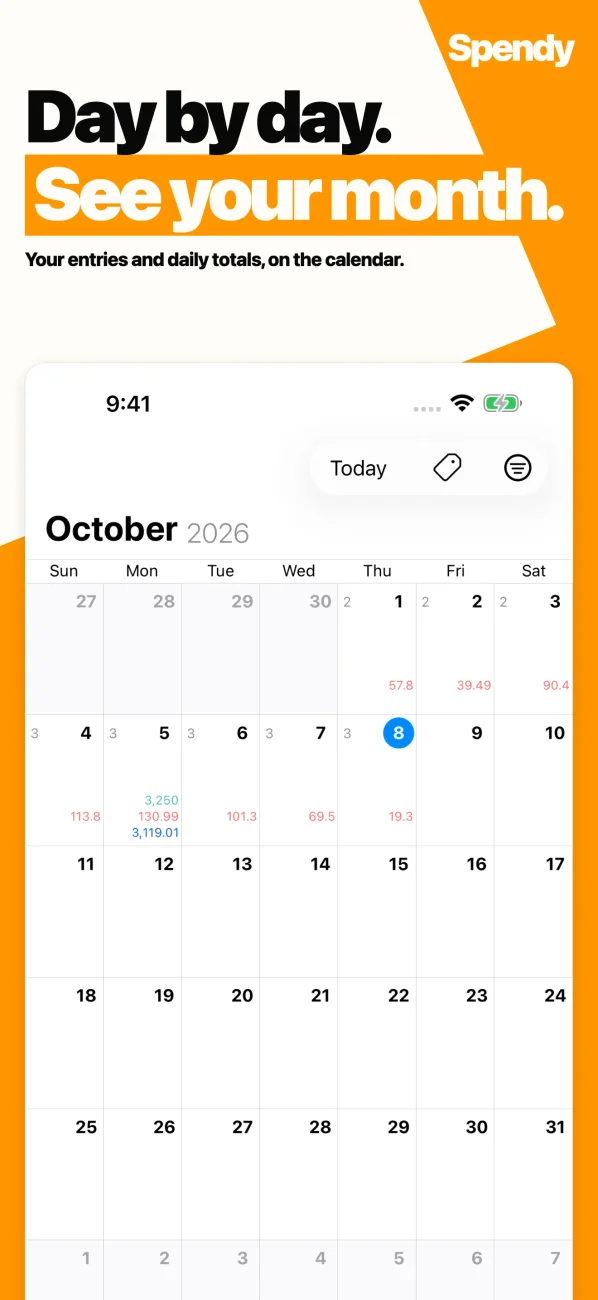
- Timeline and calendar views: browse your history the way you like.
- Smart lists: automatically group expenses by the conditions you set.
- Calendar & Reminders integration: see your schedule and spending in one timeline.
Automation
- Automatically register Apple Pay and SMS transactions.
- Build your own entry flows with Shortcuts support.
Widgets
- Home Screen and Lock Screen widgets show today's spending at a glance.
- Widget quick actions: memo, search, take a photo, scan a document.
Privacy
- Your ledger is stored in your own iCloud, not on our servers.
Some features are part of Spendy Premium, a one-time purchase you keep forever.
Start your habit of recording both money and moments with Spendy today.
Terms of Use: https://onessa.app/spendy/terms/
Privacy Policy: https://onessa.app/spendy/privacy/
What’s new
Version 3.16.0 · Nov 25, 2026
• Give each ledger its own icon and color. Pick a suggested icon or browse by category.
• Timeline dates follow your region settings, with shorter weekly and custom date ranges.
• You can now choose All time as the default timeline range.
• Fixed an issue where batch editing could remove existing tags.
App privacy
What dasol kim declares on the App Store about how this app handles data.
-
Data not collected
The developer does not collect any data from this app.
Privacy practices may vary, for example with the features you use or your age.
Information
- Seller
- dasol kim
- Category
- Finance
- Version
- 3.16.0
- Updated
- Nov 25, 2026
- Released
- Oct 3, 2022
- Size
- 64.1 MB
- Requires
- iOS 26.0 or later
- Age rating
- 4+
- Price
- Free
- In-app purchases
- Yes
- Languages
- English, Japanese, Korean, Simplified Chinese, Spanish, Traditional Chinese
- Copyright
- © 2026 SimpleOne
You might also like
-
 Money Keeper: Expenses TrackerPayday & Budget Calendar
-
 Moodie Money - Budget TrackerCute Budget, Every Day
-
 WeSave - Budget, Money TrackerExpense & Budget Manager
-
 Floney– Shared Expense TrackerSplit bills with roommates
-
 Spendy: Budget & Money ManagerShared Family Expense Tracker
-
 Spending Log - Money ManagerBudget, Expense Tracker
-
 Saving Diary - Money ManagerTrack Expenses, Goals, Budget
-
 The Prax: Budget TrackerShare budgets with friends
-
 Go BudgetMoney Manager
-
 DAILY POCKET - Budget ManagerFinance